Create your podcast with AI voices
Fliki's Script-to-Audio workflow turns your episode script into a natural-sounding podcast using lifelike AI voices. Write or paste your content, pick a narrator, and generate. Everything happens on a single-page builder, and you can fine-tune every line afterward before you download and publish.
Step 1 - Open the Script to audio workflow
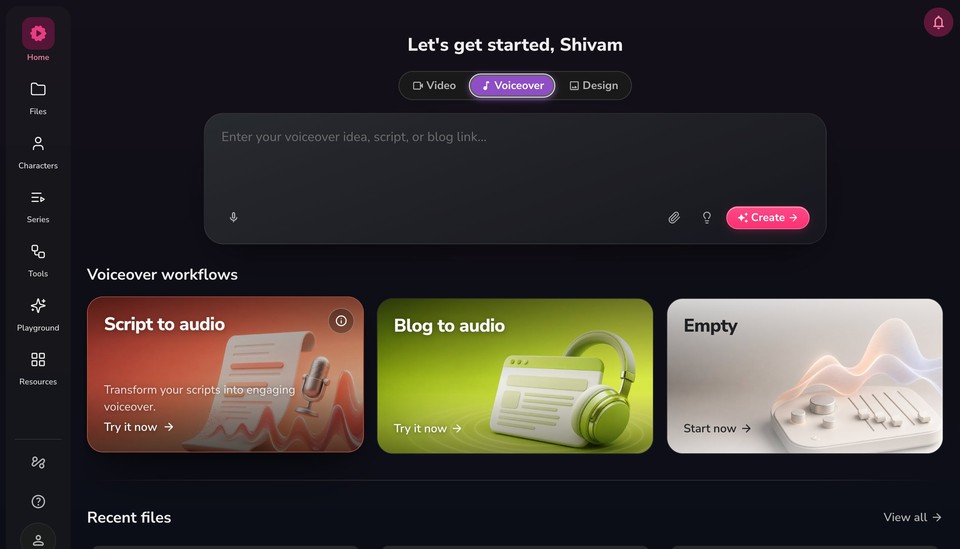
Open the Fliki homepage at app.fliki.ai.
Switch the top toggle to Voiceover.
Under Voiceover workflows, click Script to audio. You can also paste your episode straight into the "Enter your voiceover idea, script, or blog link" box.
Pro tip: Use a folder as your podcast show and the files inside it as episodes. Open Files, create or open your show's folder, then start a new Script to audio file inside it to keep everything organized.
Step 2 - Add your episode script
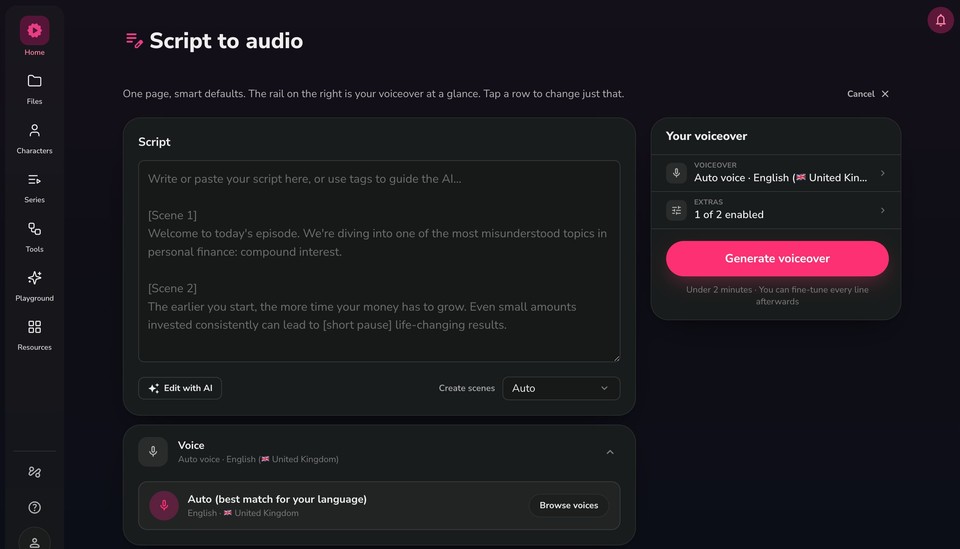
The builder is a single page. Your script sits on the left, and the rail on the right ("Your voiceover") summarizes your narrator voice and extras. Tap any row to change just that part.
Write or paste your episode into the Script box.
Use tags to guide the AI. For example, [Scene 1] and [Scene 2] split the episode into sections, and inline tags like [short pause] control pacing.
Use Edit with AI to tighten the intro, sharpen the hook, or adjust the tone.
Leave Create scenes on Auto to let Fliki split the episode into scenes.
Step 3 - Choose a narrator voice
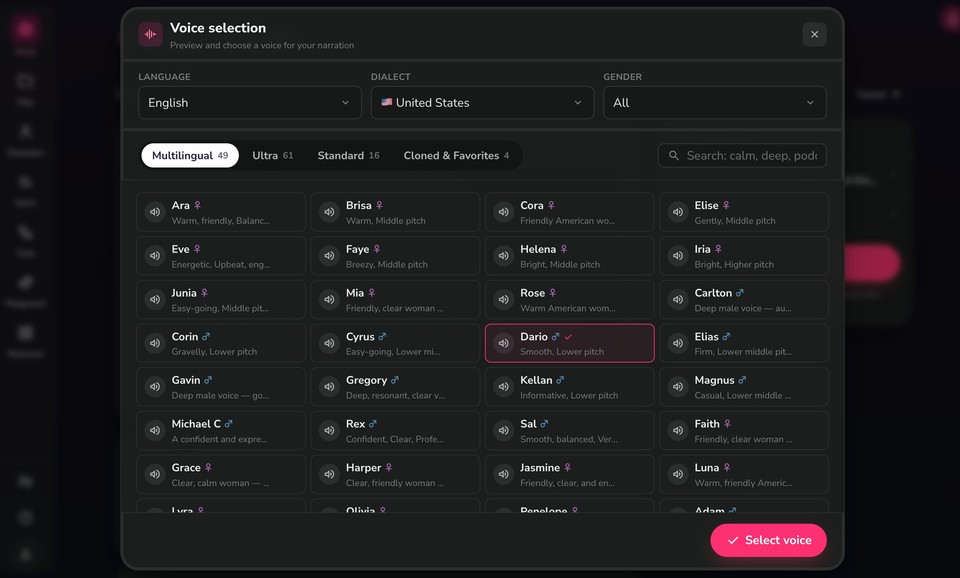
Open the Voice panel (or the Voiceover row in the rail), then click Browse voices:
Filter by Language, Dialect, and Gender.
Switch between voice sets: Multilingual, Ultra, Standard, and Cloned & Favorites. Fliki offers a large library of voices across 80+ languages and 100+ dialects.
Search by descriptor (for example, "warm," "podcast," "deep").
Click the speaker icon to preview a voice, then click Select voice.
Tip: You can clone your own voice to host the show in your own sound, and use it from the Cloned & Favorites tab.
Step 4 - Set extras
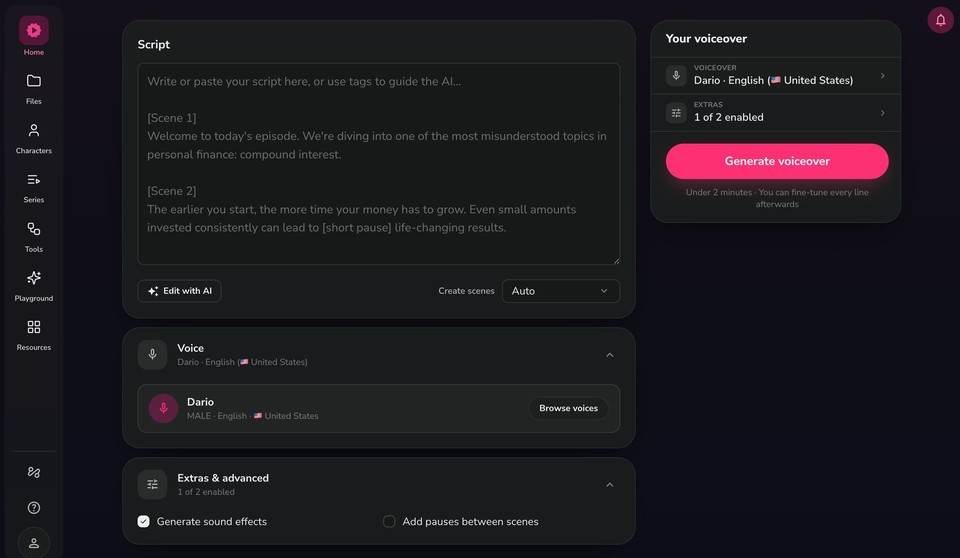
Open Extras & advanced to add optional touches such as Generate sound effects and Add pauses between scenes for a more natural, produced feel.
Step 5 - Generate your podcast
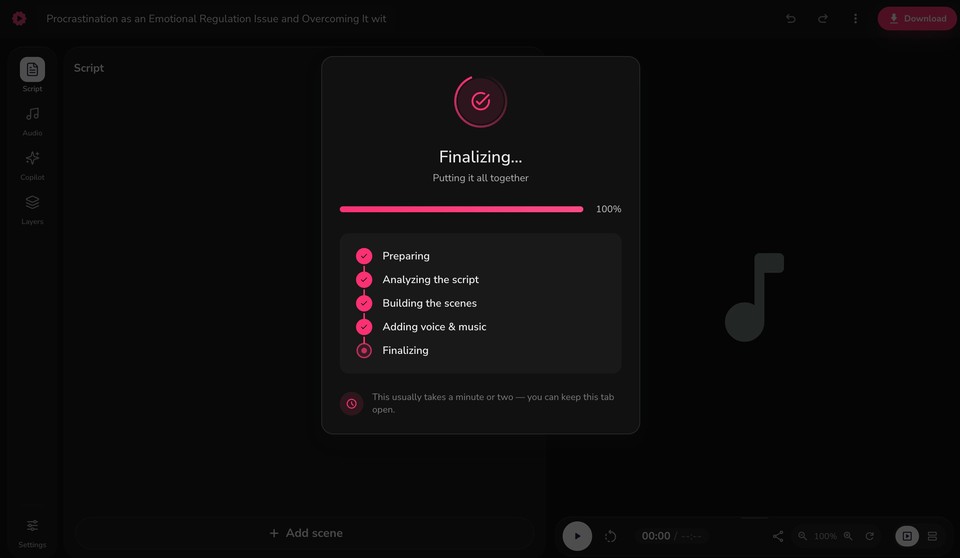
Click Generate voiceover. It usually takes under 2 minutes, and you can fine-tune every line afterward. Fliki works through Preparing, Analyzing the script, Building the scenes, Adding voice & music, and Finalizing.
Step 6 - Edit and add background music
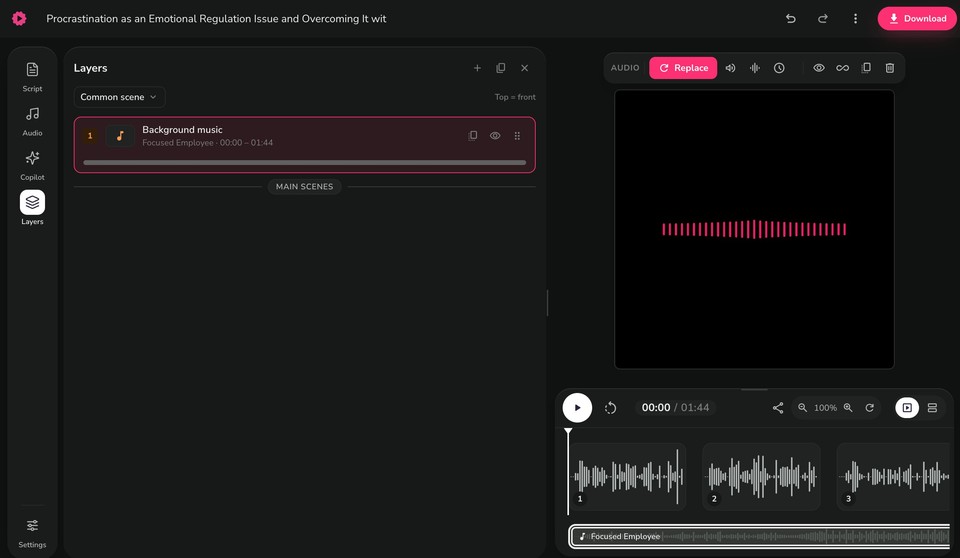
When generation completes, your episode opens in the editor:
The bottom player lets you play back the full episode and scrub the timeline.
Open the Layers panel to manage the Background music layer under the common scene. Use Replace to swap the track and adjust its volume from the customization panel.
Fine-tune wording, pacing, and audio from the Script, Audio, and Copilot tabs.
Step 7 - Preview and download
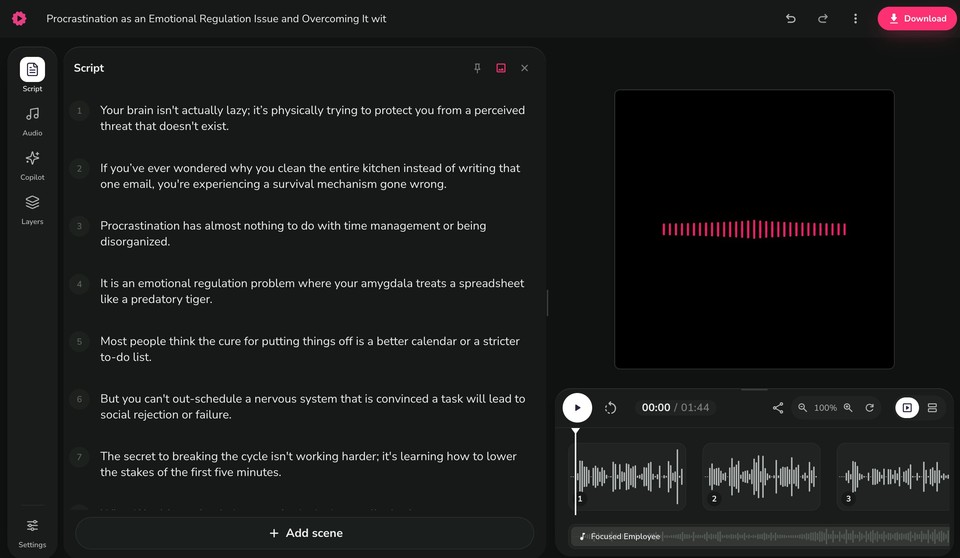
Play back the episode to check the result.
Click Download, choose mp3 (or wav), then Start export to save your episode.
Step 8 - Host and publish your podcast
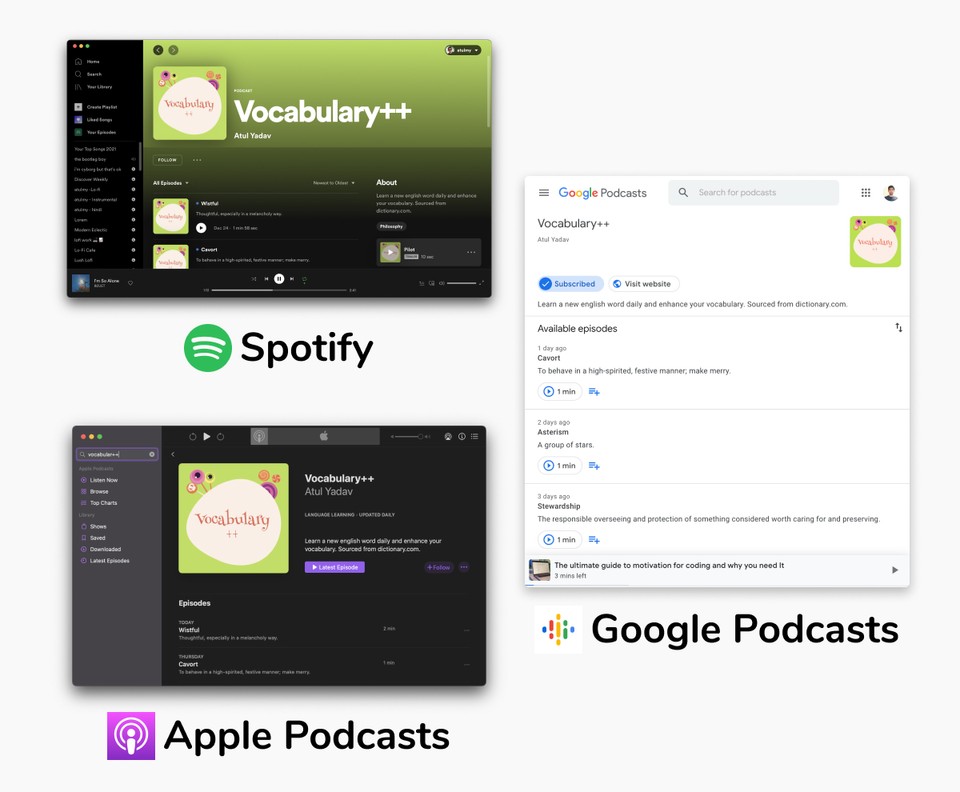
For hosting and RSS feed, you can explore external platforms such as SoundCloud or Riverside.fm. These platforms offer robust hosting solutions and RSS feeds to distribute your podcast content to various podcast directories.
You can also publish the podcast on major stations like Spotify, Apple Podcasts, Google Podcasts and Amazon Podcasts using the RSS link.
FAQs
Yes, you can create and produce a podcast for free using platforms like Fliki for audio production and external hosting platforms like SoundCloud or Riverside for hosting and RSS feed distribution.
To start your own podcast, begin by planning your content, selecting a niche or topic, and identifying your target audience. Then, use tools like Fliki to create audio files by adding narration, background music, and other elements. Once your episodes are ready, choose a hosting platform like SoundCloud or Riverside.fm to upload and distribute your podcast episodes.
Yes, podcasts can generate revenue through various monetization strategies such as advertising, sponsorships, listener donations, merchandise sales, and premium subscriptions.
Creating a podcast can be relatively easy with the right tools and resources. Platforms like Fliki simplify the process of audio production by giving realistic AI voices, background music, and other elements to your podcast episodes