

















Free AI YouTube Thumbnail Maker
Create attention-grabbing YouTube thumbnails in a few seconds with our free AI thumbnail maker.


Choose thumbnail style
Get more clicks with quality YouTube thumbnails
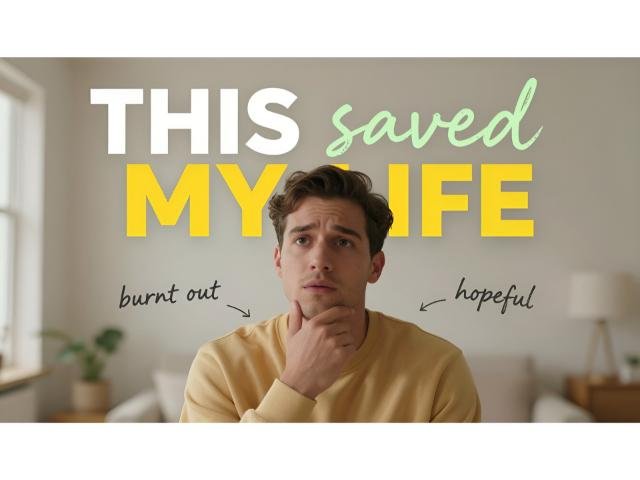
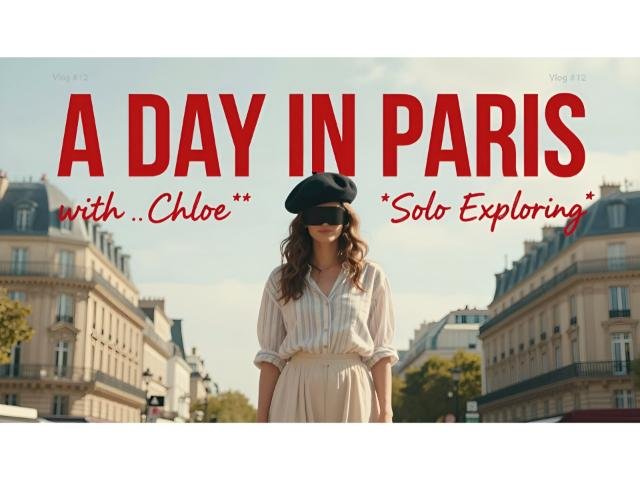
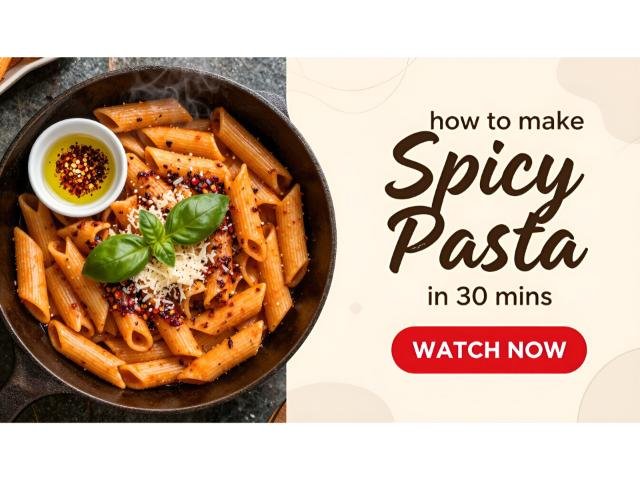
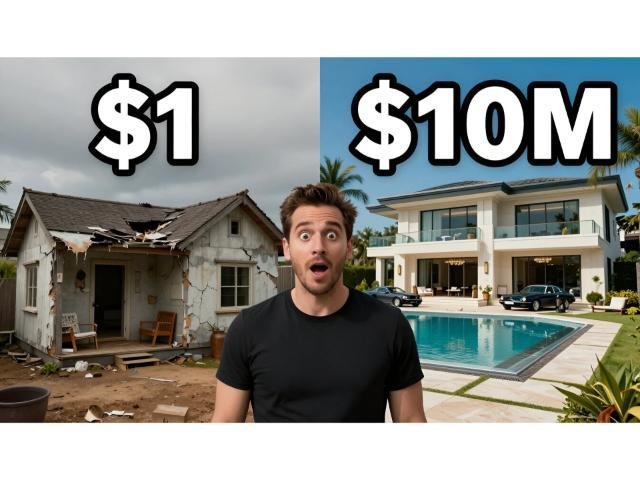
Do you need help to create eye-catching YouTube thumbnails? No worries! Our AI Thumbnail Maker is designed for creators like you who want to maximize video engagement without spending hours on design.
With our free AI thumbnail maker, you can easily customize professional-looking thumbnails using high-quality AI visuals and an extensive media library. Transform your ideas into visually compelling AI generated thumbnails that grab attention and drive more clicks. Pair them with our AI video generator for complete videos.
Unlock the power of AI-driven thumbnail creation, save time, and boost your video's click-through rates effortlessly. Achieve stunning results with minimal effort, allowing you to focus more on creating amazing content that your audience loves.
Want to learn the psychology behind the click? Read our complete guide on how to make a YouTube thumbnail that gets clicks.
How to create thumbnails in 3 simple steps
Step 1
Input your title and select visuals
Start by entering the text you want on your YouTube thumbnail. Choose a stock visual from our library or let AI generate a unique image for you.
Step 2
Customize your thumbnail
Personalize your YouTube thumbnail with different fonts, shapes, media, and other design elements to make it truly stand out.

Step 3
Download your YouTube thumbnails
Preview your design and download it once you're satisfied. Enjoy your eye-catching YouTube thumbnail and watch your CTR soar!

Video creators often need a full video - try our text to video tool. Reel creators can use our AI reel maker.
Thumbnail dimensions guide
YouTube
- Optimal Size: 1280 × 720 pixels (16:9 ratio)
- Minimum Width: 640 pixels
- Max File Size: 2MB
- Accepted Formats: JPG, PNG
- Expert tip: Keep your most important visual elements away from the bottom-right corner, as the video timestamp overlay will cover anything placed there.
- Optimal Size: 1080 x 1920 px (9:16), 1080 x 1440 px (3:4)
- Minimum Width: 320 pixels
- Max File Size: 8MB
- Accepted Formats: JPG, PNG
- Expert tip: For Reels, keep vital text in the center "safe zone" so it isn't cropped in the square profile grid.
TikTok
- Optimal Size: 1080 x 1920 px (9:16)
- Minimum Width: 320 px
- Max File Size: 8MB
- Accepted Formats: JPG, JPEG, PNG
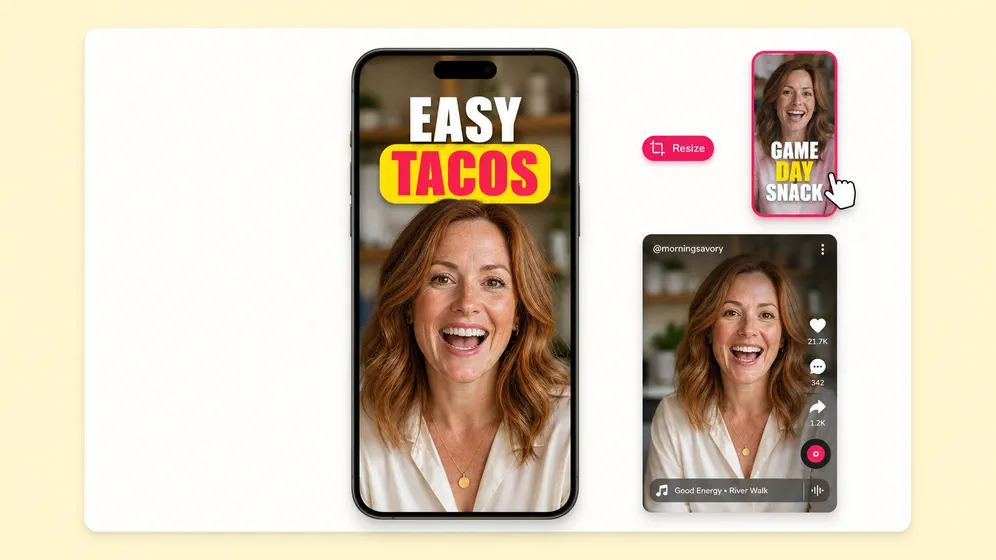
- Expert tip: Avoid placing text on the right edge or bottom 20% of the image, where TikTok’s UI buttons and captions will obscure your design.
How to design thumbnails that stop the scroll
Your thumbnail is often the only chance you get to win a click. Instead of guessing, follow these proven, algorithm-friendly design rules:
Pass the "mobile shrink test"
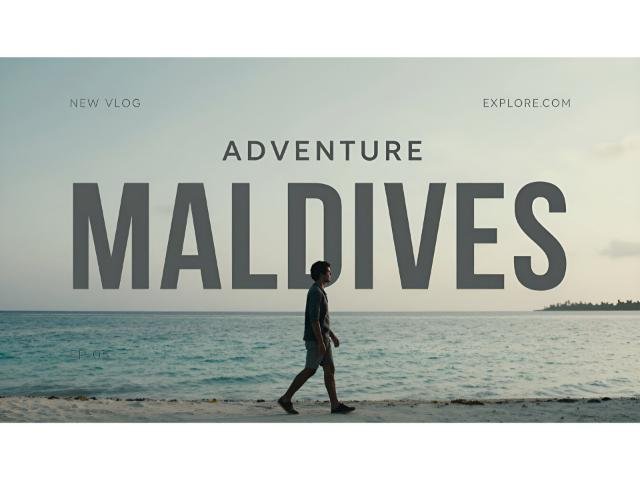
Over 70% of YouTube views happen on mobile. If your thumbnail text isn't instantly readable when shrunk down to the size of a postage stamp, it will fail. Use bold fonts, high-contrast colors, and subtle drop-shadows to make elements pop.
Follow the 3-to-5 word rule
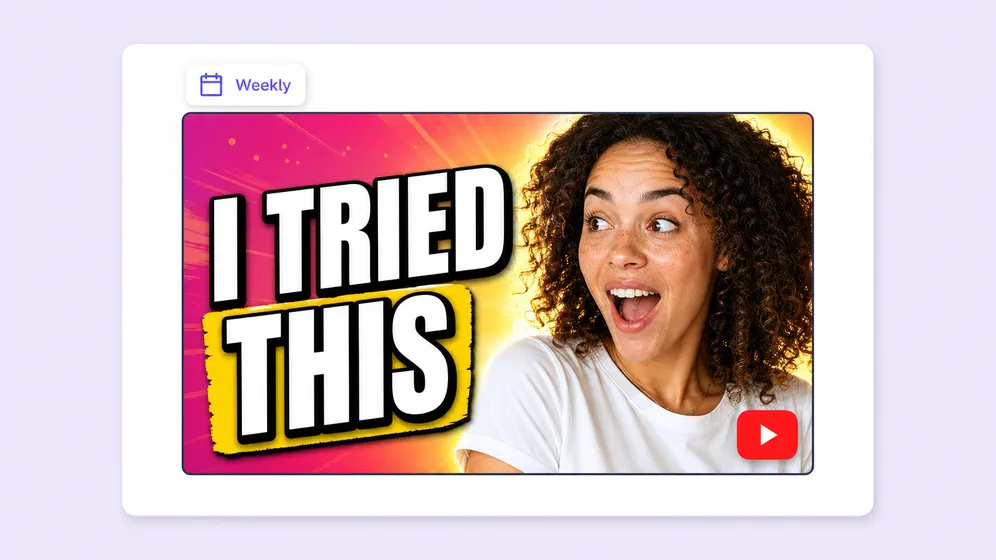
A thumbnail is a billboard, not a book. Never repeat your video title in your thumbnail. Instead, use 3 to 5 words to create a "curiosity gap" that makes the viewer need to know more.
Leverage eye-tracking psychology
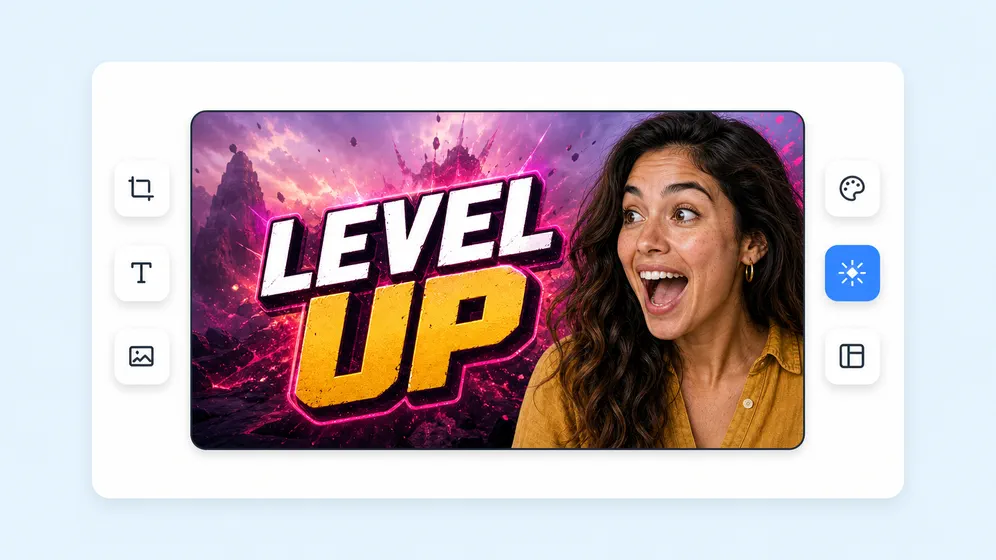
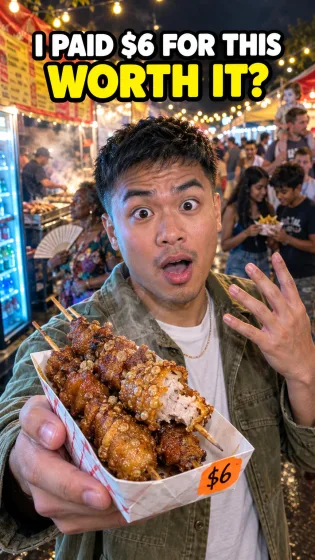
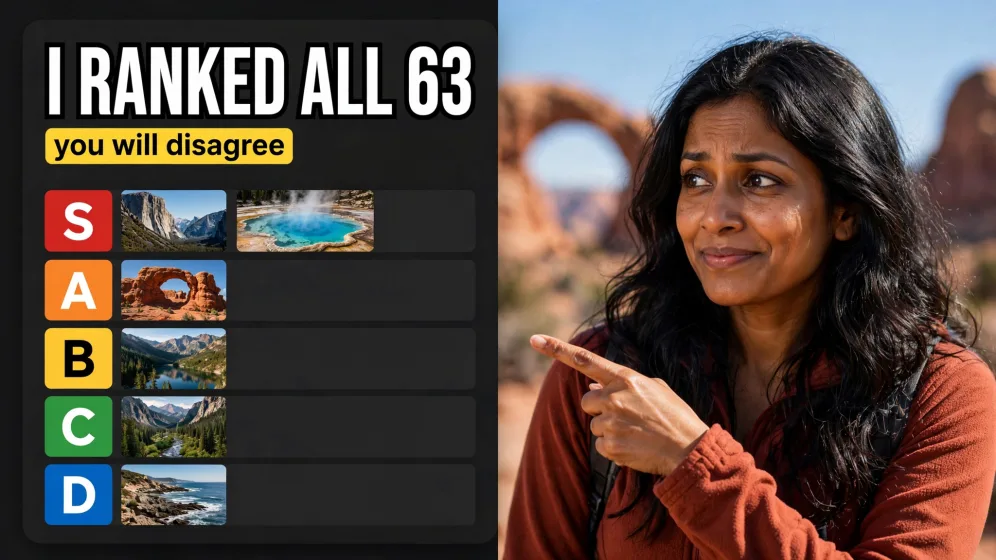
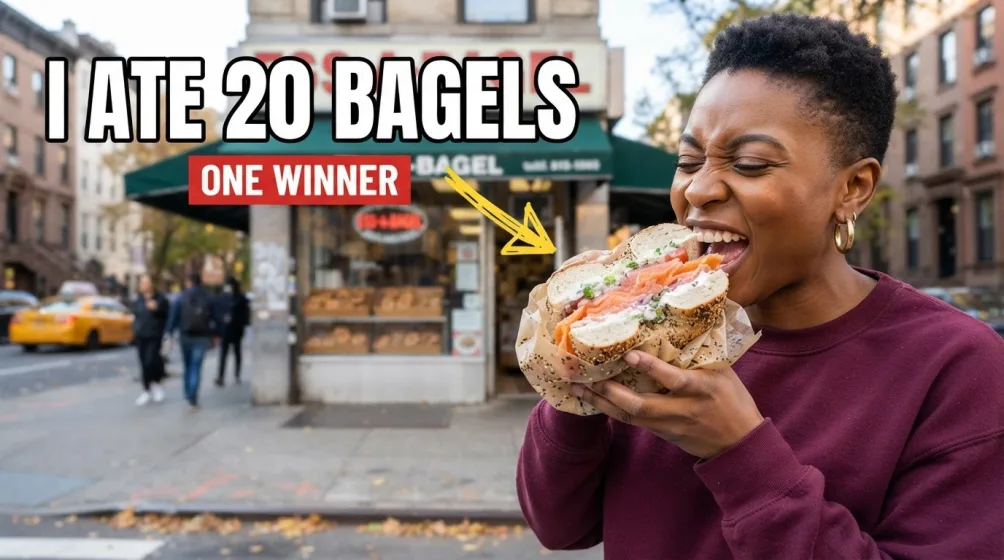
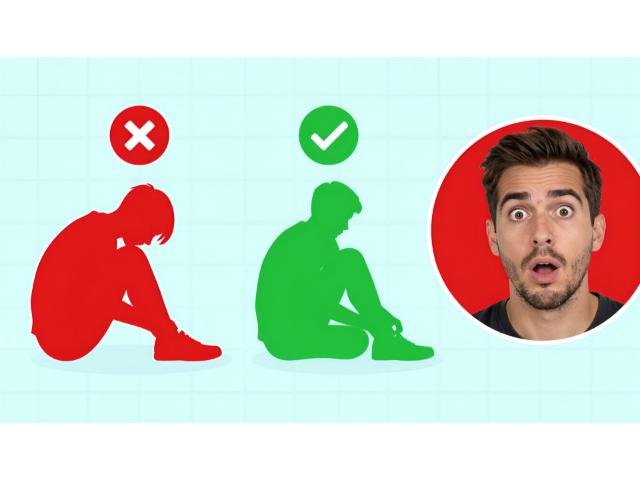
Data shows that human faces drive higher Click-Through Rates (CTR). Feature a clear, expressive close-up to build instant emotional connection. Ensure the eyes are looking directly at the viewer or pointing toward the text.
Respect platform context
A stretched or pixelated image immediately destroys your channel's credibility. Always export in high-resolution using the exact dimensions required for your specific platform.
A/B test relentlessly
The best creators never settle for their first draft. Because Fliki’s AI thumbnail maker generates options in seconds, you can easily create 2-3 variations (testing different background colors or emotional expressions) to see which one the algorithm favors.
Loved by content creators around the world
10,000,000+
people creating videos for social media, training, courses and much more.
4.8/5
satisfaction from 5,500+ reviews from G2 and Capterra
5x
productivity improvement and create videos faster than traditional methods.
Frequently asked questions
Yes, Fliki offers a free plan that allows you to create thumbnails. You can always subscribe to get more features and credits.
YouTube recommends 1280×720 pixels with a 16:9 aspect ratio. Fliki’s thumbnail maker uses these dimensions by default for YouTube, so your thumbnails will look sharp and display correctly on all devices.
You can try Fliki’s AI Thumbnail Maker without signing up. For more creations and full access to export and customization, creating a free account is recommended. No credit card is required to get started.
Yes. You can edit thumbnails in Fliki by double-clicking the thumbnail inside the editor. This will open the thumbnail prompt, where you can modify the prompt text. After you update the prompt, the system will regenerate a new version of the thumbnail based on your changes.
We believe that Fliki stands out as one of the best AI tools for creating thumbnails. With its contextual AI visuals, high-quality AI customization, and comprehensive media library, it offers a powerful and user-friendly platform that makes thumbnail creation a breeze.
Absolutely! Fliki's AI Thumbnail Maker supports the use of your own images to add a personal touch to your creations. While we provide a vast media library, we understand the need for customization and individuality.
Fliki supports over 80+ languages. The AI Thumbnail Maker ensures that you can create thumbnails with text in your desired language with ease.
Yes, Fliki allows you to export the thumbnails you create. You can export your thumbnails in popular formats like JPEG, PNG, WebP ensuring compatibility with different platforms.
We provide a user-friendly interface where you can leverage our AI Thumbnail Maker without requiring any additional tools or technical knowledge.