Text to Video AI: Turn Any Text into Video
Transform your text into videos easily with AI text-to-video generator! Create videos for Youtube, Instagram and TikTok just by entering your text script or even a prompt.
What would you like to create?
Trusted by over 50,000 companies of all sizes
Why teams choose Fliki as their text to video AI tool
Voice cloning that sounds like you

AI avatars with lip-synced delivery

2,000+ voices across 80+ languages

Script-to-scene intelligence

Text to video AI tool to effortlessly create stunning videos in minutes
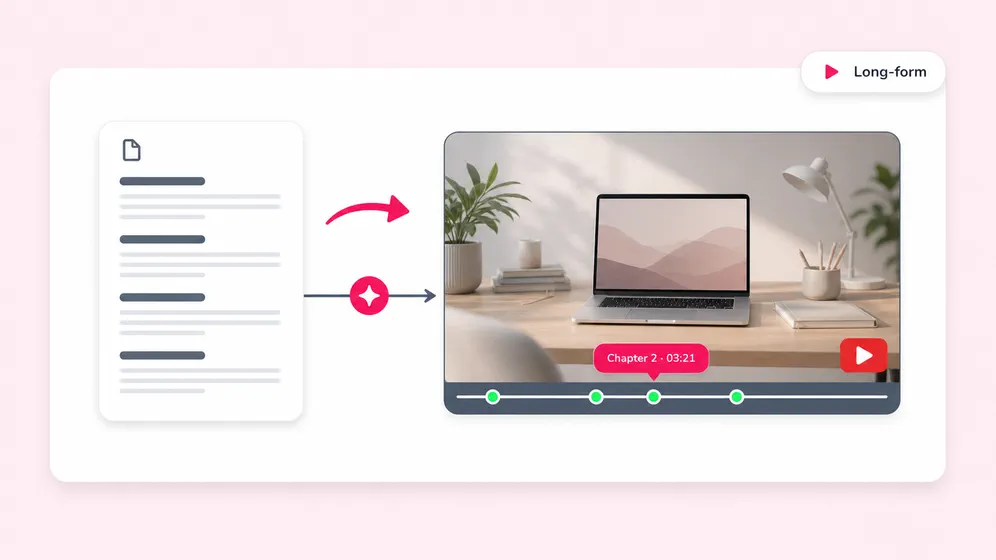
No video editing skills? No problem. Fliki’s text to video AI tool turns your scripts into scroll-stopping content with voice cloning, consistent characters, and customizable AI avatars. Supported inputs: paste a script to video, add a blog URL with blog to video, or start from a prompt.
Create high quality videos in minutes for TikTok, YouTube, training, or marketing - no steep learning curve required. Match scenes to your text with AI, choose from 2,000+ lifelike voices, and even clone your own voice.
Create videos from text in 80+ languages, maintain visual consistency across scenes, and personalize every project. From viral shorts to professional explainers, Fliki helps creators and marketers build video content that connects, converts, and scales.
How to convert text to video in 4 steps
Step 1
Input your text
Start by entering your text, ideas, blog articles, or any textual script.

Step 2
Personalize your AI voice
Choose from over 2,000+ AI voices in 80+ languages with Fliki’s text to video generator and bring your videos to life. You can also browse voices before converting.

Step 3
Generate AI visuals
Explore our library boasting millions of premium assets, or let the AI video generator from text intuitively select the perfect media to elevate your script.

Step 4
Review and export videos
After refining your text video to perfection, take a final look with our preview feature. Once you're satisfied with the outcome, export and surprise your social media audience with captivating content!

Best text to video converter for any use-case
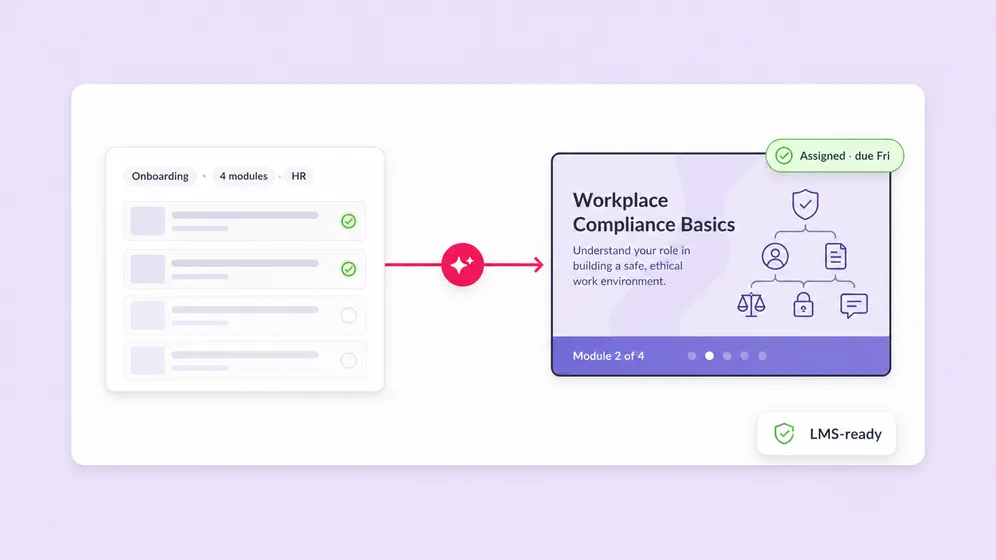
Replace boring PDF manuals with dynamic, visual learning. Use our AI avatars to create consistent, friendly instructors that guide employees through onboarding, compliance, and skill development modules; proven to increase information retention.
Cut through the inbox clutter. Transform company-wide emails, quarterly updates, and policy changes into engaging, bite-sized video announcements. AI-generated internal comms videos ensure your message is delivered clearly, fostering true employee alignment and a stronger company culture, regardless of remote or hybrid setups.
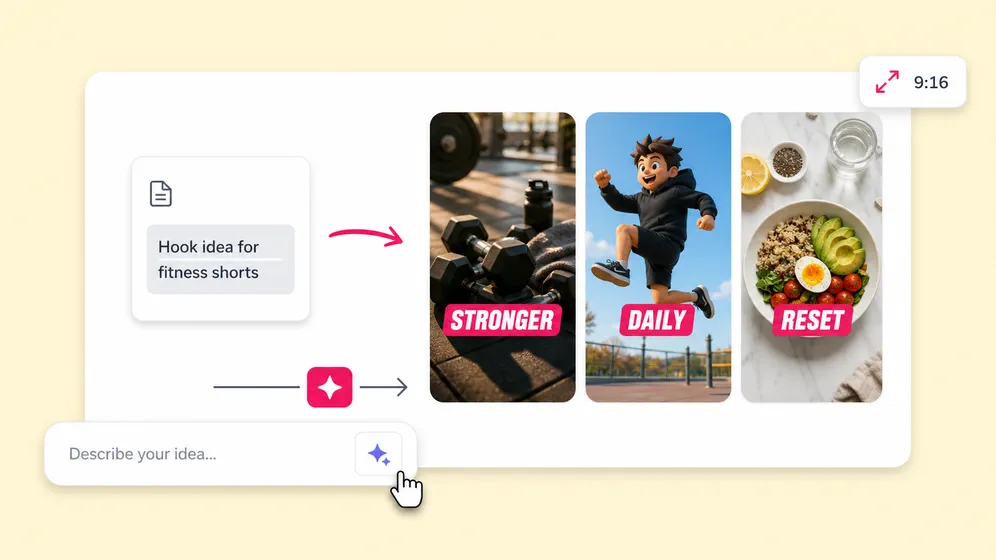
Turn your written content into an automated revenue stream. Fliki is the ultimate AI reel generator for creators. Convert blog posts, Twitter threads, or simple prompts into high-retention faceless videos, complete with engaging captions, B-roll, and lifelike voiceovers optimized for the algorithms of YouTube Shorts, TikTok, and Instagram Reels.
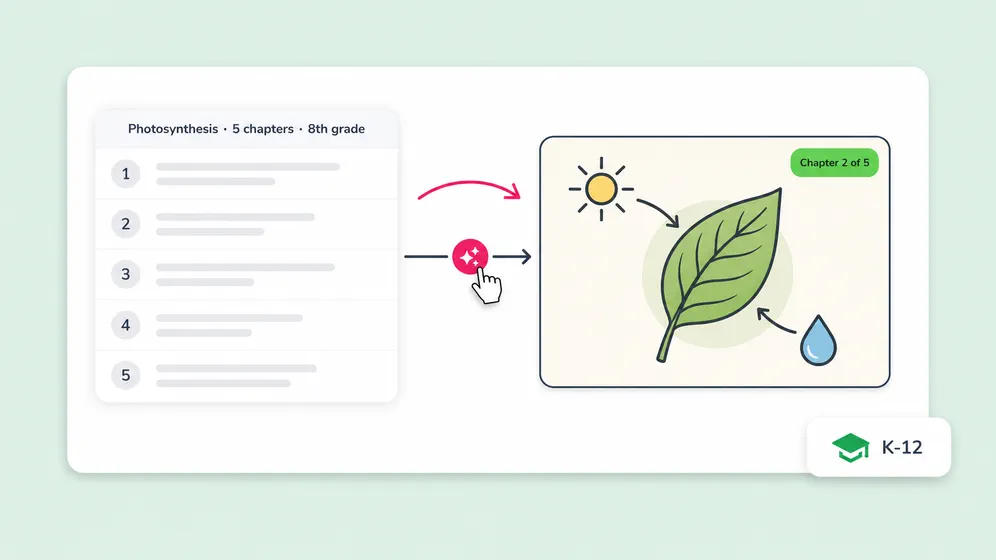
Empower educators to inspire students through visual storytelling. Easily convert lesson plans and historical texts into captivating educational videos. With support for over 80 languages and dialects, teachers can create inclusive, accessible content that caters to diverse learning styles and ESL students in a fraction of the time.
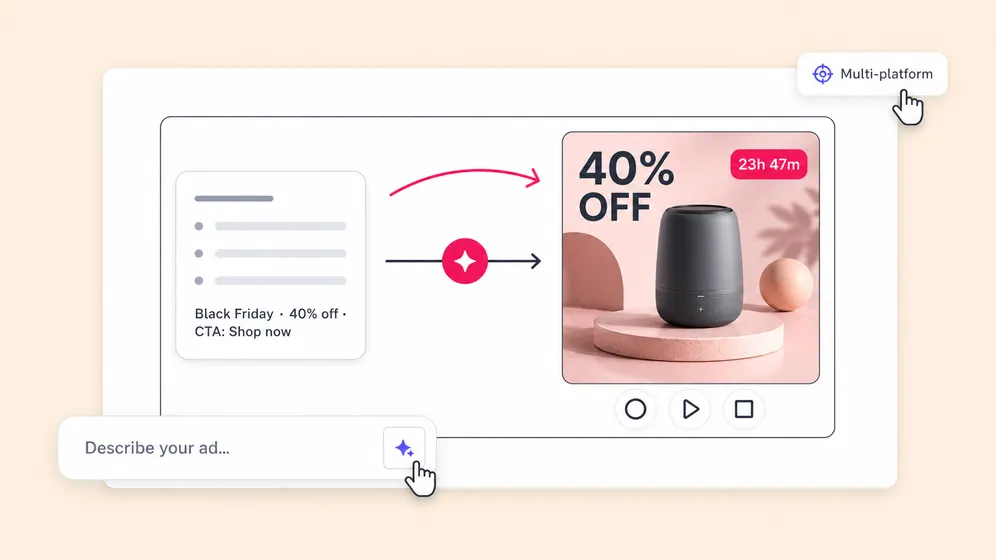
Launch video marketing campaigns faster than ever. From real estate property tours to e-commerce product demos, input your marketing copy and let our text to video AI generate professional ads. A/B test different AI voices and visuals instantly to find the winning creative that drives clicks and conversions.
Loved by content creators around the world
10,000,000+
people creating videos for social media, training, courses and much more.
4.8/5
satisfaction from 5,500+ reviews from G2 and Capterra
5x
productivity improvement and create videos faster than traditional methods.
Ready-made text to video templates
Browse through our diverse range of high-quality video templates, designed to simplify the creation process for any purpose. See all video templates.
Frequently asked questions
To generate an AI video from text with Fliki, start by signing up for a free account - no credit card needed. Then create a new project and paste your text, blog URL, or a simple prompt. Fliki's AI breaks your text into scenes, matches each scene with relevant AI-generated visuals or visuals from a library of millions of stock assets, and generates a natural-sounding voiceover using your chosen AI voice. You can customize every element - swap visuals, change voices, adjust timing, and add captions - before exporting your finished video in MP4 or MOV format
Fliki is one of the best text-to-video AI tools, thanks to its realistic AI voices, customizable avatars, and script-to-scene intelligence. Unlike many alternatives, Fliki offers voice cloning, character consistency, and multilingual support—all with no editing skills required. Perfect for creators, marketers, and educators.
Text-to-video AI uses natural language processing to understand the meaning, tone, and context of your input text. It then breaks the text into logical scenes, selects or generates matching visuals for each scene, synthesizes a voiceover using AI text-to-speech technology, and assembles everything into a complete video with transitions, music, and captions. Fliki’s AI goes further by offering voice cloning, consistent AI characters across scenes, and script-to-scene intelligence that understands whether your text is about business, travel, education, or any other topic - so visuals are always contextually relevant, not randomly selected.
Yes, there is a character limit of 15,000 characters for the text you can convert to a video.
Yes, Fliki offers a free plan that lets you create AI videos from text without a credit card. The free tier includes access to AI voices, stock media, and standard export options - enough to test the full text-to-video workflow. For longer videos, voice cloning, premium voices, and higher resolution exports, Fliki offers paid plans starting at an affordable monthly price. See the pricing page for current plan details and limits.
Fliki exports videos in MP4 and MOV formats, which are compatible with all major platforms. You can also export audio-only files in MP3 and WAV formats for podcasts or voiceovers.
We provide a user-friendly interface where you can leverage our Text to Voice AI, AI Voice Over tool, AI Avatars and AI Voice Cloning features without requiring any additional tools or technical knowledge.
Yes! Fliki offers advanced AI voice cloning, allowing you to replicate your own voice with high accuracy. Just upload a short voice sample and the system creates a custom voice model - ideal for personal branding, training content, and multilingual localization with a consistent voice.
A good prompt for text-to-video AI includes a clear description of the scene, characters, tone, and message. For example: “A calm tutorial explaining how to bake a cake, with close-up shots of ingredients, upbeat background music, and a friendly female voice.” The more context you give, the better the results.
Fliki videos are export-ready for all major platforms including YouTube, TikTok, Instagram Reels, LinkedIn, and internal LMS platforms. Videos can be downloaded in multiple aspect ratios (1:1, 16:9, 9:16) and high resolution, making them perfect for content marketing, short-form content, and training.
Yes, Fliki supports AI avatars that can act as presenters in your videos. These avatars come with synchronized lip-sync, and various on-screen positions - perfect for explainer videos, tutorials, and personal branding.
Absolutely. Fliki supports over 80 languages and dialects. You can localize scripts, switch between different voices, and even generate voiceovers in multiple languages within the same project - great for global teams or international audiences.
Yes. Fliki is widely used to create YouTube videos from text scripts. You can generate full-length videos in 16:9 landscape format optimized for YouTube, or 9:16 vertical format for YouTube Shorts. Add AI voiceovers, captions, B-roll, and background music - then export in full HD resolution and upload directly. Many creators use Fliki to run faceless YouTube channels, converting blog posts and scripts into professional videos without ever appearing on camera.
Three things set Fliki apart. First, voice cloning - you can clone your own voice and use it across all your videos for consistent branding, something most text-to-video competitors don’t offer. Second, the breadth of voice options: 2,000+ AI voices across 80+ languages and dialects, far more than any alternative. Third, Fliki handles multiple input types - paste a script, drop in a blog URL, or enter a prompt - and the AI builds a complete video with relevant visuals, voiceover, and captions automatically.
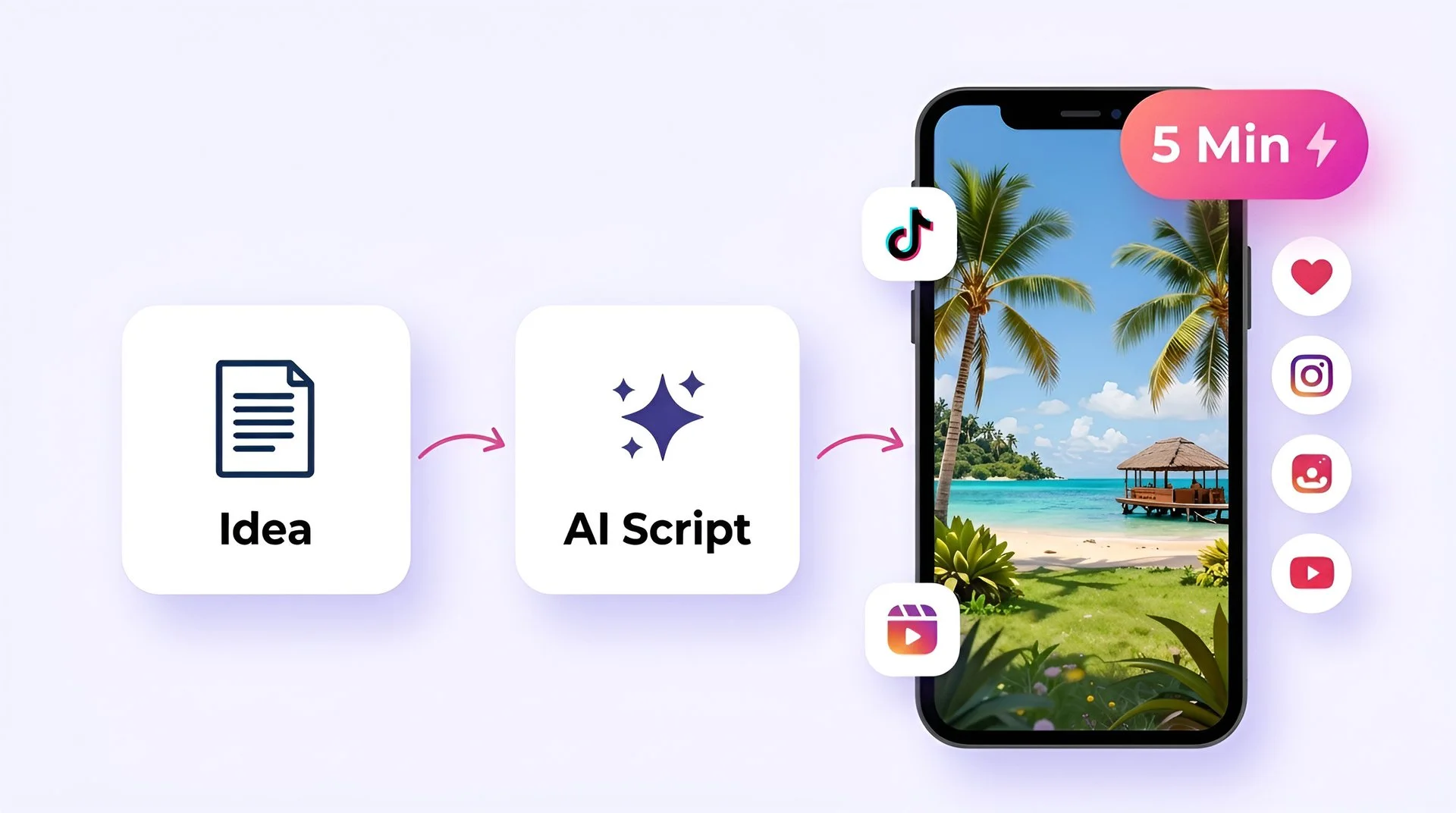
Most text-to-video conversions in Fliki take between 2-5 minutes, depending on the length of your script. A 500-word blog post typically generates a 2-3 minute video in under 5 minutes. You can then spend additional time customizing visuals, adjusting voiceover, or adding branding elements - but the AI-generated first draft is often ready to use with minimal editing.
Absolutely. Fliki supports text-to-video creation in over 80 languages, including Spanish, French, German, Arabic, Hindi, Japanese, Korean, Portuguese, and dozens more. Each language has multiple AI voice options with native accents and natural pronunciation. You can also create multilingual videos within a single project - for example, generating the same training video in English, Spanish, and Mandarin for a global team.
Yes, tools like Fliki are available on mobile, and offer both web access and dedicated apps. Fliki works on any device through a web browser, so you don’t need to install anything to get started. The platform is fully responsive, allowing you to create, edit, and export text-to-video projects from your phone, tablet, or desktop, with projects syncing seamlessly across devices. In addition, Fliki also provides mobile apps for both iOS and Android, making it easy to create videos on the go. While the mobile apps are convenient for quick edits and generation, the desktop experience typically offers the most complete feature set.
Yes. While Fliki’s AI automatically selects visuals for each scene, you have full control to upload and use your own images, video clips, logos, and brand assets. You can also set brand colors, fonts, and watermarks to maintain visual consistency across all your videos. This makes Fliki suitable for both quick content creation and professional brand-compliant video production.