Turn text into videos
with AI voices
Transform your ideas into stunning videos with our AI video generator. Easy to use Text to Video editor featuring lifelike voiceovers, dynamic AI video clips, and a wide range of AI-powered features.



Trusted by 50,000+ companies worldwide
Everything you need to turn text into stunning videos
Your content, now
in video form
Paste a script, blog post or one-line prompt. Fliki's text-to-video AI writes the script, picks visuals, adds AI voiceover, music, and subtitles - and gives you a publish-ready video with consistent characters in minutes. The fastest way to turn any text into video.Human-quality voice, at scale
2,000+ lifelike AI voices in 80+ languages and dialects, with real emotion, pacing, and emphasis. Generate voiceover for any video, dub into any language, or clone your own voice from a short sample and use it anywhere.Never run out
of content
Tell Fliki your topic, style, and posting schedule. Our AI video generator plans your next videos, writes the scripts, and has them ready when you need them - so you stay consistent on TikTok, YouTube, and Shorts without the daily scramble.
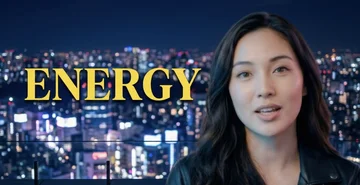

Your face. Your voice.
Zero filming.
Record yourself once. Fliki creates a digital twin - an AI version of you that presents, teaches, and speaks in 80+ languages, with the same face and voice in every scene. Scale your video output without ever picking up a camera again.Create your digital twinBuilt for how you create video
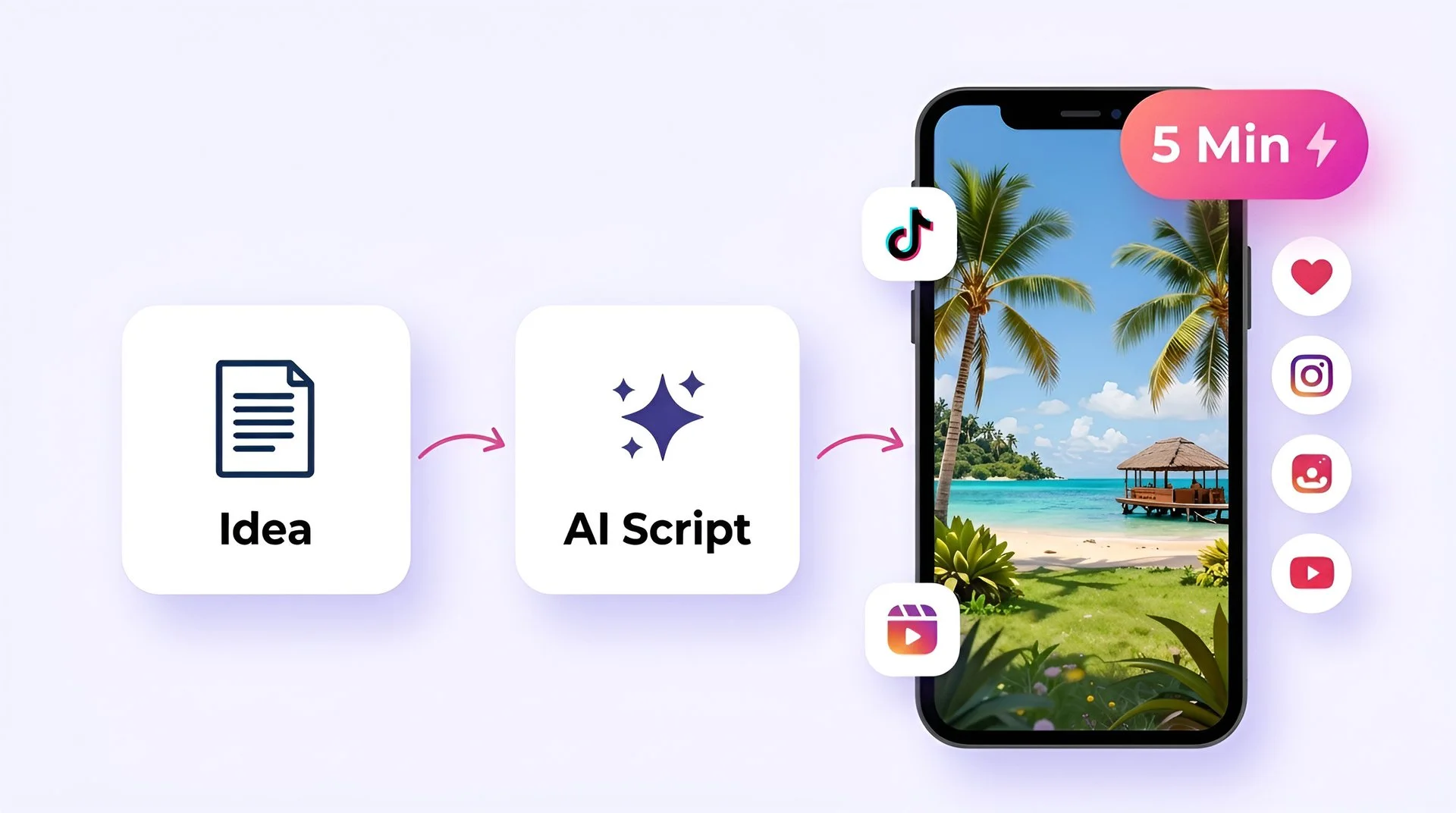
Create viral TikToks and Reels without showing your face
Turn your ideas into faceless short-form videos in minutes. No camera, no editing skills, no expensive gear - just describe what you want and hit generate.
Explore everything Fliki can do.
Powerful AI tools for every part of your content creation workflow
Fliki's text-to-video AI turns any blog, script, or prompt into a complete video with AI voiceover, visuals, music, and captions - in minutes, with zero editing skills. Text to video →
Loved by content creators around the world
4.8 out of 5 · Based on 5,000+ reviews
Fliki is incredibly easy to use. I just upload my script, and it automatically breaks it into smaller segments for me!
Maya Kim
TikTok Creator · 2.3M followers
As a busy orthodontist, I don't have time for content creation. Fliki lets me create patient education videos in minutes. My practice has grown 30%.

Dr. Rachel Chen
Solo Practice Owner
We reduced training video production costs by 90% and increased output from 10 to 200+ videos per quarter. Best ROI from any tool we've bought.

Will Sullivan
L&D Director, Fortune 500
AI MODEL GALLERY
Built on the best AI models - ready inside Fliki
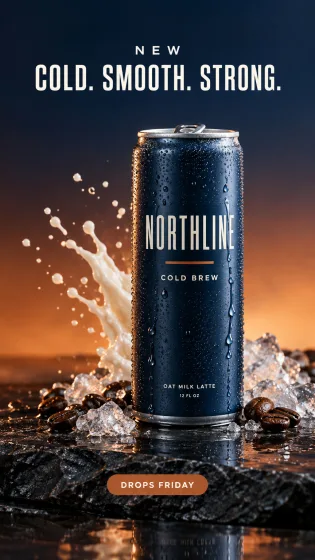
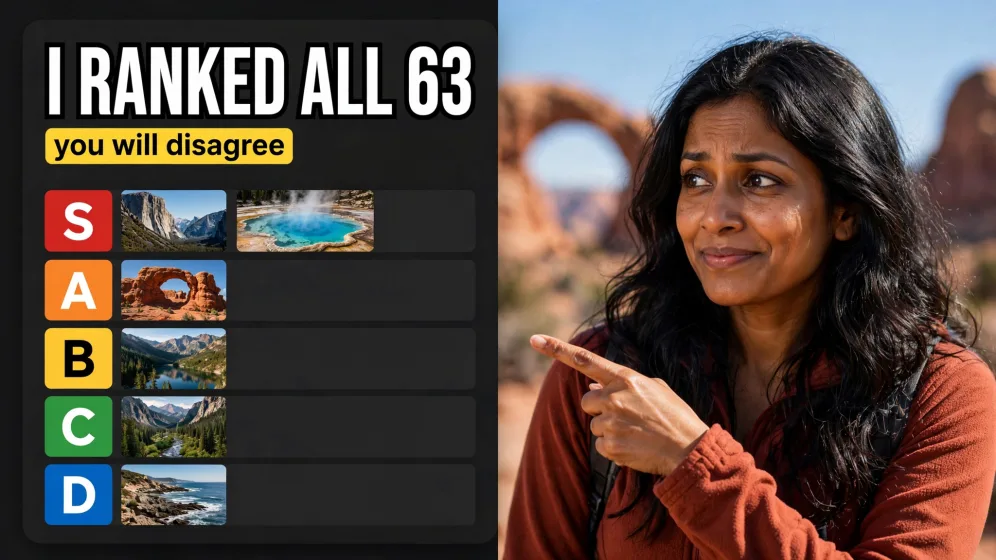
Every leading video, voice, and image model - integrated, unified, and tuned for creators. Generate with the latest AI video, AI voice, and AI image models from OpenAI, Google, Kling, Bytedance, ElevenLabs, and more - all from one place. Every model below runs inside our AI video generator.




Frequently asked questions
What is an AI video generator?
An AI video generator is a tool that turns text prompts, scripts, or existing content into finished videos - automatically generating the voiceover, visuals, music, and subtitles. Instead of filming, editing, and narrating manually, you describe what you want and the AI assembles the video in minutes. Fliki is an AI video generator used by over 14 million creators, professionals, and teams to make TikToks, YouTube videos, explainers, and training content.
How do I turn text into a video?
Paste any text - a blog post, a script, or a one-line prompt - into a text-to-video tool and it generates a matching video with AI voiceover, visuals, music, and burned-in captions. The whole process takes about two minutes for a short video, with no editing or design skills needed. Try it free with Fliki.
How do I add an AI voice to a video for free?
Upload your video to an AI voiceover tool, choose a voice, paste your script, and the tool generates a synced voiceover you can drop onto the video. Fliki lets you do this free with 2,000+ AI voices in 80+ languages, and even clone your own voice from a short recording for unlimited use.
How do I convert a blog post into a video?
Paste the blog URL or the full article text into a blog-to-video tool and it writes the script, picks matching visuals, narrates it with an AI voice, and adds subtitles - turning a 1,500-word post into a 60-second video. Fliki supports this in one click across 80+ languages, which is why it's one of the most popular ways creators repurpose long-form content.
How do I turn a PowerPoint into a video?
Upload your PPT or Google Slides file to a PPT-to-video tool and it converts each slide into a video scene with AI narration, transitions, and captions. Fliki handles this automatically - useful for training, onboarding, and online courses where you need the deck narrated without re-recording it yourself.
Can I clone my voice for videos?
Yes. Voice cloning tools record a short sample of your voice - usually 30 seconds to a few minutes - and generate an AI version you can use across videos, even in languages you don't speak. Fliki's voice cloning works in 70+ languages and stays consistent across every video you make with it.
How many languages do AI voice generators support?
The best AI voice generators support 70–90 languages, with multiple dialects and accents per language. Fliki supports 80+ languages and dialects including English, Spanish, Portuguese, Hindi, Arabic, Indonesian, French, German, Japanese, Korean, Russian, and Mandarin - with 2,000+ lifelike voices to choose from.
How do I make faceless YouTube videos and TikToks?
Faceless videos are made by combining AI voiceover, stock or AI-generated visuals, and auto-captions - no camera or on-screen presence required. Start with a script or prompt, let an AI video generator like Fliki produce the voiceover and visuals, and publish directly to TikTok, YouTube Shorts, or Reels. Most creators go from idea to upload in under five minutes.
Can AI-generated videos be used commercially?
Yes - as long as your tool's paid plan grants commercial rights and the music and stock media are properly licensed. Fliki's paid plans include full commercial rights and YouTube-licensed music, so you can publish to monetized channels, run ads, and do client work without copyright risk.
How long does it take to make an AI video?
Most AI video generators can produce a 30-60 seconds short video in under two minutes. Longer videos with multiple scenes usually render in five to ten minutes. With Fliki, the average short-form video is ready in about two minutes from the moment you hit generate.
Start creating videos with AI today
Get started for freeJoin 14M+ creators, professionals, and teams using Fliki's AI video generator. Free plan - no credit card required.