✨ AI asset library
Apr 8, 2026
Video workflows can now use your own media - not just AI or stock visuals.
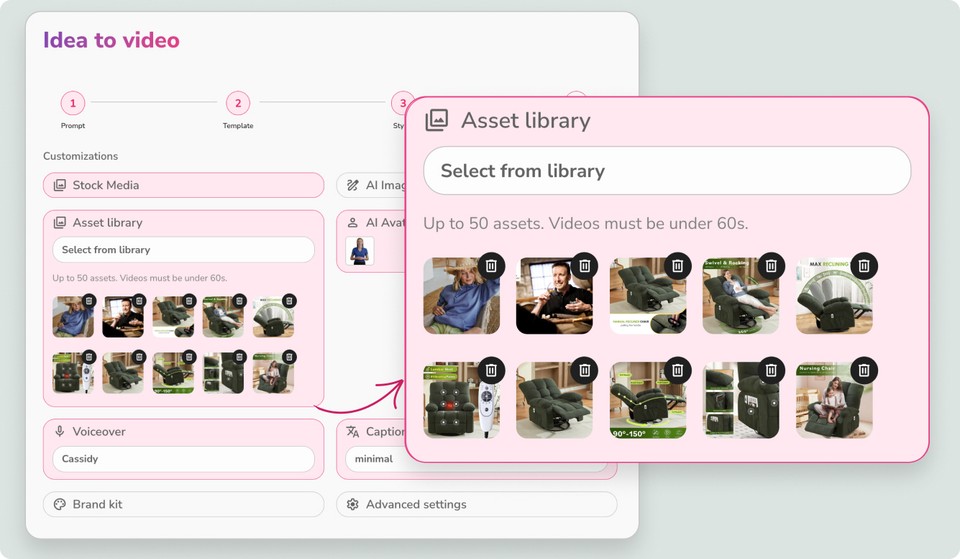
Previously, adding custom images or videos meant replacing scenes manually after generation. Now, you can select your assets upfront and let AI place them automatically.
How it works:
Go to any video workflow → Customization
Select Asset Library
Choose assets or a folder (up to 50 assets, videos under 60s)
Generate your video
AI will intelligently match and place your assets into relevant scenes.
Works seamlessly with stock and AI visuals - your media is blended automatically based on context.
You’ll find the Asset Library in the sidebar under the resources toggle, with folder organization and a new Team Folder for easy sharing.