video model · by Kuaishou

Kling 3.0 Pro AI Video Generator

Generate cinematic 1080p videos with synchronized audio and stronger narrative coherence using Kling 3.0 Pro - Kuaishou's flagship multimodal video model. Longer durations, first/last-frame control, and reference-driven motion, now inside Fliki.

Generated with Kling 3.0 Pro

A handful of Kling 3.0 Pro clips generated inside Fliki. No edits, no post.

Prompt

A young guy in a beanie sits in his car with sunlight streaking across the windshield, looks at his selfie-phone and grins, "Day 47 — and I think I finally figured it out." Slight handheld phone framing, warm afternoon light, casual vlog tone. SFX: the soft hum of the running engine, distant traffic, his quiet laugh, no music.

Prompt

A young Japanese woman on a bustling Shibuya sidewalk turns to camera and answers in clear Japanese, "私の好きな映画は『君の名は』です," then switches to English with a smile, "Have you seen it?" Handheld phone shot at chest height, neon city lights blurred behind. SFX: traffic, footsteps, distant J-pop from a storefront, ambient city.

Prompt

A home cook in a green apron stirs a bubbling tomato sauce on a stovetop, leans toward the camera mounted on a tripod and says casually in Spanish, "El secreto está en la mantequilla — siempre." Bright kitchen window light, raw home-video aesthetic. SFX: the bubble of the sauce, a wooden spoon scraping the pot, kitchen ambience.

Prompt

A woman in a beige trench coat stands under a flickering streetlight on a wet city sidewalk, looks down at her phone, then up, and quietly says, "I can't keep doing this." Slow dolly-in, cinematic 35mm look, cool blue-teal grade, light drizzle. SFX: rain on pavement, distant traffic, the soft buzz of the streetlight, low ambient score.

Prompt

A pair of premium leather sneakers sits on a polished concrete pedestal, soft side-light catching the stitching, slow rotation, locked square framing, premium product film aesthetic, deep matte black backdrop with faint haze. A male voiceover says quietly in French, "Fait pour durer." SFX: a low resonant pad, a single soft footstep at the start, deep sub-bass underneath.

Prompt

[00:00–00:05] Close-up of a woman lacing her running shoes on a wooden porch at dawn. [00:05–00:10] Tracking shot following her sprint down a misty forest trail. [00:10–00:15] Wide shot of her cresting a hilltop overlooking a sunrise valley, hands on hips. Cinematic 35mm look. SFX: shoelaces tightening, footfalls on damp earth, breathing, wind across the ridge, swelling string score.

Prompt

A wooden longboat glides slowly across a glassy mirror-still lake at sunrise, a single robed monk seated at the prow, mountains rising softly behind, slow aerial pull-back, painterly pastel sunrise palette, cinematic 2.39:1 framing, gentle haze. SFX: the soft dip of the oar, water lapping the hull, a distant temple bell, low ambient flute melody underneath.

100M+VIDEOS CREATED
12M+USERS WORLDWIDE
80+LANGUAGES SUPPORTED

Trusted by 50,000+ companies worldwide

Why Kling 3.0 Pro is the cinematic flagship

Synchronized native audio

Kling 3.0 Pro generates audio alongside video — ambient sound, effects, and dialogue. Clips arrive with working audio rather than silent frames you'd need to score after the fact.

Stronger cinematic coherence

Kling 3.0 Pro improves on prior versions with more stable narrative beats, better physics, and stronger multi-shot continuity. The output holds up against cinematography reels.

First and last frame control

Provide a starting image, an ending image, or both, and Kling 3.0 Pro generates the in-between motion. The fastest path to controlled transitions and product reveals.

Reference image and motion-control video

Beyond first/last frames, Kling 3.0 Pro accepts a visual reference image for style and a reference video for motion control — the deepest input toolkit in the Kling family.

1080p output

Kling 3.0 Pro renders at full 1080p across all supported aspect ratios. No upscaling pass needed before social or display delivery.

Up to 15-second clips

Generate from 3 to 15 seconds. The longer durations are where Kling 3.0 Pro’s narrative coherence pulls ahead of speed-tier models.

Text-to-video and image-to-video

Run from text alone for conceptual work, or anchor with an image for locked visuals. Both modes inherit the model’s motion fidelity and audio generation.

Built for hero content

Kling 3.0 Pro is positioned as the flagship — pick it for the shot you'll lead with. For high-volume iteration, Kling 2.5 Turbo carries similar style at lower credit cost.

Multilingual native audio

Kling 3.0's Omni Native Audio generates speech and dialogue across English, Chinese, Japanese, Korean, and Spanish in a single pass — including multi-character dialogue scenes where each character speaks a different language.

How it works

How to generate a video with Kling 3.0 Pro

Kling 3.0 Pro runs inside Fliki's playground. Six steps.
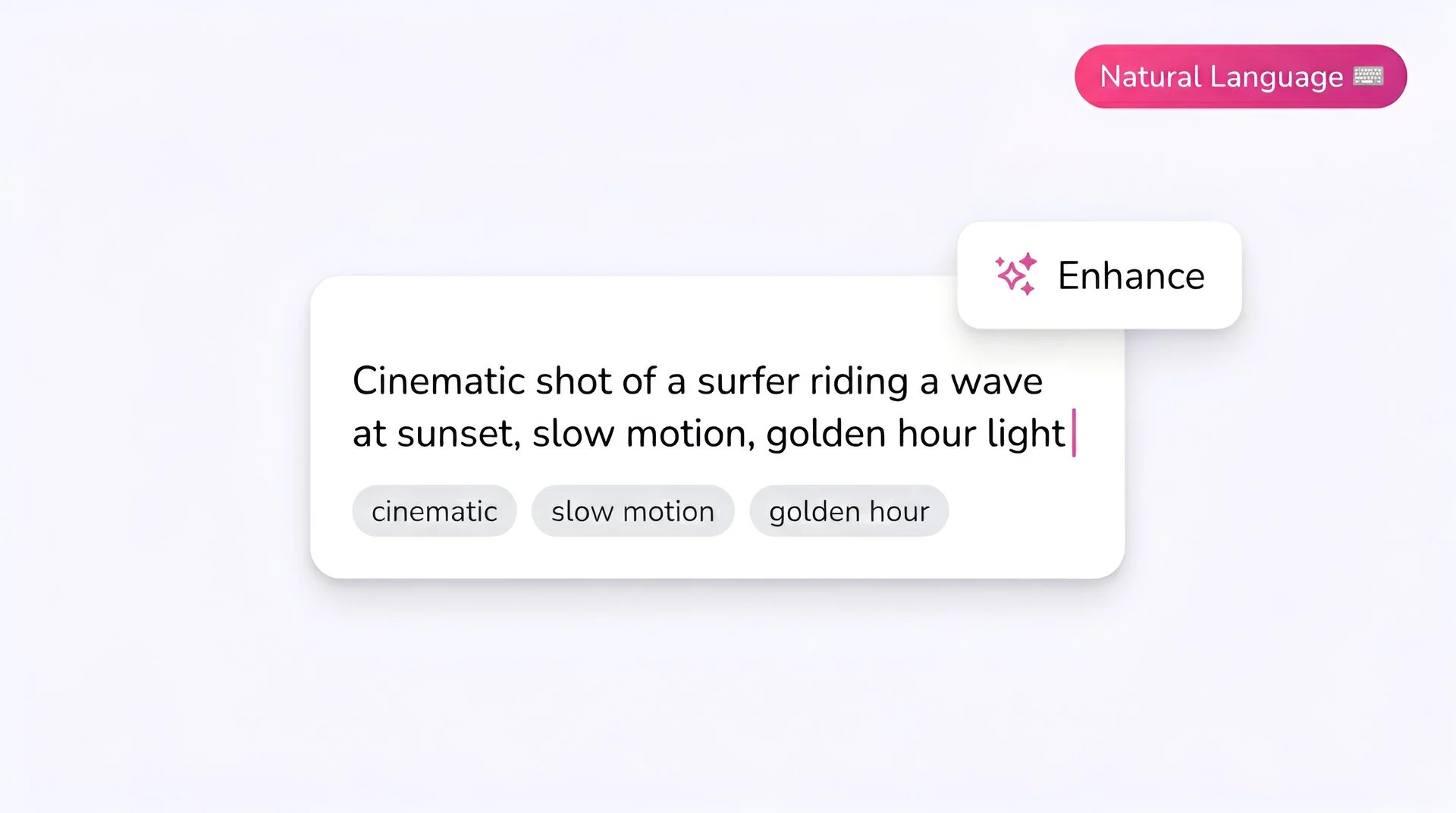
Fliki prompt input showing a cinematic text-to-video description for Kling 3.0 Pro AI video generator
Step 1

Write your prompt

Kling 3.0 Pro handles cinematic prompts well. Describe the subject, camera, lighting, and mood. Quote any spoken lines so the model treats them as dialogue.
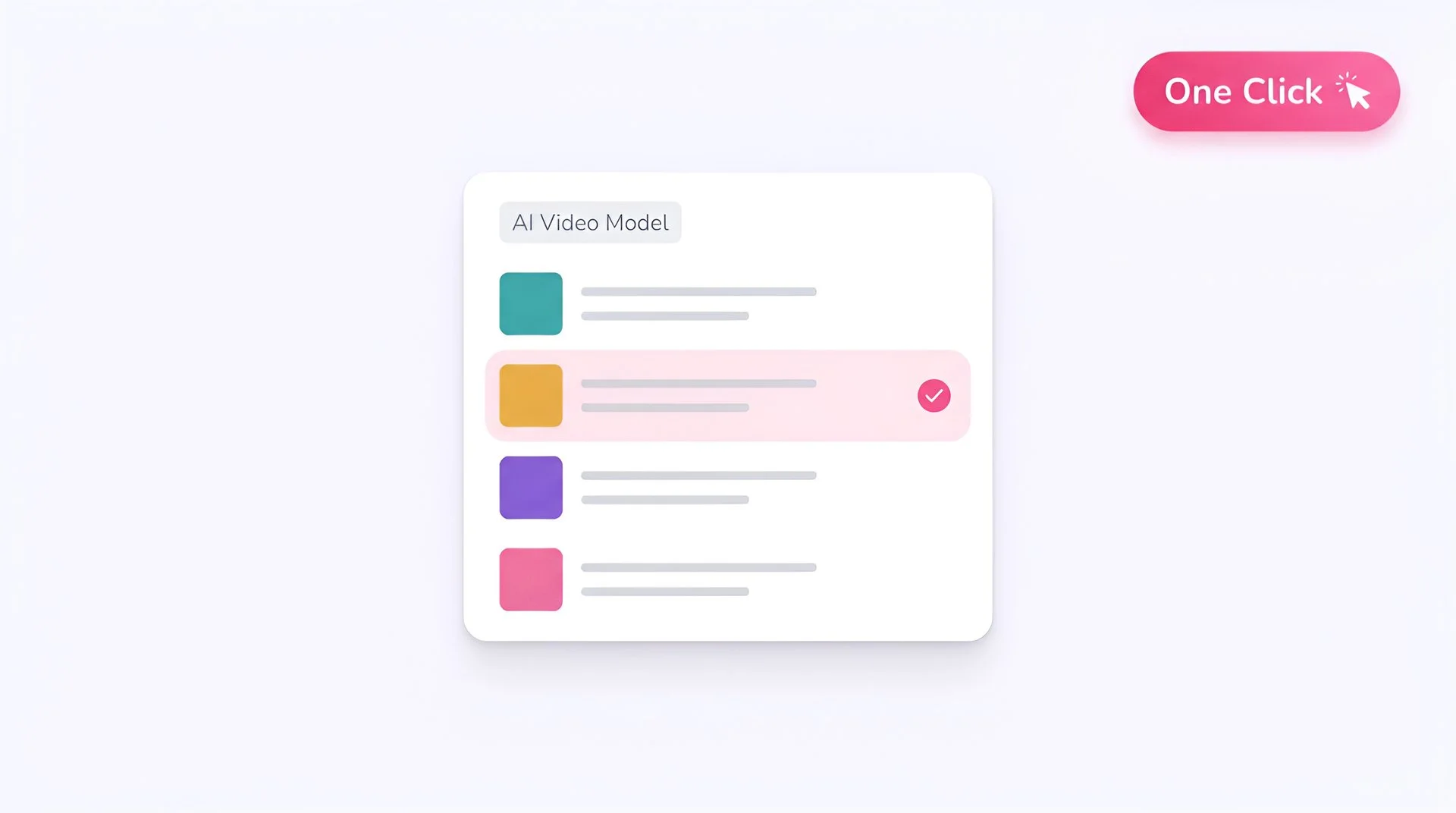
Fliki model selector dropdown with Kling 3.0 Pro chosen for AI video generation
Step 2

Select Kling 3.0 Pro as your model

Choose Kling 3.0 Pro from Fliki's playground model selector. Your prompt routes to the Kuaishou flagship.
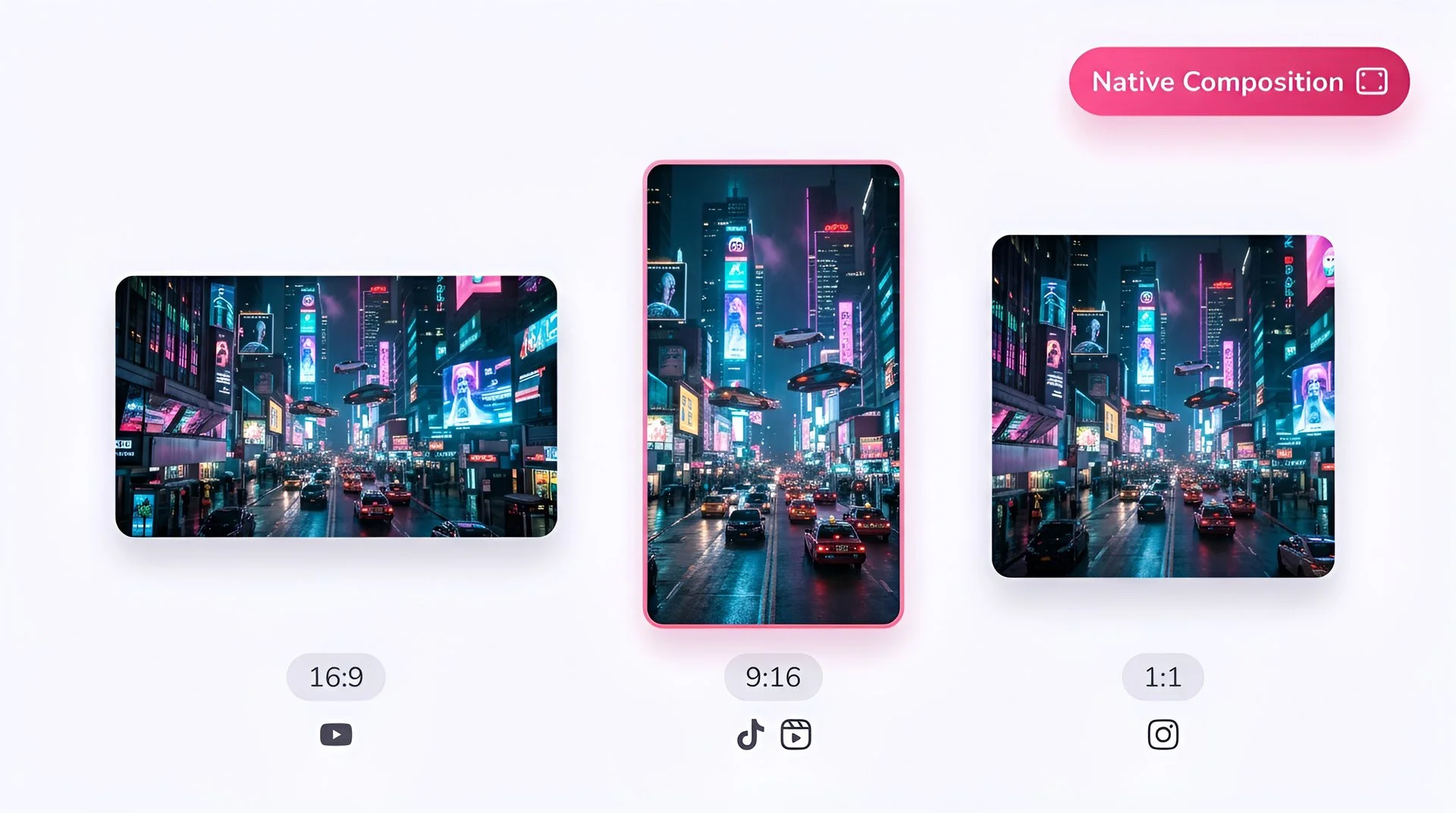
Choose 16:9, 9:16, or 1:1 aspect ratio for Kling 3.0 Pro video generation on Fliki
Step 3

Pick aspect ratio

Choose 16:9 for landscape, 9:16 for vertical, or 1:1 for square. Kling 3.0 Pro composes for the chosen ratio rather than cropping.
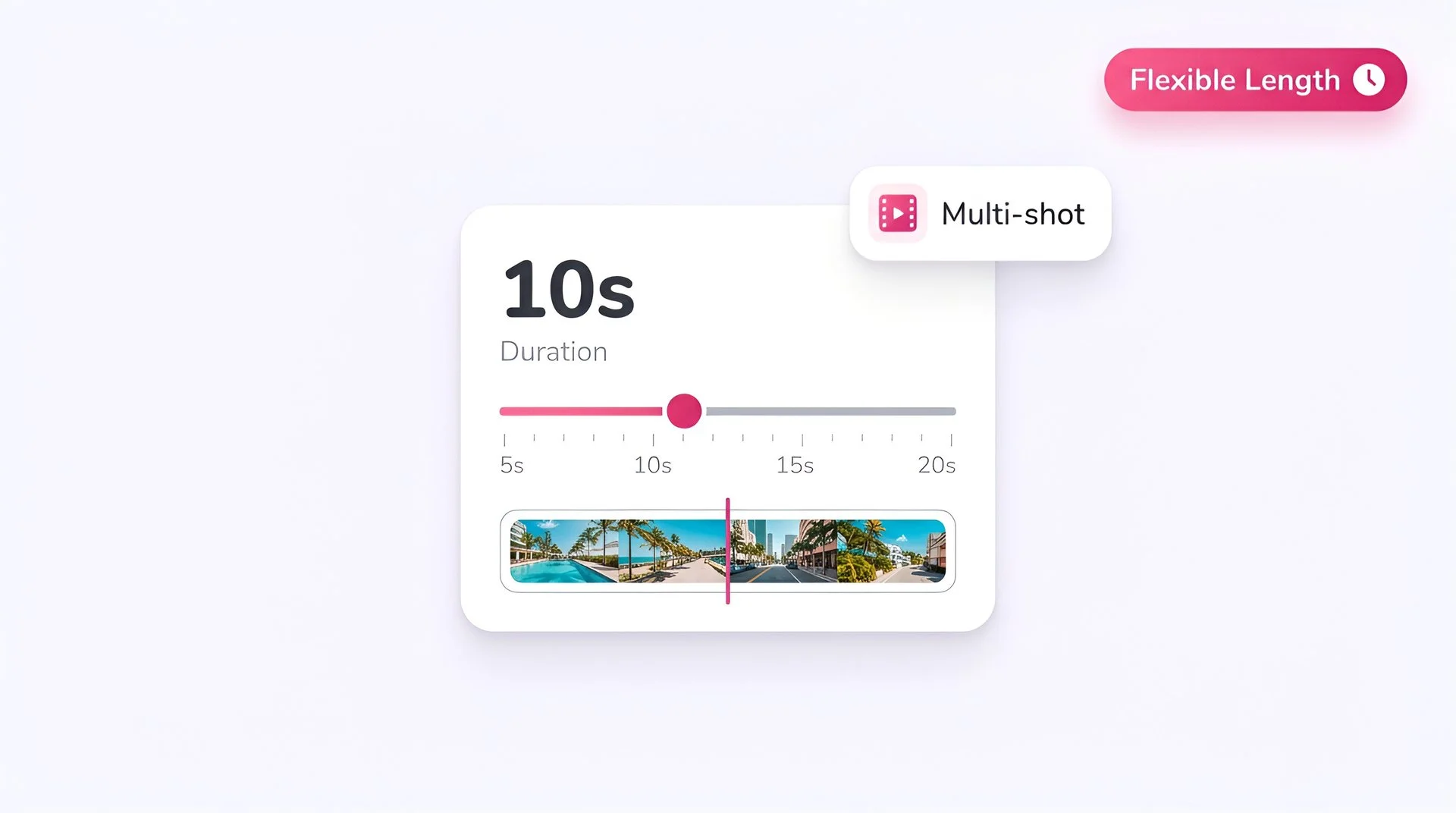
Set video duration on the Fliki slider for Kling 3.0 Pro multi-shot AI video generation
Step 4

Set the duration

Kling 3.0 Pro supports clips from 3 to 15 seconds. Use the longer durations for narrative beats and multi-shot continuity — that’s where the model’s coherence advantage shows.
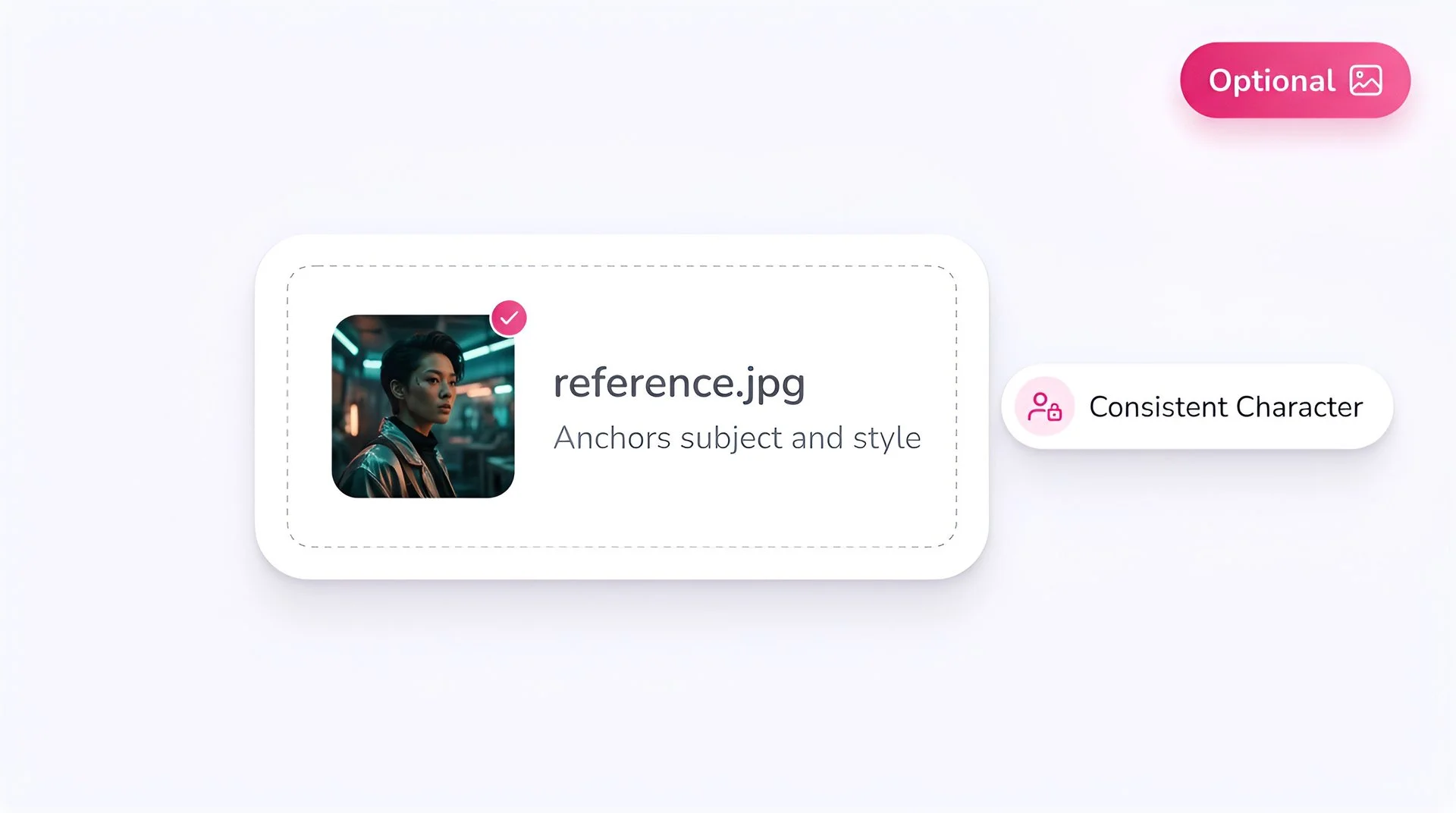
Upload an optional reference image to anchor subject and style with Kling 3.0 Pro on Fliki
Step 5

Add first/last frame or reference (optional)

Upload a first frame, last frame, or both for controlled transitions. Add a visual reference image or a motion-control source video for additional guidance.
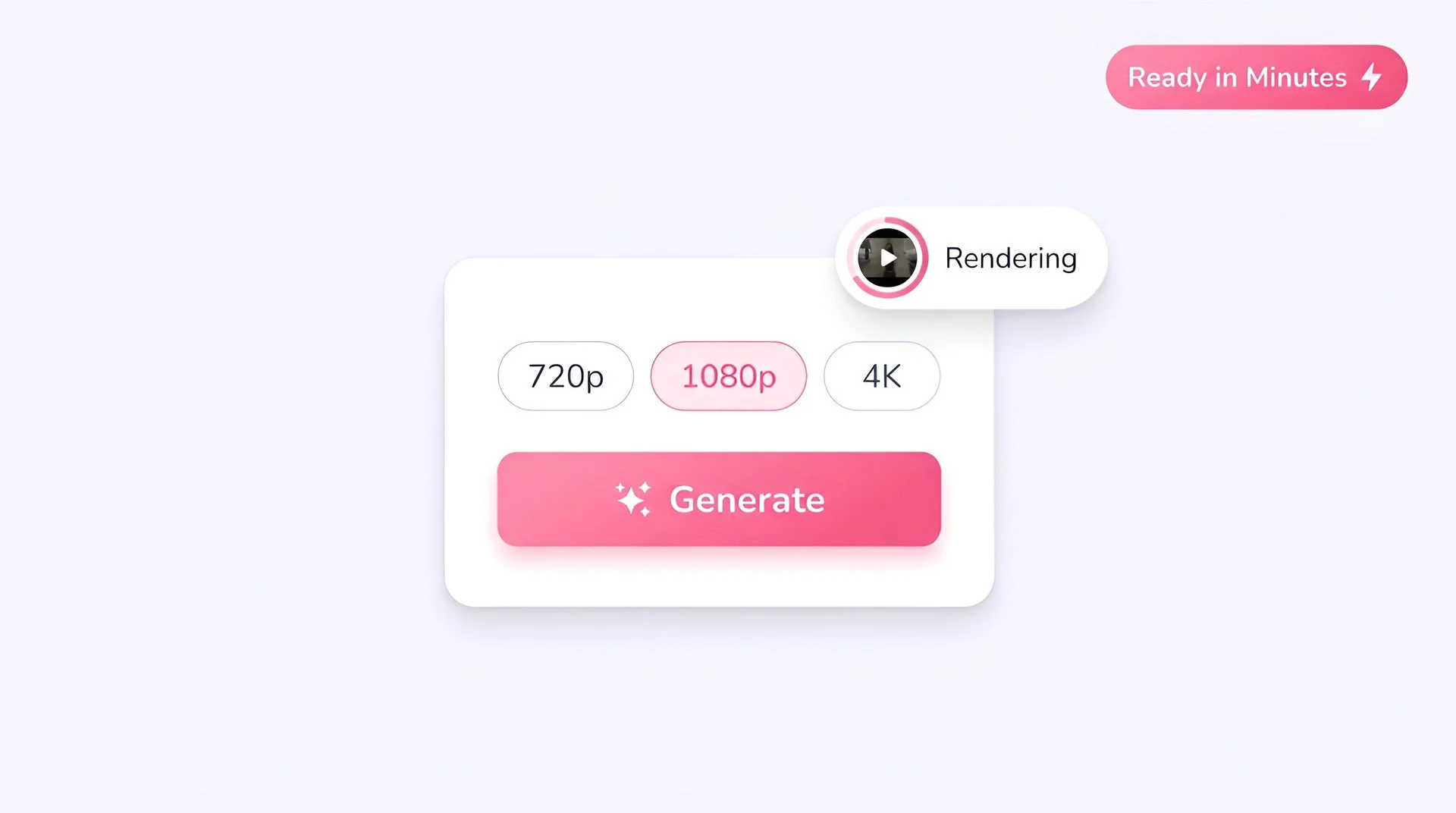
Pick output resolution and hit generate to create AI video with Kling 3.0 Pro on Fliki
Step 6

Generate at 1080p

Hit Generate. Kling 3.0 Pro outputs a 1080p clip with synchronized audio in roughly the time it takes to brew a coffee.

Kling 3.0 Pro FAQ

Frequently asked questions

Everything you need to know about generating with Kling 3.0 Pro inside Fliki.

What is Kling 3.0 Pro?

Kling 3.0 Pro is Kuaishou's flagship multimodal AI video model. It generates 1080p clips with synchronized audio, first and last frame control, reference-image guidance, and stronger cinematic coherence than prior Kling versions.

How is Kling 3.0 Pro different from Kling 3.0 Standard?

Pro is the higher-fidelity flagship at 1080p with stronger motion and audio coherence. Standard is positioned at 720p as the speed/cost tier. Pick Pro for hero content and final delivery; pick Standard for volume and iteration.

Does Kling 3.0 Pro generate audio?

Yes. Synchronized audio — ambient sound, effects, and dialogue — is generated alongside the video, enabled by default.

What resolutions does Kling 3.0 Pro support?

Kling 3.0 Pro outputs 1080p across 16:9, 9:16, and 1:1 aspect ratios.

How long can Kling 3.0 Pro videos be?

Kling 3.0 Pro supports clips from 3 to 15 seconds — long enough for full narrative beats and multi-shot moments.

Can Kling 3.0 Pro do image-to-video?

Yes. First-frame, last-frame, and full reference image inputs are all supported, plus a reference video for motion control. It’s one of the strongest input toolkits in the Kling family.

Still curious?

Try Fliki free in your browser, no credit card required.

Start free

How does Kling 3.0 Pro compare to Kling 2.5 Turbo?

Kling 3.0 Pro is the higher-fidelity flagship with audio, longer durations, and stronger coherence. Kling 2.5 Turbo is the speed/cost tier without audio. Use 3.0 Pro for hero shots; use 2.5 Turbo for high-volume iteration.

Can I use Kling 3.0 Pro for commercial content?

Yes, subject to Kuaishou's and Fliki's terms. Paid Fliki plans include commercial usage rights — check your plan for specifics.

Kling 3.0 Pro · Free forever plan

Generate your next hero shot with Kling 3.0 Pro.

Cinematic 1080p clips with synchronized audio and first/last-frame control. Free to start, no credit card required.

Generate your first video free

Free forever plan · No credit card required · Cancel anytime