video model · by Google DeepMind
Google Veo 3.1 Fast AI Video Generator
Create high-fidelity videos with sound, dialogue, and cinematic realism using Google Veo 3.1 Fast - Google DeepMind's state-of-the-art text-to-video model, now on Fliki. Generate 8-second clips at up to 1080p with native audio, advanced first/last-frame control, and reference image support. Veo 3.1 Fast is one of the models inside our AI video generator, alongside Kling 3.0, Seedance 2.5 and more.
Generated with Veo 3.1 Fast
A handful of Veo 3.1 Fast clips generated inside Fliki. No edits, no post.
Prompt
Prompt
Prompt
Prompt
Prompt
Prompt
Prompt
What Veo 3.1 Fast brings to Fliki
Native audio and dialogue
Veo 3.1 Fast generates sound alongside video - environmental audio, sound effects, and spoken dialogue. Clips arrive with working audio, not silent frames you have to score afterward.
First and last frame control
Provide a starting image, an ending image, or both, and Veo 3.1 Fast generates the in-between motion. This is the fastest path to controlled transitions, brand-accurate product reveals, and before/after storytelling.
Image reference capabilities
Feed in reference images to guide characters, objects, and scene style. Veo 3.1 Fast respects reference inputs across portrait and landscape, so your assets look the way you intended.
Cinematic realism
Veo 3.1 Fast renders scenes with camera behavior, depth, and lighting that match live-action reference. Output holds up against cinematography reels - no giveaway "AI look" in most outputs.
Multi-resolution support
Generate at 720p, 1080p, or 4K depending on your use case. Use 720p for fast iteration, 1080p for social, and 4K for work that gets repurposed into long-form or display ads.
8-second optimized clips
Veo 3.1 Fast is tuned for 8-second generations - long enough to carry a full shot beat, short enough to keep generation fast and costs predictable for volume work.
Portrait and landscape composition
Switch between 16:9, 9:16, and 1:1 natively. Veo 3.1 Fast composes the frame for the selected ratio rather than cropping, which matters for subject placement on vertical social.
Built for developer-grade workflows
Veo 3.1 Fast was designed by Google for high-volume video applications at roughly half the cost of Veo 3.1 standard with similar speed. On Fliki, that translates into more generations per credit for production work.
How it works
How to generate a video with Google Veo 3.1 Fast
Veo 3.1 Fast runs inside Fliki's standard video generator - no separate Gemini or AI Studio setup. Here's the six-step flow.
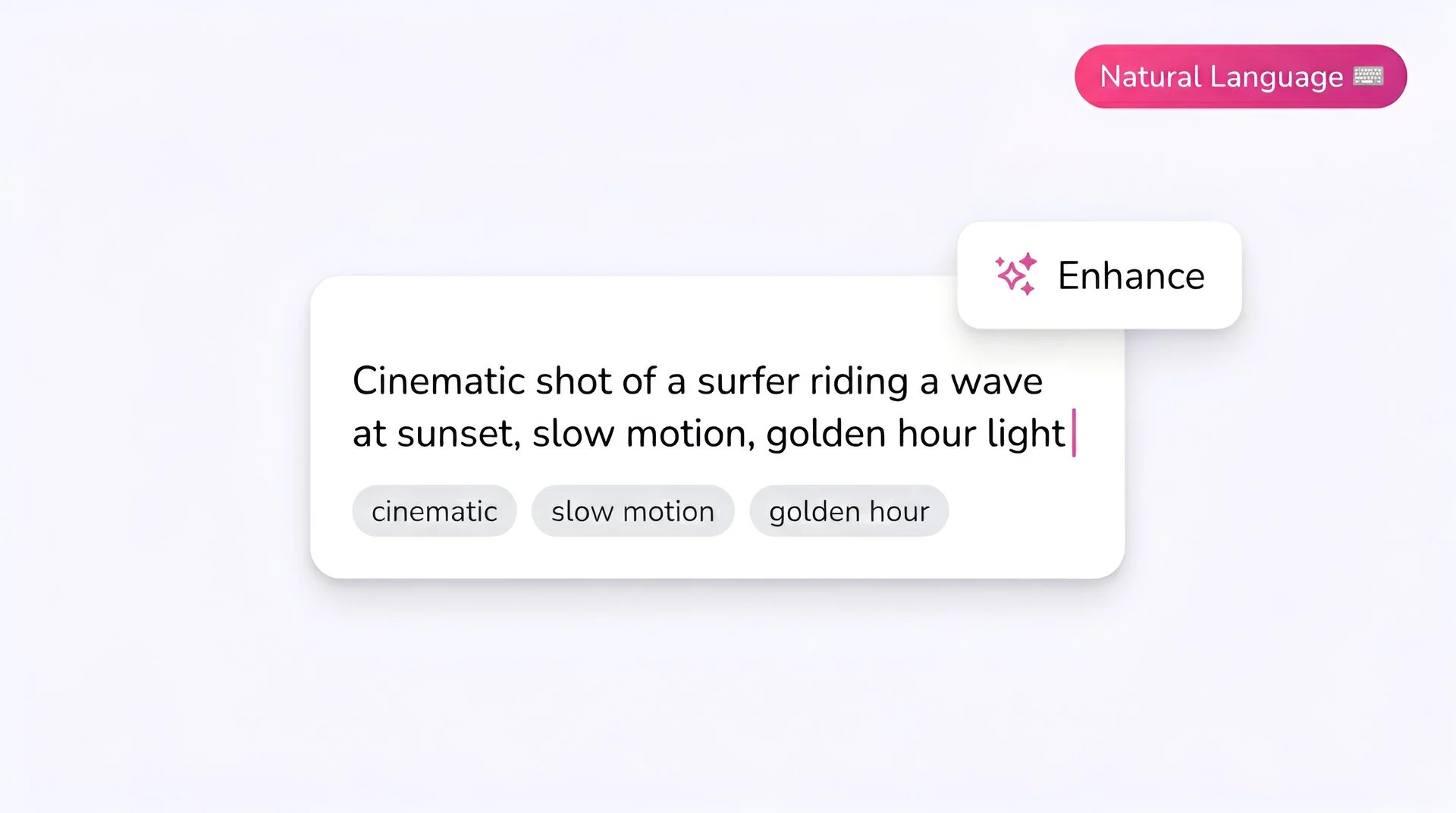
Write your prompt
Describe the scene clearly, including any dialogue in quotes. Veo 3.1 Fast handles spoken lines well, so write dialogue exactly as you want it heard.
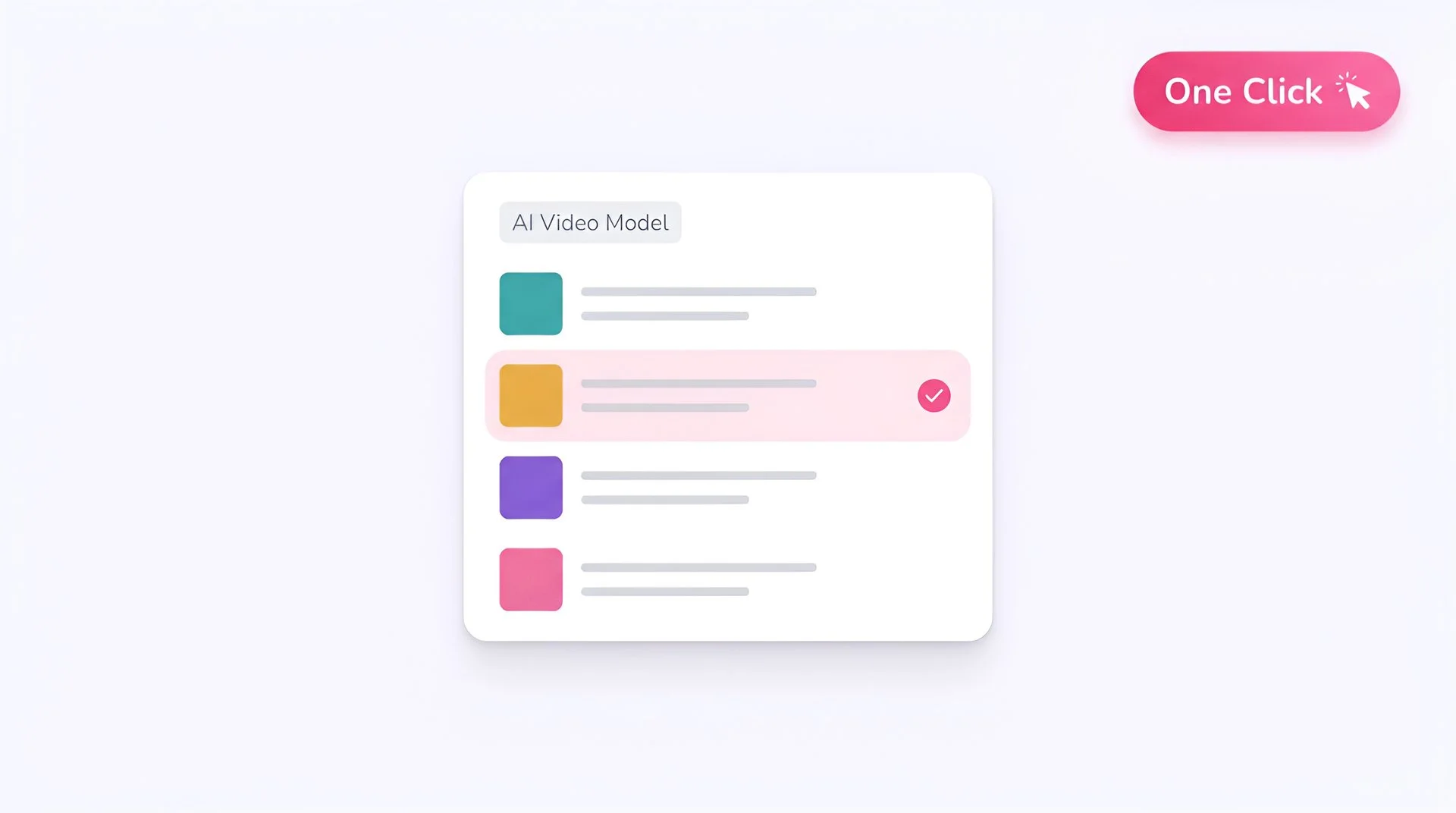
Select Google Veo 3.1 Fast as your model
Choose Veo 3.1 Fast from Fliki's model selector. Your prompt is routed to Google's model directly with no extra account required.
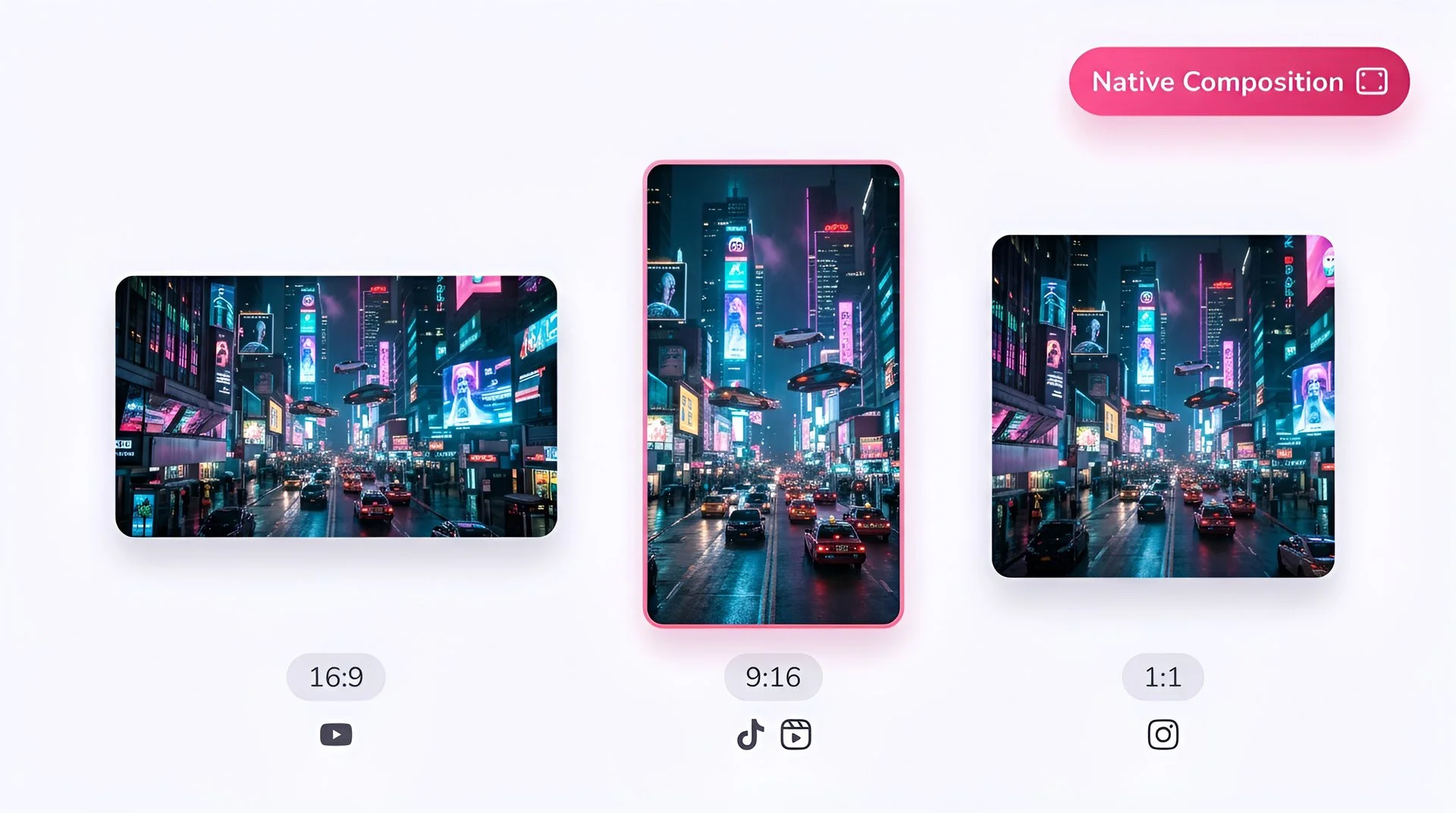
Pick your aspect ratio
Select 16:9 for landscape, 9:16 for vertical social, or 1:1 for square feed. Veo 3.1 Fast supports all three natively.
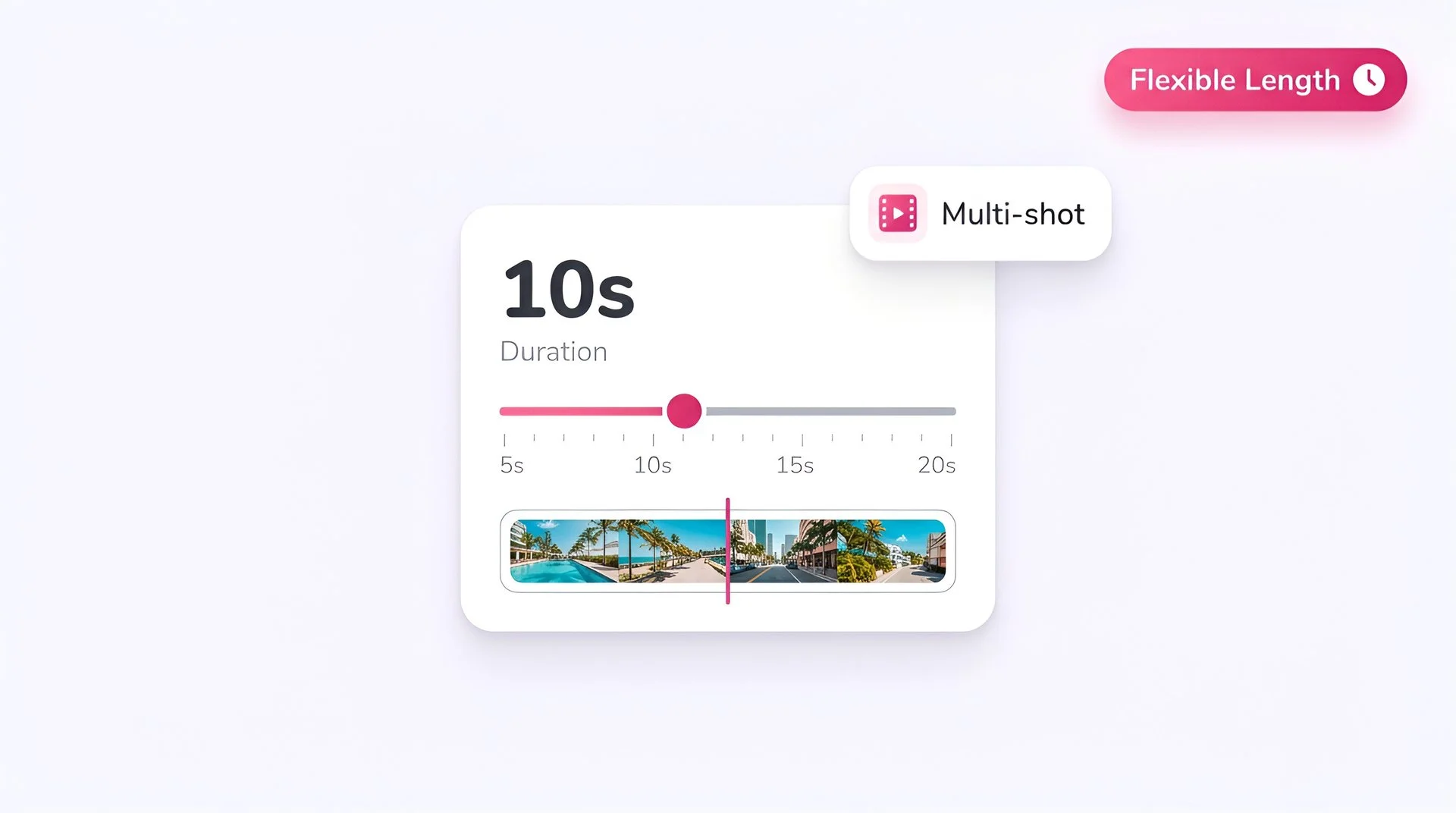
Set the duration
Veo 3.1 Fast is tuned for 8-second outputs - the sweet spot between cost and storytelling runway. Pick a shorter length for transitions and longer for dialogue-heavy beats.
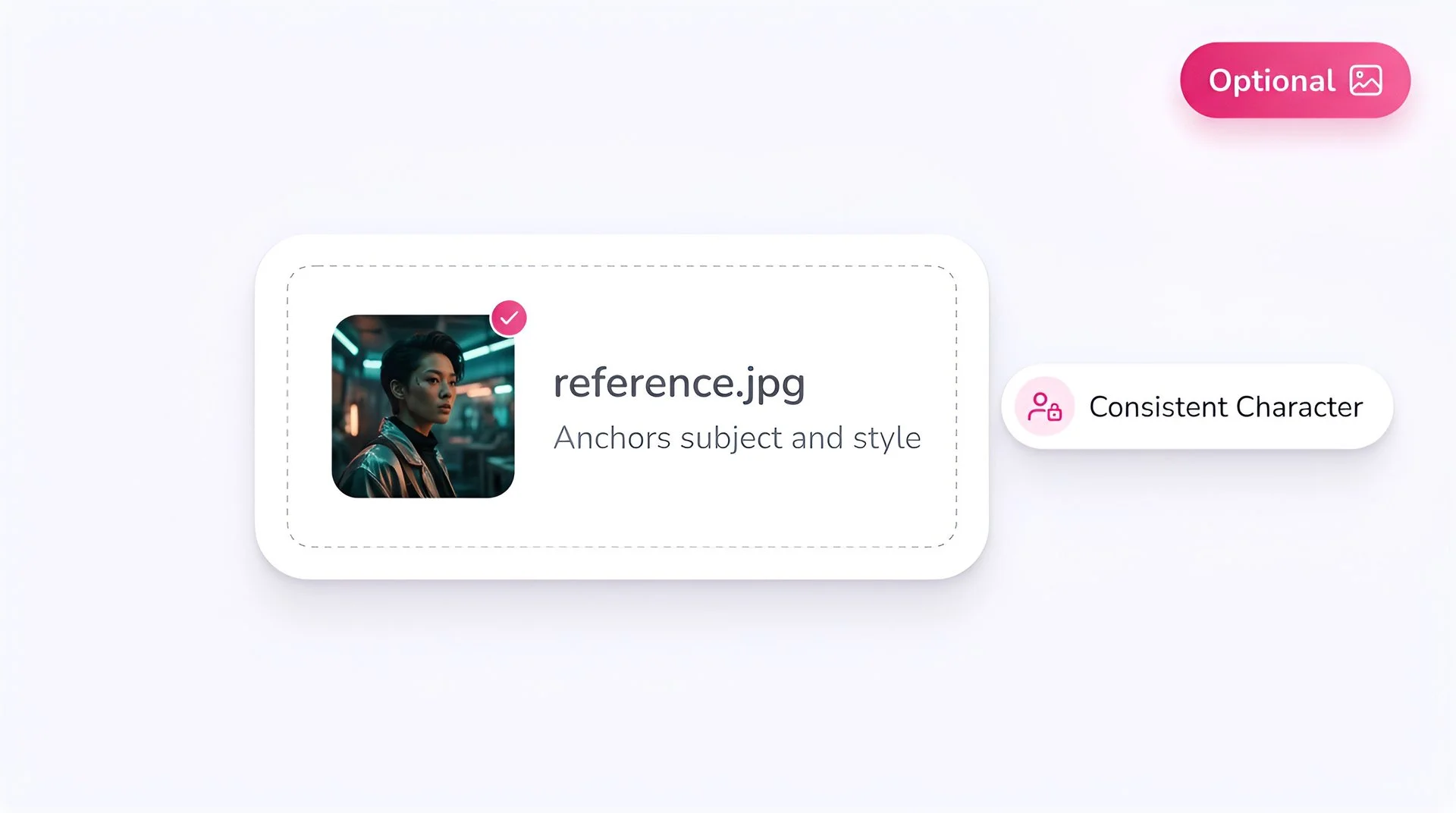
Add a reference image (optional)
Upload a start frame, end frame, or style reference. This is one of Veo 3.1 Fast's signature features - use it to control transitions, product reveals, and branded continuity.
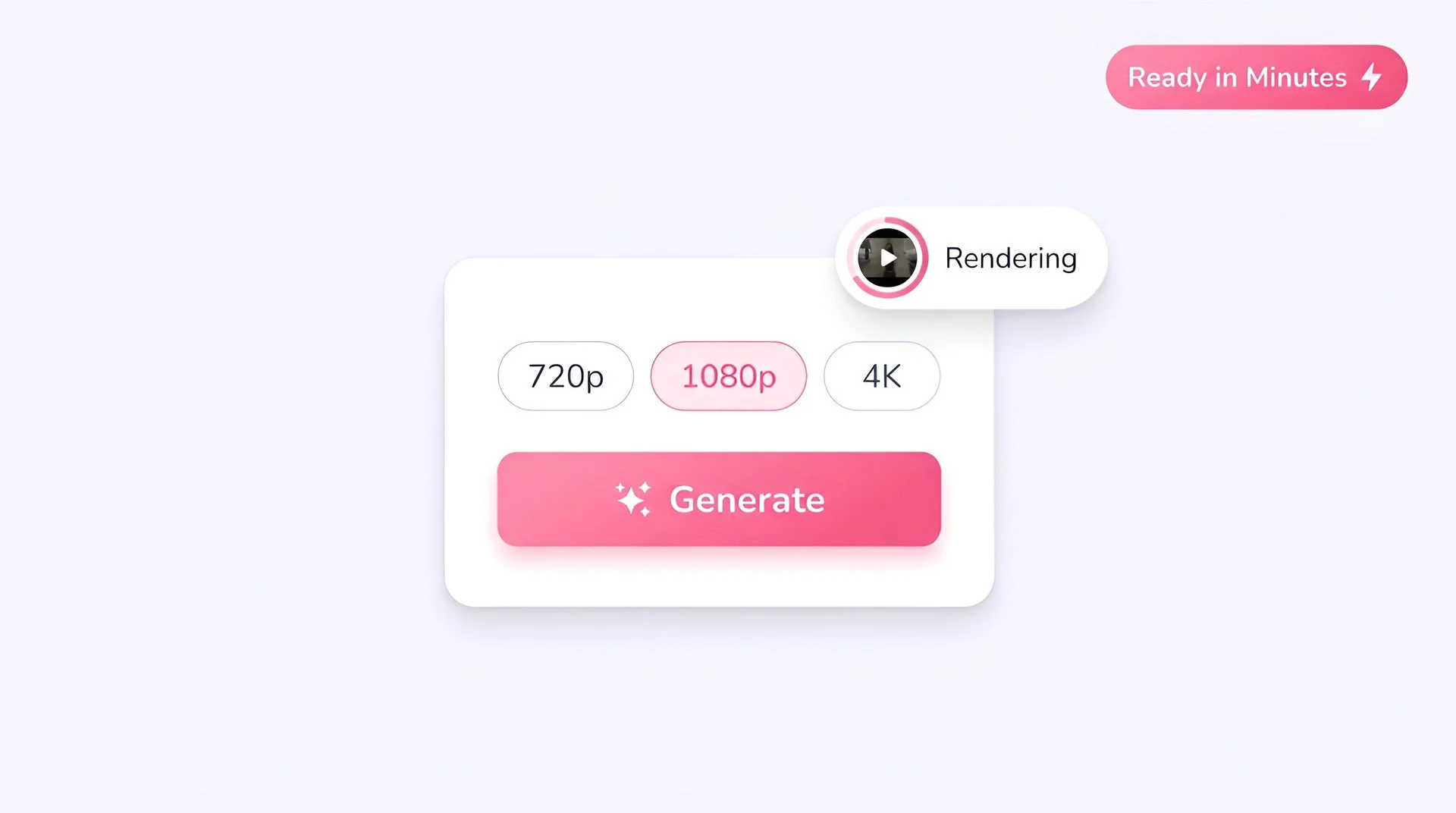
Choose resolution and generate
Select 720p, 1080p, or 4K, then hit Generate. Your video is ready inside Fliki in a fraction of the time the standard Veo 3.1 takes, at a lower credit cost.
AI MODEL GALLERY
Built on the best AI models - ready inside Fliki
Every leading video, voice, and image model - integrated, unified, and tuned for creators. Generate with the latest AI video, AI voice, and AI image models from OpenAI, Google, Kling, Bytedance, ElevenLabs, and more - all from one place.






Veo 3.1 FAQ
Frequently asked questions about Google Veo 3.1 on Fliki
Everything you need to know about generating with Google Veo 3.1 Fast inside Fliki.


AI video models
Discover more
Tools
Discover features
Generate your next video with Veo 3.1.
Cinematic 1080p clips with native audio, dialogue, and first/last-frame control. Free to start, no credit card required.
Generate your first video freeFree forever plan · No credit card required · Cancel anytime