🌍 Translate & dub in 30+ languages
Jul 27, 2026
Translate and dub any video or audio into 30+ languages inside Fliki, in under 5 minutes, with every scene still editable afterward.
Here's how it works:
Upload your file: Any video or audio up to 250 MB (.mp4, .mov, .mp3, .wav, .m4a).
Pick how it should sound: Choose Preserve original voice to keep each speaker's own voice, now speaking the translated language, or Choose a voice to dub with any voice from our library of 2000+ voices.
Choose your language: Translate into any of 30+ languages: Arabic, Bulgarian, Chinese, Croatian, Czech, Danish, Dutch, English, Filipino, Finnish, French, German, Greek, Hindi, Hungarian, Indonesian, Italian, Japanese, Korean, Malay, Norwegian, Polish, Portuguese, Romanian, Russian, Slovak, Spanish, Swedish, Tamil, Turkish, Ukrainian, Vietnamese.
Then hit Translate, and edit every scene before you publish.
Try it here.
🎭 Realistic AI characters
Jul 15, 2026
We've added 70+ brand-new realistic AI characters with a big leap in realism, more lifelike faces, natural expressions, and looks that actually hold up on screen. Each character now comes as a multi-shot set, so they feel like a real person filmed from different angles rather than a single stiff headshot.
Here's what's new:
-
70+ new characters: A diverse cast across ages, ethnicities, professions, and settings, ready to drop into any video.
-
Multiple looks per character: Choose from Front, Close-up, Three-quarter, and Seated angles, plus outfit variations, to match the tone of each scene.
You can add them in two ways: click "Choose an avatar" in the prompt bar when starting a video, or add them later from the Characters section during workflow setup.
🎬 The all-new Fliki
Jul 1, 2026
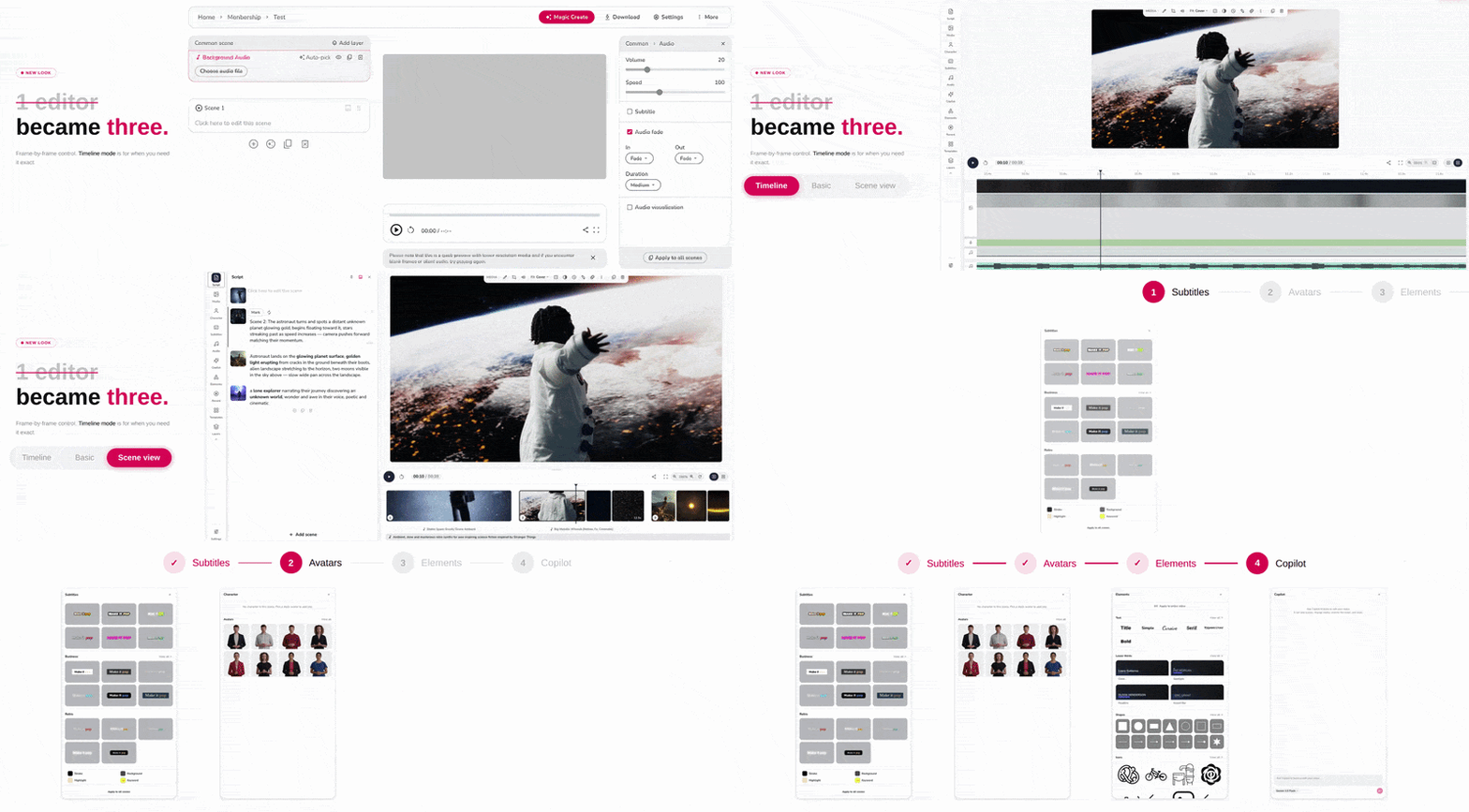
We've completely rebuilt Fliki from the ground up. This is our biggest update yet: a faster, cleaner, and far more flexible editing experience that gives you real creative control over every part of your video, right down to the smallest detail.
Here's what's new:
A simpler workflow, smarter toolbar
We’ve simplified the workflows and redesigned the toolbar to keep the tools you actually use within easy reach, without the clutter.
A rebuilt left panel, organized the way you think
Every part of your video now has its own dedicated space. Instead of hunting through one crowded menu, you'll find purpose-built panels for media, subtitles, audio, script and voiceover, and other elements. Along with the reorganization, we've added a lot more to work with:
More shapes: Go beyond circles and rectangles with arrows, polygons, and more.
New caption styles: Fresh subtitle presets to match any look.
Lower-third bundles: Ready-made text packages to make your videos look polished and professional.
Better pickers: Smoother, faster browsing when choosing media and audio.
A brand-new timeline and scene rail
You now get two ways to build your video. The scene rail gives you a simple, at-a-glance view of your scenes laid out horizontally, while the full timeline offers the precise, professional control you'd expect from a modern content-creation tool, complete with snapping, zooming, and multi-select. Zoom in for fine adjustments or zoom out to see the whole picture.
Fully responsive on mobile
The editor is now fully responsive, so you can create and make edits on the go, right from your phone.
This is the biggest step forward the editor has ever taken, and it's just the beginning. Jump in and take the new editor for a spin.
📱 TikTok auto-publishing
Jun 4, 2026
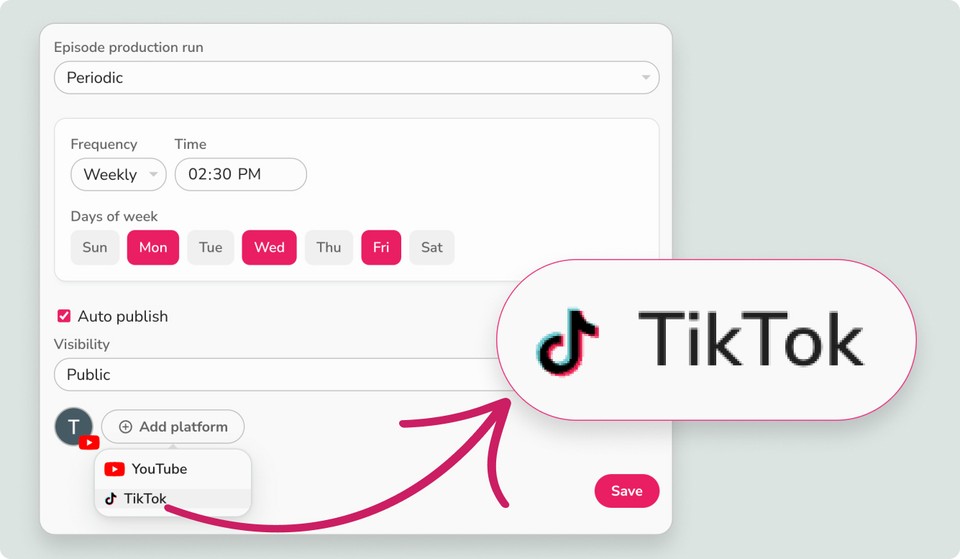
You can now schedule and auto-publish your generated videos directly to TikTok without ever leaving Fliki.
This option is available whether you are exporting a single video manually or scheduling a fully automated Video Series.
Here are the two ways to use it:
For individual videos:
Export to social: After hitting Export on your video, select the new social publishing option.
Connect your account: Link your TikTok profile securely in your workspace settings.
Add your details: Write your TikTok caption and include your hashtags right inside the export screen.
Schedule or publish: Choose "Publish Now" to post immediately, or pick a specific date and time to schedule it for later.
For Video Series:
Automate your season: This feature plugs perfectly into your automated workflows.
Set and forget: Simply select TikTok as a publishing destination when setting up your Series. Fliki will automatically generate, drip-feed, and publish your episodes to TikTok on your chosen daily or weekly schedule, completely hands-free.
Build your audience on autopilot, minus the manual uploads.
📽️ Stop-motion story video generator
May 14, 2026
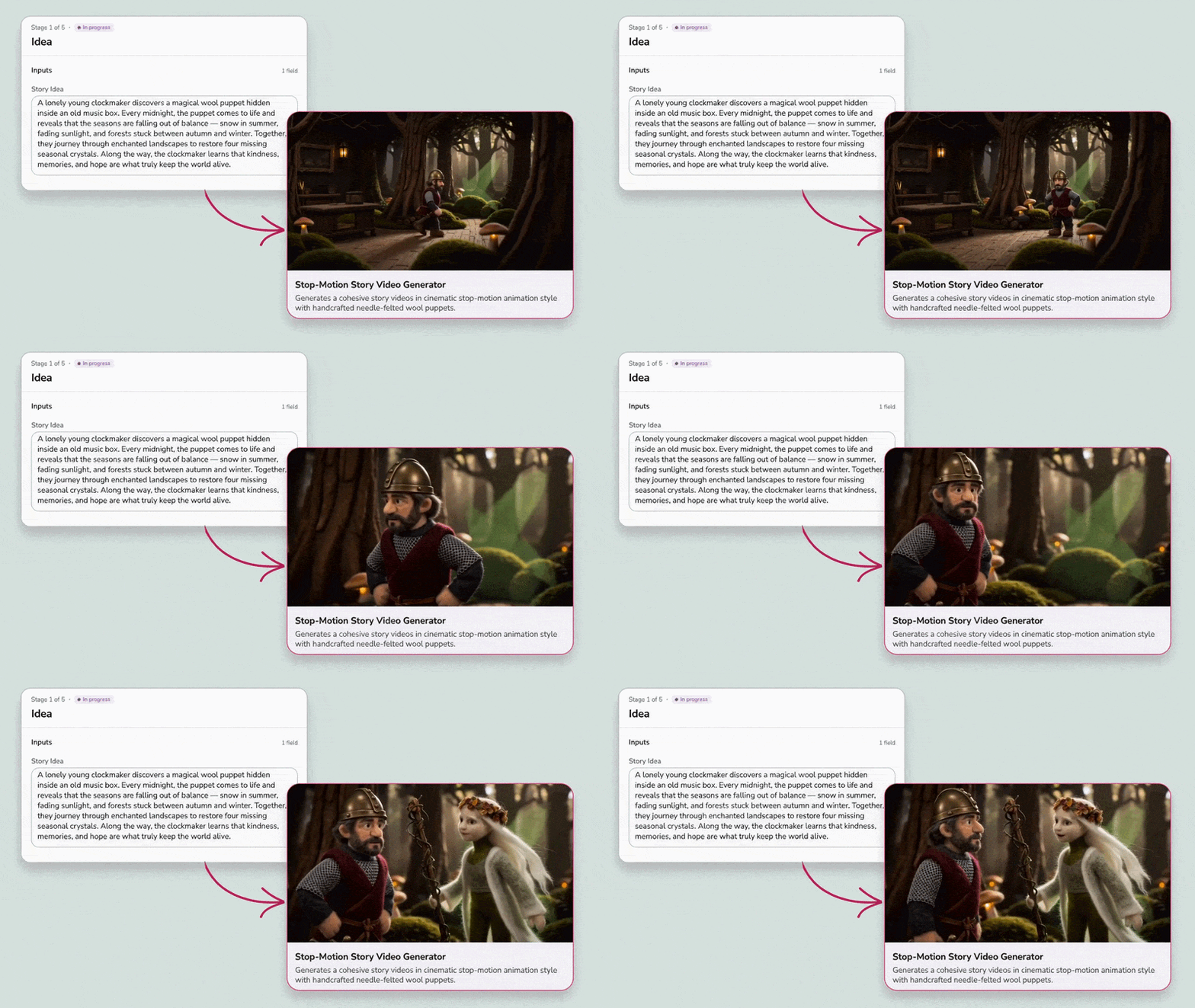
Introducing our new stop-motion story video generator creates cohesive story videos in a beautiful, cinematic stop-motion style featuring needle-felted wool puppets.
Here's how it works:
Share your idea: Simply type in your story concept, prompt, or plotline.
Choose your model: Select your desired AI model to power the generation.
Fliki does the rest: Hit generate, and Fliki will automatically craft a complete, cohesive narrative with stunning, textured stop-motion visuals.
Perfect for storytellers, educators, and creators looking to stand out with a highly unique, tactile, and enchanting aesthetic - without needing a physical set or hours of frame-by-frame animation.
Want to see it in action? Check out these sample videos to evaluate the quality before you commit:
Try out the stop-motion story video generator here.