What's new

We're always working to enhance your experience! Keep up with Fliki's latest updates and new features.

Contents

  1. โœจ AI asset library
  2. ๐Ÿ—ฃ๏ธ 130+ new voices
  3. ๐ŸŽต YouTube licensed music
  4. ๐Ÿ‘ฌ Character library
  5. ๐ŸŽญ Character consistency
  6. ๐Ÿ—ฃ๏ธ Expressive multilingual voices
  7. ๐ŸŽจ AI thumbnails v2
  8. โ‡๏ธ Playground & advanced models
  9. ๐ŸŽฅ New AI video models
  10. โœจ Fliki Pro
  11. ๐ŸŽจ New AI image models
  12. ๐ŸŽญ Personalized avatars
  13. ๐Ÿ‘€ Sneak peek - Fliki Pro
  14. ๐ŸŽฌ Custom video templates
  15. ๐Ÿ”„ Zapier and Make integration
  16. โœจ Editor Copilot
  17. ๐ŸŽฅ Video embeds
  18. ๐Ÿ“ฆ Bulk create
  19. ๐Ÿ› ๏ธ Editor toolbar
  20. ๐ŸŽฅ Revamped video templates
  21. ๐ŸŒ Web research
  22. ๐Ÿ“ Editable subtitles for recorded content
  23. ๐ŸŽฅ Workflow v4
  24. โœ๏ธ Custom fonts
  25. ๐Ÿ‘ฅ Team collaboration
  26. ๐Ÿ”ฎ Templates for workflows
  27. ๐ŸŽจ Smarter design workflows
  28. ๐ŸŽฅ Record & Edit
  29. ๐ŸŽ™๏ธ Studio voices
  30. ๐Ÿฆ„ย Magic edit
  31. โ†ฉ๏ธ 2024 Recap
  32. โœจ Enhanced workflows
  33. ๐Ÿ” Similar media
  34. ๐ŸŽค Custom voices
  35. โ˜‘๏ธ Manage files & folders
  36. โ†ฉ๏ธ Undo and Redo
  37. ๐ŸŽฅ AI video clips 2.0
  38. ๐Ÿ–ฅ๏ธ New dashboard
  39. ๐Ÿง Full-body avatars
  40. ๐Ÿ†• Editor updates
  41. ๐Ÿ”ฅ Media overlay effects
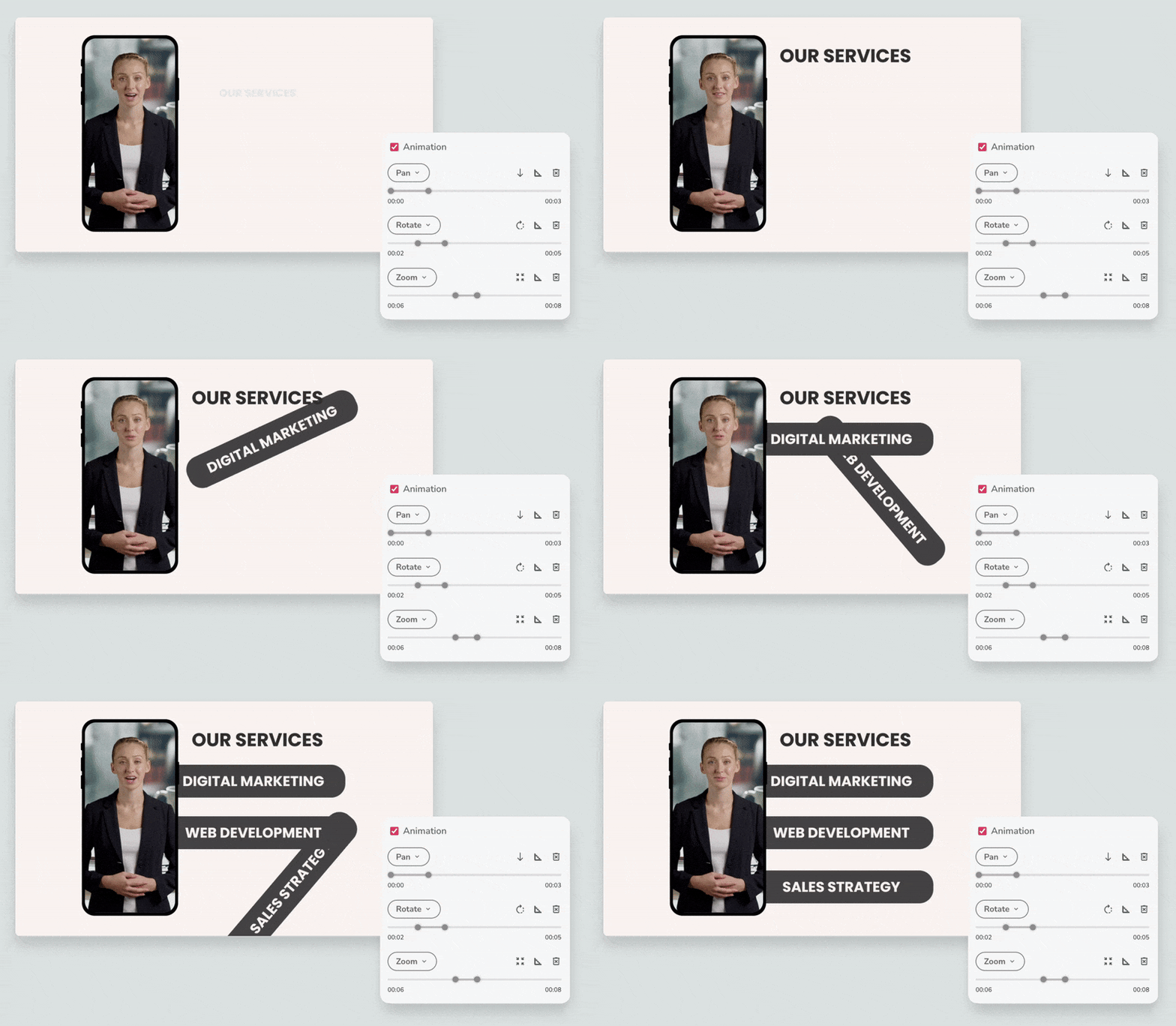
  42. ๐Ÿช„ Enhanced animations
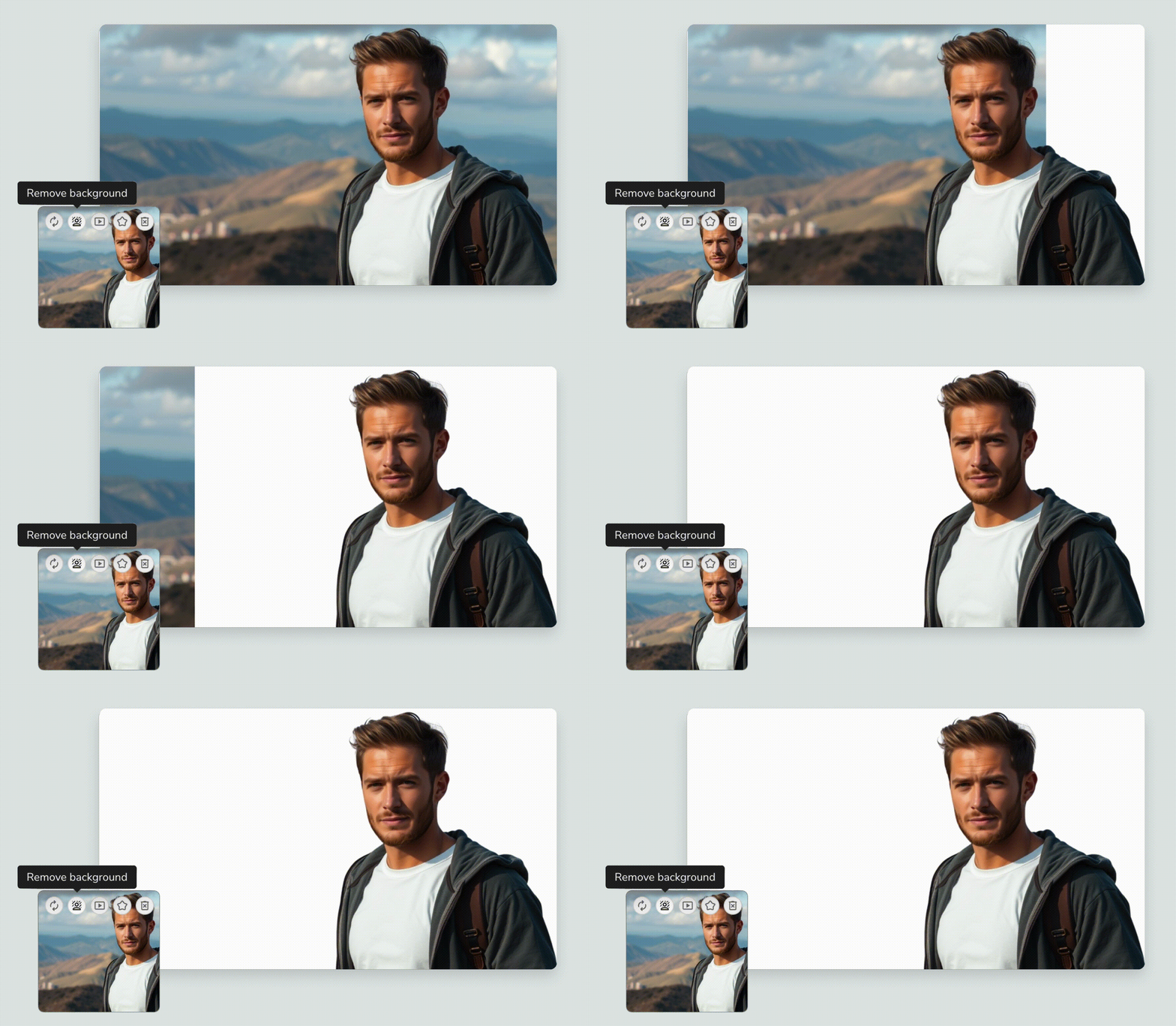
  43. โœจ Image background remover
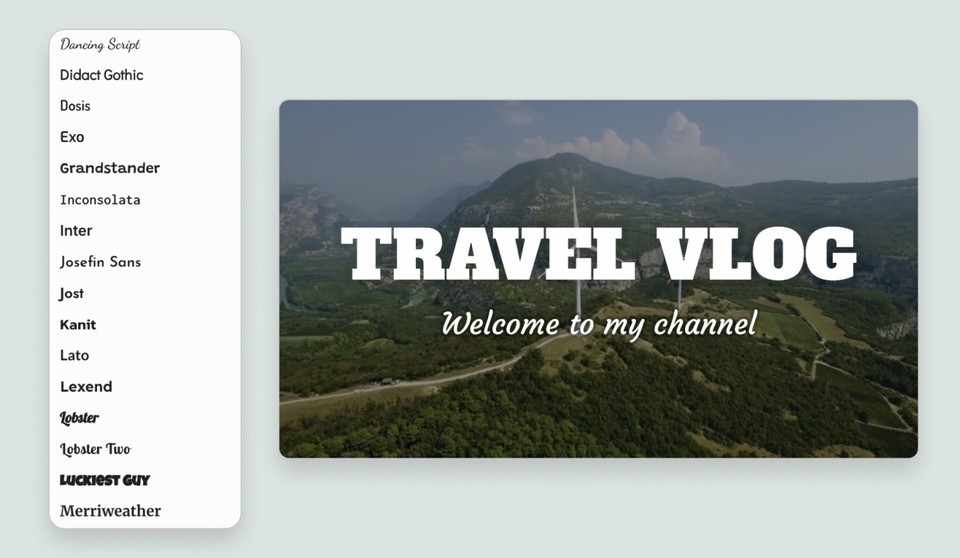
  44. ๐Ÿ”คย 50+ New fonts & letter spacing
  45. ๐ŸŽจ Enhanced AI image model
  46. ๐ŸŽฌ Audio, video & screen recording
  47. ๐Ÿ“ข New voices & languages
  48. ๐Ÿš€ System upgrades
  49. ๐ŸŽงย AI-generated sound effects
  50. ๐ŸŽจ Branding
  51. ๐Ÿž๏ธ Design v2
  52. ๐ŸŽฌย Scene transition effects
  53. ๐ŸŽž๏ธย B-rolls
  54. ๐Ÿ“ข New ultra-realistic voices
  55. ๐Ÿ”ค Subtitle files (SRT, VTT)
  56. ๐Ÿ“ฝ๏ธ Editor v3
  57. ๐Ÿ—ฏ๏ธ Subtitle effects
  58. ๐Ÿ”ฒ Shapes
  59. โœ๏ธ Script to video
  60. ๐Ÿ—‘๏ธ Trash bin
  61. ๐ŸŽจ Designs
  62. โšก๏ธ Faster exports
  63. โ†– Custom positioning
  64. ๐Ÿช„ Copy-paste scenes
  65. ๐Ÿ“ฝ๏ธ Video templates
  66. โš’๏ธ Simple tools
  67. ๐Ÿ“ฅ Download options
  68. ๐ŸŽฌ Product templates
  69. ๐Ÿ“บ Shareable previews
  70. ๐Ÿ’ฌ ChatGPT + Fliki AI video
  71. ๐Ÿชญ AI video clips
  72. ๐ŸŒŸ Favorites
  73. ๐Ÿ‘Œ Compact scenes
  74. ๐Ÿ’โ€โ™‚๏ธ Custom AI avatars
  75. ๐Ÿ“ฆ Product to video
  76. ๐Ÿช„ Magic create
  77. ๐Ÿ’โ€โ™€๏ธ AI avatars
  78. ๐Ÿฅ Sound effects
  79. ๐Ÿงžโ€โ™‚๏ธ Idea to video with AI art
  80. ๐Ÿฐ Stickers
  81. ๐Ÿ’จ Animations
  82. ๐Ÿ”Š Multi-lingual ultra-realistic voices and voice cloning
  83. ๐Ÿ”จ Server upgrades
  84. ๐Ÿ“ข New ultra-realistic voices
  85. ๐Ÿ’… New design
  86. ๐Ÿฆ„ AI art v2
  87. ๐Ÿงฉ Editor layout
  88. ๐Ÿ”ฅ Editor v2
  89. ๐Ÿ”Š Multi-lingual ultra-realistic voices!
  90. ๐ŸŽ™๏ธ Multi-lingual voice cloning
  91. ๐Ÿ”Š Ultra-realistic voices!
  92. ๐Ÿช„ PPT to video
  93. ๐ŸŒ  Premium stock assets
  94. ๐Ÿช„ Idea to video
  95. ๐ŸŽ™๏ธ Voice cloning
  96. โœ๏ธ Language-specific fonts
  97. ๐Ÿ‘ฅ Team billing
  98. โœ… Easy way to purchase subscription
  99. ๐ŸŽถ Premium music library
  100. ๐Ÿ’ƒ๐Ÿป Giphy integration
  101. ๐Ÿฃ Tweet to video
  102. ๐ŸŽš๏ธ Multi-level summarization
  103. ๐ŸŒ Translate
  104. ๐Ÿ’ฌ Interactive subtitles
  105. โœจ Auto-pick videos
  106. ๐Ÿ–ผ๏ธ AI Art v1.5
  107. ๐Ÿ“ Custom duration
  108. ๐Ÿ“‚ Move files & folders
  109. โ˜ƒ๏ธ More credits for everyone + new pricing plans!
  110. ๐Ÿ“ข New voices
  111. โณ Export progress
  112. ๐Ÿ“ข New voices
  113. ๐Ÿ“‘ Sub-sections
  114. โœ๏ธ New fonts
  115. ๐Ÿ“ข New voices
  116. ๐Ÿค– AI Art
  117. ๐Ÿคน Fancier editor
  118. ๐ŸŽฅ Video rendering engine
  119. ๐Ÿ”† Dark mode
  120. ๐Ÿ“ Blog to ๐ŸŽฅ video
  121. ๐Ÿ“ข New voices
  122. ๐ŸŽ› Fine tuning
  123. โœ๏ธ New fonts
  124. ๐Ÿ™Š Voice styles
  125. ๐ŸŽถ Music library
  126. ๐Ÿ’… Awedio is now Fliki
  127. ๐ŸŒ† Media library
  128. ๐Ÿ”Š New voices - Fliki now have over 700+ voices
  129. ๐Ÿ“ข New voices
  130. ๐ŸŽถ Background music
  131. ๐ŸŽฅ Now create Videos!
  132. ๐ŸŽ› Speech rate and pitch
  133. ๐Ÿ“ข Pronunciation editor
  134. ๐Ÿ“ข New voices
  135. ๐Ÿ“ข Upload your own audio files
  136. โญ๏ธ Public pages for Podcasts and Audiobooks
  137. ๐ŸŒ New languages and dialects
  138. ๐ŸŽฅ Fliki is alive!

๐Ÿ“ฝ๏ธ Editor v3

May 7, 2024

We're excited to reveal the latest updates to Fliki, bringing you a host of exciting improvements designed to make your video editing process faster, smoother, and more intuitive than ever before.

Here's what's new:

๐ŸŽจ Snappier UI: Say goodbye to waiting for each change! Our revamped user interface ensures a seamless editing experience, allowing you to make edits in real-time without any lag.

๐Ÿ–ผ๏ธ More powerful media layer: We've replaced the layout layer with a more robust media Layer, giving you enhanced control and flexibility to create highly customized and unique layouts for your videos.

๐Ÿ”ƒ Order layers easily: With drag handles, you can now effortlessly order layers within the canvas, ensuring the perfect arrangement of elements in your video.

โŒซ Undo delete actions: Made a mistake? No problem! You can now easily undo delete actions with just a click, helping you avoid any unintended changes to your project.

๐Ÿ”„ Rearrange scenes: Need to change the sequence of scenes? Simply use drag handles to rearrange scenes within your project, allowing for smoother navigation and organization.

โ†น Position and resize elements: We've made it easier than ever to position and resize elements within the canvas, giving you greater control over the layout and design of your videos.

Experience the next level of video editing with Fliki editor v3. Try it out today!

๐Ÿ—ฏ๏ธ Subtitle effects

Apr 18, 2024

Take your videos to the next level with our brand new subtitle effects! Whether you prefer a subtle fade, a dynamic bounce, or an elegant pop, there's something for every video project.

Want to explore further? Try out various effects by clicking on the voiceover layer, then selecting the desired 'Effect' options in the right customization panel.

๐Ÿ”ฒ Shapes

Apr 2, 2024

Now, you can easily add shapes like squares, rectangles, circles, and ellipses to enhance the visual appeal of your videos. Here's what you can do with Shape Layers:

  • Enhance Text Presentations: Use shapes as backgrounds for your text to make it stand out and grab attention.

  • Design Elements: Add shapes as design elements to enhance the visual appeal of your videos and make them more engaging.

Ready to get started? Simply click on โ€˜Add layerโ€˜ and select "Shape."

โœ๏ธ Script to video

Mar 28, 2024

The Script to Video workflow is now available within Magic Create. Here's what's new:

Edit Your Script Directly: Whether you're crafting scripts on platforms like ChatGPT or other tools, you can now seamlessly paste them into Fliki and format them directly within the platform.

Enhanced Customization: Choose from a variety of media options including Stock Media, AI Media, AI Avatars, Sound Effects, and Headings to complement your script and enhance your video.

Experience the convenience and creativity of our Script to Video today!

๐Ÿ—‘๏ธ Trash bin

Mar 26, 2024

Never fear accidental deletions again! We're excited to announce the launch of our new trash bin feature, designed to give you peace of mind and control over your files.

Here's how it works:

Easy Access: Simply navigate to the Accounts tab and click on "Trash" to access your deleted files.

Recover Within 30 Days: Deleted files will be stored in the Trash for up to 30 days, giving you ample time to recover them.

Experience the convenience and reassurance of our trash bin feature today!