🎨 New AI image models
Dec 2, 2025
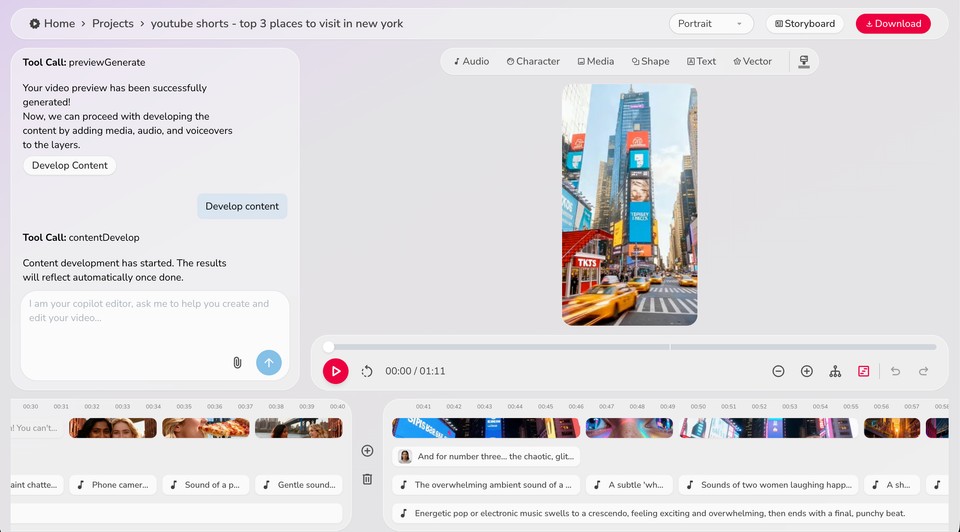
Now you can generate the perfect AI image for your video. Whether you need photorealistic visuals, stylized graphics, or lightning-fast generations, we've got you covered with 6 new powerful AI image models:
-
FLUX Schnell
-
FLUX.1 Dev
-
FLUX Pro
-
FLUX 2
-
Hi-Dream Fast
-
Qwen Image
Simply select your preferred model when generating images and create visuals that match your video's exact style and quality needs.
🎭 Personalized avatars
Nov 12, 2025
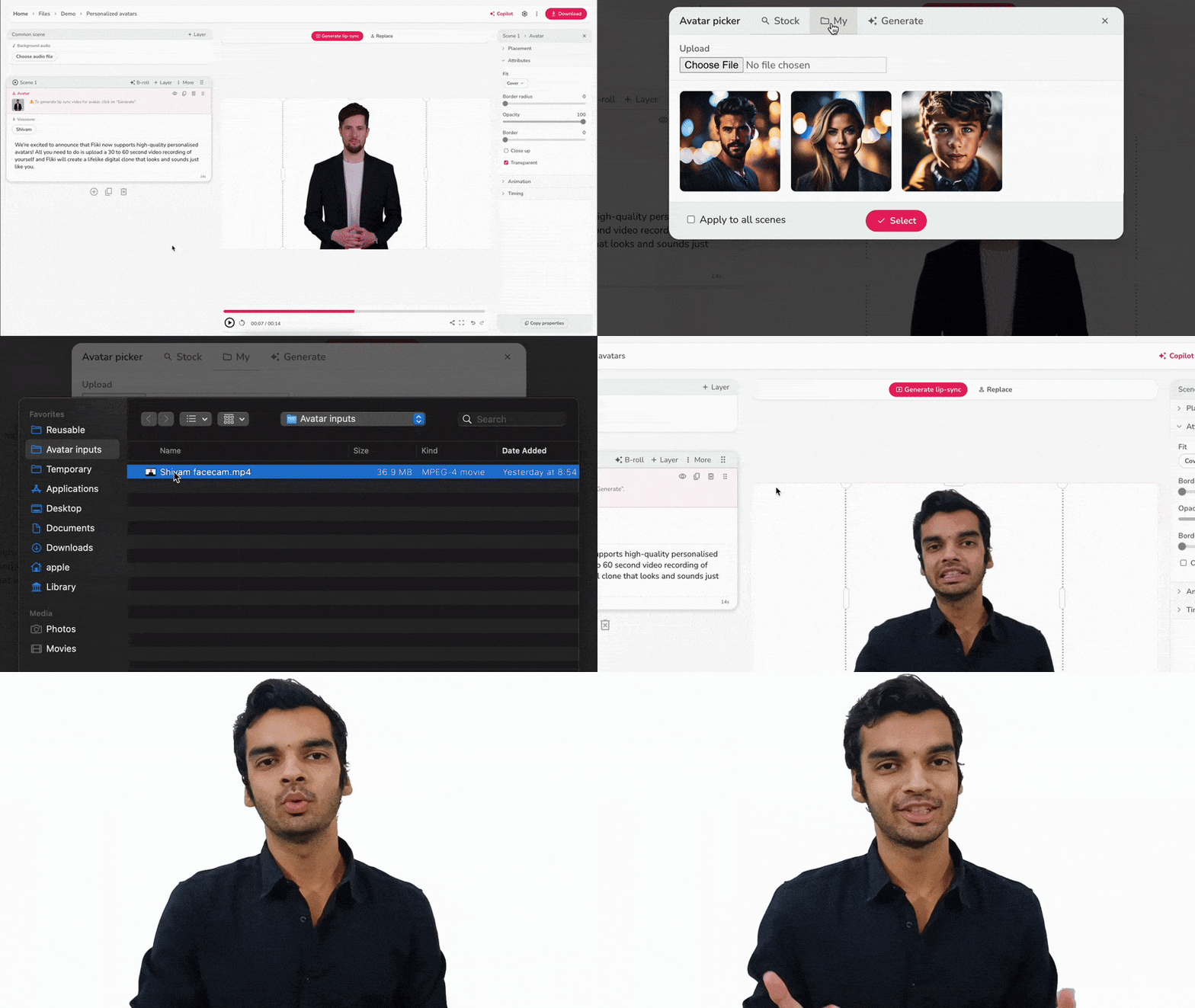
Creating your own custom avatar just got a major upgrade! We're introducing video input for personalized avatars - upload a short video of yourself to generate a high-quality avatar that captures your likeness with stunning realism.
Here's how:
Click on the avatar icon in your avatar layer
Switch to the My tab
Upload a 30-60 second face-cam recording (good lighting and clear audio)
Hit Generate lip-sync
Your custom avatar is now just a quick recording away!
👀 Sneak peek - Fliki Pro
Sep 29, 2025
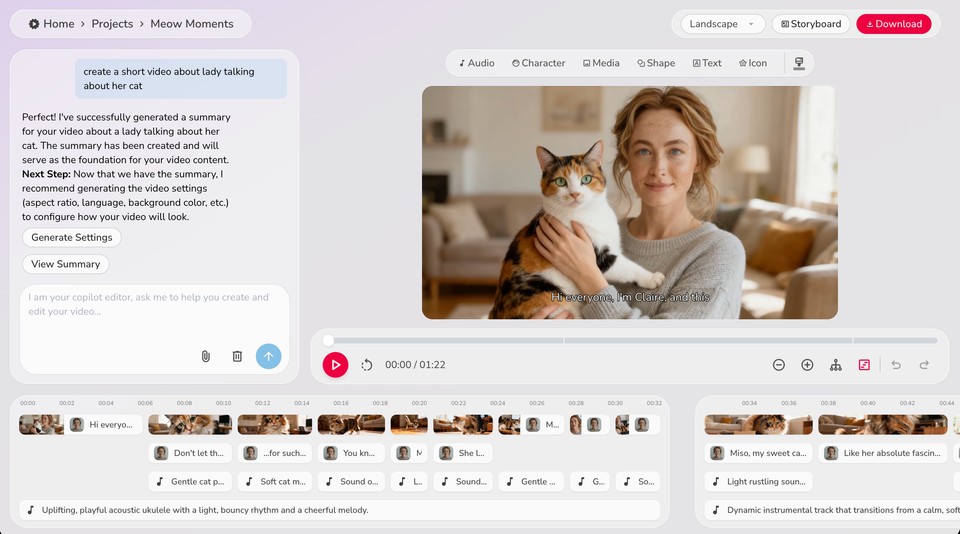
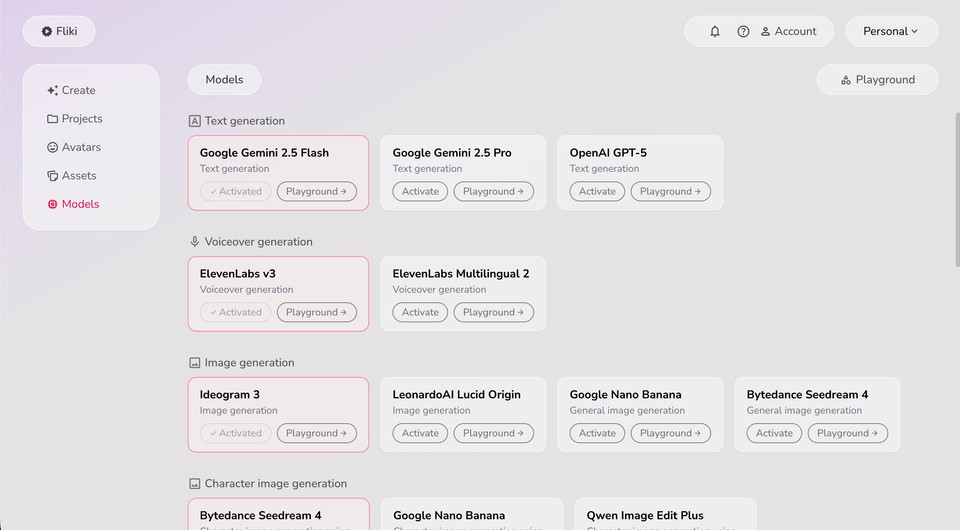
This space has been quiet for a few months because our small but mighty team has been rebuilding Fliki from the ground up. We rewrote the entire application to create Fliki Pro, designed for the AI era.
With recent advances in generative AI, we reimagined the product around a simple idea: AI is the new UI. Wherever AI can take over the heavy lifting, it should—while you stay in control. From video creation to editing, the entire workflow has been transformed.
Stay tuned to this space and your inbox—we’ll share more updates soon. In the meantime, here are a few screenshots:
🎬 Custom video templates
Jun 20, 2025
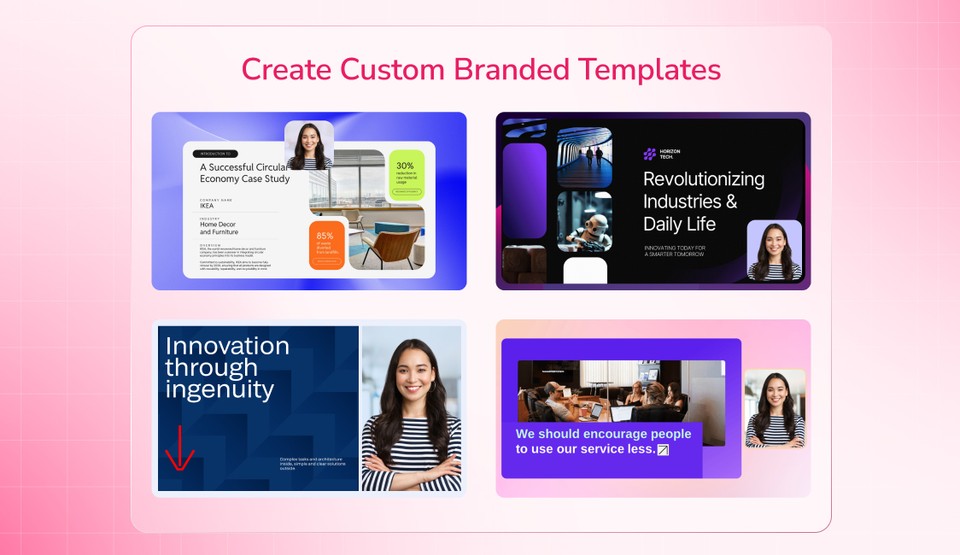
Design once, scale forever. Fliki’s new Custom video templates lets you build reusable video blueprints - perfect for automating high-quality content at scale while preserving your unique brand style.
How It Works
1. Convert a file to a template Turn any video you've made in Fliki into a smart template from the file menu.
2. Define structure with keys and prompts Label scenes as intro, body, outro, and guide Fliki’s AI on when and how to use each. Add prompts to tell the AI what to generate, when, and why.
3. Set up visuals, voice, and logic Control the narrator gender, set visual thumbnails, lock media assets, or let the AI generate custom audio, text, or images per your rules.
4. Use with automation Combine with Fliki workflows, Zapier, Make, or CSV-based Bulk Create to auto-generate videos with your design baked in.
If you're a business aiming to maintain consistent layouts, colors, and fonts or a creator using custom subtitles, transitions, and intro/outro scenes - custom templates let you automate without sacrificing design. [Learn more]
🔄 Zapier and Make integration
Jun 11, 2025
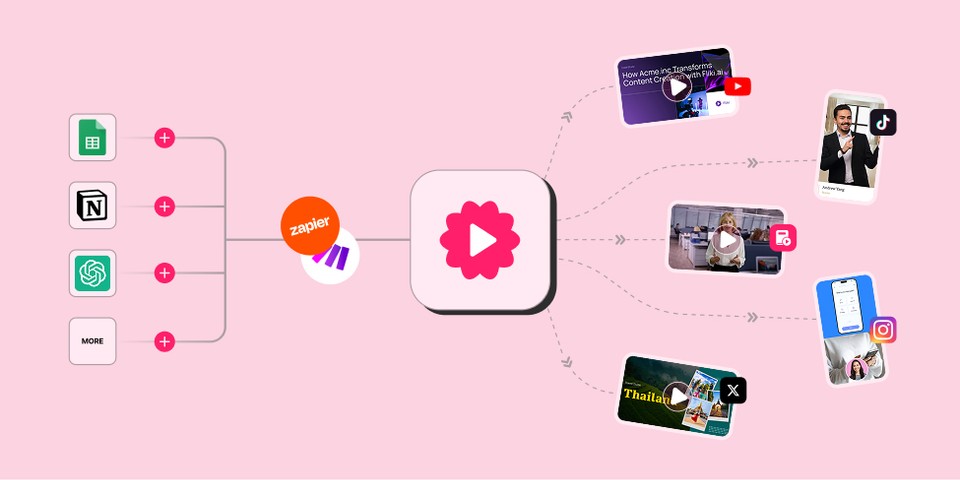
Automate your entire content pipeline with the new Zapier and Make integrations - now you can trigger Fliki to generate videos or audio from any app you already use.
Perfect for automating social media workflows, syncing with content calendars, or scaling content ops without manual work.
How It Works
Connect Fliki to Zapier or Make from the Automation tab.
Set up a trigger → e.g., new row in Google Sheets or a new post in Notion.
Define the action → Fliki auto-generates a video or audio file using your selected template.
Use additional steps to post directly to social media or save to Google Drive.
Whether you're automating daily content for Instagram, creating onboarding audios from form responses, or building dynamic marketing campaigns - Fliki + Zapier/Make gives you full control and hands-free content automation.