
Why AI dubbing suddenly matters
For most of the internet's history, publishing in one language meant reaching one audience. That is changing fast. YouTube now lets creators attach dubbed audio tracks to a single video, and after its multi-language audio feature rolled out to all creators in September 2025, testers reported that more than a quarter of their watch time came from viewers listening in a language other than the original. The demand was always there. CSA Research found back in 2020 that 76 percent of online shoppers prefer to buy when the information is in their own language, and 40 percent will not buy at all from a site in another language.
What changed is the cost of crossing that language barrier. Traditional studio dubbing runs anywhere from roughly 75 to several hundred dollars per minute and takes weeks per language. AI dubbing does a similar job in minutes for a fraction of the price, and the quality has crossed the line into "good enough" for most business and creator content. It is not yet a full replacement for premium human dubbing on film and television, and I will be honest about that throughout, but for YouTube, courses, ads, podcasts, and training, it is genuinely useful today.
I have spent a lot of time testing these tools, so this guide ranks the best AI dubbing software of 2026 with real pros, cons, and pricing, plus a decision framework so you can pick the right one for your specific job rather than the one with the loudest marketing.
How I evaluated these tools
A dubbing tool is only as good as its weakest link, because the process is a chain: transcribe the original, translate it, generate a new voice, fit that voice to the original timing, and (for on-camera speakers) optionally re-sync the lips. I weighed each tool on the criteria that actually determine whether a dub sounds and looks right:
-
Voice quality and naturalness, including whether it can clone the original speaker's voice.
-
Translation and localization quality, not just literal accuracy.
-
Timing and sync, since translated speech is often longer than the original and has to fit.
-
Lip-sync, which matters for talking-head video and not at all for podcasts.
-
Language coverage and multi-speaker handling.
-
Editability, because AI output should be treated as a first draft you can fix.
-
Price, free tier, and commercial rights.
Two honesty notes. First, all pricing and free-tier details below were verified on each vendor's own page in August 2026, and these change often, so confirm before you buy. Second, every language count is a vendor-claimed figure, not an independently audited one. Treat them as ballpark.
Quick picks
-
Best all-around and best value: Fliki
-
Best pure voice quality (audio only): ElevenLabs
-
Best for avatar and lip-synced video: HeyGen
-
Best dedicated video localization at volume: Rask AI
-
Best for enterprise training and L&D: Synthesia
-
Best for broadcast, live, and expressive dubbing: Camb.ai
-
Best free option on-platform: YouTube auto-dubbing
-
Best for Indian and Indic languages: Dubverse
The best AI dubbing software in 2026
1. Fliki - best all-around and best value
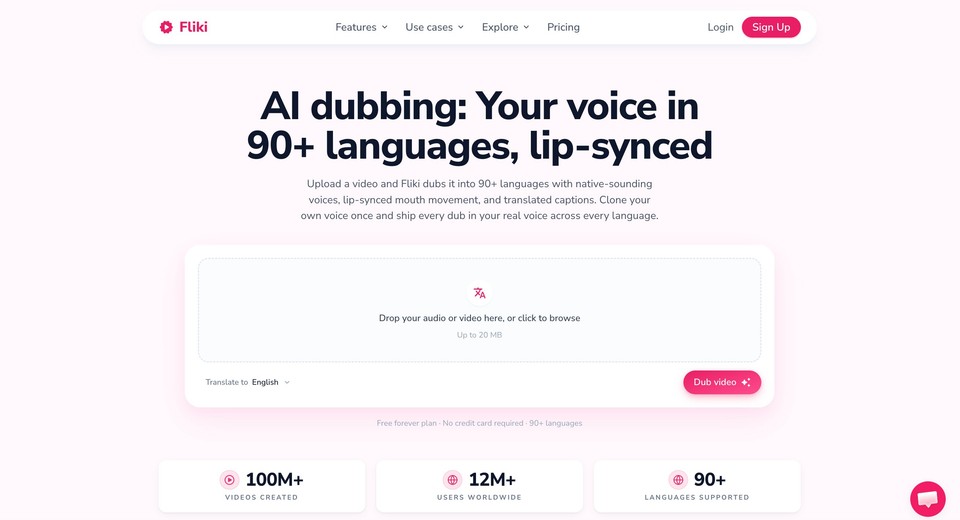
Fliki earns the top spot because it does the widest slice of the job well in one place, and it does it cheaply. You can translate and dub any video or audio file into 90-plus languages, choose to preserve each speaker's own voice (it clones them into the new language) or dub with any of 2,000-plus library voices, sync the speaker's mouth with its lip-sync engine, layer translated captions, and then edit every scene before you publish. It handles files up to 250 MB, and most jobs finish in under five minutes.
What makes it the best value is that dubbing is one part of a full AI video and voice suite. The same workspace does text to speech, voice cloning from a 30-second sample, script-to-video, captions, and a proper editor, so you are not stitching four subscriptions together. There is a genuine free plan, and paid plans are watermark-free with commercial rights.
Best for: creators, marketers, educators, and teams who want dubbing plus editing, captions, and voices in one affordable tool.
Supported languages: Arabic, Bulgarian, Chinese, Croatian, Czech, Danish, Dutch, English, Filipino, Finnish, French, German, Greek, Hindi, Hungarian, Indonesian, Italian, Japanese, Korean, Malay, Norwegian, Polish, Portuguese, Romanian, Russian, Slovak, Spanish, Swedish, Tamil, Turkish, Ukrainian, Vietnamese.
Pricing: free forever plan; affordable paid tiers, see Fliki pricing.
2. ElevenLabs - best pure voice quality
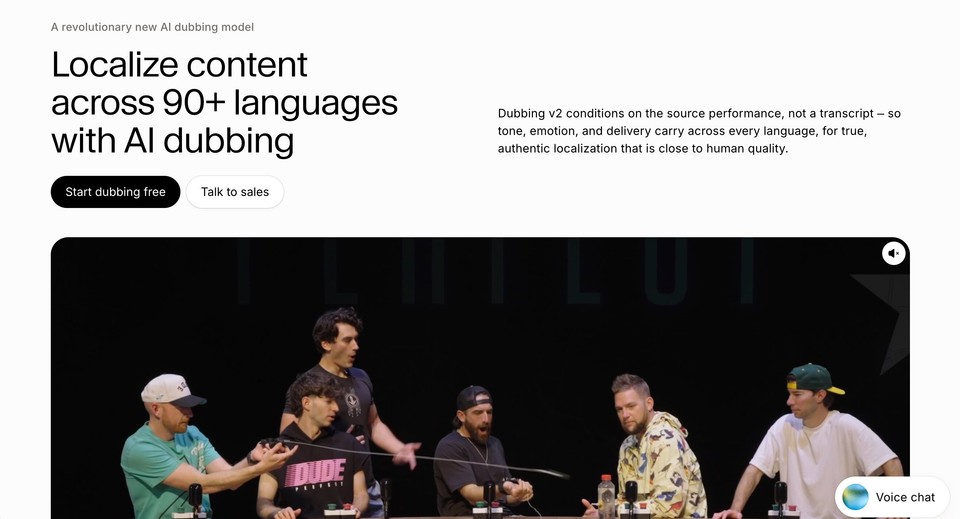
If your content is audio-first, a podcast, a voiceover, a narration, ElevenLabs produces some of the most natural AI speech available, and its automatic dubbing clones the original speaker so the translated version still sounds like them. Its Dubbing Studio lets you hand-edit the transcript, translation, and timing per speaker, which is exactly the kind of control serious work needs.
The catch is that it is audio only. There is no avatar or lip-sync, so for on-camera speakers the mouths will not match. The shared credit pool also drains quickly on long-form content.
Best for: podcasters, studios, and developers who want top-tier voice and an API.
Pricing: free tier (about 10 minutes of generation per month); Starter $6/mo; Creator $22/mo.
3. HeyGen - best for avatar and lip-synced video
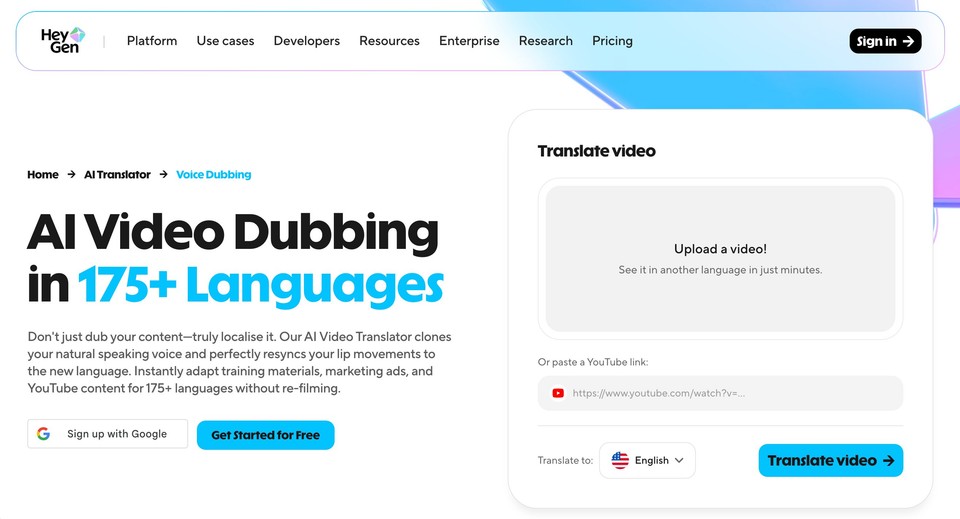
HeyGen built its name on AI avatars, and its video translation carries that strength into dubbing by re-syncing the speaker's lips to the translated audio. For a talking-head video where you want it to look native rather than obviously dubbed, that lip-sync is the differentiator.
Be aware of the credit model, which burns faster with lip-sync and avatar features, and note that editing the translation script is gated to the Pro plan and above.
Best for: marketers and L&D teams who want avatar video plus lip-synced translation.
Pricing: free plan (3 short watermarked videos per month); Creator $29/mo (around $24 billed annually); Pro $49/mo. Vendor lists 175 languages and dialects on paid tiers.
4. Rask AI - best dedicated video localization at volume
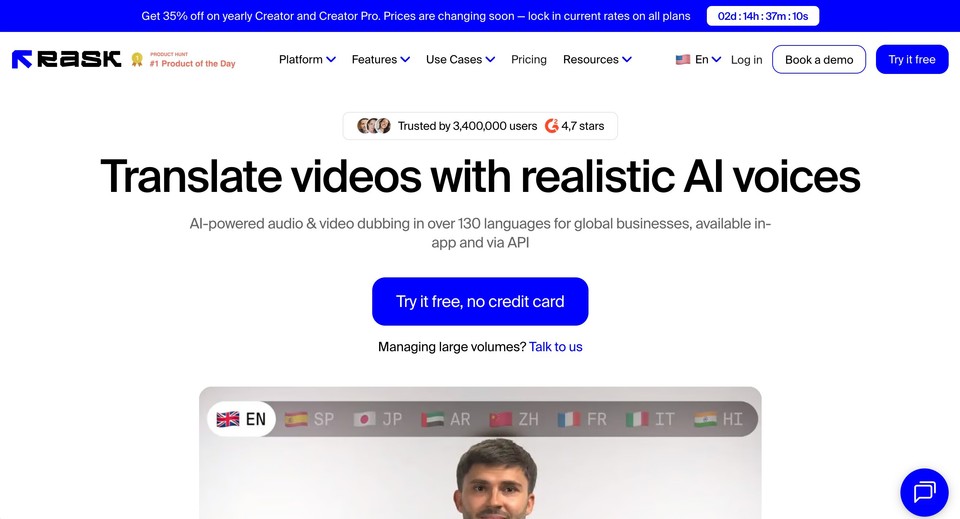
Rask AI is purpose-built for one thing: translating and dubbing video across many languages, with multi-speaker support, editable transcripts, and lip-sync. It translates into 135-plus languages (voice cloning into a smaller subset) and gives you the editing controls that agencies and EdTech teams need for high volume.
The honest trade-off is cost. It is priced per minute and works out relatively expensive, its enhanced lip-sync is in beta and consumes minutes at a higher rate, and unused monthly minutes do not roll over.
Best for: creators, agencies, and course platforms localizing a lot of video.
Pricing: small one-time free trial; Creator $60/mo for 25 minutes (cheaper effective rate billed annually).
5. Synthesia - best for enterprise training and L&D
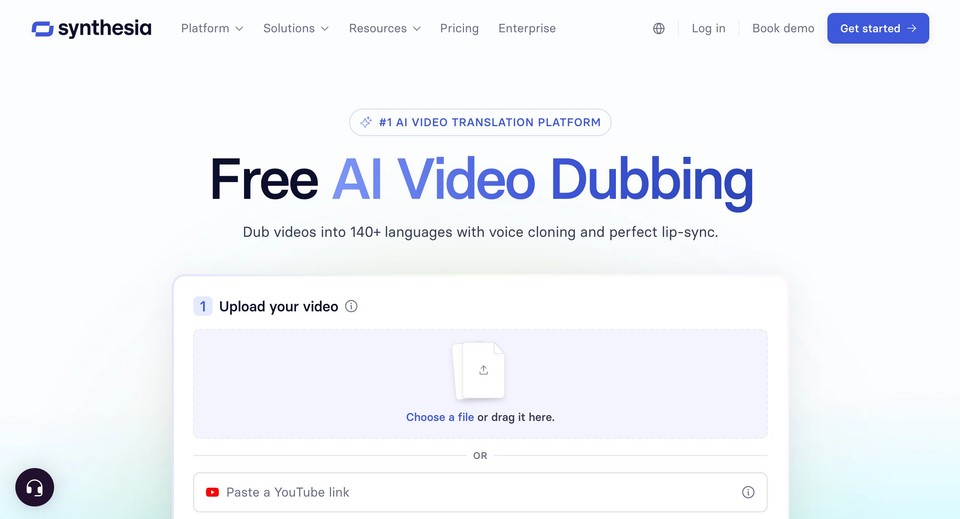
Synthesia is an avatar-first video platform, and dubbing is an add-on to that. If your goal is polished, avatar-led training, explainer, or compliance video that you also need to localize, it is a strong enterprise choice with speaker assignment, transcript editing, and solid security and governance.
It is not built for pure audio dubbing, its plan caps are tight (the entry tier includes only about 10 minutes of video per month), and lip-sync costs extra credits.
Best for: enterprise and L&D teams making avatar-led video they also localize.
Pricing: free tier with limited monthly minutes; Starter $29/mo (around $18 annually); Creator $89/mo.
6. Camb.ai - best for broadcast, live, and expressive dubbing
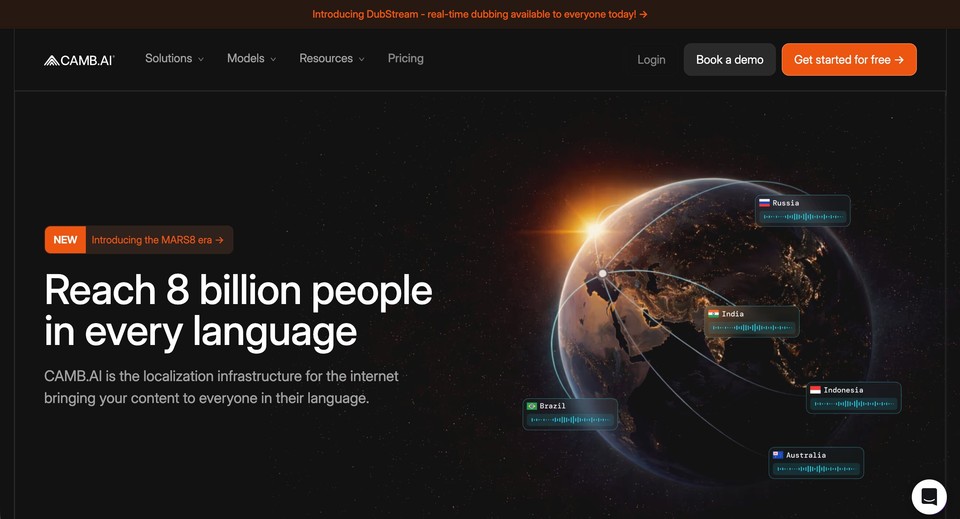
Camb.ai targets the high end. Built on its own MARS speech models, it focuses on emotionally expressive and even real-time dubbing, and it has been used by names like IMAX and major sports leagues. With 150-plus languages, it has the broadest coverage on this list, and it handles multi-speaker content well.
It does not headline consumer lip-sync, its credit-to-minutes math varies by model so it is less transparent than flat per-minute pricing, and it is overkill for a casual creator.
Best for: broadcasters, sports and news, and studios needing expressive or live dubbing at scale.
Pricing: free tier (about 15 minutes per month); Essentials $5/mo; Pro $20/mo.
7. Murf Dub - best big free trial for testing quality
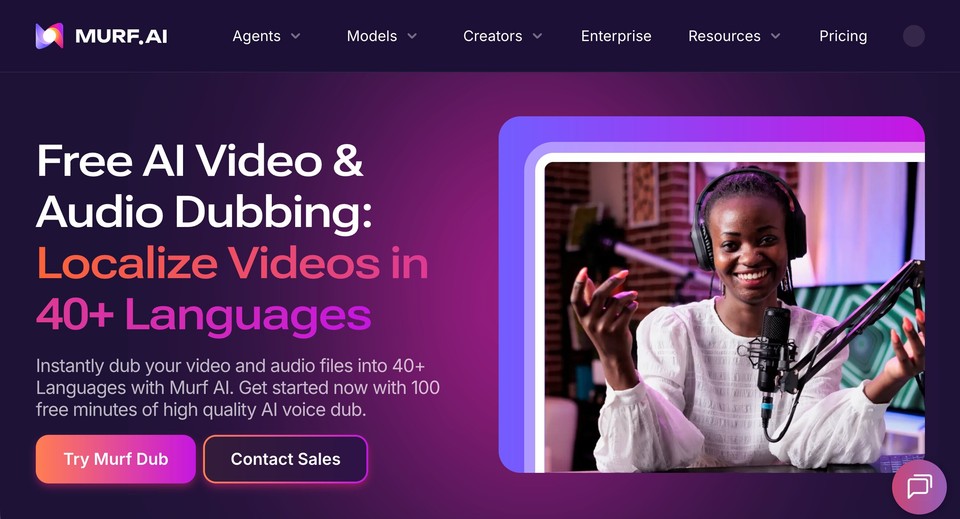
Murf pairs a well-regarded voice library with a dubbing product and voice cloning, and it stands out for giving you 100 free dubbing minutes to test before you commit, which is unusually generous.
Two caveats: its lip-sync is listed as coming soon rather than shipped, and its paid Dub pricing was not clearly published at the time of writing, so confirm it on the site.
Best for: creators and teams who want to trial dubbing quality at volume before paying.
Pricing: 100 free dubbing minutes (one-time); paid plans on murf.ai.
8. Descript - best if you already edit there
Descript is a text-based audio and video editor, and dubbing is one feature inside it. If you already cut your podcast or YouTube video by editing the transcript, generating a dubbed version into 30-plus languages in the same project is a real convenience, complete with multi-speaker support and translation you can proofread.
It has no true lip-sync for dubbing, and the fuller translate-and-dub capability sits on higher plans.
Best for: podcasters and video teams who already live in Descript.
Pricing: free tier (limited); Hobbyist $16/mo billed annually; full dubbing features on Business ($50/mo annually).
9. Speechify Studio - best cheap option for solo creators
Inside Speechify Studio you get affordable AI voiceover and dubbing with voice cloning, aimed at solo creators and marketers. It is inexpensive and covers 60-plus languages.
Mind the product maze: Speechify sells a separate TTS reader, a Studio product, and an API, and only Studio does dubbing, so it is easy to buy the wrong thing. There is no lip-sync, and the free tier has no commercial rights.
Best for: budget-conscious solo creators who need voiceover plus basic dubbing.
Pricing: free Studio tier (about 3 minutes of dubbing); Studio Starter $19/mo.
10. Kapwing - best browser editor with dubbing built in
Kapwing is a collaborative online video editor, and its AI dubbing shines when you also need trimming, subtitling, and team workflows in the same browser tab. It offers dubbing into 40-plus languages and lip-sync on higher tiers.
Dubbing is not included on the free plan, voice cloning is limited to the Business tier, and the dubbing caps are modest.
Best for: teams who mainly want an online editor and subtitling with dubbing attached.
Pricing: free plan (no dubbing); Pro $16/mo annually (dubbing up to 50 minutes per month); Business $50/mo.
11. Dubverse - best for Indian and Indic languages
Built in India, Dubverse offers affordable, credit-based dubbing with especially strong coverage of Indian regional languages like Hindi, Tamil, Telugu, Bengali, Marathi, and more, along with a capable editing studio.
Its entry credits are stingy (around 12 minutes of dubbing per month on the base paid plan), and voice cloning, lip-sync, and multi-speaker features are reserved for higher or enterprise tiers.
Best for: creators and EdTech localizing into Indian languages on a budget.
Pricing: short free trial; Pro $18/mo ($9/mo billed annually); Supreme $30/mo.
Also worth knowing
-
YouTube auto-dubbing is free inside YouTube Studio and default-on for many eligible creators, generating AI audio tracks in a couple of dozen language pairs. You trade control and polish for zero cost and native platform reach, and the auto-dubs cannot be edited. See the official help page.
-
Papercup is enterprise-only, human-in-the-loop dubbing for broadcasters who need broadcast-grade quality with human quality control. There is no self-serve signup or public pricing.
-
Wavel AI, Maestra, and Vozo are solid mid-market localization suites worth a look if the tools above do not fit, each bundling dubbing, subtitles, and lip-sync at competitive prices.
Comparison table
|
Tool |
Best for |
Lip-sync |
Voice clone |
Languages (vendor) |
Free tier |
Entry price (verify) |
|---|---|---|---|---|---|---|
|
Fliki |
All-around, best value |
Yes |
Yes |
90+ dub |
Yes |
Low monthly |
|
ElevenLabs |
Voice quality (audio) |
No |
Yes |
90+ (claimed) |
~10 min/mo |
$6/mo |
|
HeyGen |
Avatar + lip-synced video |
Yes |
Yes |
175 |
3 videos/mo |
$29/mo |
|
Rask AI |
Video localization at volume |
Yes |
Yes |
135+ |
3 min once |
$60/mo |
|
Synthesia |
Enterprise L&D avatar video |
Yes |
Yes |
70+ dub |
~10 min/mo |
$29/mo |
|
Camb.ai |
Broadcast, live, expressive |
No |
Yes |
150+ |
~15 min/mo |
$5/mo |
|
Murf Dub |
Big free trial |
Coming soon |
Yes |
40+ |
100 min once |
Paid (check) |
|
Descript |
In-editor dubbing |
No |
Yes |
30+ |
Limited |
$16/mo |
|
Speechify |
Cheap solo creator |
No |
Yes |
60+ |
~3 min |
$19/mo |
|
Kapwing |
Browser editor + dubbing |
Yes |
Business only |
40+ |
No dubbing |
$16/mo |
|
Dubverse |
Indian languages |
Higher tiers |
Supreme tier |
32 |
2-day trial |
$18/mo |
Pricing and free tiers verified August 2026; all subject to change. Language counts are vendor-claimed, not independently audited.
How AI dubbing actually works
Understanding the pipeline helps you judge quality, because errors compound at each step. First the tool separates dialogue from background music and effects, so only the speech gets replaced. Then it transcribes the speech with timestamps, translates that text, and generates a new voice, either a generic one or a clone of the original speaker. The hard part is timing: translated speech is often longer than the original (a three-second English line can run four or five seconds in Spanish or Hindi), so the system adjusts pacing to fit. Finally, for on-camera speakers, an optional lip-sync step re-renders the mouth, and everything is mixed back together with the preserved background audio.
The practical lesson is that no tool nails all of this automatically every time, which is why editability matters so much. Treat the first output as a draft, then fix the mistranslation, the rushed line, or the mispronounced name before you publish.
AI dubbing vs traditional dubbing
Traditional dubbing is a craft: human translators, voice casting, actors, a studio, and sound engineers. It delivers the best emotional and creative fidelity, which is why film, premium TV, and comedy still rely on it. It also commonly costs somewhere in the range of 75 to several hundred dollars per minute and takes weeks per language.
AI dubbing collapses that to minutes and a few dollars per minute, usually bundled into a monthly subscription. Ignore the "500 times cheaper" style claims you will see around the web, since those compare top-end film dubbing against the cheapest AI tier and are not a fair benchmark. The honest framing is that AI dubbing is dramatically faster and an order of magnitude cheaper for most business and creator content, while premium human dubbing still wins where performance is the product. Many teams now use a hybrid approach: AI for the first pass, a human reviewer for the polish.
How to choose the right one
-
If your content is on camera, pick a tool with real lip-sync (Fliki, HeyGen, Rask, Kapwing). If it is a podcast or voiceover, skip lip-sync entirely and choose on voice quality (ElevenLabs, Camb.ai, Fliki).
-
If you want the original speaker's voice preserved, prioritize voice cloning, which Fliki, ElevenLabs, Rask, and others offer.
-
If you have multi-speaker interviews or panels, verify diarization and per-speaker voice assignment before committing.
-
If you are an enterprise, weigh security, API access, glossary control, and human-review workflows over raw price.
-
If accuracy is critical, insist on an editable transcript and translation. A tool with no editor caps your quality.
-
If budget is the constraint, the free tiers from Fliki, Camb.ai, and YouTube's own auto-dubbing let you get real work done at zero cost.
The limits and ethics you should know
AI dubbing is powerful, not perfect, and being upfront about that is part of doing it well.
It still flattens emotional nuance and struggles with humor, sarcasm, idioms, and heavy accents, which is why human dubbing remains the standard for high-craft content. Voice cloning also raises real consent and likeness questions, so only clone voices you have permission to use, a principle reputable platforms enforce and one that sat at the heart of the industry's recent agreements on AI voice replicas.
Disclosure is becoming a legal requirement, not just good manners. The EU AI Act's Article 50 requires clear, perceivable disclosure of AI-generated or manipulated audio and video, and it applies from August 2026. Label AI-dubbed content, keep a record of consent for any cloned voice, and keep a human in the loop for anything high-stakes.
How to dub a video with Fliki in four steps
Since Fliki tops the list, here is the actual workflow so you can see how simple it is.
-
Upload your file. Drop in any video or audio up to 250 MB (.mp4, .mov, .mp3, .wav, .m4a).
-
Pick how it should sound. Choose Preserve original voice to keep each speaker's own voice now speaking the new language, or Choose a voice to dub with any of 2,000-plus library voices.
-
Choose your language. Translate into any of 90-plus languages, from Arabic and Hindi to Japanese, Spanish, and Vietnamese.
-
Hit Translate, then refine. In a few minutes you get a dubbed version, and you can edit every scene, the wording, the voice, the timing, before you publish.
For a deeper walkthrough of the whole localization process, our video localization guide covers translation, dubbing, and subtitling end to end, and our roundup of the best video translators is a useful companion read.
The bottom line
AI dubbing has quietly become one of the highest-leverage things a creator or business can do, turning one video into an asset that reaches audiences in dozens of languages for a fraction of what it cost even two years ago. If you want one tool that covers the widest range of that work well and affordably, start with Fliki. If you have a narrower need, pure voice quality, avatar video, enterprise scale, or Indian languages, the ranked picks above point you to the specialist that fits.
Whichever you choose, dub a short clip on a free plan first, listen critically, and edit the output before you publish. You can dub your first video free with Fliki and see how far one upload gets you.
FAQs
For most people, Fliki is the best all-around choice because it dubs video or audio into 90-plus languages with voice cloning, lip-sync, captions, and full editing in one affordable tool. For pure audio voice quality, ElevenLabs leads; for avatar and lip-synced video, HeyGen; for enterprise training, Synthesia.
Yes. Fliki, Camb.ai, and Synthesia all have free tiers with monthly dubbing minutes, ElevenLabs includes automatic dubbing on its free plan, and YouTube's built-in auto-dubbing is free inside YouTube Studio. Free tiers usually cap minutes and may add a watermark or withhold commercial rights.
Yes, with voice cloning. Tools like Fliki, ElevenLabs, and Rask can clone the original speaker and have that same voice speak the translated language, which sounds far more natural than a generic replacement voice.
For business, creator, e-learning, and marketing content, it is usually good enough and vastly cheaper and faster. For film, premium TV, comedy, and anything where the performance is the product, human dubbing still wins on emotional and cultural nuance. A hybrid of AI plus human review is a common middle ground.
Most tools run on monthly subscriptions that work out to a few dollars per minute, versus roughly 75 to several hundred dollars per minute for traditional studio dubbing. Exact costs depend on minutes, languages, and whether you need lip-sync.
Increasingly, yes. The EU AI Act requires clear disclosure of AI-generated or manipulated audio and video from August 2026, and it is good practice everywhere. Also make sure you have consent for any cloned voice.