Introduction
Every AI presentation tool promises the same thing: describe your deck, get back something polished in seconds. The reality is more varied. Some generate genuinely good first drafts, some bury you in credits, some produce slides that fall apart the moment you export them to PowerPoint, and a few quietly invent the "data" on your charts.
So I did the tedious part for you. I ran the same prompt through the leading tools, judged them on the things that actually matter when a deck is going in front of a client, an investor, or your leadership team, and ranked them honestly, including where a competitor beats the tool I work on. I work on content at Fliki, and yes, Fliki is on this list; I will show you exactly why it earns its spot and exactly where another tool is the better pick. Let's get into it.
Quick picks
If you just want the short version:
-
Best for on-brand, researched decks you will also turn into a video: Fliki
-
Best overall for speed and polish: Gamma
-
Best if you live inside PowerPoint: Microsoft Copilot
-
Best free option if you use Google Workspace: Google Gemini in Slides
-
Best all-round design tool: Canva
-
Best for automatic slide layout: Beautiful.ai
How I tested them
Speed was not a differentiator; nearly every tool returns a draft in one to five minutes. What separates them is everything after "generate." I judged each tool on six things:
-
First-draft quality. Does the deck look professional and consistent, or obviously AI-generated?
-
Editability. Can you quickly change content, layout, and visuals after generation, and does it survive export?
-
Instruction-following and fact accuracy. Does it stick to the brief, and critically, does it keep the facts straight instead of inventing them?
-
Data handling. Can it turn numbers into clean, correct, editable charts?
-
Export. Real editable PPTX, Google Slides, PDF, images, and does the layout hold up?
-
Value. How much is genuinely usable for free, and are the paid plans and credit limits fair?
I also added a seventh lens most roundups skip: can you take the finished deck beyond slides, into a narrated video for an async update or a social clip, since that is increasingly where decks end up. And I cross-checked my impressions against real user reviews on G2 and Reddit.
The prompt I used on every tool
To keep it fair, I gave each tool the same brief, which you can reuse:
"Create a 10-slide investor pitch deck for a B2B software product using the content I provide. Cover the problem, customer, solution, product, market, traction, business model, competition, team, and funding ask. Keep every fact and figure exactly as supplied, turn the market and traction data into clear editable charts, and do not invent any missing information or sources. Use concise takeaway titles, varied layouts, and a clean professional theme. Make the finished deck easy to edit and suitable for investors."
That last instruction, "do not invent," is the one that trips up the most tools. Hold that thought.
The 9 best AI presentation makers
1. Fliki, best for on-brand, researched decks you will also turn into a video
Most tools on this list generate a deck and stop there. Fliki's Presentation workflow does two things the others mostly do not: it researches your topic and cites real sources on the slide, and it sits in the same place you would later turn that deck into a narrated video. You describe the presentation, set the slide count and the density (a genuinely useful choice between sparse "for presenting" slides and denser "for reading" slides), leave web research on, apply your brand kit, and pick a look or upload your own PPTX to match.
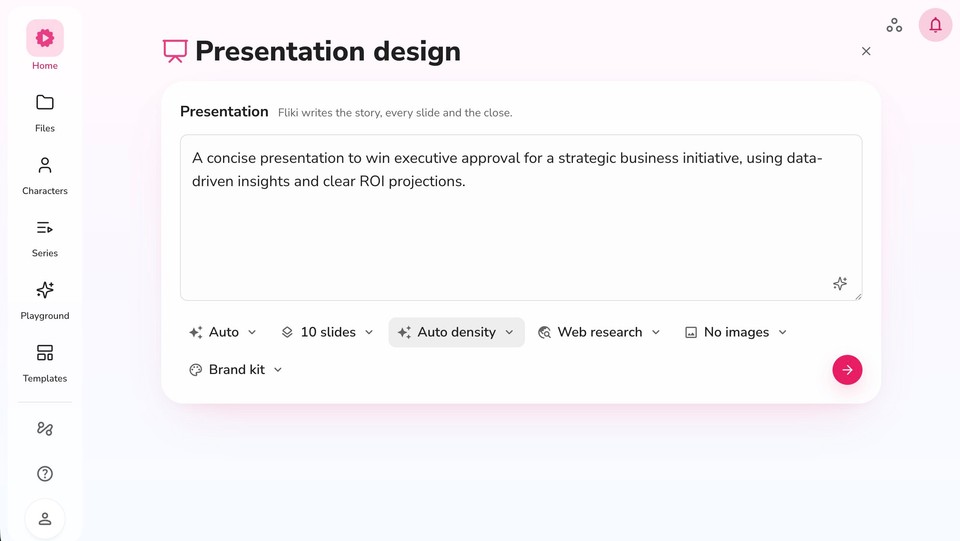
On the prompt test, the standout was the data discipline. Because web research is on, it pulled real figures and put a visible source line on the slide (for example citing the Project Management Institute) rather than fabricating numbers, which is exactly what you want when the brief says "do not invent." The deck opened in a real editor with a Pages panel, editable charts and text, and a Copilot you can instruct in plain language ("make the headline larger," "change the background to a bold gradient").
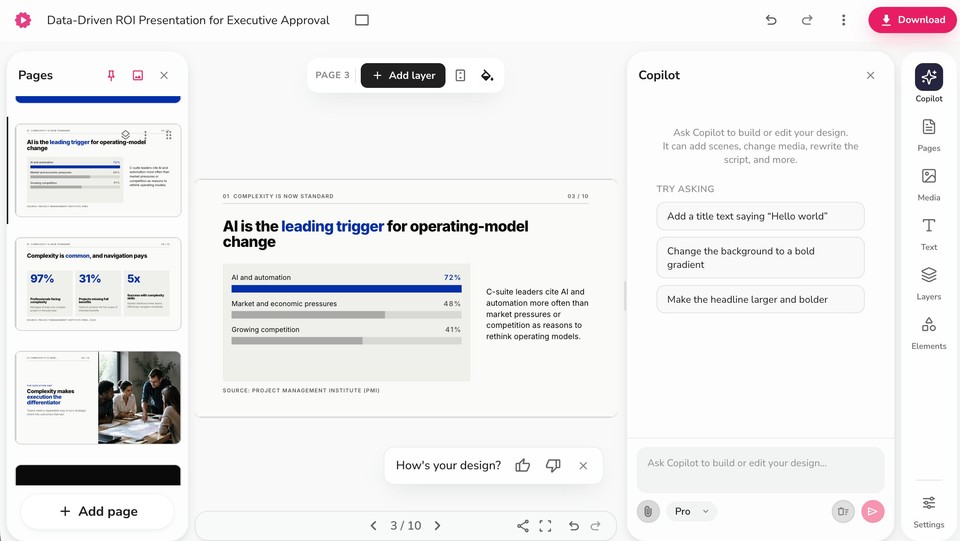
You export an editable .pptx, a PDF, or per-slide images, and, uniquely here, you can then turn the same deck into a video with an AI voiceover or an avatar presenting each slide. That makes it the natural pick if your deck has a second life as an async update, a course, or a social clip.
Pros: researched, cited data instead of hallucinated numbers; brand kit applied from the first draft; editable PPTX export; the only tool here that takes the deck to a narrated video.
Cons: newer to slide decks than Gamma or Canva, so the template gallery is smaller; the deepest value shows up when you use the video side too.
Free option: yes, a free plan to try. Paid plans are credit-based; check current pricing.
Verdict: 4.5/5
2. Gamma, best overall for speed and polish
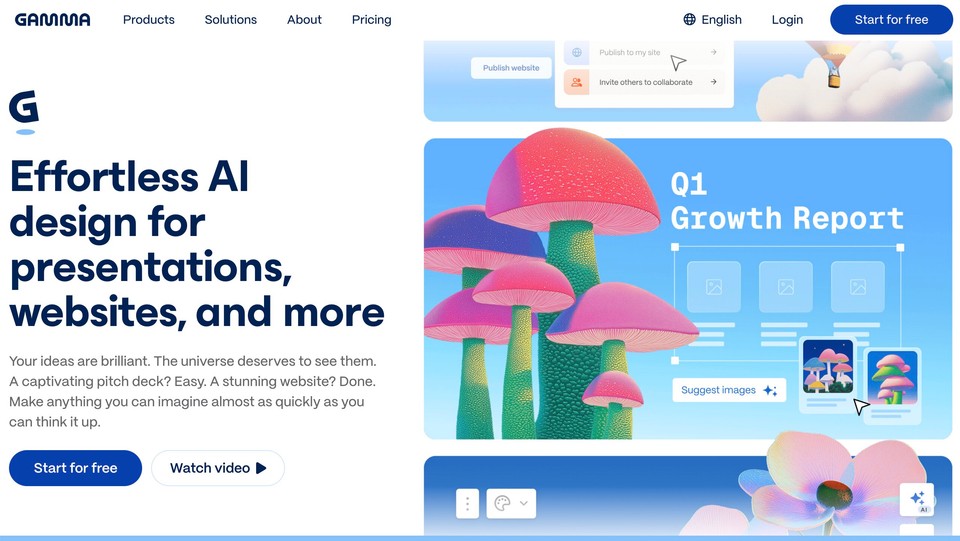
Gamma is what many people picture when they say "AI presentation maker," and for good reason. Give it a prompt, an outline, or pasted text and it returns a strikingly polished deck fast, with a card-based format that looks modern out of the box. It exports to PDF, PPTX, PNG, and Google Slides, and the free tier generates up to 10 slides per prompt, verified on Gamma's pricing page.
On the prompt test it produced one of the best narrative flows of any general tool, connecting problem to solution to product cleanly and turning metrics into visual callouts. The catch is the one thing to know about Gamma: its cards are not classic 16:9 slides, so the PowerPoint export can need cleanup on spacing and sizing. If the deck must live in a strict company PPTX template, test the export first.
Pros: fastest to a genuinely good-looking draft; excellent for link-sharing and presenting from a browser; easy to restyle.
Cons: card format means PPTX exports can shift; free exports carry Gamma branding; credits deplete.
Free option: yes.
Verdict: 4.5/5
3. Microsoft Copilot in PowerPoint, best if you live inside PowerPoint
Oddly, most "best AI presentation maker" roundups skip the one built into the world's most-used presentation software. Copilot can create a deck from a prompt or from an existing Word document, right inside PowerPoint. Because the output is native PowerPoint, there is no export step and no conversion loss, which is a real advantage if your organization runs on PPTX and brand templates.
The trade-off is access and polish: the full create-from-a-file workflow requires a paid Microsoft 365 Copilot license on top of your Microsoft 365 subscription, so it is not free, and the design is competent but leans generic, so plan to customize. Verify the exact license tier, as Microsoft changes it.
Pros: native, fully editable PowerPoint with speaker notes; uses your org templates and content; no conversion loss.
Cons: needs a paid Copilot license; generic default design; Microsoft ecosystem only.
Free option: no, requires paid Copilot.
Verdict: 4/5
4. Google Gemini in Google Slides, best free-ish option for Google Workspace users
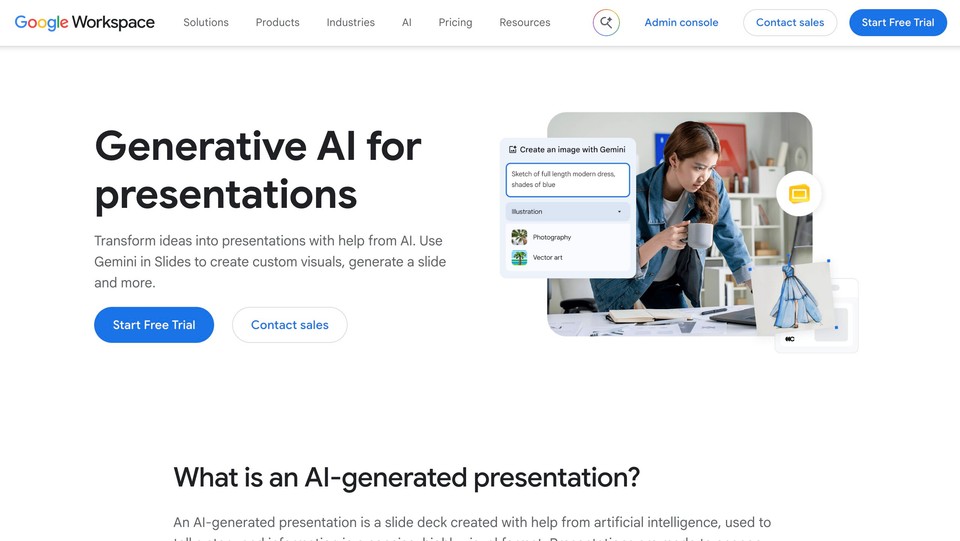
This one deserves a fresh look, because the old limitation is gone. Gemini in Google Slides can now generate a full, editable presentation from a prompt, not just images and snippets. You describe the deck, optionally point it at Drive files, review a plan before it builds, and it even offers a "match presentation style" option for brand consistency. The output is native Google Slides, which you can download as PPTX or PDF.
On the test it kept my supplied figures intact and, like the best tools, showed me an editable plan first so I could catch gaps before it built everything. Designs are clean but safe, and several slides shared similar layouts. The constraints: it is desktop and English only and needs an eligible Google Workspace or Google AI plan, so confirm your plan covers it.
Pros: lives in Slides with real collaboration; strong with detailed prompts and Drive files; plan-first workflow; editable.
Cons: gated to paid Workspace/AI tiers; desktop and English only; designs can feel generic.
Free option: limited free use; fuller features need a paid plan.
Verdict: 4/5
5. Canva Magic Design, best all-round design tool
Canva generates a deck from a prompt or an uploaded document inside the editor you may already know, backed by an enormous template and asset library. Its standout is export range: PPTX, PDF, and MP4 video. On the test it produced a good-looking deck quickly, with visuals as its strongest suit; the narrative structure was more basic and needed work to connect slide to slide.
Two caveats: layouts can drift when you open the PPTX in PowerPoint, so check fonts and positioning, and the best AI and brand-kit features sit behind Canva Pro. If presentations are one of many things you design, Canva is hard to beat; if decks are your core job, a specialist will help more with story and structure.
Pros: massive template and asset library; broadest exports including video; brand kit; usable free tier.
Cons: PPTX layout drift; AI output less "one-shot polished" than Gamma; best features paywalled.
Free option: yes.
Verdict: 4/5
6. Beautiful.ai, best for automatic slide layout
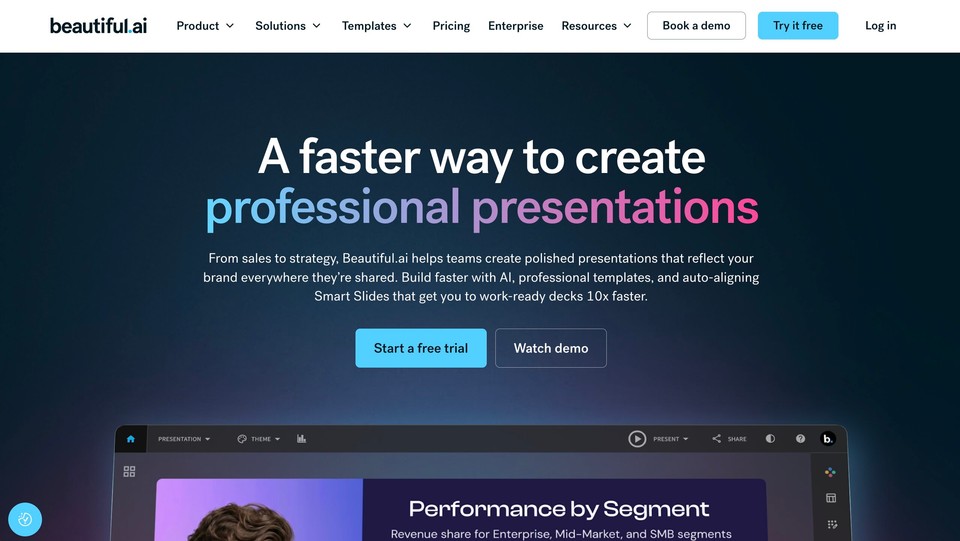
Beautiful.ai is for people who hate formatting slides. Its Smart Slides auto-adjust spacing, alignment, and sizing as you add content, so you are never nudging text boxes, and DesignerBot can generate a whole deck from a prompt, file, or link. First drafts are consistently clean. The trade-off is control: Smart Slides work best when you follow their structure, and the tool openly warns that exporting to PowerPoint degrades its smart layouts.
Pros: polished, hard-to-make-ugly output; formatting handled for you; unlimited AI generation.
Cons: rigid when you want precise control; no permanent free tier (trial only); PPTX export degrades layouts.
Free option: 14-day trial only.
Verdict: 4/5
7. Plus AI, best for generating inside PowerPoint or Google Slides
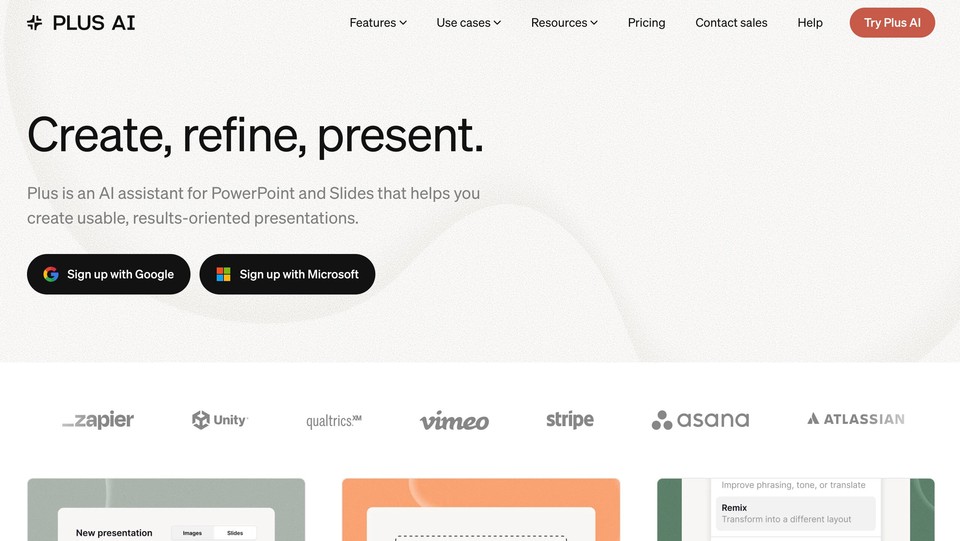
Plus AI is not a separate web app; it is an add-in that works inside PowerPoint and Google Slides. You generate a deck, rewrite content, insert slides, or convert a document to slides without leaving your usual editor, and the output stays natively editable. First drafts look conservative, but the native workflow is the point, especially when improving an existing deck rather than starting fresh.
Pros: native, editable output in the tools you already use; great for editing existing decks; doc-to-deck.
Cons: subscription on top of Google/Microsoft; trial requires a card; repeated edits burn credits.
Free option: 7-day trial.
Verdict: 4/5
8. Presentations.ai, best for a polished deck from a short brief
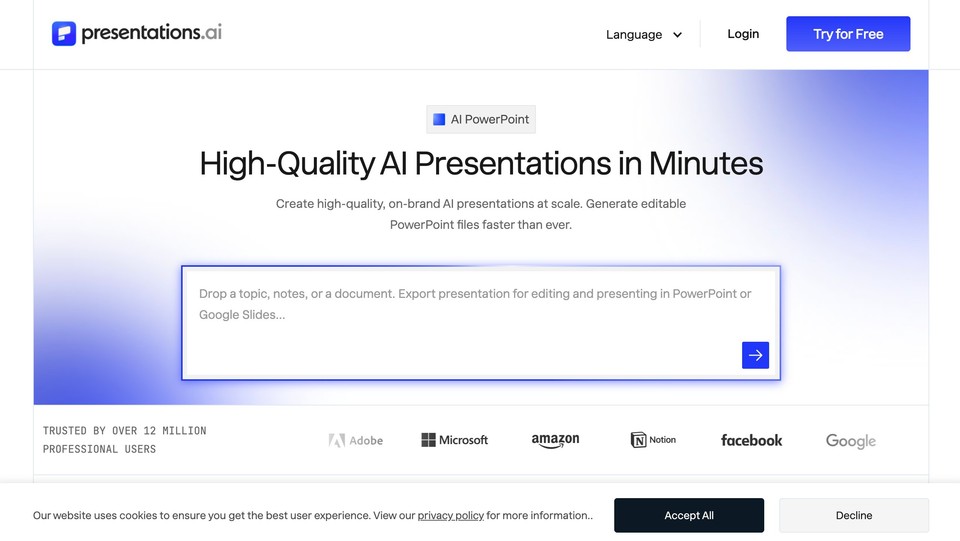
Presentations.ai turns a short brief into a surprisingly polished, consistent deck without you writing a detailed prompt. It handles the storyline and layouts, and adds brand customization, collaboration, and analytics. On the test the storyline made sense and the design stayed consistent, but it sometimes shortened the exact details I supplied to keep slides clean, which matters when wording or figures must stay untouched. PPTX export requires a paid plan and consumes credits.
Pros: polished first draft from little input; consistent design; free entry tier.
Cons: PPTX export paywalled and credit-costed; less precise control; can trim your exact content.
Free option: yes (Starter).
Verdict: 3.5/5
9. Decktopus, best beginner-friendly guided flow
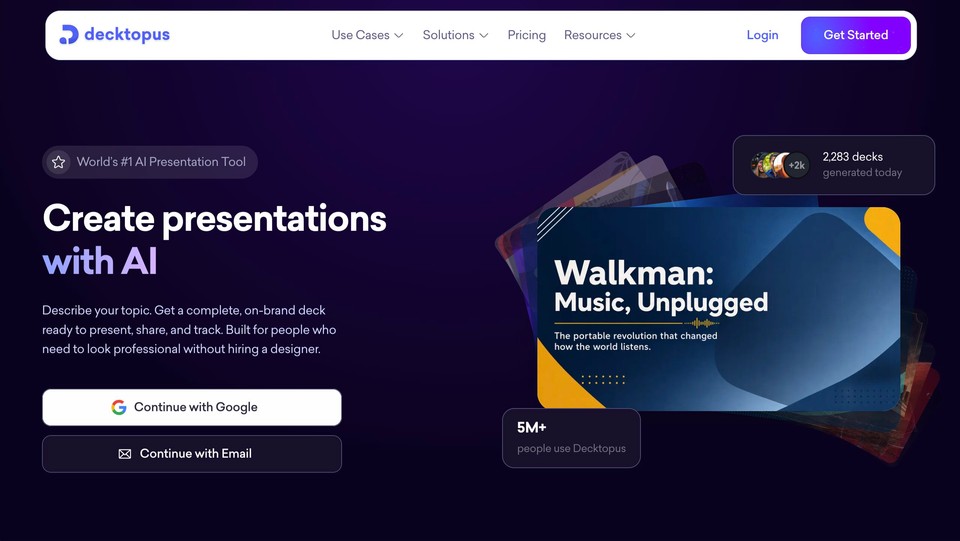
Decktopus walks you through audience and purpose with a guided form, then builds the deck and adds extras like speaker notes, talking points, and rehearsal tools. It is approachable for first-timers and exports to PPTX, PDF, and PNG on paid plans. Design is a notch below Gamma or Beautiful.ai, and pricing is inconsistent across sources, so verify on the vendor page.
Pros: beginner-friendly; includes speaker notes and rehearsal features.
Cons: less polished design; opaque pricing; credit-limited.
Free option: trial credits.
Verdict: 3.5/5
Also worth knowing
A few more are strong for specific jobs. Visme is excellent for data-rich, interactive decks and reports if you do not mind a busier editor. Pitch shines as a collaborative workspace for sales and startup teams rather than a pure generator. Slidebean is purpose-built for startup fundraising decks. SlidesAI is a budget add-on for turning notes into Google Slides or PowerPoint. Prezi remains the choice for non-linear, zoomable presentations. One heads-up: Tome discontinued its consumer presentation product in 2025, so despite older roundups recommending it, it is no longer a current option.
Comparison at a glance
|
Tool |
Best for |
Editable PPTX export |
Free option |
Deck to video |
|---|---|---|---|---|
|
Fliki |
Researched, on-brand decks + video |
Yes |
Yes |
Yes (voice/avatar) |
|
Gamma |
Speed and polish |
Yes (may need cleanup) |
Yes |
No |
|
Microsoft Copilot |
Working inside PowerPoint |
Native PPTX |
No (paid Copilot) |
No |
|
Google Gemini (Slides) |
Google Workspace users |
Via Slides export |
Limited |
No |
|
Canva |
All-round design |
Yes (may drift) |
Yes |
Exports MP4 |
|
Beautiful.ai |
Automatic layout |
Yes (degrades) |
Trial only |
No |
|
Plus AI |
Add-in for PPT/Slides |
Native |
Trial |
No |
|
Presentations.ai |
Polished deck from a brief |
Paid only |
Yes |
No |
|
Decktopus |
Guided, beginner-friendly |
Paid plans |
Trial credits |
No |
Pricing and limits verified October 2026 and change often, including taxes, regional pricing, annual billing, and AI credits. Confirm current pricing on each vendor's page before buying.
What every AI presentation maker still gets wrong
No tool on this list is safe to present raw, and knowing the failure modes is what separates a good deck from an embarrassing one.
The dangerous one is hallucinated facts. AI will confidently invent statistics, quotes, and even citations. This is exactly why my test prompt said "do not invent," and why the tools that do real web research and cite sources scored higher on trust. Whatever tool you use, verify every number, date, and source yourself before it goes in front of anyone.
The visible one is generic design. Left untouched, AI decks share a recognizable off-the-shelf look. A few minutes applying your brand colors, fonts, and logo, or starting from a brand kit, is what makes it yours.
The common one is overstuffed slides. AI tends to dump paragraphs and multiple ideas onto a slide. The oldest rule in presentation design still applies, and designers like Nancy Duarte have made the case for years: one idea per slide. If the audience cannot grasp a slide in a few seconds, cut it down.
And the structural one: AI cannot judge your narrative. It does not know which point deserves emphasis or what your specific audience already believes. Treat the AI draft as a strong first draft, not a finished deck.
Which AI presentation maker should you choose?
Match the tool to your real situation:
-
You make business or investor decks regularly and want them on-brand, factually grounded, and sometimes as a video: Fliki.
-
You want the best-looking deck fastest and will present from a browser or link: Gamma.
-
Your company runs on PowerPoint and brand templates: Microsoft Copilot (if you have the license) or Plus AI.
-
You live in Google Workspace: Gemini in Google Slides.
-
You design lots of things, not just slides: Canva.
-
You hate formatting and want it automated: Beautiful.ai.
-
You are raising money: Slidebean.
-
You present data heavily: Visme.
A budget reality check: most people are better served by one $10 to $30 per month all-rounder than by stacking three single-purpose tools. Start on a free tier, run your real deck through it once, and let the output decide.
The bottom line
The AI presentation category has matured from novelty to genuinely useful. Gamma is the fastest route to a polished deck, Copilot and Gemini win if you already live in PowerPoint or Google, Canva is the all-rounder, and Fliki is the pick when you want a researched, on-brand deck that can also become a video. But every one of them hands you a first draft, not a finished presentation. The winning move is the same regardless of tool: verify the facts, apply your brand, cut each slide to one idea, and edit. If you want a deck that is grounded in real sources and ready to become a video, you can build one in Fliki free and see how it compares to your current tool.
If you would rather learn the end-to-end process than compare tools, our guide on how to make a PowerPoint with AI walks through it step by step.
FAQs
For most business users it is the tool that generates an on-brand, factually grounded deck you can fully edit, which is why I rank Fliki and Gamma at the top. If you work inside PowerPoint, Microsoft Copilot is the most seamless; if you use Google Workspace, Gemini in Slides is the easiest.
Gamma's free tier (up to 10 slides per prompt), Google Gemini in Slides (with an eligible plan), Canva's free plan, and Fliki's free plan are all worth trying. Free output is sometimes watermarked or limited, and the strongest features usually need a paid plan, so check current limits.
Most export an editable .pptx. Copilot and Plus AI produce native PowerPoint since they work inside it, while web tools like Fliki, Gamma, and Canva export a .pptx you open in PowerPoint. With web tools, check the export for layout drift before presenting.
The design and first draft usually are, and they save hours. The risks are hallucinated facts, generic styling, and overcrowded slides. Verify every number, apply your brand, cut to one idea per slide, and edit before presenting.
For investor pitches specifically, Slidebean is purpose-built, while Fliki and Gamma handle business and sales decks well. Whichever you choose, keep every supplied figure intact and verify the data, since accuracy matters most to that audience.
Yes. Fliki can turn a finished deck into a narrated video with an AI voiceover or avatar presenting each slide, and Canva can export a deck to MP4. This is increasingly common for async updates, courses, and social clips. See our guide on converting a PPT to video.