AI video to text converter: Transcribe in 80+ languages

Upload any video and Fliki transcribes the audio with up to 95% accuracy on clean audio in supported languages - accuracy varies with background noise, accent, and audio quality. Speaker detection, word-level timing, SRT export, and one-click burn-in to ship a captioned video alongside the transcript.

Free forever plan · No credit card required · 80+ languages

100M+
VIDEOS CREATED
12M+
USERS WORLDWIDE
80+
LANGUAGES SUPPORTED

Why creators pick Fliki

Video transcription that ships with captions

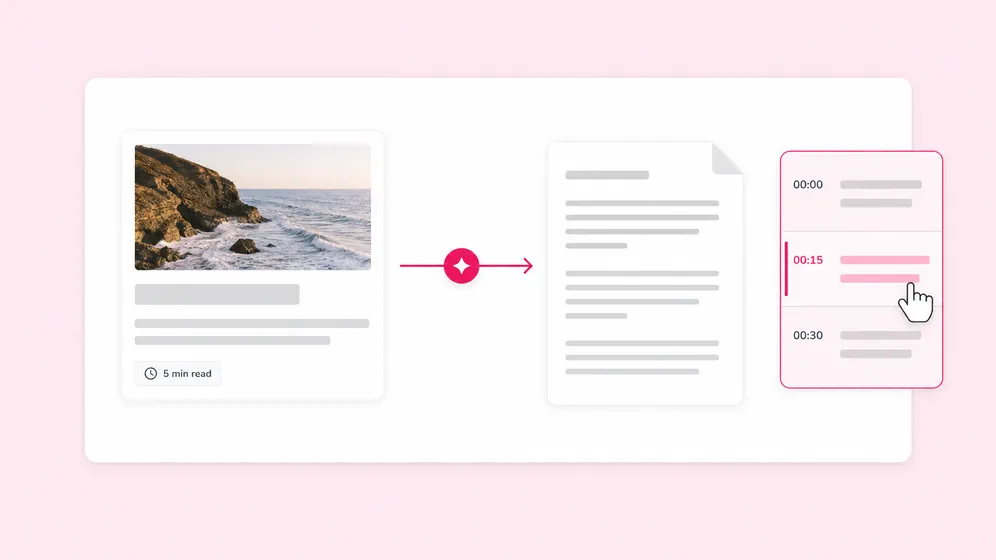
Standalone transcription tools hand back text and stop. Fliki transcribes accurately and turns the same transcript into burnt-in captions, animated TikTok styles, or translated SRT. All in one project.

Up to 95% accuracy across 80+ languages

Speech recognition tuned for video. Spanish, French, German, Hindi, Mandarin, Arabic, Portuguese, Japanese, Korean, Russian, and 70+ more.

Speaker detection in interviews

Multi-speaker videos get automatic speaker labels in both the transcript and exported SRT via our audio to text engine. Critical for interviews, panel recordings, and podcast video clips.

Word-level timing for animated captions

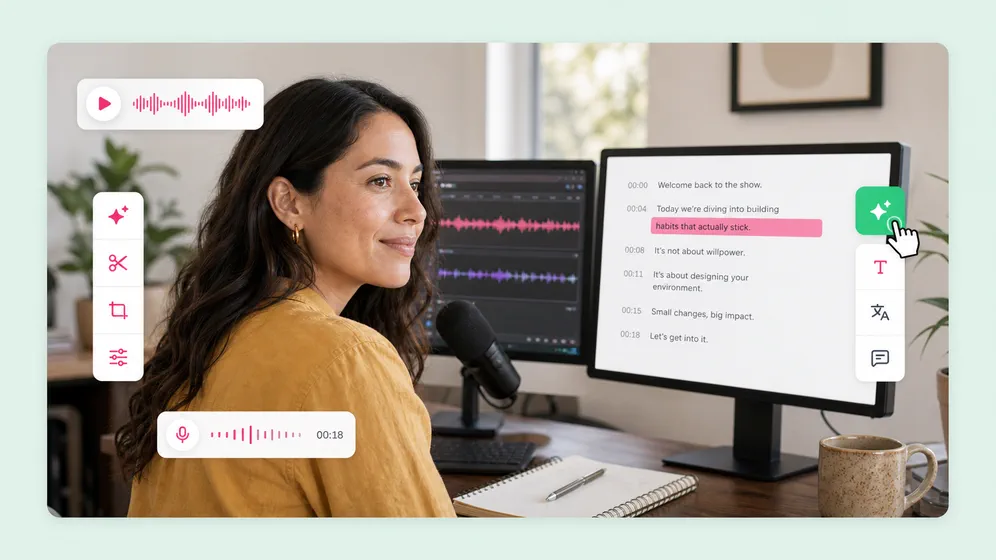
Every word ships with timestamp metadata. Pair with our auto caption generator for TikTok-style word-by-word animations. Bouncy, word-pop, karaoke highlights.

One-click burnt-in captions

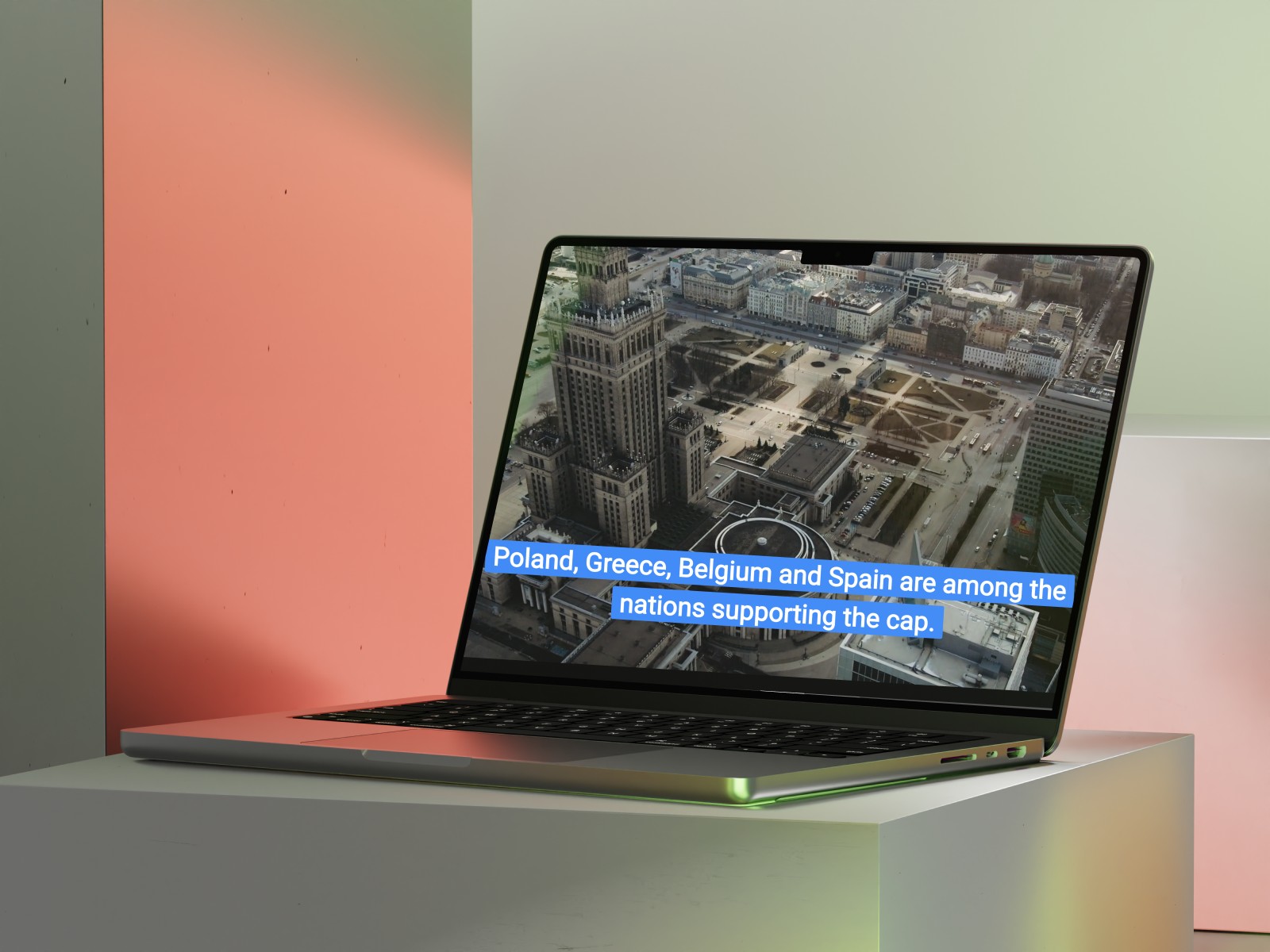
Transcript becomes a captioned video in one click with our AI subtitle generator. Pick a TikTok-style animation, brand-kit fonts, or classic style. Then export 1080p MP4 with captions baked in.

SRT, VTT, TXT, or DOCX export

Export the transcript alone as SRT/VTT for YouTube, TXT for editing, DOCX for documentation, or with a captioned MP4. Same project, multiple deliverables.

Translate to 80+ languages

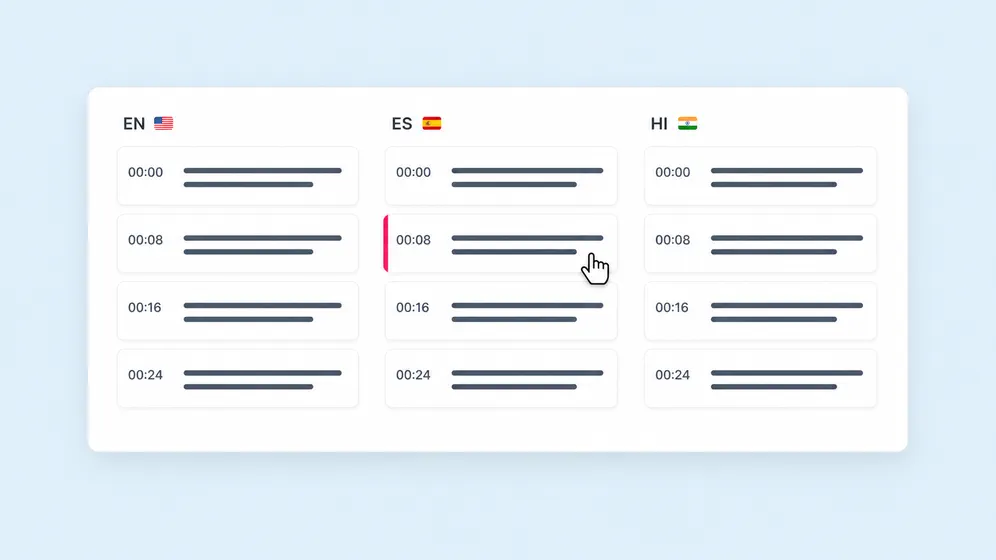
Auto-translate transcripts into 80+ languages with our AI translator in one click. Pair with AI dubbing to ship a fully voiced and lip-synced multilingual version.

Edit transcript like a doc

Wrong word? Click and retype. Need to merge or split lines? Drag. The same editor handles transcription, caption styling, and final video export.

YouTube and Vimeo URL support

Paste a YouTube or Vimeo URL to transcribe an existing video without uploading. Useful for repurposing competitor content or your own back catalog.

Watermark-free, commercial-ready

Paid plans ship watermark-free transcripts and captioned video output with full commercial usage rights covering transcripts, captions, and translated audio.

How it works

How to transcribe a video with AI in 4 steps

From an MP4 upload to a clean transcript and captioned video in under 5 minutes. Fliki handles the recognition, timing, and styling.

Step 1

Upload or paste your video

Drop in MP4, MOV, WebM, or any common format up to 20 MB. Or paste a YouTube/Vimeo URL to transcribe an existing video.

Step 2

Pick source language (or auto-detect)

Fliki auto-detects the language across 80+ supported options. Override if you’re recording in a regional dialect.

Step 3

Get a labeled transcript

Fliki detects speakers and ships word-level timestamps. Accuracy is up to 95% on clean audio in supported languages - edit any line manually if needed.

Step 4

Export transcript or captioned video

Export SRT/VTT/TXT/DOCX, or one-click into a captioned video with TikTok-style animations or classic burnt-in subtitles.

Use cases for Video to Text

One transcriber. Every kind of video.

YouTube videos, podcast video clips, course recordings, interviews, webinars, social shorts. Fliki transcribes accurately and turns the transcript into captioned content.

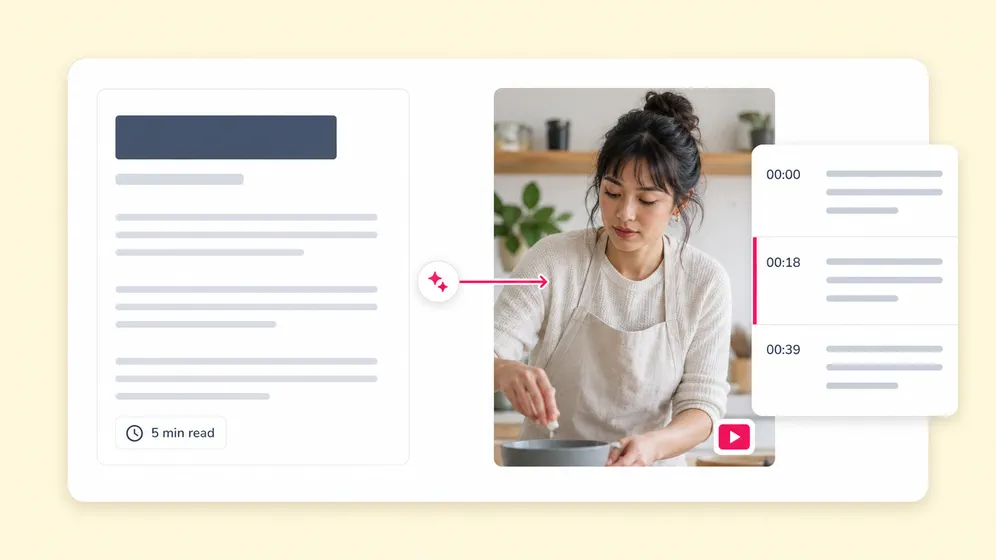
YouTube video to text with timestamps and SRT. Fliki Video to text for YouTube transcripts.
YouTube transcripts

YouTube video to text with timestamps and SRT

Paste any YouTube URL and Fliki returns a clean, timestamped transcript ready for blog posts, AI Overview citations, study notes, or SRT upload. The fastest path from a YouTube video to searchable, repurposable text.
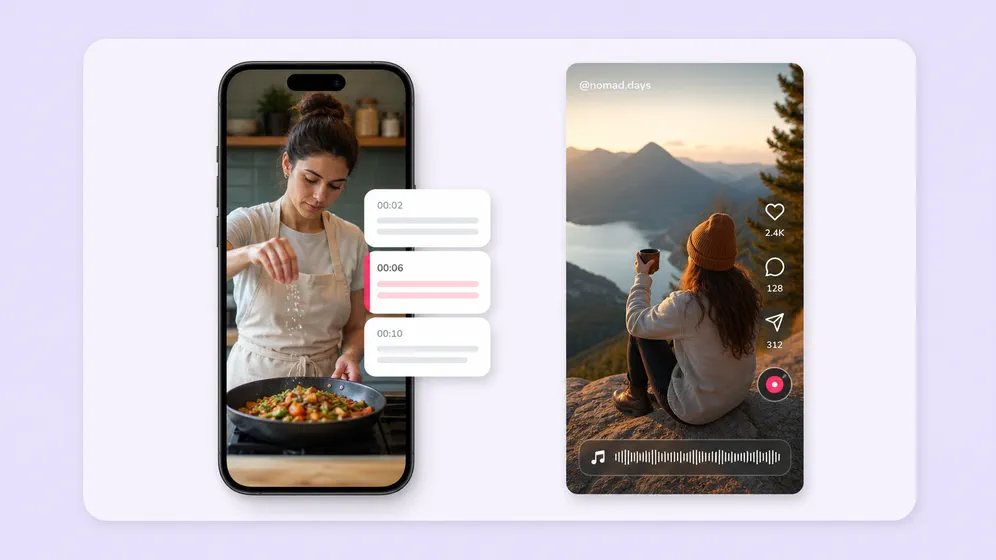
TikTok and Reels with animated word-by-word captions. Fliki Video to text for Social shorts.
Social shorts

TikTok and Reels with animated word-by-word captions

Transcribe short-form videos and ship with TikTok-style animated captions in one click. Word-by-word timing means bouncy and karaoke-highlight styles actually sync.

Podcast video clips and audiograms. Fliki Video to text for Podcasts.
Podcasts

Podcast video clips and audiograms

Transcribe podcast video episodes, then snip the best 60-second moments into captioned audiograms with speaker labels for TikTok and Reels.

Multi-speaker interview transcripts. Fliki Video to text for Interviews.
Interviews

Multi-speaker interview transcripts

Transcribe interviews and panels with automatic speaker labeling. Each speaker’s lines ship in the SRT, the transcript doc, and any captioned version.

Turn videos into SEO-ready blog posts and show notes. Fliki Video to text for SEO blog repurposing.
SEO blog repurposing

Turn videos into SEO-ready blog posts and show notes

Convert webinars, podcasts, and YouTube videos into long-form blog posts, show notes, and SEO landing pages with one click. Word-level timestamps, speaker labels, and clean paragraph formatting make the transcript immediately usable as published content.

Transcribe + translate for global distribution. Fliki Video to text for Localization.
Localization

Transcribe + translate for global distribution

Transcribe in source language, then auto-translate to 80+ languages. Pair with AI dubbing for fully voiced multilingual versions with synced lips.

Video to Text FAQ

Frequently asked questions about AI video transcription

How accuracy is measured, what video formats are supported, transcription cost, and how Fliki compares to Otter.ai, Descript, HappyScribe, and Sonix.

Still curious?

Try Fliki free in your browser, no credit card required.

Start free
Video to Text · Free forever plan

Transcribe your next video with AI.

80+ languages, speaker detection, word-level timing. Export SRT, burn captions in one click, or auto-translate into another language.

Transcribe video free

Free forever plan · No credit card required · Cancel anytime