AI subtitle generator with TikTok-style animated captions
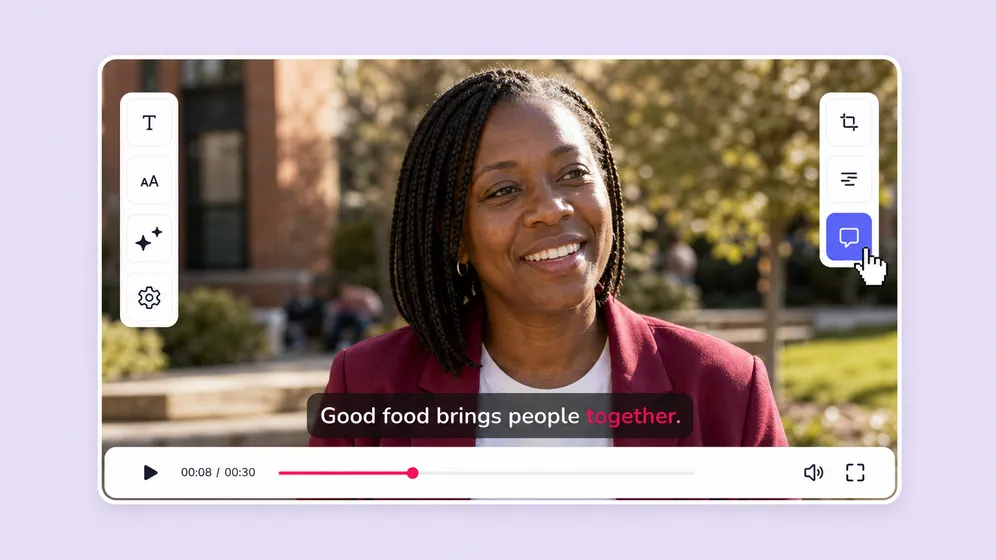
Auto-transcribe any video into accurate subtitles in 80+ languages. Word-level timing, speaker detection, and one-click TikTok-style animated captions. Style them, translate them, burn them in, or export an SRT - all inside the same editor that built the video.
Free forever plan · No credit card required · 80+ languages
Trusted by 50,000+ companies worldwide
See Fliki captions in action
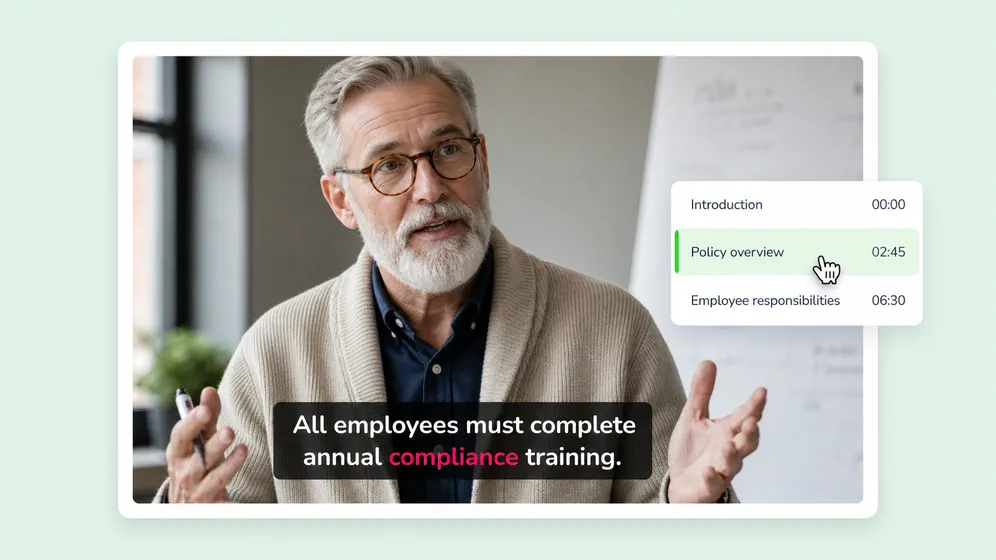
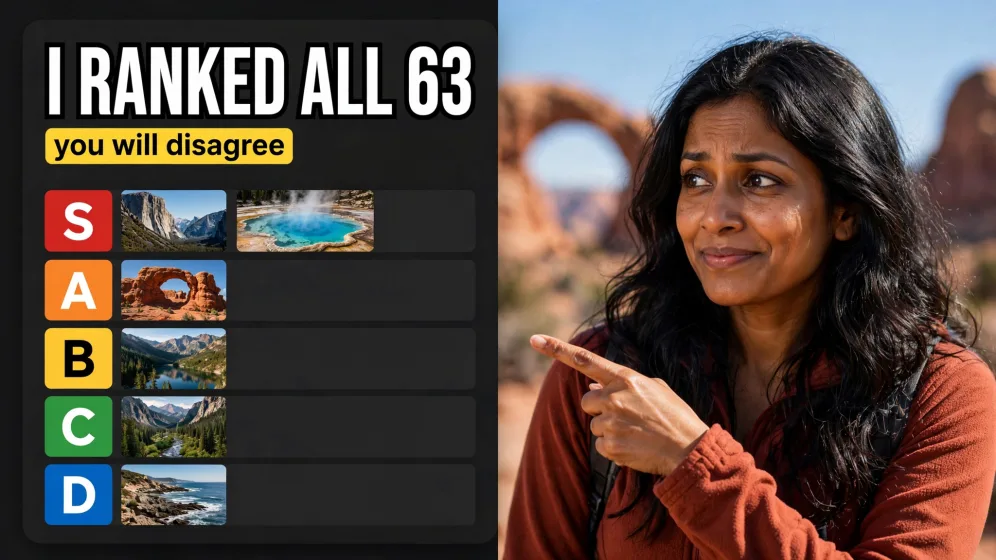
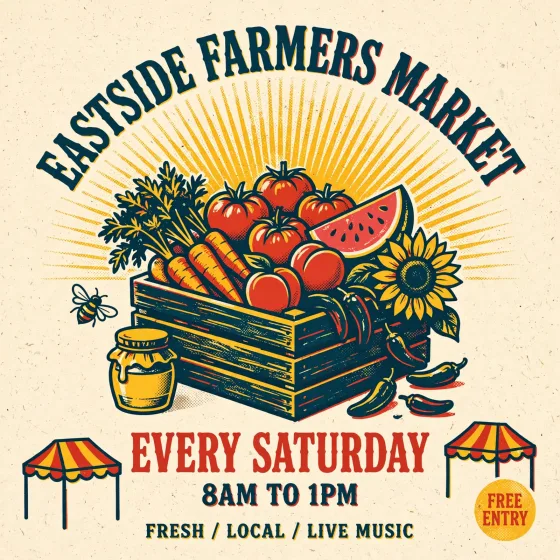
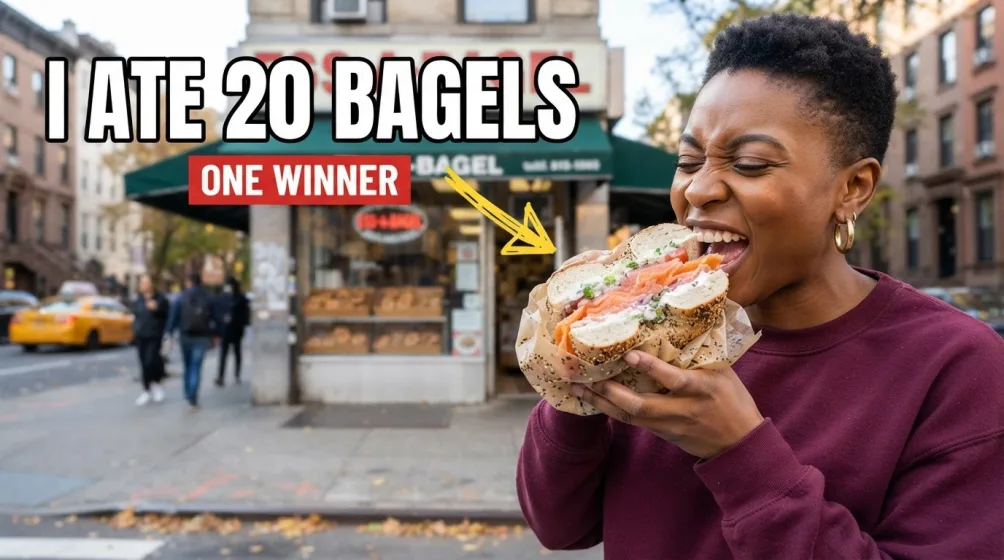
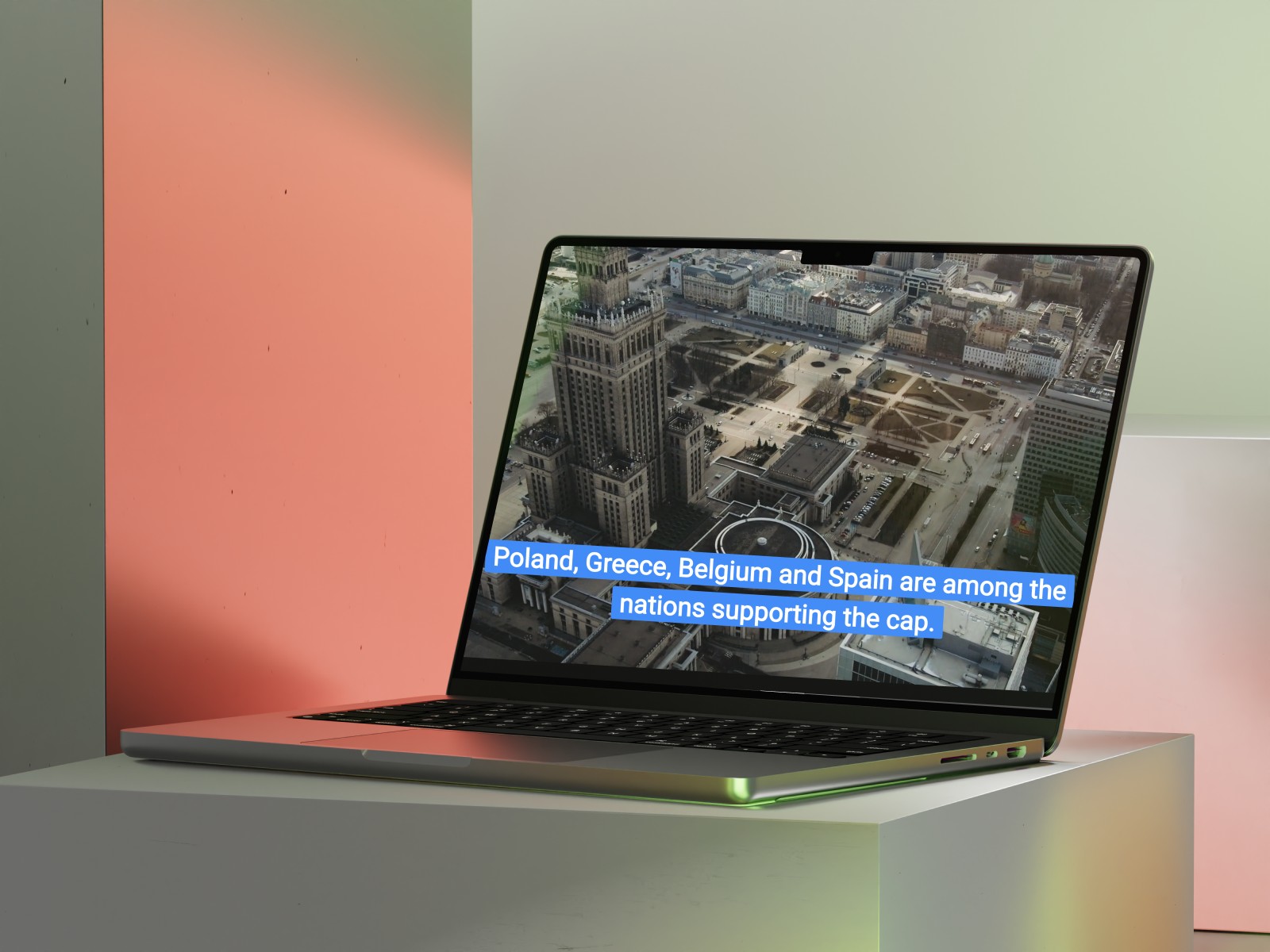
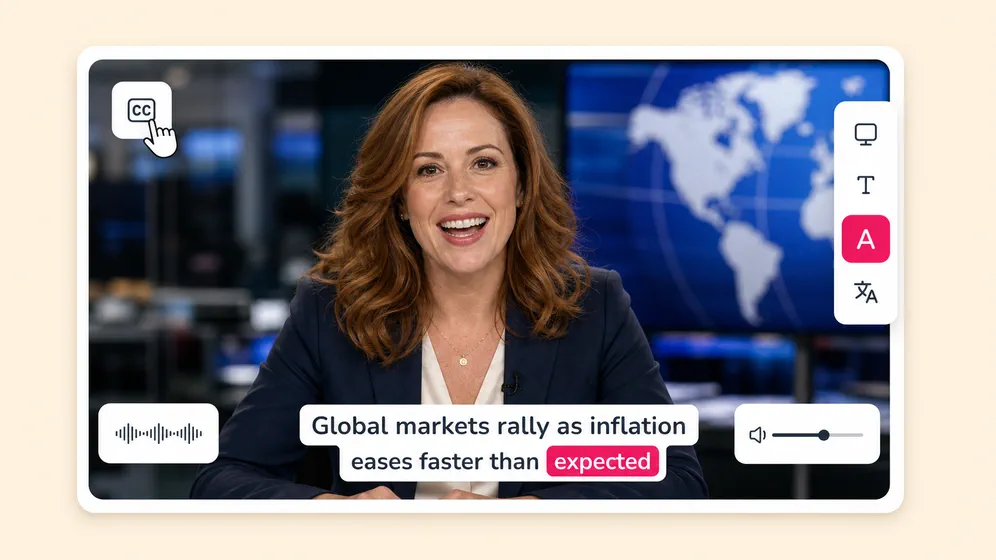
Real videos captioned with Fliki. TikTok-style word-by-word animation, brand-consistent fonts, and burnt-in or SRT export.
Trusted by 50,000+ companies worldwide
Created with Fliki
See what creators make with Fliki's AI video generator
Real videos made with our text-to-video tool in under 5 minutes.
Why creators pick Fliki for subtitles
Subtitles that actually look good, in 80+ languages
Standalone subtitle tools transcribe and stop. Fliki ships subtitles inside a full video editor with animated styles, translations, and an integrated voice pipeline.
Word-level timing for TikTok-style animations
Captions are generated at word level (not just sentence level), so animated styles like bouncy, word-pop, and karaoke highlights actually sync to speech.
Automatic speaker labels for multi-speaker content
Interviews, podcasts, panels, and group video calls get per-speaker labels automatically via our audio to text engine. Each line carries the speaker name in both the burnt-in caption track and the exported SRT. No manual tagging.
Course-platform integrations: Moodle, Canvas, Thinkific (coming soon)
Direct SRT and VTT export compatible with Moodle, Canvas, Thinkific, Kajabi, and Teachable. Multi-language SRT bundles for international cohorts, chapter-marker support, and WCAG-compliant caption styling for accredited programs.
WCAG-compliant captions for enterprise and government
Customizable contrast ratios, font sizes, and caption positioning to meet ADA Section 508 and EU Web Accessibility Directive requirements. Export-ready SRT and VTT for SCORM and xAPI learning management imports.
80+ language transcription
Transcribe in 80+ languages with native-language accuracy. Spanish, French, German, Hindi, Mandarin, Arabic, Portuguese, Japanese, Korean, Russian - and most regional dialects.
One-click translation in 80+ languages
Generate captions in the source language, then auto-translate into 80+ languages with one click. Pair with Fliki AI voiceover for matching localized audio.
Animated caption styles in one click
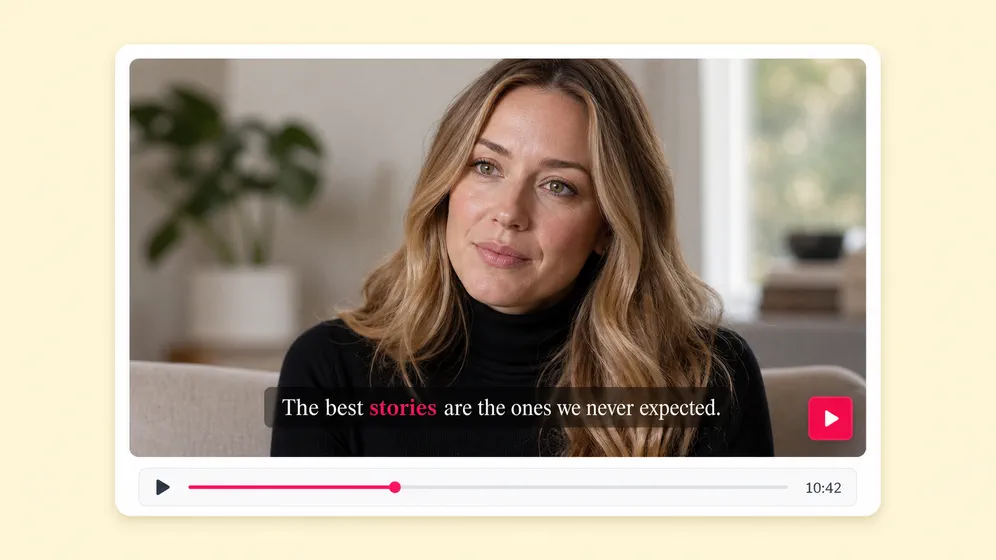
Pick from a library of TikTok, Reels, and YouTube short caption styles - bouncy, word-pop, karaoke, highlight, classic. Every style is editable down to font, color, and per-word emphasis.
SRT, VTT, or burnt-in - your call
Export as a separate SRT or VTT file for YouTube and platform uploads, burn captions directly into the video for social, or both at once. Same project, multiple deliverables.
Brand-kit consistent captions
Set custom fonts, colors, stroke, drop shadow, and animation speed, then save the look as a brand preset that applies across every future project.
Edit captions like you edit text
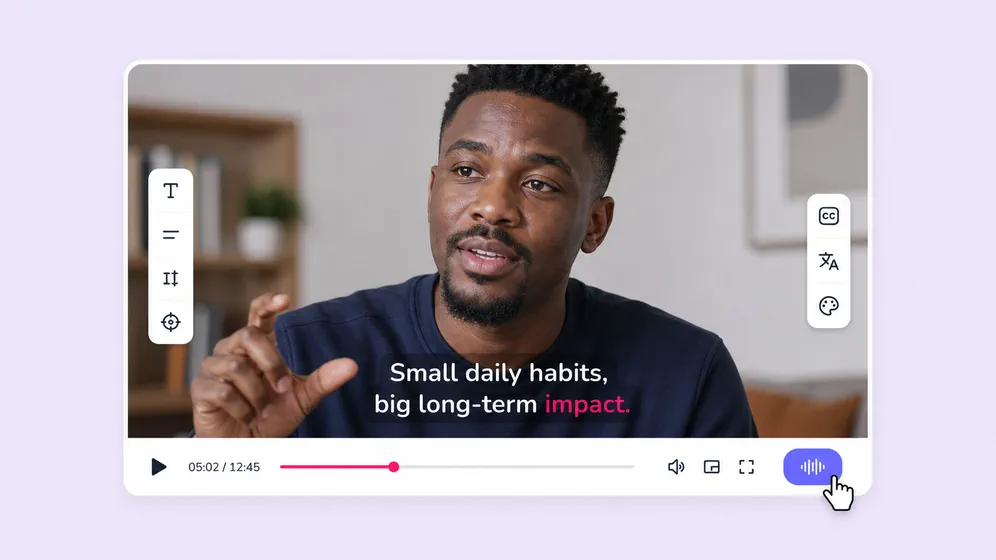
Wrong word? Click and retype. Need to merge two lines? Drag. Change the timing? Slide. The same editor handles transcription edits, animated style, and final video export.
Voice + captions in one project
Skip the import/export dance. Generate the AI voiceover and captions in the same project so timing always matches and re-renders update both tracks.
How it works
How to add AI subtitles to any video in 4 steps
From an upload to a captioned, styled, ready-to-publish video in under 5 minutes. Fliki handles transcription, timing, styling, and translation.
Upload or paste your video
Drop in an MP4, paste a YouTube or Vimeo URL, or generate a video from scratch with Fliki text-to-video and AI script writer.
Auto-generate the captions
Fliki transcribes the audio with word-level timing and speaker detection in 80+ languages. Captions are ready to edit in seconds.
Pick a style and translate
Choose a TikTok-style animation preset, edit fonts and colors, and translate into 80+ languages with one click. Save the look as a brand preset.
Export burnt-in or as SRT
Render the video with captions burnt in, download a separate SRT or VTT file, or both. Publish straight to TikTok, YouTube, or Reels.
Use cases for AI Subtitle Generator
One subtitle tool. Every platform, every language.
Social shorts, YouTube videos, course modules, ad creative, podcasts, accessibility. Fliki handles the transcription, timing, and styling so captions feel native to wherever the video lives.

SRT subtitles for film, TV, and streaming distribution
Generate frame-accurate SRT and VTT subtitle files for feature films, episodic TV, and streaming uploads. Multi-line break logic, max-CPS limits, and 80+ language tracks for global distribution on Netflix, Prime Video, and broadcast partners.
Long-form YouTube captions and accessibility
Generate accurate captions for 10-30 minute YouTube videos with speaker detection. Export SRT for YouTube uploads or burn in for social repurposing.

Translate captions into 80+ languages in one click
Generate captions in the source language, then auto-translate into 80+ languages. Pair with localized AI voiceovers for fully dubbed multilingual video versions.

Course captions with chapter markers
Caption full lessons, microlearning modules, and bootcamp recordings. Burn in for streaming or ship SRT alongside the MP4 for LMS uploads to Moodle, Canvas, and Thinkific.

Caption ad variants for every aspect ratio
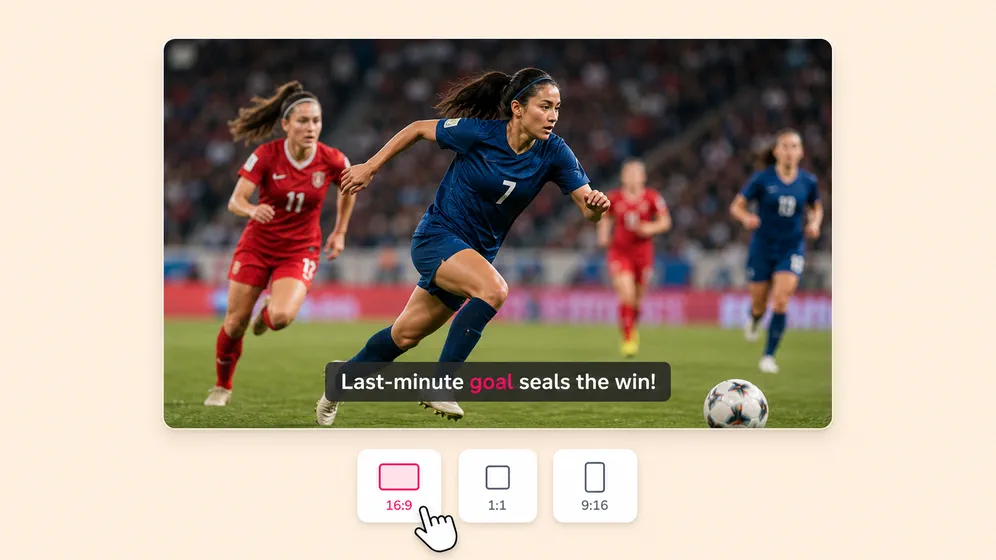
Add captions to ads in 9:16, 1:1, and 16:9 from a single source. Brand-consistent fonts and colors apply automatically across every variant.

WCAG-compliant captions for enterprise and gov
Generate WCAG 2.1 and Section 508 compliant subtitles for enterprise, healthcare, and government video. SRT and VTT export, plus speaker labels and sound-effect cues for full ADA-grade accessibility.
AI MODEL GALLERY
Built on the best AI models - ready inside Fliki
Every leading video, voice, and image model - integrated, unified, and tuned for creators. Generate with the latest AI video, AI voice, and AI image models from OpenAI, Google, Kling, Bytedance, ElevenLabs, and more - all from one place.


AI Subtitle Generator FAQ
Frequently asked questions about AI subtitles and captions
How accurate is auto-transcription, what languages are covered, how to style and translate captions, and how Fliki compares to standalone subtitle tools.
How accurate is Fliki AI Subtitle Generator?
Fliki transcribes and captions automatically with up to 99% accuracy on clean audio (industry-standard AI benchmark). Word-level timing, speaker detection, and 80+ languages with native-language phoneme accuracy. You can edit any caption manually in the same editor.
Is the AI subtitle generator free?
Yes. Auto-captioning is included on the free plan with 5 minutes of generation per month. Higher-volume captioning, longer videos, and animated caption styles come with paid plans.
What languages can Fliki caption?
Fliki transcribes and translates captions across 80+ languages, including Spanish, French, German, Hindi, Mandarin, Arabic, Portuguese, Japanese, Korean, Russian, Italian, Dutch, Polish, Turkish, and most major regional dialects.
Can I download the SRT file separately?
Yes. Export captions as SRT or VTT for YouTube, Vimeo, podcast platforms, and most social tools - either standalone or alongside the rendered MP4 with captions burnt in.
Can I make TikTok-style animated captions?
Yes. Fliki ships a library of preset caption styles built for short-form social: bouncy, word-pop, karaoke highlight, classic, and more. Every preset is editable down to font, color, stroke, and per-word emphasis.
Will captions match my brand?
Yes. Set custom fonts, colors, stroke, drop shadow, and animation speed, then save the look as a brand preset that applies across every future project.
Still curious?
Try Fliki free in your browser, no credit card required.
Start freeCan Fliki translate captions into another language?
In one click. Auto-translate captions into 80+ languages and pair them with localized AI voiceovers in the same language for fully dubbed multilingual versions of every video.
How does Fliki compare to VEED, Kapwing, or HappyScribe?
Fliki integrates subtitles into a full text-to-video and voiceover pipeline. Generate the video, the voiceover, and the captions in a single project, in any of 80+ languages, with TikTok-style animated styles built in. Standalone subtitle tools require importing and exporting between separate apps.
What video formats does Fliki accept?
MP4, MOV, AVI, MKV, WebM, and most common video formats up to 4K. You can also paste a YouTube or Vimeo URL, or generate a video from scratch with Fliki text-to-video.
Does Fliki detect multiple speakers?
Yes. Multi-speaker interviews and podcasts get automatic speaker labels. Each line carries the speaker name in both the burnt-in caption track and the exported SRT file.
How long can the captioned video be?
No hard limit. Fliki captions full-length YouTube videos, podcast episodes, and webinar recordings. Plan limits cover total monthly minutes processed - check your plan for details.
Is the captioned video watermark-free?
Watermark-free output is available on paid plans. The free plan includes 5 minutes of generation with a small Fliki watermark.
Tools
Discover more
Add AI subtitles to your next video.
Auto-transcribe, style, and translate captions in 80+ languages. TikTok-ready animations, brand-consistent fonts, SRT export - all in one editor.
Add AI subtitles freeFree forever plan · No credit card required · Cancel anytime