LinkedIn posts
LinkedIn carousel generator for one-idea document posts
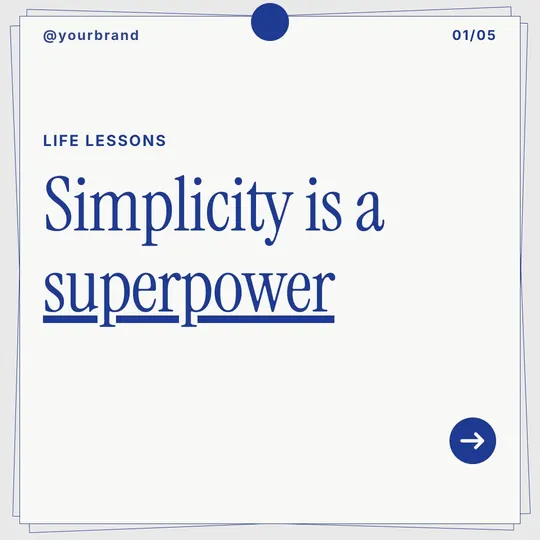
Turn a lesson, a framework or a hot take into a document post with a strong first slide and a numbered walk-through. Export the PDF and upload it straight to LinkedIn.
Type a topic and Fliki writes the hook, one idea per slide and a closing call to action, then lays it all out in one of 80+ designer looks. Pick square, portrait or landscape, up to 10 slides, and download PNG or PDF.
Free forever plan · No credit card required · PNG, JPG, WebP and PDF downloads


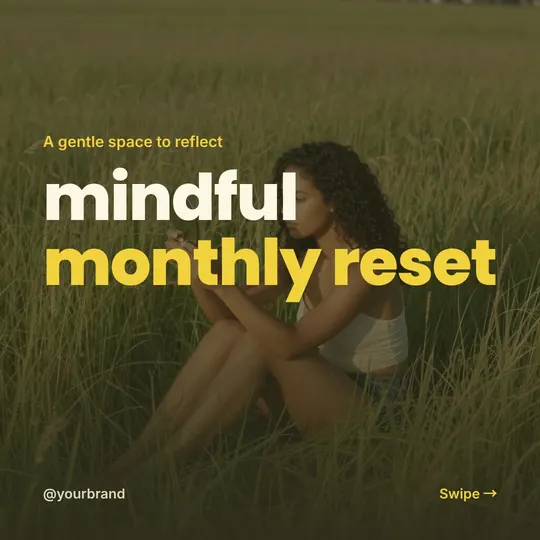


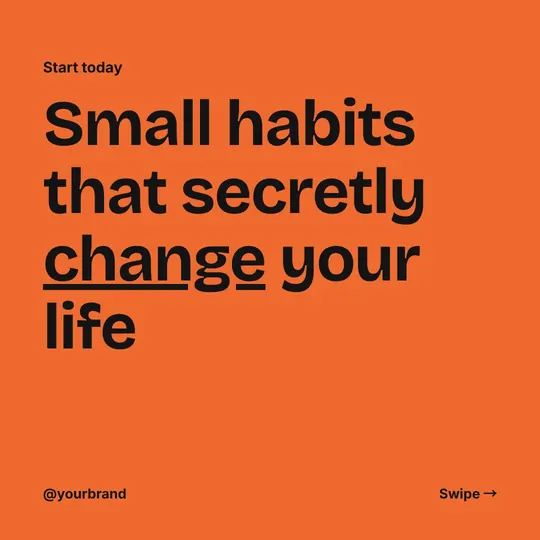

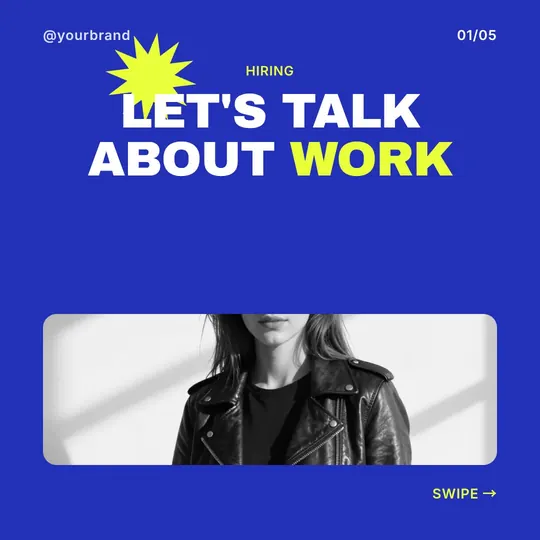
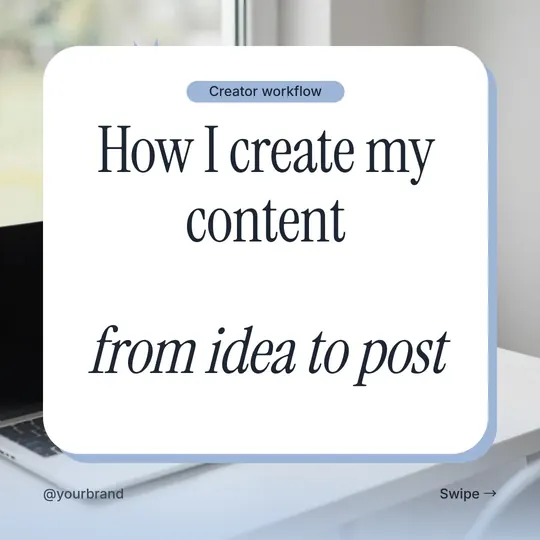

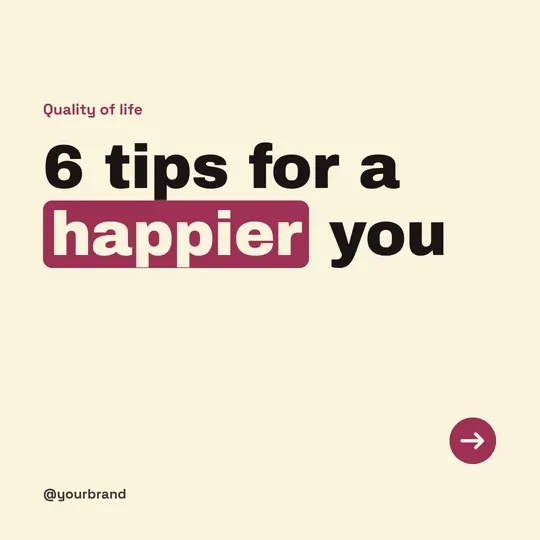

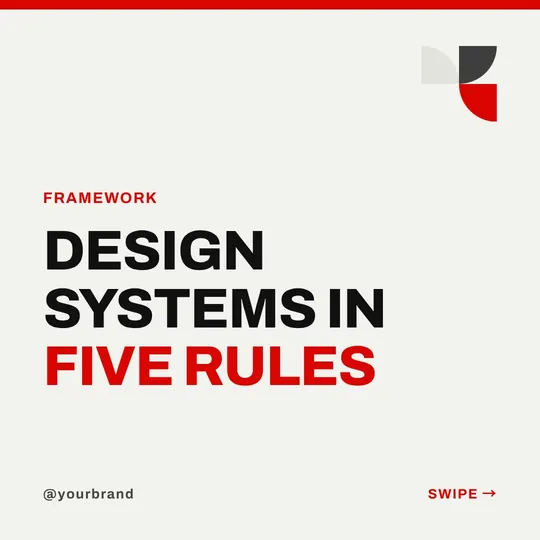





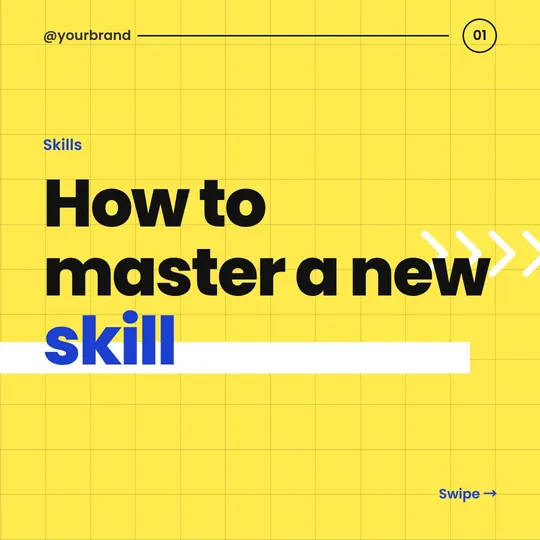


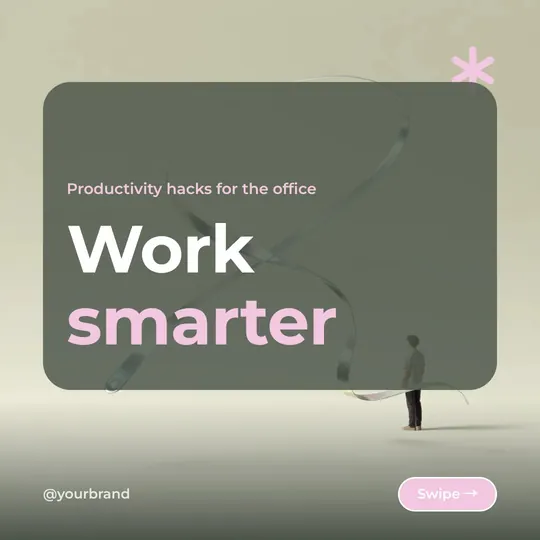





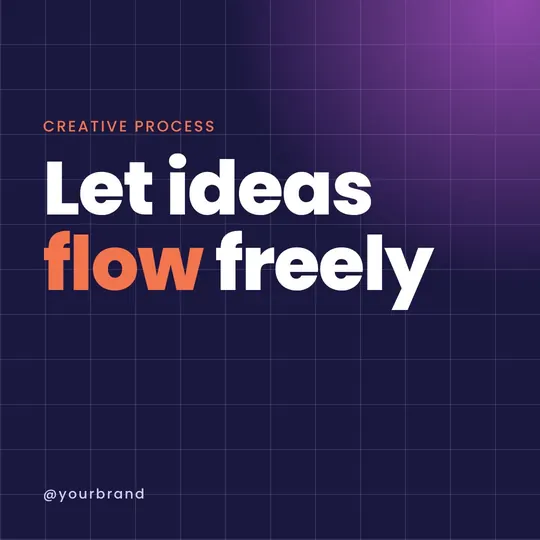


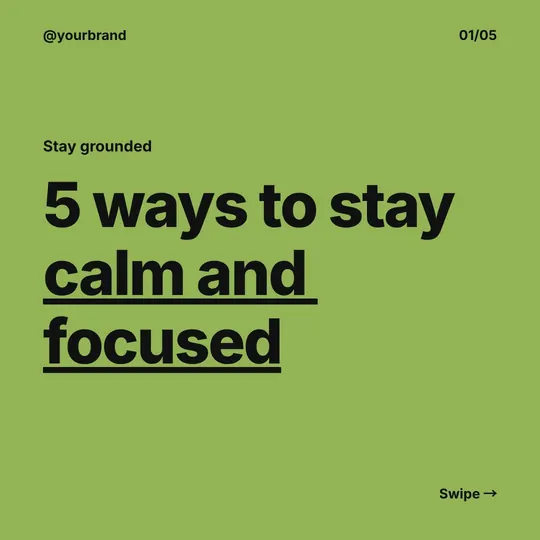
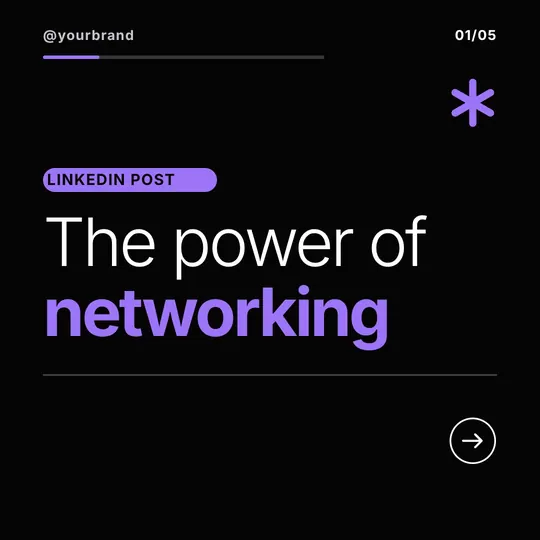


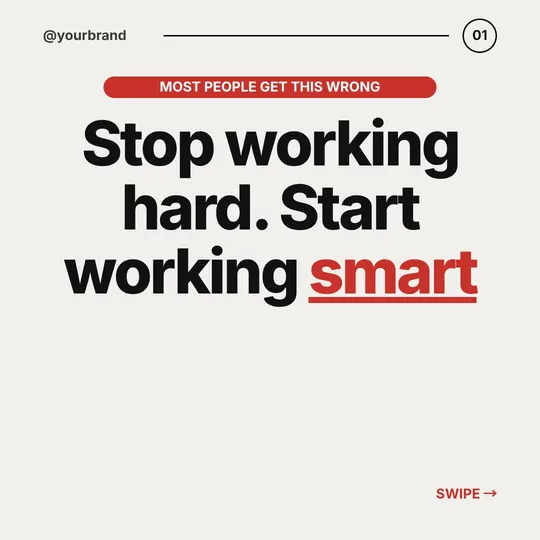

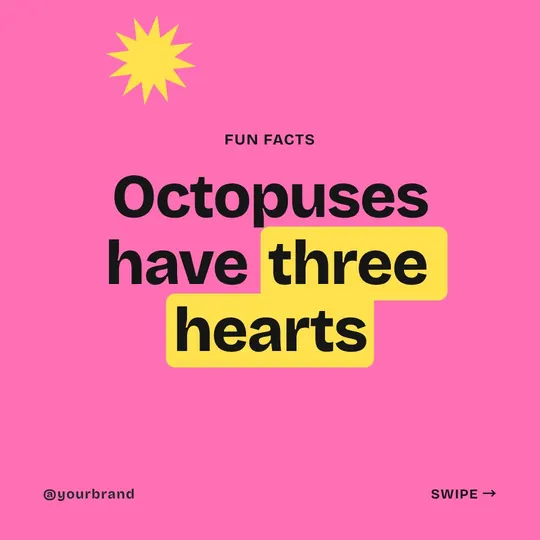
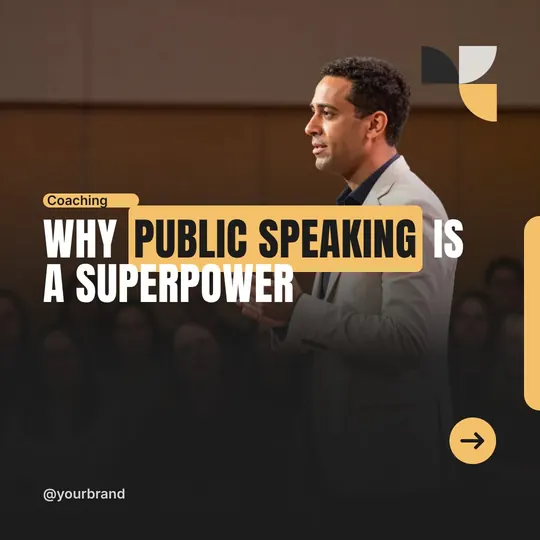
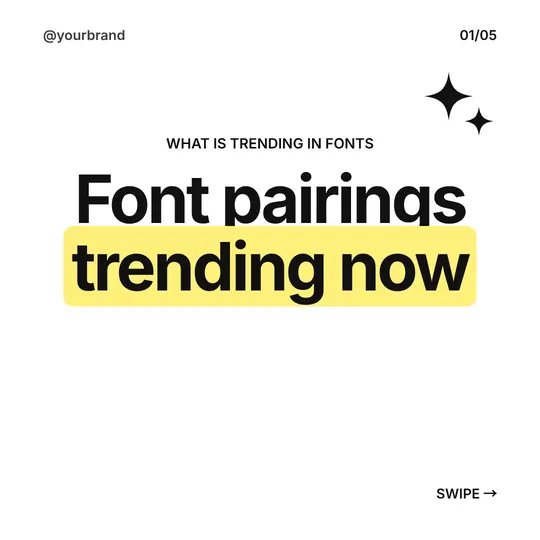

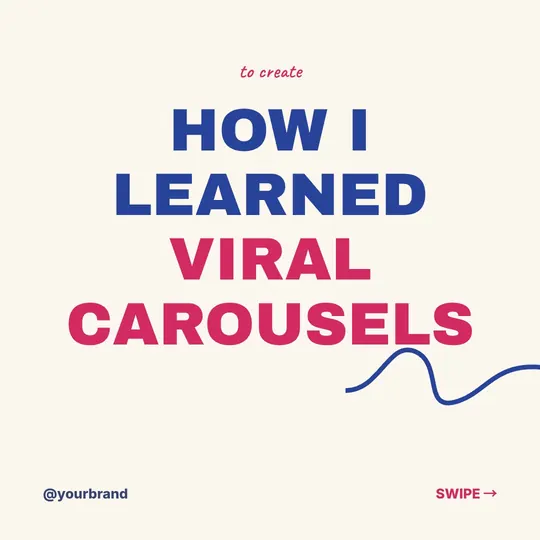

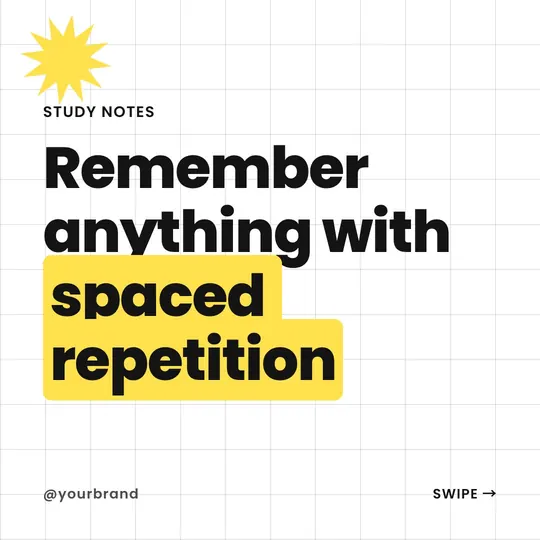
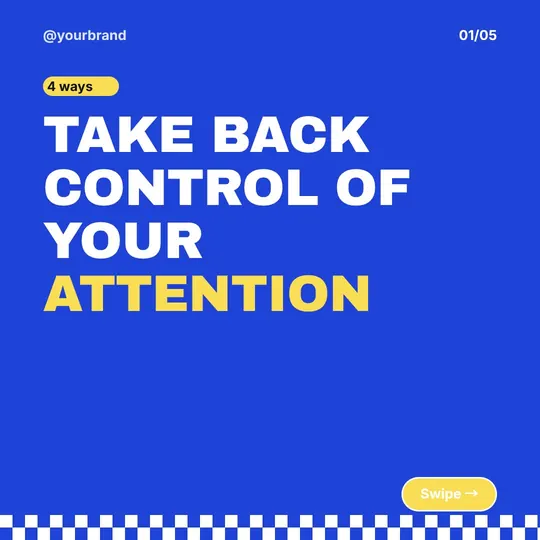

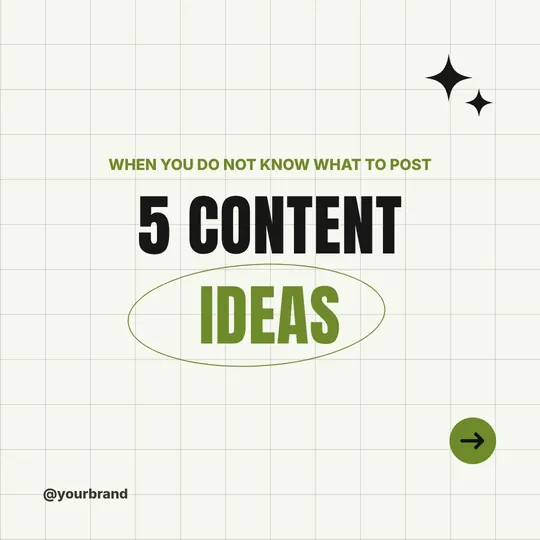



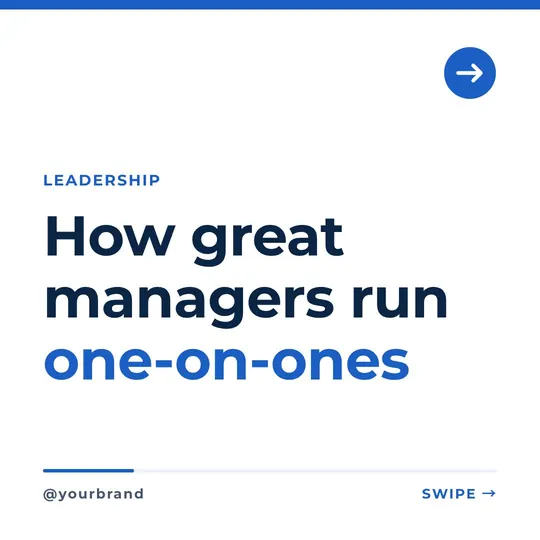
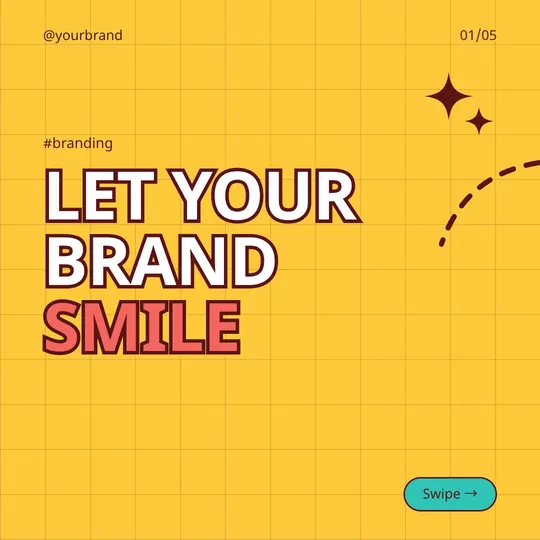

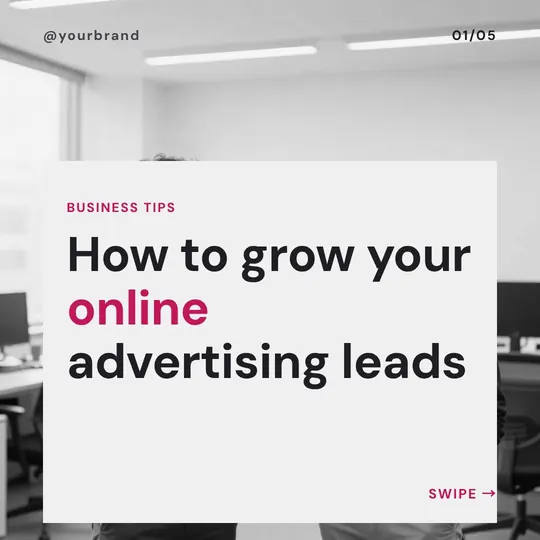
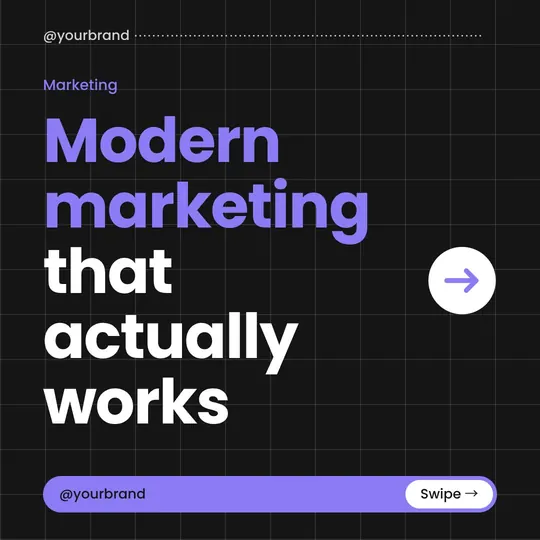

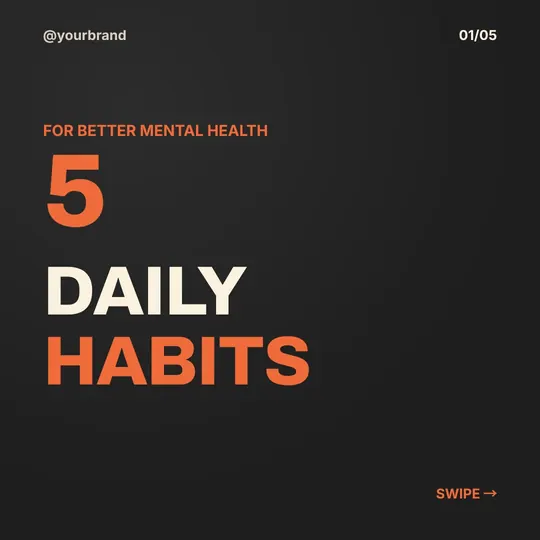




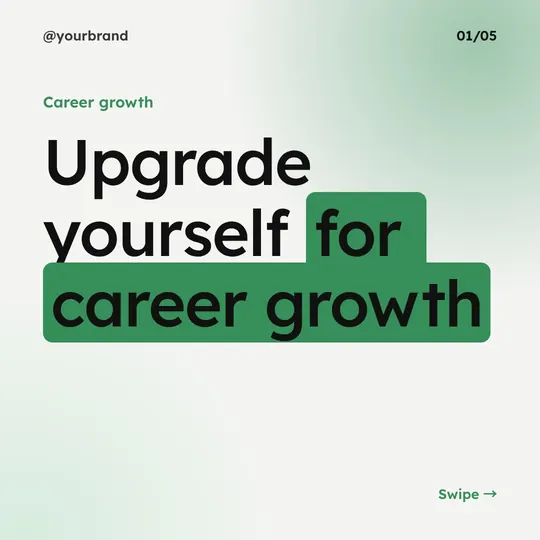

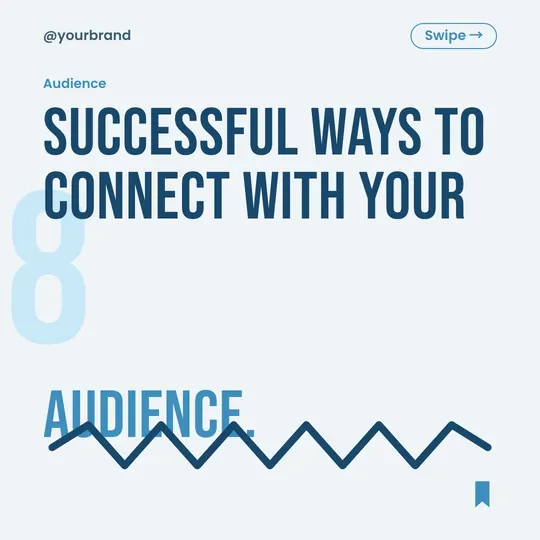

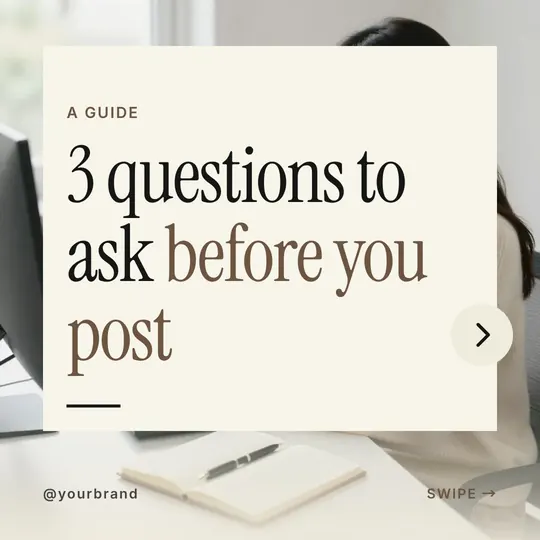

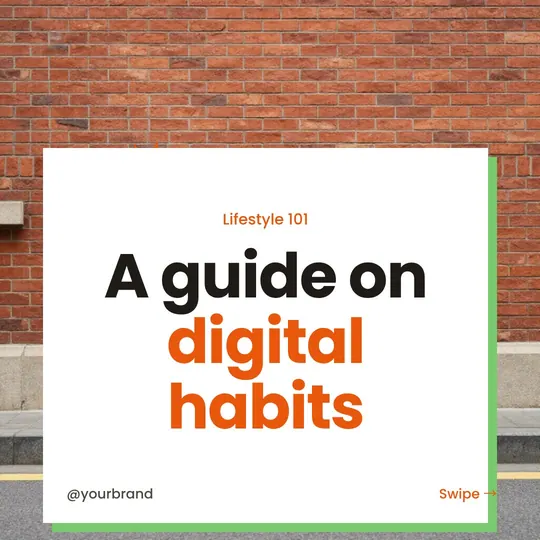
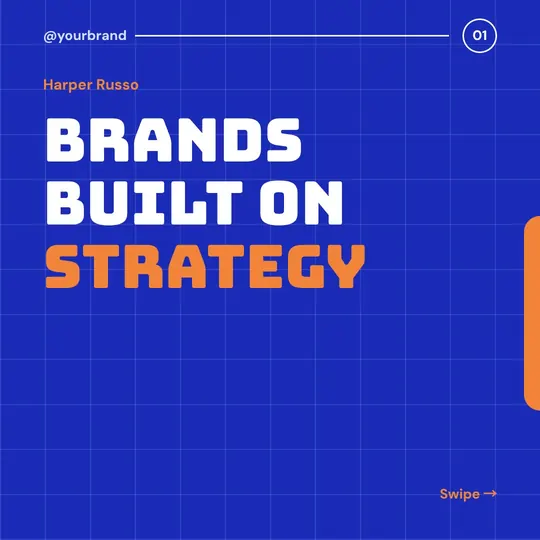
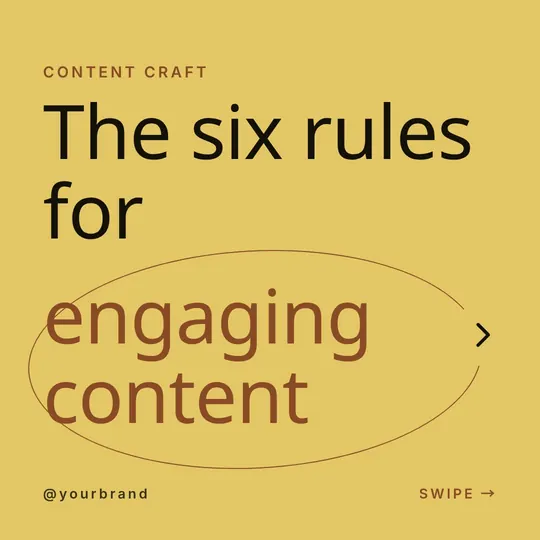


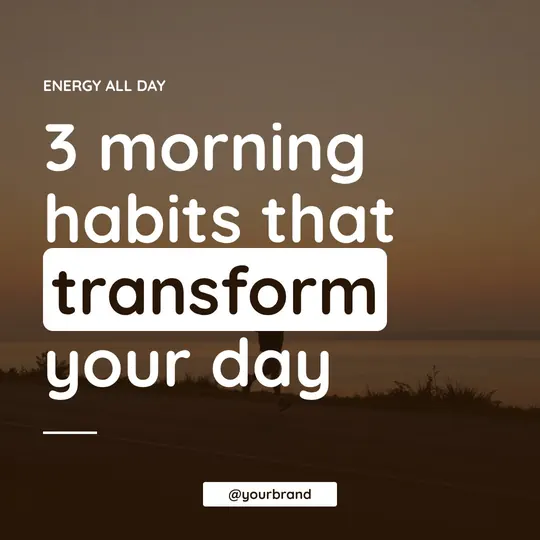






Why creators pick Fliki for carousels
Template tools hand you ten copies of one slide and a blank text box. Fliki writes the carousel for the swipe, from the hook to the ask, and every look is a designed set of cover, body and closing slides.
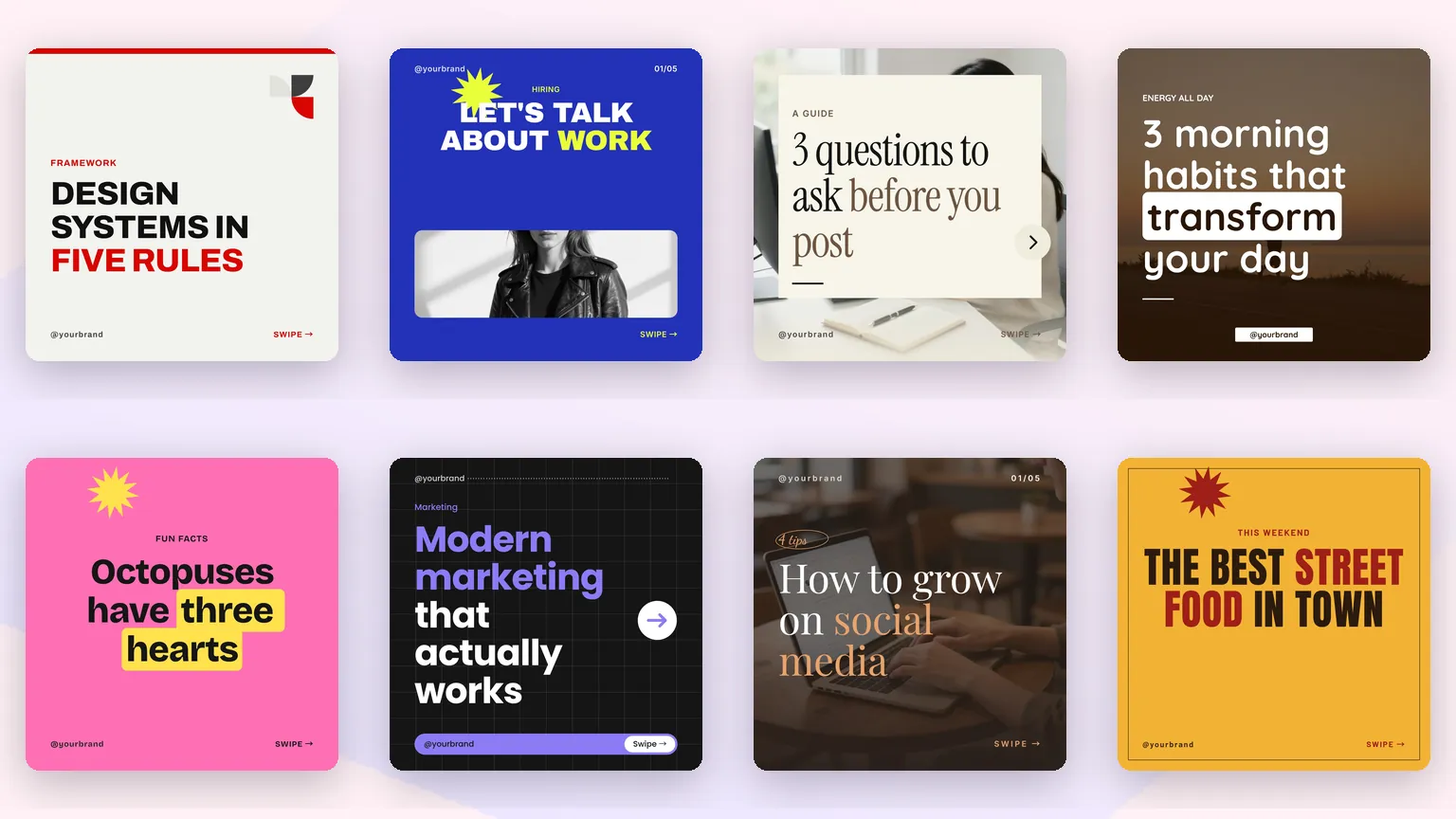
Every one of the 80+ looks is designed as a cover, a rotation of body slides and a closing slide, so a ten-slide carousel never repeats one layout ten times. Open the Look picker above to see each look rendered.
Fliki writes a first slide that earns the swipe, one idea per slide after it, and a last slide that asks for the save, the follow or the comment. Lists, stats and quotes get their own layouts.
Leave the look on Dynamic and Fliki picks the look and palette that suit your topic: a calm serif for wellness, bold blocks for a growth tip, a newsroom layout for an update.
Each look ships with six color palettes, and every palette is checked for contrast so headlines and body text stay readable on a phone screen.
Photo-led looks get a picture from the AI image generator for each slide that needs one. Type-only looks carry the carousel with typography, ornaments and full-color pages, with no stock photos to hunt for.
Switch on a brand kit and your name signs every slide, so a slide shared on its own still points back to you. The kit also sets your colors and fonts by role. Available on paid plans.
Make 1:1 carousels for the Instagram and LinkedIn feed, 9:16 for Stories and TikTok photo mode, or 16:9 for slide-style LinkedIn documents. Set the format once for the whole carousel.
Every slide opens in the Fliki editor. Rewrite a line, swap a picture or move a block, then export the finished set.
Download each slide as PNG, JPG or WebP for Instagram, or the whole carousel as one PDF to upload as a LinkedIn document post, which is how LinkedIn shows swipeable carousels.
How it works
One line of input becomes a swipeable carousel in a couple of minutes. No template hunting, no copy to write from scratch.
Type the topic and who it is for, or paste notes you want turned into slides. One clear angle works best, such as "5 pricing mistakes first-time founders make".
Choose one of 80+ looks or leave it on Dynamic. Pick square, portrait or landscape, and anywhere from 1 to 10 slides.
Fliki writes the hook, the body slides and the closing ask, fits each one to the look, and adds AI pictures on photo-led looks.
Adjust any slide in the editor, then download PNG, JPG or WebP slides for Instagram or a single PDF for a LinkedIn document post.
Use cases for the AI carousel maker
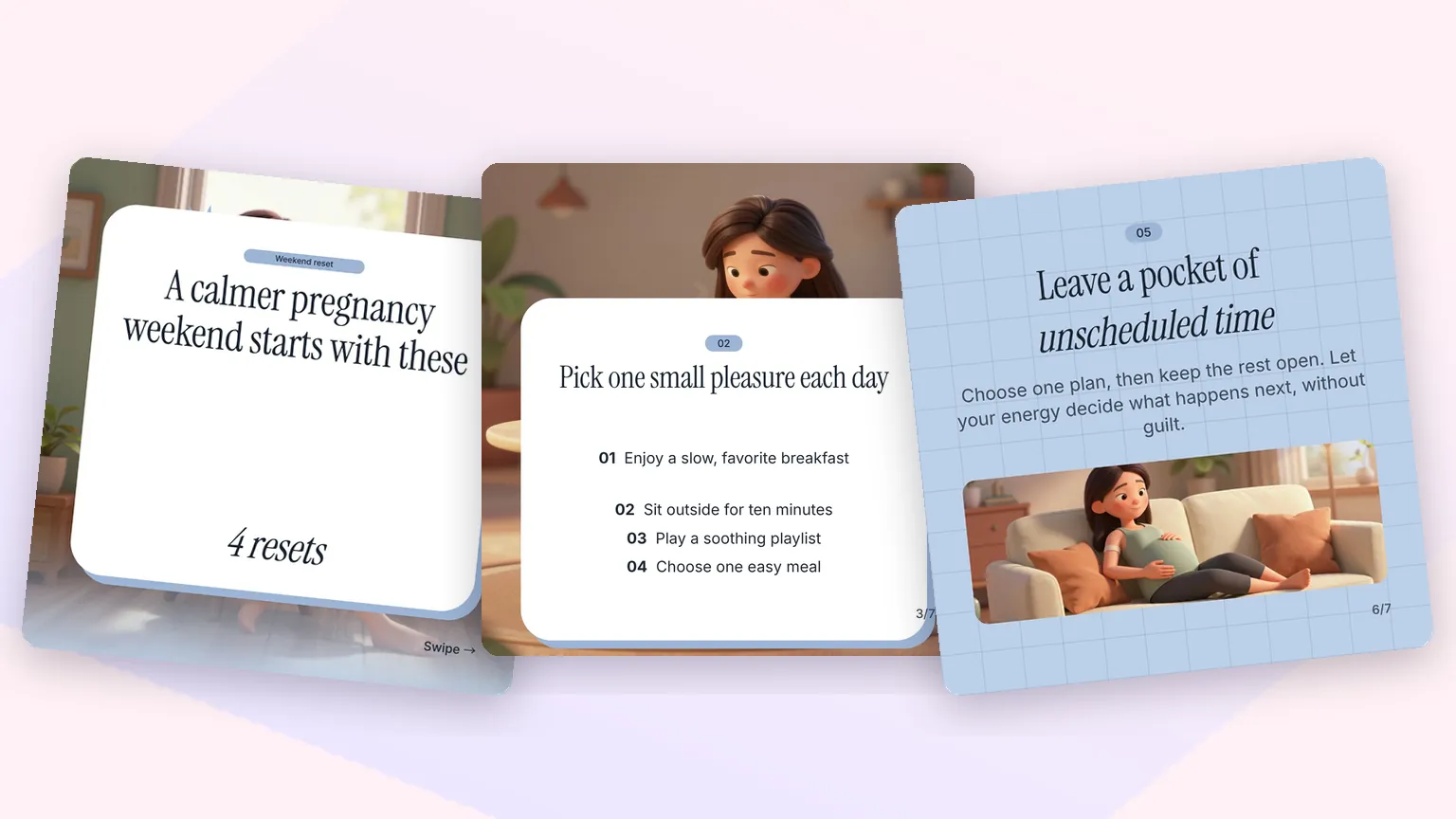
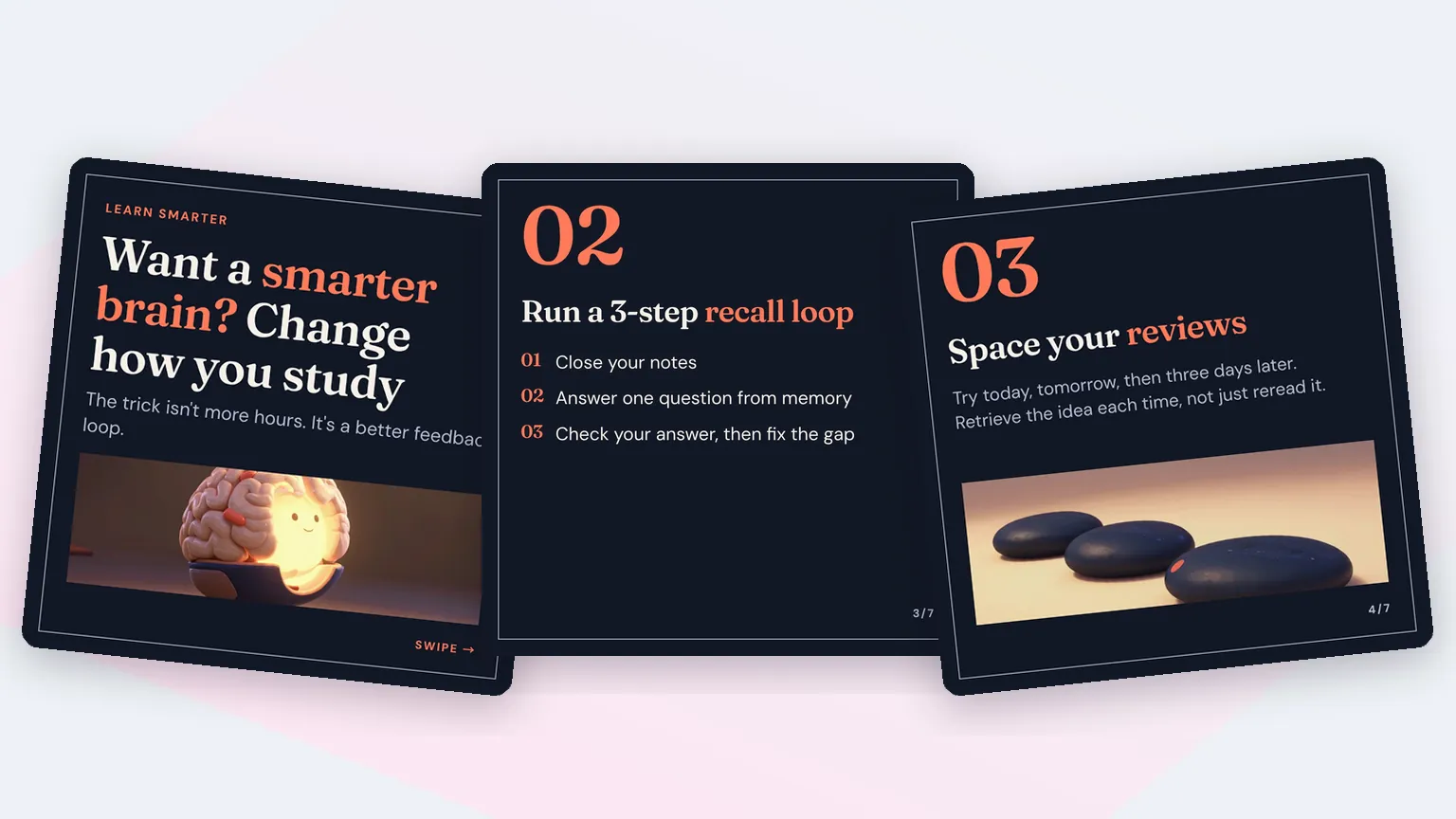
LinkedIn thought leadership, Instagram tips, coaching frameworks, local business advice and wellness guides. Every card shows a real carousel made from one line.
Turn a lesson, a framework or a hot take into a document post with a strong first slide and a numbered walk-through. Export the PDF and upload it straight to LinkedIn.
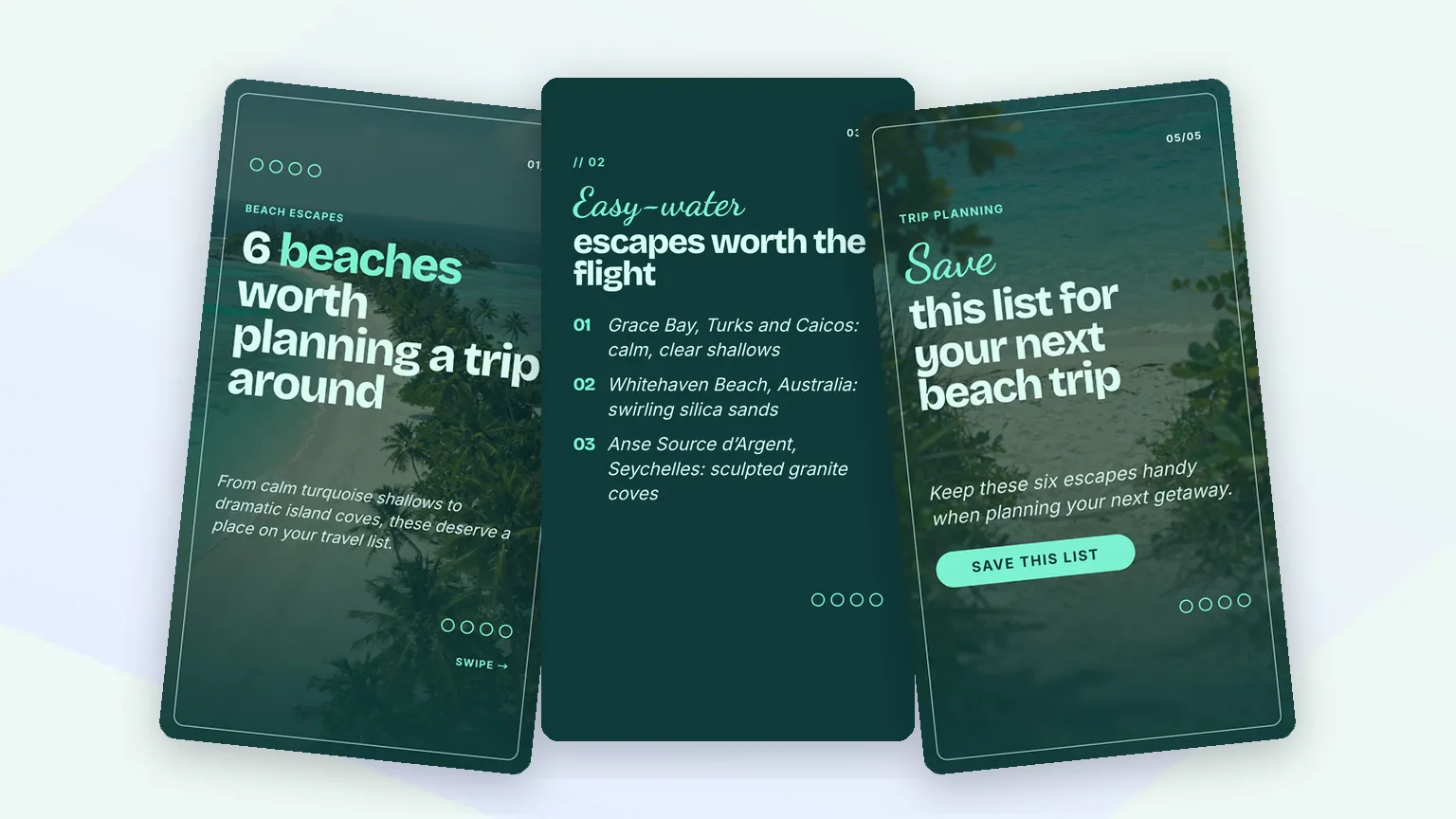
Travel lists, how-tos and quick wins with a photo-led cover and a save prompt at the end. Post square slides to the feed, 9:16 slides to Stories, and pair them with a Reel on the same topic.
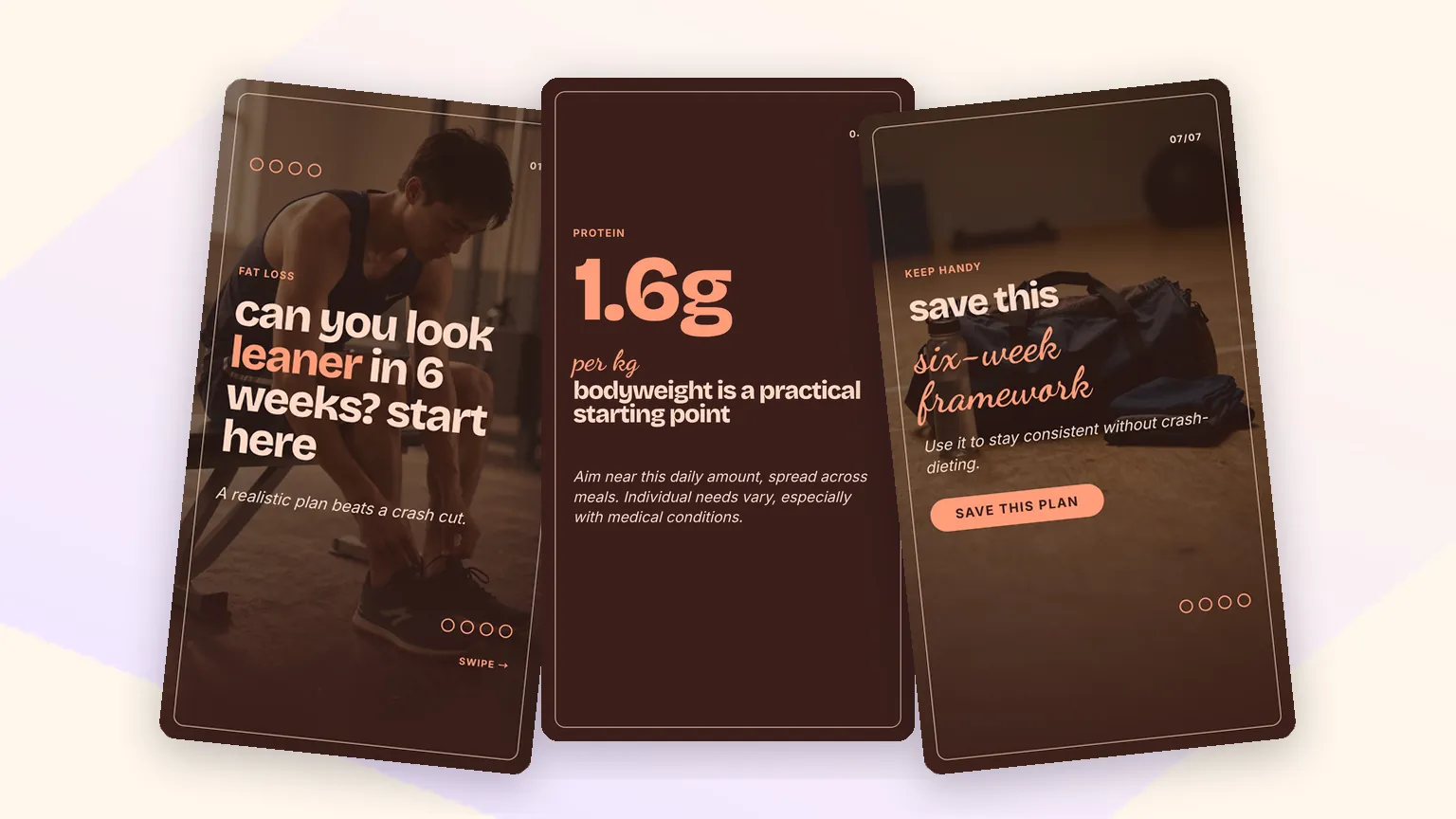
Six-week plans, checklists and myth-busters with a big number or a step list on every slide. The closing slide asks for the follow or the DM.
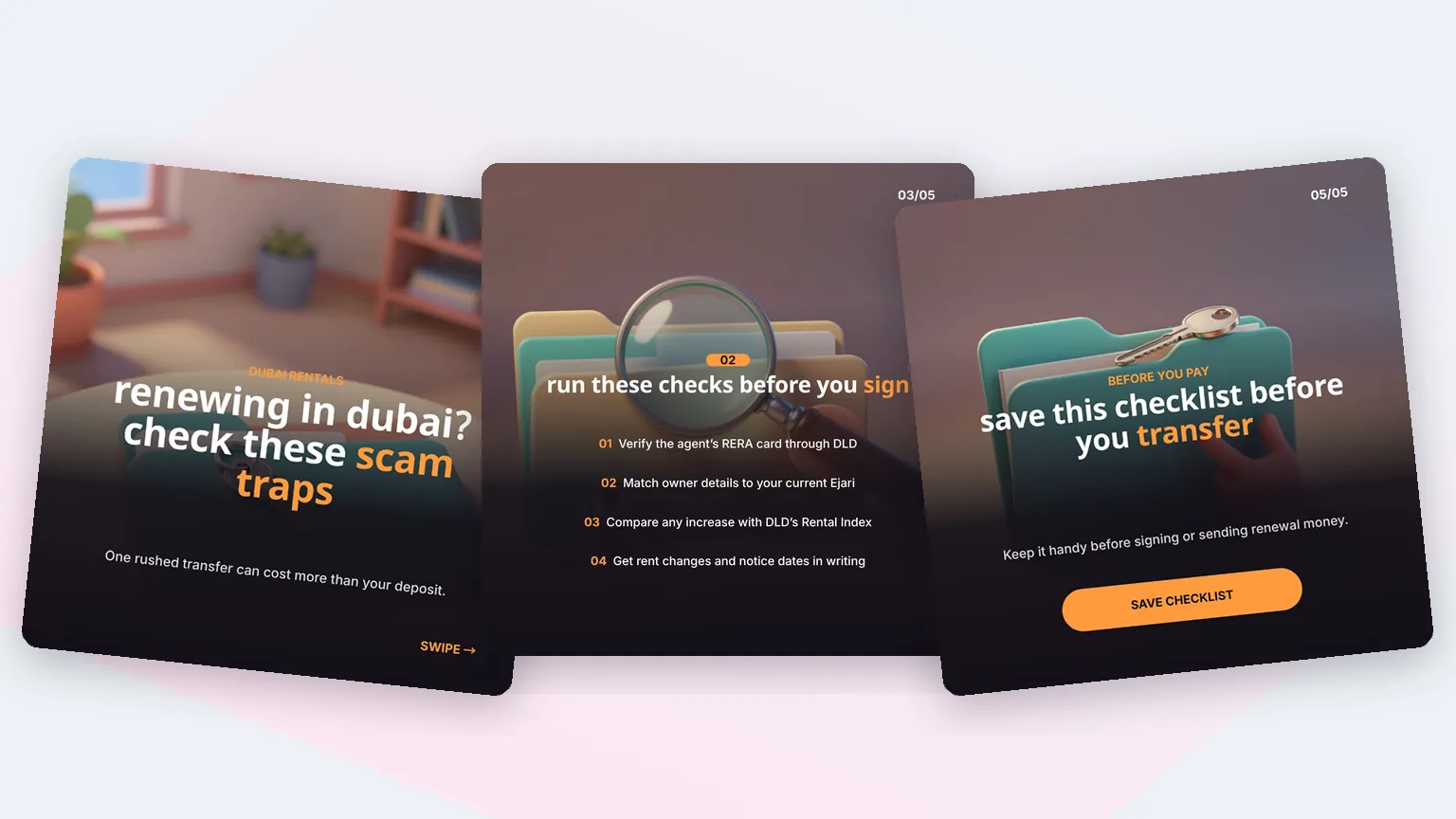
Real estate agents, clinics and shops can post practical checklists, such as scam checks before a rental renewal, that build trust in a few swipes.
AI Carousel Maker FAQ
Sizes, slide counts, LinkedIn and Instagram posting, brand kits, and how Fliki compares to Canva, PostNitro and aiCarousels.
Tools
The hook, the slides and the ask written for you, in one of 80+ designer looks, ready for Instagram and LinkedIn. Free to start, no credit card required.
Try the AI carousel makerFree forever plan · No credit card required · Cancel anytime