SaaS and software
Product ads for SaaS launches and features
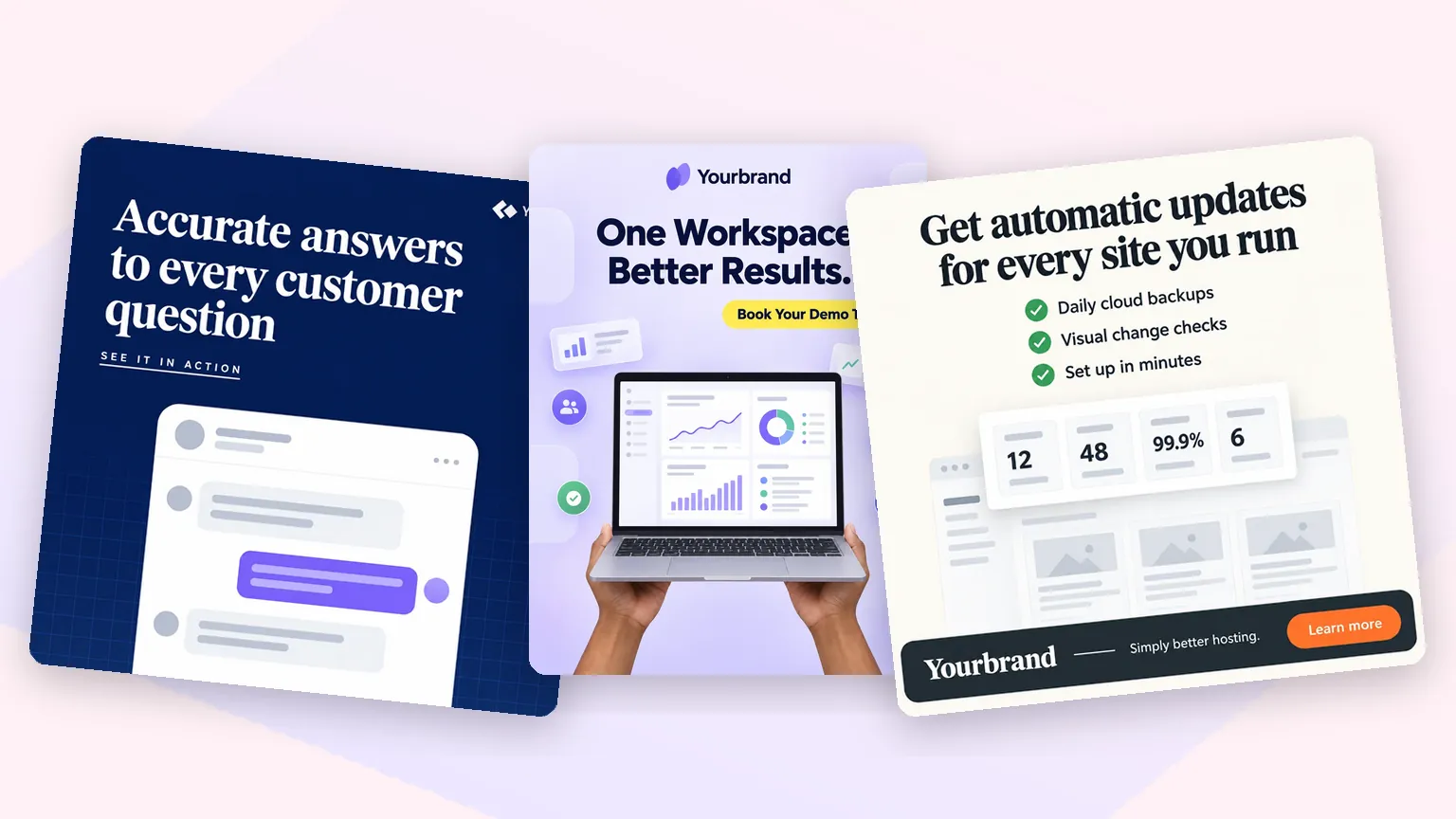
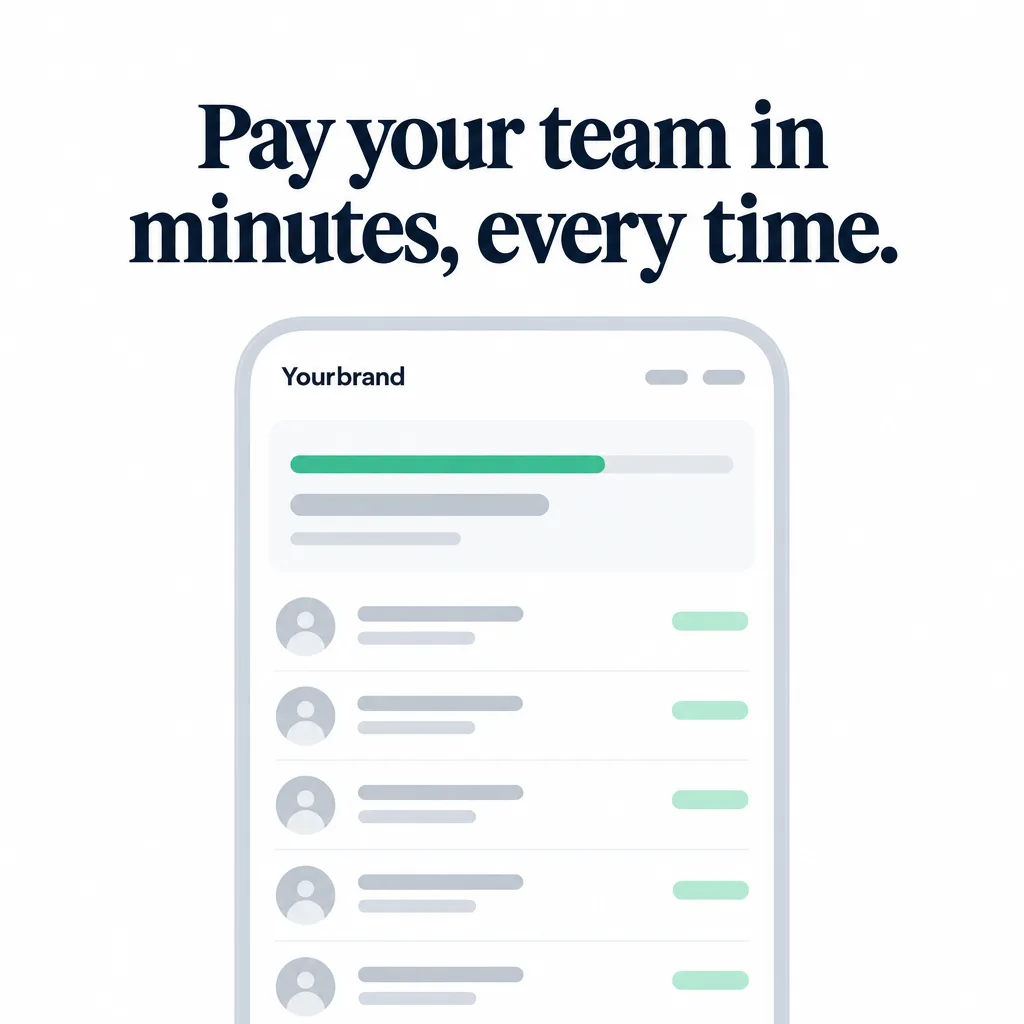
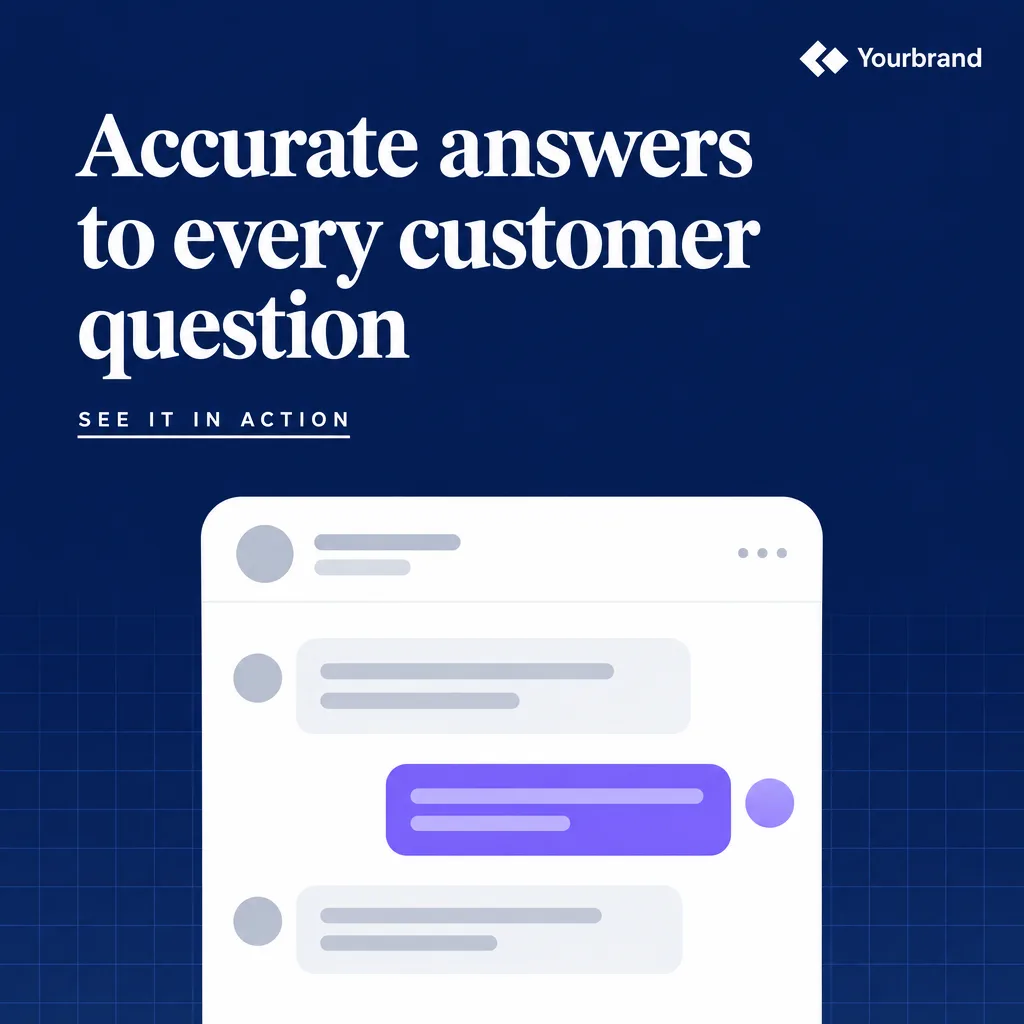
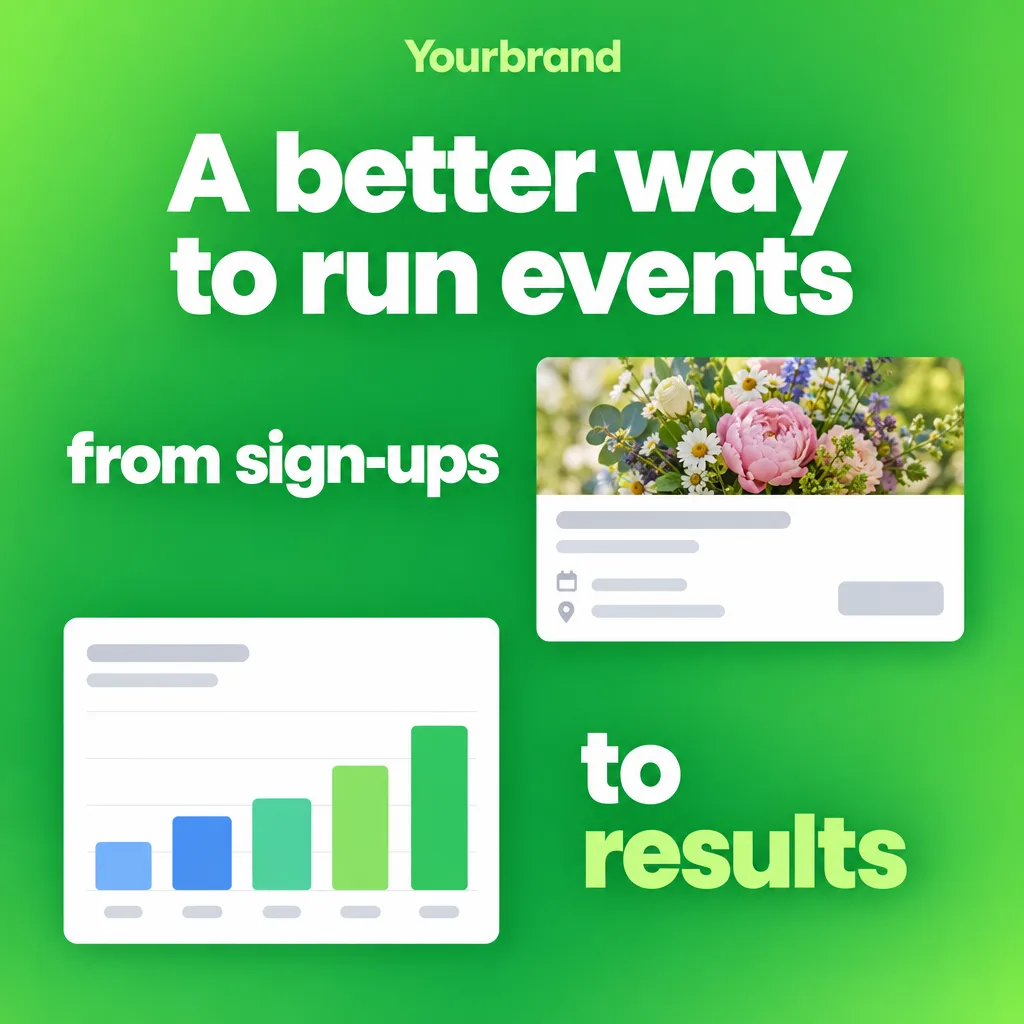
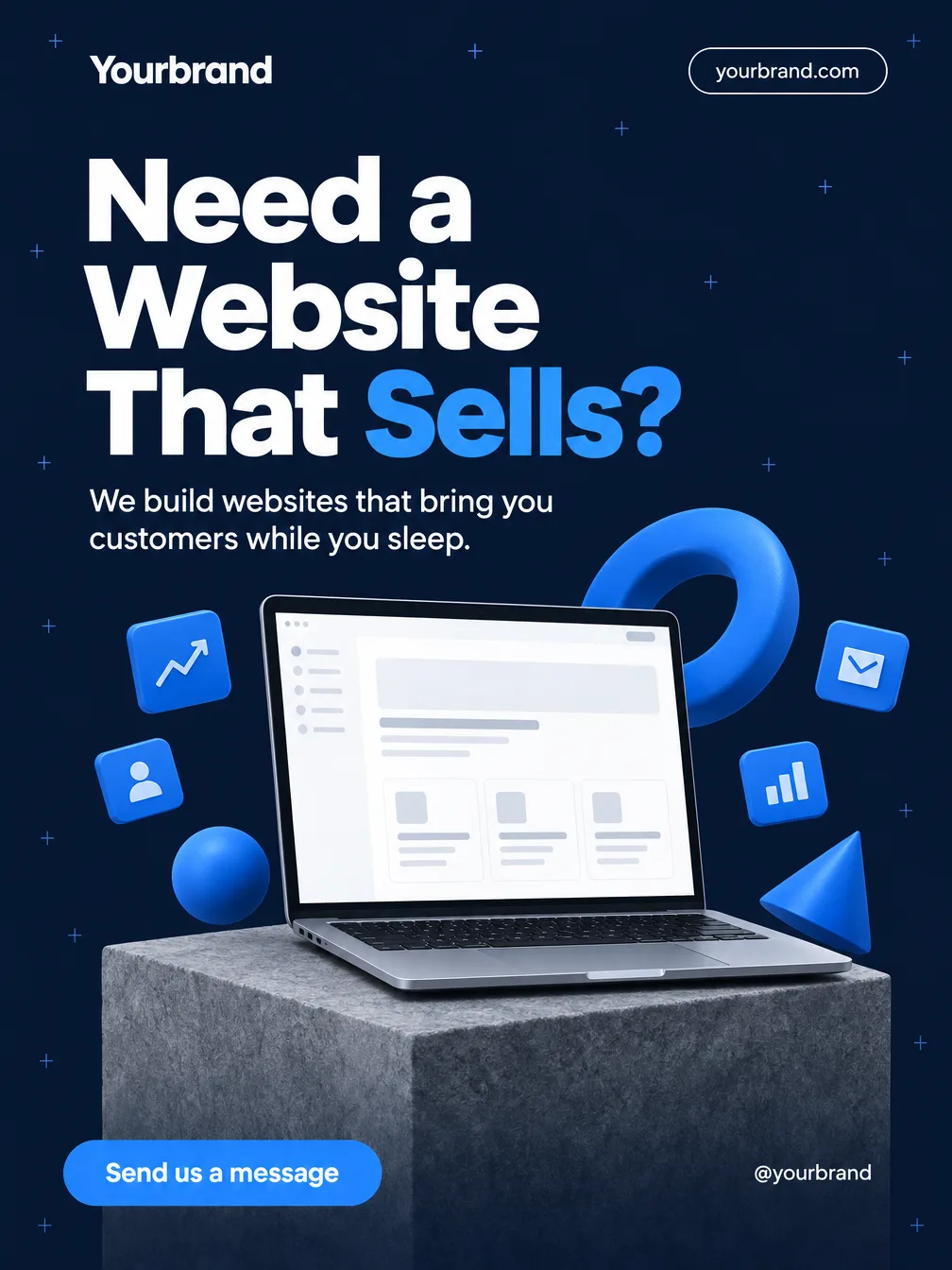
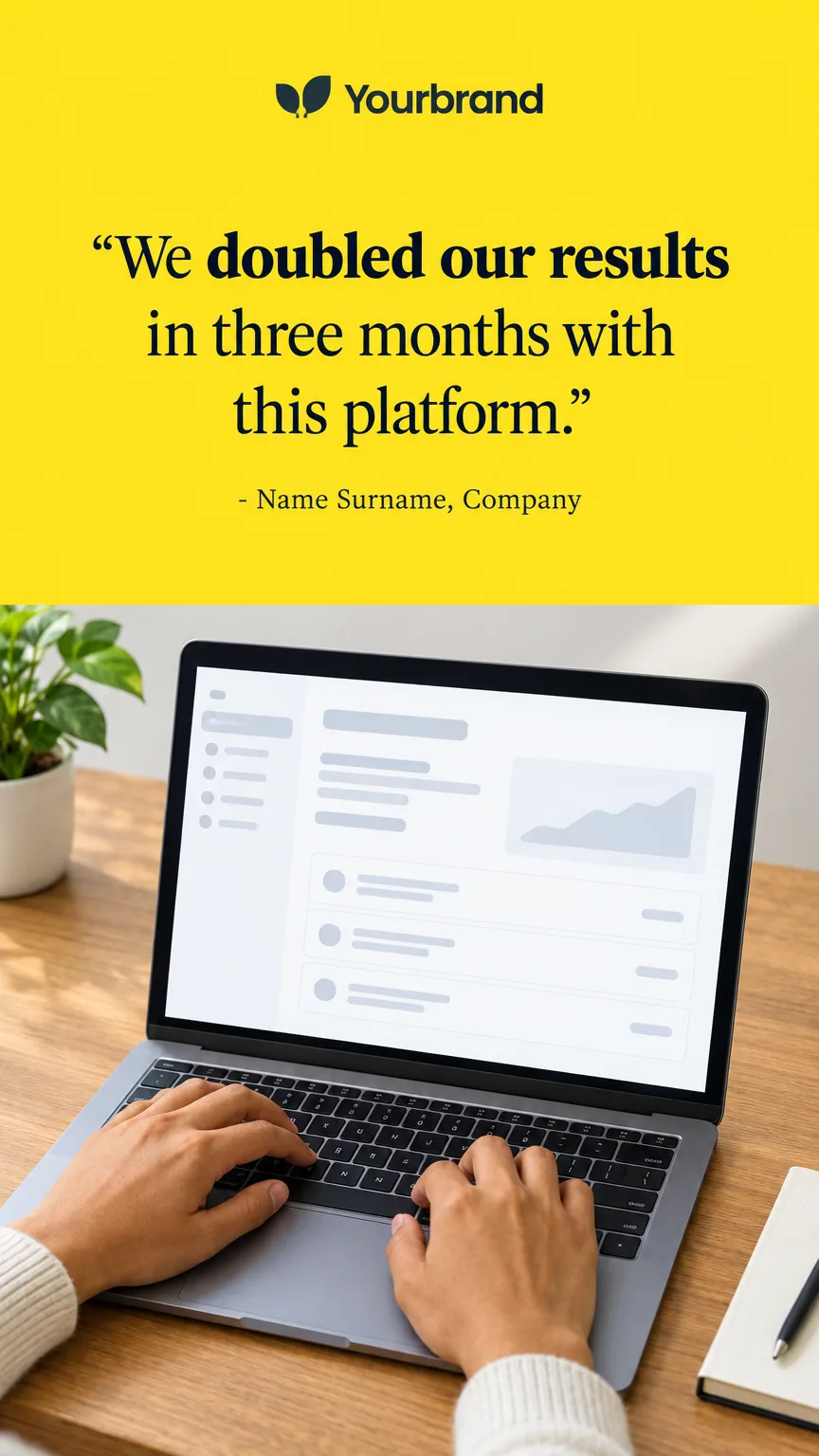
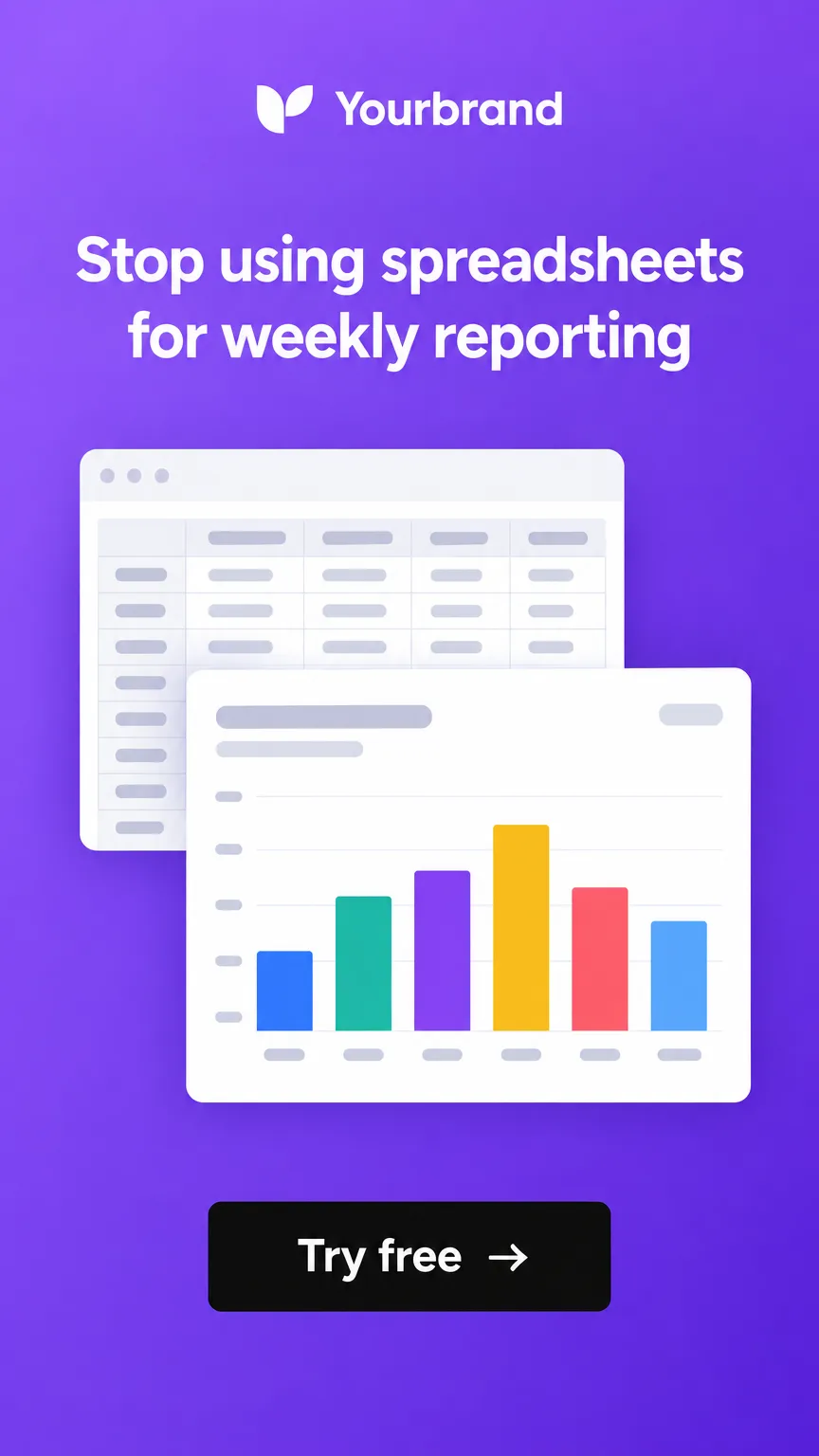
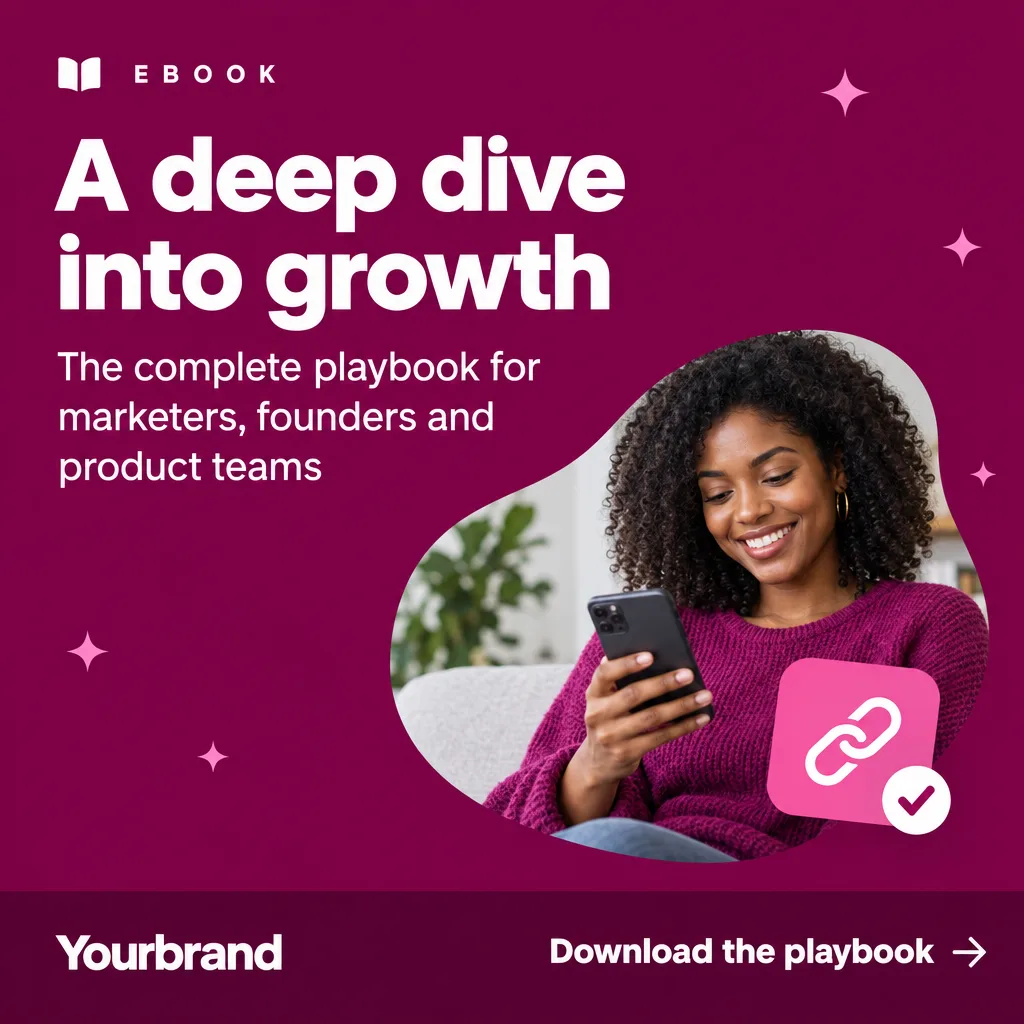
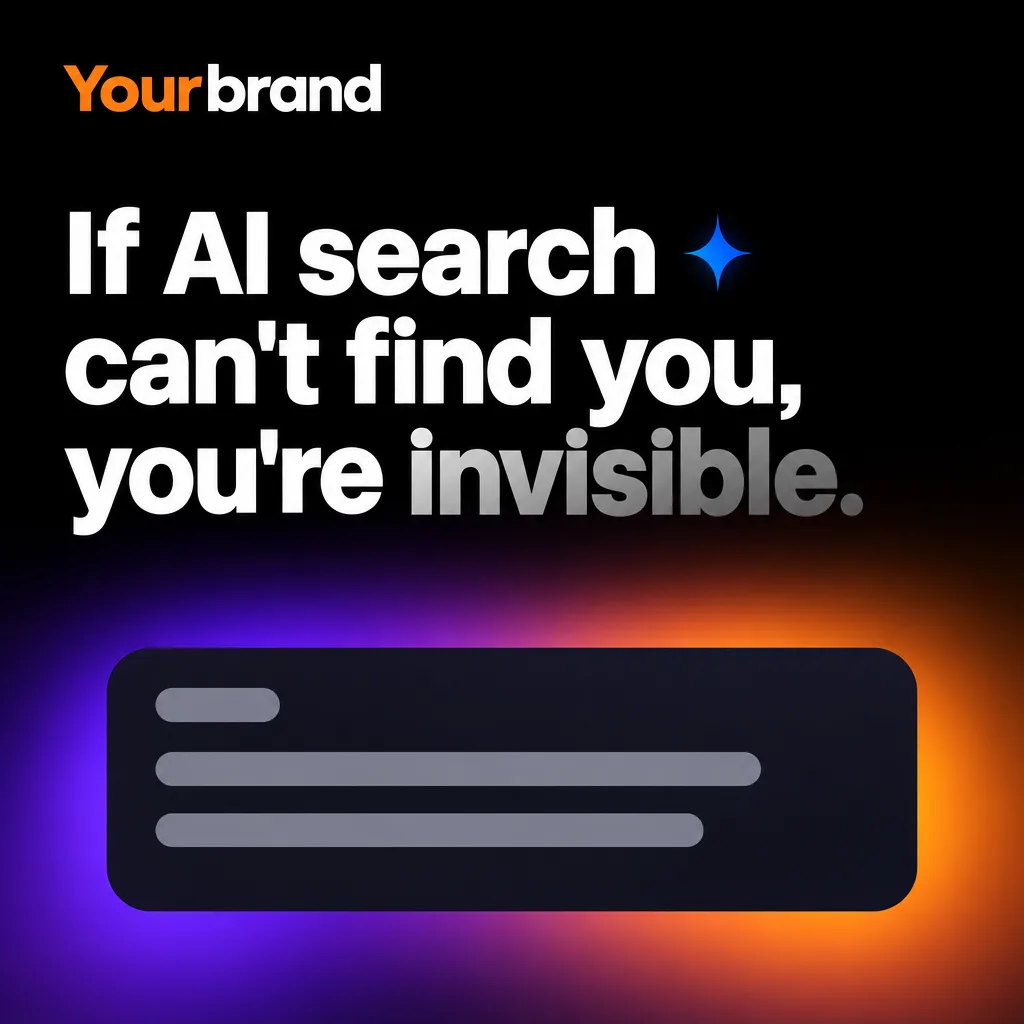
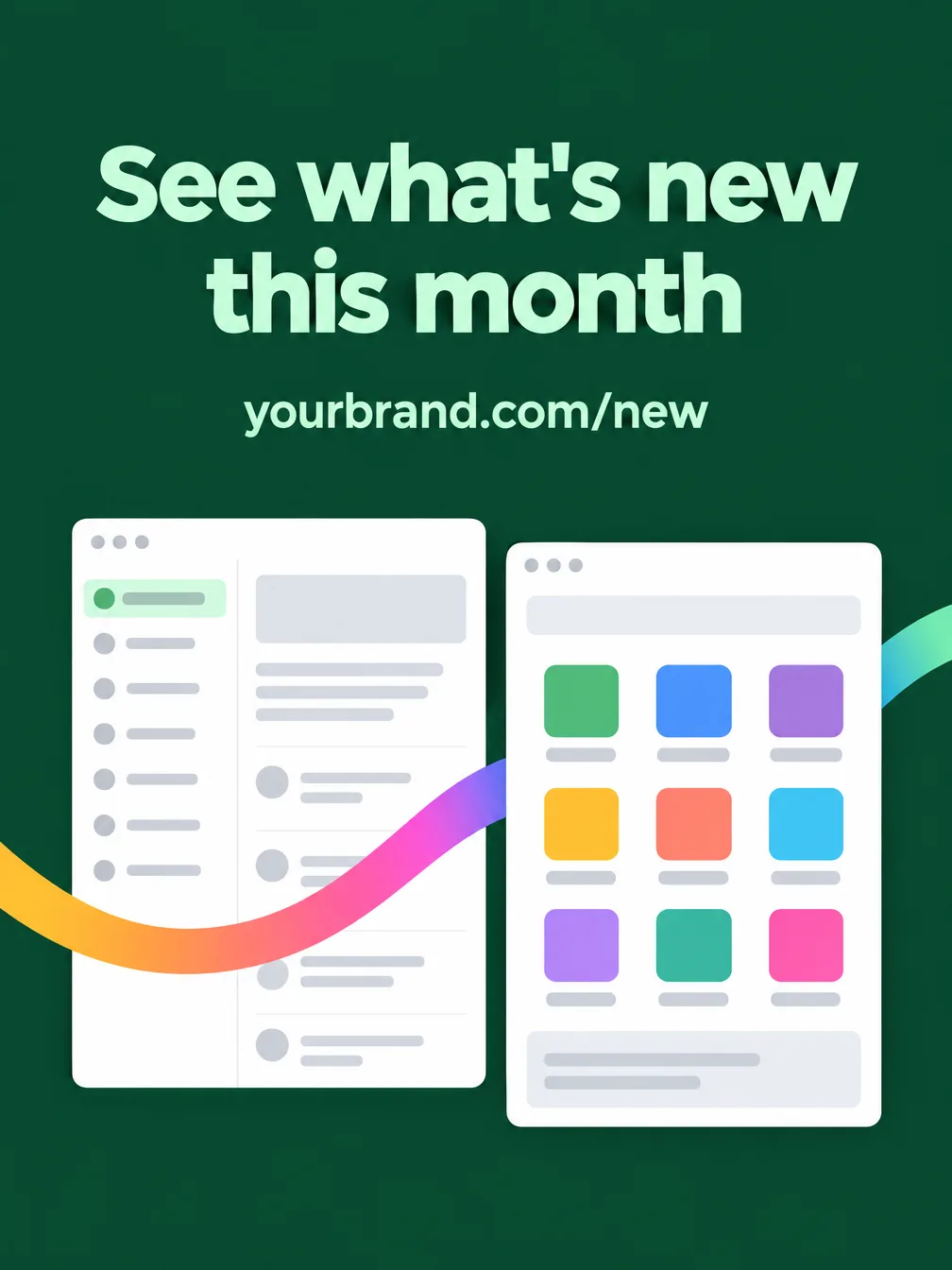
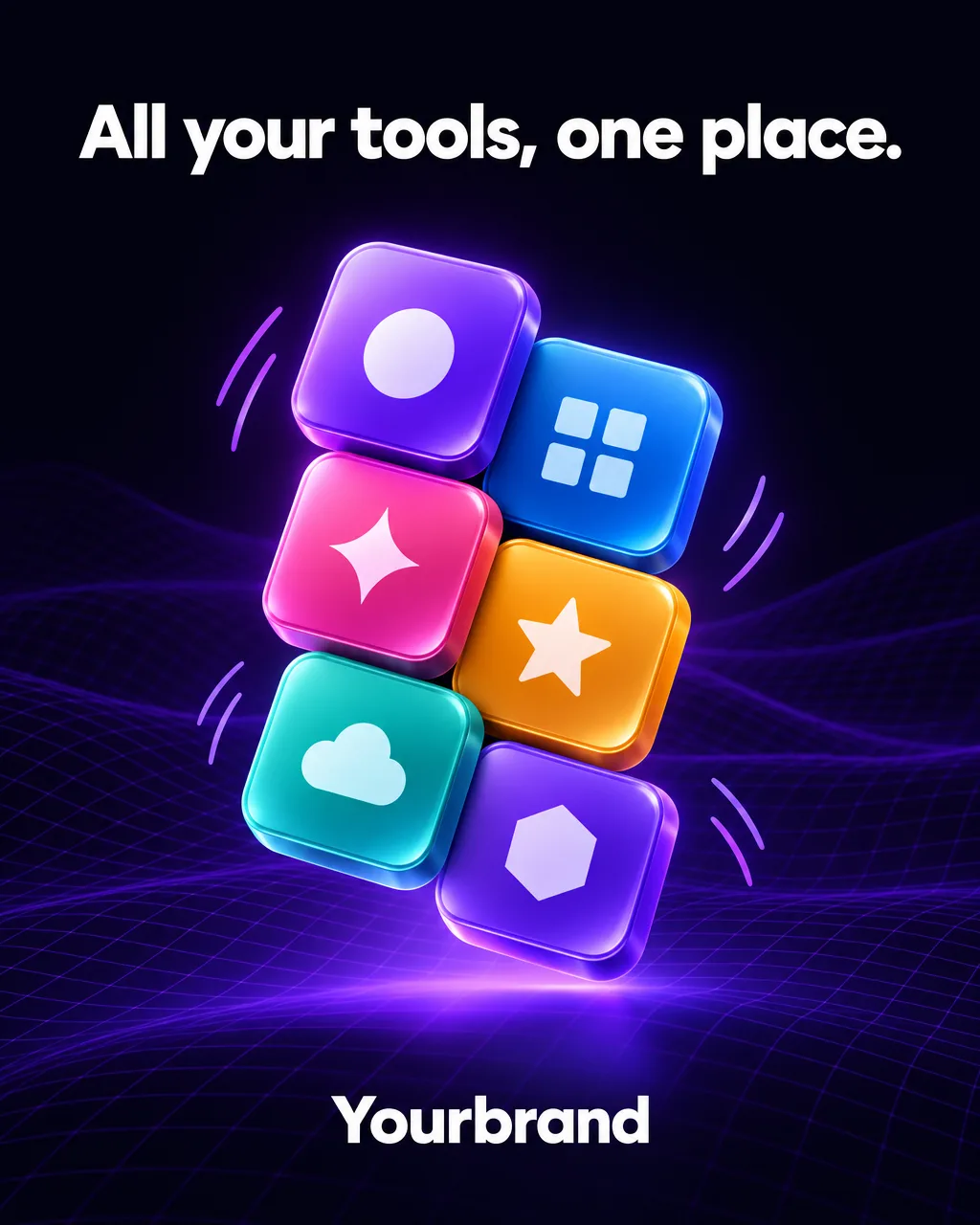
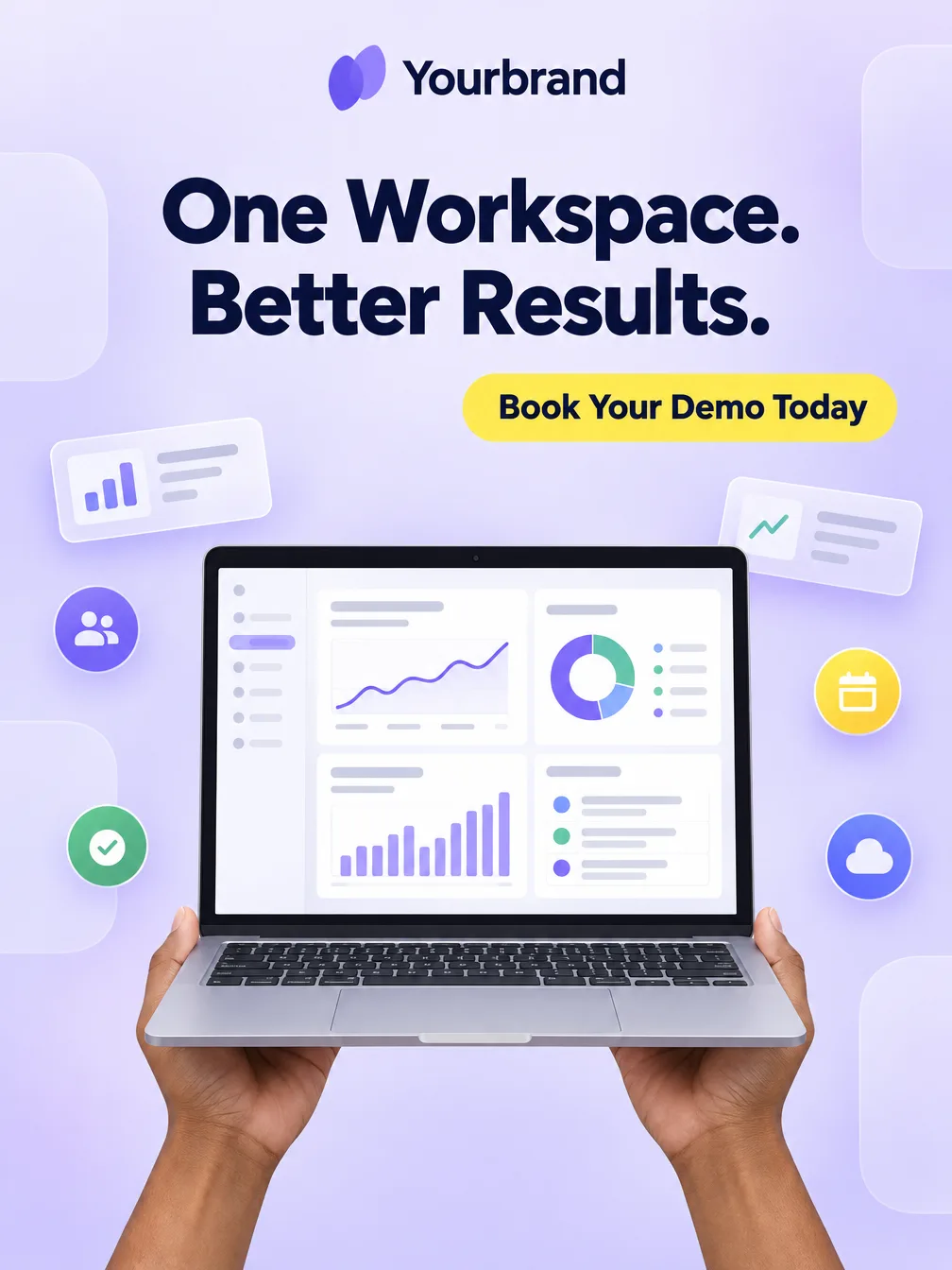
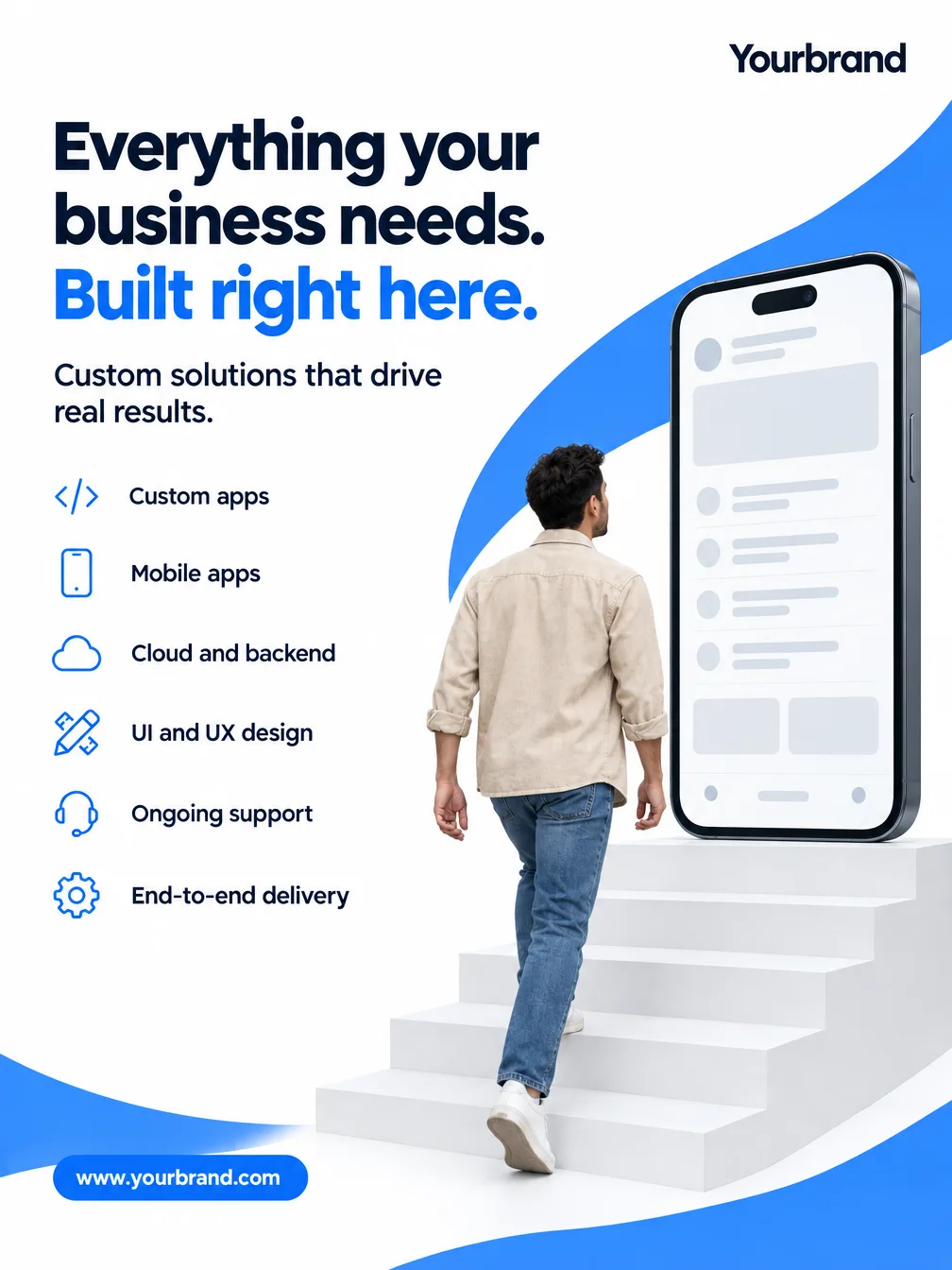
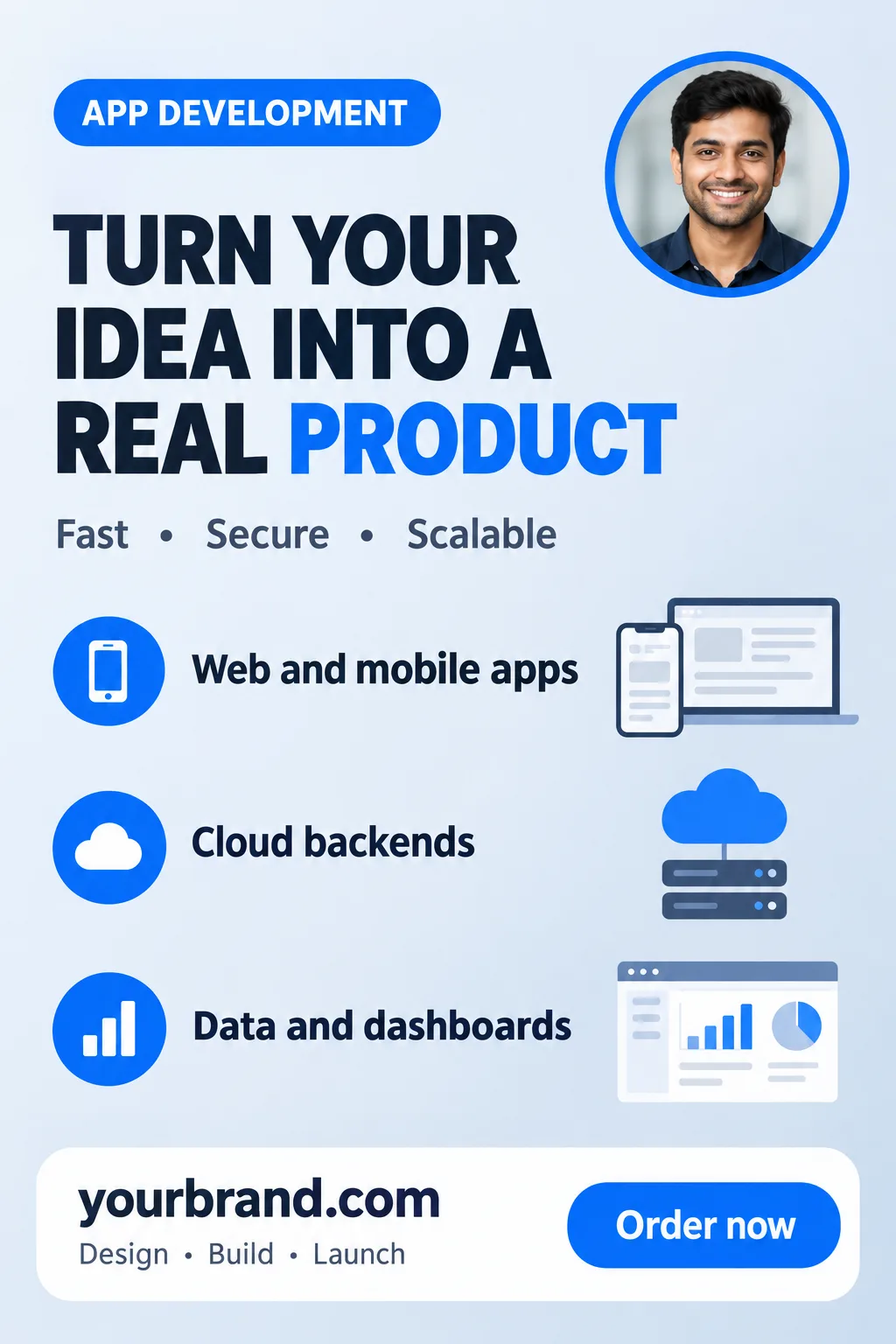
Drop in a screenshot of the feature and Fliki puts it on a laptop, a dashboard card or a glowing screen, with a headline that sells the outcome.
Upload one to three product photos, write a line about the offer, and pick a look. Fliki’s AI ad maker writes the headline and the call to action, you approve them, then each ad is lettered around your real product with your logo in place.
On Basic, Standard and Premium plans · 2 to 6 ads per run · Square, portrait and landscape
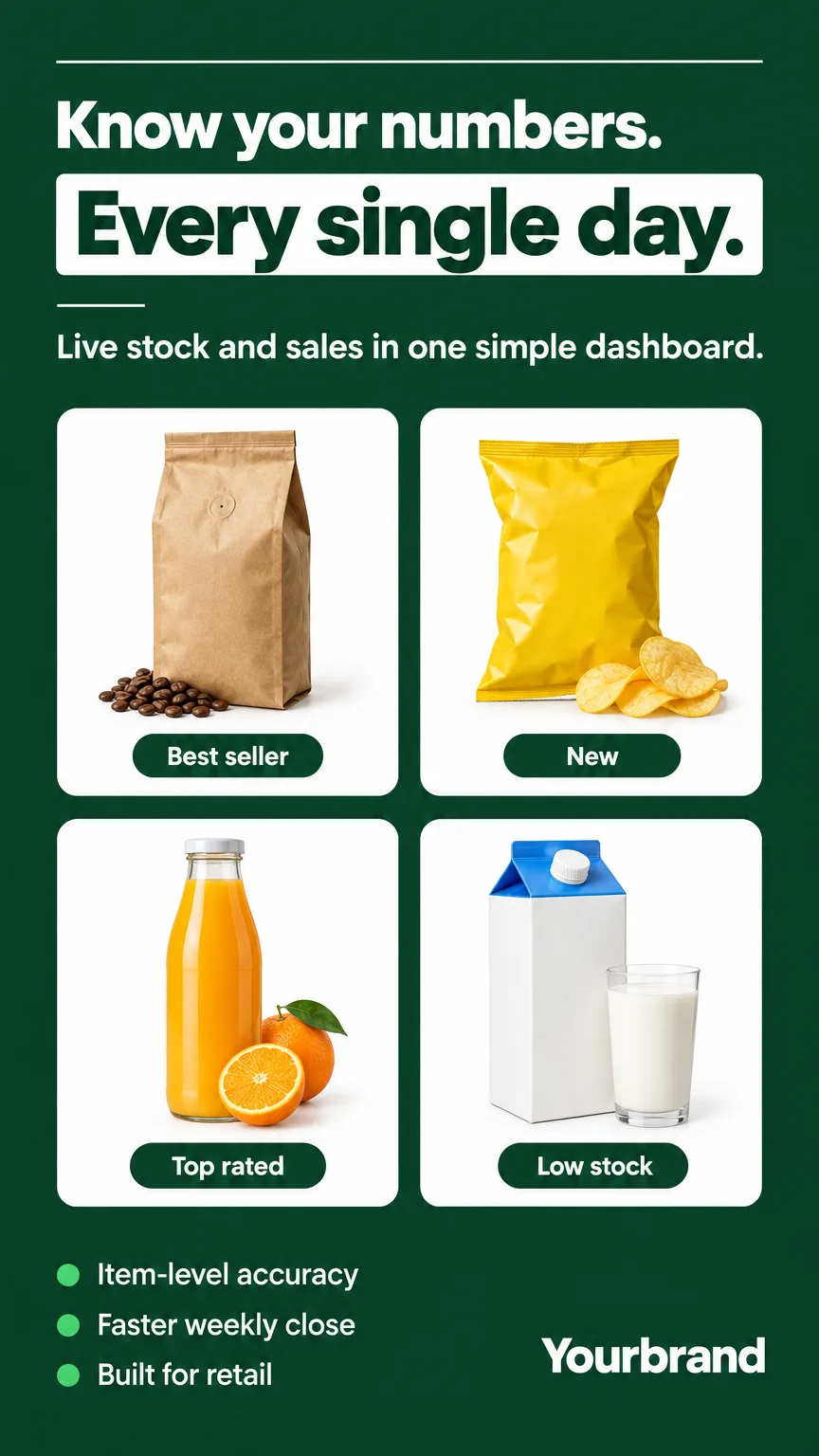
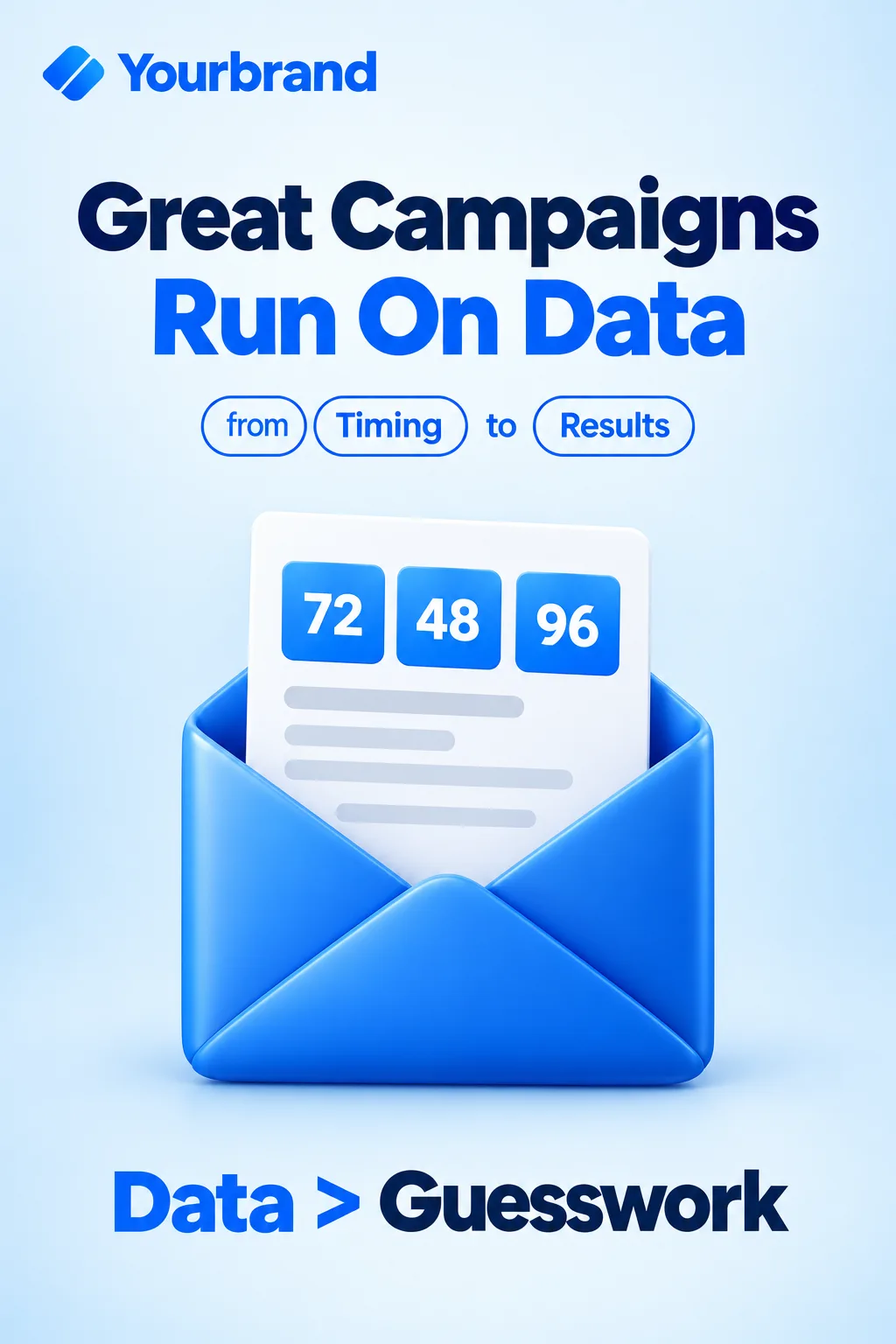
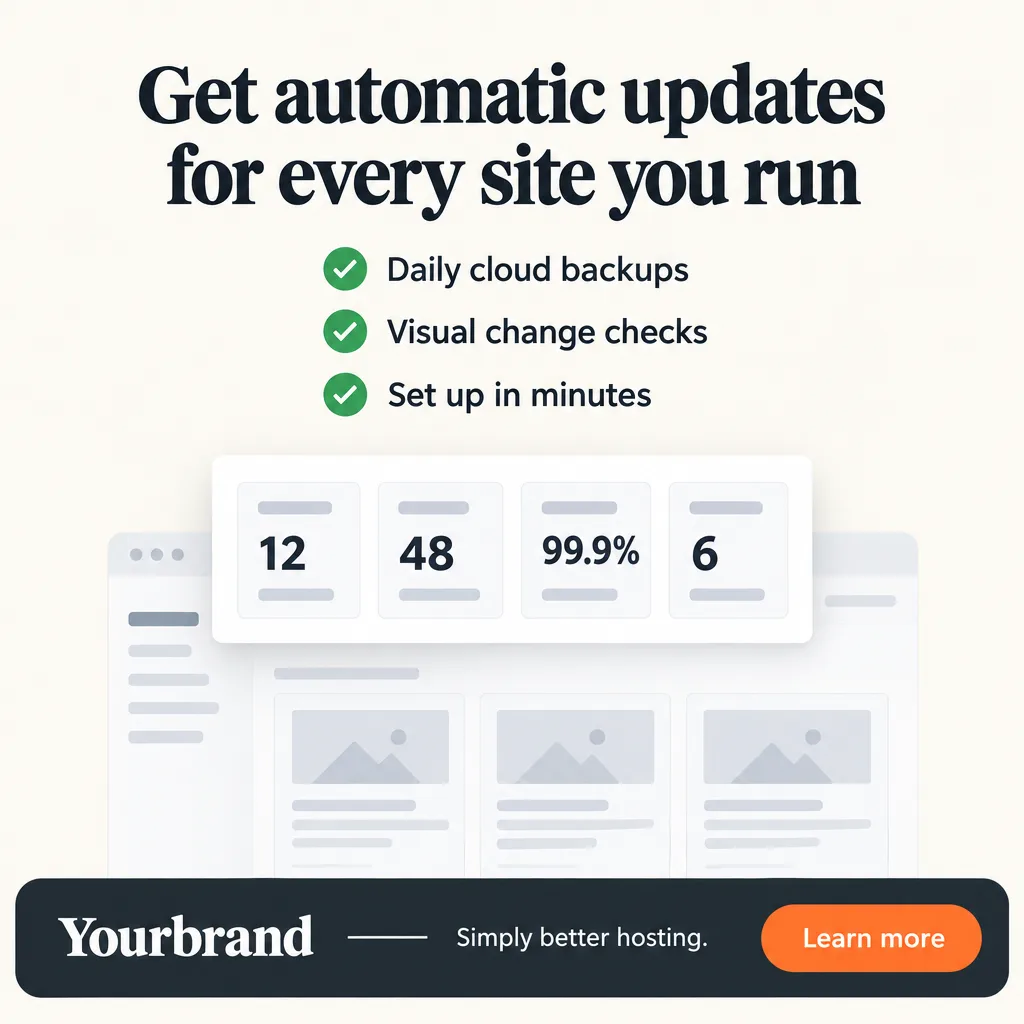
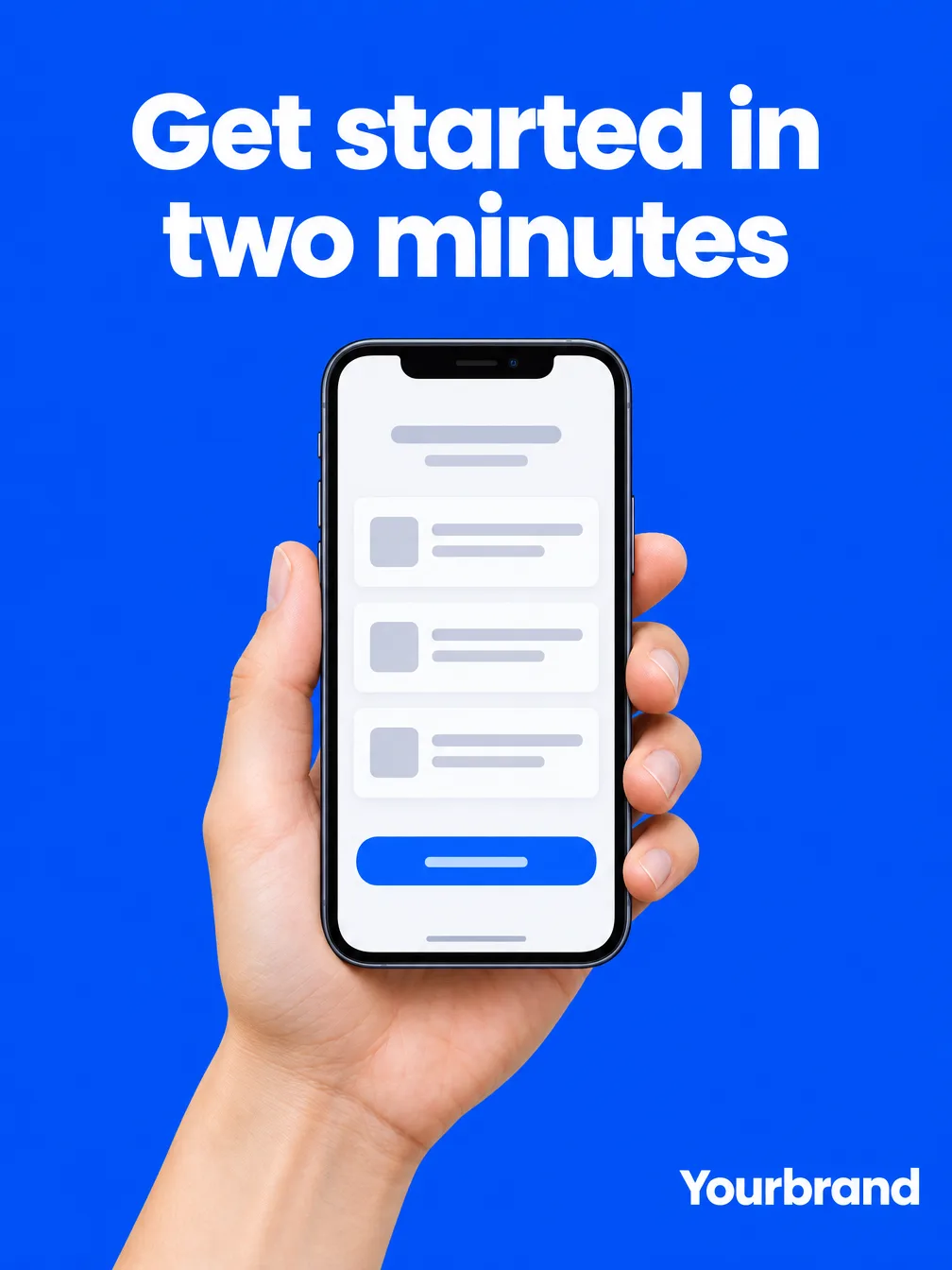


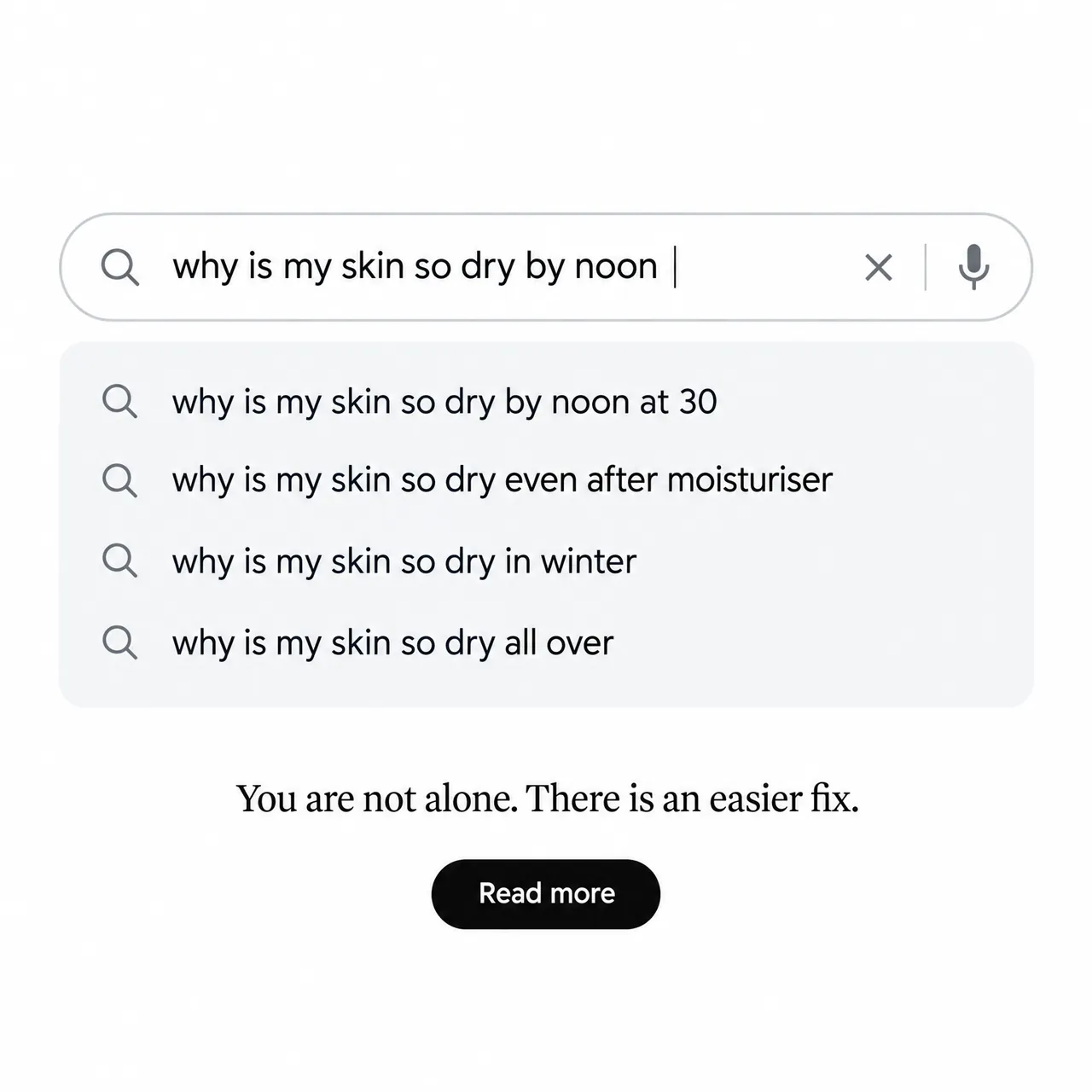
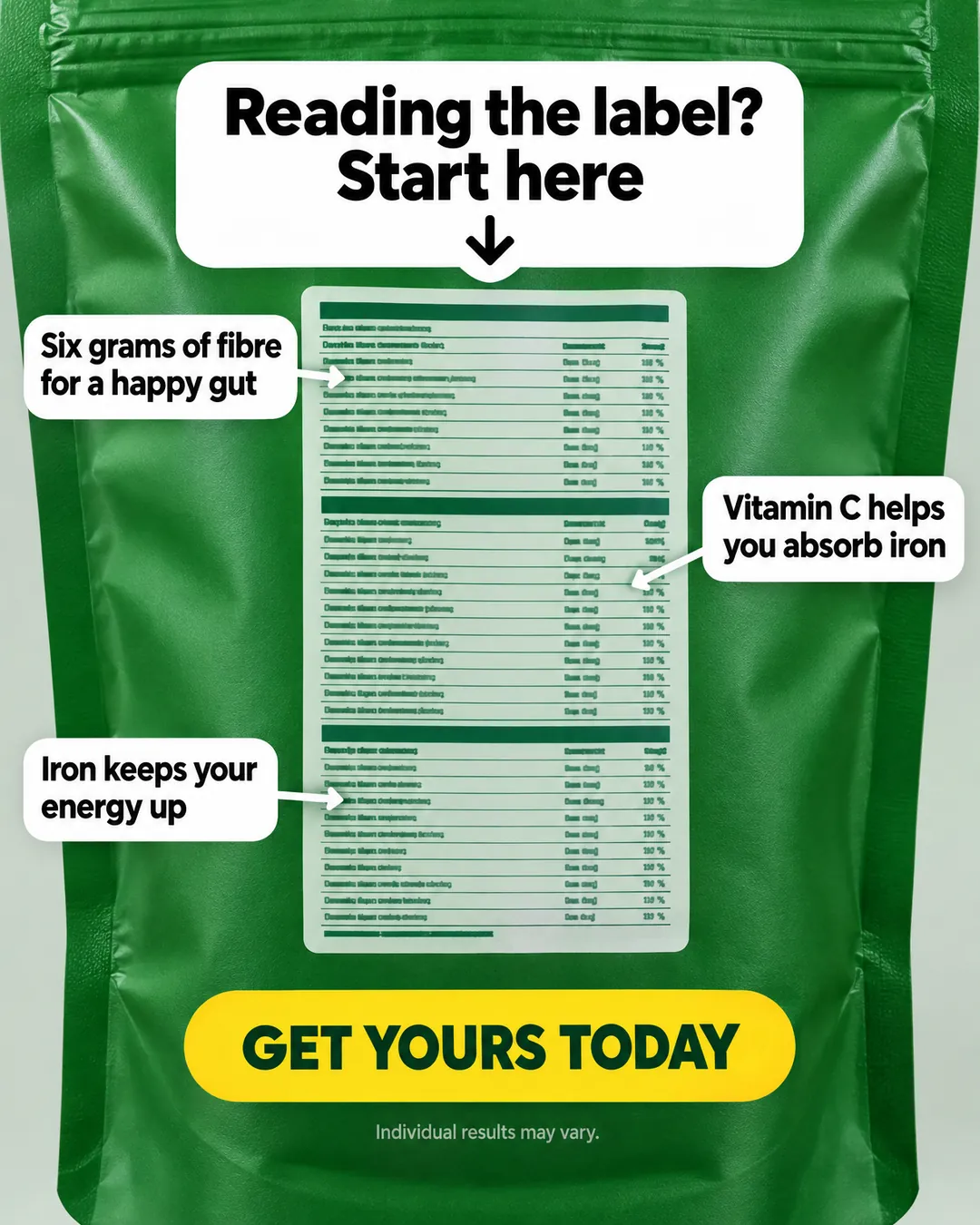
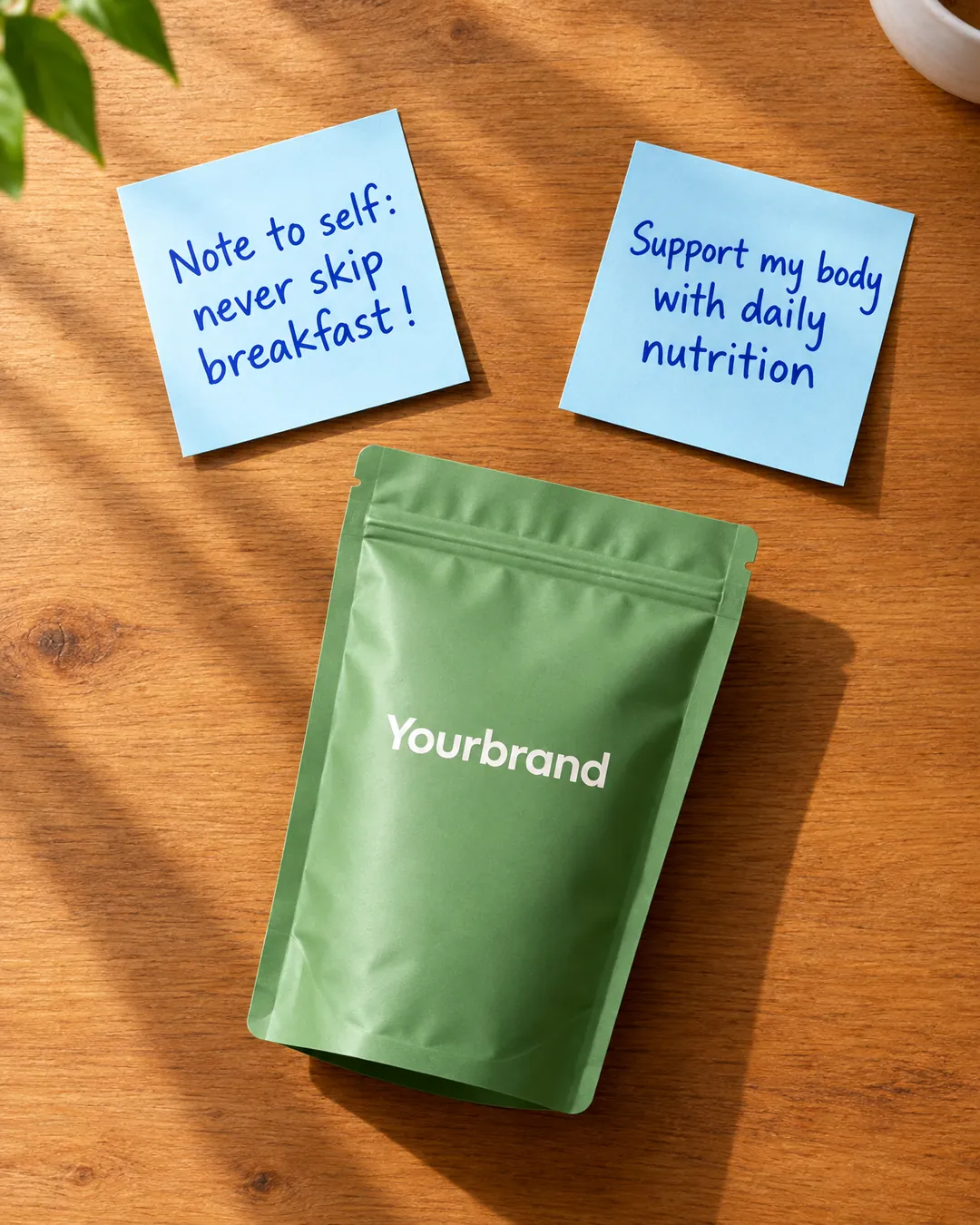
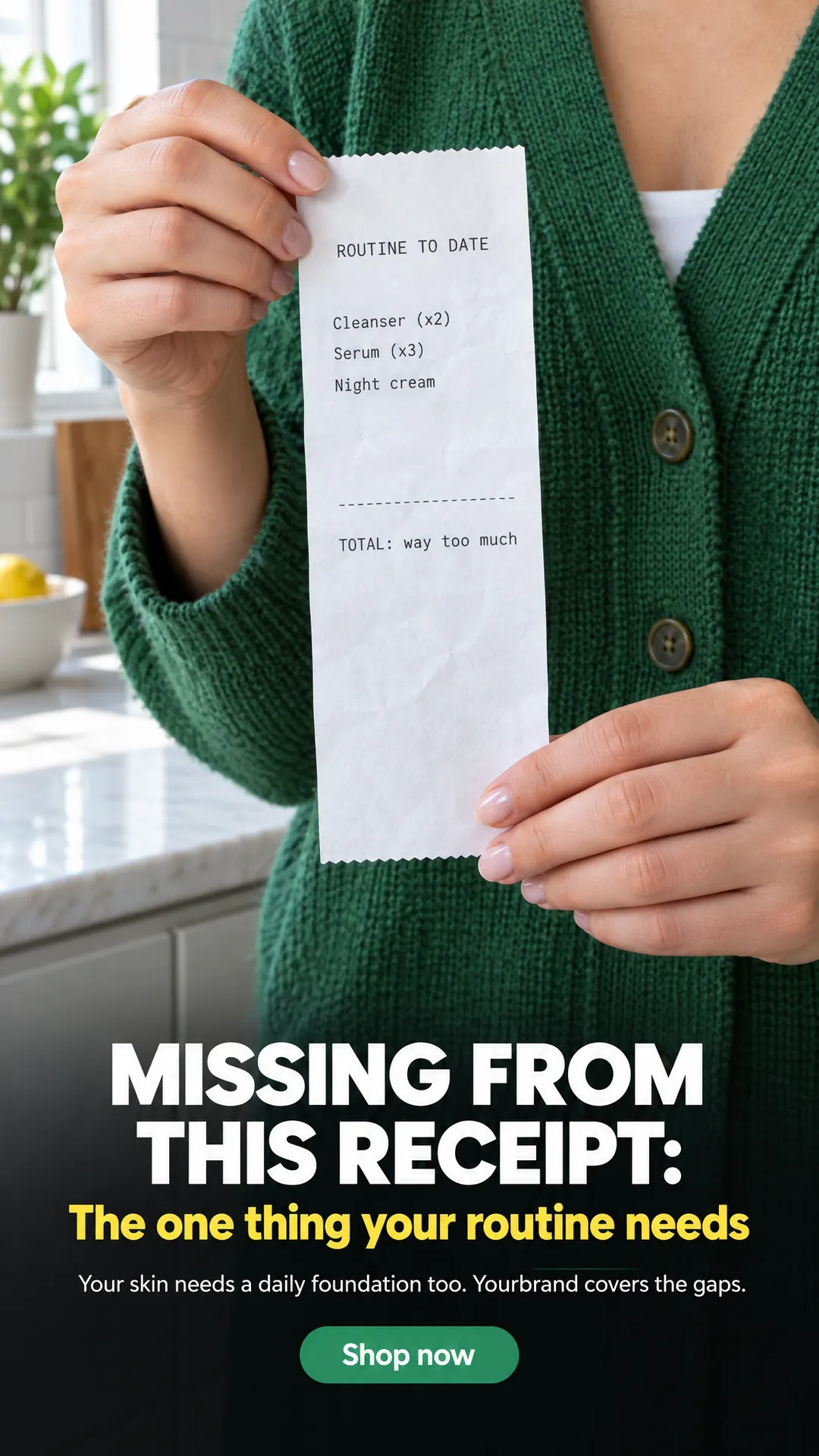
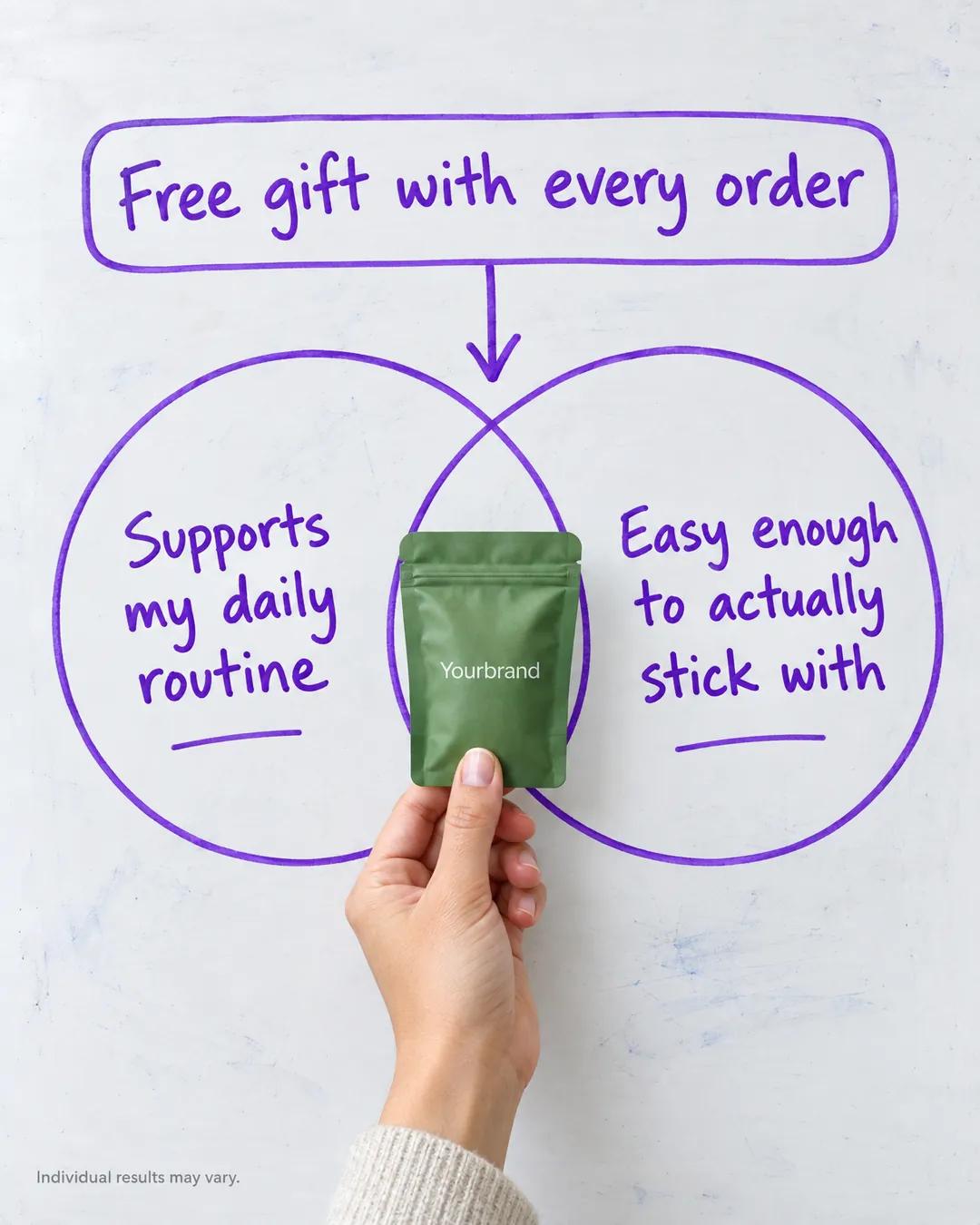
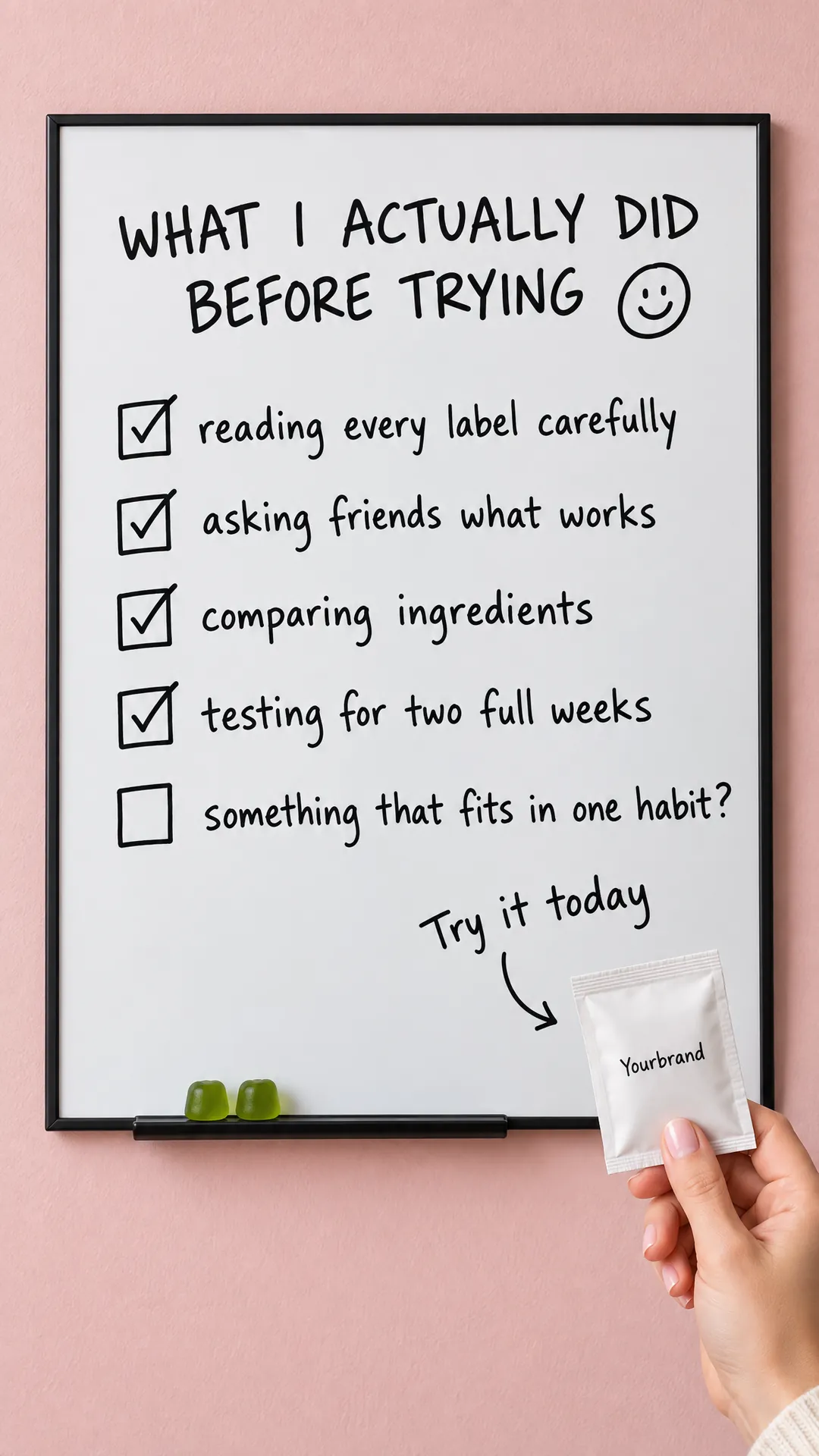
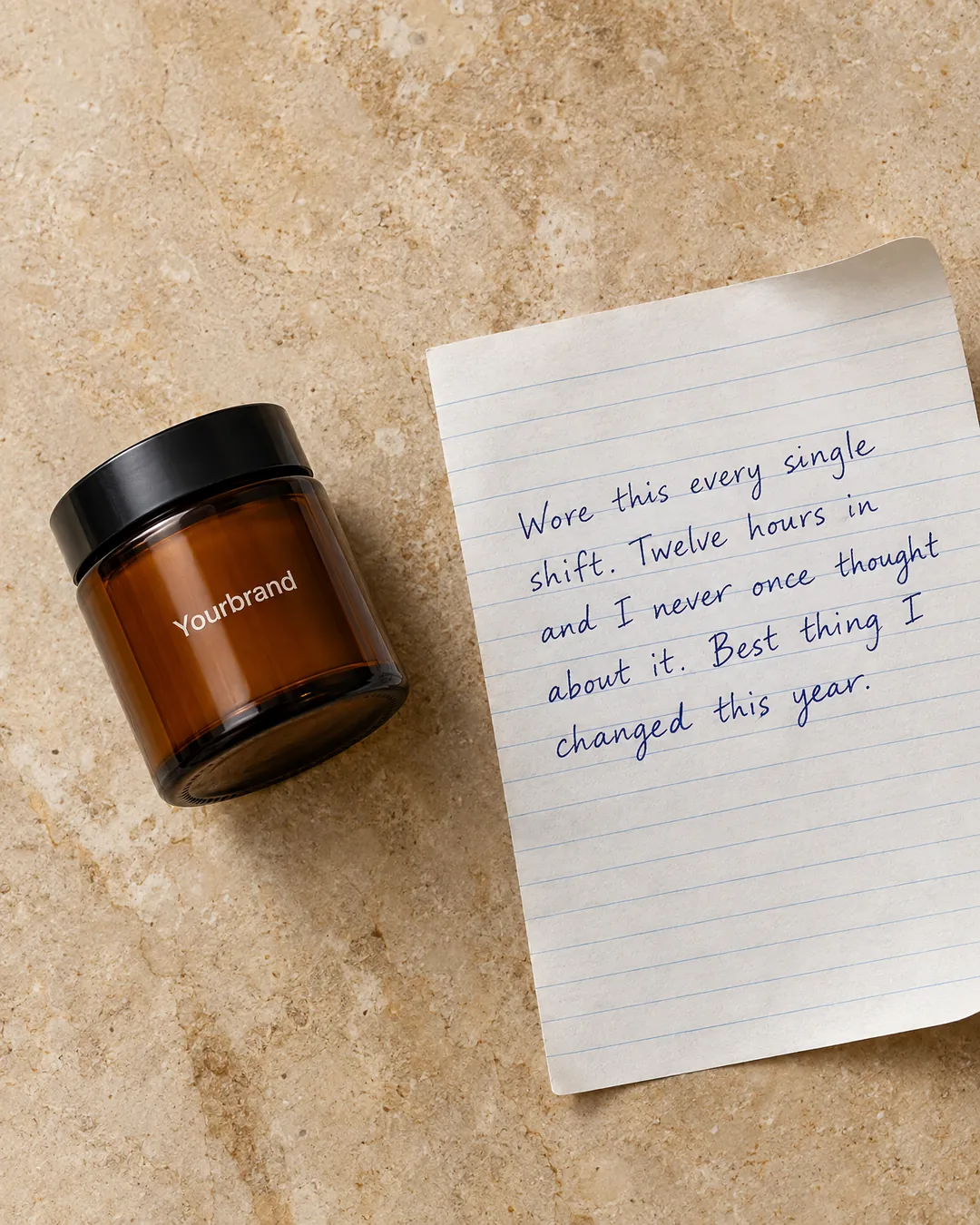
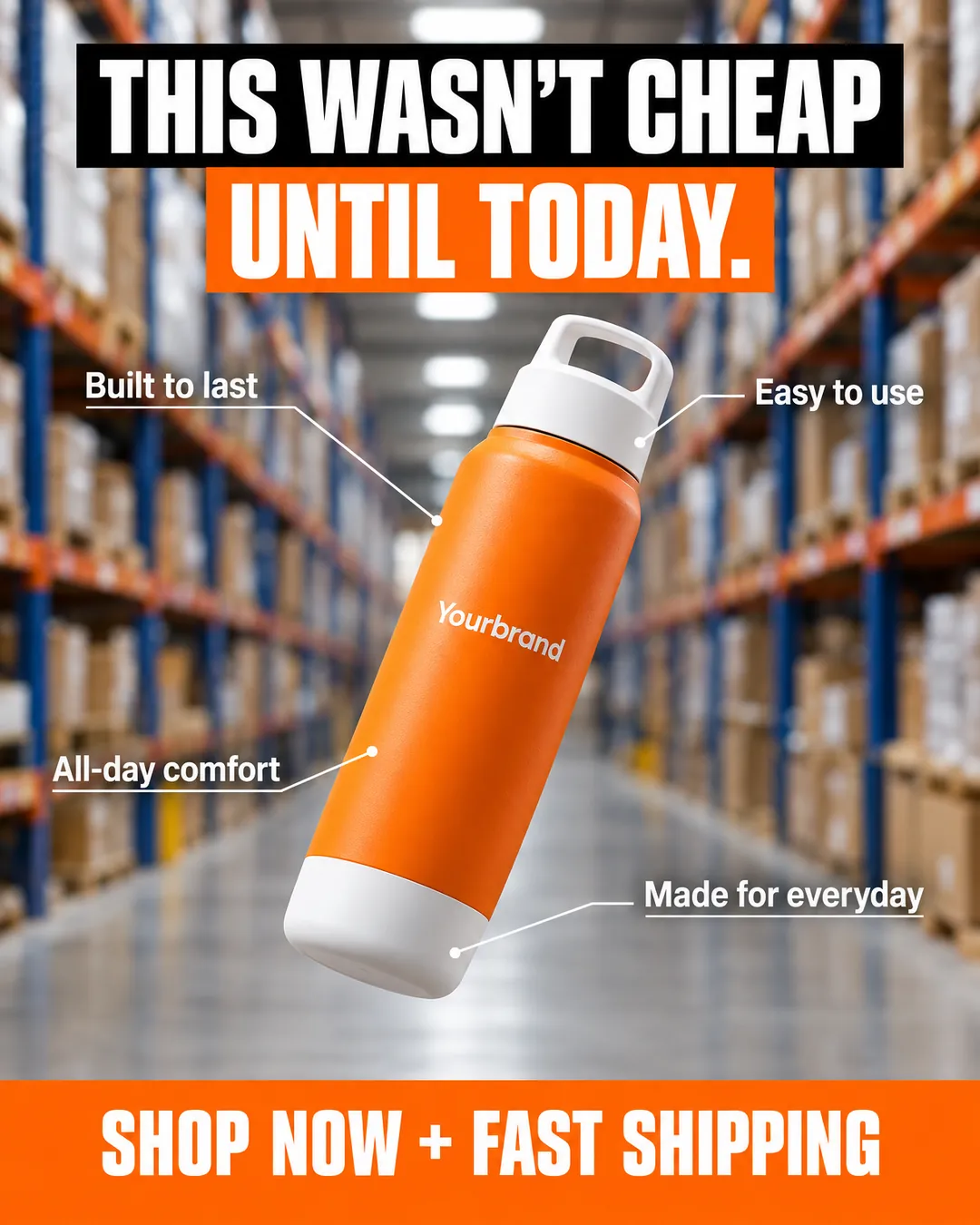
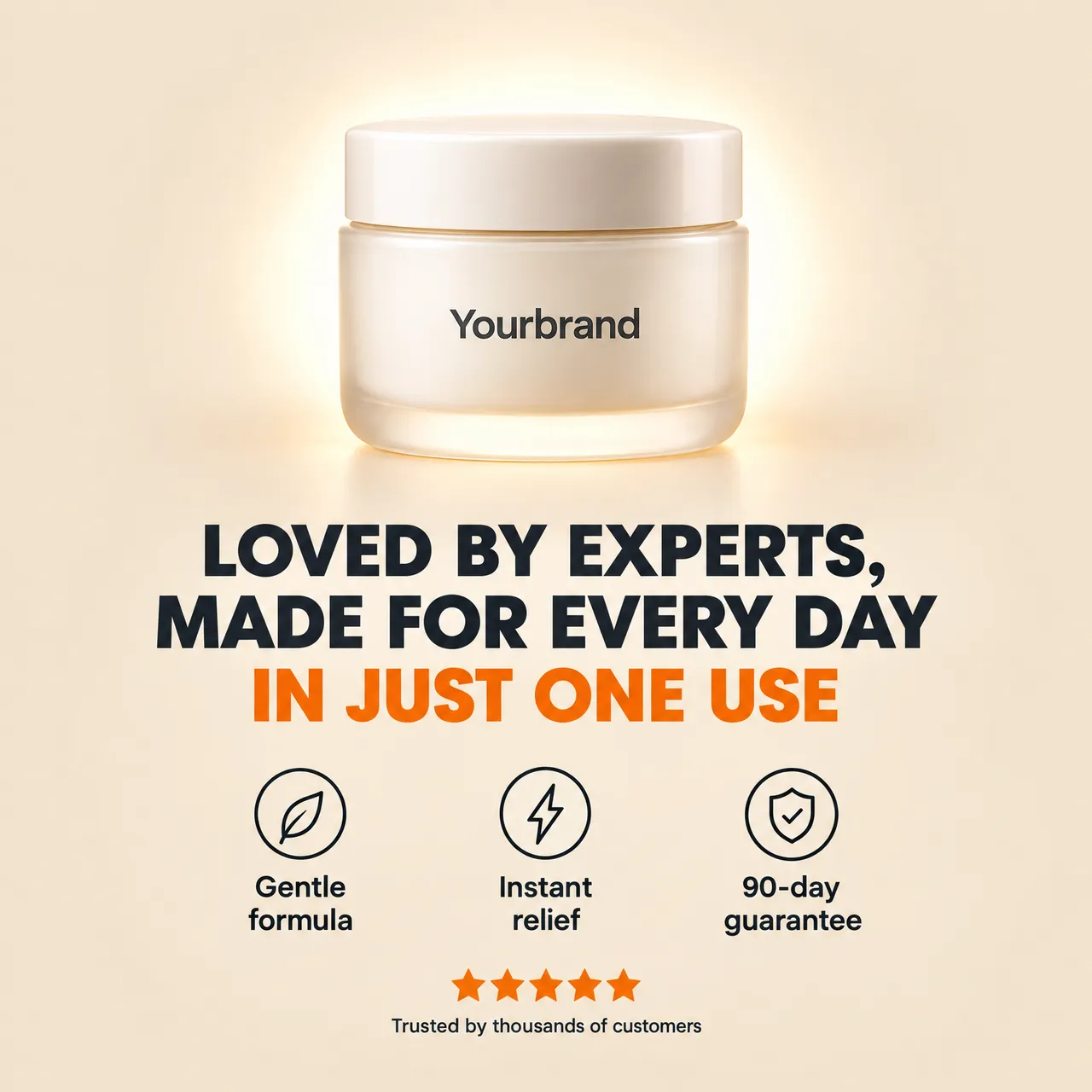
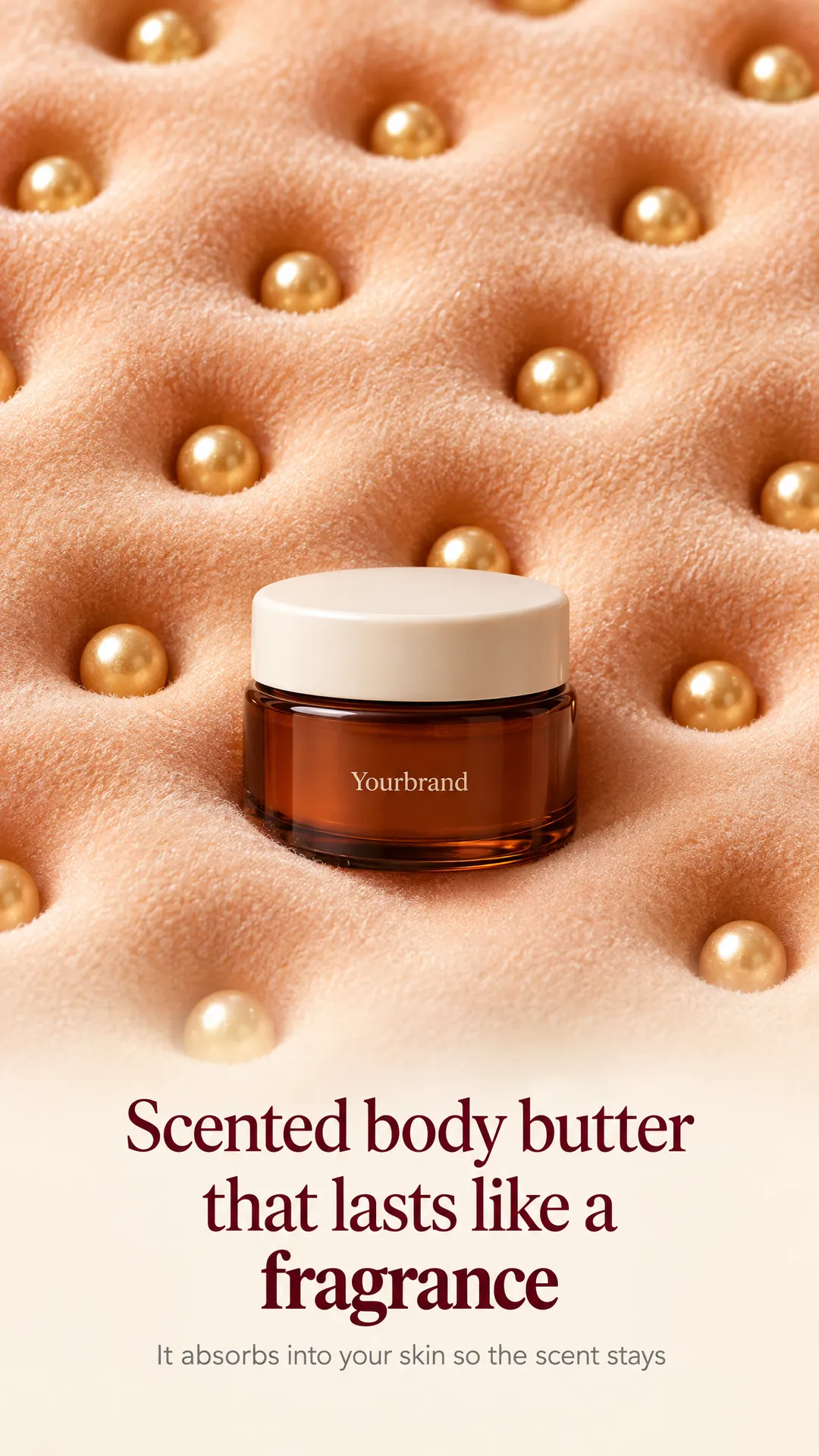
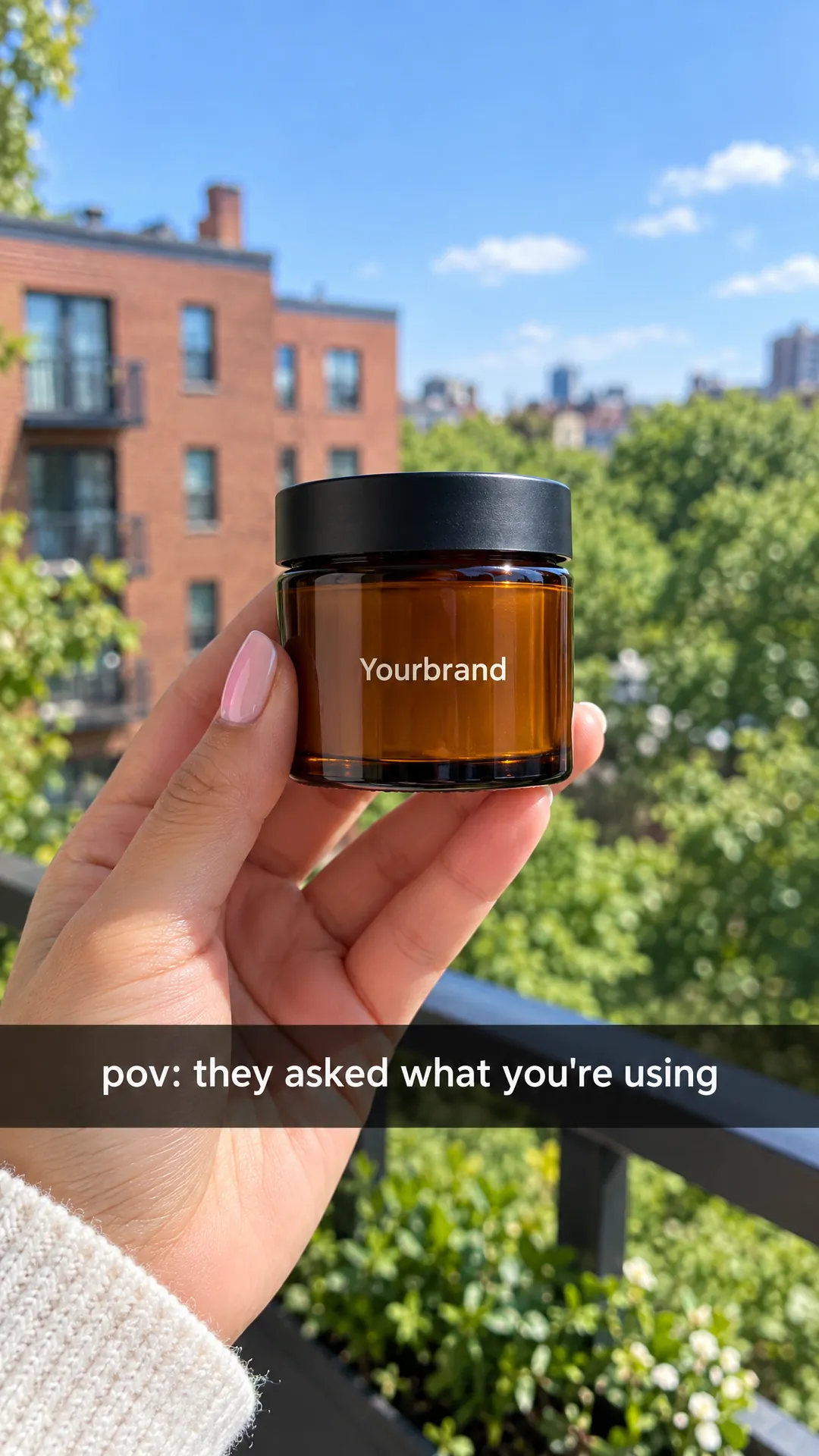
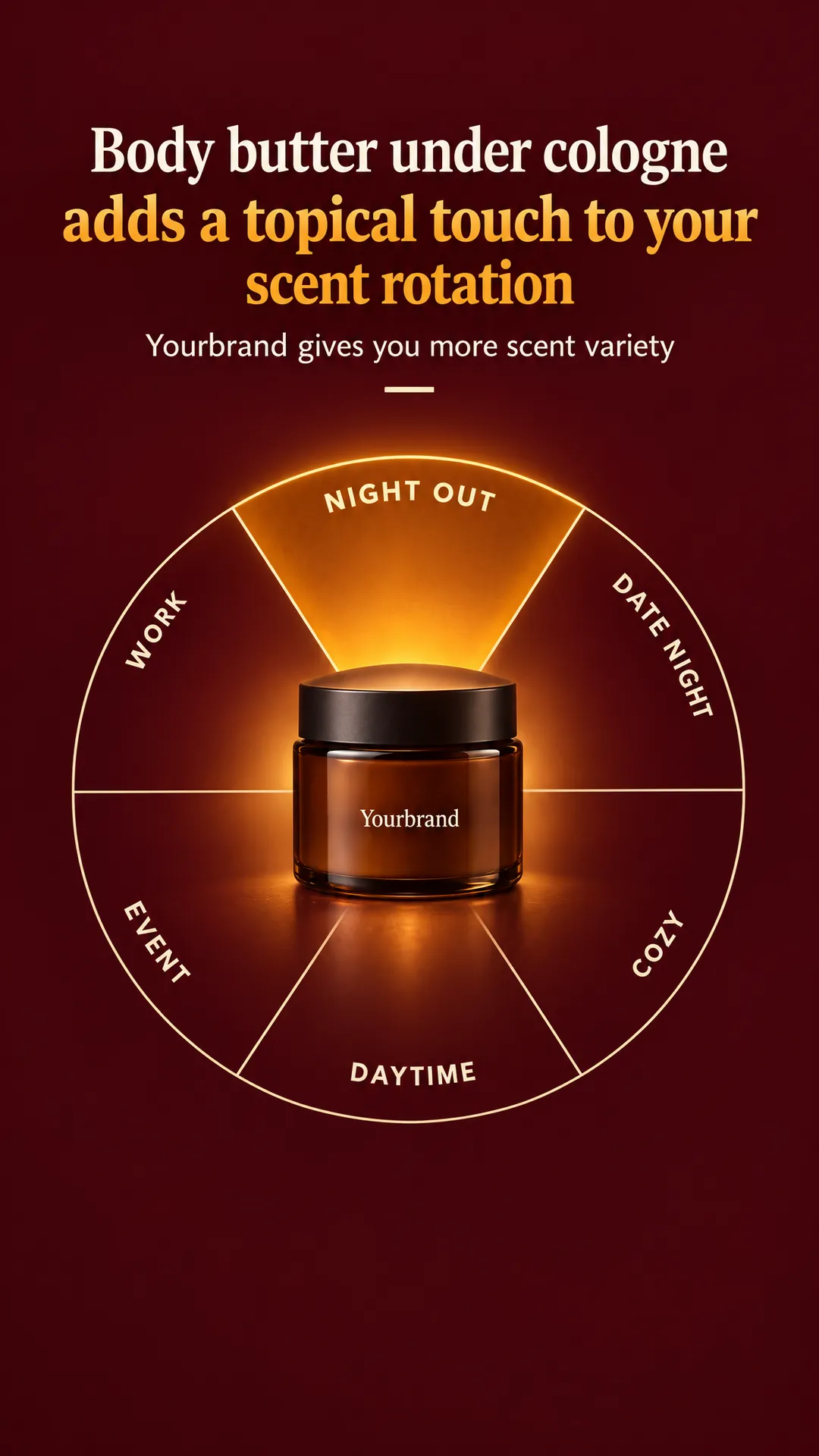
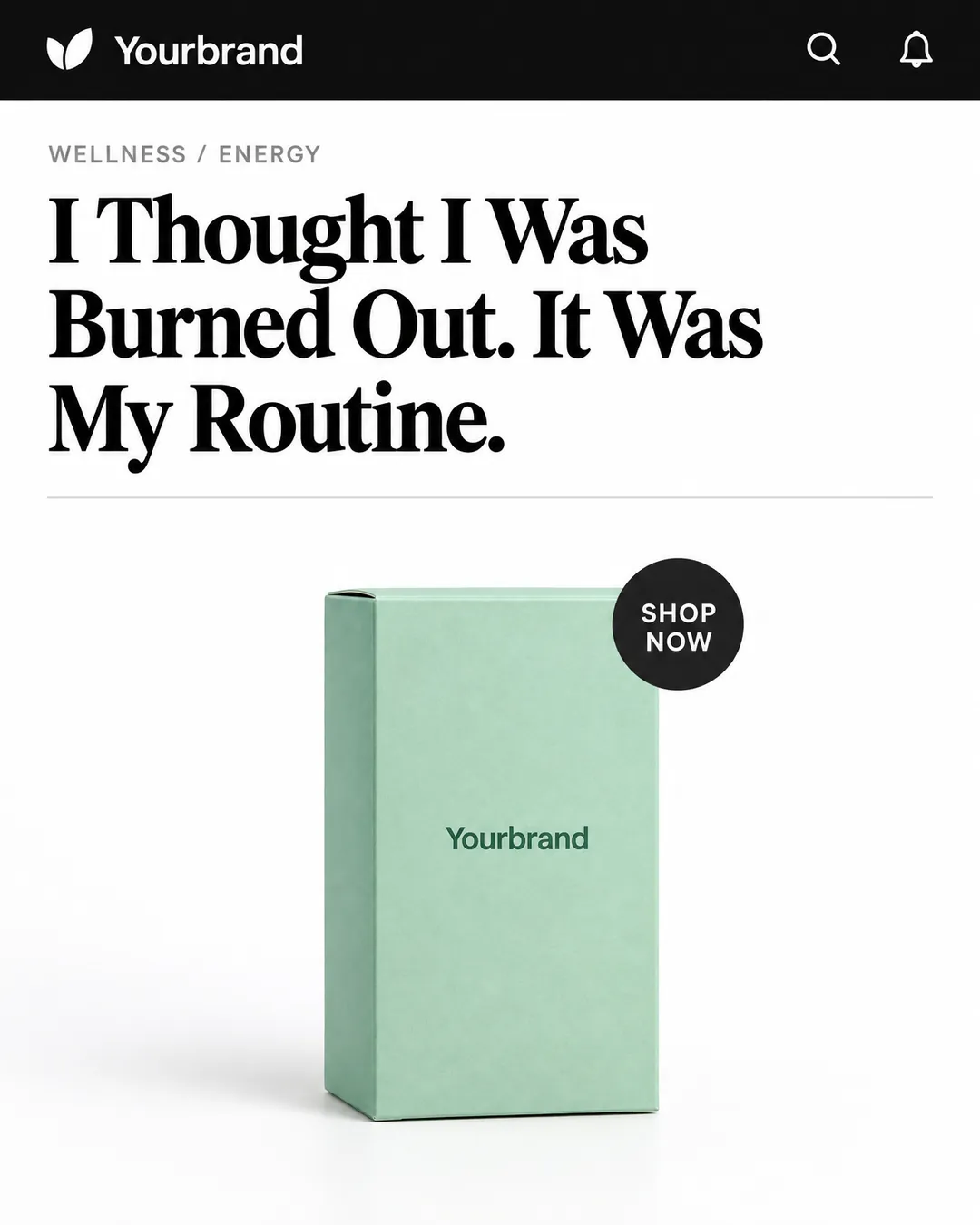
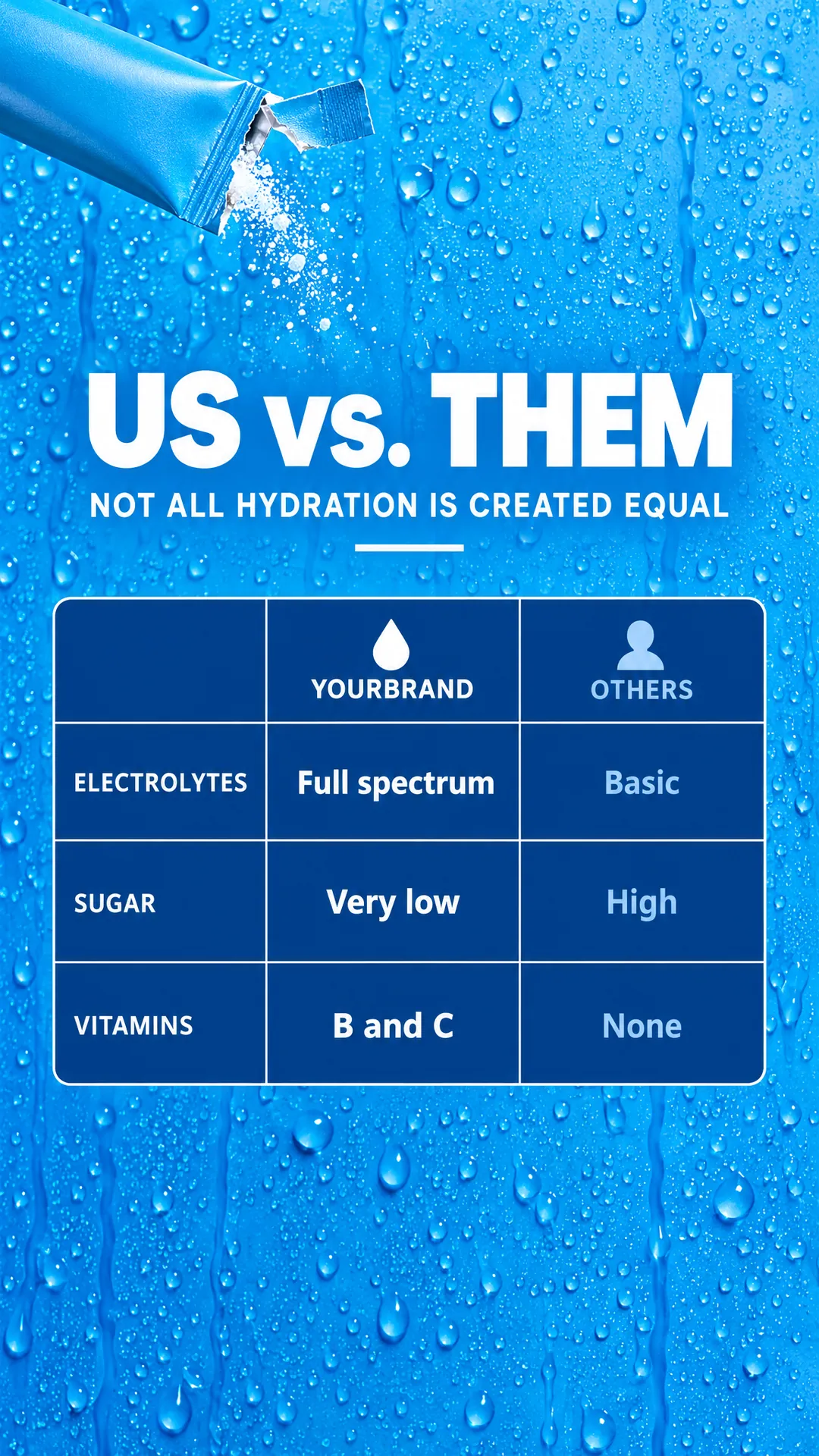
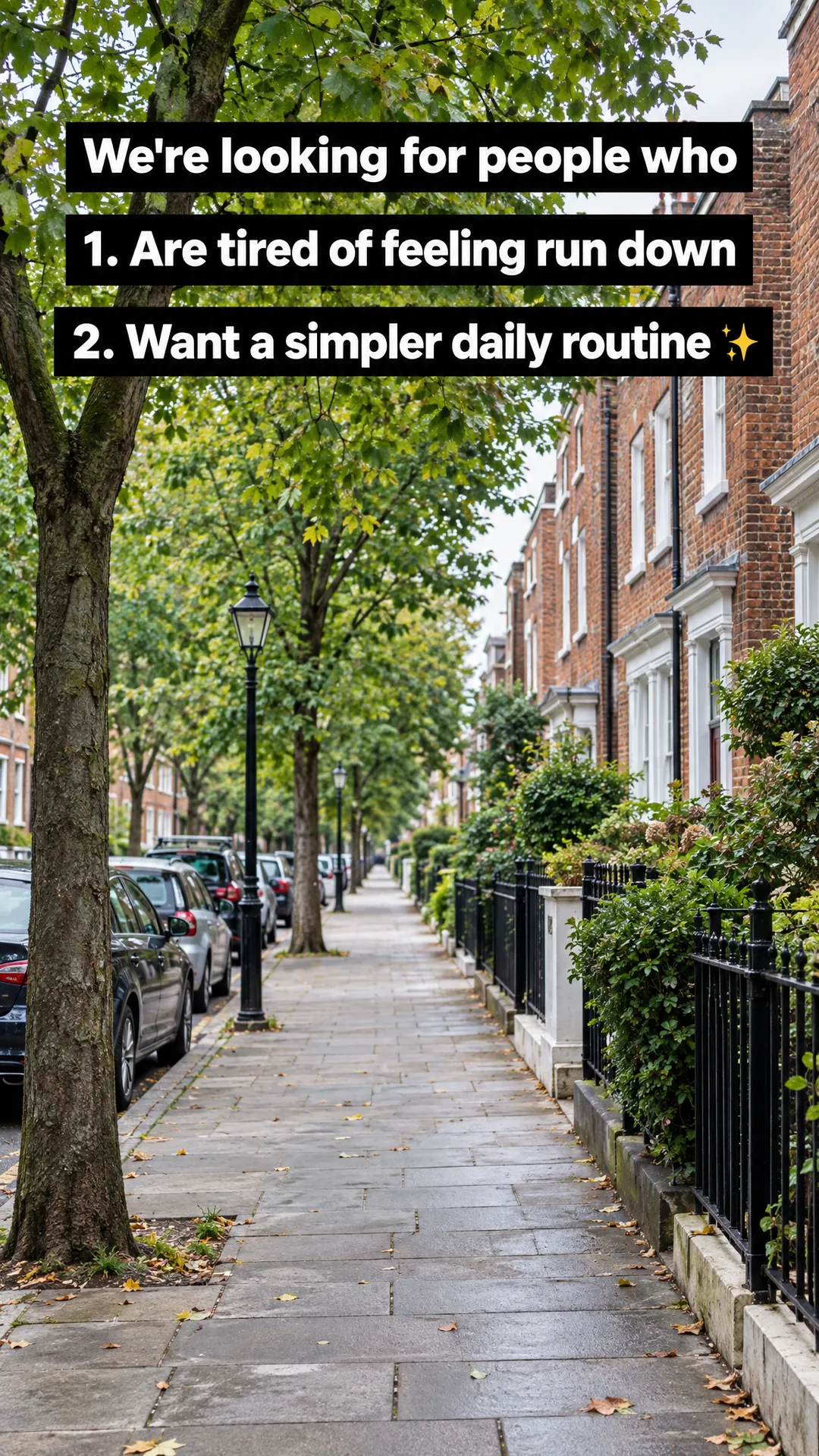
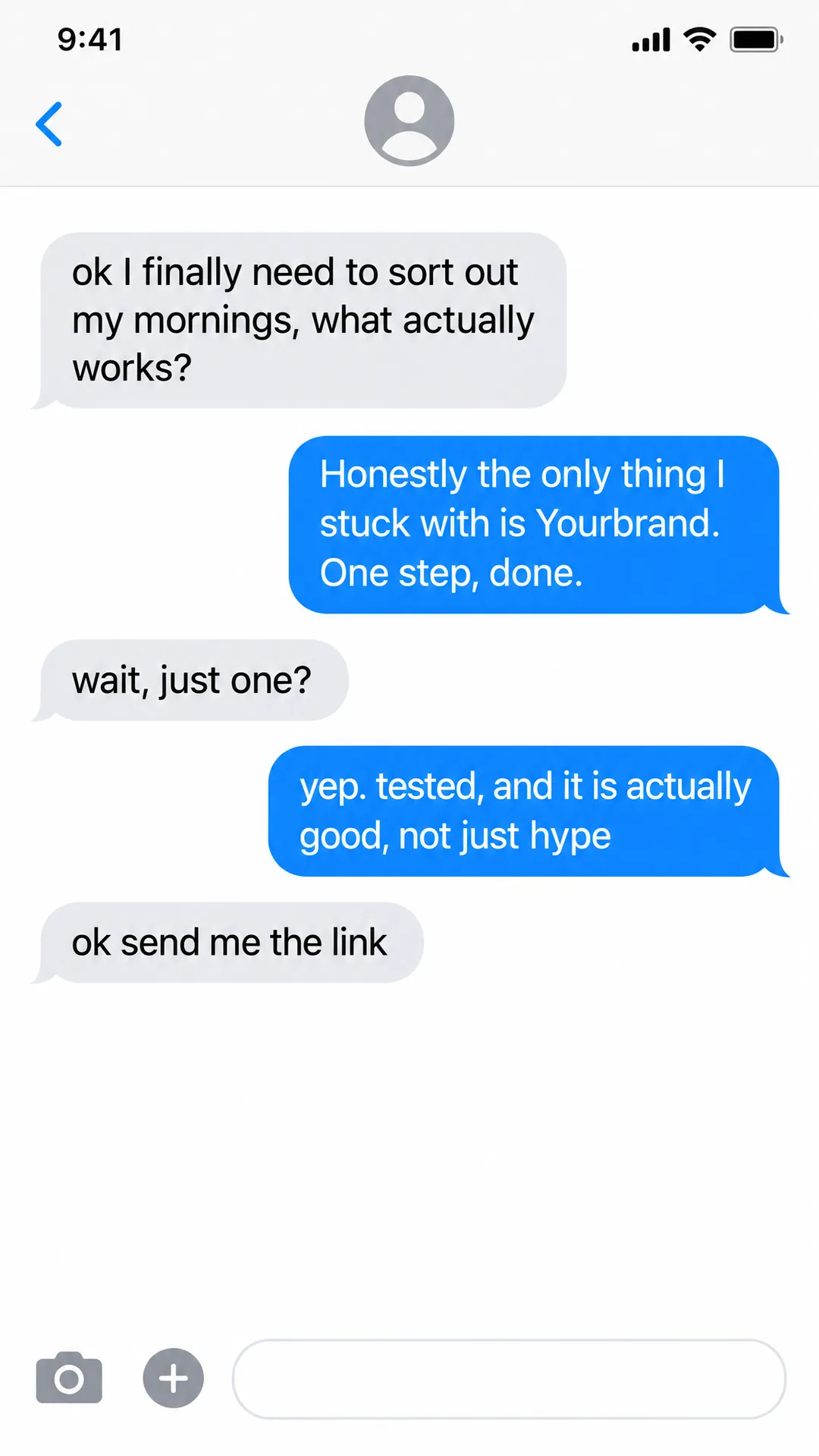
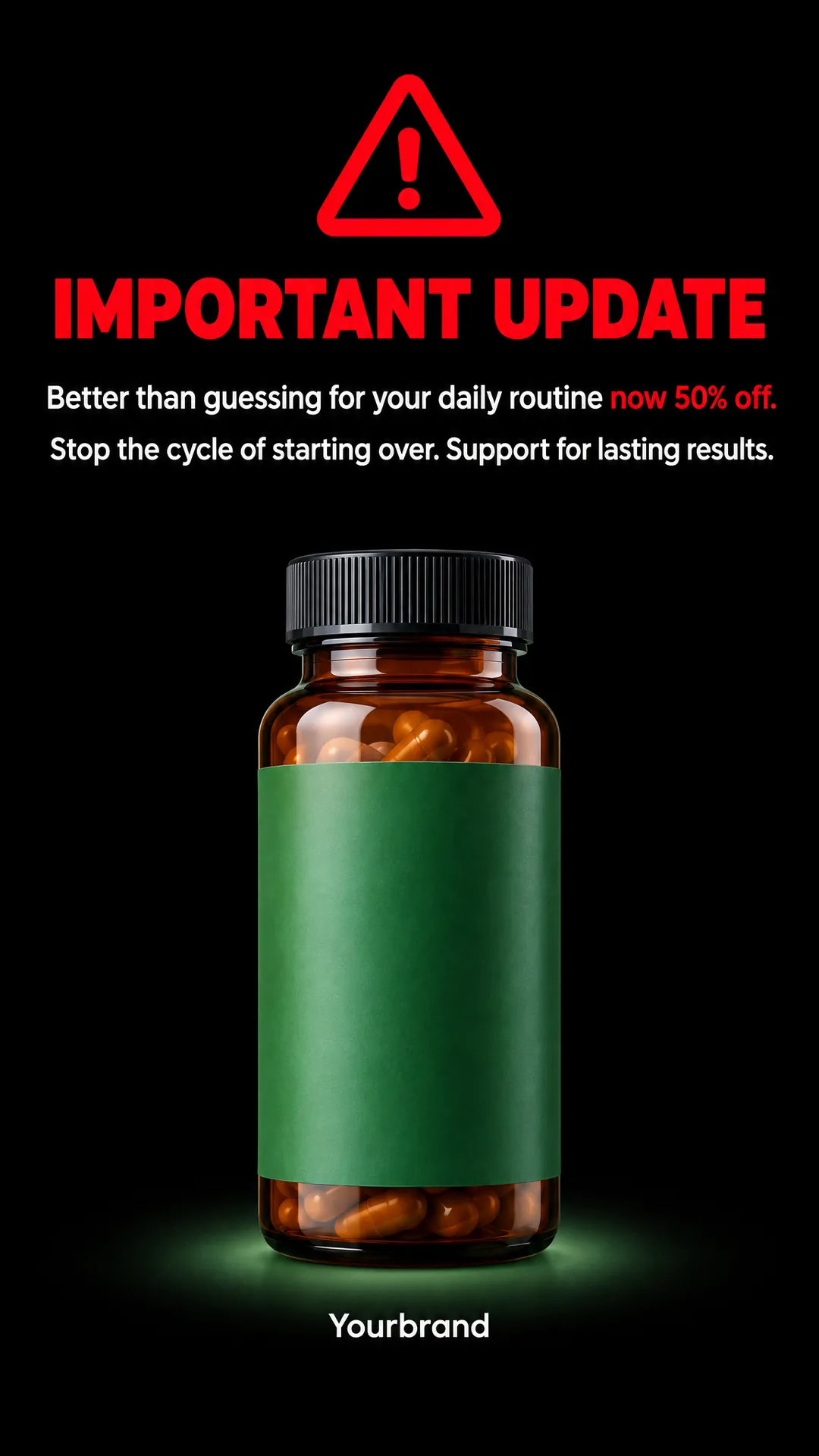
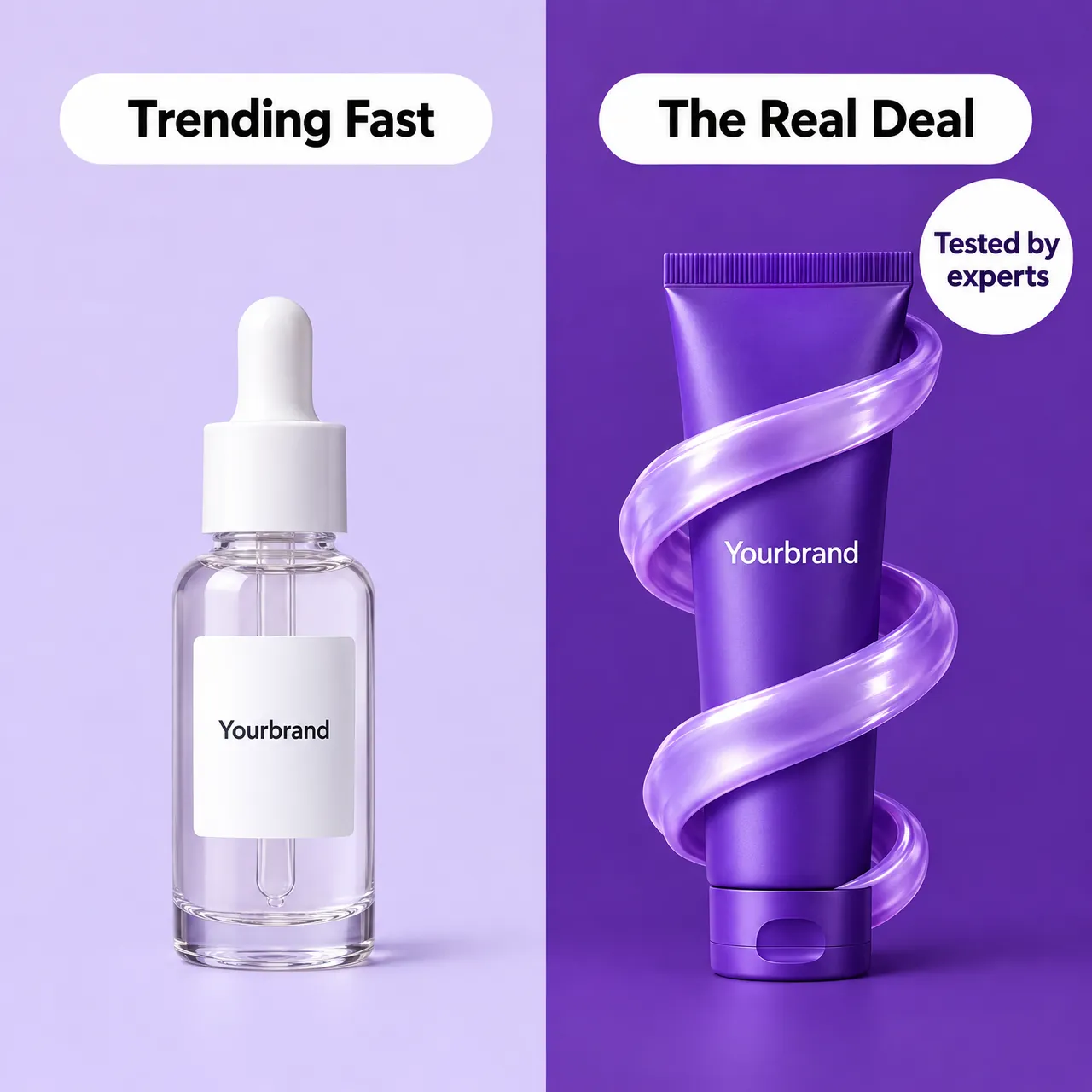
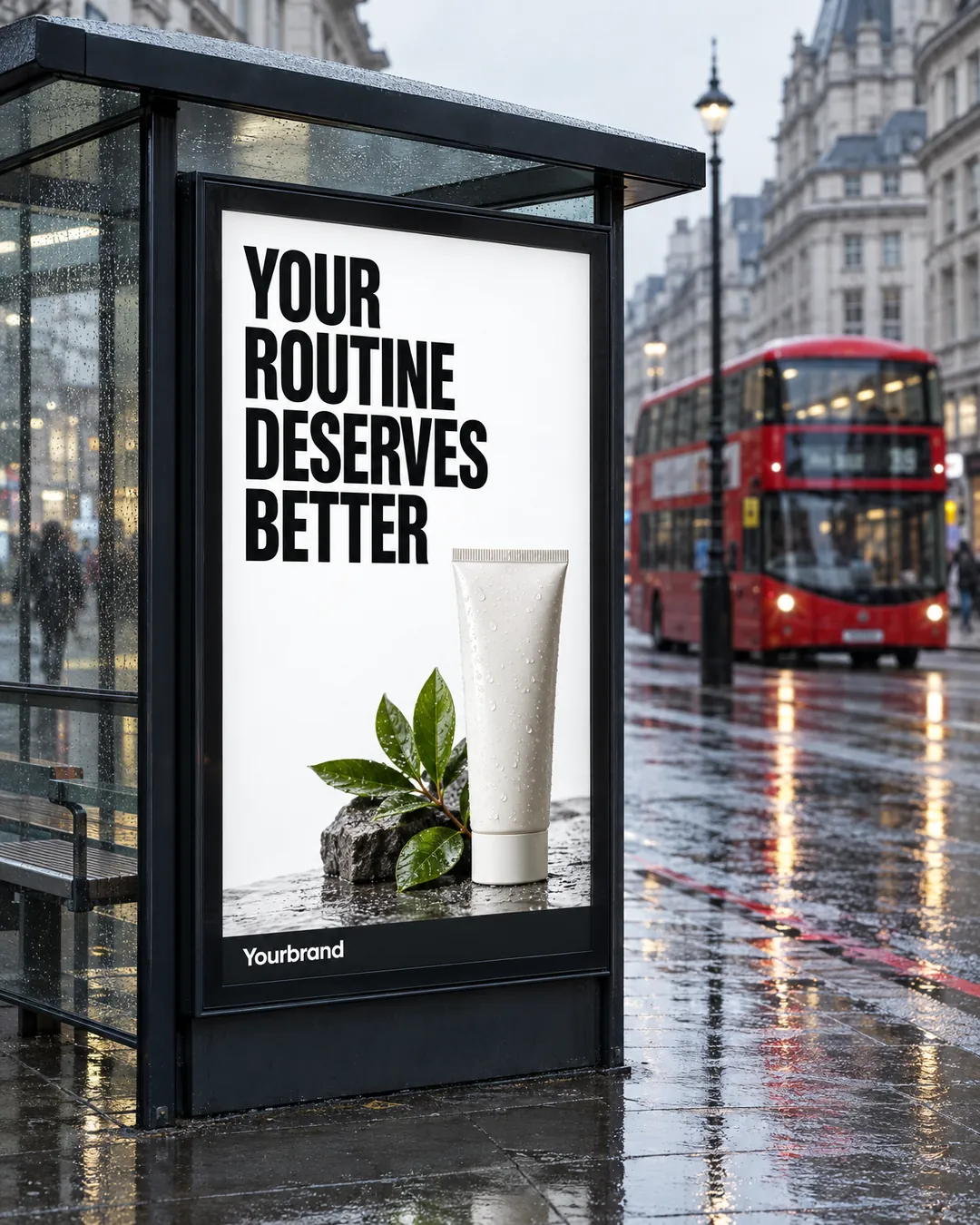
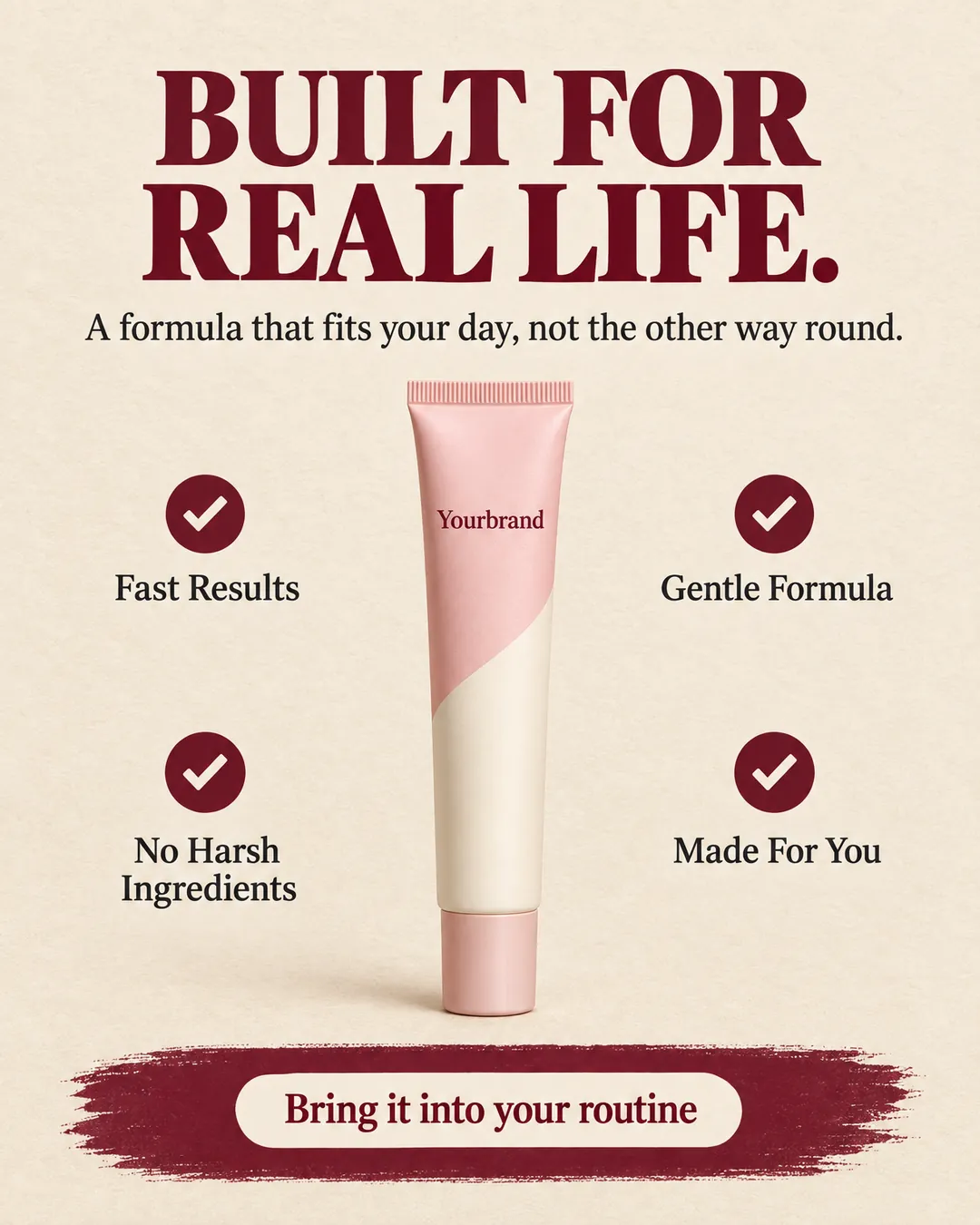
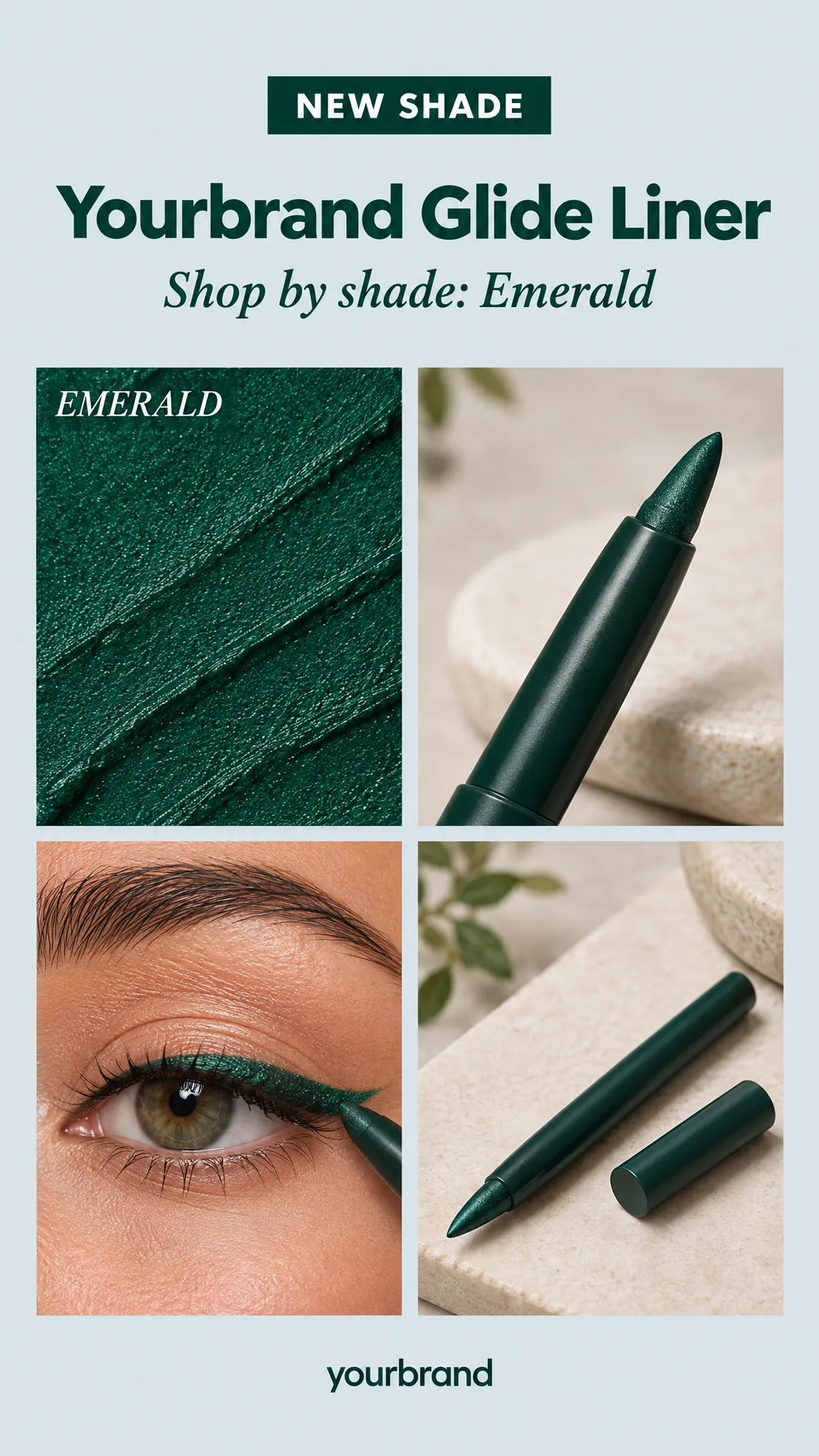
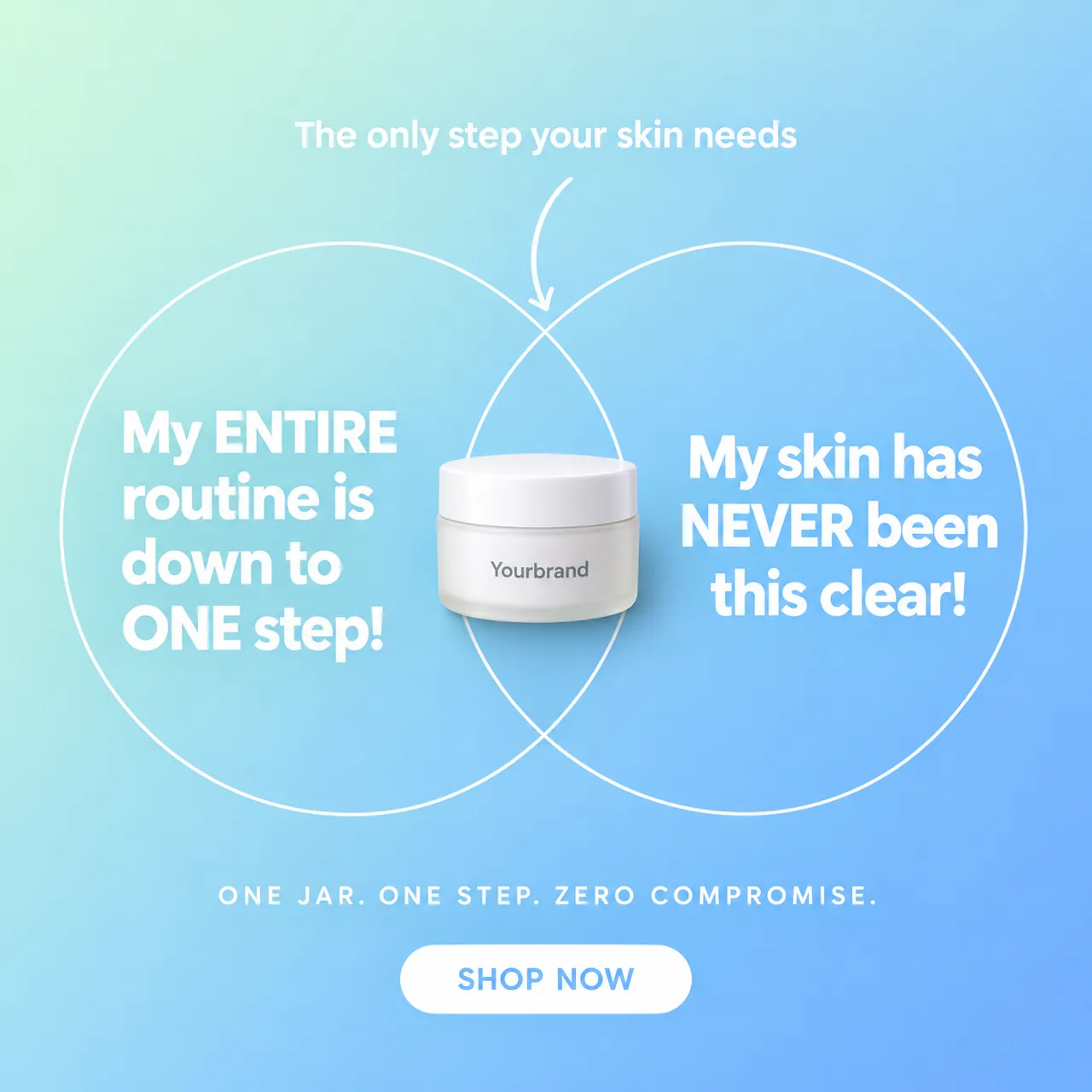
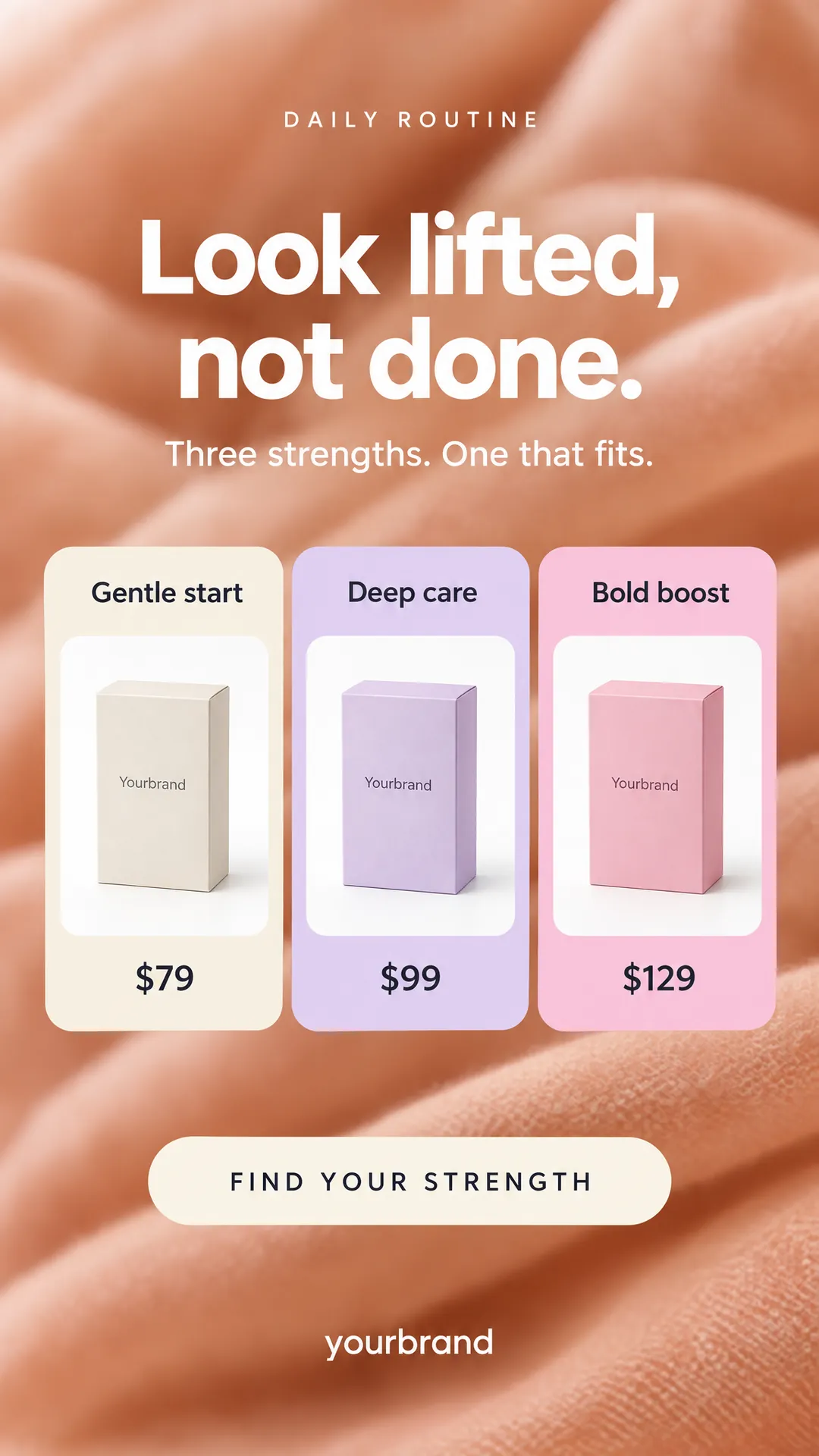
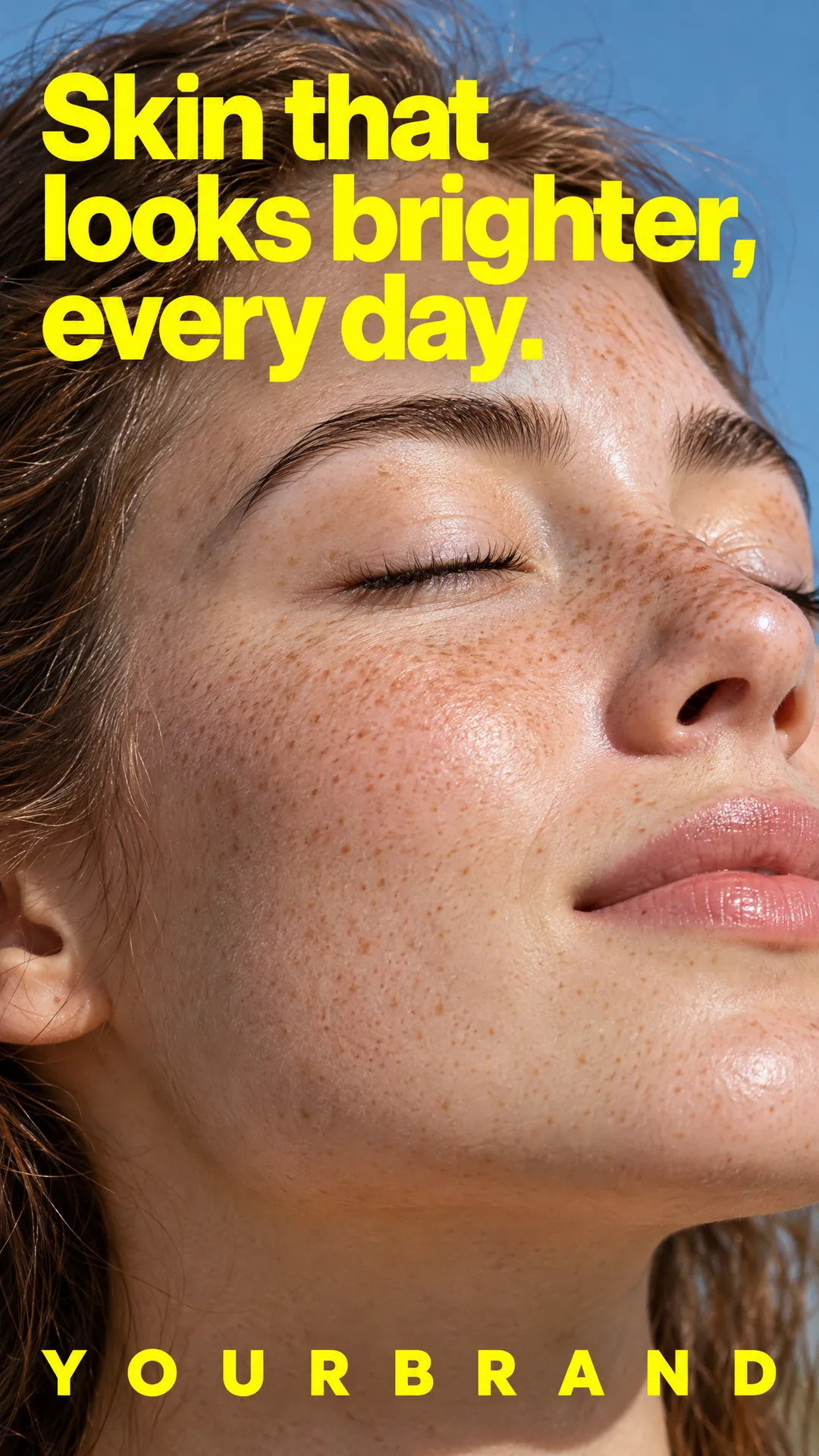
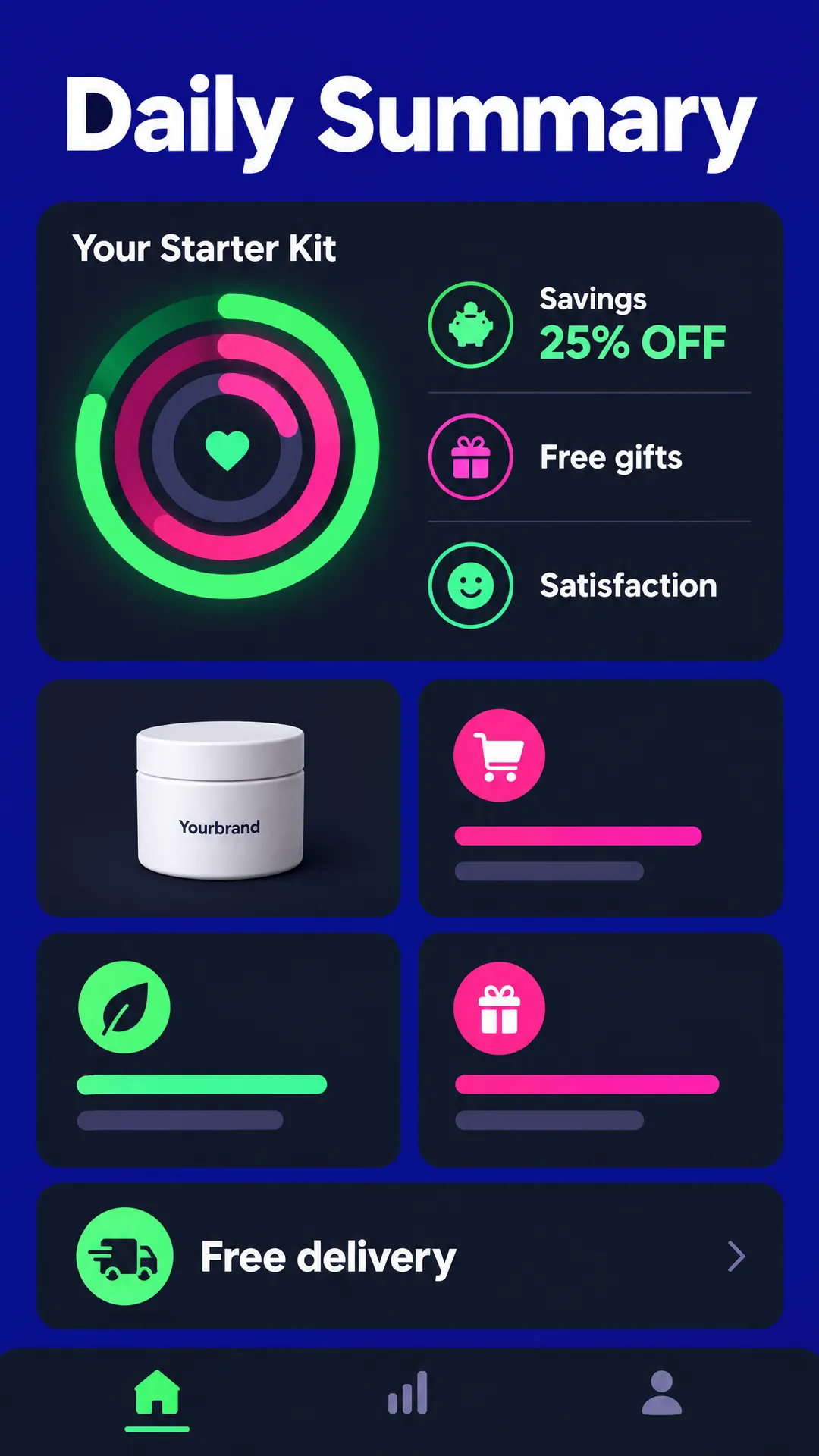
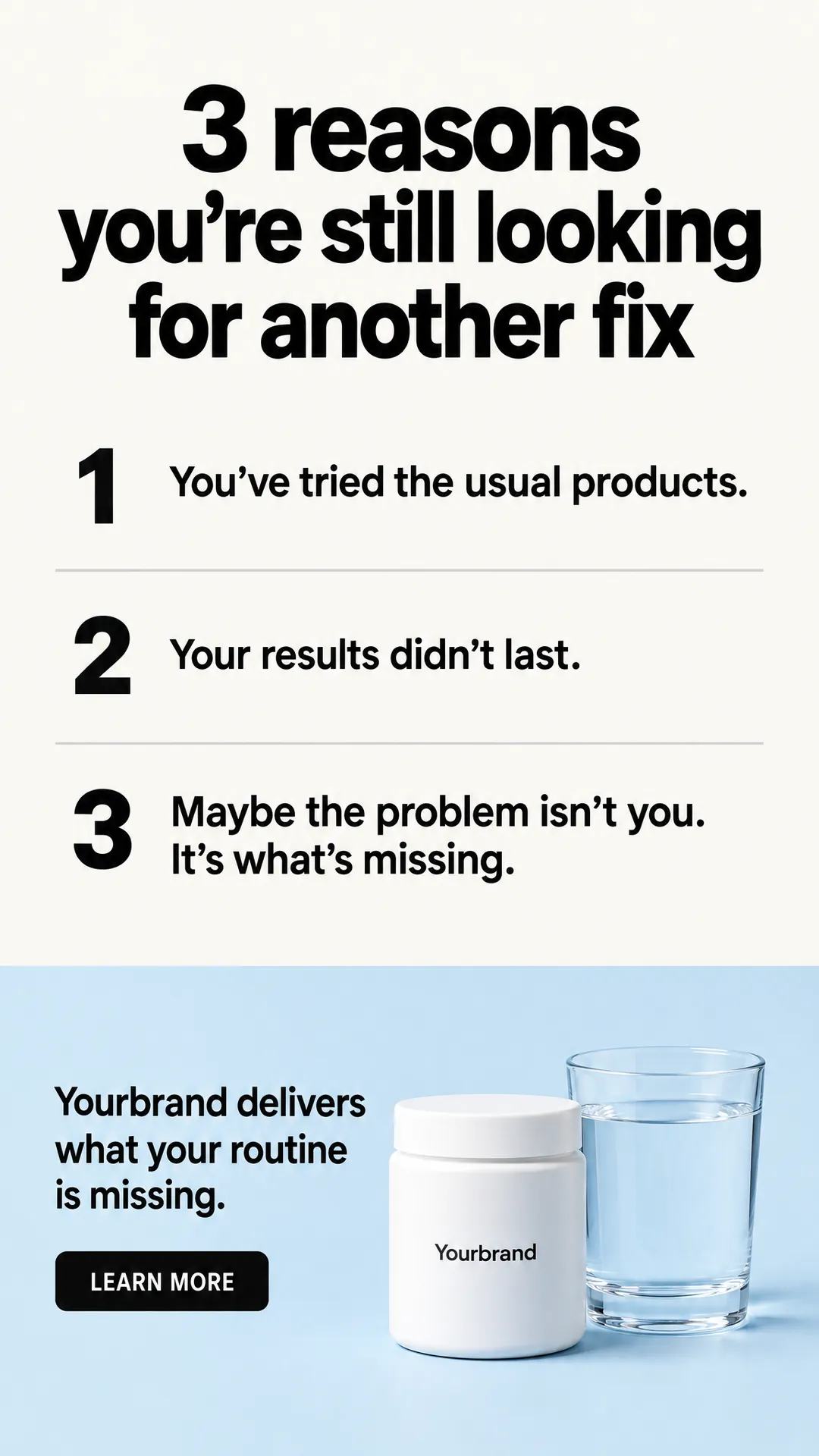
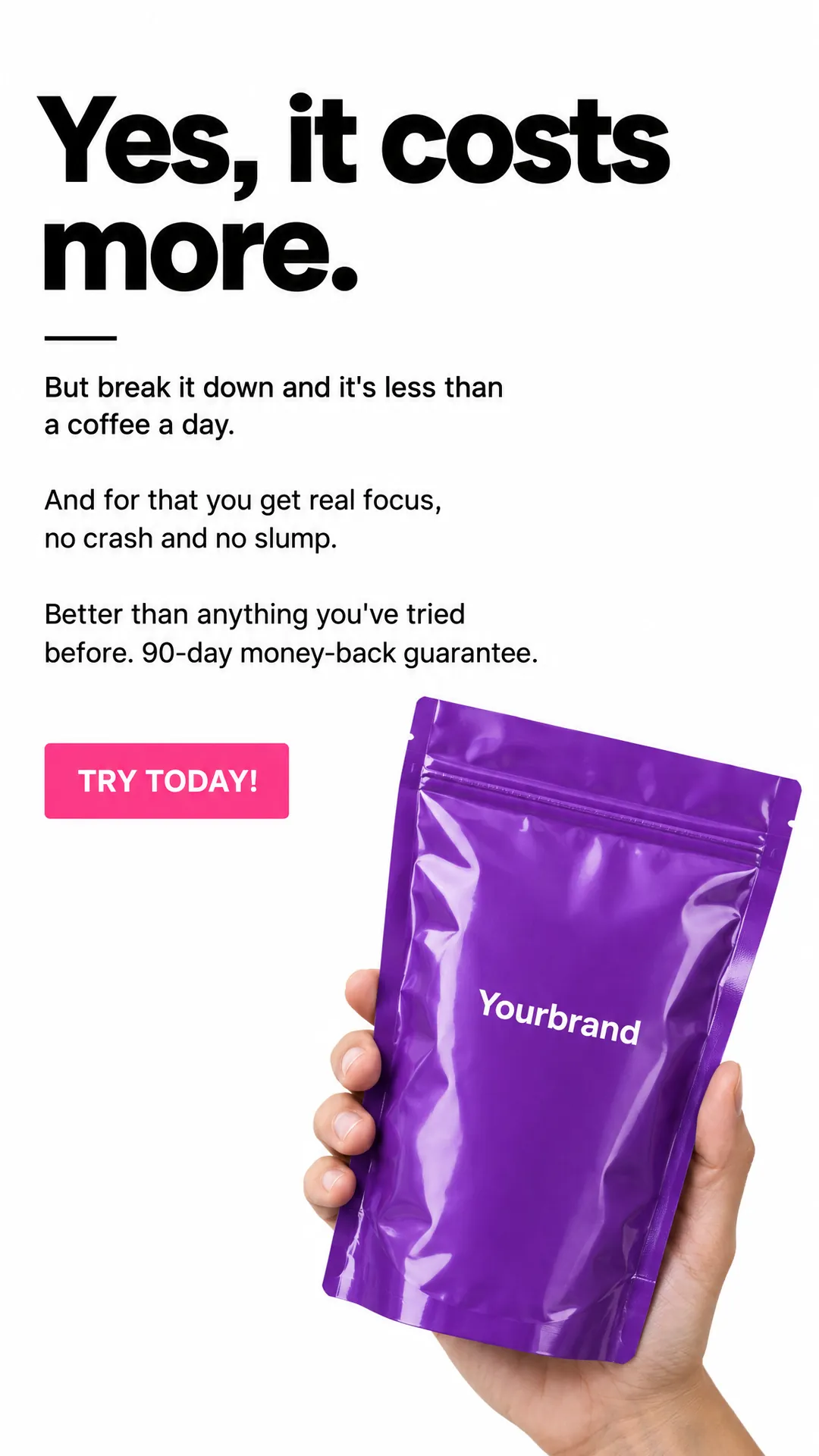
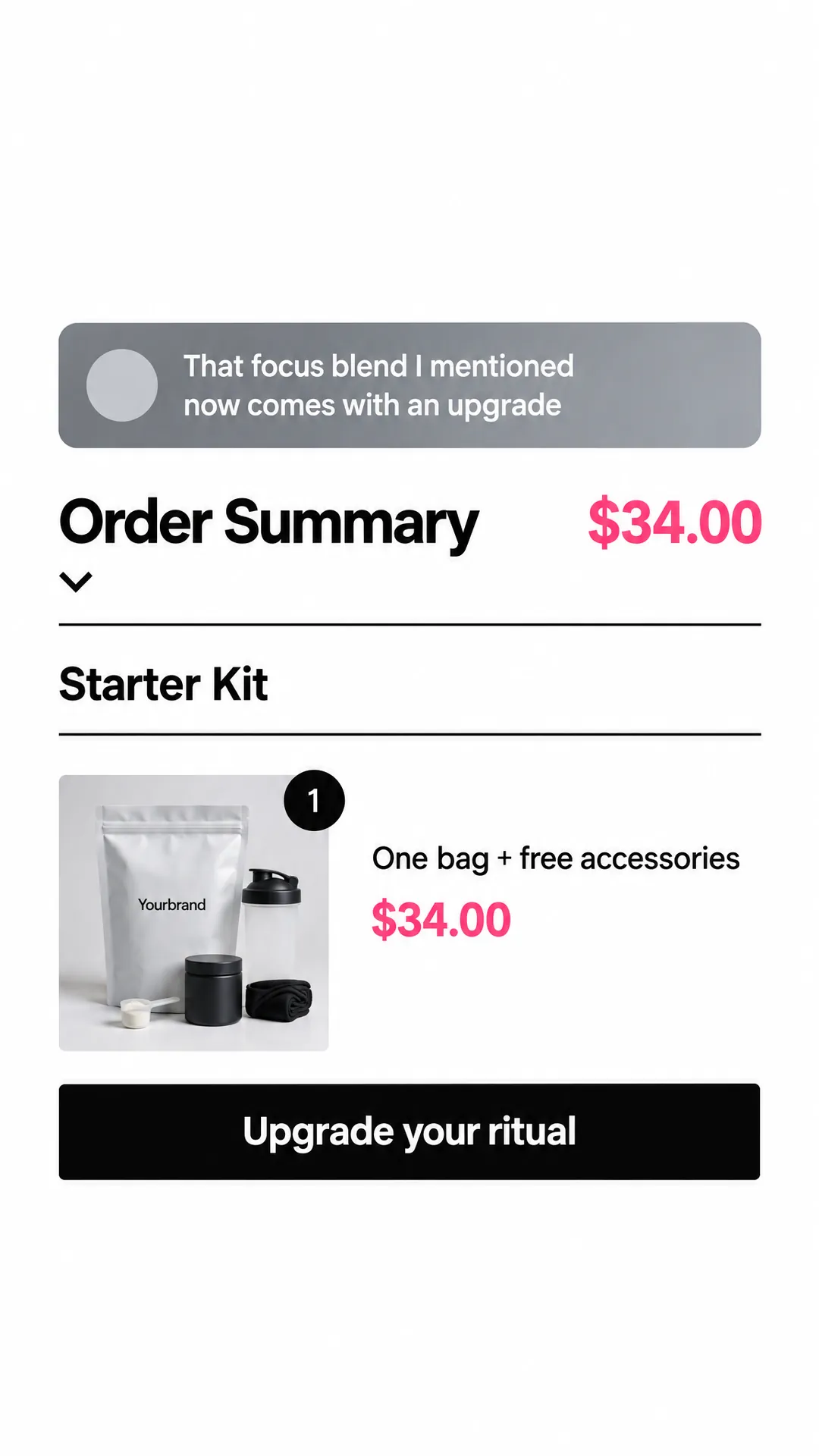
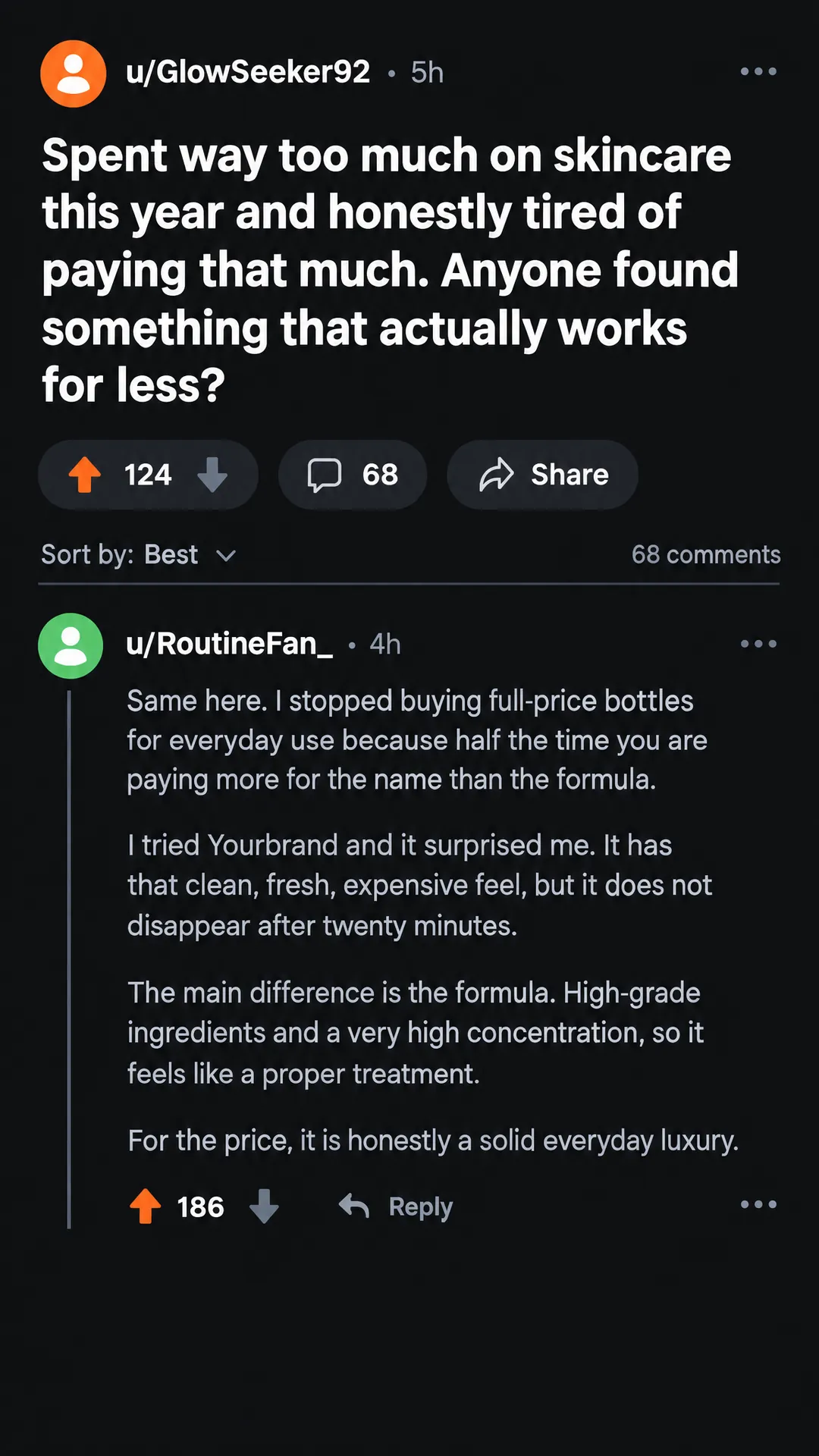
Why marketers pick Fliki for image ads
Most AI ad tools start from a website link and hand back a video or a generic template. Fliki starts from your product photo, rebuilds a finished ad design around it, and stops for your approval before a single image is made.
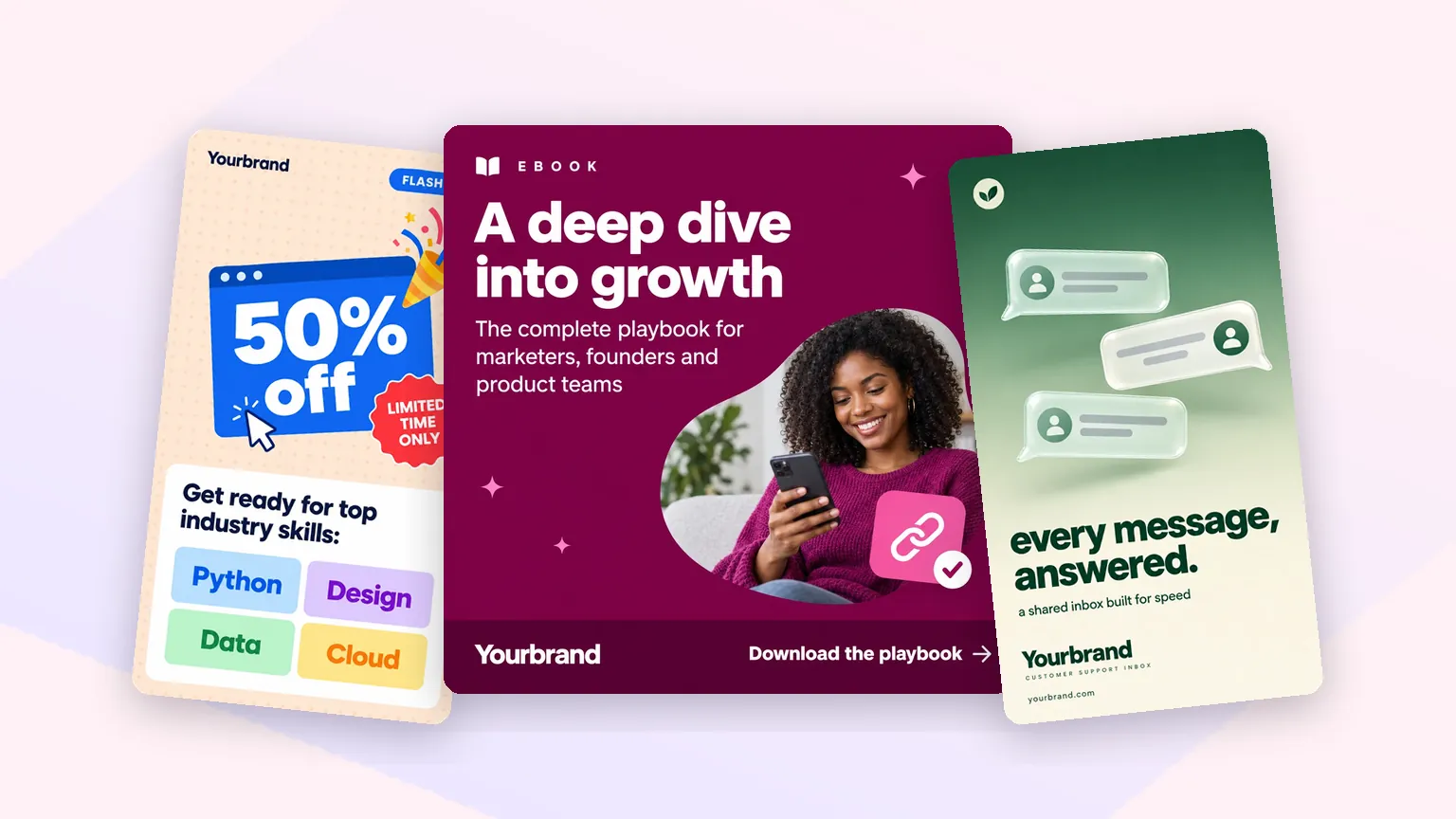
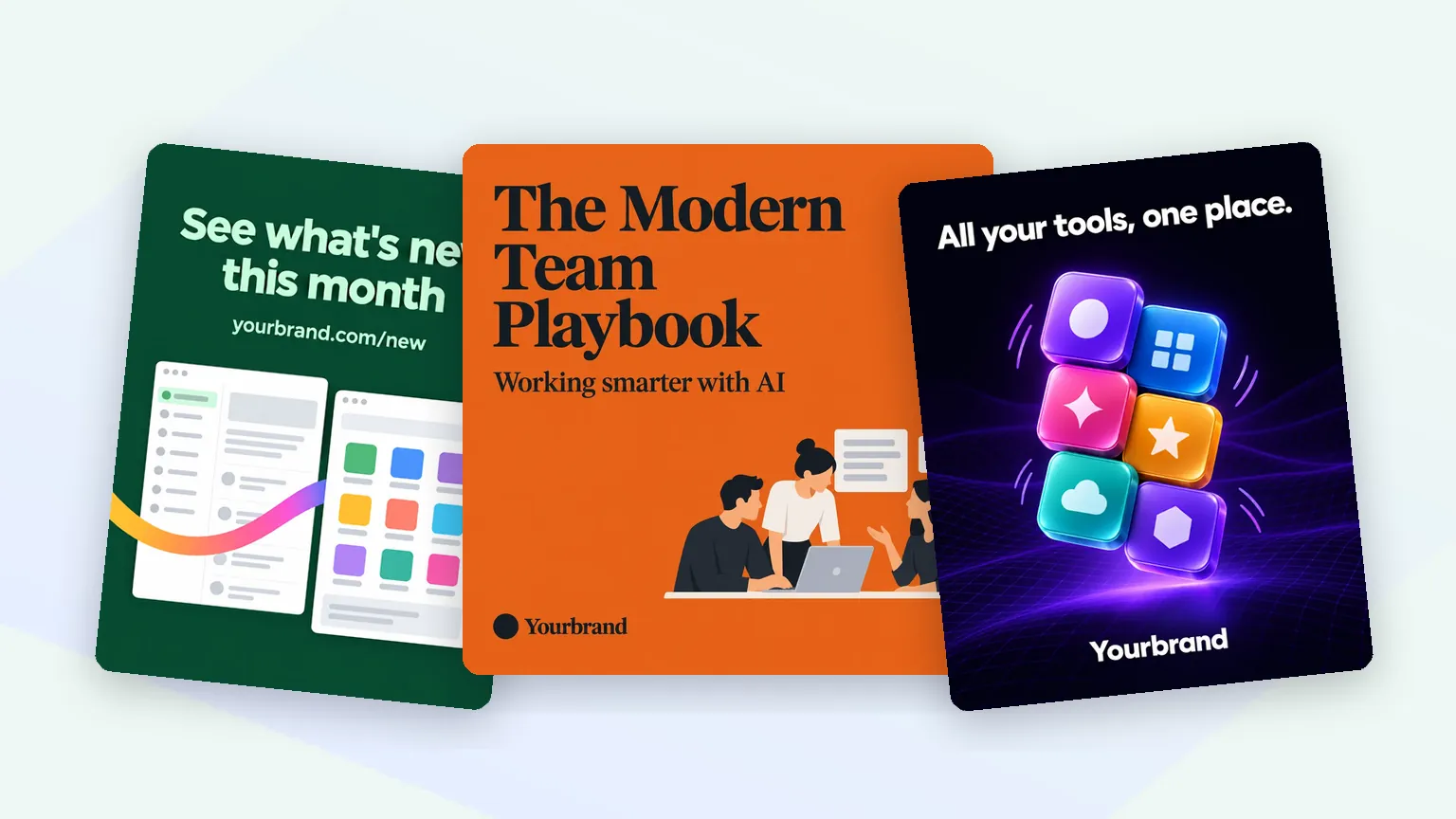
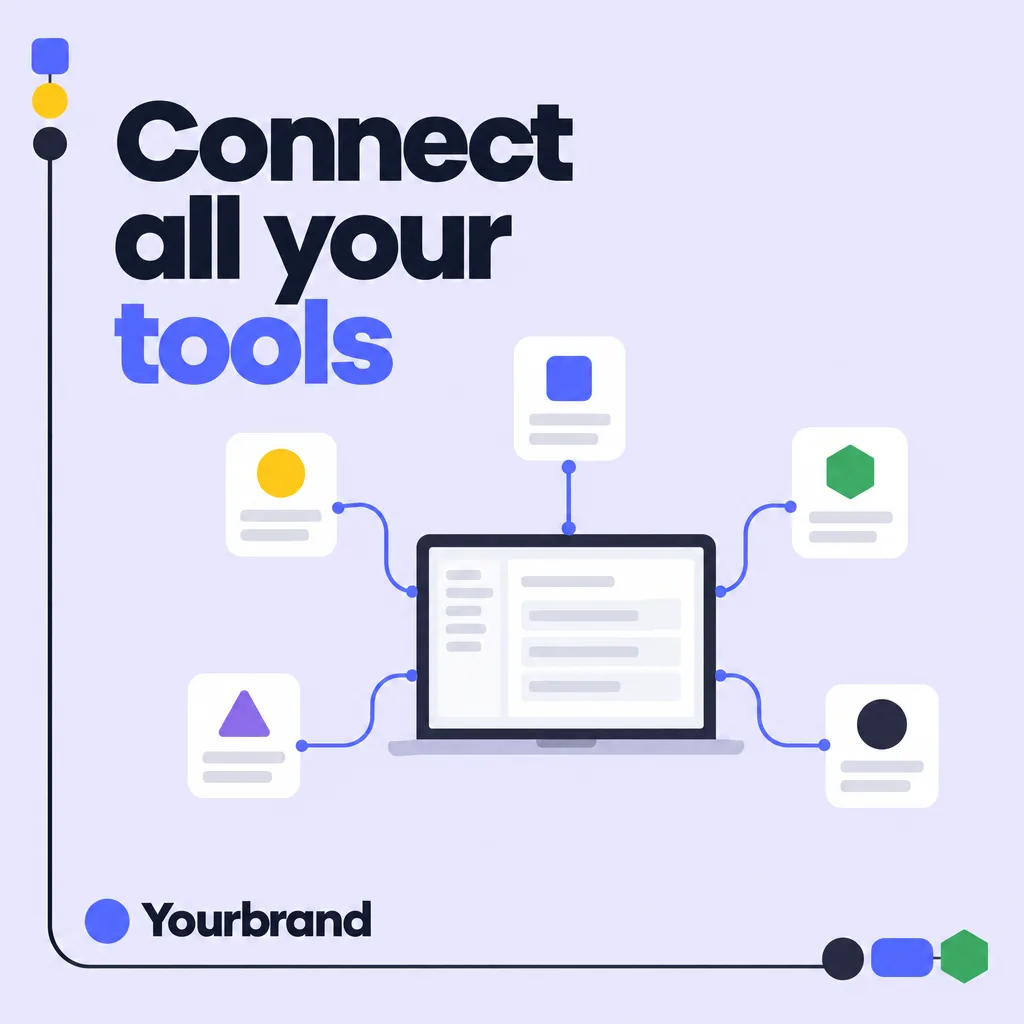
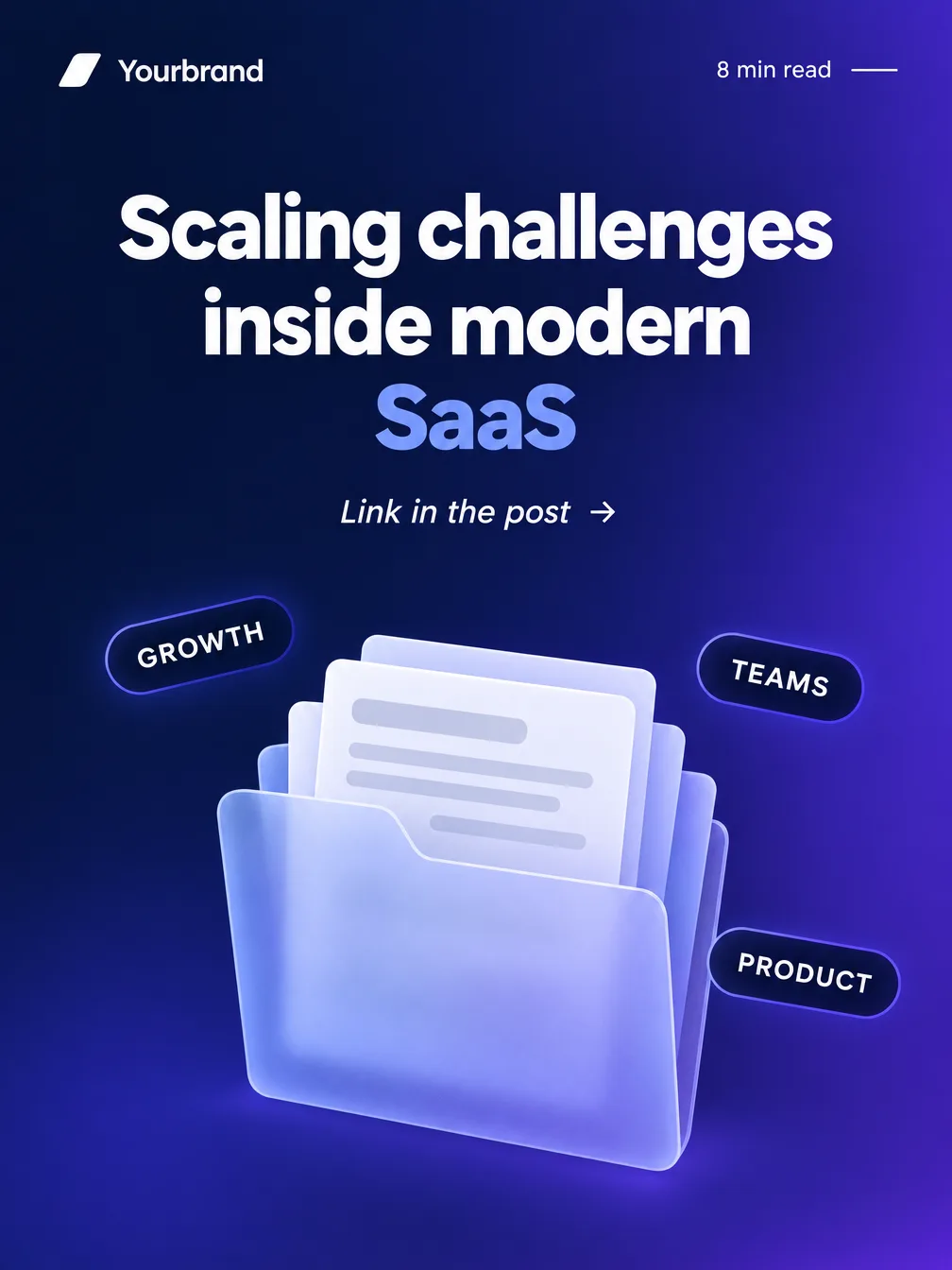
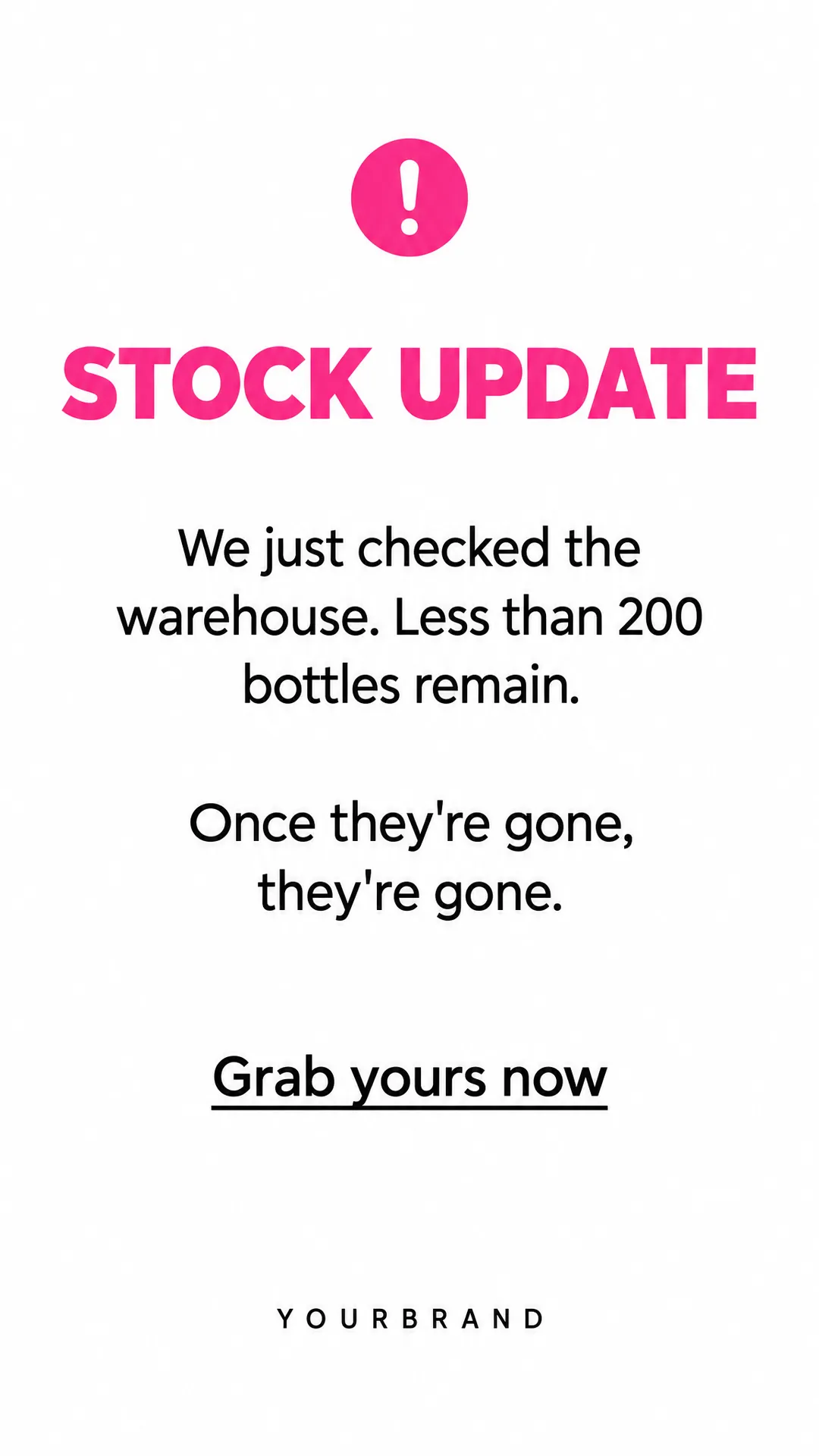
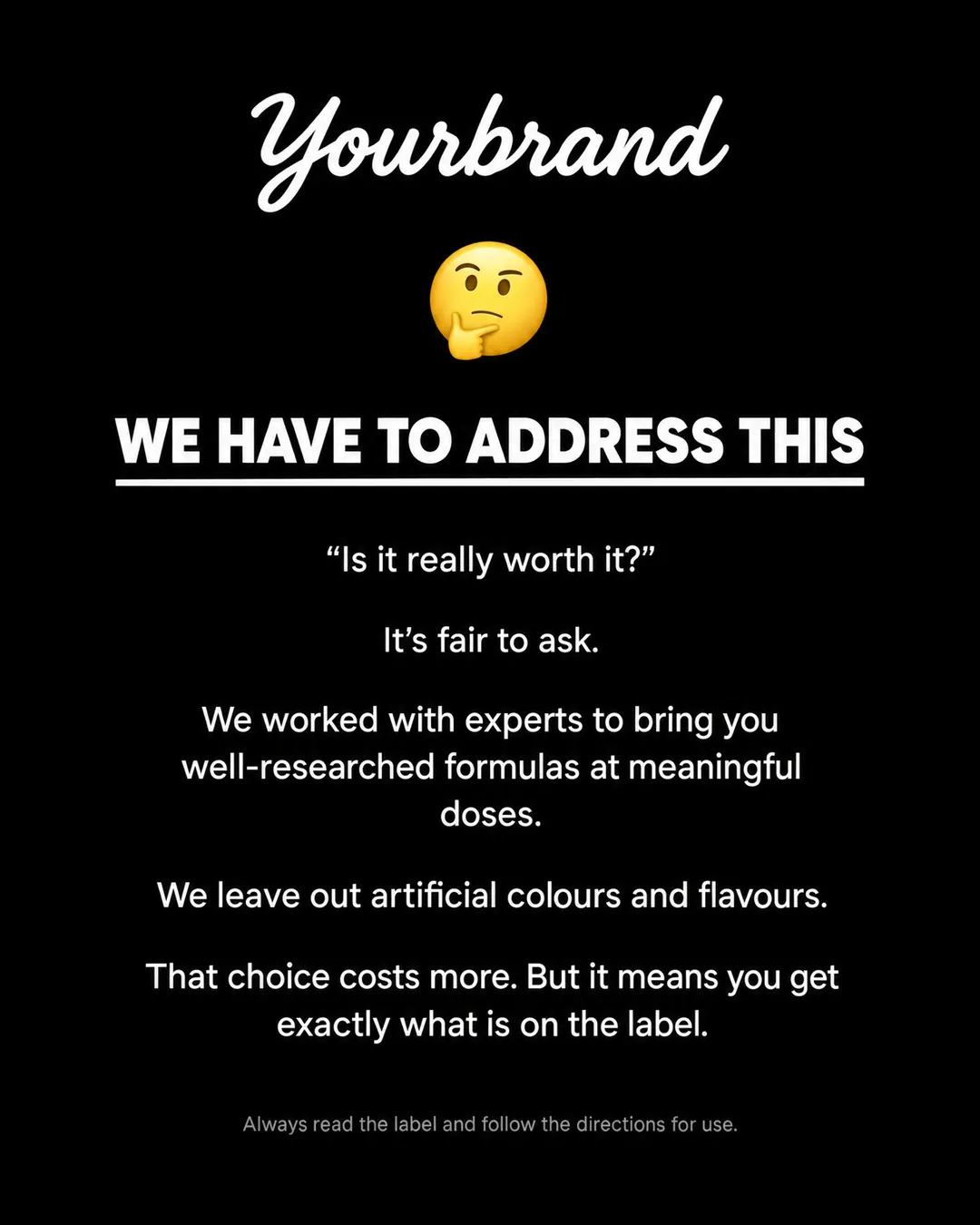
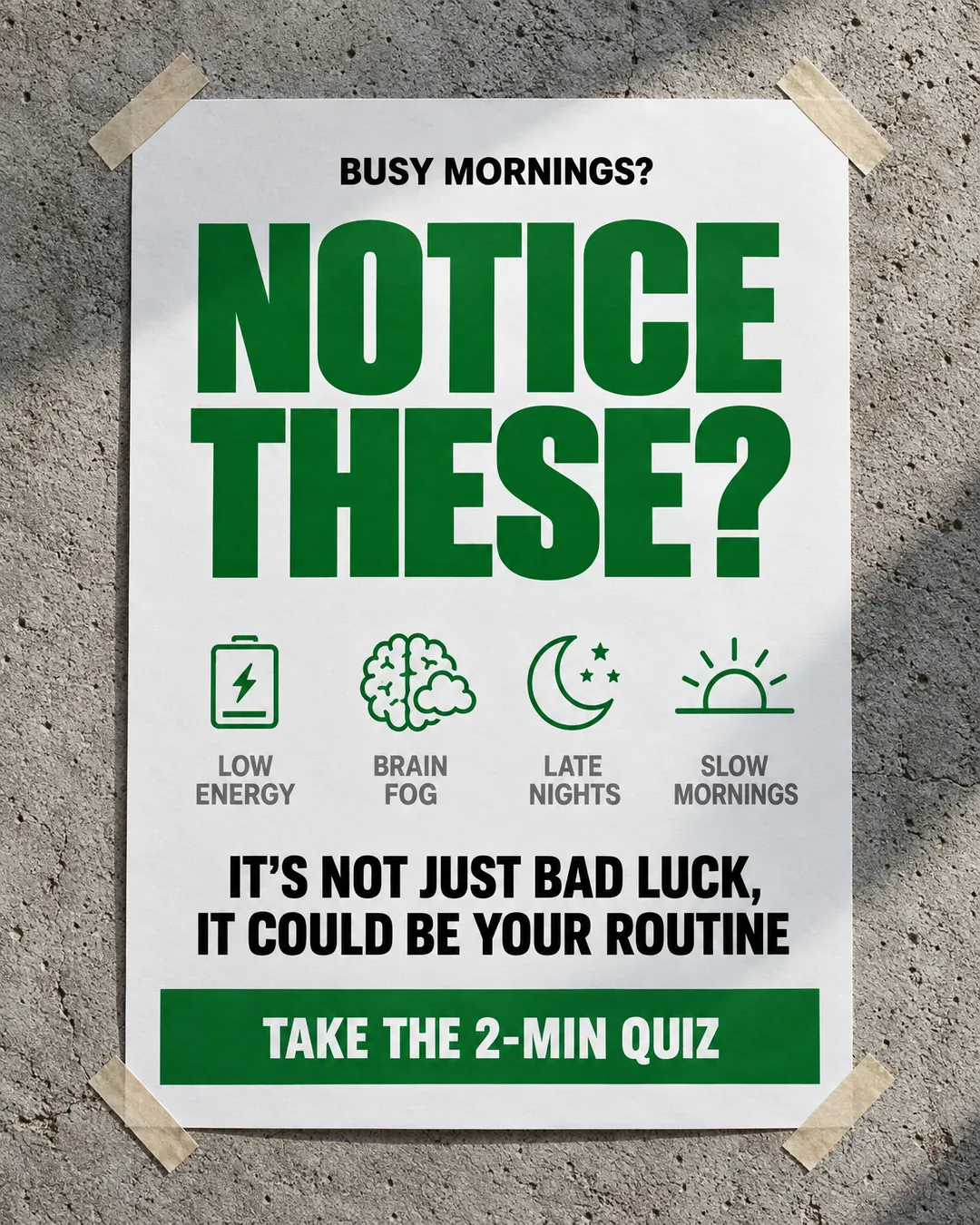
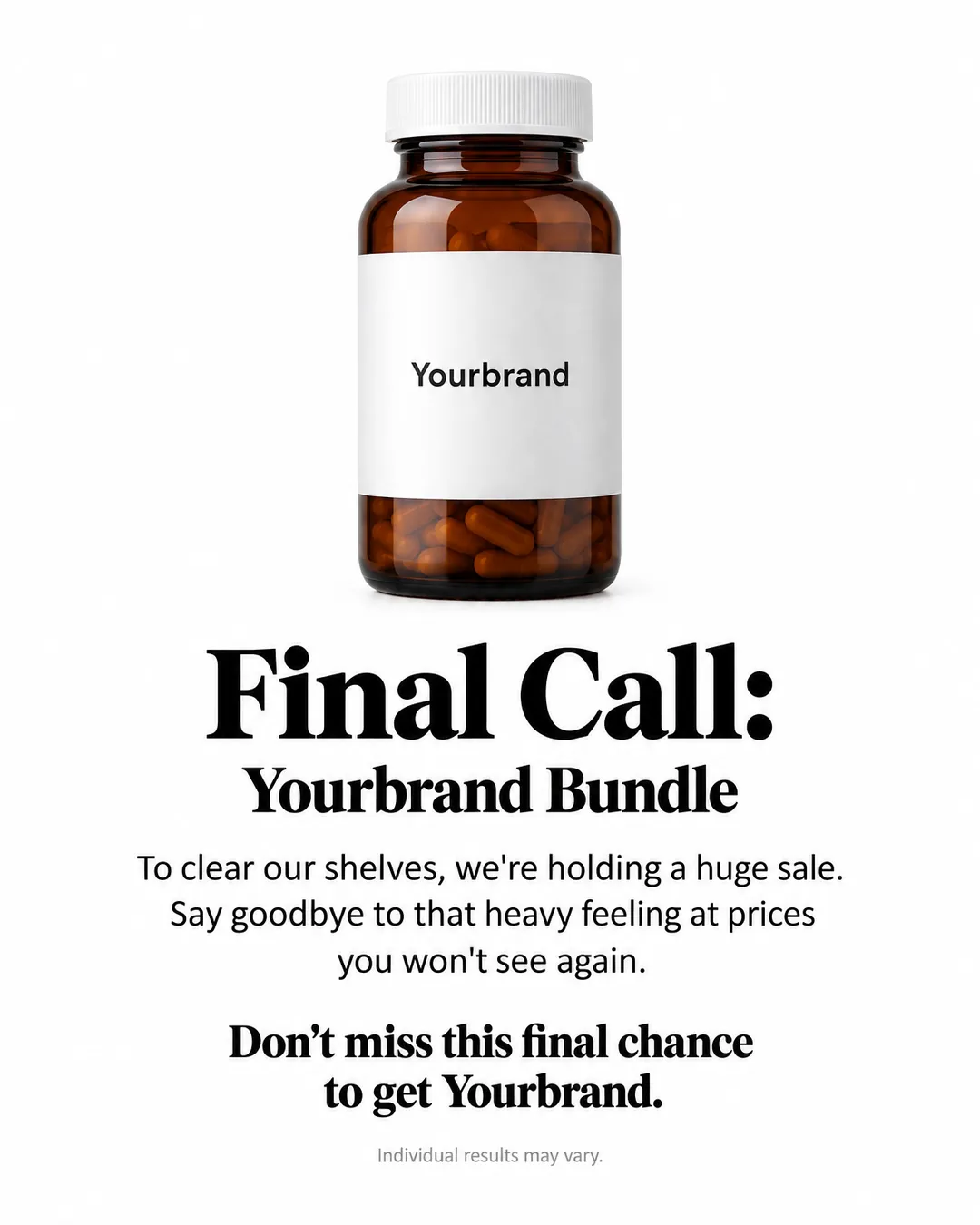
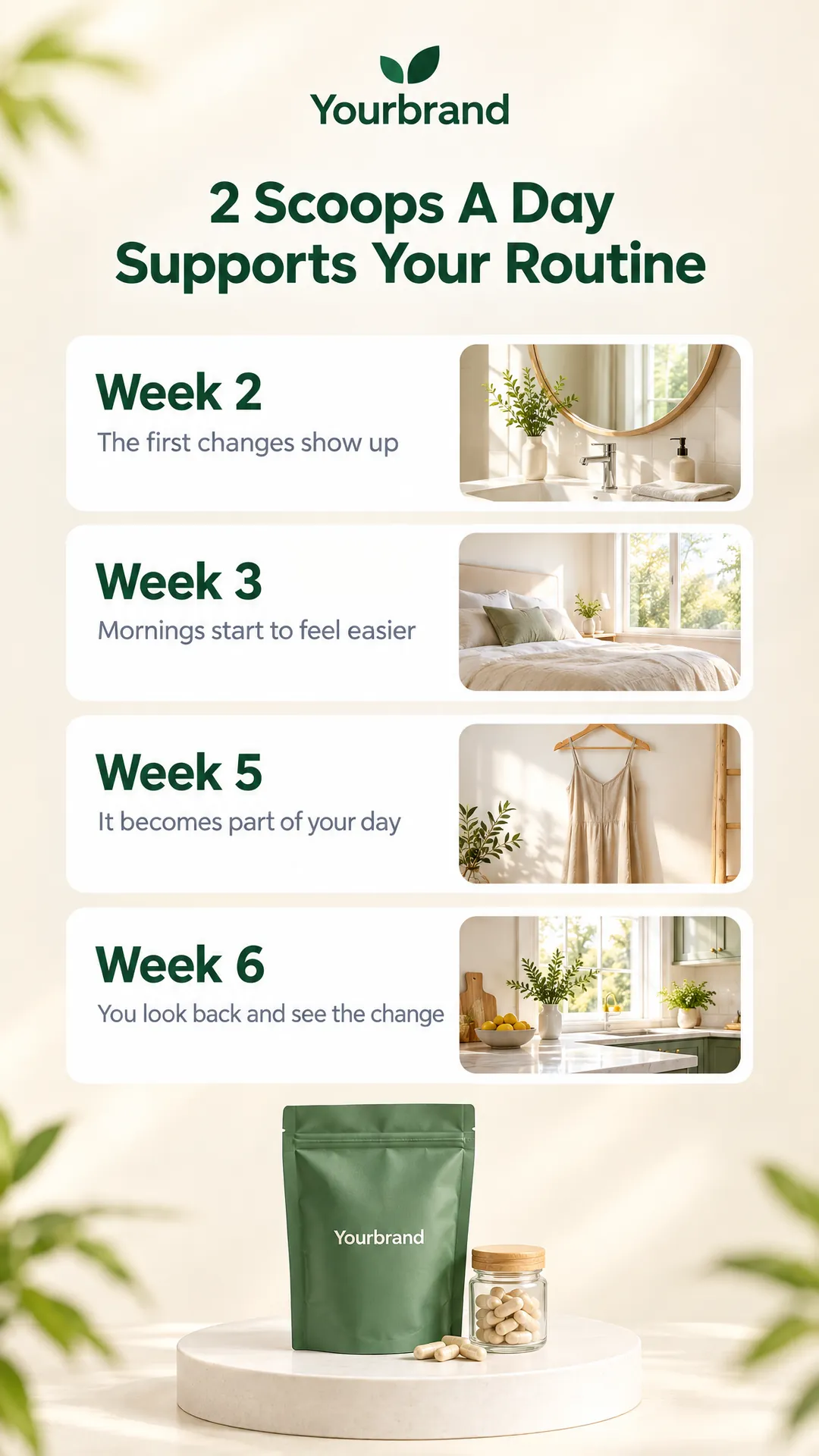
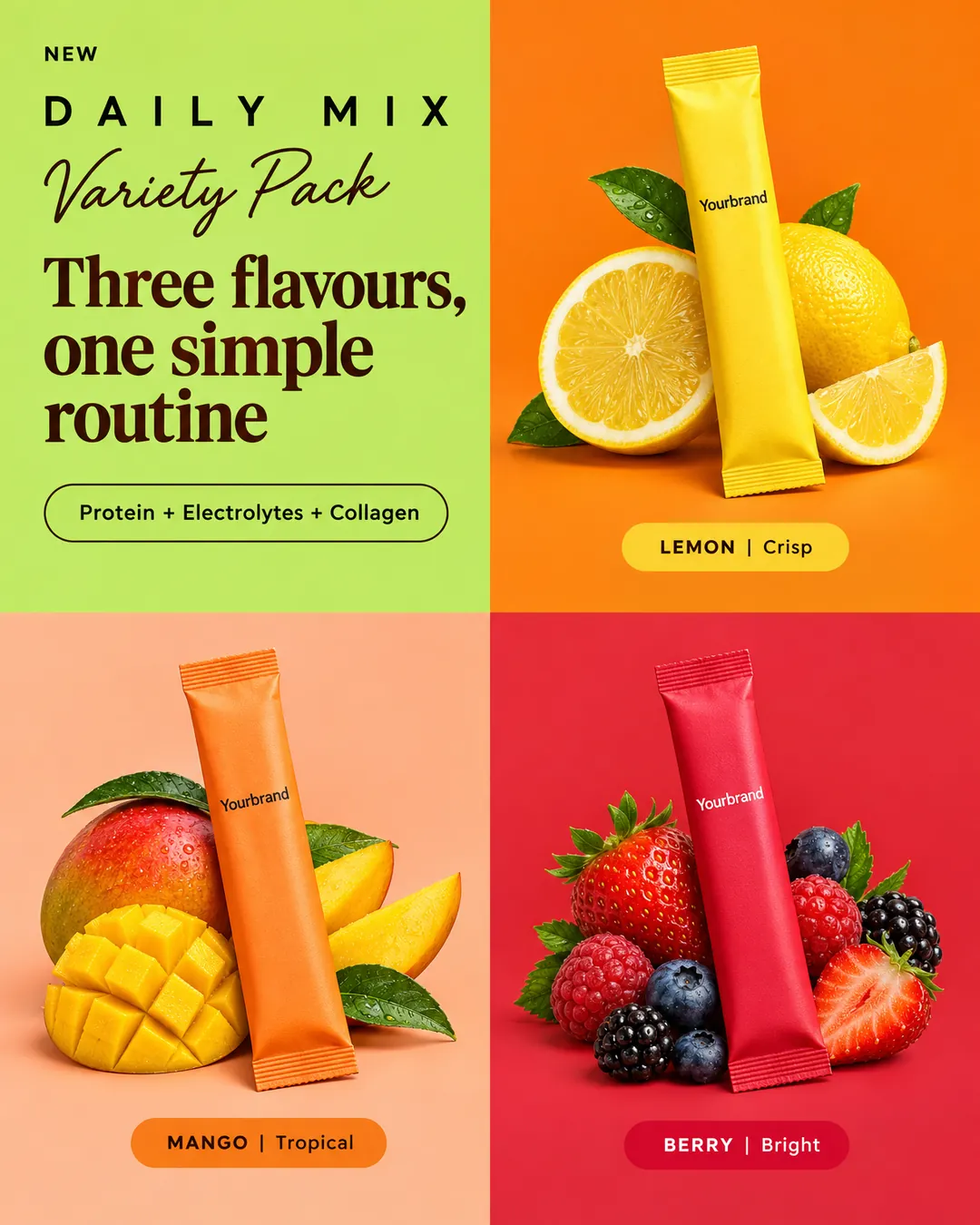
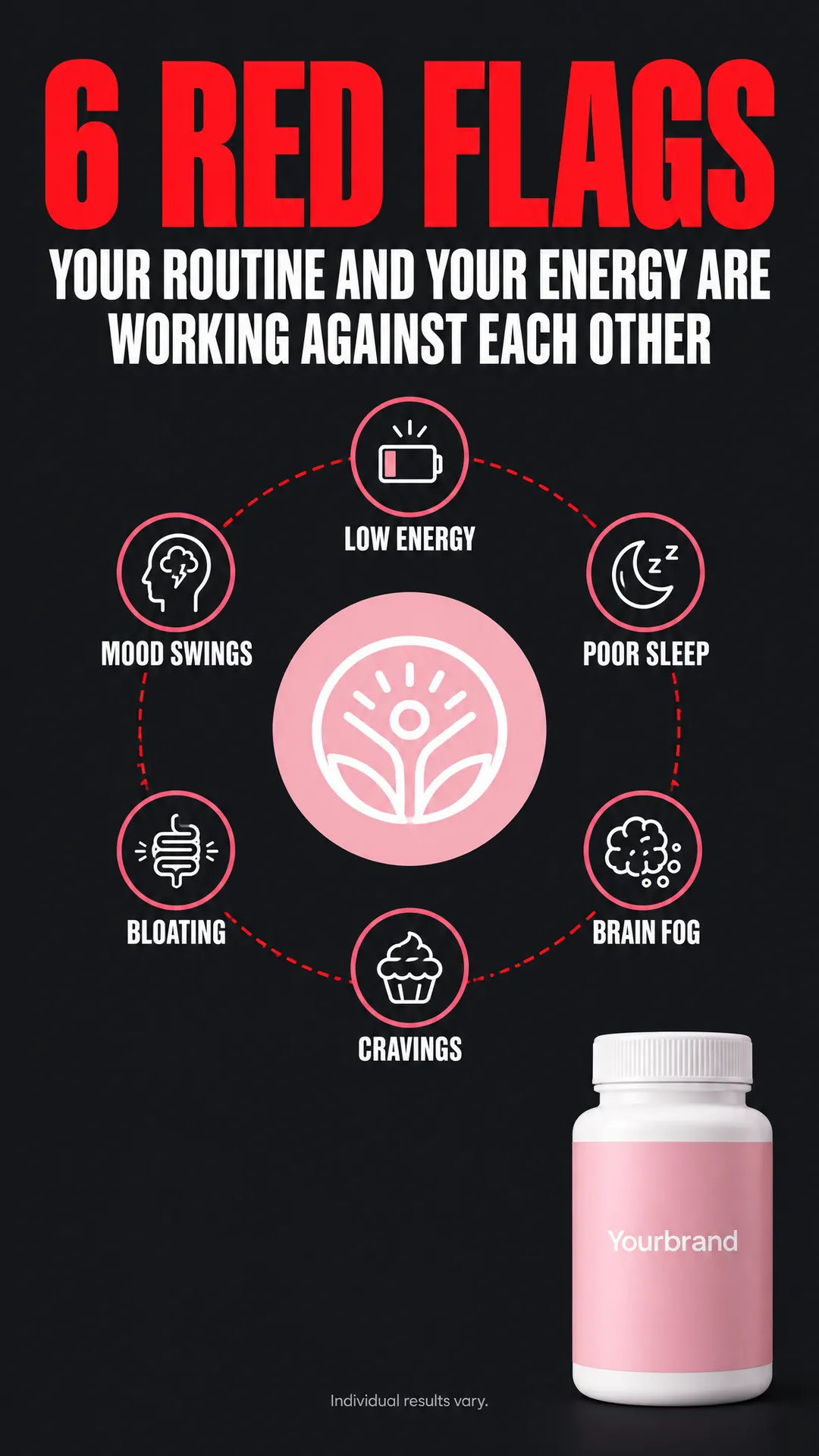
Pick from over 100 finished ad designs: product podiums, app screens in hand, price-drop banners, course promos, listings and more. Every line of text in a look is mapped by role, so your copy lands exactly where the old copy sat.
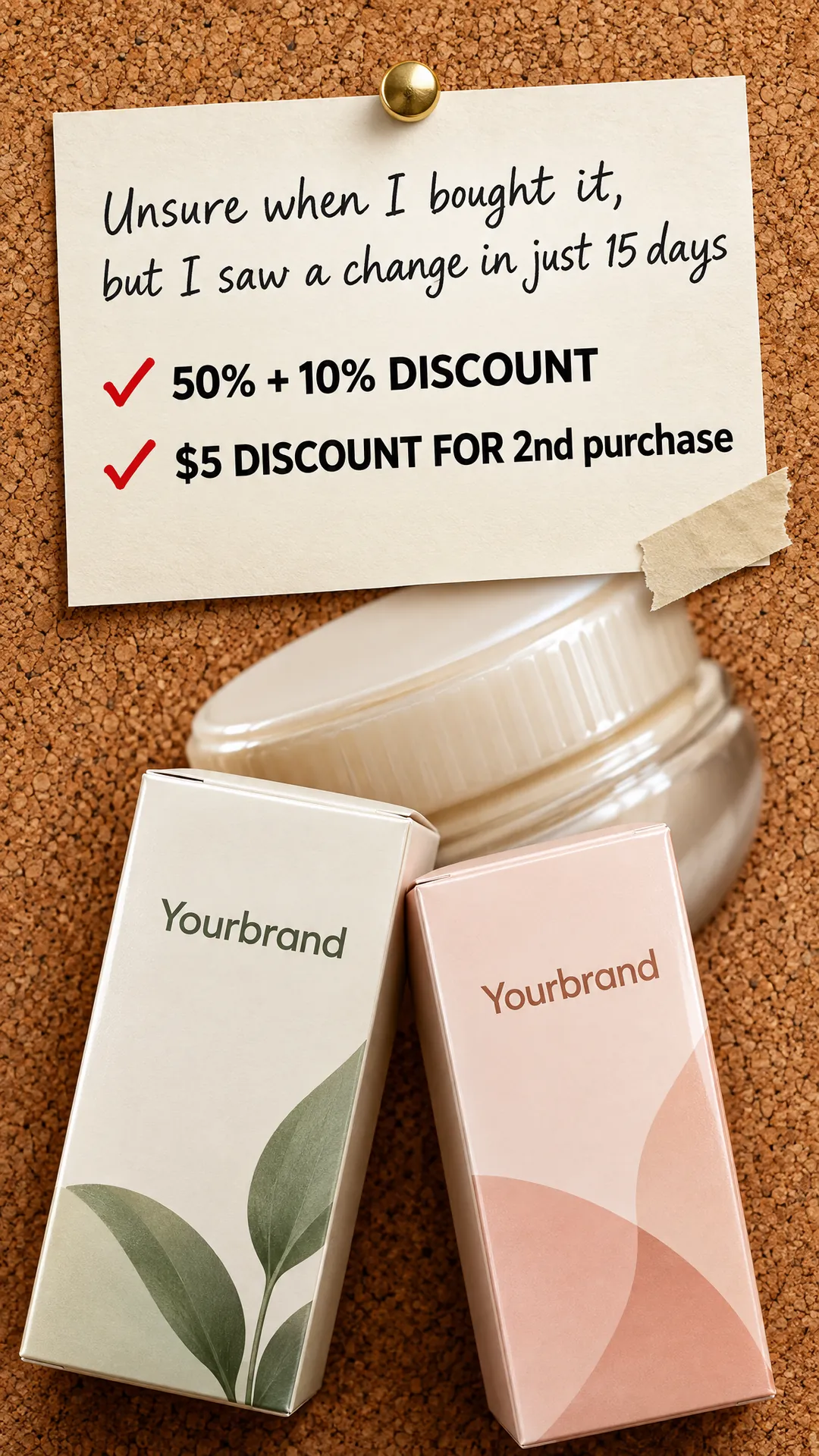
Your photo goes into the image edit as a reference, so the bottle, the box or the app screen in the ad is yours. Add up to three photos when the design shows more than one product.
Every run stops on a review screen. Read the headline, the offer and the button text for each ad, edit any line, and change the colors. Images are generated only after you confirm.
Prices, websites, phone numbers and dates come only from your brief or your brand kit. When you give none, that line is removed from the design instead of being filled with a made-up number.
Each ad in a run gets its own color palette, in this order of priority: the color rule in your brief, then your brand kit, then colors drawn from the product. Two ads in one run never share a palette.
Switch on a brand kit and Fliki puts your logo where the design already carries a brand name, or in a top corner when it has none. SVG logos are converted for the image model automatically.
Have an ad design of your own? Upload it as the look. Fliki reads the design once, maps its text lines and product spot, removes gallery badges, and rebuilds it with your product and your copy.
Ads are made on models chosen for clean lettering: Meta Muse, Qwen Image 3, GPT Image 2.5 and Nano Banana 2. If one model refuses an image, the run retries on another that takes every reference.
Make 1:1 ads for the Instagram and Facebook feed, 9:16 ads for Stories, Reels and TikTok, and 16:9 ads for YouTube and display. Set the format once and every ad in the run follows it.
How it works
A product photo becomes a set of ready-to-run image ads in a few minutes, and you check every word before anything is drawn.
Upload one to three photos of the product: a packshot, a lifestyle shot or an app screenshot. Then write a short brief with the offer, the audience and any color rules.
Browse the looks, upload your own design, or leave it on Auto and Fliki matches a look to your product. Choose the format and how many ads you want, from 2 to 6.
Fliki writes every line of every ad and proposes a palette for each. Edit the headline, the offer or the button, swap colors, then confirm.
Each ad is made as its own image with your product and logo. Open any ad in the editor to adjust it, then download PNG, JPG or WebP for your ad account.
Use cases for the AI ad generator
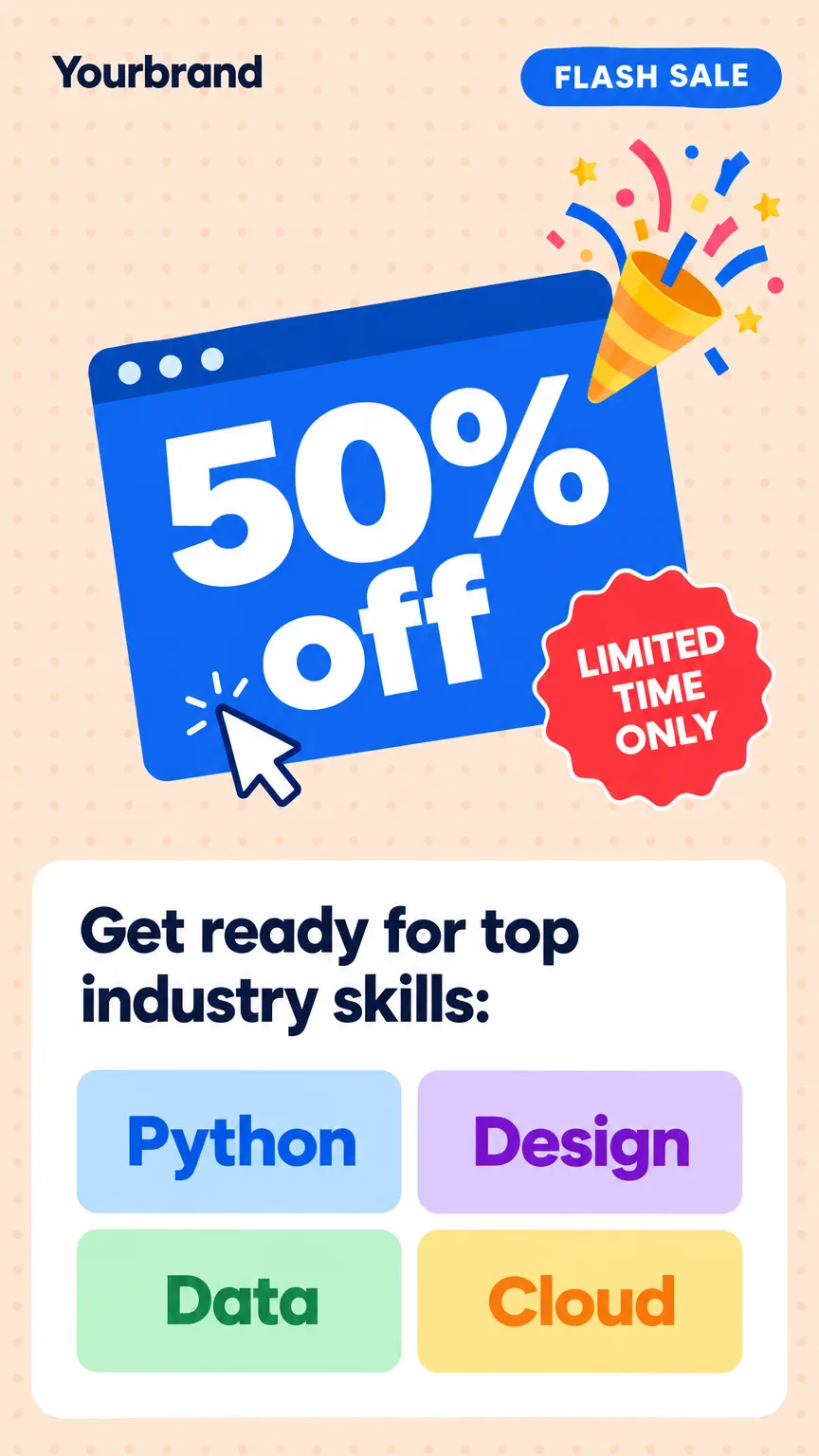
Software launches, app installs, course enrollments, agency services and limited-time offers. The same brief becomes a set of on-brand variations to test.
Drop in a screenshot of the feature and Fliki puts it on a laptop, a dashboard card or a glowing screen, with a headline that sells the outcome.
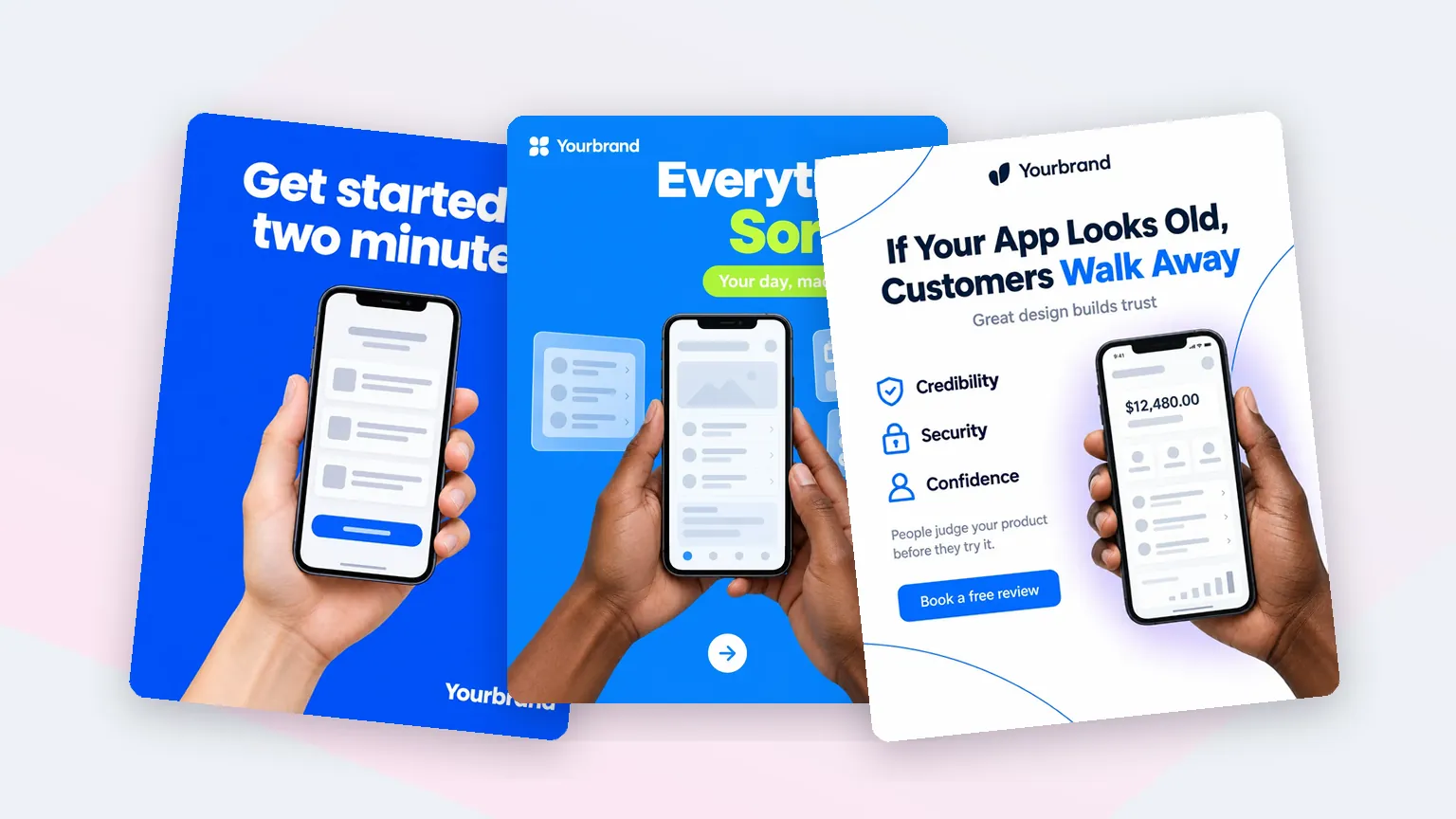
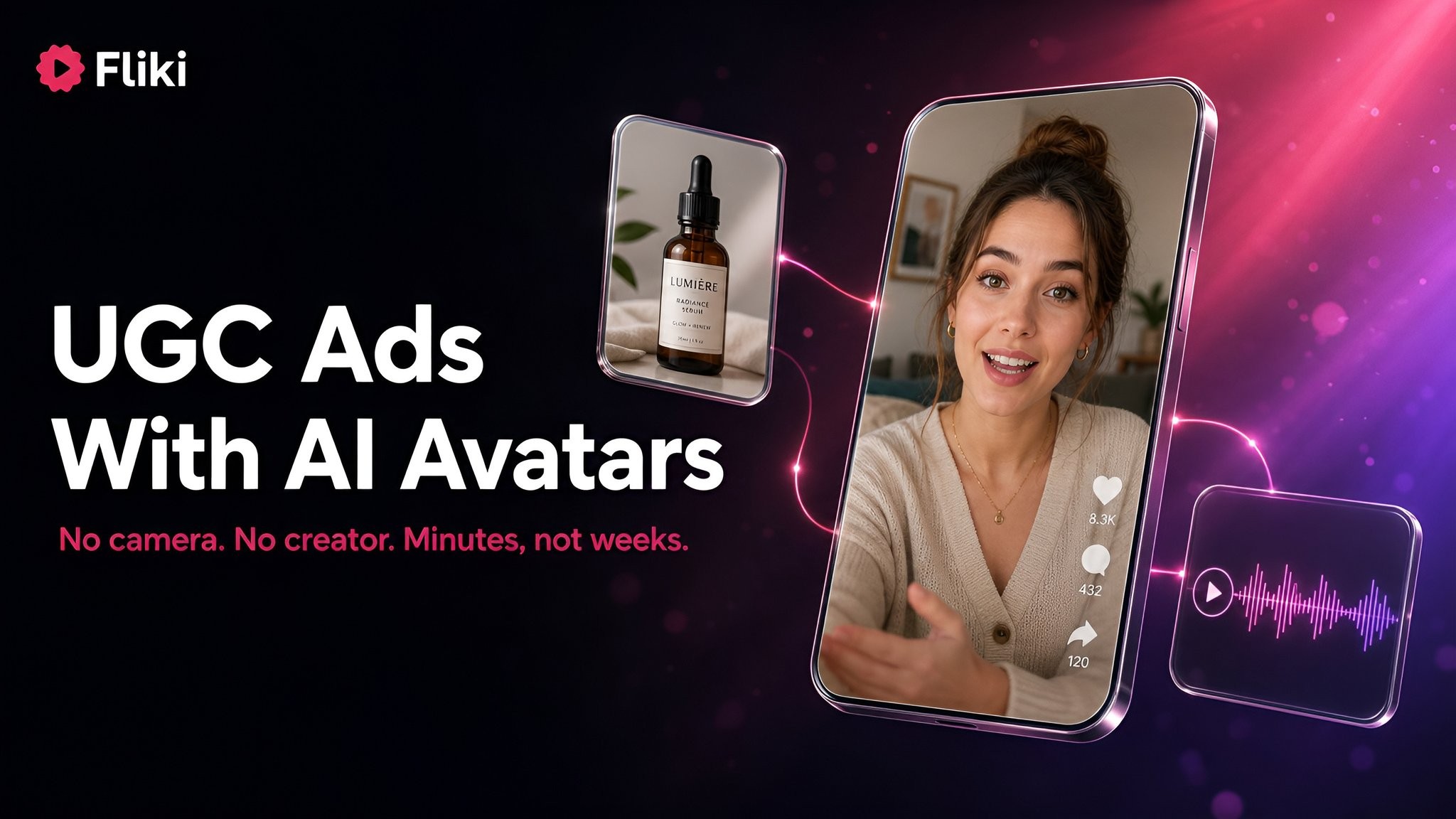
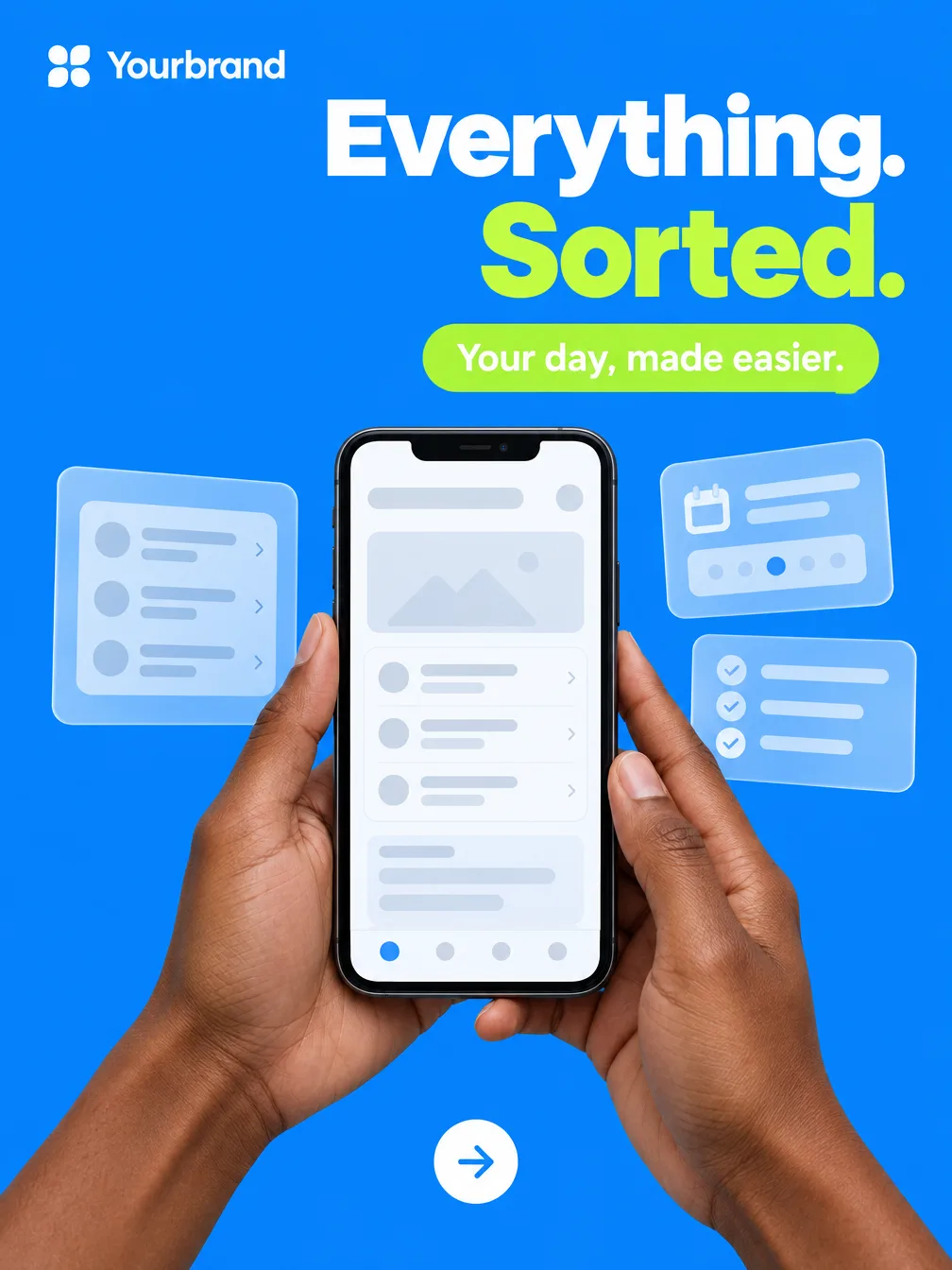
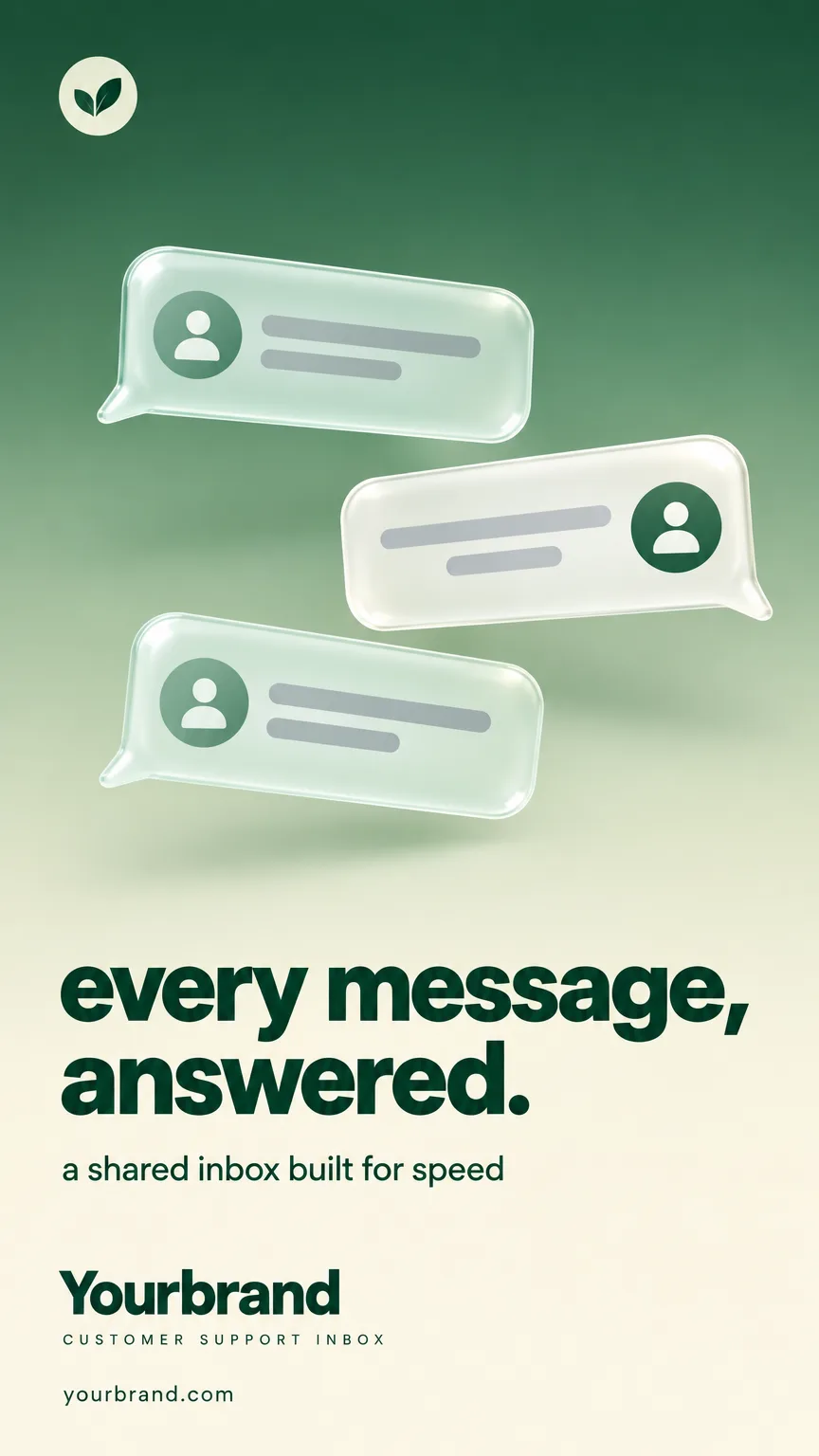
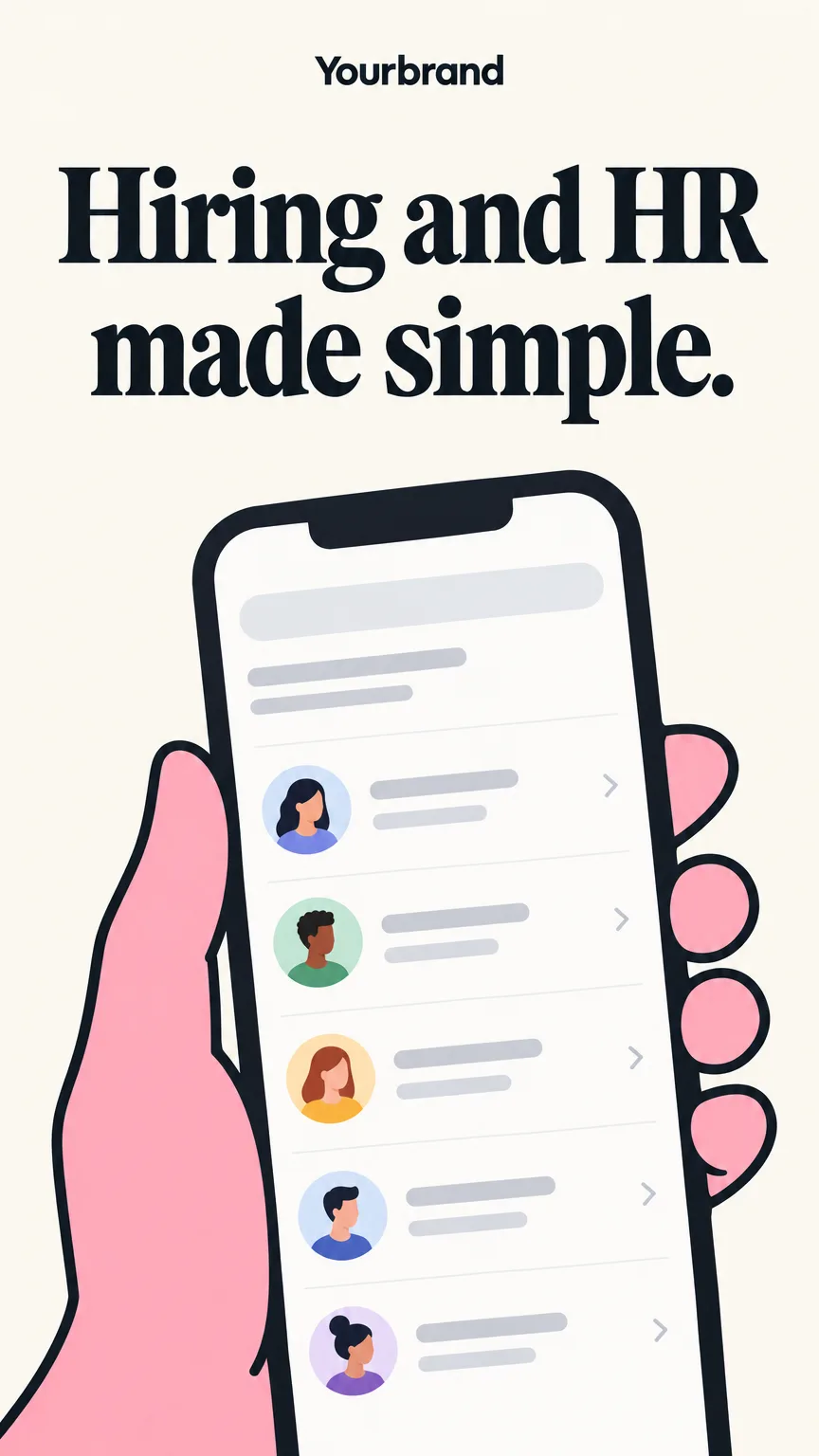
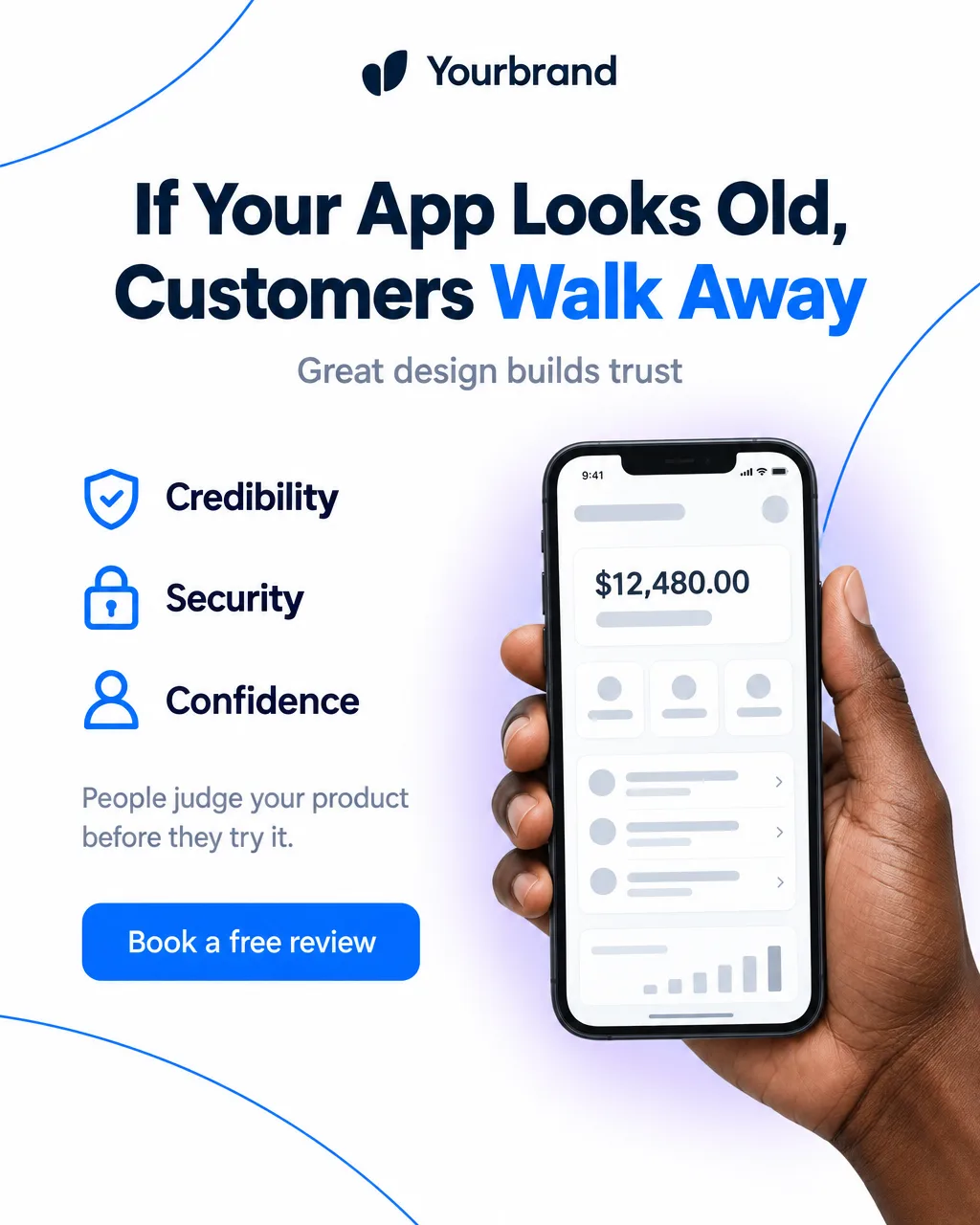
Portrait 9:16 ads for Stories and Reels that show your app on a phone held in one hand or two, with floating interface cards around it. Upload the screen you want people to see.
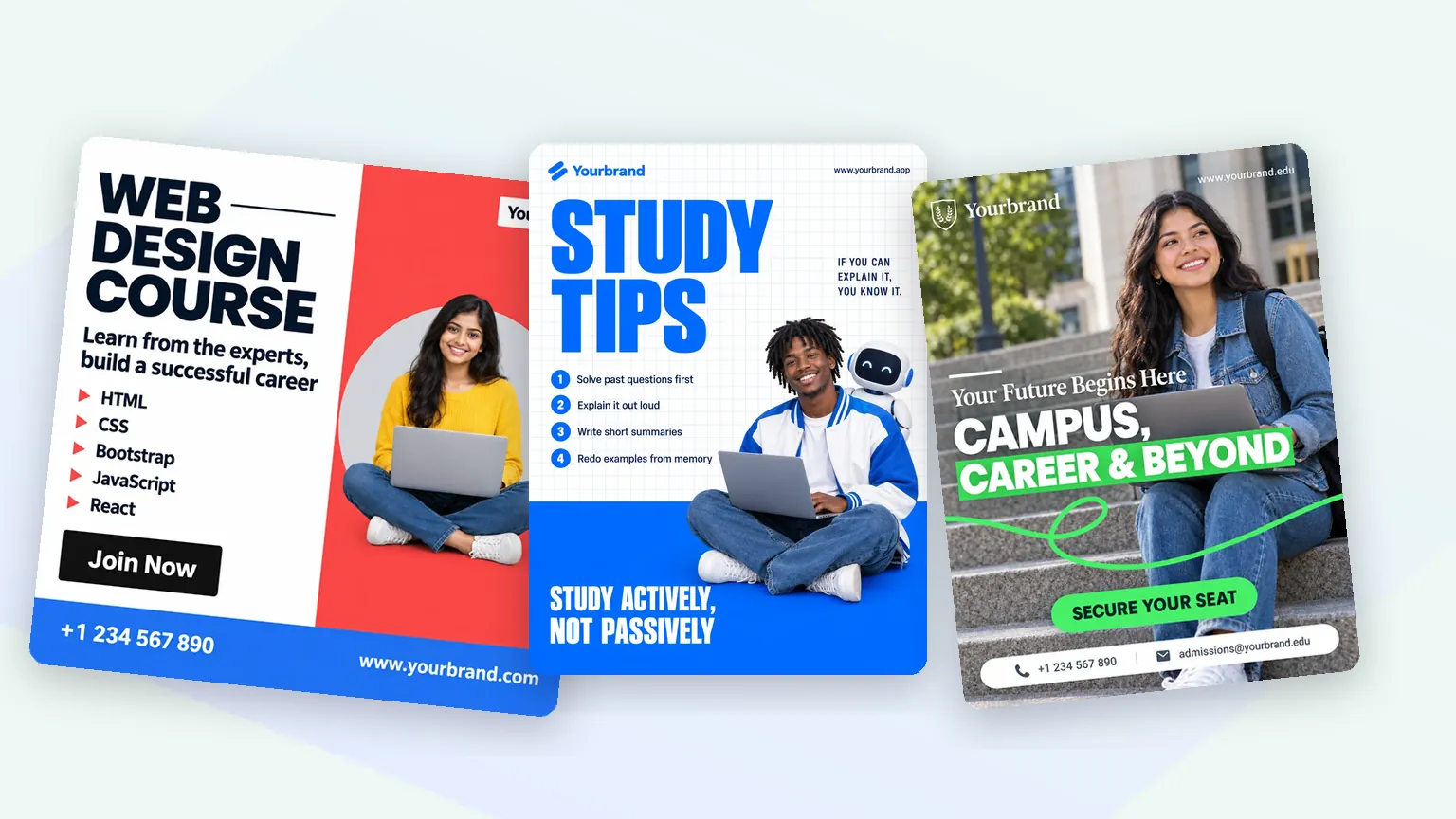
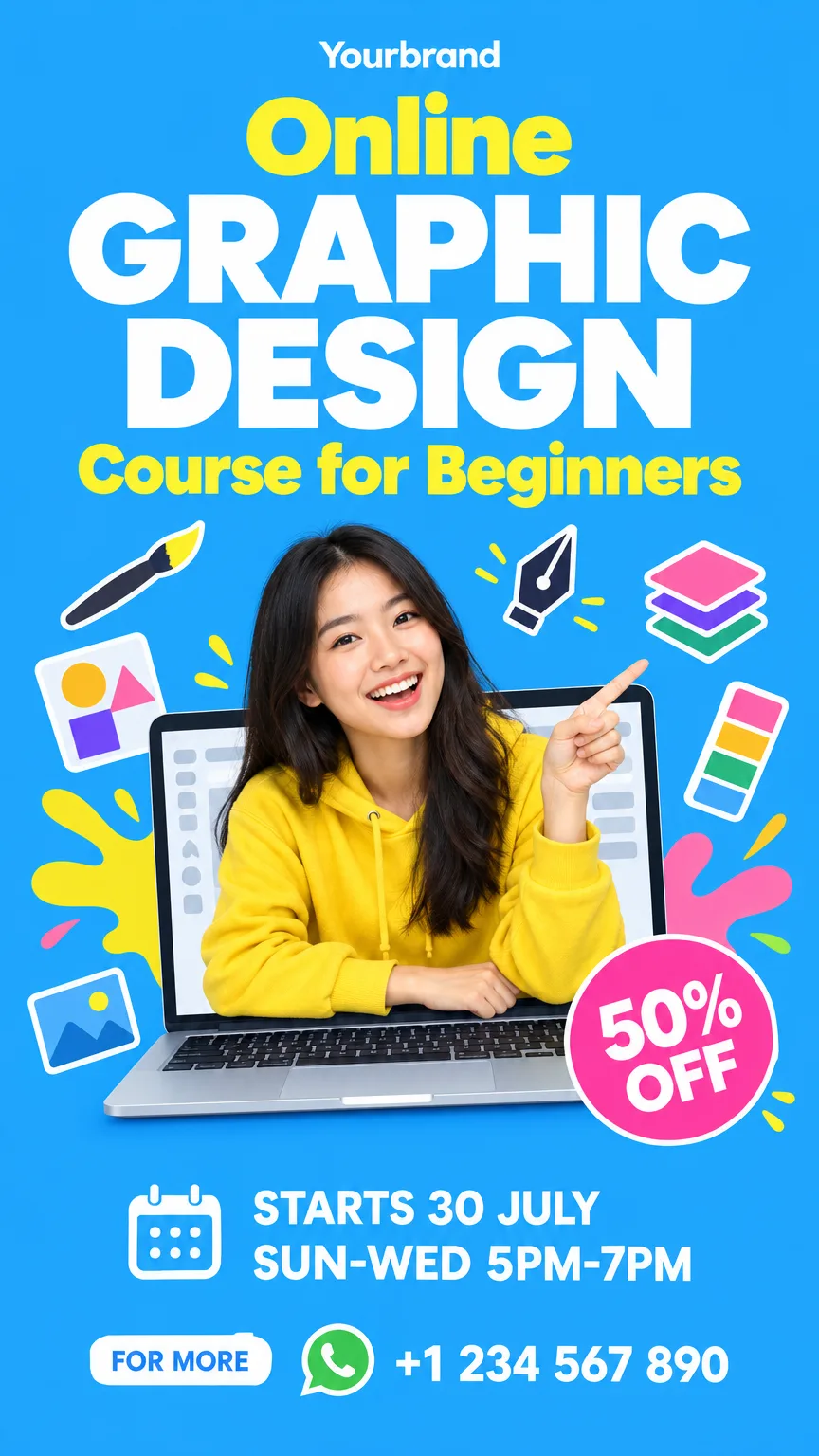
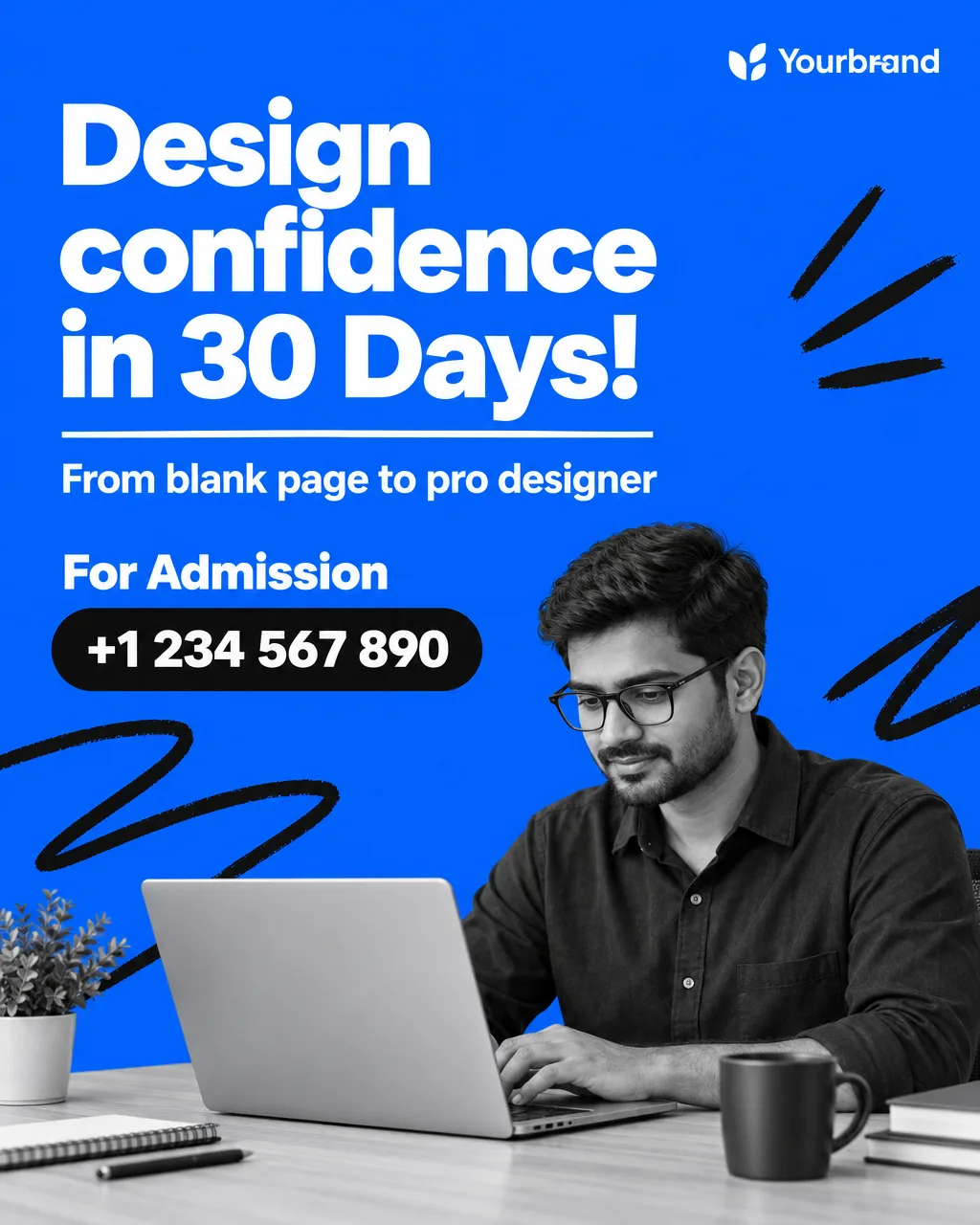
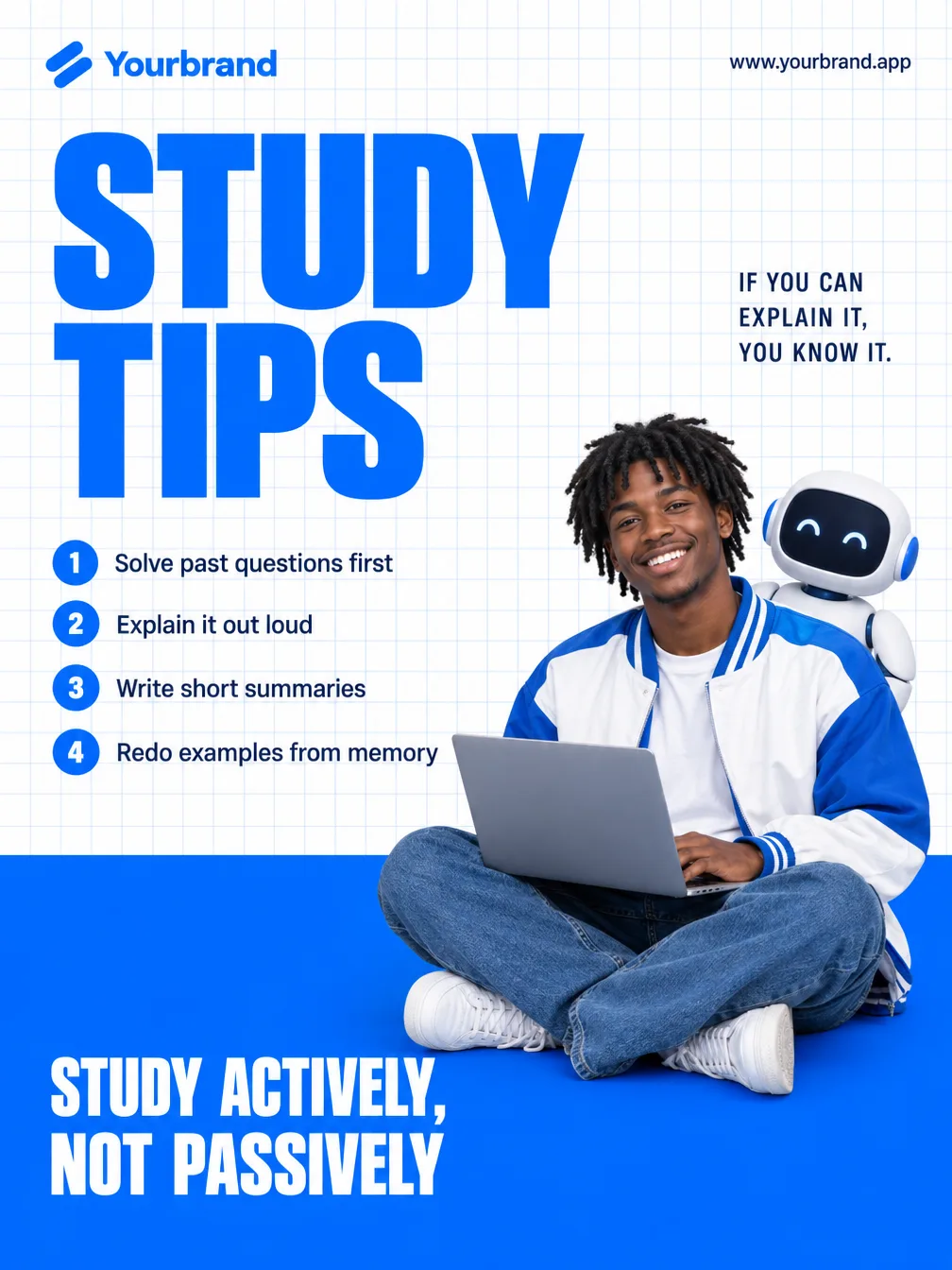
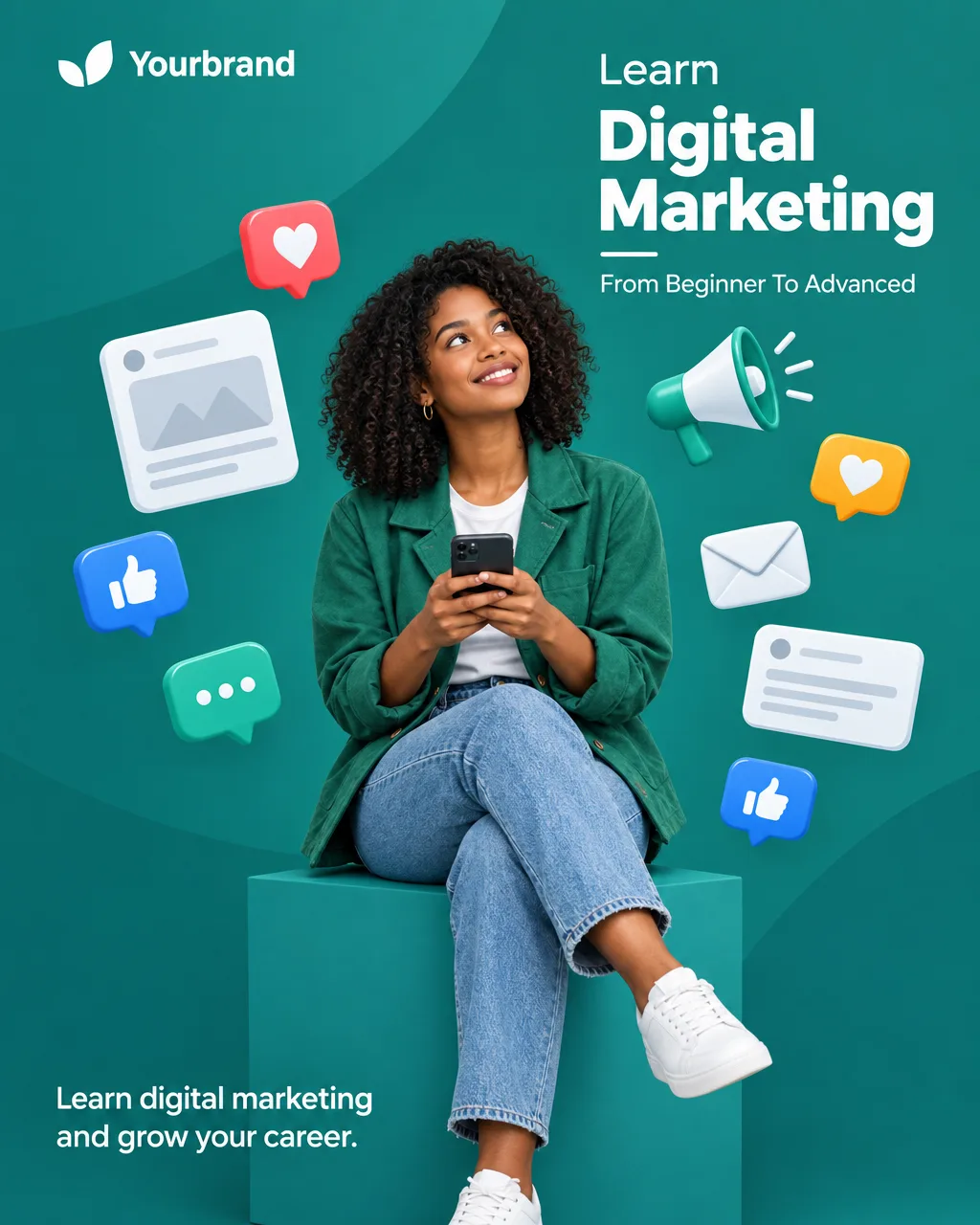
Course promos, study tips and campus ads with a student in the scene, a feature list and an enroll button. Dates and admission numbers appear only when your brief gives them.
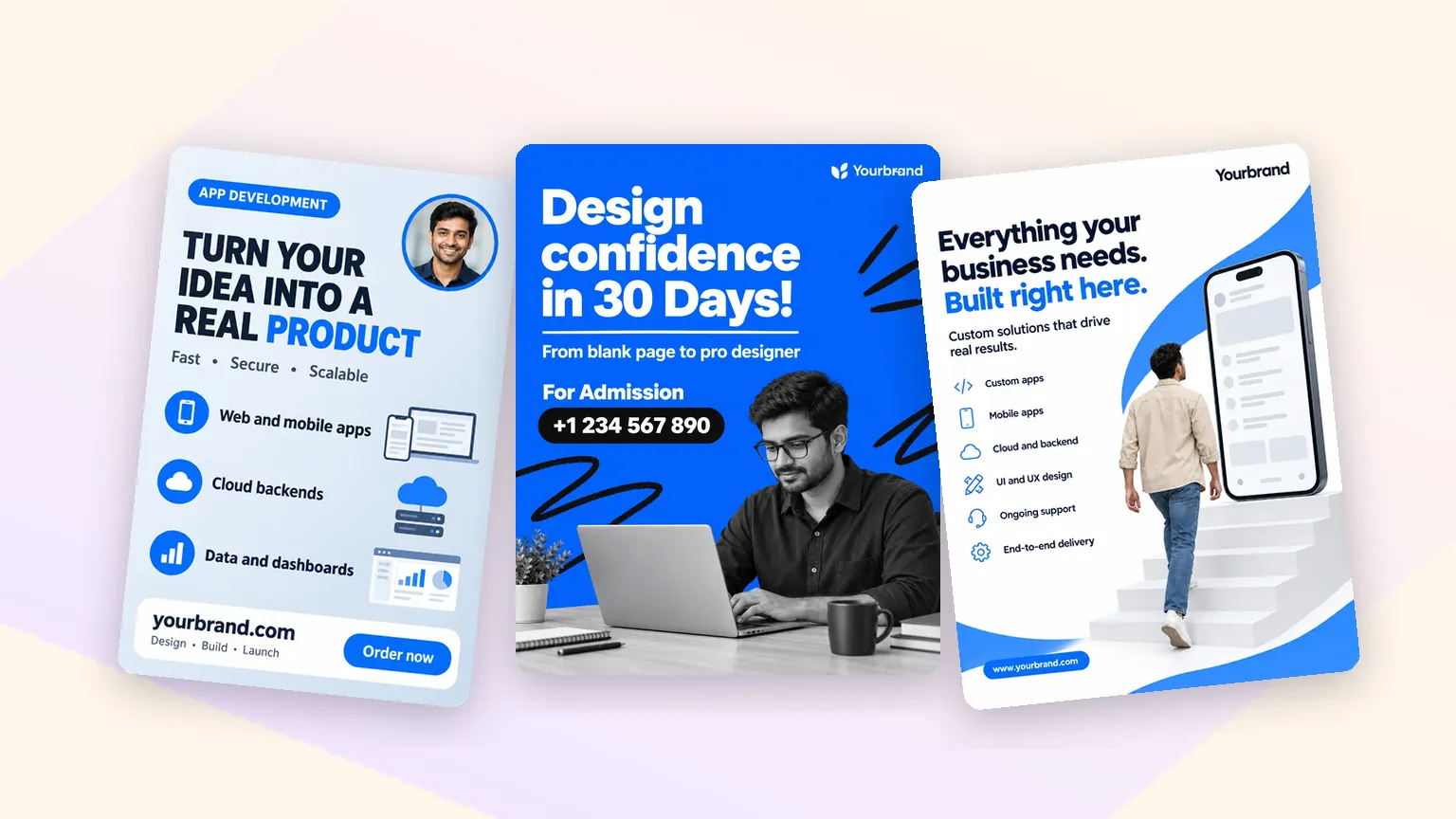
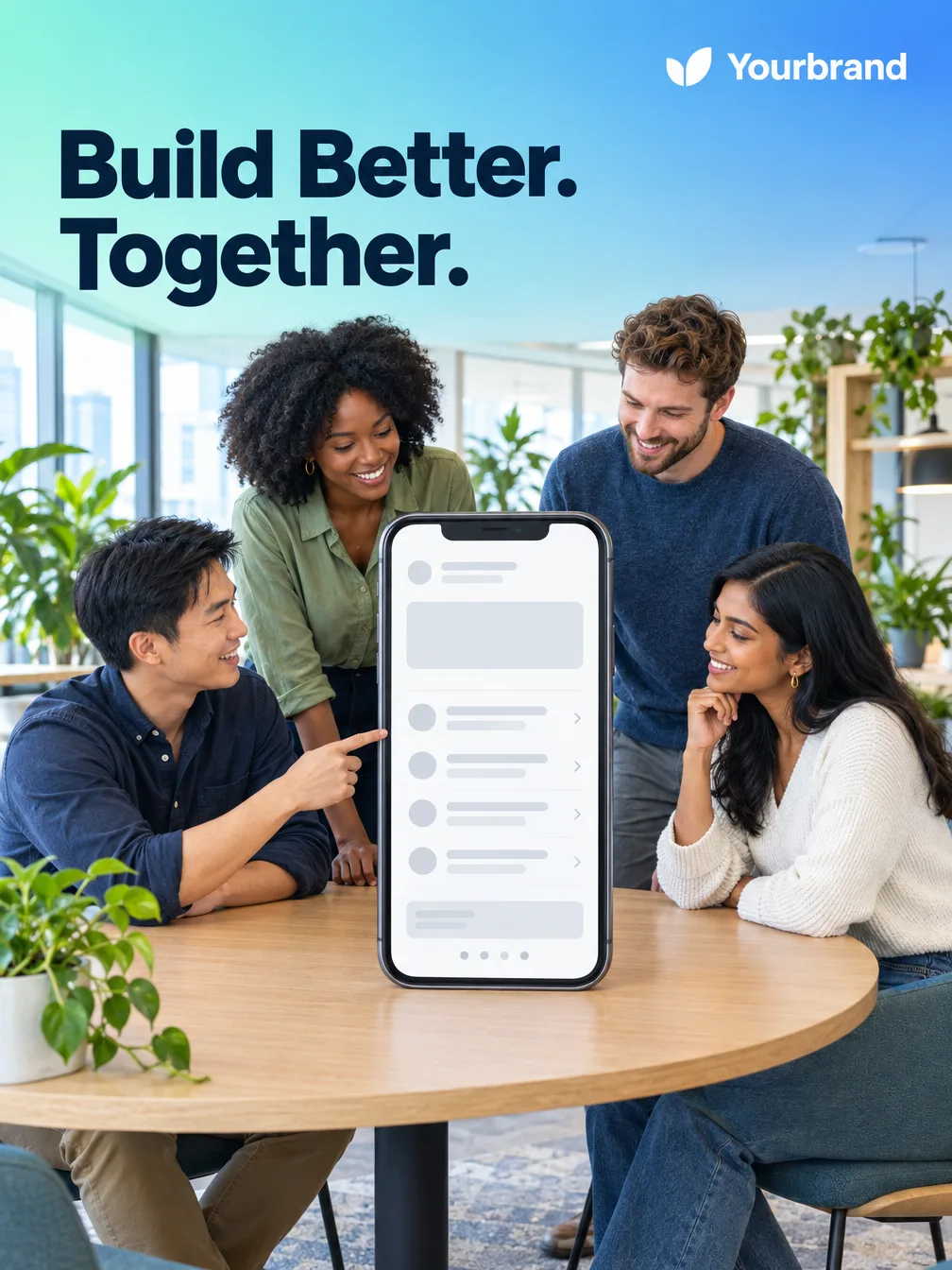
Looks built for agencies, studios and consultants: a service list with devices, a designer at work, a website on a giant phone. Your offer, your contact line and your site, nothing invented.
AI Ad Generator FAQ
What you need, what it costs, which sizes it makes, and how it compares to Canva, AdCreative.ai and Creatify.
Tools
Designer looks, copy you approve, your logo and colors, 2 to 6 ads per run in the format your placement needs.
Make ads with FlikiOn Basic, Standard and Premium plans · Cancel anytime