YouTube channels
A weekly show without recording
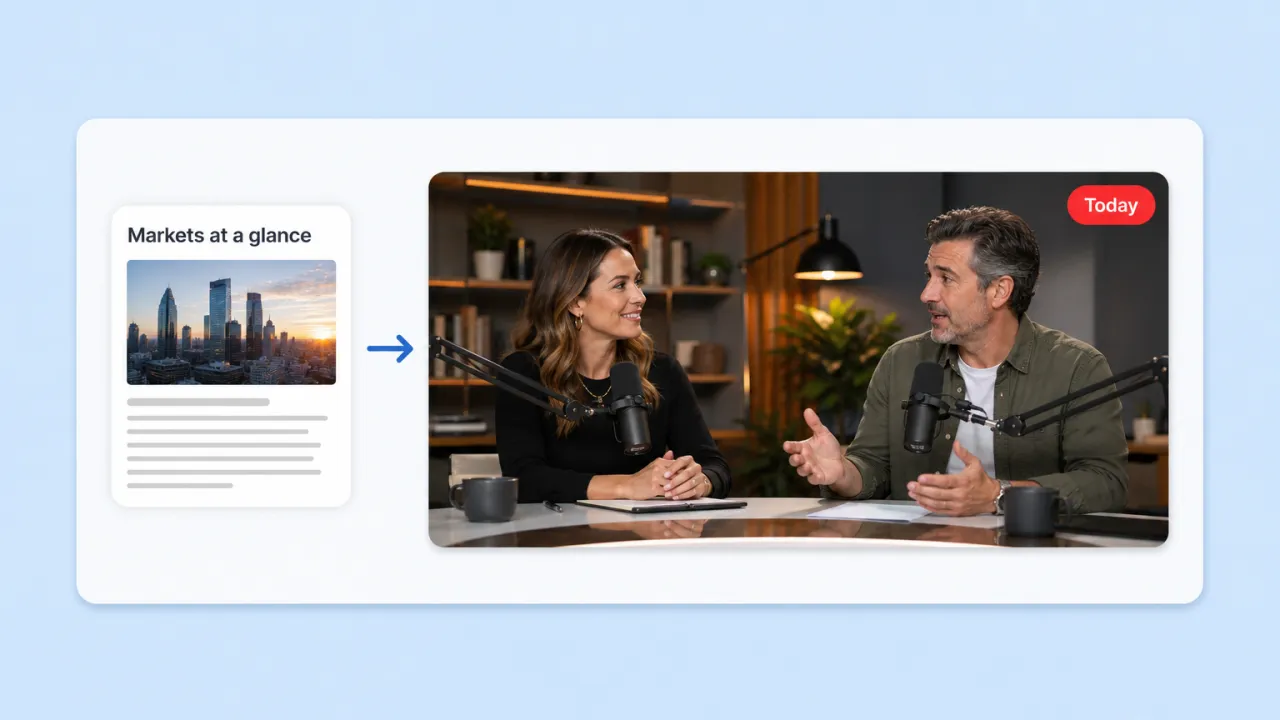
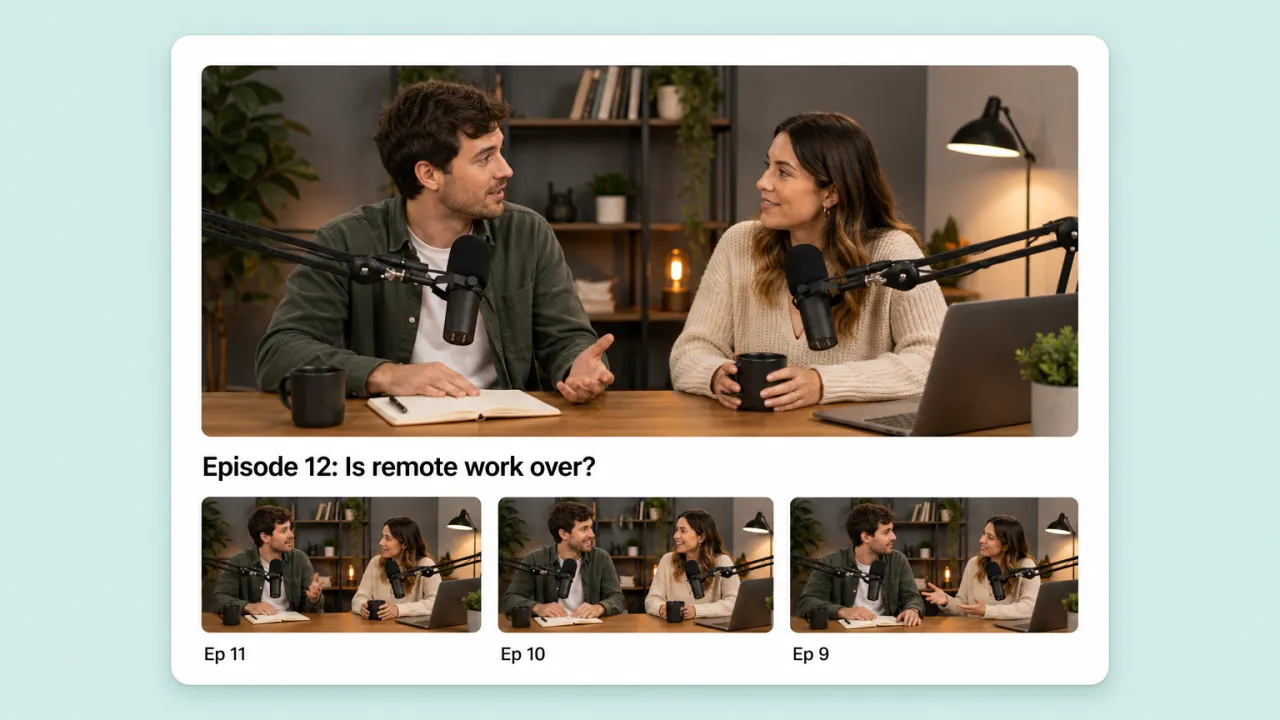
Publish a two-host episode every week on a steady set with the same faces, and keep the channel on schedule when nobody can sit down to record.
Give Fliki a topic or a finished script. It casts one or two hosts, builds the set, writes the conversation, and films it like a real show: a wide of the table, singles of whoever is talking, every line lip-synced.
Standard and Premium plans · 16:9, 9:16 or 1:1 · Episodes up to 10 minutes
Why creators pick Fliki for video podcasts
Most AI podcast tools hand back an MP3. Fliki returns the episode as video, with hosts you picked, a set you described and a camera that cuts like an editor would.
Both hosts sit side by side facing the camera, turned toward each other, so the wide reads as a real two-person show rather than two pasted portraits.
An AI director cuts between the wide and a single of whoever is speaking, and keeps the wide to under a third of the runtime so the episode never sits on one shot.
Once the voices are recorded, each take is lip-synced on MiniMax H3 Max by default, with P-Video Avatar and Fabric as alternatives.
Pick a character from your library and keep the same face across every episode, or describe a host and Fliki casts one for you.
The host portraits, the wide and each close-up are drawn first for you to approve or redraw, before any voice or lip-sync credits are used.
Type a topic and Fliki writes a two-voice conversation at 1, 2, 3, 5 or 10 minutes, or paste your own script and it runs to its own length.
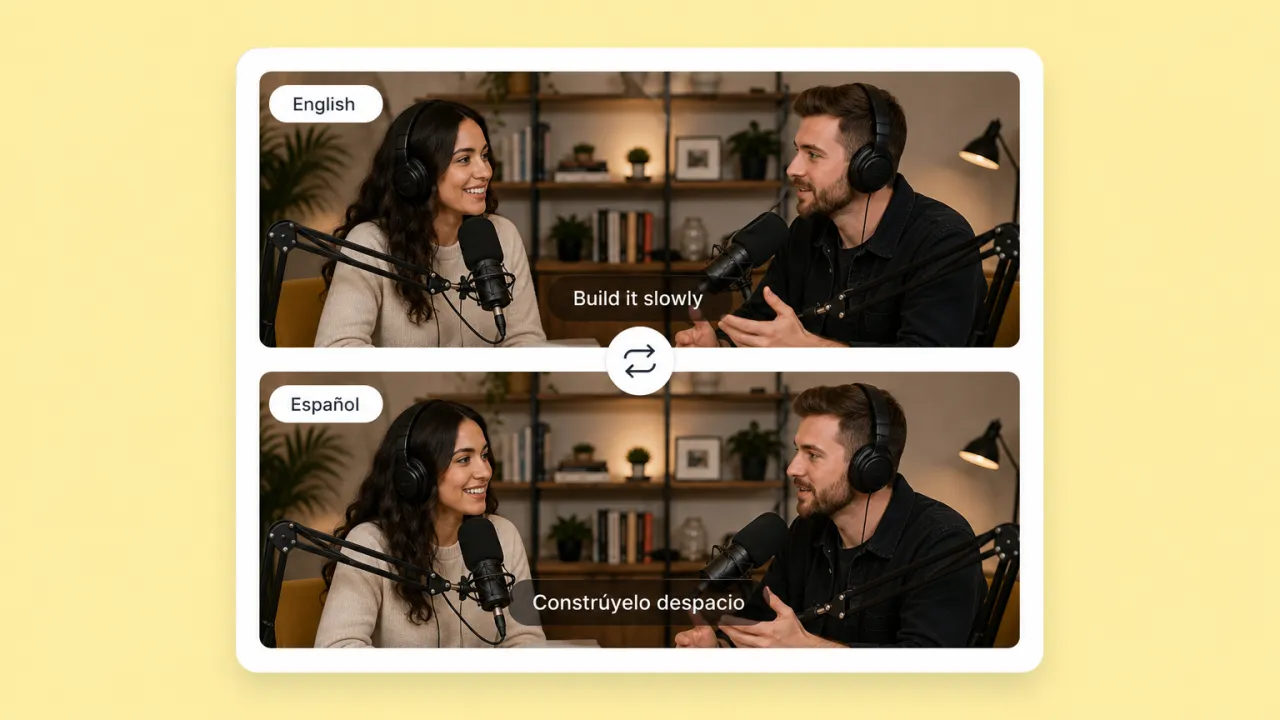
Hosts speak in Gemini voices across 80+ languages, so the same show can run in English, Spanish or Hindi without re-casting.
A cosy studio with a brick wall, a rooftop at dusk, a bright morning-show desk. One sentence sets the room, and every shot is drawn inside it.
Render in 16:9 for YouTube, 9:16 for Shorts, TikTok and Reels, or 1:1 for the feed, then edit any shot in the Fliki editor.
How it works
From a topic to a filmed, lip-synced episode.
Type what the episode is about and how long it should run, or paste a script with a label on each speaker.
Choose one or two hosts from your library or let Fliki cast them, pick their voices, and describe the room they sit in.
Review the host portraits, the wide of the table and each single. Redraw anything that is off before the episode is made.
Fliki records the conversation, cuts the camera to whoever is talking and lip-syncs every take. Edit it or export it.
Use cases for an AI video podcast generator
A video podcast without booking a studio, a guest or a camera operator.
Publish a two-host episode every week on a steady set with the same faces, and keep the channel on schedule when nobody can sit down to record.
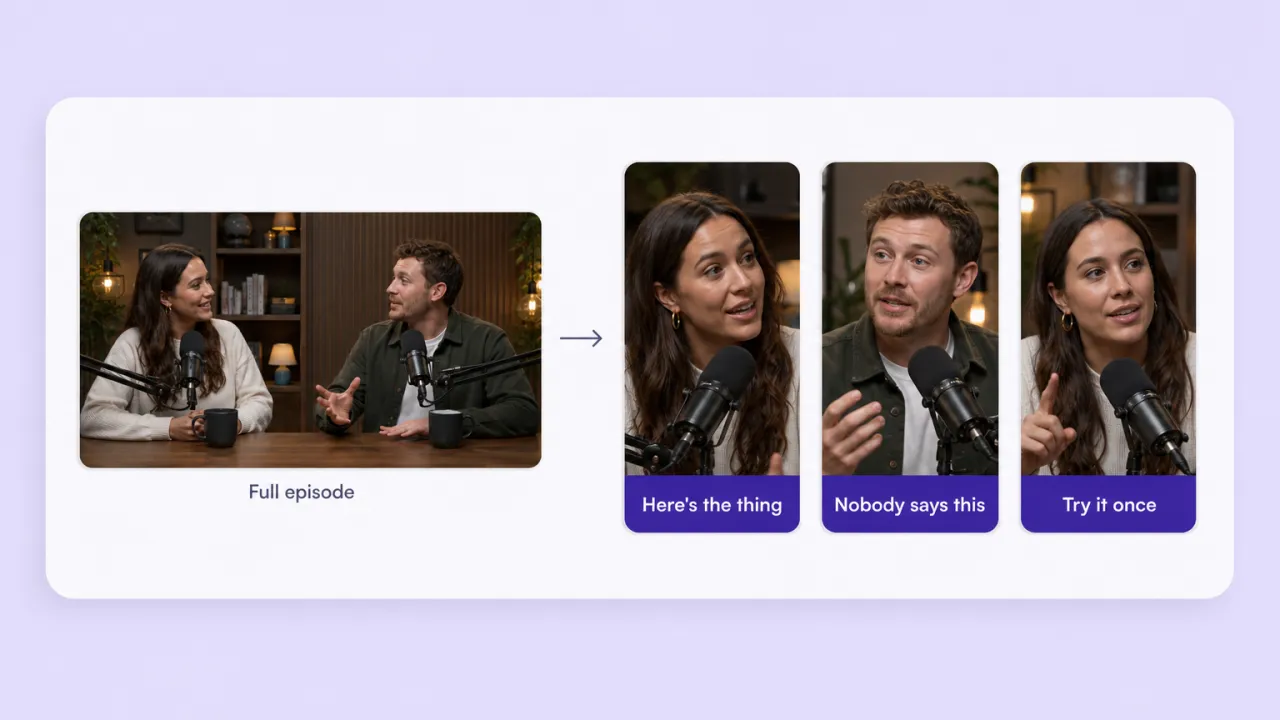
Once the episode exists, the clip generator pulls the lines that stand alone and cuts them vertical with captions.
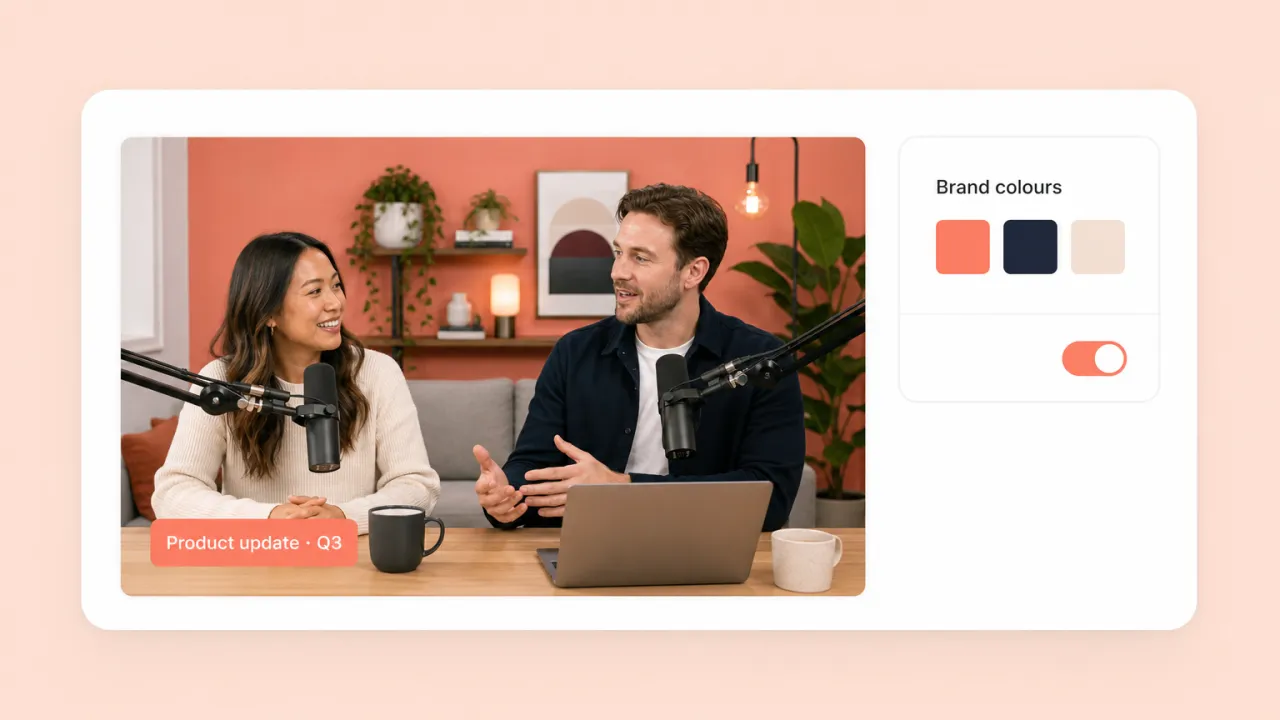
Two hosts talk through the product update, the customer story or the industry news, on a set in your brand colours.
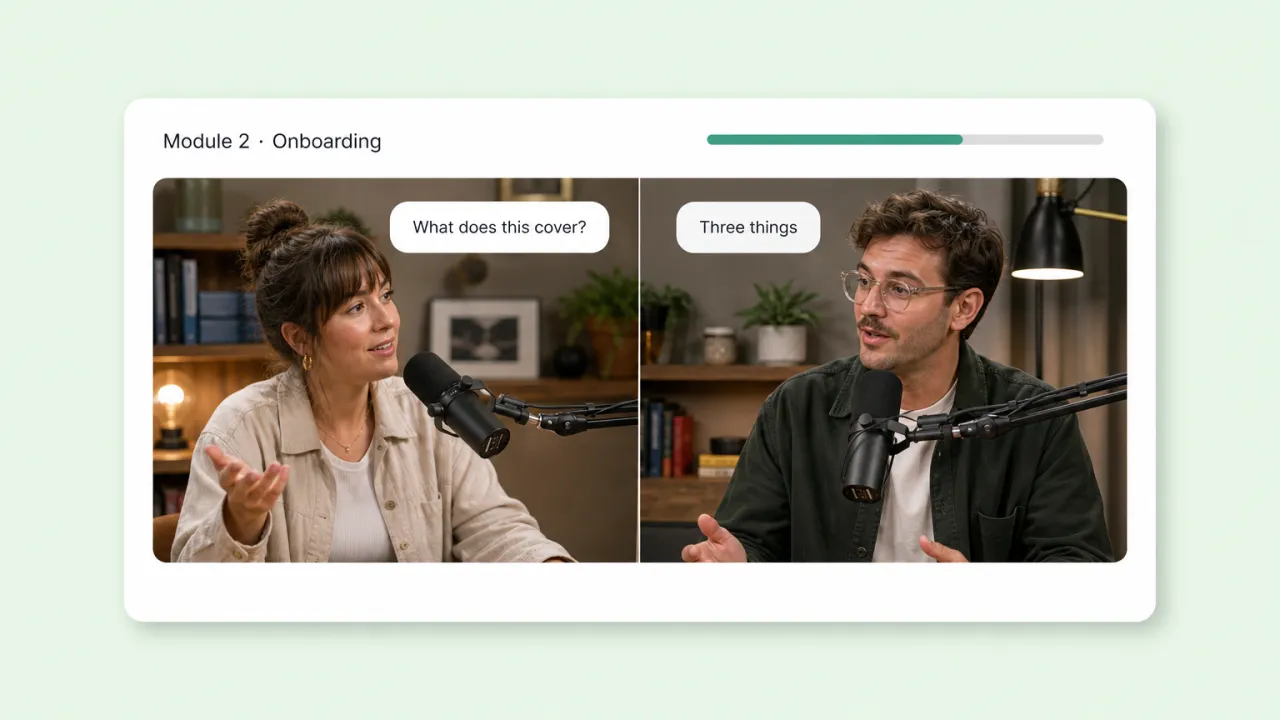
A host asks the questions a learner would ask and the other answers, which holds attention longer than one presenter reading slides.
AI podcast generator FAQ
How Fliki films a podcast, casts the hosts, and compares to audio-only generators.
Tools
AI video models
Pick the hosts, describe the set, and Fliki films the conversation.
Make an episodeFree forever plan · No credit card required · Cancel anytime