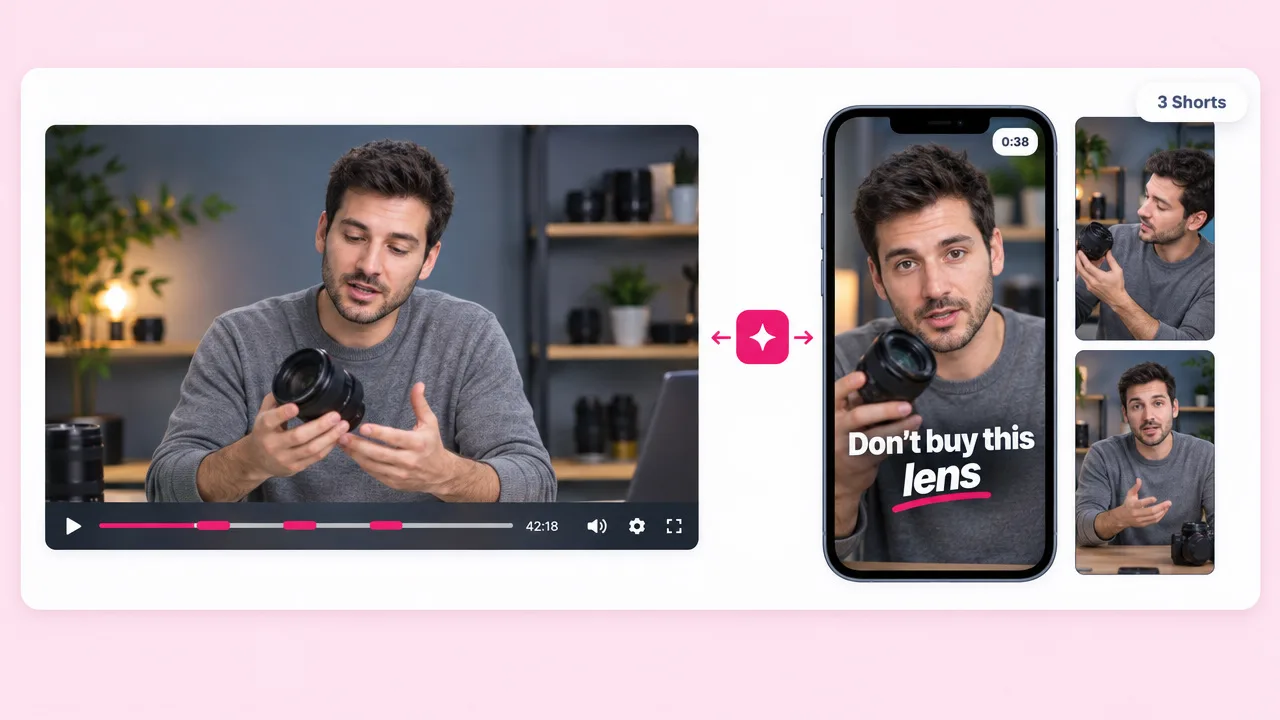
YouTube channels
Shorts from the long uploads you have
The YouTube-specific page covers this in more depth, including how this differs from YouTube’s own Clip button.
Upload the recording and Fliki reads the transcript, picks the segments that work on their own, reframes them vertical and captions them at word level. Then re-voices any of them into 80+ languages, which is where a clipping tool stops and this one does not.
Free forever plan · No credit card required · No watermark on paid
Why creators pick Fliki
A dedicated clipper cuts well and stops. The clip still needs captions that hold retention, a hook that works cold, and often a version in another language.
The transcript is read and segments are picked on what is said: a complete thought, a strong line, a question and its answer.
A 16:9 recording becomes 9:16 with the speaker held in frame, rather than the sides chopped off around whoever is talking.
Captions land on the syllable being spoken, which does more for retention on vertical video than any other single edit decision.
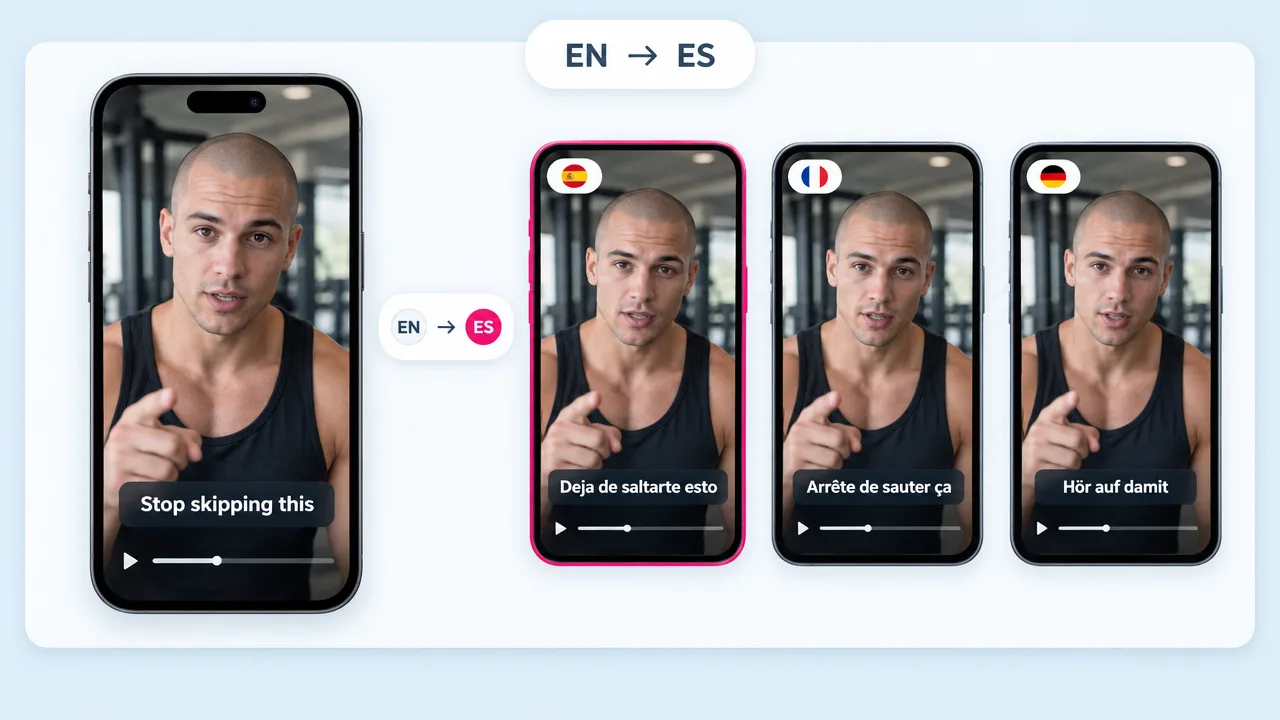
Take a finished clip into any of 80+ languages. No clipper does this, because a clipper only cuts what it was given.
Add generated scenes, a new opener or b-roll to a clip. It is a video generator that clips, rather than a clipper.
Long pauses and dead air come out, so a sixty-second clip is sixty seconds of content rather than forty and some silence.
The opening line is written for a viewer with no context. Clips that start mid-sentence get scrolled past however good the middle is.
The clipping workflow is on the free forever plan with monthly credits. Paid plans remove the watermark and lift the limits.
Export the whole set at once rather than one clip at a time, which is what makes a posting schedule hold.
How it works
One upload, a batch of captioned vertical clips out the other side.
A podcast, a stream VOD, a talk, a webinar, a tutorial. Anything with speech, because the transcript drives the selection.
The transcript is read and the moments that stand alone are pulled out, rather than the video being chopped at fixed intervals.
Each clip is reframed vertical with the speaker kept in frame, captioned at word level, and given an opener that works without context.
Download the batch in 9:16, 1:1 or 16:9. Or re-voice a clip into another language, or add generated scenes around it.
Use cases for long video to shorts
Everything long you have already published is unclipped inventory.
The YouTube-specific page covers this in more depth, including how this differs from YouTube’s own Clip button.
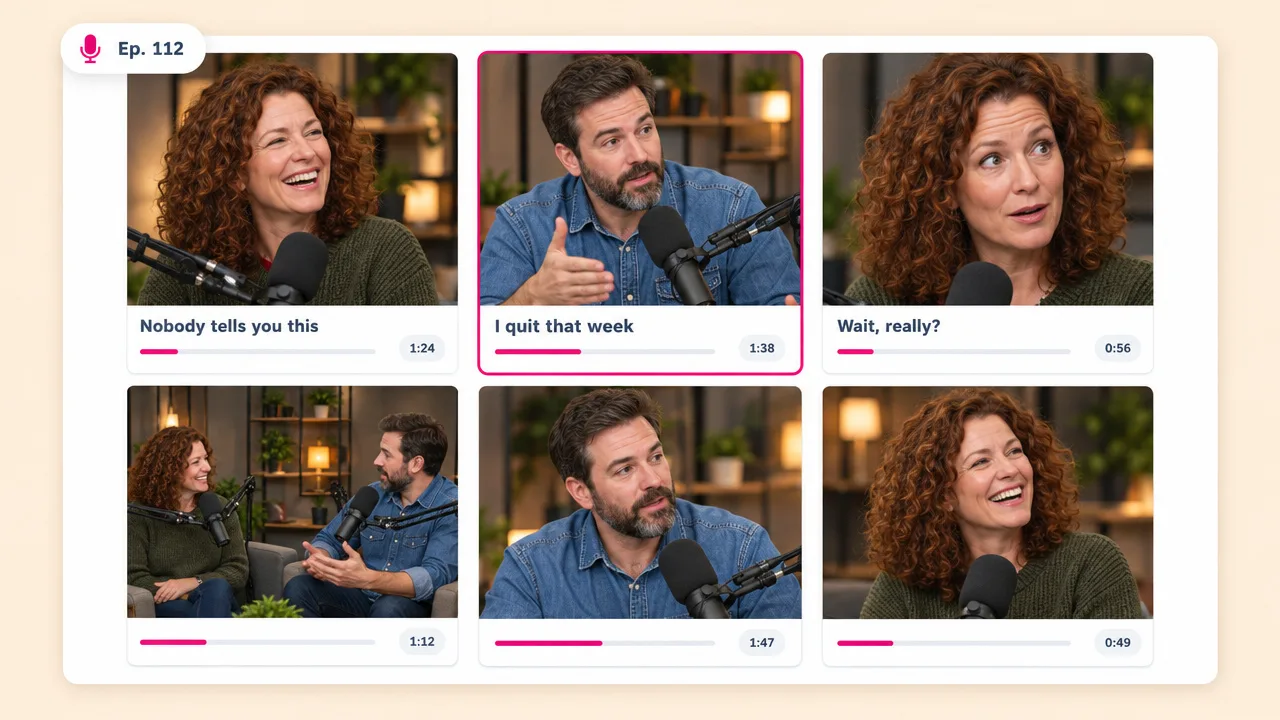
The format that produces the most clips per hour of source. Speaker framing matters more here than anywhere else.
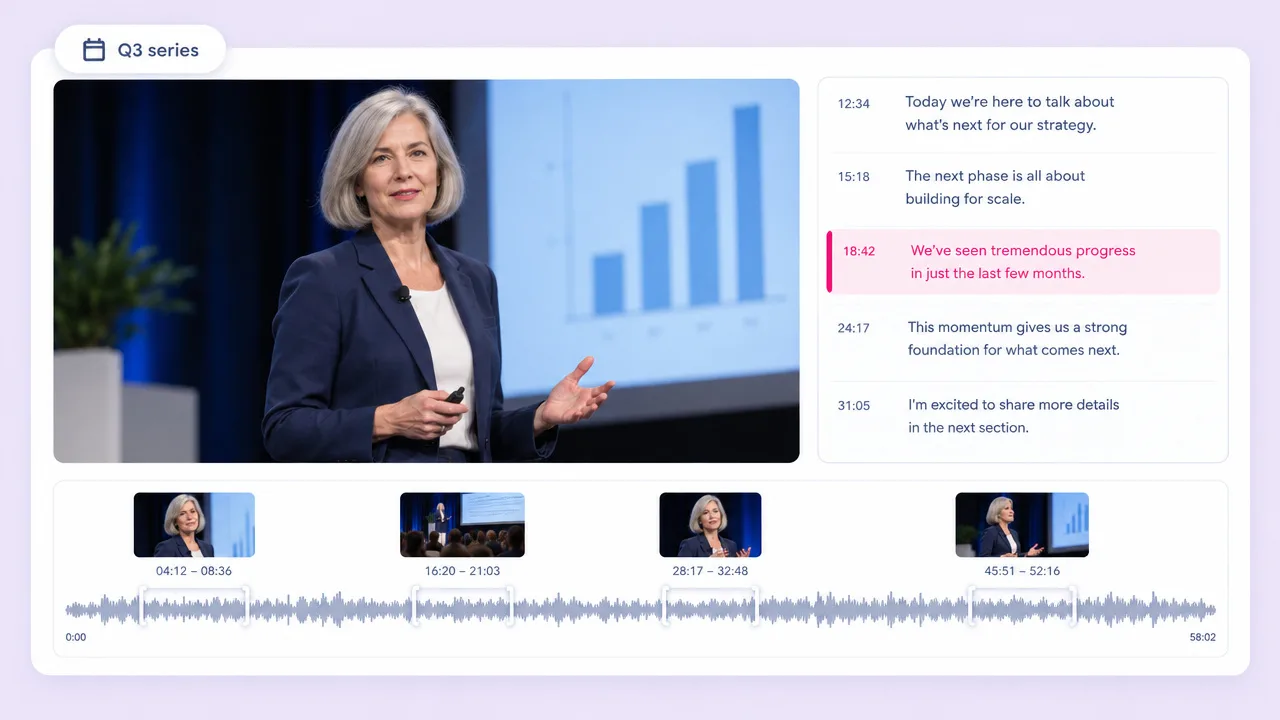
Most webinar recordings are viewed once and archived. Clipping turns a one-off session into a quarter of content.
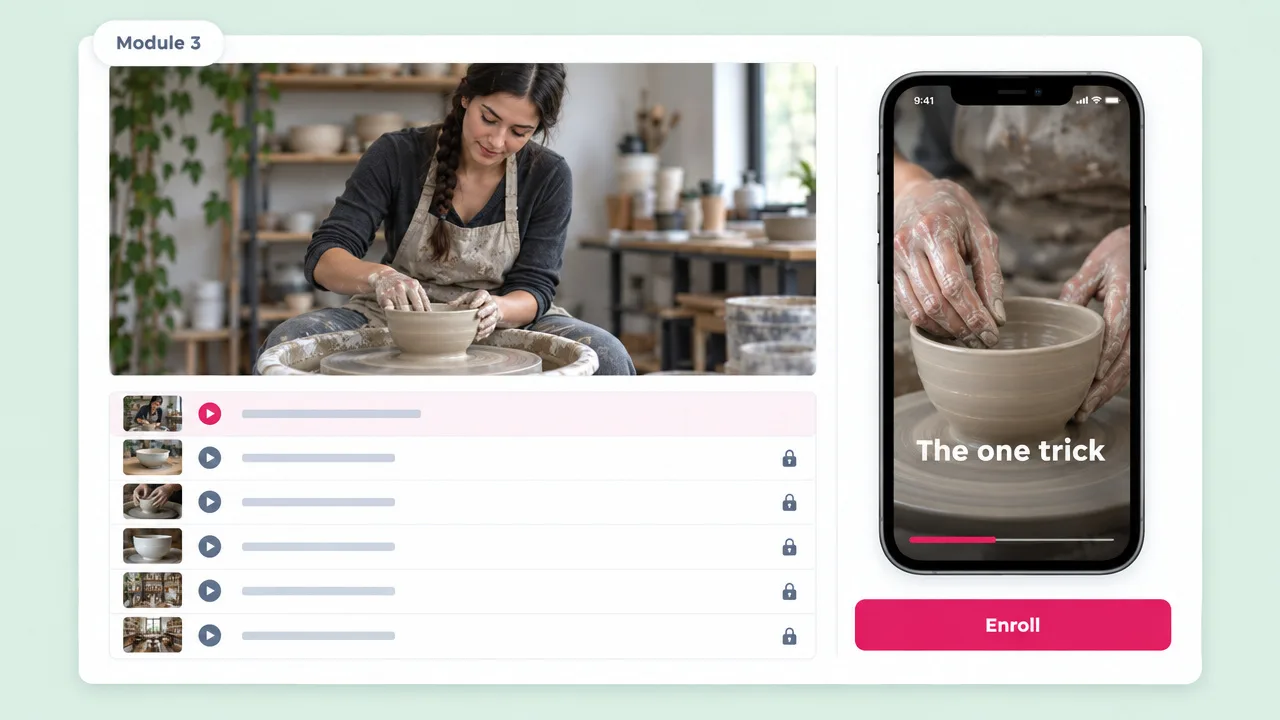
Pull the strongest two minutes out of a lesson and post it. The rest of the module is the offer.
Long video to shorts FAQ
How the segments are chosen, how this compares to OpusClip, and what it costs.
Tools
Upload it once and Fliki finds the moments, reframes them, captions them and hands back the batch.
Cut a videoFree forever plan · No credit card required · Cancel anytime