video model · by VEED
VEED Fabric AI Talking Video Generator
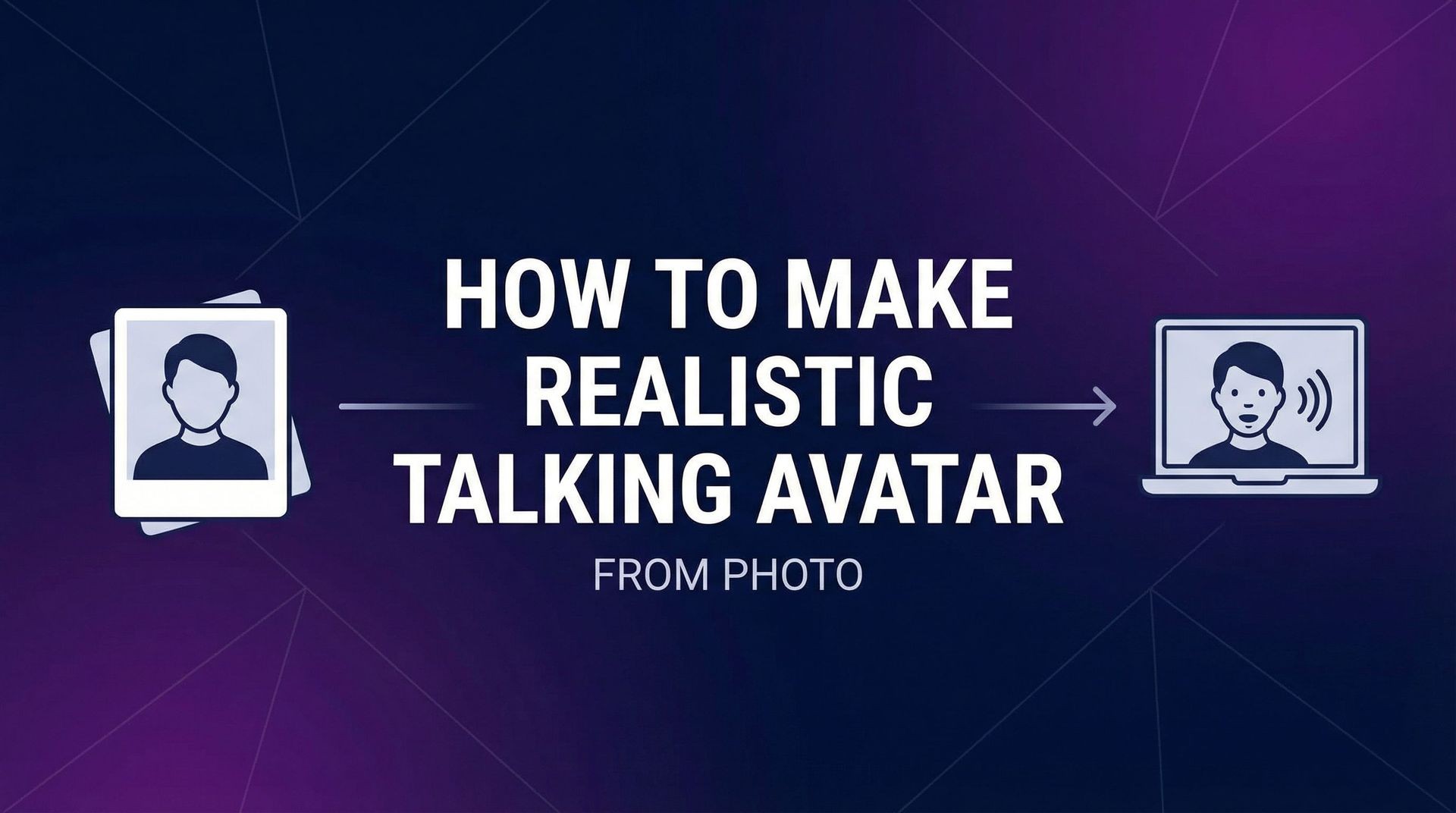
Turn any image and an audio clip into a talking video with Fabric 1.0, VEED's image-to-talking-video model. Lips, head, and body move in sync with your audio, and it works on photos, illustrations, 3D renders, and mascots. Use it in the Fliki AI Playground in lip-sync mode. Compare it side by side with all our AI video models before you render.
Generated with Fabric
Talking videos generated with VEED Fabric inside Fliki. One image, one audio clip, no edits.
Prompt
Prompt
Prompt
Prompt
Prompt
Prompt
Prompt
Why creators choose Fabric
Image plus audio, nothing else
Fabric needs just two inputs: one image and one audio clip. There is no prompt to tune, so you go from a still to a talking video quickly.
Lips, head, and body in sync
VEED built Fabric so lips, head, and body move with the audio, giving a fuller performance than a mouth-only lip sync.
Any face: photo, 3D, or mascot
VEED says Fabric accepts photos, illustrations, 3D renders, mascots, and stylized artwork, and adapts to the input instead of needing a preset avatar.
720p output
Fabric renders at 720p on Fliki, ready for social feeds, ads, and presenter clips.
Multilingual audio
Fabric follows the audio you give it, so the same image can speak scripts in different languages for localized versions.
Clips sized for social
On Fliki each Fabric generation is about 10 seconds, a good length for hooks, ad variations, and quick explainers.
Emotion from the audio
Because the performance is driven by the audio, a warm read gives a warm delivery. Pick the Fliki voice and style that fits the message.
16:9, 9:16, and 1:1
VEED lists landscape, vertical, and square among supported formats, so one character can appear on YouTube, TikTok, and Instagram.
How it works
How to make a talking video with Fabric
Turning an image into a talking video with Fabric takes a few minutes in the Fliki AI Playground. Follow these six steps.
Upload an image
Open the Fliki AI Playground, switch to lip-sync mode, and upload a photo, illustration, 3D render, or mascot. A clear, front-facing face with the mouth visible gives the best result.
Select Fabric as your model
Open the model selector and choose Fabric. It takes only an image and audio, so there is no prompt to write.
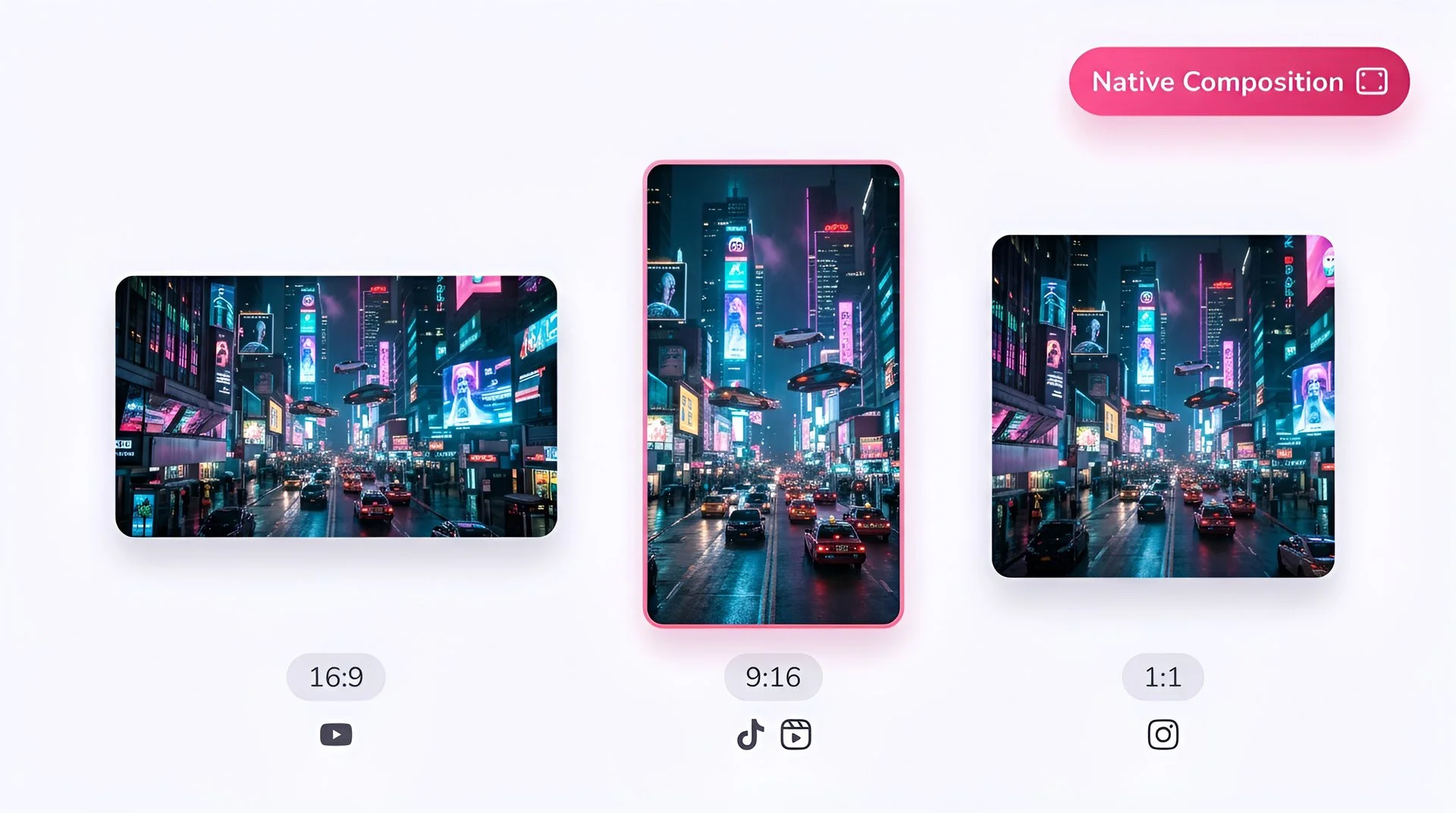
Frame the image for your platform
Fabric supports 16:9, 9:16, and 1:1. Use a vertical image for TikTok, Reels, and Shorts, or a wide one for YouTube and web.
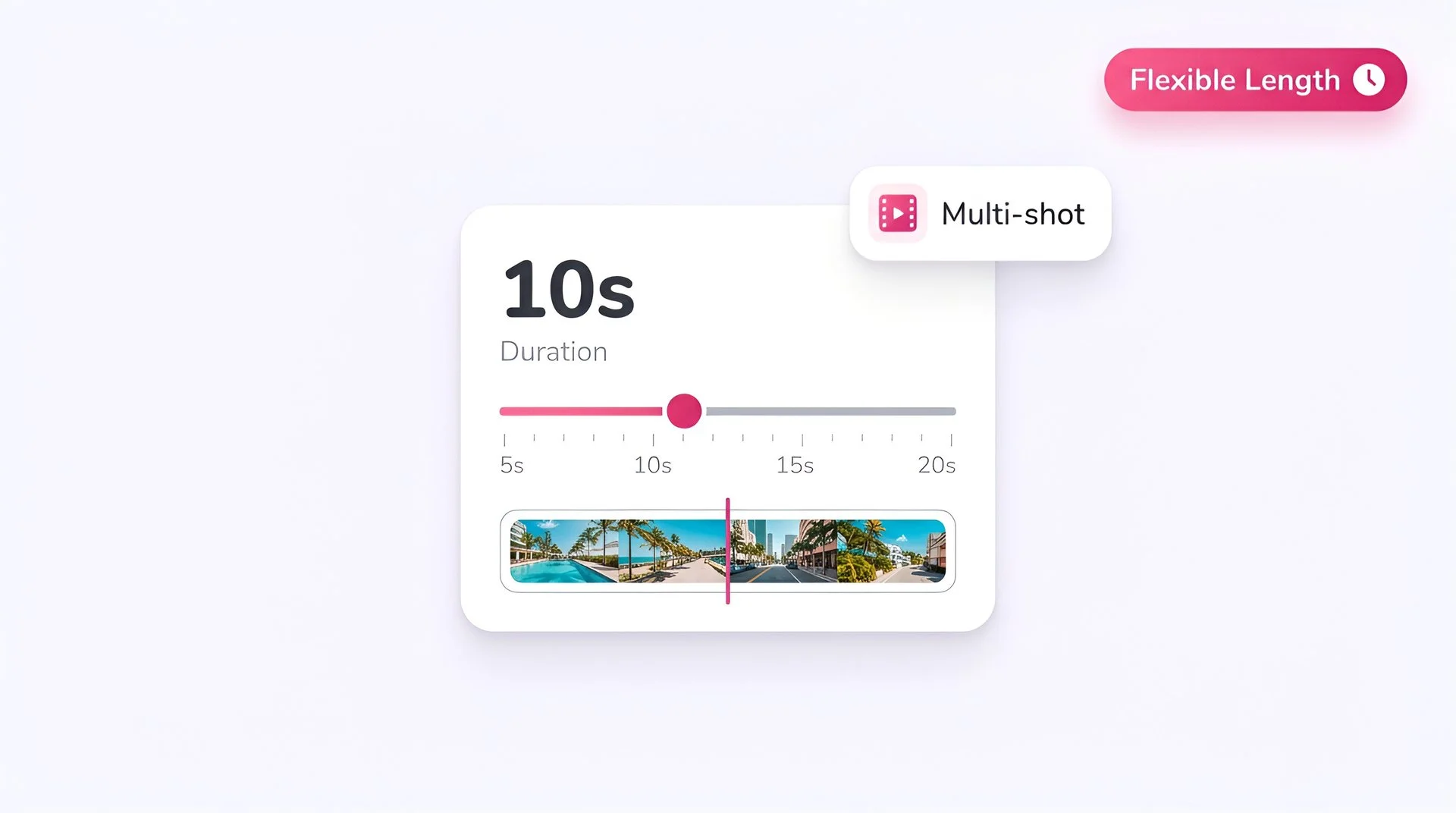
Add audio or pick a Fliki voice
Upload a voice recording, or type a script and generate the audio with any Fliki voice. The performance follows the rhythm and emotion of the audio.
Check the timing
On Fliki each Fabric generation is about 10 seconds, so keep the script to roughly 25 words per clip.
Generate in 720p
Hit Generate. Fabric renders a 720p talking video you can preview, download, or bring into a longer Fliki project.
AI MODEL GALLERY
Built on the best AI models - ready inside Fliki
Every leading video, voice, and image model - integrated, unified, and tuned for creators. Generate with the latest AI video, AI voice, and AI image models from OpenAI, Google, Kling, Bytedance, ElevenLabs, and more - all from one place.



Fabric FAQ
Frequently asked questions
Everything you need to know about generating with Fabric inside Fliki.


AI video models
Discover more
Tools
Discover features
Make any image talk with Fabric.
Lip-synced talking video from one image and one audio clip, for photos, 3D characters, and mascots. Available on paid Fliki plans.
Create your first talking videoFree forever plan · No credit card required · Cancel anytime