Introduction
You have the song. What you do not have is a video, and in 2026 a song without a video barely exists. YouTube is the most-used site for listening to music on earth, TikTok is where tracks break, and even Spotify now wants a looping visual on every release. An MP3 sitting in a folder reaches nobody.
The good news is that a whole category of tools has appeared that will build a music video around your track automatically, cutting scenes to the beat and, in some cases, putting a lip-syncing performer on screen. The less good news is that they are wildly different from each other. Some take your finished song and generate the whole thing in one click. Others are frontier video models that make gorgeous clips but expect you to assemble the video yourself. A few are really social-content factories with a music-video feature bolted on.
I work on content at Fliki, and I spend a lot of time inside these tools. This is the honest, tested ranking: what each one is actually for, what it costs, where it wins, and where it falls down. Fliki is on this list and I have put it first, but I have tried to earn that placement rather than assert it, and I will tell you plainly where a competitor is the better pick.
How I evaluated them
I judged every tool on the same questions a real creator asks. Does it take your uploaded track, or does it only work from prompts? How good and how consistent do the visuals look, because shot-to-shot style whiplash is the number one tell of a cheap AI video. Does it actually sync cuts to the beat and lip-sync to the vocals, or just play visuals over the audio? How many visual styles and aspect ratios does it support, since YouTube wants 16:9 and Reels wants 9:16? How much editing control do you get after the first generation? What does it cost, and do you get commercial rights? I weighted "takes your song and makes something you would actually post" most heavily, because that is the job.
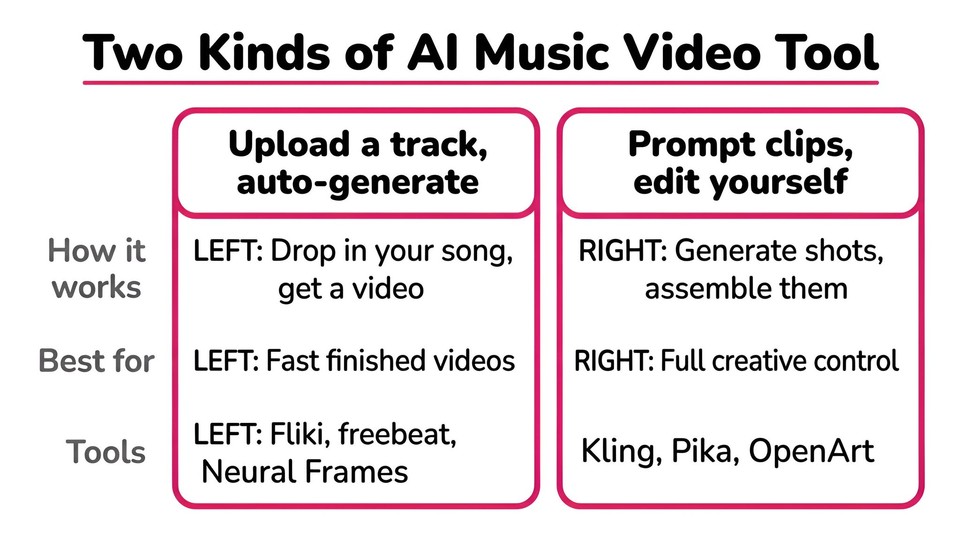
One grouping worth keeping in mind as you read: some of these tools are "drop the audio in, get a video out" (Fliki, freebeat, Neural Frames, PlazmaPunk, Vidnoz). Others are "generate clips from prompts, then edit them together yourself" (Kling, Pika, OpenArt). They solve different problems, and the right choice depends on which job you actually have.
Quick picks
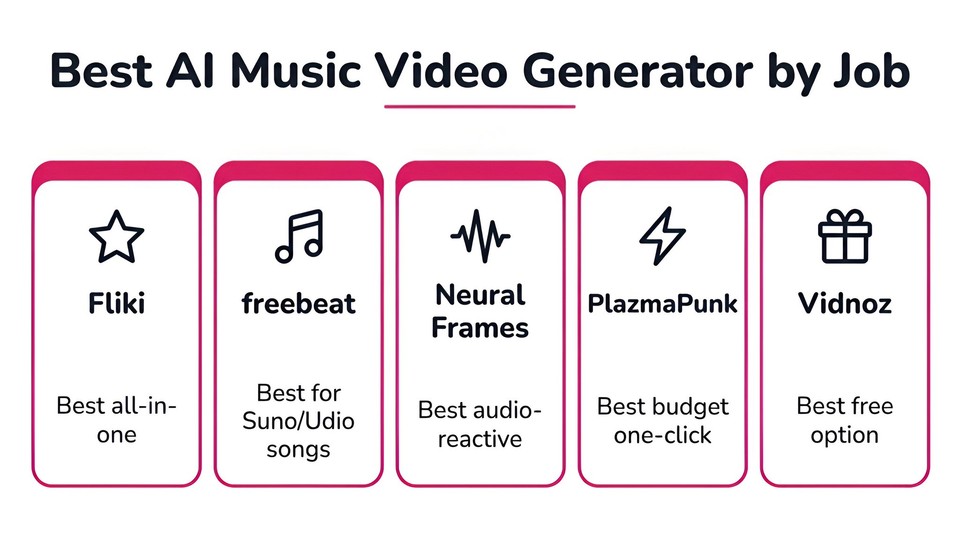
If you want the short version: Fliki is the best all-rounder because it turns a track into a video and then gives you a real editor to fix it. freebeat is the most purpose-built for turning a Suno or Udio song into a beat-synced video. Neural Frames is the choice for audio-reactive, electronic, visualizer-style work. PlazmaPunk is the cheapest genuine one-click option. And Vidnoz is the best free way to try the idea before you pay for anything.
1. Fliki, best all-in-one music video and video studio
Most tools on this list do one thing. Fliki's music video generator does the core job well, you upload a track of up to three minutes, describe the video you want, pick from twelve visual styles like Cinematic, Neon Noir, 35mm Film and Anime, and it builds scenes cut to your song, with a character lip-syncing your vocals if you want one. But the reason it tops the list is what happens after generation: the result opens in a full editor with an AI Copilot you can talk to. You can say "reduce the background volume" or "change the media in scene three," or dive in manually to swap shots, retime sections, and fix captions. Then you export 16:9, 9:16, and 1:1 from the same project.
That end-to-end control is the difference between a video you post and a video you re-generate five times hoping it fixes itself. On top of the music workflow you also get a genuine video and voice studio: 2,000+ voices, 80+ languages, AI avatars, translation, and an AI music generator if you do not have a song yet. If you would rather make a words-on-screen video instead of a scene-based one, the same engine powers a lyric video too.
Best for: creators who want a music or lyric video plus a full video studio in one subscription, not a single-purpose gadget.
Pros: true upload-a-track workflow with lip-sync; a real editor with an AI Copilot; every aspect ratio; huge language support; commercial rights on paid plans.
Cons: it is a fuller tool than the one-click visualizers, so there is a little more to learn; output is credit-metered, so heavy AI-video use consumes credits.
Pricing: free-forever plan with a watermark to try it; paid plans are credit-based. Checkout current tiers and prices at fliki.ai/pricing.
You can upload a song and try it now.
2. freebeat, best for turning a Suno or Udio song into a video
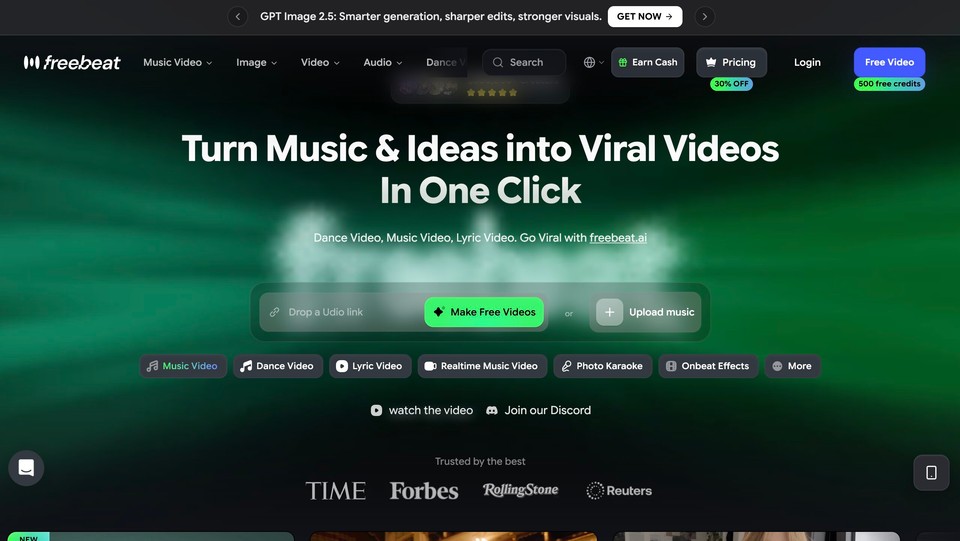
freebeat is the most tightly designed tool here for one specific job: you made a song in Suno or Udio, and you want a beat-synced, lip-synced video around it, fast. You upload the audio or paste a link, and it analyzes the song structure, plans scenes to the beats, and generates a full-length music video. It bundles a lot of premium models under the hood and supports 16:9, 9:16, and 1:1.
If your entire use case is "AI song in, music video out," freebeat is arguably more focused than anything else on this list. The tradeoffs are that its entry plan bills weekly, which can add up faster than it looks, and the cheaper tiers cap output at 720p.
Best for: independent artists turning AI-generated tracks into shareable videos quickly.
Pros: purpose-built around the Suno/Udio workflow; beat-sync and lip-sync out of the box; cheap weekly entry point.
Cons: weekly billing on the entry tier; 720p until the top plan; credit-hungry; a tip from user reports is to upload MP3 rather than WAV for reliability.
Pricing: Basic around $6.99/week, Pro around $34.99/month, Ultimate around $49.99/month (promotional rates were roughly 30% lower when I checked). Verify at freebeat.ai.
3. Neural Frames, best for audio-reactive and electronic visuals
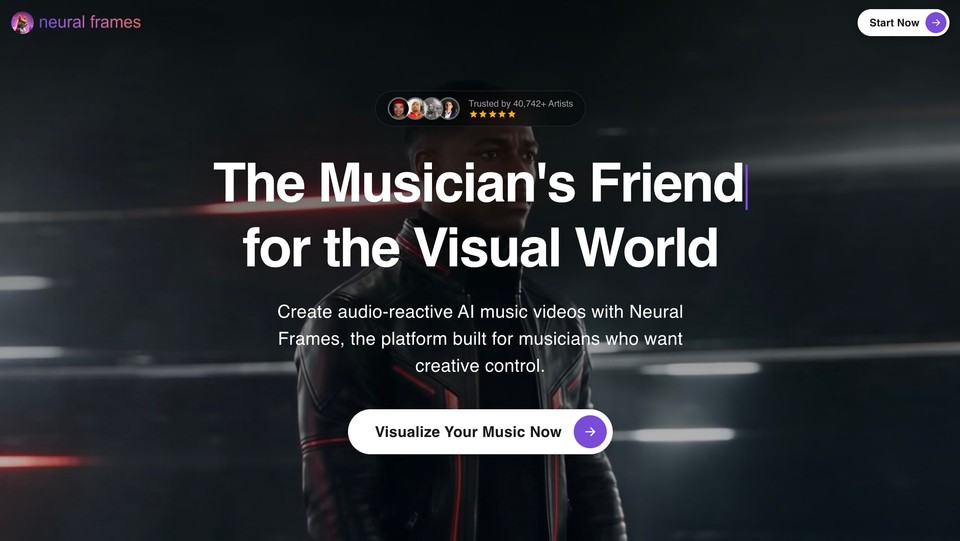
Neural Frames is the tool for artists who want the visuals to actually move with the music. Its Autopilot mode generates a full video from your uploaded song, but its real strength is audio-reactive control: it can split stems and pulse effects to the beat, which is why it is a favorite for electronic, ambient, and visualizer-style work. All plans export 1080p and higher tiers do 4K, and credits roll over.
It is the most capable tool here for high-control, cinematic, reactive video, and also the priciest. Worth noting: the entry Knight tier's credits run out fast if you lean on Autopilot, so the sweet spot is really the mid tier.
Best for: electronic and visual artists and labels wanting reactive, high-control videos.
Pros: deep audio-reactive control; stem separation; genuine full-length Autopilot videos; 4K; credit rollover; you own commercial rights.
Cons: priciest set of tiers here; a learning curve on the manual editors; the cheapest plan is underpowered for Autopilot.
Pricing: Neural Knight around $39/month (about $26 on annual), Ninja around $99/month, Nirvana around $299/month. A free option exists to try it. Verify at neuralframes.com.
4. PlazmaPunk, best budget one-click and Spotify Canvas
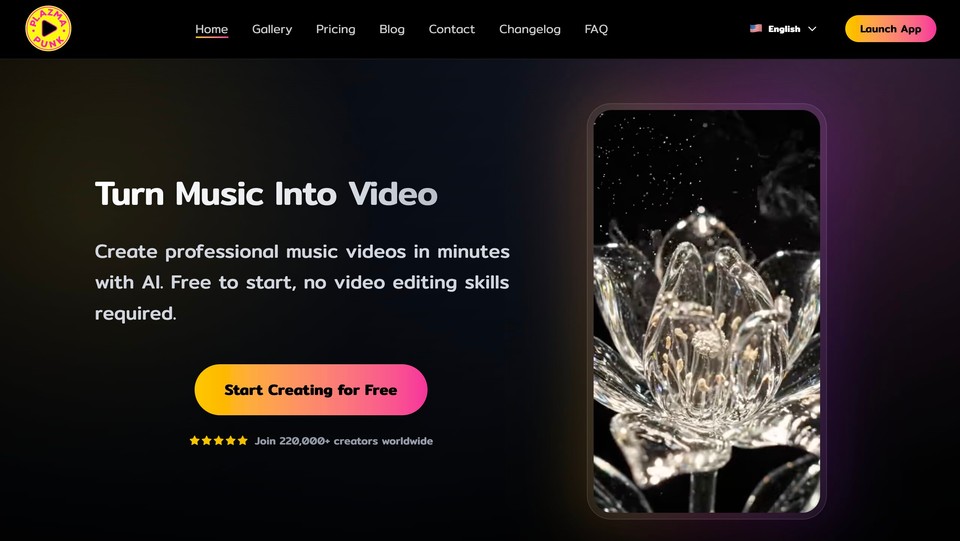
PlazmaPunk is the closest thing to a true one-click experience at the lowest real price. Upload a track, pick from its style library, and it returns a beat-synced video in a few minutes, with a Scene Editor if you want to steer individual scenes. It has a dedicated Spotify Canvas mode for those short vertical loops, and it offers Google's Veo model on top of its own.
For a musician who just wants a finished video or a Canvas loop without fuss, it is fast and cheap. The main caveats are that pricing is in euros, and the free tier is quite limited (4:3 only, watermark, no Scene Editor).
Best for: musicians who want a fast, affordable song-to-video or Spotify Canvas with minimal effort.
Pros: genuinely one-click; cheap paid entry; dedicated Canvas mode; free tier to test.
Cons: euro pricing; limited free tier; a style-library approach is less flexible than open prompting.
Pricing: Free tier with starter credits; Punk around €9.99/month; Professional around €29.99/month; Producer around €79.99/month. Verify at plazmapunk.com.
5. Kaiber, best for stylistic creative direction
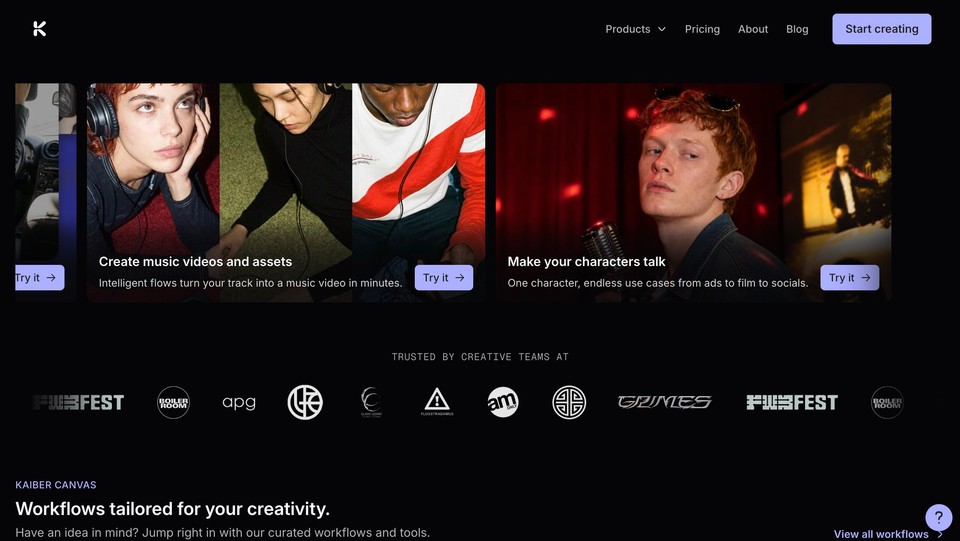
Kaiber is a creative AI video studio with a dedicated Beat Sync feature that auto-syncs visuals to your music, detects lyrics, and adds text overlays. It leans more artistic and hands-on than the one-click tools, which is exactly the appeal if you care about a specific aesthetic and want to direct it.
The catch to watch: Beat Sync is gated behind the Creator tier, so the cheapest Starter plan cannot actually sync to music, and there is no free tier, only a short paid trial.
Best for: artists and designers who want stylistic, art-directed, beat-synced videos.
Pros: strong aesthetic control; Beat Sync with lyric detection; flexible credit packs; commercial use on paid. Cons: music sync requires the $29 Creator tier or higher; no free tier.
Pricing: a $5 five-day trial; Starter around $10/month (no Beat Sync); Creator around $29/month (Beat Sync); Pro around $99/month. Verify at kaiber.ai.
6. Vidnoz, best free option and photo-to-singer
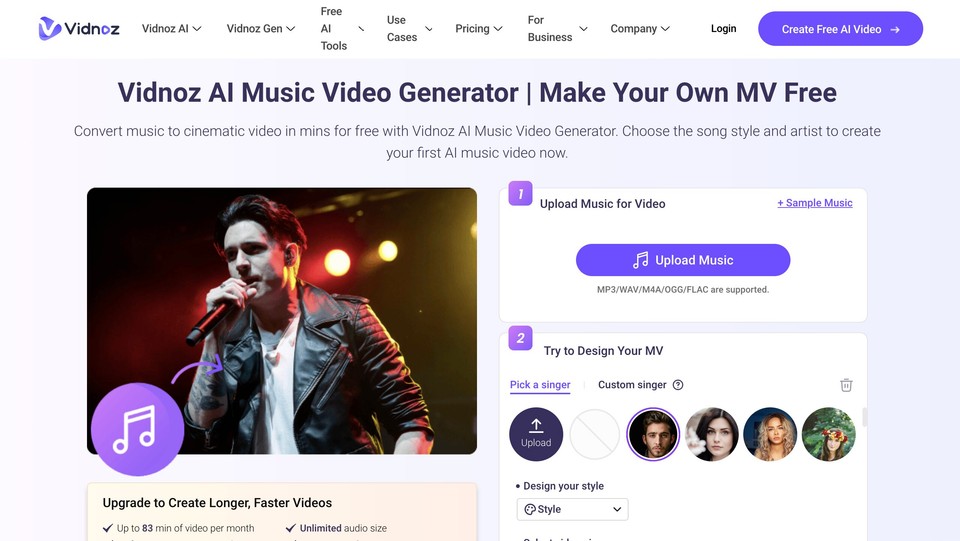
Vidnoz has the most generous free entry and a genuinely fun angle: you upload a song, then either pick a preset "singer" or upload a photo to create a custom lip-syncing performer, and it generates a synced video. It supports common audio formats up to 50MB and exports 16:9 and 9:16, and it states output is free for commercial use.
Free output is watermarked and capped at about a minute, and realism varies, but as a no-risk way to see whether an AI music video is even the right move, it is the easiest starting point.
Best for: casual users who want a free, quick video with a custom singing avatar.
Pros: genuinely free to try; the photo-to-singing-avatar feature is unique; commercial-use claim; part of a big toolkit.
Cons: free output is watermarked and short; quality is variable; the paid plan structure is fragmented and was hard to confirm.
Pricing: free tier with daily credits; paid plans reportedly start around $14.99/month. Verify at vidnoz.com, since the music-video features may sit under a specific plan.
7. Revid AI, best for high-volume social content
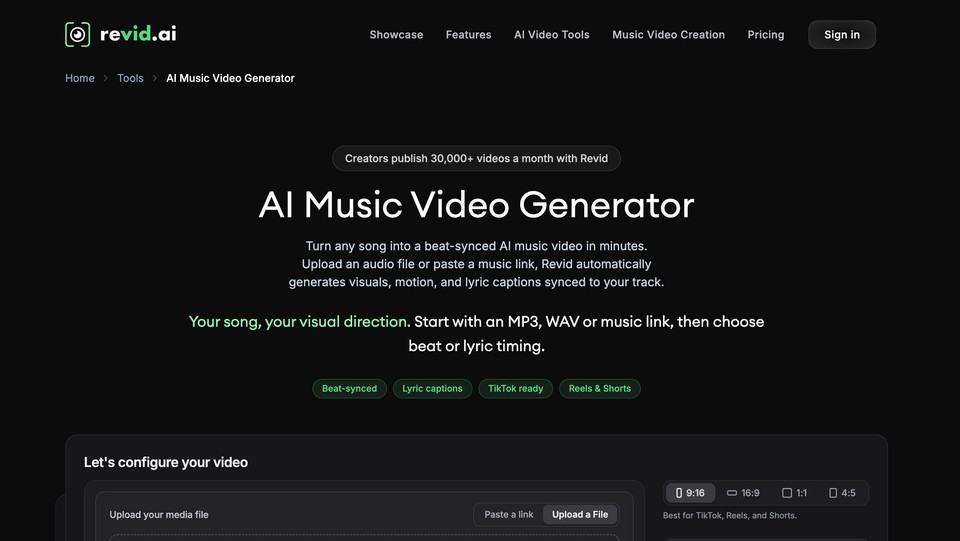
Revid is built for volume. It is a short-form content engine, script to visuals to voice to captions to one-click publishing, with an automation mode that can pump out and post content on a schedule. Its music-video generator is one tool among a hundred, and it shines if your goal is a steady stream of TikTok and Shorts clips rather than one carefully crafted music video.
It is less an artist's tool than a marketer's, and the pricing tiers shift a lot with promos, so read the current page carefully.
Best for: social creators and marketers producing high volumes of short-form video.
Pros: fast; automation and auto-publishing with analytics; huge tool count; 4K; full content ownership.
Cons: optimized for volume and faceless content, not artist-grade music videos; music video is a side feature.
Pricing: Hobby around $39/month; Growth around $99/month (often promoted near $39); Ultra from around $199/month. Verify at revid.ai.
8. OpenArt, best for narrative and character-consistent videos
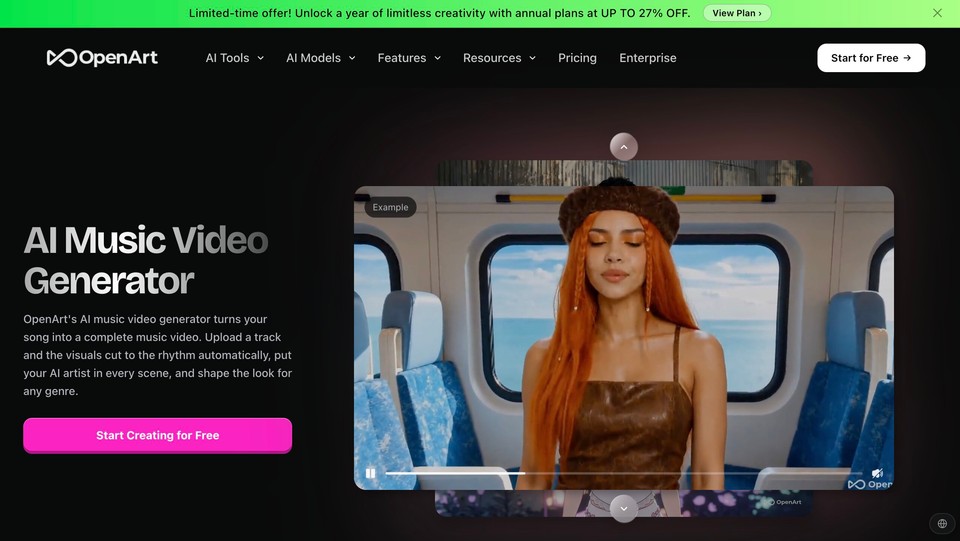
OpenArt is a full creative studio with an emphasis on consistent characters and story workflows across the best available image and video models. It does not have a native "upload song, auto beat-sync" mode, so you assemble a music video from its story and video tools. Where it earns a spot is character consistency: if you want the same protagonist across every scene of a narrative music video, this is one of the strongest tools for it.
Because it is a general creative suite rather than a music-video tool, expect to do more manual assembly.
Best for: creators making narrative or character-driven music videos who want top models in one place.
Pros: huge model access; excellent character consistency across scenes; watermark-free on paid; commercial rights from the Plus tier.
Cons: no native beat-sync or lip-sync-to-track; more manual assembly; credit-metered.
Pricing: Starter around $14/month, Plus around $34/month, Pro around $56/month, Wonder around $240/month, with free credits to start. Verify at openart.ai.
Also worth knowing: the prompt-driven models and the free editor
Three more tools come up constantly and deserve a mention, even though they are not song-to-video generators.
Kling and Pika are frontier AI video models with excellent motion and lip-sync. Creators use them to generate individual music-video shots from prompts, then assemble those clips elsewhere. They produce some of the best-looking footage available, but there is no "upload your track and auto-sync" mode, so you are the editor. Kling starts around $8.80/month and Pika has a free tier (credit packs only) with paid plans from around $10/month. Verify both, since promo pricing is confusing.
CapCut is not an AI generator at all; it is the free editor many creators use to stitch AI-generated clips together, mark beats, and add captions. If you go the prompt-driven route with Kling or Pika, CapCut is often where the video actually gets assembled. Its free tier is genuinely useful; its Pro pricing is region-gated and was not confirmable on the vendor site (third-party sources put it around $19.99/month in 2026).
Comparison at a glance
Tool | Best for | Takes your uploaded song? | Free tier | Starting paid price |
|---|---|---|---|---|
Fliki | All-in-one music video + studio | Yes | Yes (watermark) | Credit-based, see pricing |
freebeat | Suno/Udio song to video | Yes | Trial credits | ~$6.99/week |
Neural Frames | Audio-reactive / electronic | Yes | Yes | ~$39/month |
PlazmaPunk | Budget one-click + Canvas | Yes | Yes (limited) | ~€9.99/month |
Kaiber | Art-directed beat sync | Partial | No (paid trial) | ~$10/month (sync at $29) |
Vidnoz | Free + photo-to-singer | Yes | Yes (watermark) | ~$14.99/month |
Revid AI | High-volume social | Partial | Trial | ~$39/month |
OpenArt | Narrative / character videos | No (assemble) | Free credits | ~$14/month |
Pricing verified September 2026; confirm current rates before you buy, as they change often and vary by region.
How to choose the right one for you
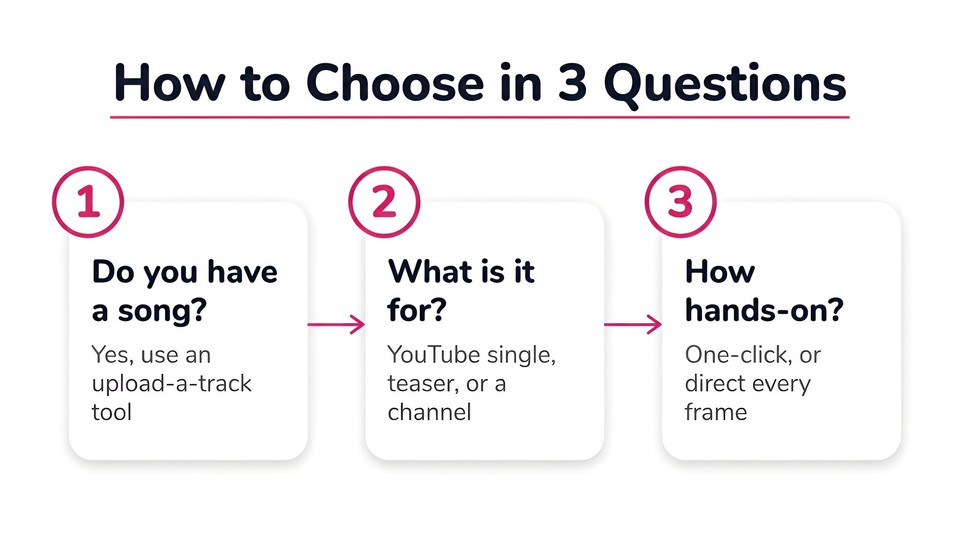
Cut through it with three questions. First, do you already have a song? If yes, you want an upload-a-track tool (Fliki, freebeat, Neural Frames, PlazmaPunk, Vidnoz), not a prompt-driven model. Second, what is the video for? A polished single going to YouTube rewards a tool with a real editor like Fliki; a fast vertical teaser suits PlazmaPunk or Vidnoz; a reactive electronic visualizer points to Neural Frames; a whole channel of short-form points to Revid. Third, how much do you want to touch it? If you want to art-direct every frame, Kling, Pika, or Kaiber reward the effort; if you want a finished video in minutes, the one-click tools win.
A budget reality check: most creators are better served by a $10 to $40 per month all-rounder than by stacking three single-purpose tools. Start on a free tier, make one real video end to end, and only then decide whether the output quality justifies paying.
A word on ownership and monetization
This matters more with music than almost any other content, so do not skip it. Purely AI-generated songs and videos are not protected by US copyright: the US Copyright Office's 2025 report reaffirmed that copyright requires human authorship and that prompts alone do not create it. Separately, if you generated your song in Suno, the free tier is for personal, non-commercial use only, while paid tiers grant commercial rights, and the major-label lawsuits against Suno and Udio have been shifting toward licensing deals through late 2025 and into 2026, so check the current status before you build a business on it. The cleanest path is to use music you actually own or a tool whose music is licensed for commercial use. And yes, you can monetize AI music videos on YouTube as long as they are original and not mass-produced, which is what the platform's inauthentic-content policy actually targets.
The bottom line
The category has matured to the point where anyone can turn a track into a real music video in an afternoon. The trick is matching the tool to the job: an all-rounder like Fliki if you want to generate and then edit, freebeat if you live in Suno, Neural Frames for reactive visuals, PlazmaPunk or Vidnoz if budget and speed come first, and the prompt-driven models if you want to direct every frame. Start free, make one video the whole way through, and let the output decide for you.
If you want the fastest path from a finished song to a polished, editable music video, you can upload your track to Fliki free and have a first cut in minutes.
FAQs
For most people it is the tool that both generates the video and lets you edit it afterward, which is why I rank Fliki first. If your only job is turning a Suno or Udio track into a beat-synced video, freebeat is the most purpose-built, and for reactive electronic visuals, Neural Frames leads.
Yes. Vidnoz and PlazmaPunk both have free tiers. Free output is usually watermarked, lower resolution, or length-limited, but it is enough to test whether the result is good before you pay.
Yes. Fliki, freebeat, Neural Frames, PlazmaPunk, and Vidnoz all take an uploaded track (typically MP3 or WAV) and build visuals around it. If you upload your own original recording, the music rights are simply yours.
Download the track from Suno (on a paid tier if you plan to publish), then upload it to a music video tool. freebeat is built specifically for this, and Fliki's music workflow takes the same uploaded track and adds a full editor.
Yes, provided it is original and adds real value. YouTube's policies target mass-produced, repetitive uploads, not AI-assisted creativity. Prefer original songs to reduce the risk of Content ID claims, and remember that purely AI-generated work has no enforceable copyright of its own.
For raw shot quality, the frontier models Kling and Pika are hard to beat, but you assemble the video yourself. For the best finished, synced result with the least effort, an all-in-one like Fliki or a dedicated tool like Neural Frames will get you further faster.