Board updates
Board and leadership updates
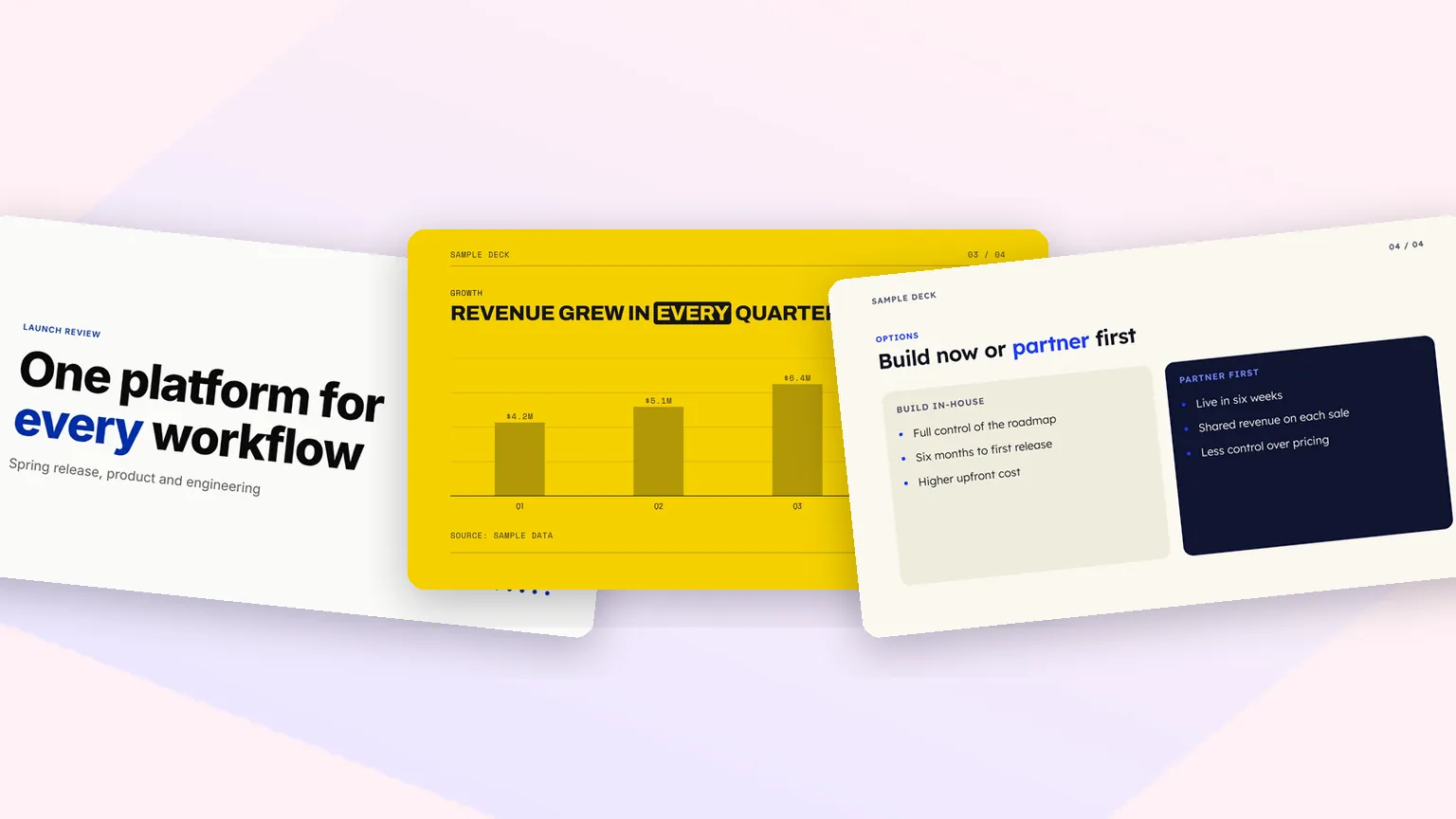
Quarterly readouts with the numbers up front: a stats slide, a trend chart with its source, and the decisions the board needs to make, framed as slide titles.
Type a topic or paste your notes. Fliki writes the storyline, lays it out in one of 12 designer looks, draws your figures as charts and tables, and, with web research on paid plans, prints the source under every number. Download PDF or PPTX, or narrate it with PPT to video.
Free forever plan · No credit card required · Up to 20 slides per deck
Real output
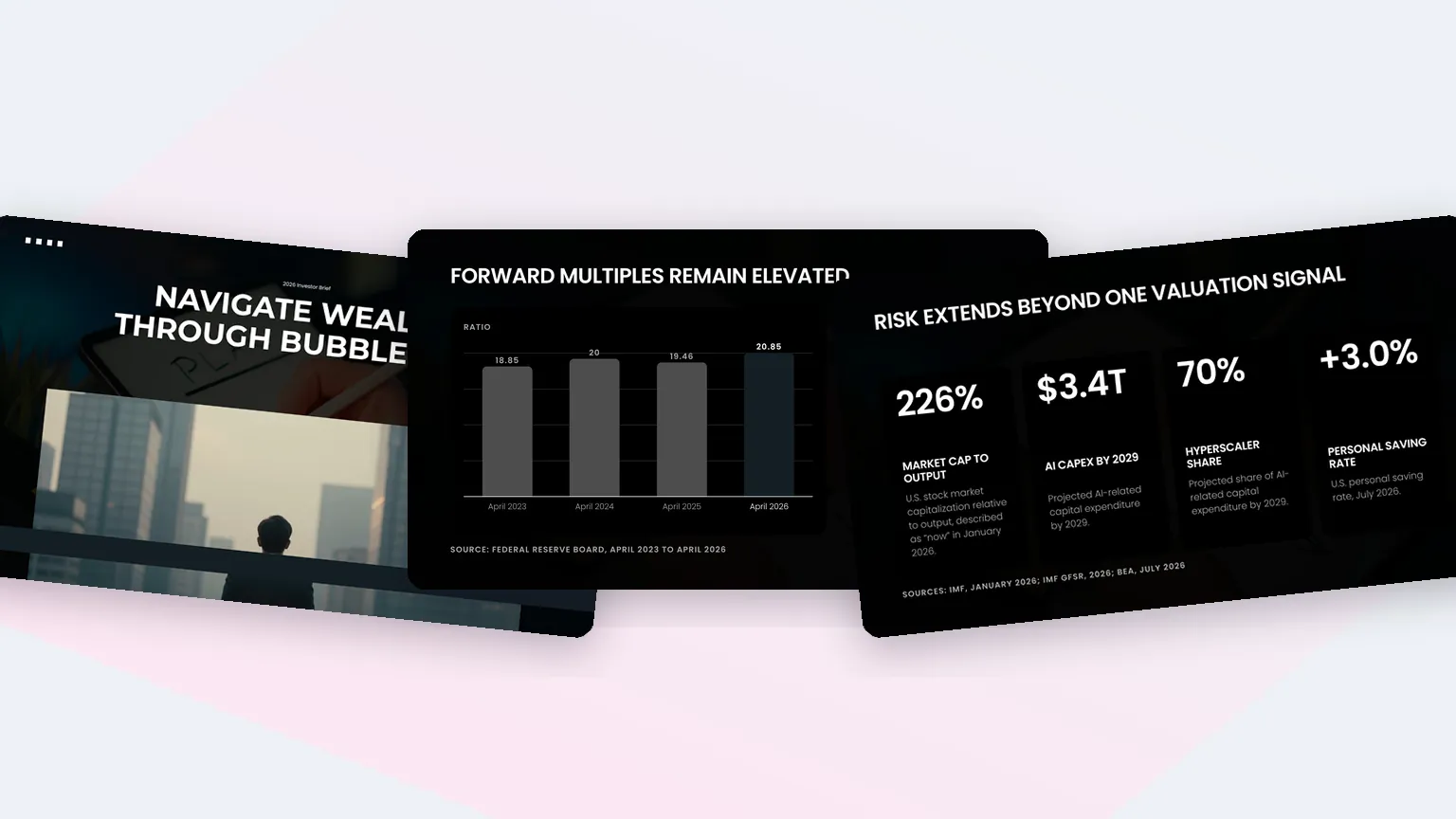
Three decks from three short briefs, slide by slide as they exported. The After Hours and Auto decks ran with web research, so their figures carry the source on the slide.
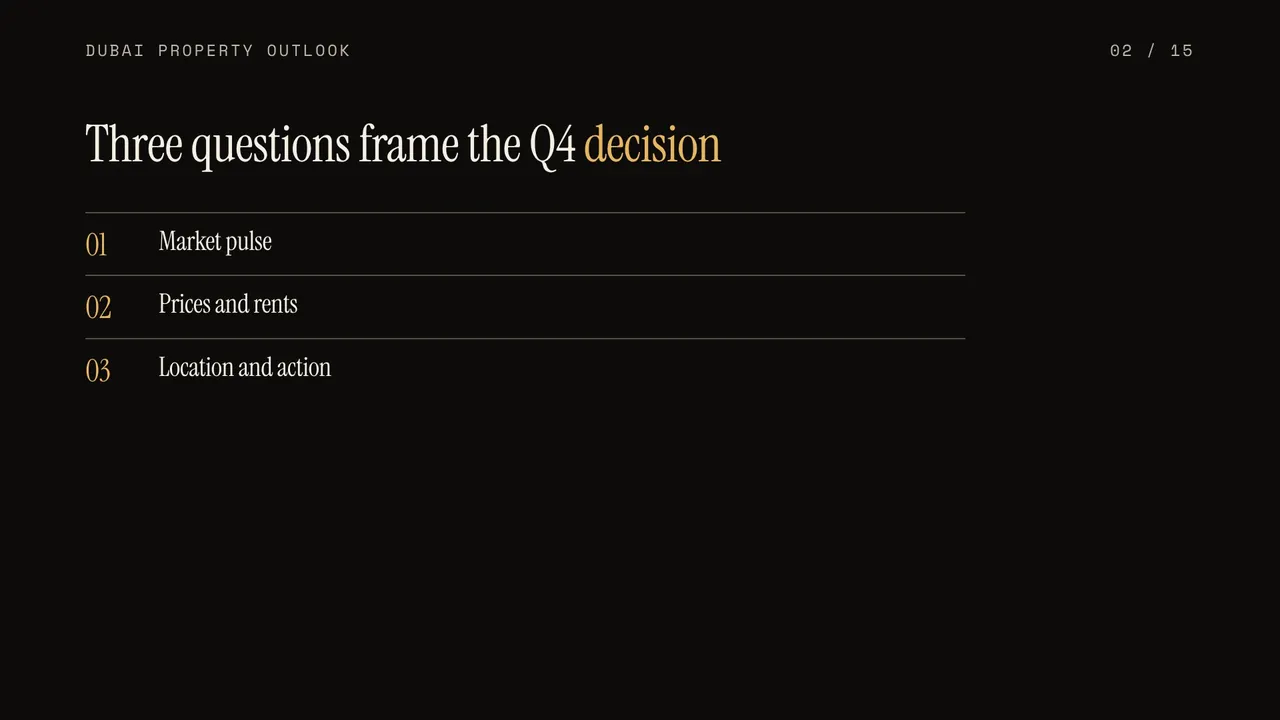
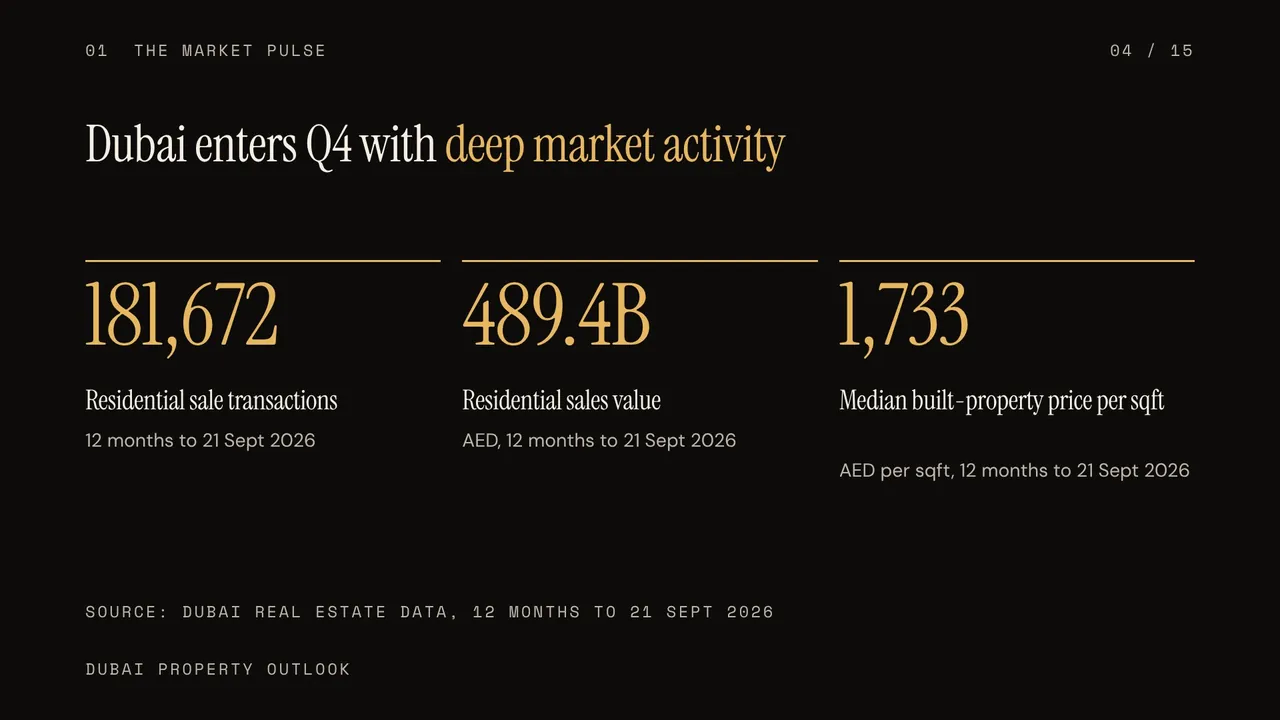
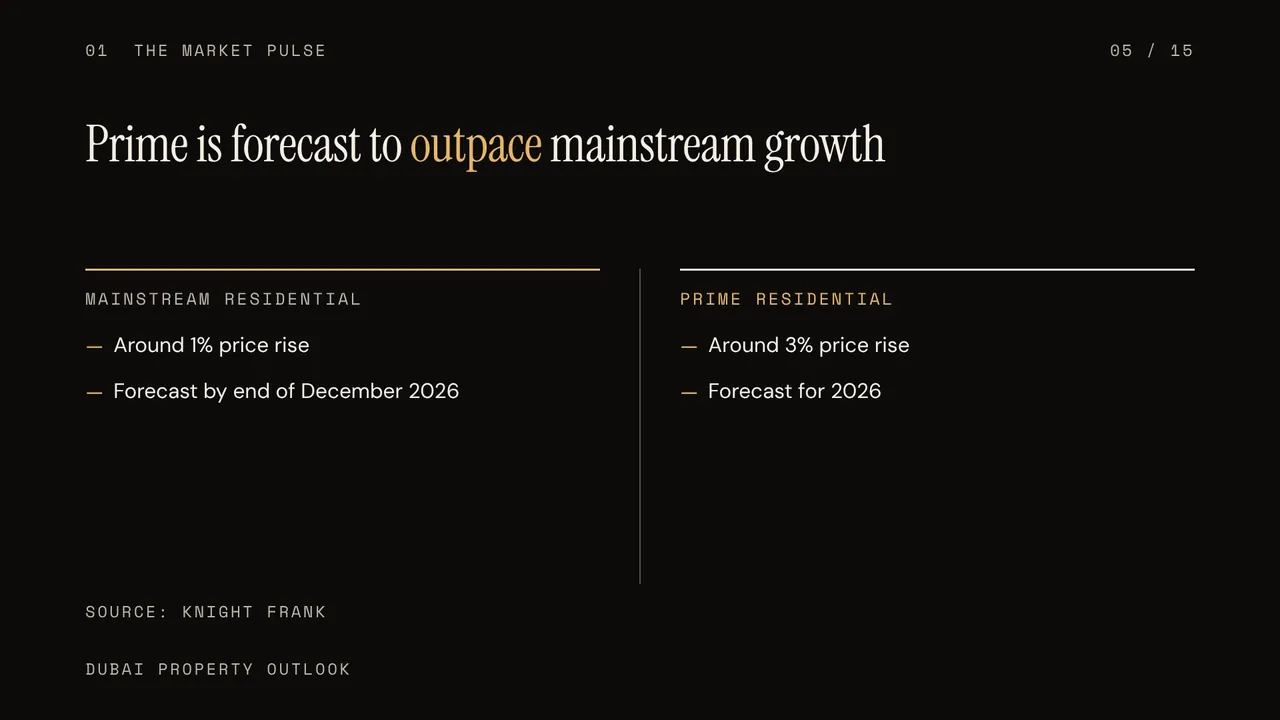
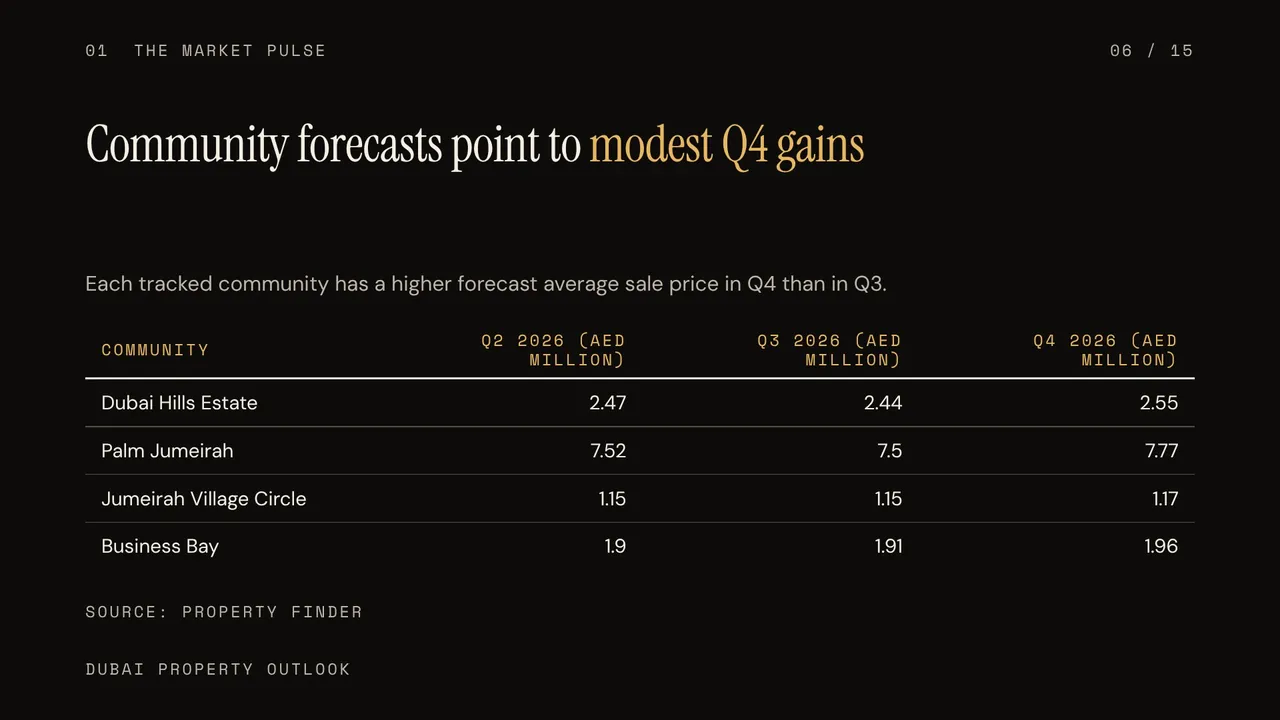
Q4 2026 rewards selective Dubai property bets
After Hours · 15 slides · 16:9




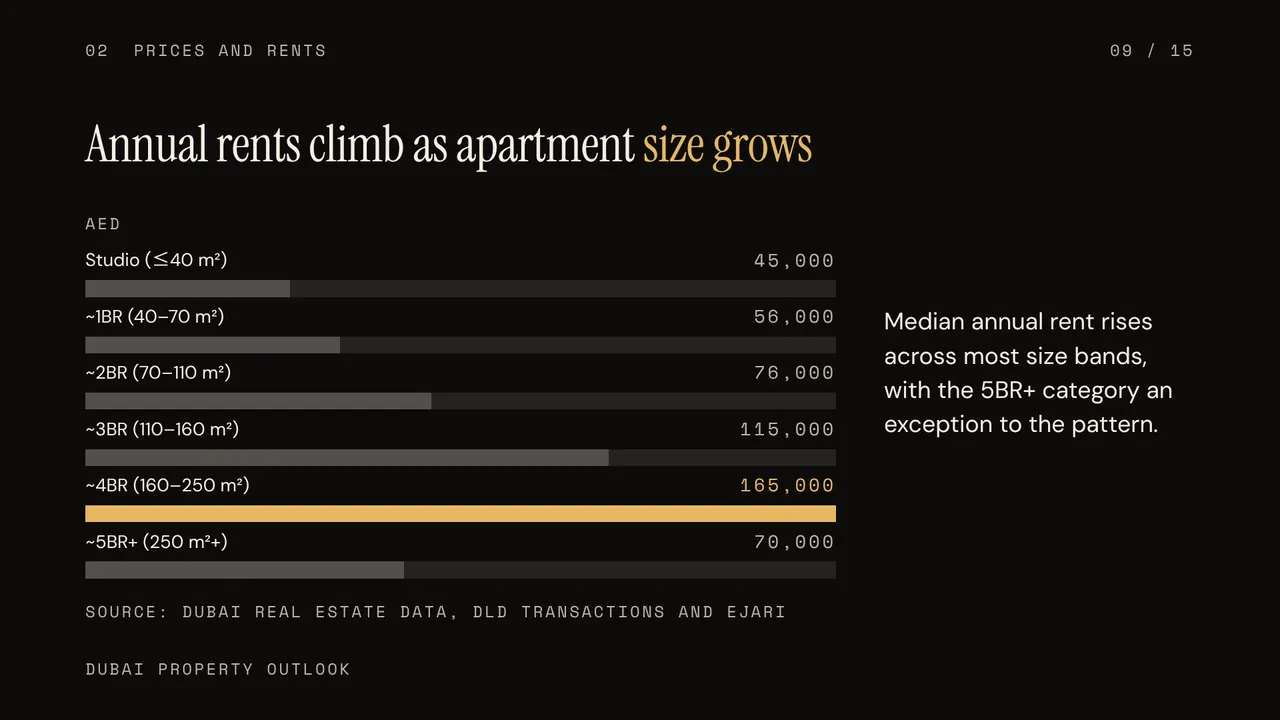

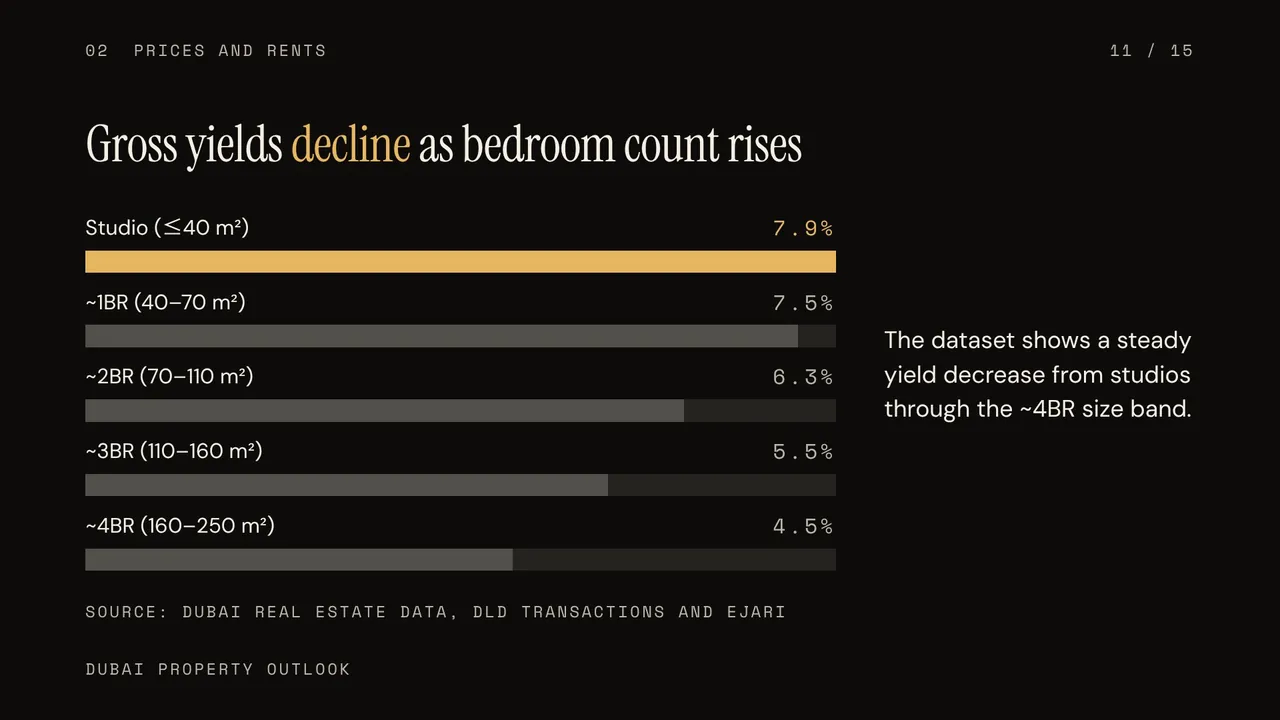

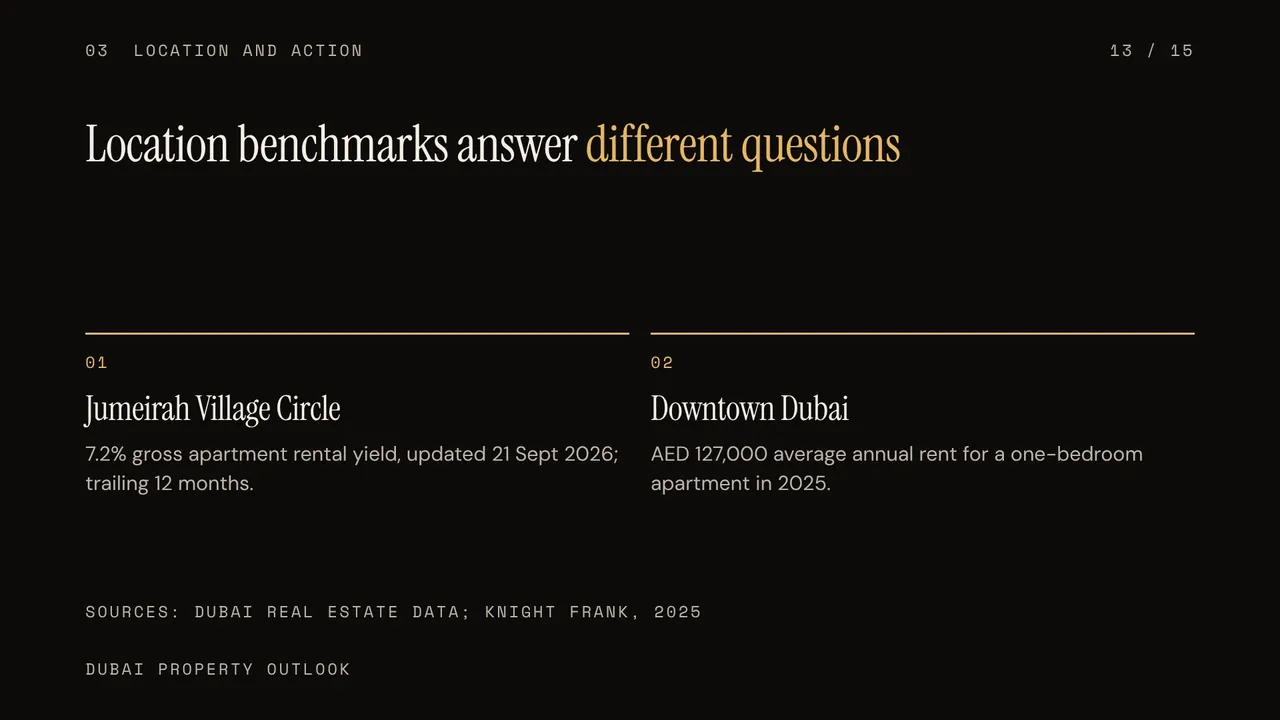

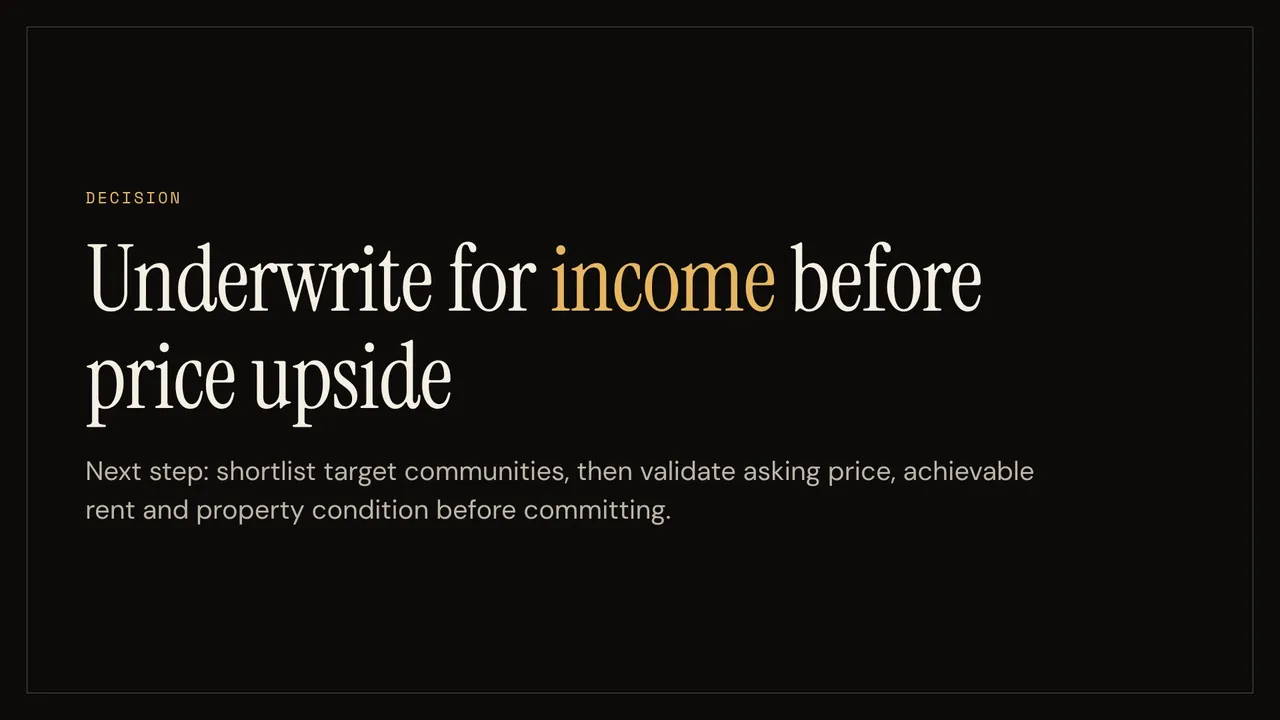
Navigate wealth through bubble risk
Picked by Auto · 10 slides · 16:9


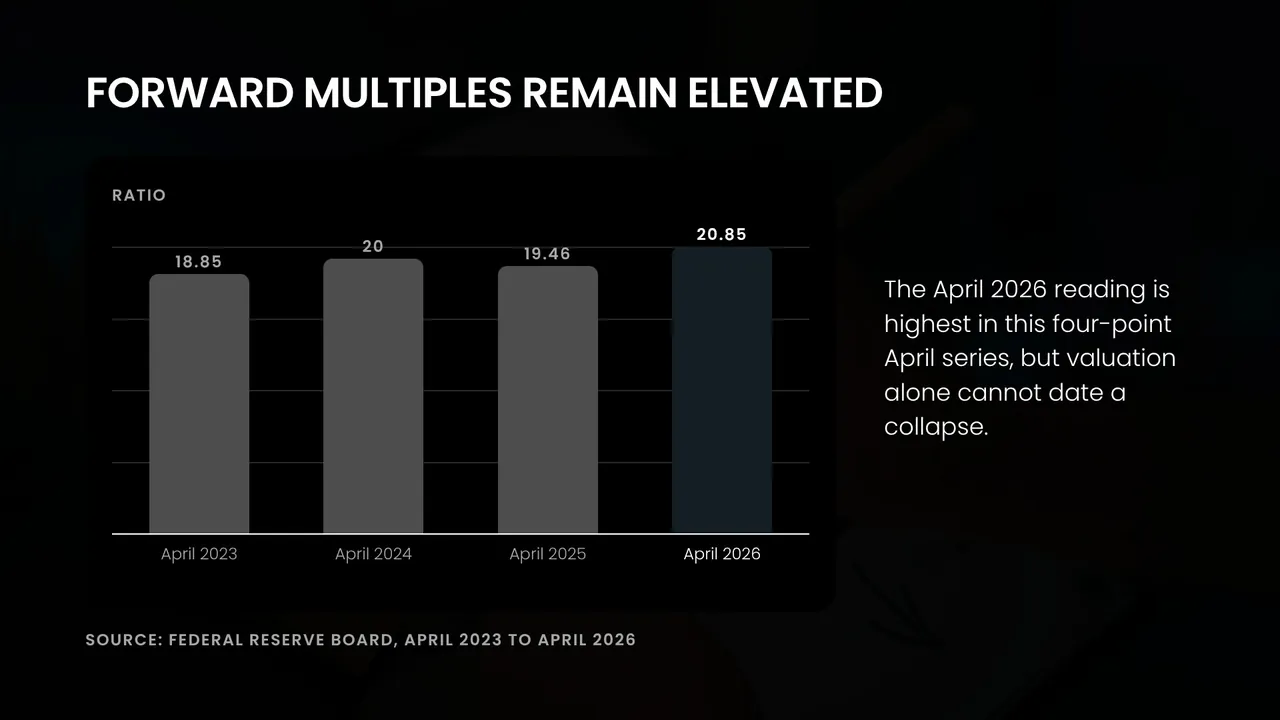
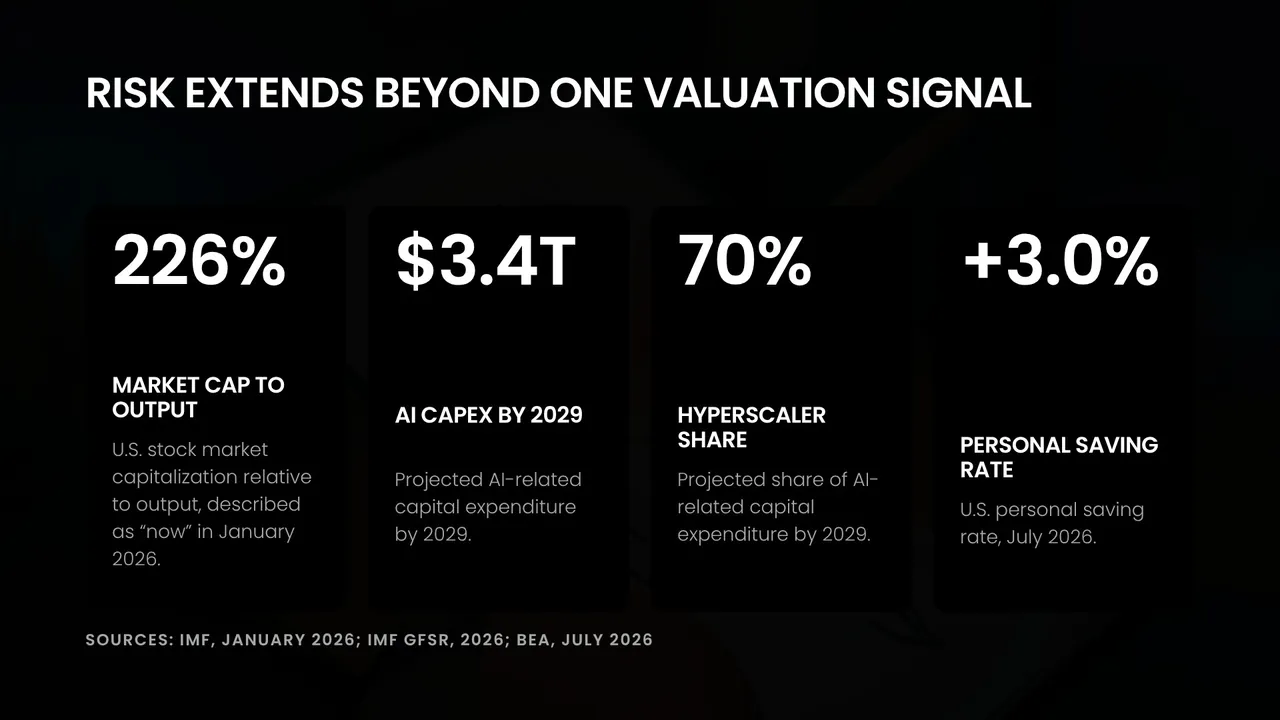


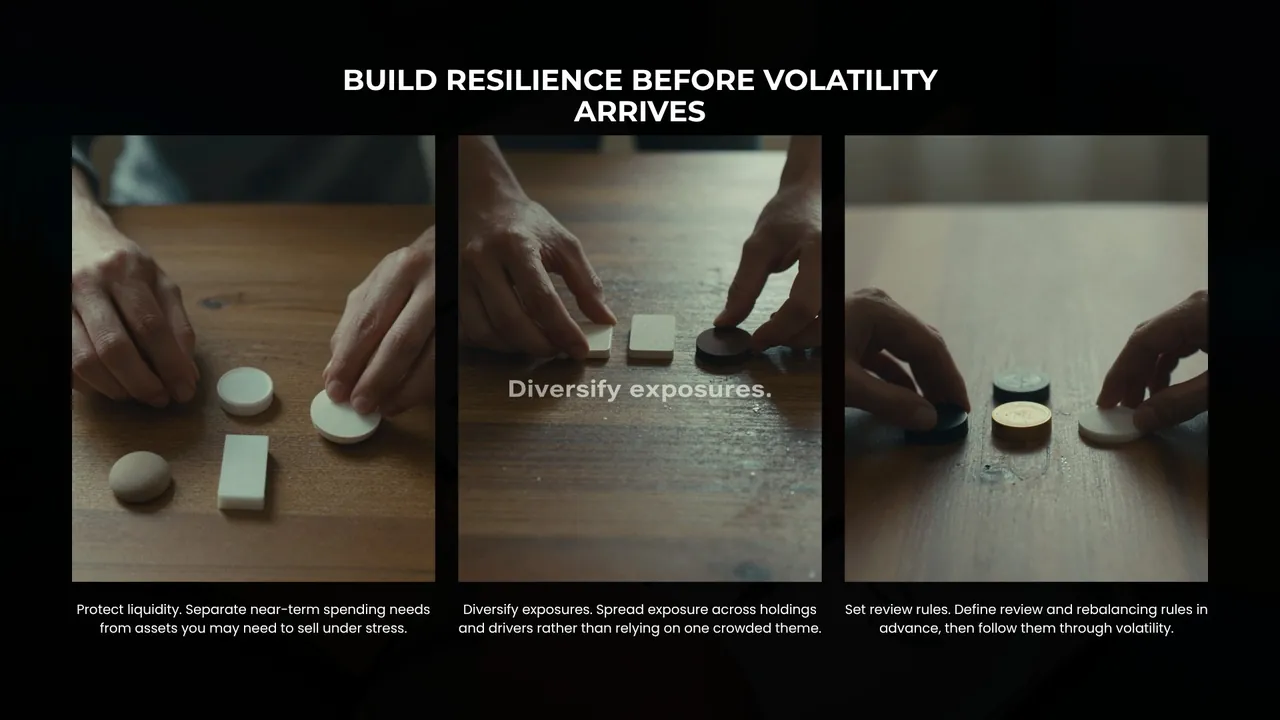
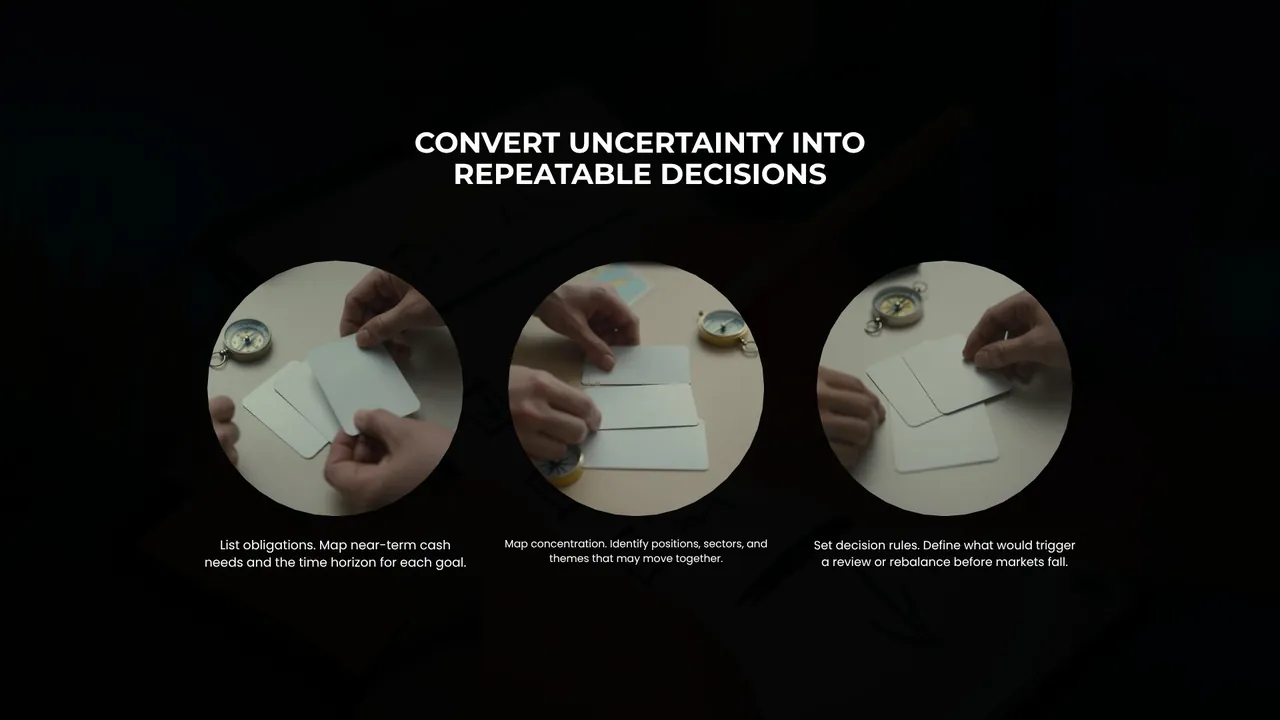
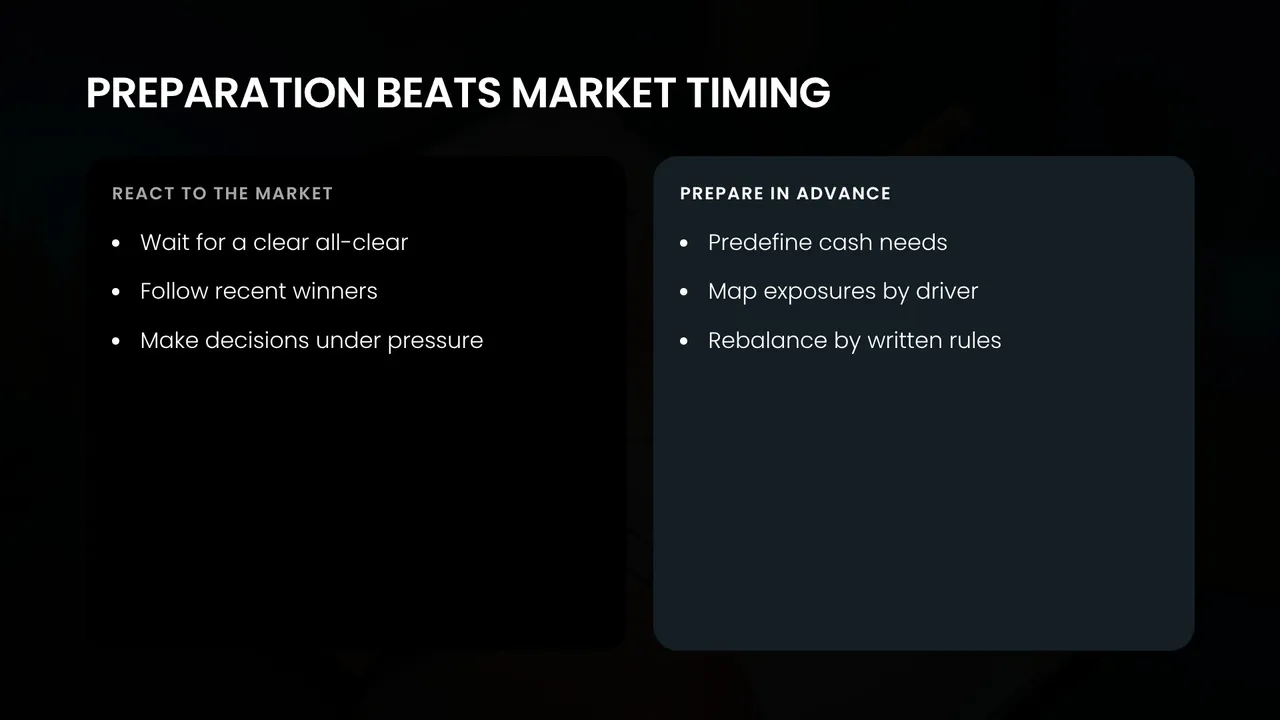
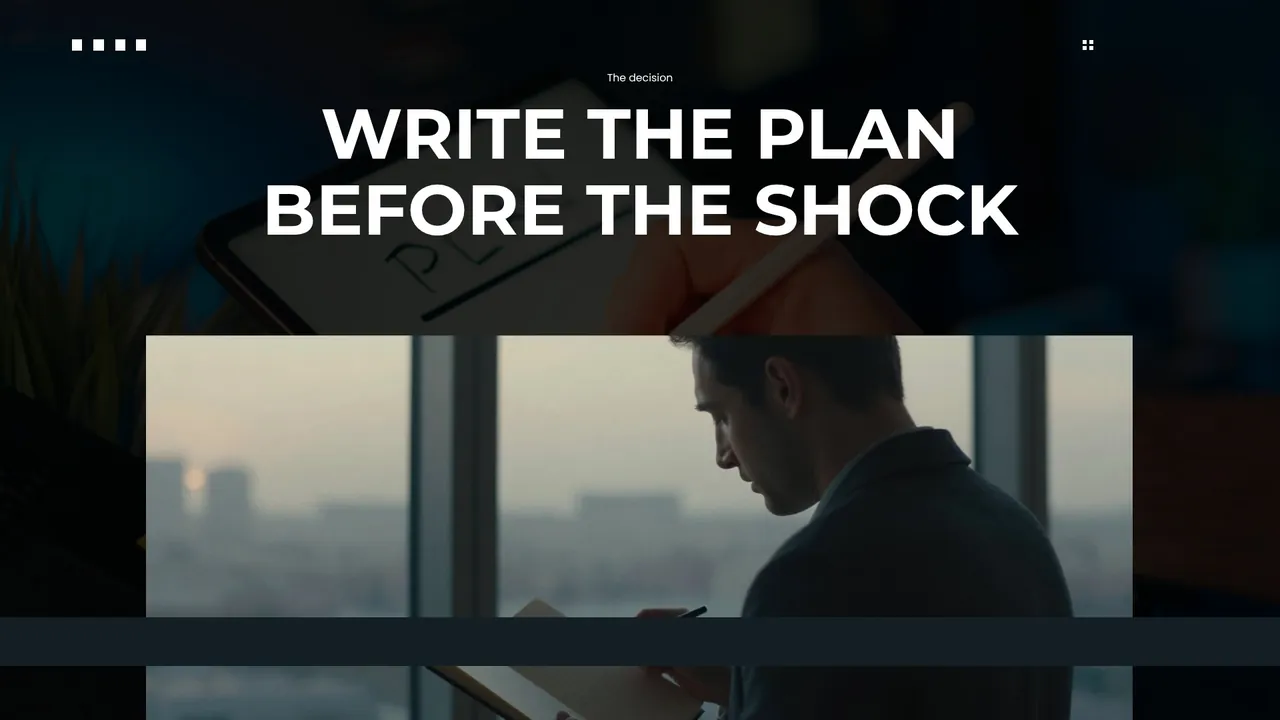
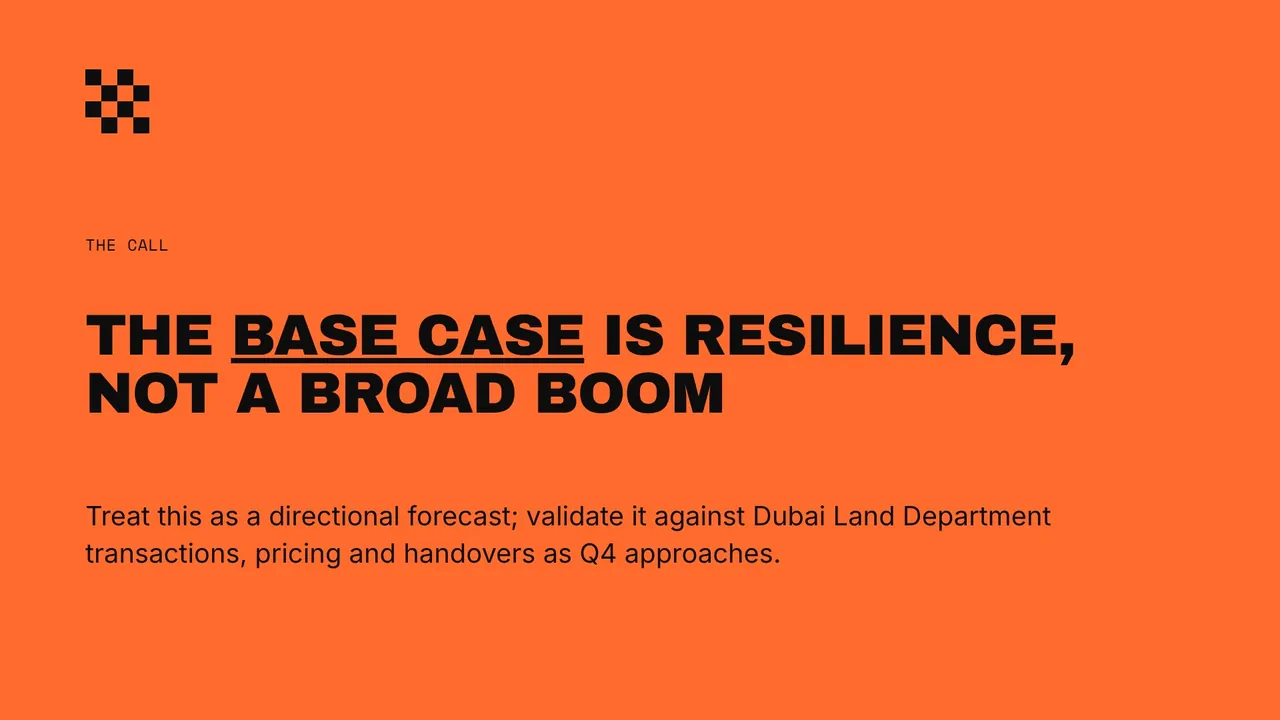
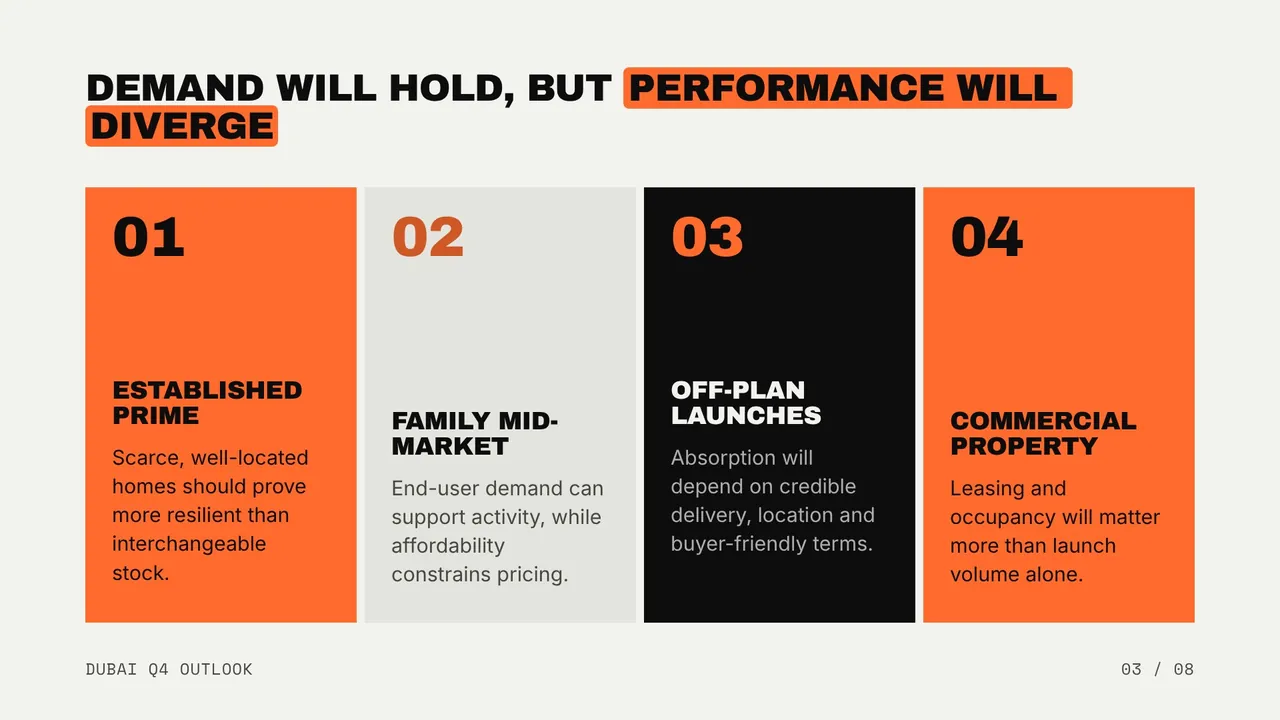
Dubai’s Q4 2026 market will reward selectivity
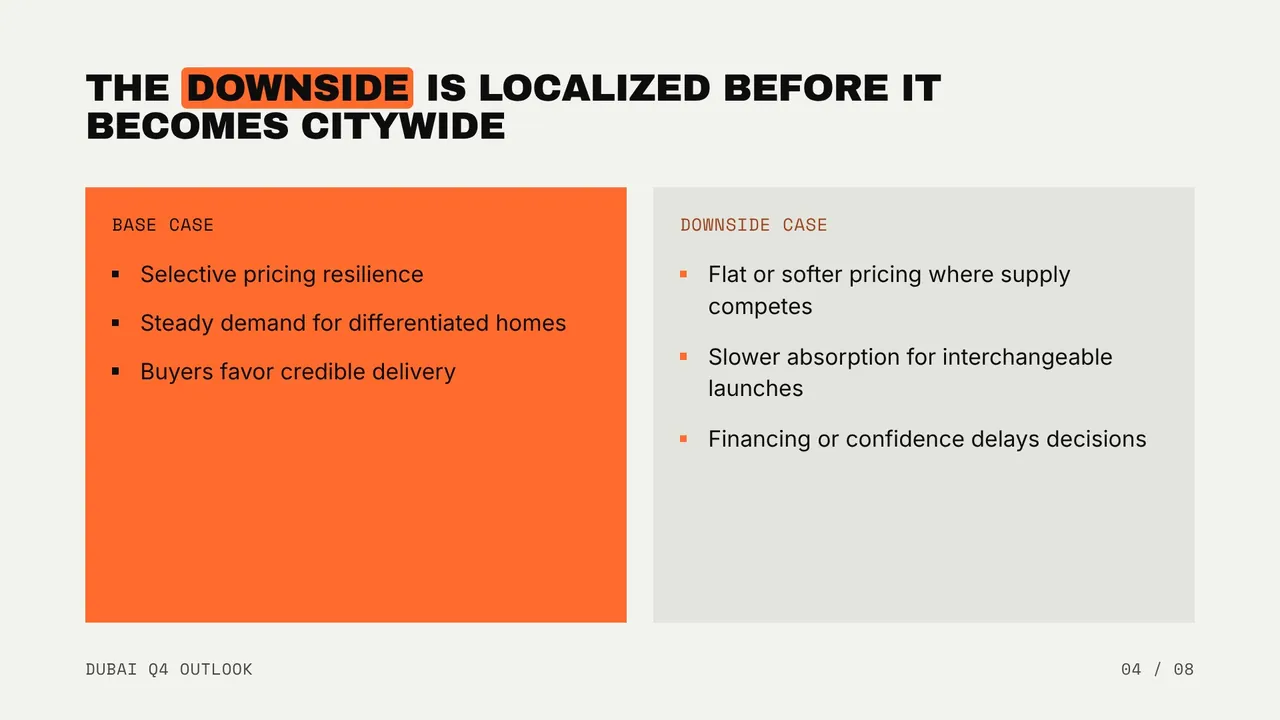
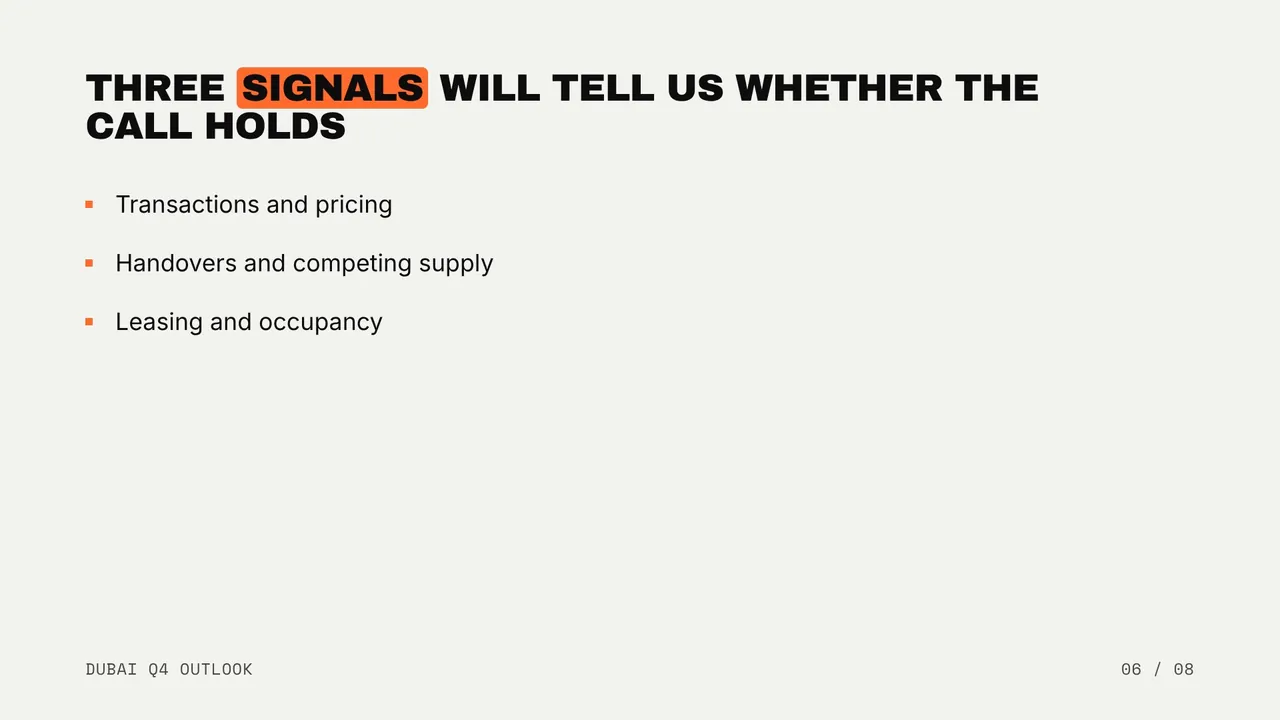
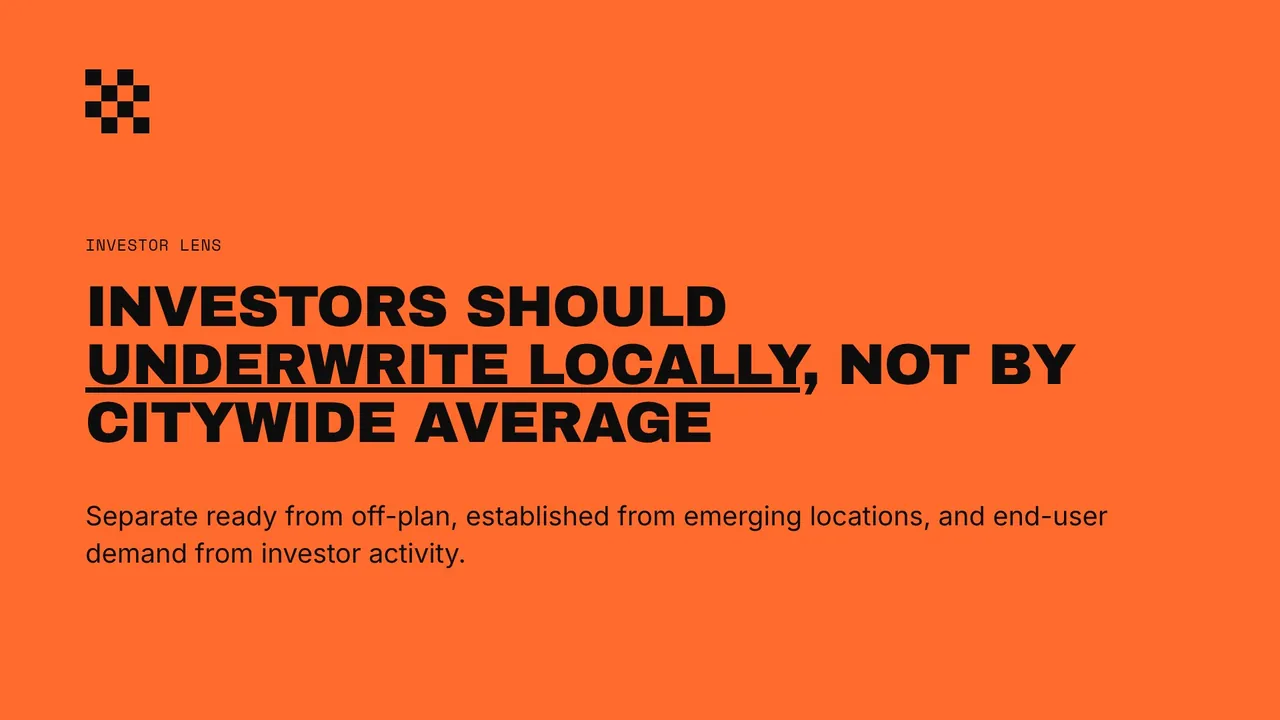
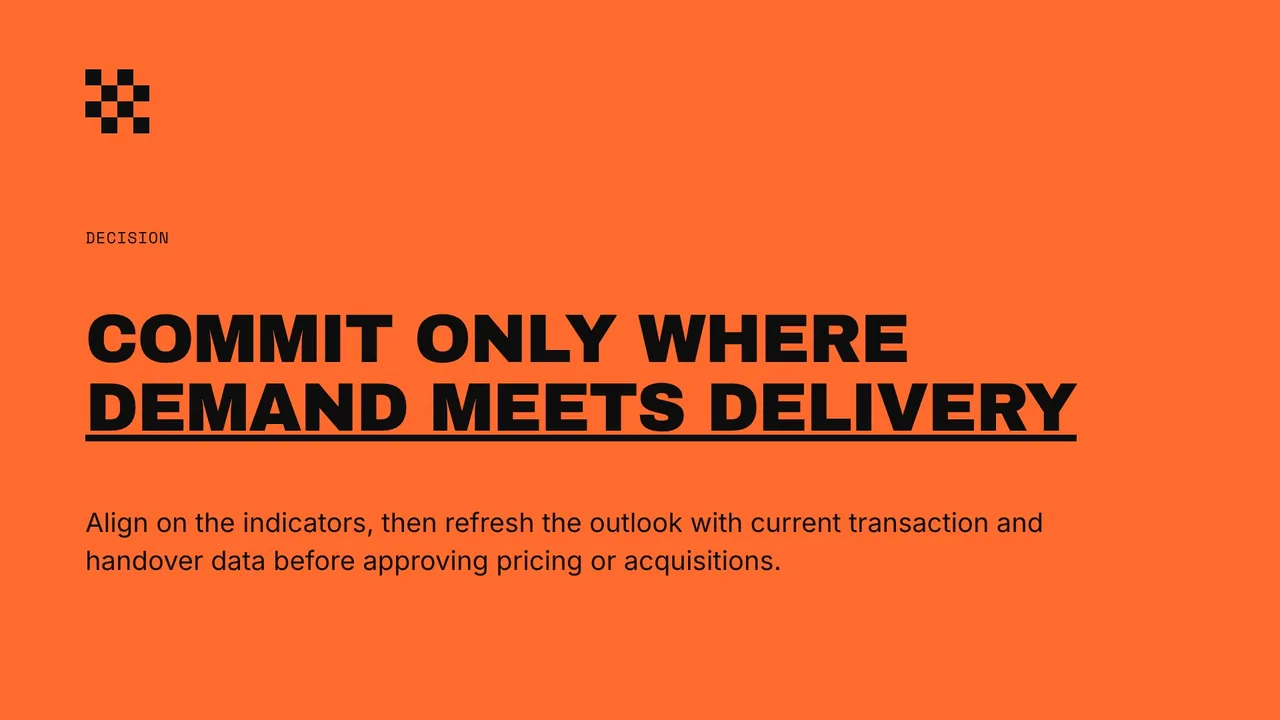
Neo Grid · 8 slides · 16:9


Why teams pick Fliki for presentations
Most AI slide generators fill a template with bullet points and stock photos. Fliki writes the deck as an argument, draws the data as charts in the look’s own colors, and checks the web sources behind its figures before it prints them.
Pick from 12 designer looks, from Swiss grids and editorial serifs to neo-brutal blocks and after-dark luxury. Each look has 8 or 9 palettes that recast the whole page, not just the accent color.
Numbers in your brief become column, bar, line, donut and pie charts or clean tables, drawn in the look’s own colors with the key figure highlighted. No pasted screenshots, no broken legends.
Switch on web research and Fliki finds current figures, then opens every cited page and drops any figure the page does not contain. The source prints as a caption on the slide.
Each deck type gets its own storyline: a board update, a pitch, a lesson, a research readout. Slide titles state the point, section and statement pages set the rhythm, and the close says what to do next. Need only the words? Try the AI script writer.
Cover, agenda, section, statement, bullets, cards, stats, compare, process, timeline, quote, image, chart, table and closing. Fliki picks the layout that fits each slide’s content.
Choose Presenting for short lines you talk over, Reading for decks people read on their own, or let Auto decide from your brief. The same topic, two very different amounts of text.
On Standard and Premium, upload your company deck once, up to 25 slides and 100 MB. Fliki converts it, learns its layouts, and writes every new deck into your slides. The template is shared with your workspace.
Switch on a brand kit and every slide takes your colors, heading and body fonts, and your name in the footer. Available on paid plans.
Download the deck as PDF or PPTX to open in PowerPoint, Keynote or Google Slides, or as JPG, PNG and WebP slides. To present it as a video, upload the PDF to PPT to video and pick an AI voice or AI presenter.
How it works
A topic or a page of notes becomes a designed, sourced deck in a few minutes.
Type the topic, the audience and the slide count, or paste up to 6,000 characters of notes or an outline. Include the figures you want charted.
Choose one of 12 looks and a palette, upload your own .pptx template, or leave it on Auto. Set the text density to Presenting or Reading.
Fliki writes the storyline, picks a layout for every slide and draws your charts. With web research on, it adds checked figures and prints their sources.
Adjust any slide in the Fliki editor, then download PDF, PPTX or slide images. Upload the PDF to PPT to video if you want a narrated version.
Use cases for the AI presentation maker
Board updates, research readouts, strategy decks, pitches, lessons and sales decks, each written with the storyline that deck type needs.
Quarterly readouts with the numbers up front: a stats slide, a trend chart with its source, and the decisions the board needs to make, framed as slide titles.
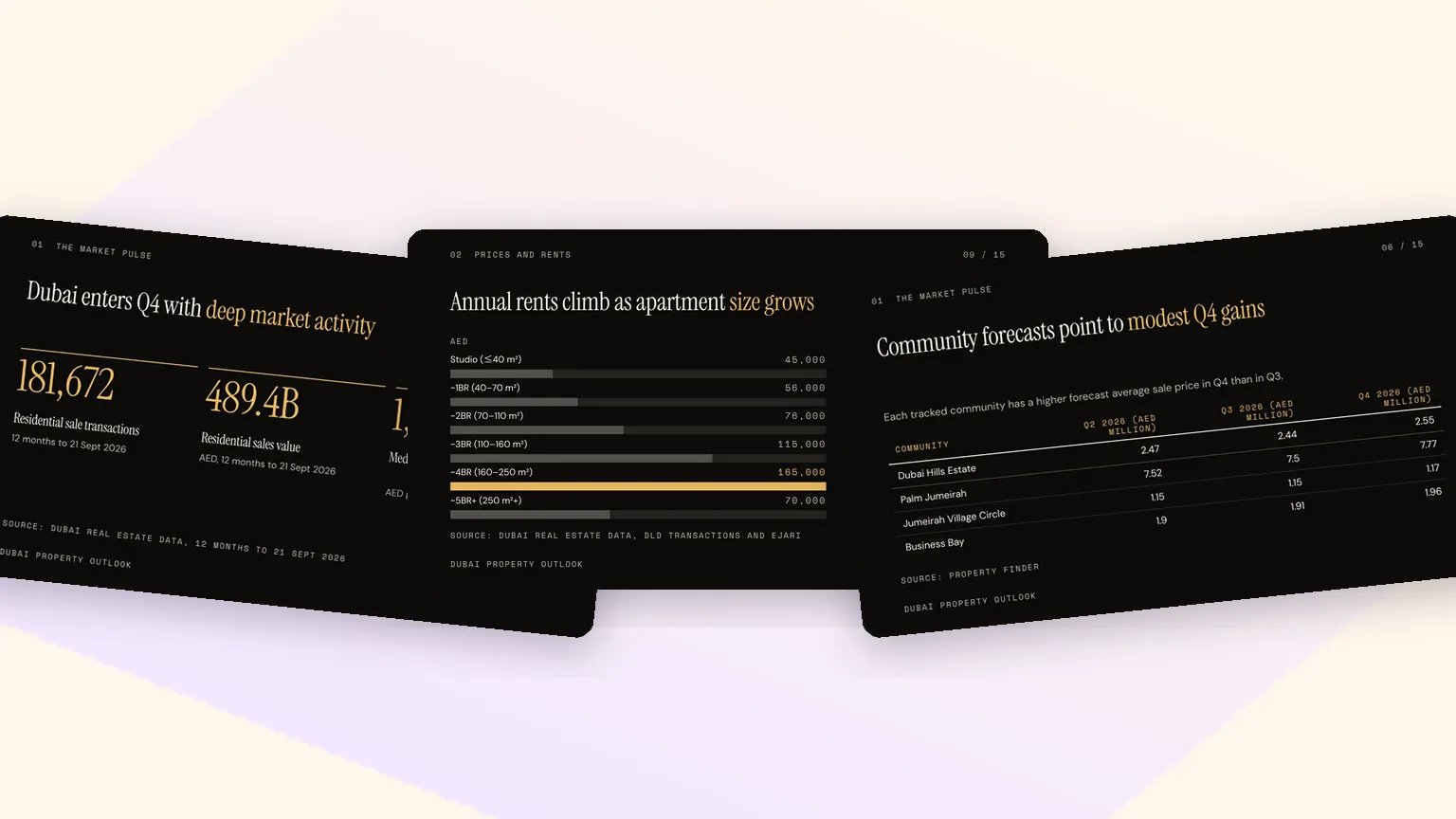
Turn a research question into a sourced deck: live figures checked against the pages they came from, charts, a comparison table and a source caption on every data slide.
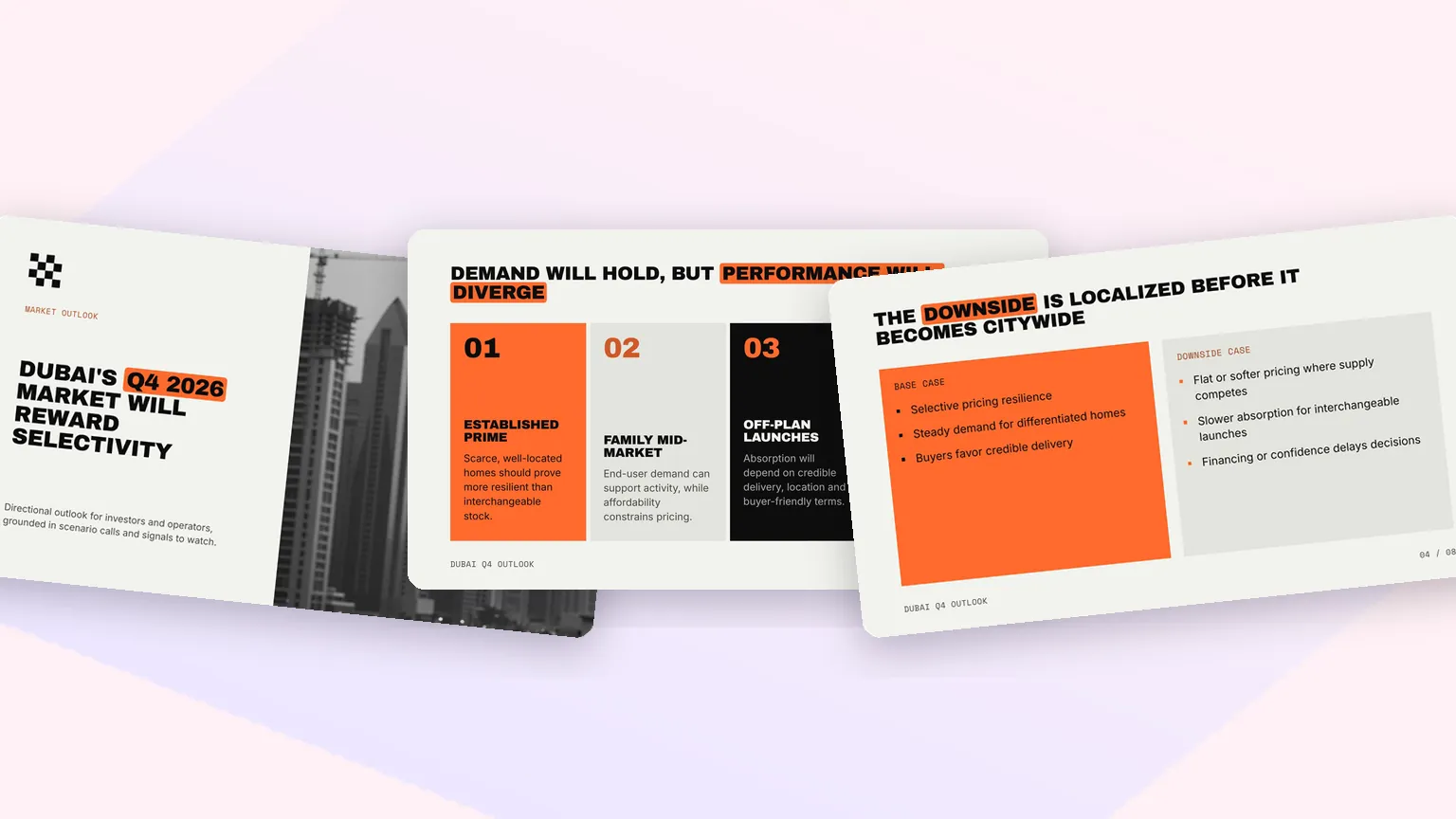
Scenario calls, base cases and the signals to watch, laid out as cards, comparisons and bold statement pages that a leadership team can argue with.
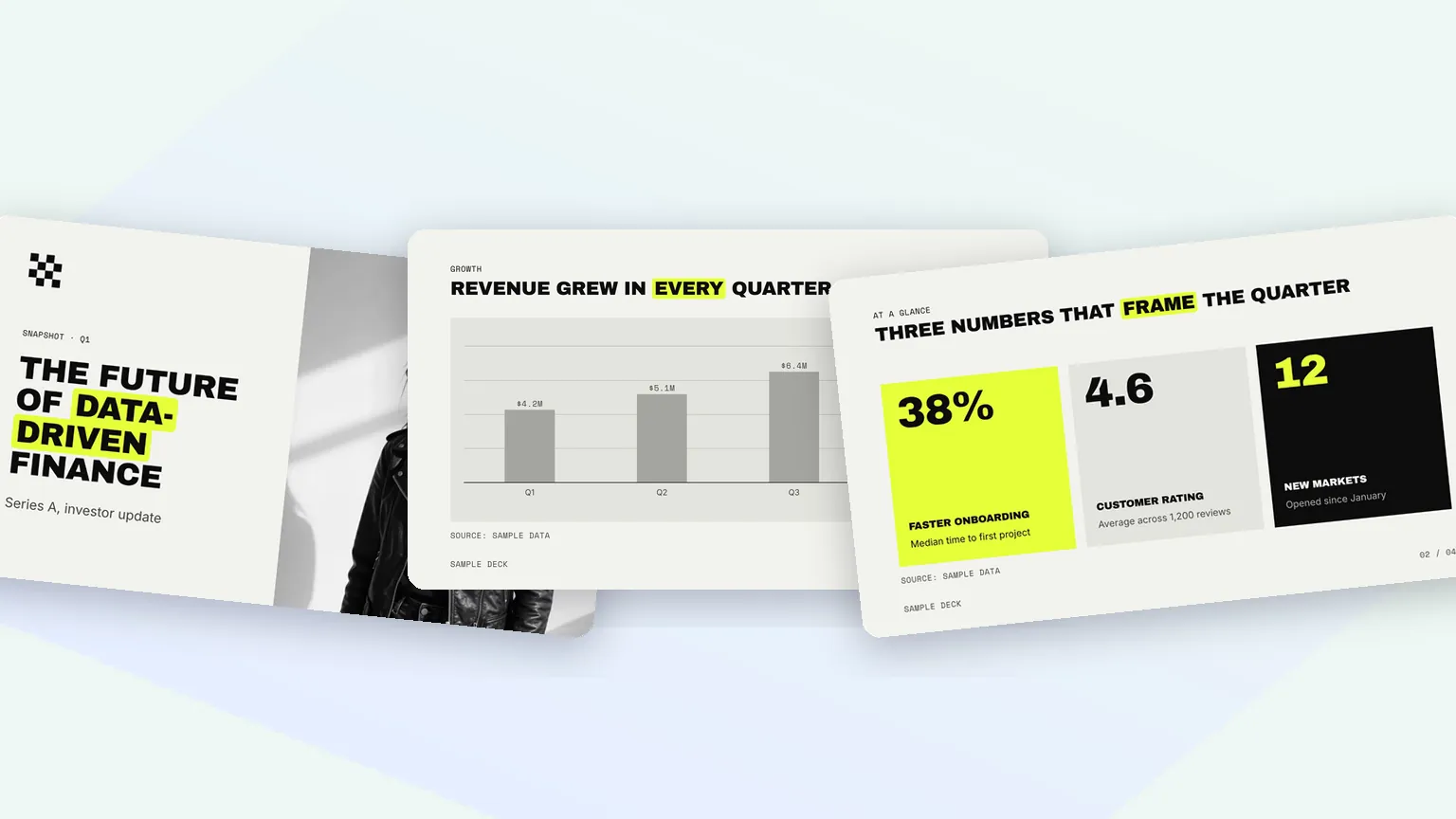
A pitch storyline from problem to ask, with traction as charts and stats. Export the PDF for investors and narrate the same deck as a walkthrough with PPT to video.
AI Presentation Maker FAQ
Charts, sources, templates, exports and pricing, and how Fliki compares to Gamma, Canva, Slidesgo and Adobe Express.
Tools
A storyline, 12 designer looks, charts from your figures and sources on the slide. Free to start, no credit card required.
Try the AI presentation makerFree forever plan · No credit card required · Cancel anytime