Best webinar video maker for
educators

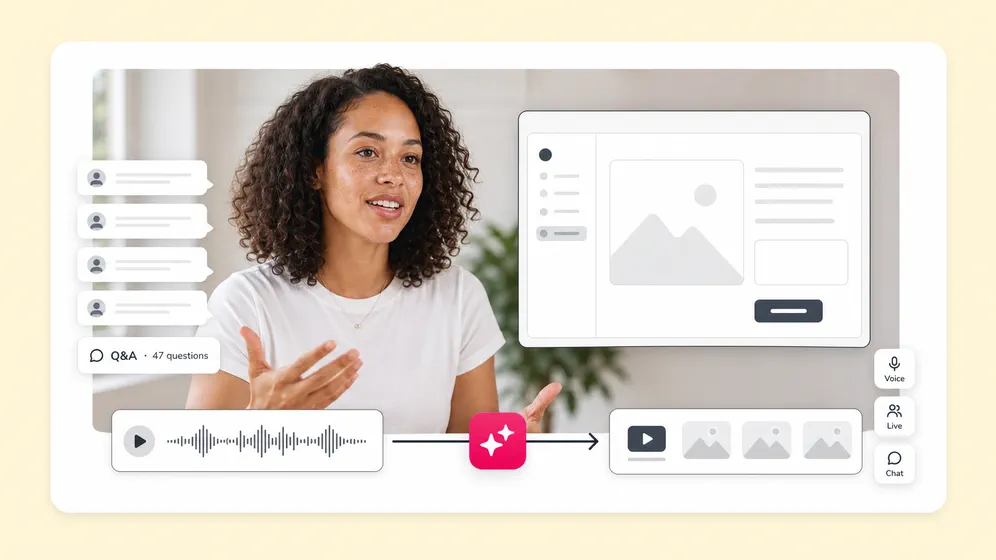
Effortlessly craft engaging webinar videos with Fliki’s AI-powered webinar video maker. Convert slides, scripts, or recordings into captivating, on-brand webinars - complete with realistic AI narration, dynamic overlays, and crystal-clear screen footage.

What would you like to create?

Create compelling webinar videos in minutes!

Looking for a reliable webinar video maker that simplifies your production process? Fliki makes it easy to transform any webinar script, slide deck, or raw recording into a professional, audience-ready video - no editing expertise required.

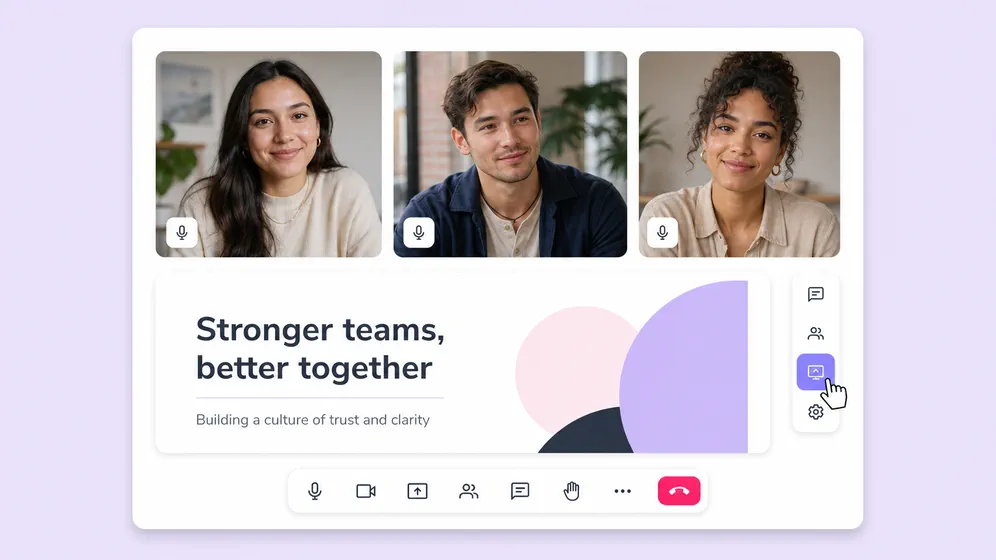
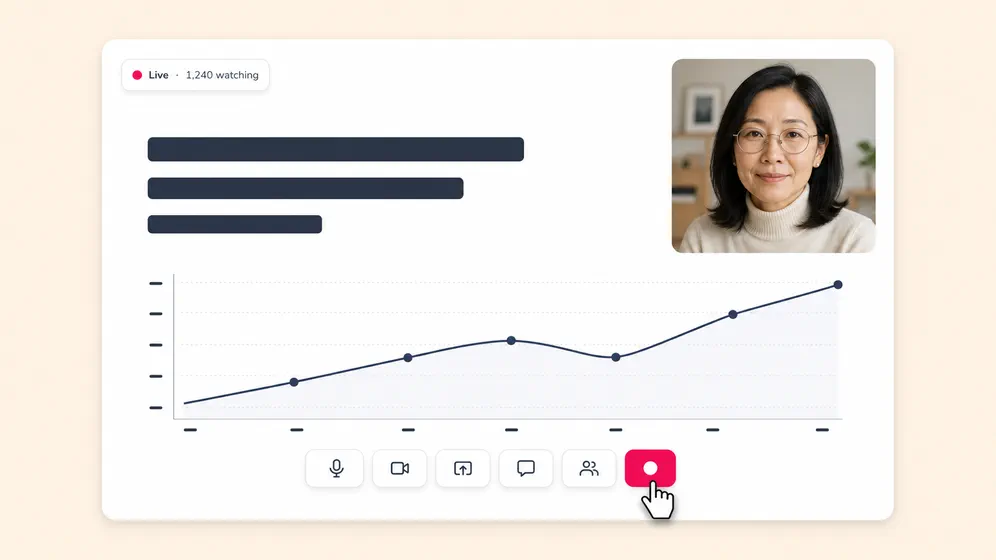
With over 2,000 lifelike AI voices in 80+ languages, Fliki ensures your message is delivered clearly and naturally to a global audience. The built-in screen and webcam capture features are perfect for recording live demos or presenter footage, making your webinars more engaging and interactive.

As a feature-rich webinar video maker, Fliki offers access to a vast stock media library, smooth transitions, and customizable branded lower thirds. It also automatically generates captions, boosting both accessibility and your SEO rankings.

Whether you're hosting a product launch, teaching a masterclass, or onboarding new customers, Fliki helps you create polished webinar content in a fraction of the time. If you're searching for a fast, effective, and professional webinar video maker, Fliki is your all-in-one solution.

How to make a webinar video in 4 easy steps

Step 1

Import your script, slides, or recording

Paste a script, upload PowerPoint/Keynote slides, or drag-and-drop webinar footage.

Inputting screen recording for webinar video

Step 2

Select and personalize the narrator’s voice

Choose from 2,000+ human-sounding voices (80+ languages) or clone your own for consistent branding.

Language and accent selection interface for AI avatars, highlighting the voice option Sara in English (United States) dialect

Step 3

Customize visuals & branding

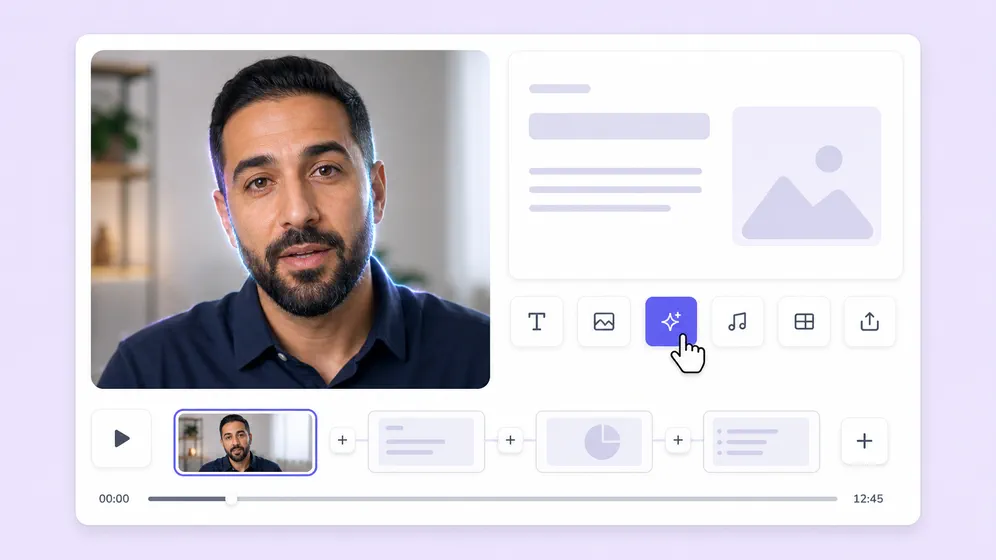
Add screen captures, B-roll, lower thirds, logos, brand fonts, and colors - all in Fliki’s drag-and-drop editor.

Customizing layout for webinar video

Step 4

Preview & export

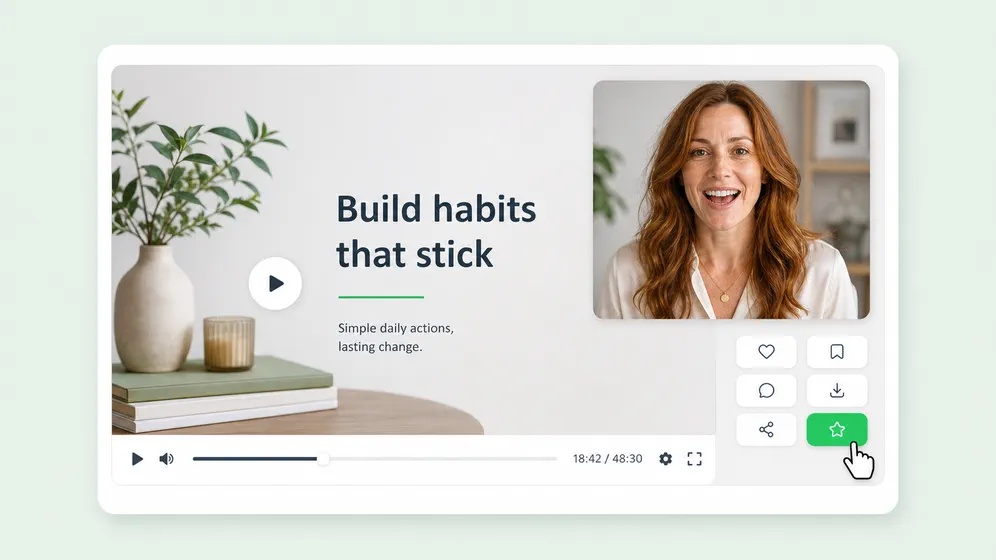
Review your webinar video, then export in HD/vertical/horizontal formats ready for Zoom, YouTube, or LinkedIn Live.

Video player interface with a download button for Fliki's AI webinar maker output

Create professional and engaging videos for every usecase

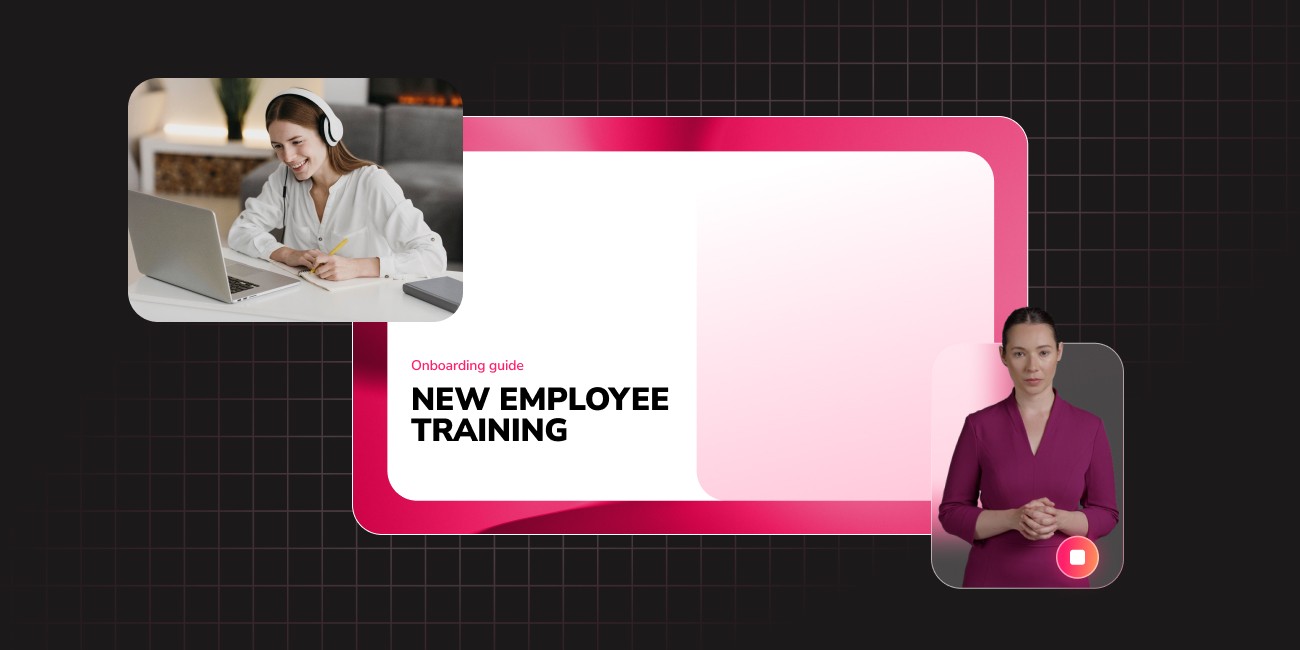
Replace boring PDF manuals with dynamic, visual learning. Use our AI avatars to create consistent, friendly instructors that guide employees through onboarding, compliance, and skill development modules; proven to increase information retention.

Cut through the inbox clutter. Transform company-wide emails, quarterly updates, and policy changes into engaging, bite-sized video announcements. AI-generated internal comms videos ensure your message is delivered clearly, fostering true employee alignment and a stronger company culture, regardless of remote or hybrid setups.

Turn your written content into an automated revenue stream. Fliki is the ultimate AI reel generator for creators. Convert blog posts, Twitter threads, or simple prompts into high-retention faceless videos, complete with engaging captions, B-roll, and lifelike voiceovers optimized for the algorithms of YouTube Shorts, TikTok, and Instagram Reels.

Empower educators to inspire students through visual storytelling. Easily convert lesson plans and historical texts into captivating educational videos. With support for over 80 languages and dialects, teachers can create inclusive, accessible content that caters to diverse learning styles and ESL students in a fraction of the time.

Launch video marketing campaigns faster than ever. From real estate property tours to e-commerce product demos, input your marketing copy and let our text to video AI generate professional ads. A/B test different AI voices and visuals instantly to find the winning creative that drives clicks and conversions.

Loved by
content creators
around the world

10,000,000+

people creating videos for social media, training, courses and much more.

4.8/5

satisfaction from 5,500+ reviews from G2 and Capterra

5x

productivity improvement and create videos faster than traditional methods.

credit card not required

Frequently asked questions

Start a new project, upload your raw recording or paste a script, pick a voice, customize visuals, then export - Fliki handles the heavy lifting.

Absolutely. Upload your logo, set brand fonts/colors, add custom intros/outros, and even clone your own voice for total consistency.

Yes. Capture your screen and webcam directly inside Fliki, then edit or overlay AI narration and effects.

Download MP4s up to 1080p or export vertical 9:16 clips for social promos.

Stop wasting time, effort and money creating videos

Hours of content you create per month: 4 hours

To save over 96 hours of effort & $4800 per month

No technical skills or software download required.