Employee onboarding
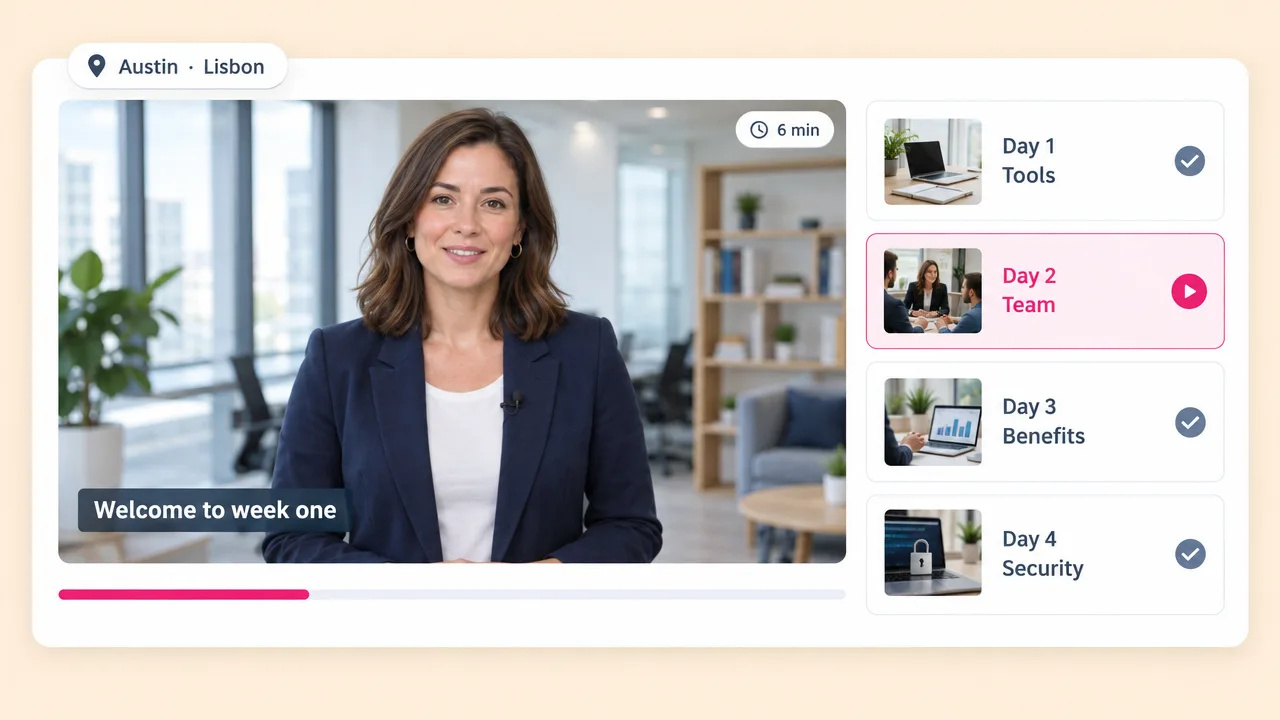
The first week, the same every time
New starters get identical onboarding whether they join in January or July, and whether they sit in Austin or Lisbon.
Paste the SOP, the policy or the deck. Fliki turns it into a narrated training video with matched visuals and captions, then re-voices the same video into 80+ languages. When the policy changes, you edit a line instead of rebooking a studio.
Free forever plan · No credit card required · 80+ languages
Why L&D teams pick Fliki
Vyond, Synthesia and iSpring all make the first module straightforward. The recurring bill is re-recording the same module every time a policy changes, in every language you operate in.
Change a line and re-render. No studio booking, no voice artist call-back fee, and no waiting on a recording slot to publish a policy update.
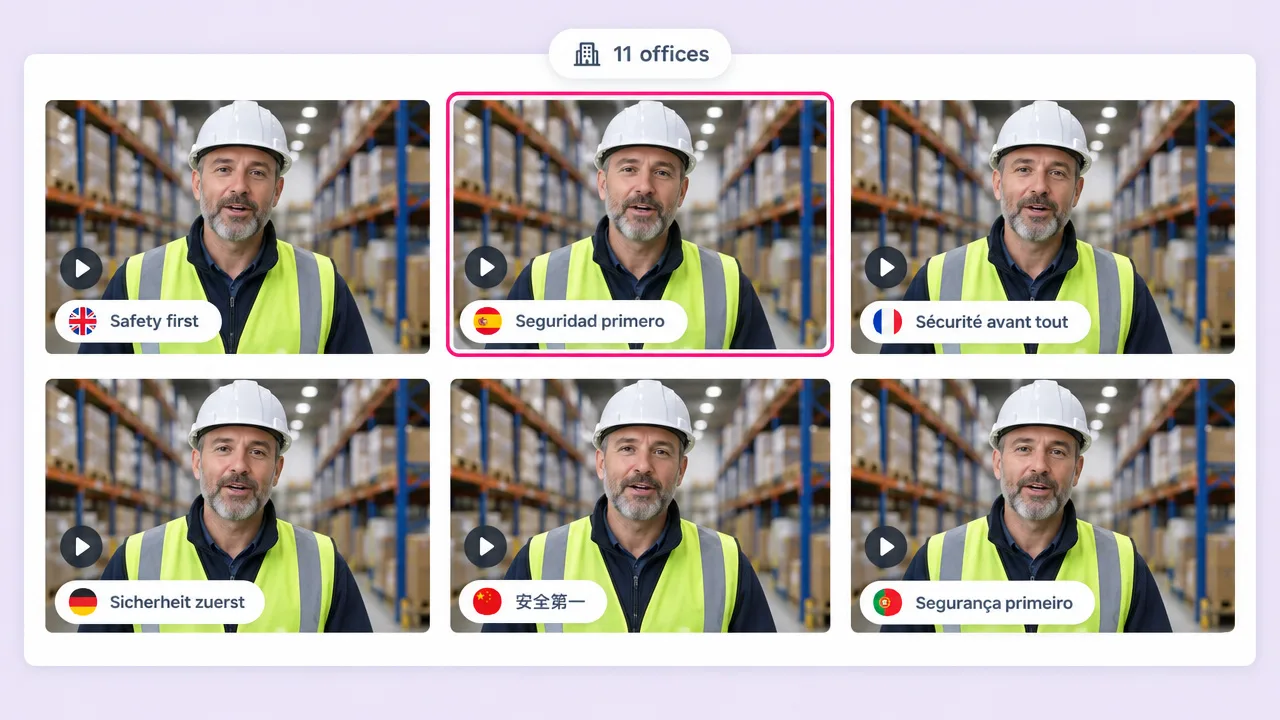
2,000+ neural voices across 80+ languages and 100+ dialects. The same module ships to eleven markets without eleven productions.
Paste an SOP, upload the deck, or point Fliki at a knowledge base URL. The source of truth stays the document, not a video script nobody maintains.
Upload a PowerPoint and each slide becomes a narrated scene, with the speaker notes read as the voiceover where they exist.
Burned-in or sidecar captions on every module, in the language of the audio. Required in most compliance contexts and easy to forget.
70+ AI avatars, or clone a real trainer once and let them front every module without booking them again.
Twenty modules written by six people still come out in one voice, one pace and one visual style, because the template does not vary.
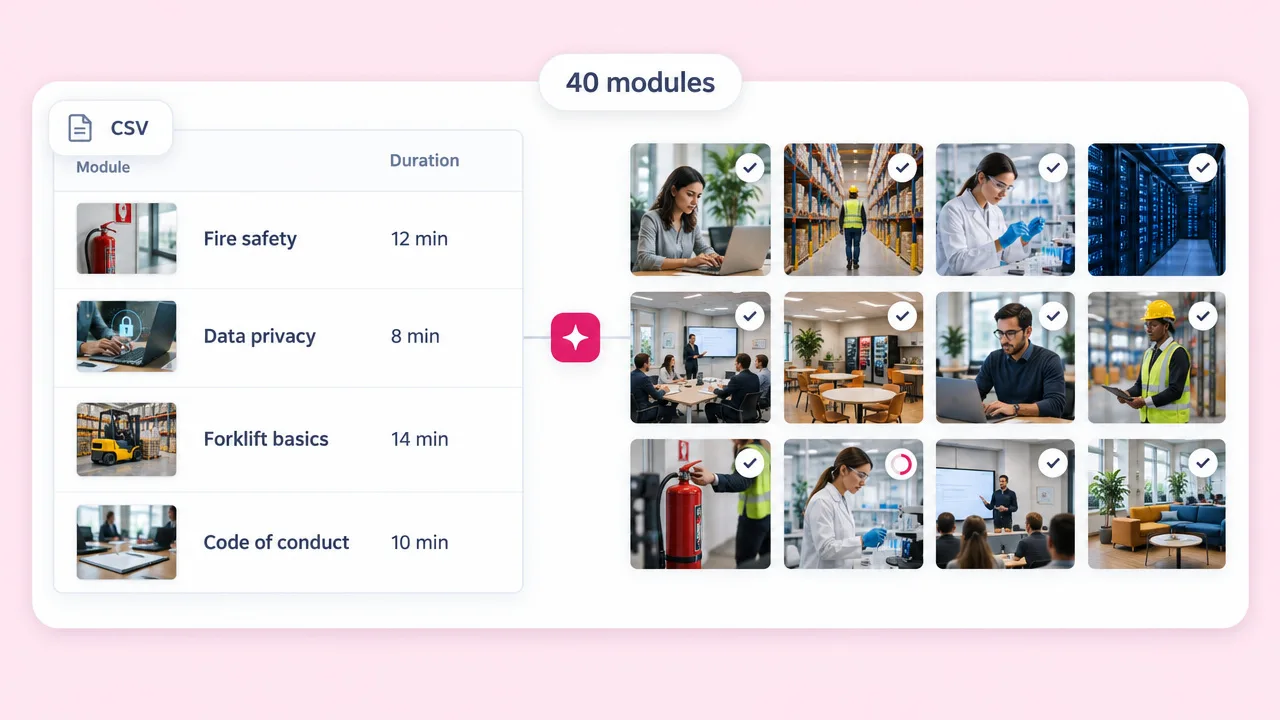
Drive a CSV of modules through bulk creation instead of building each one by hand.
MP4 in every aspect ratio, with captions, ready for the LMS, the intranet or the onboarding email.
How it works
From an existing document to a narrated, captioned module. No camera and no recording slot.
Paste the SOP or policy text, upload the deck, or link the knowledge base article. Fliki reads it and splits it into scenes.
Choose from 2,000+ voices, or clone a trainer so every module is fronted by the same person. Add an AI avatar if the module wants a face.
Each step of the procedure becomes its own scene with matched visuals and captions. Edit any line and the narration re-renders around it.
Export for the LMS, then re-voice the same module into 80+ languages. Updates later are an edit, not a reshoot.
Use cases for a training video maker
Onboarding, compliance, product enablement and the tutorial nobody had time to film.
New starters get identical onboarding whether they join in January or July, and whether they sit in Austin or Lisbon.
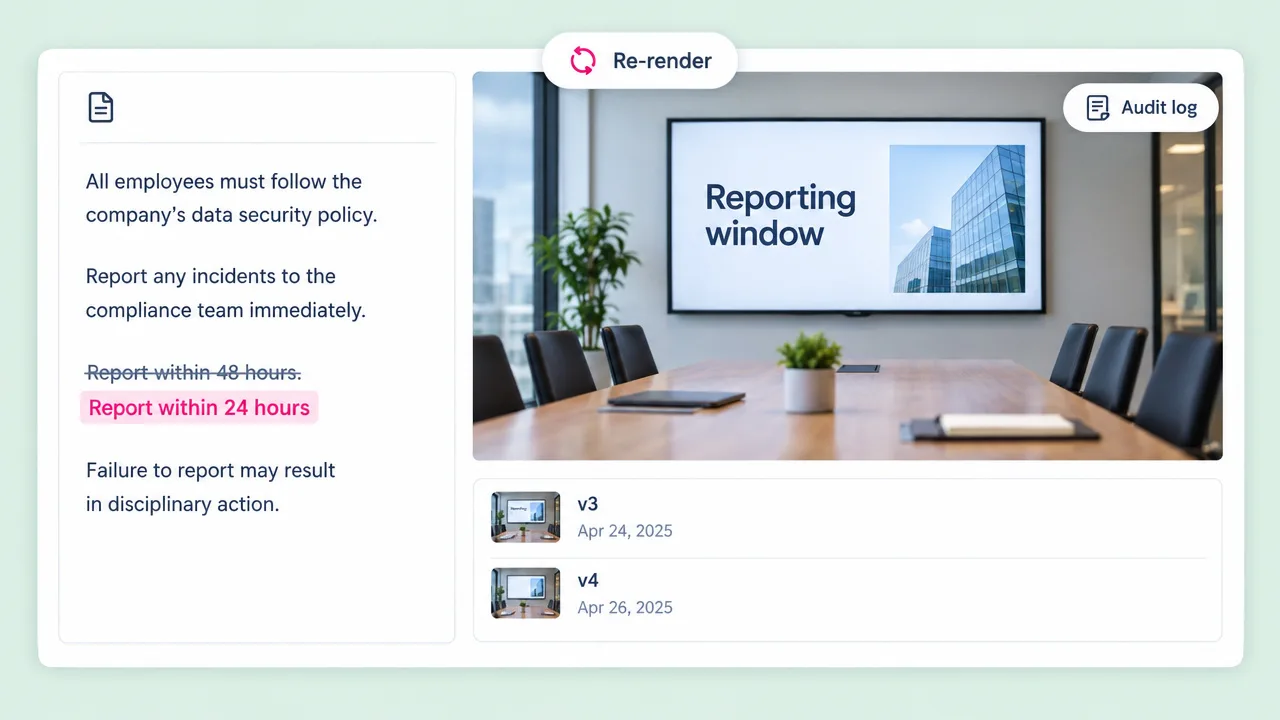
Edit the line that changed and re-render. The alternative is re-booking a studio for a paragraph nobody will notice.
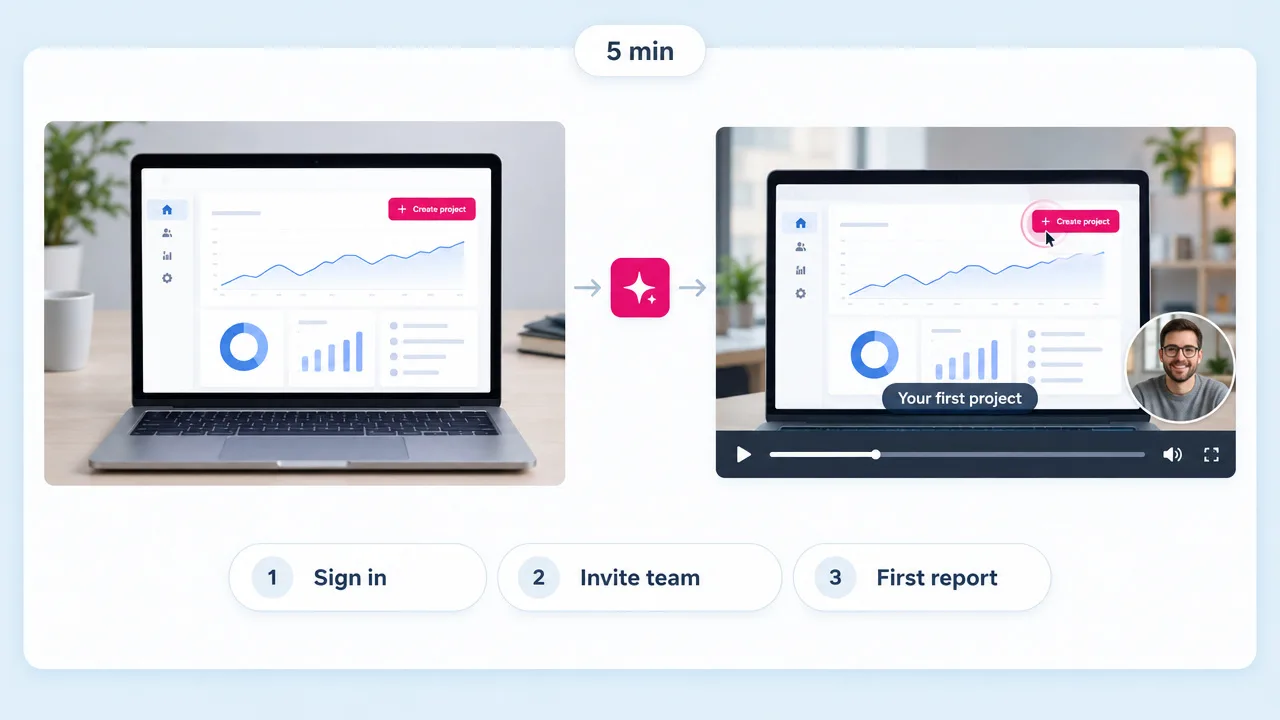
Show new accounts the first five minutes of the product. Cheaper than the onboarding call and it scales past your CS headcount.
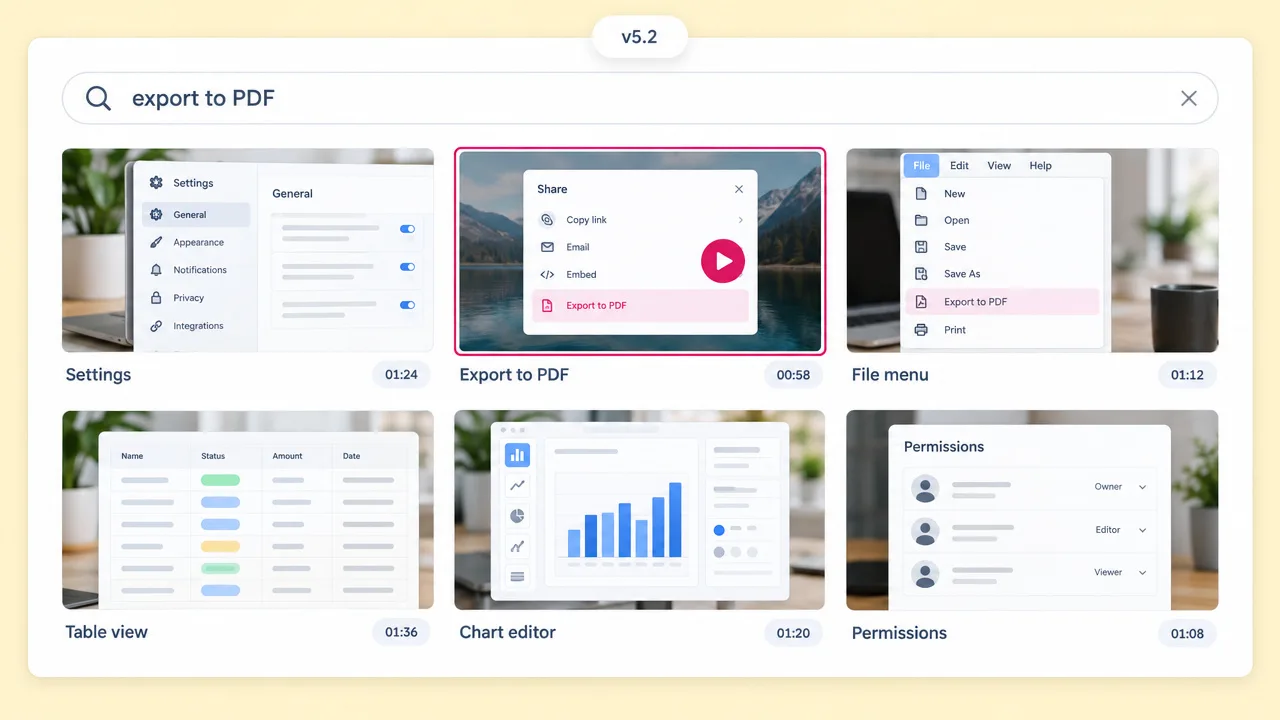
Short tutorial clips that keep up with the release cycle, because updating one is an edit rather than a production.
Training video FAQ
What Fliki needs to start, how it compares to Vyond and Synthesia, and what changes when a policy updates.
Tools
Paste it and Fliki does the narration, the visuals, the captions and the other ten languages.
Make a training videoFree forever plan · No credit card required · Cancel anytime