Lofi YouTube channel
Visuals for every new beat you upload
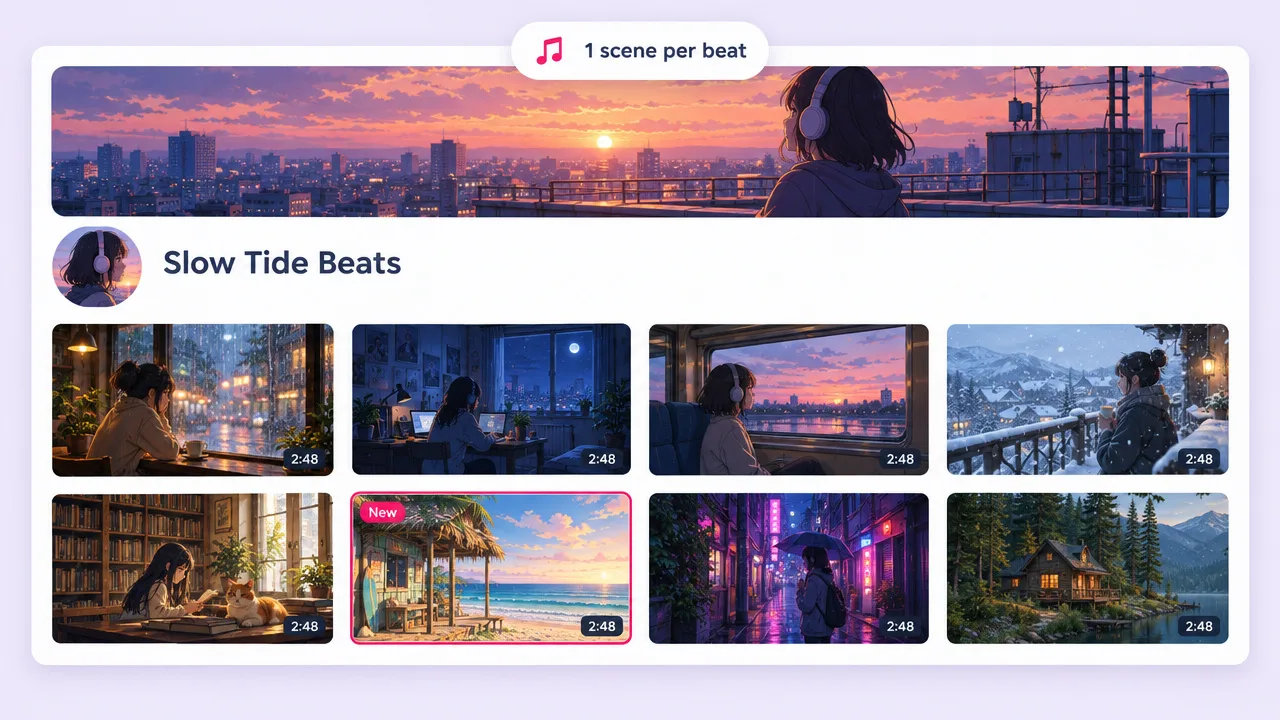
Render a 16:9 scene for each track instead of reusing the same stock loop as every other channel.
Describe the vibe: rainy window, late-night study desk, a cat asleep on the notes. Fliki writes an instrumental lo-fi track and renders the visuals around it in a soft anime or dreamy look. Already have a beat? Upload it and Fliki builds the video to it.
Your beat or ours · Up to 3 minutes · Anime and Dreamy looks
Why make lofi videos with Fliki
Pixabay and Adobe Stock sell the loop, After Effects makes you animate it, and Revid expects a track. Fliki writes the lo-fi beat and renders the scene for it in one run.
MiniMax Music 3 composes the beat from your description. Ask for an instrumental and it comes back with no vocals: piano, vinyl crackle, soft drums.
Upload a track you made or own, up to 3 minutes. The shots are planned and cut to its clock.
The Anime style is 1990s cel animation: clean linework, painted backgrounds, twilight palettes. Every clip repeats the same art direction, so the scene does not drift.
Dreamy renders pastel rose and powder blue, heavy bloom and slow drifting motion. It suits ambient and sleep lo-fi.
A cast sheet is rendered once and every keyframe uses it, so your studying character keeps the same face, hair and hoodie throughout.
Shot changes are placed on the track, not on a fixed timer, so even a slow beat gets cuts that feel intended.
35mm Film, Golden Hour, Monochrome, Neon Noir and others, or Dynamic, where Fliki designs the look from your brief.
Clips render on MiniMax H3 Max by default, with Seedance 2.0 and H3 Fast as the other picks.
Render 16:9 for a YouTube upload and 9:16 for a Shorts or TikTok clip of the same vibe.
How it works
From a sentence about a mood to a finished lo-fi video, with no stock hunting and no keyframing.
Say what the track sounds like and what the scene shows. Include "instrumental" for a beat with no vocals. Pick a length from 30 seconds to 3 minutes.
Fliki writes the lo-fi beat and you hear it before any video renders. If you have your own, upload it instead.
Choose a visual look. A cast sheet locks your character so every shot shows the same person.
Download the video. For a one-hour mix, loop or chain renders in any editor, since a single render is at most 3 minutes.
Use cases for a lofi video generator
From a single beat drop to a daily Shorts habit.
Render a 16:9 scene for each track instead of reusing the same stock loop as every other channel.
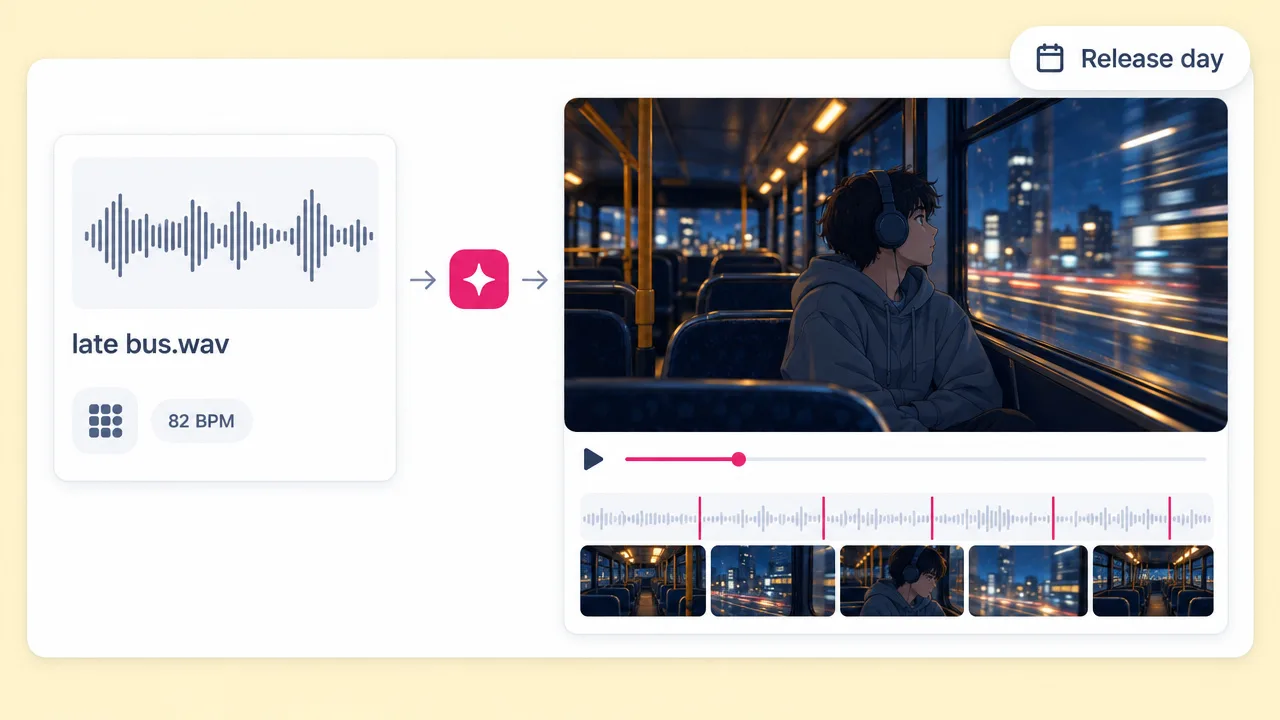
Upload your instrumental and get a scene cut to it, ready to post on release day.
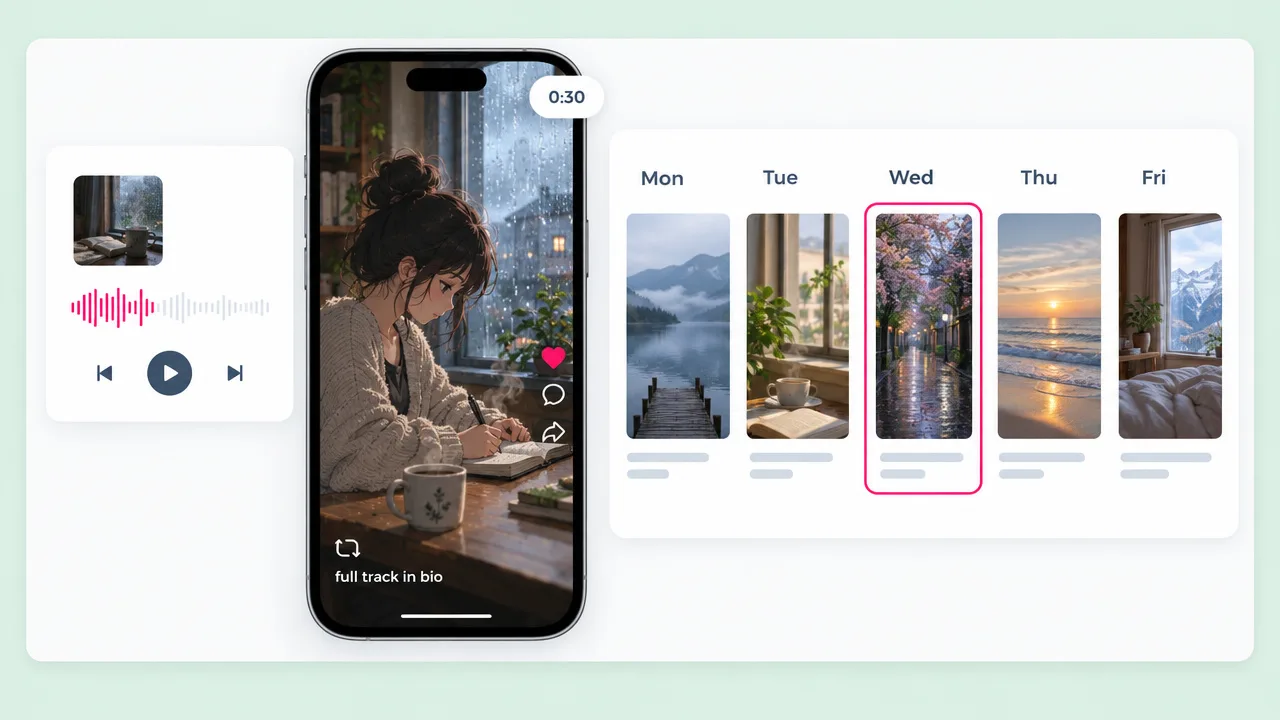
A 9:16 lo-fi clip with a looping feel works as a daily post and points viewers to the full track.
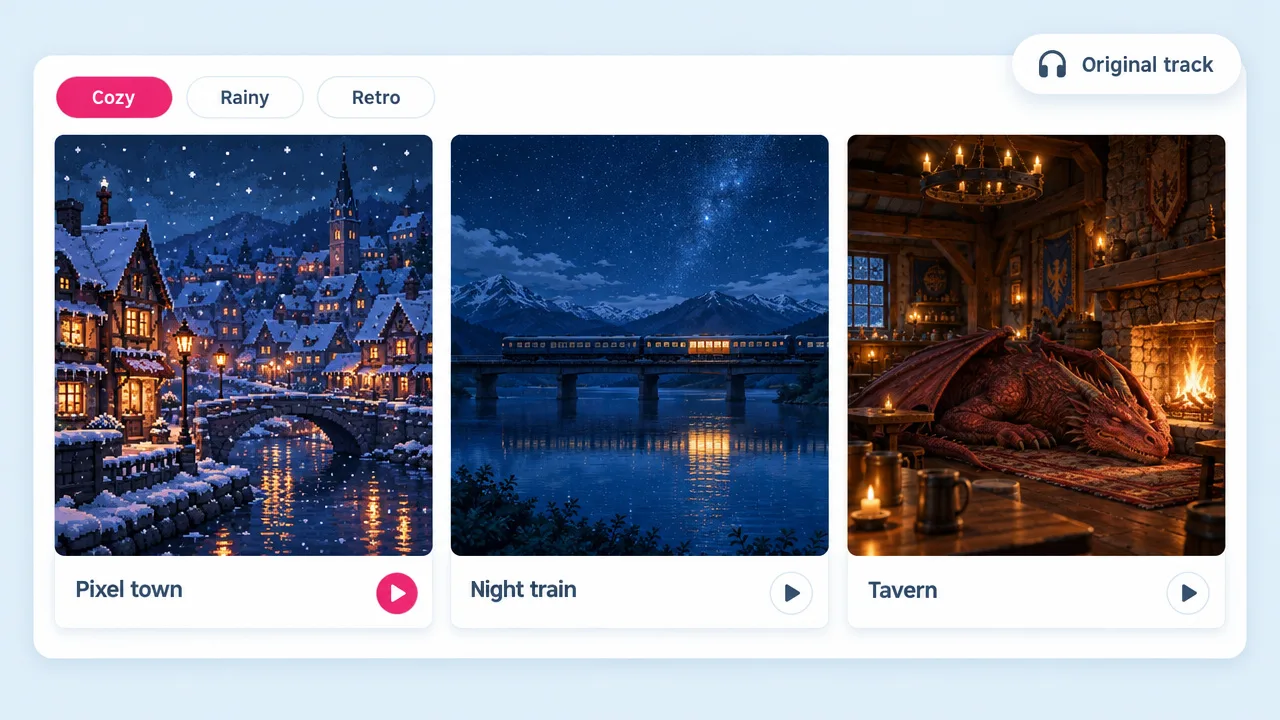
Describe a cozy pixel town or a night train and the Anime look renders it. Use music you own or have Fliki write an original.
Lofi video generator FAQ
What Fliki makes, how long it runs, and how it compares to Revid, stock loops and After Effects.
Tools
Fliki writes the lo-fi track, or takes yours, and renders the video around it.
Make a lofi videoFree forever plan · No credit card required · Cancel anytime