video model · by Pruna AI
P-Video AI Avatar Generator
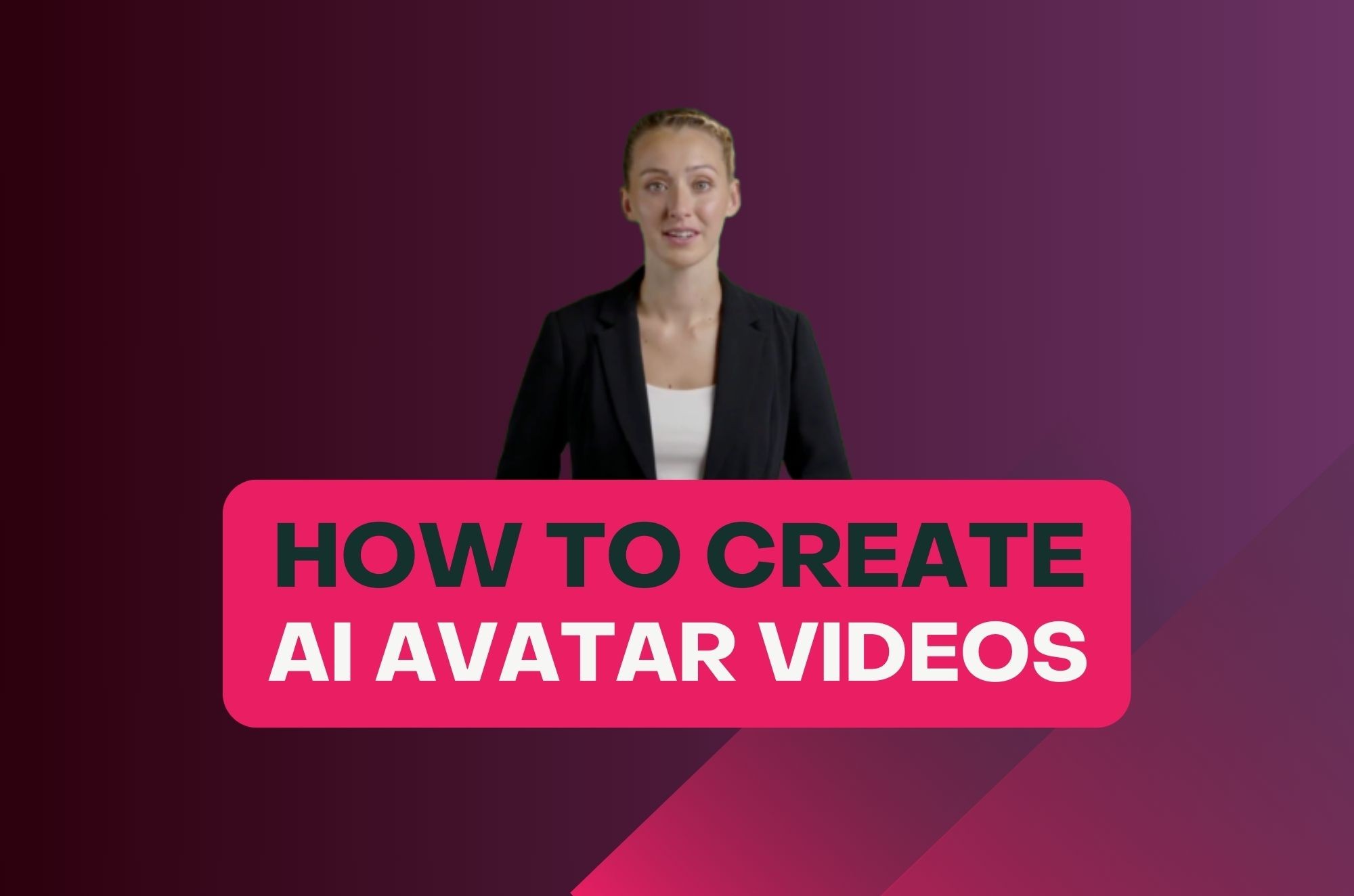
Animate a portrait or product still into a talking, moving avatar with P-Video - Pruna AI's efficient image-to-video model with optional audio-driven lip sync. Drop in a photo, optionally add a voice track, and get a synced avatar clip at 720p in roughly 10 seconds. P-Video powers quick drafts when you generate AI video with Fliki.
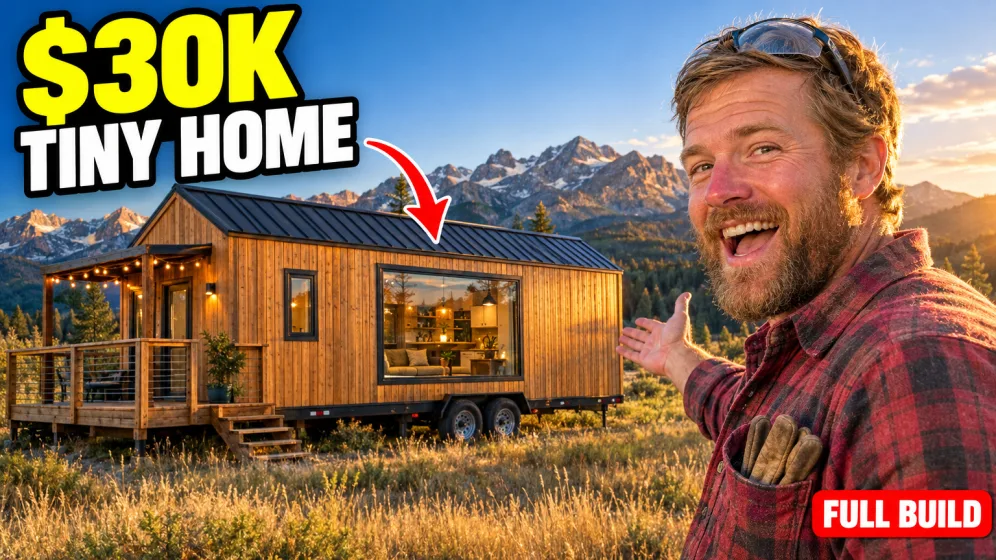
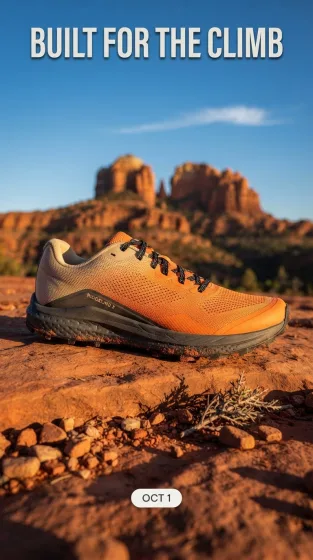
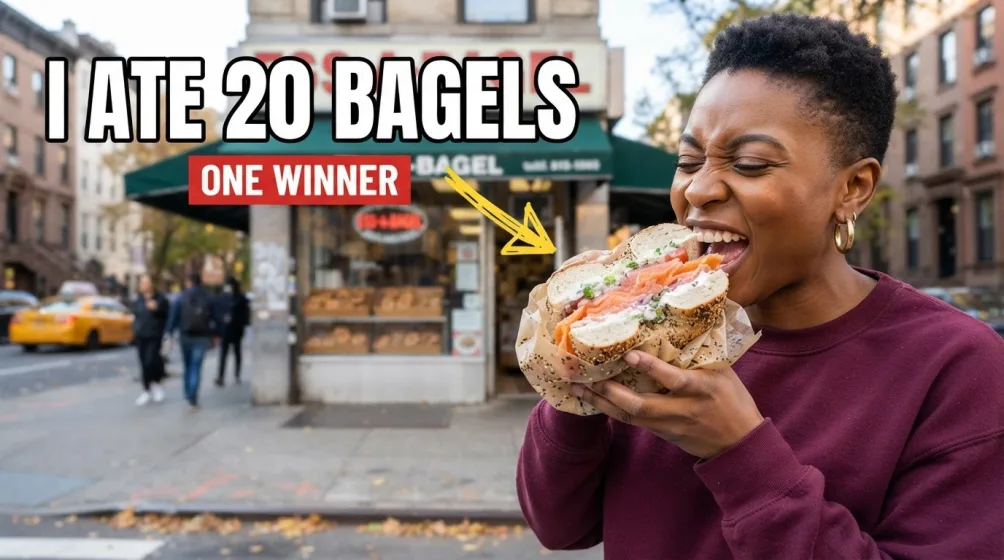
Generated with P-Video
A handful of P-Video clips generated inside Fliki. No edits, no post.
Prompt
Prompt
Prompt
Prompt
Prompt
Prompt
Prompt
Why P-Video for AI avatars
Photo-to-avatar in seconds
P-Video turns a single still image into a moving, expressive avatar. Upload a portrait, character render, or product still and the model animates it forward with consistent identity.
Optional audio-driven lip sync
Add a voice track and P-Video drives mouth shapes and timing to match. Skip the audio for silent motion-only avatars. Audio is optional — both modes are first-class.
About 10 seconds per generation
A 5-second 720p avatar clip is ready in roughly 10 seconds. Fast enough to iterate wardrobe, voice, and framing in a single session without breaking flow.
Compressed inference for low credit cost
Pruna AI specializes in making models faster, cheaper, smaller, and greener through compression. At ~0.15 credits per minute of 720p output, P-Video is one of the most credit-efficient avatar paths in Fliki.
720p portrait, landscape, and square
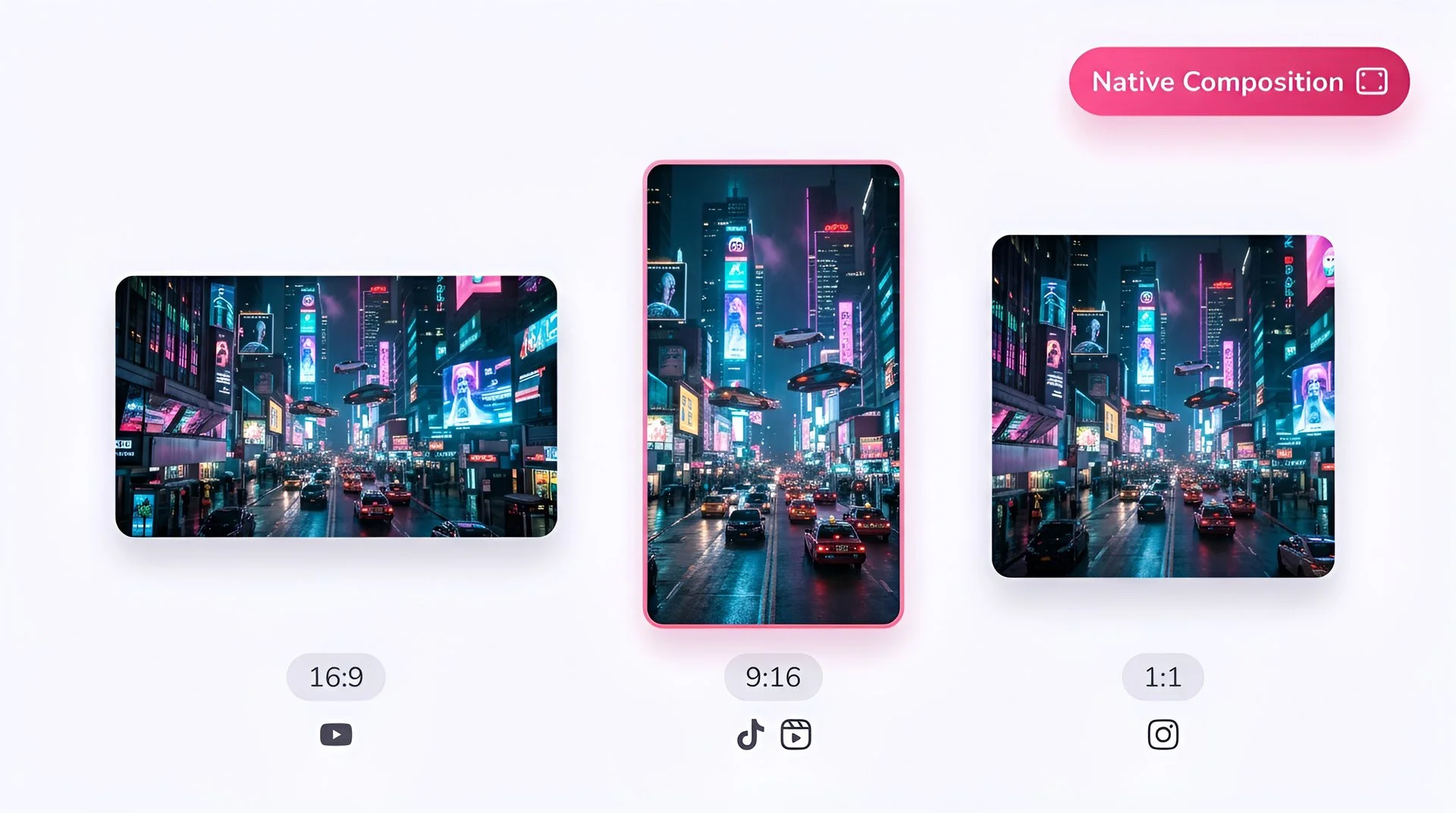
P-Video composes 16:9, 9:16, and 1:1 natively at 720p. 9:16 is the right default for vertical talking-head content; 1:1 fits feed and ad formats; 16:9 covers landing-page hero loops.
5- and 10-second avatar clips
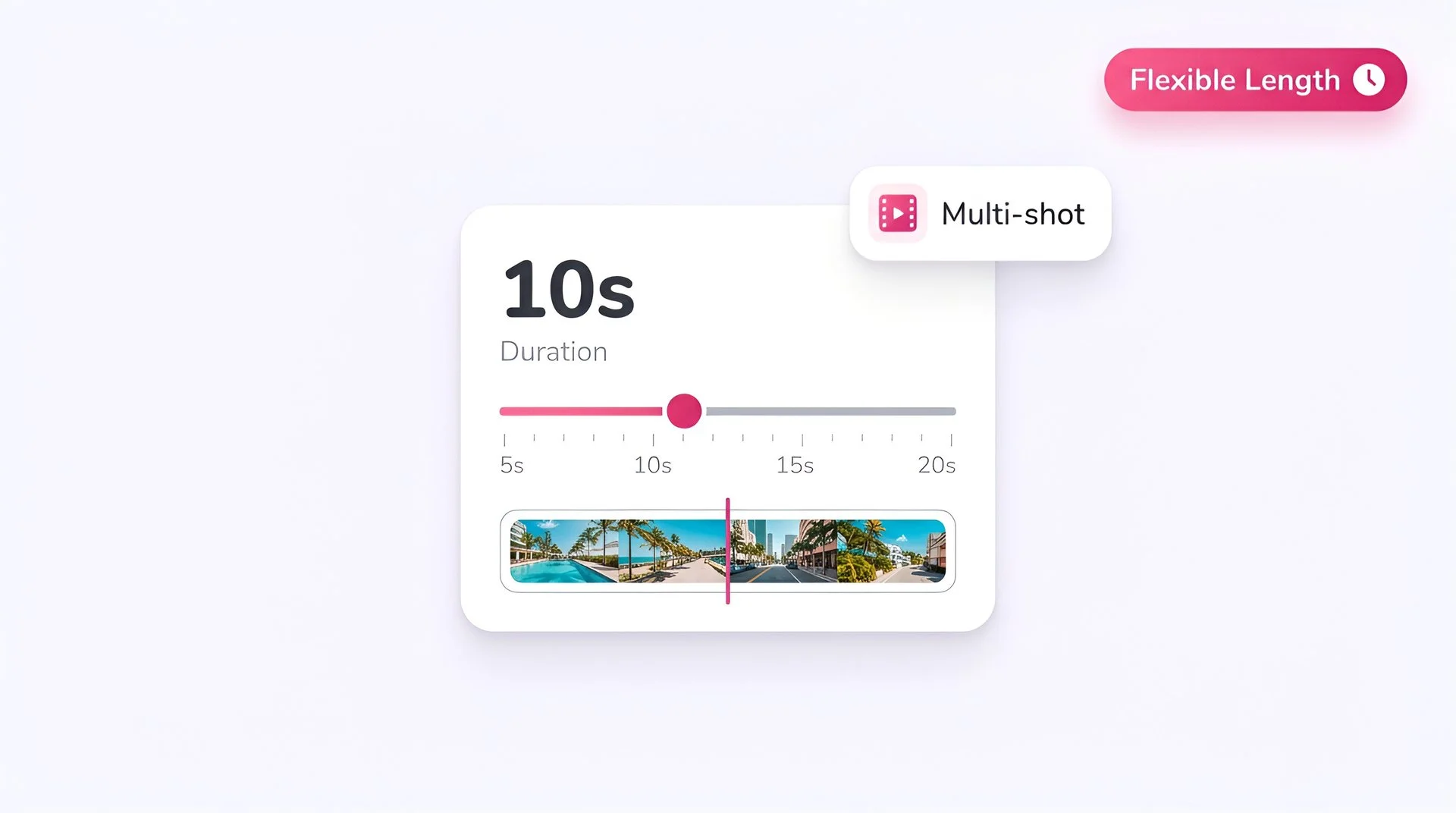
Pick a 5-second clip for short reactions, social CTAs, and ad hooks. Use a 10-second clip when you need a fuller beat — a complete sentence of voiceover or a longer expression run.
Identity-stable across frames
The model holds the avatar identity through the clip — face structure, hair, and wardrobe stay consistent rather than drifting mid-generation, which matters when the same character has to recur across multiple takes.
Built for iteration
Use P-Video to draft the avatar — lock the look, voice, and framing — then optionally rerun the winning take through a premium model like OmniHuman 1.5 or Veo 3.1 Fast for the final-fidelity version.
How it works
How to generate an avatar with P-Video
Six steps. Image and optional audio in, talking avatar out.
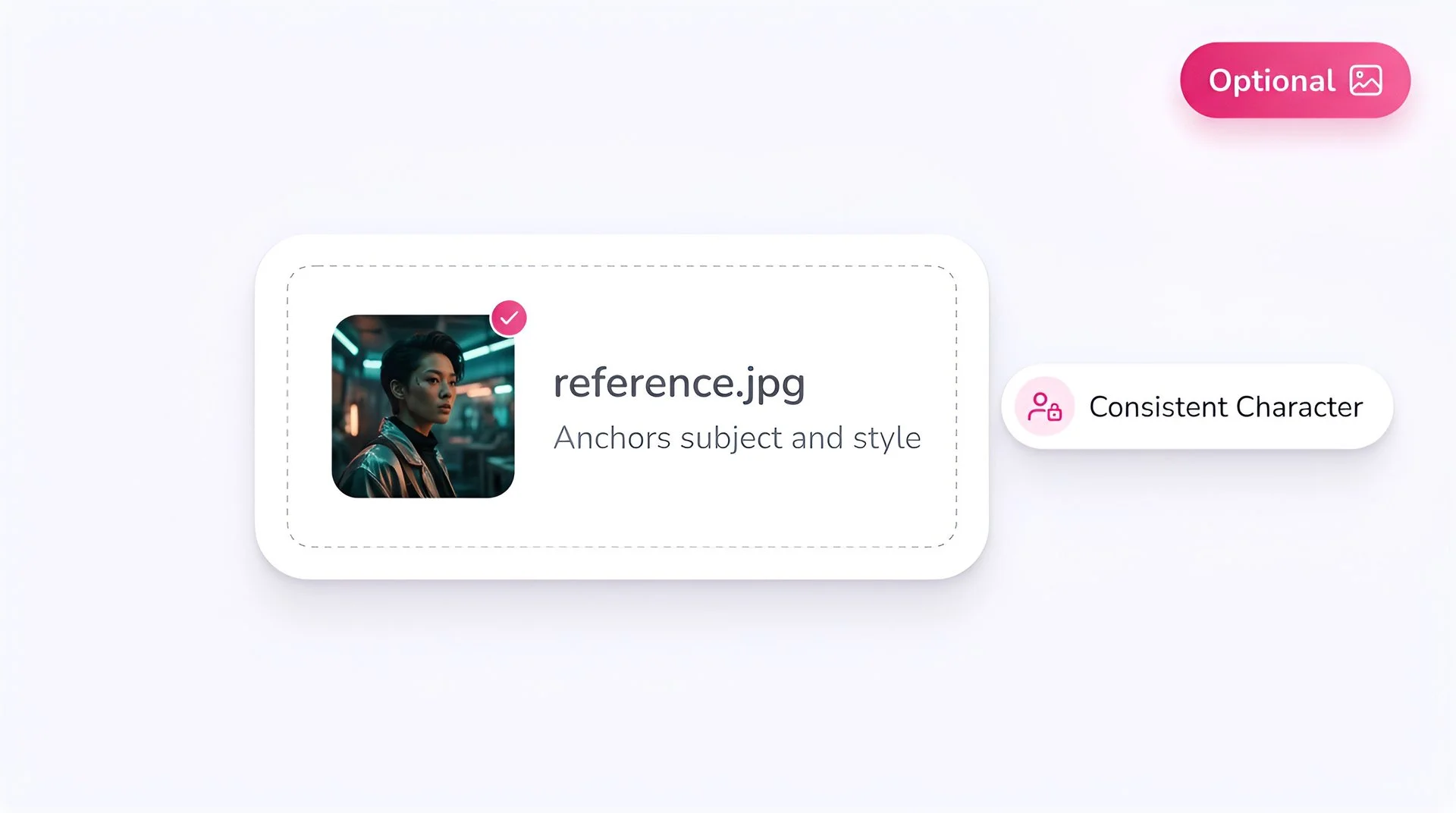
Upload your avatar image
Bring a portrait, character render, or product still. P-Video reads identity, framing, and lighting from the source image and animates it forward.
Add an audio track (optional)
Drop in a voiceover, narration, or vocal clip and P-Video drives mouth shape and motion timing to match the audio. Skip this step for silent motion-only avatars.
Select P-Video as your model
Pick P-Video from Fliki's model selector. Your image and optional audio route to Pruna AI's compressed inference endpoint.
Write a short prompt (optional)
A short prompt can guide expression, gesture, or environment. The avatar identity stays anchored to your reference image — the prompt only nudges performance.
Pick aspect ratio and duration
Choose 16:9, 9:16, or 1:1, and either a 5- or 10-second clip. 9:16 is the right default for vertical talking-head content; 1:1 works well for feed and ad formats.
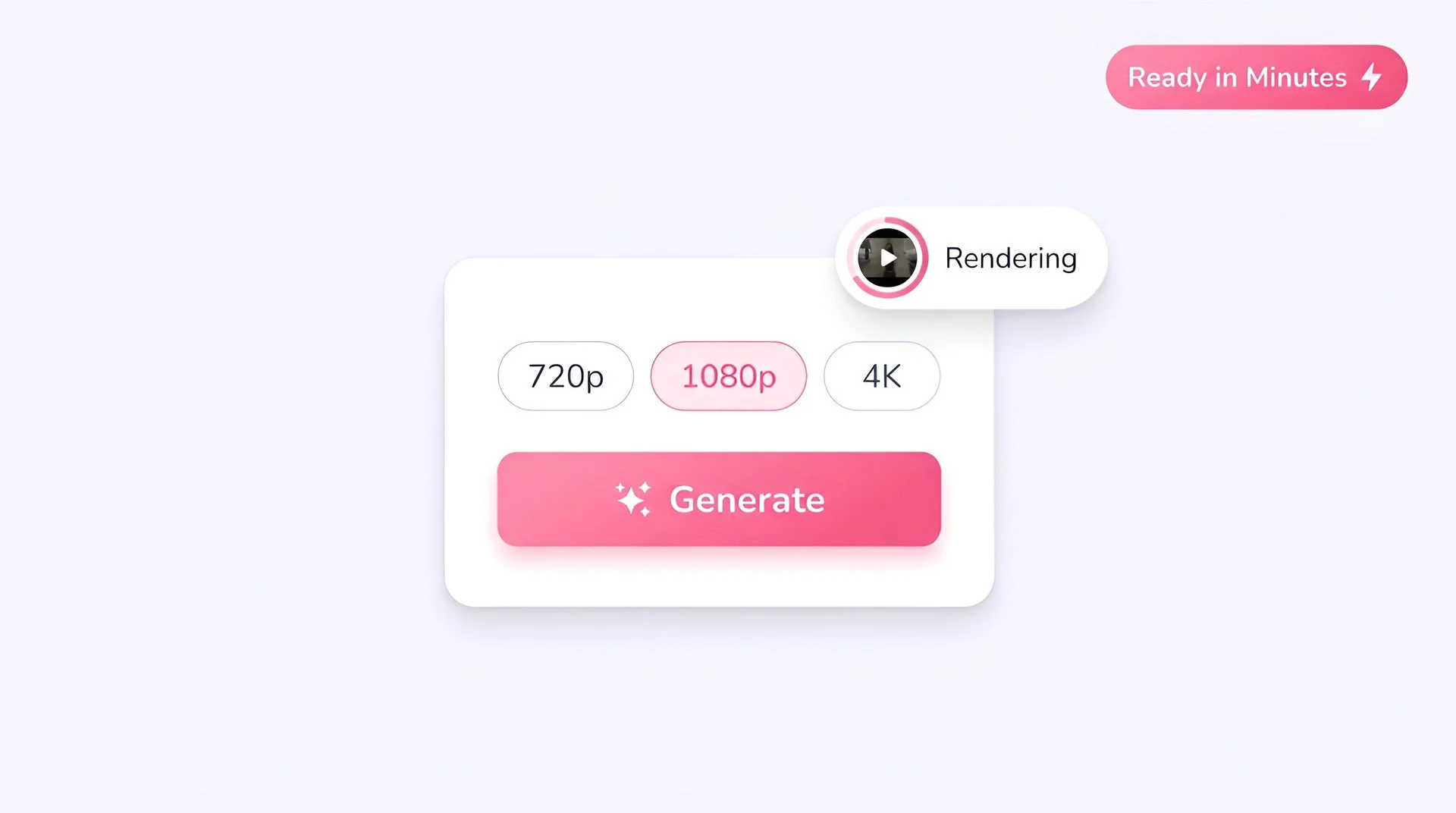
Generate at 720p
Hit Generate. A 5-second 720p avatar clip is ready in Fliki in about 10 seconds for most prompts — fast enough to iterate the wardrobe, voice, and framing in one session.
AI MODEL GALLERY
Built on the best AI models - ready inside Fliki
Every leading video, voice, and image model - integrated, unified, and tuned for creators. Generate with the latest AI video, AI voice, and AI image models from OpenAI, Google, Kling, Bytedance, ElevenLabs, and more - all from one place.



P-Video FAQ
Frequently asked questions
Everything you need to know about generating avatars with P-Video inside Fliki.
AI video models
Discover more
Tools
Discover features
Animate any photo into a talking avatar.
Image plus optional audio in, synced 720p avatar out in about 10 seconds. Free to start, no credit card required.
Generate your first avatar freeFree forever plan · No credit card required · Cancel anytime