video model · by Kuaishou

Kling 2.6 Pro Motion Transfer

Replace a character in any video with a reference photo while keeping the original motion intact. Kling 2.6 Pro Motion Transfer is Kuaishou's specialized model for character swap, body-double work, and reference-driven recasting - now inside Fliki.

Generated with Kling 2.6 Pro

A handful of Kling 2.6 Pro Motion Transfer clips generated inside Fliki. Dance, sprint, skate, martial arts, parkour, basketball, breakdance.

Prompt

A young American contemporary dancer with her hair in a tight bun and a flowing emerald silk dress executes a full pirouette into a sweeping arm extension on a dark hardwood stage under a single warm overhead spotlight, dust motes drifting through the beam. Low-angle tracking shot orbiting slightly with her motion, deep matte black surroundings, cinematic film aesthetic, sharp on her, soft falloff to black. SFX: feet pivoting on hardwood, soft whoosh of silk, a low ambient string pad underneath. No text, no overlay. Maintain consistent character throughout.

Prompt

A young American sprinter in a navy track singlet explodes out of starting blocks on a wet outdoor track at dawn, water droplets kicking up off the rubber surface, breath visible in the cold air. Low-angle tracking shot pushing in fast as she hits her stride, stadium empty around her, cinematic teal-orange grade, slight handheld energy on the third stride. SFX: starting blocks clack, spike-on-track impact, controlled breath, distant wind. No text, no overlay. Strong motion physics.

Prompt

An American skateboarder in a faded red hoodie launches off a concrete ledge in an empty downtown plaza at golden hour, the board flipping cleanly beneath his feet before he lands and rolls smoothly into the foreground. Low-angle tracking shot following him into the trick at knee height, long shadows stretching across polished concrete, warm amber backlight rimming his silhouette, faint dust kicking up. Cinematic 35mm look, naturalistic colour grading. SFX: the sharp pop of the board, wheels gripping concrete, a jacket flap, distant city traffic. No text, no overlay. No warping of the board mid-flip.

Prompt

An American martial artist in a crisp white gi performs a sharp side-kick on a sunlit hardwood dojo floor, dust motes catching in slanted morning window light, the camera holds in a slow dolly-in that times to the strike at the apex of his motion. Cinematic 35mm look, warm amber tones, deep shadow detail. SFX: gi fabric snap, sharp exhale, foot impact on a heavy bag, distant temple bell. No text, no overlay. Maintain consistent character, no facial drift.

Prompt

An American traceur in a grey hoodie vaults cleanly over a low concrete wall on a sunlit rooftop and lands into a smooth shoulder roll, momentum carrying him into a sprint toward camera. Low-angle tracking shot following his motion arc, warm golden-hour backlight, long shadows across rooftop tiles, faint dust kicking up on the landing. Cinematic colour grade, slight handheld camera energy. SFX: shoe scuff on concrete, fabric flutter, controlled exhale, ambient city below. No text, no overlay. No slow motion.

Prompt

An American basketball player in a red home jersey takes off from the free-throw line for a one-handed dunk, the rim flexing forward as the ball drops cleanly through the net, an out-of-focus arena crowd cheering in the background. Slow-motion peak at the apex of the jump, low-angle tracking shot pushing in with him, dramatic teal-orange cinematic grade, faint chalk dust drifting around his feet. SFX: shoe squeak on hardwood, rim shake, ball through net, distant crowd murmur swelling. No text, no overlay.

Prompt

An American breakdancer in a black hoodie holds a frozen one-arm windmill on a sunlit downtown concrete plaza, baseball cap askew, his free arm extended above him, the camera orbits slowly around the freeze before he transitions into a smooth power move. Warm afternoon light, long shadows on the concrete, cinematic editorial aesthetic, square 1:1 framing. SFX: shoe friction on concrete, fabric flap, distant boombox bass, faint street ambience. No text, no overlay. Strong motion physics.

100M+VIDEOS CREATED
12M+USERS WORLDWIDE
80+LANGUAGES SUPPORTED

Trusted by 50,000+ companies worldwide

What makes Kling 2.6 Pro Motion Transfer special

Motion-preserving character swap

Kling 2.6 Pro Motion Transfer keeps the original video’s motion, pose, and timing while replacing the character with your reference photo. Source motion in, new identity out.

Reference-photo identity control

Use a single reference photo to drive identity. Kling 2.6 Pro maps the face, body, and styling onto the original motion with strong likeness retention.

1080p output

Kling 2.6 Pro generates at 1080p across all supported aspect ratios. Output is social-ready without an extra upscale step.

Audio carried through

Audio is enabled by default — the original soundtrack and dialogue can carry into the regenerated clip, so you don’t lose the audio bed during character swap.

5 and 10 second clips

Choose 5 or 10 second durations. The 10-second option carries enough motion runway for full action beats, dialogue, and product moments.

Multi-aspect support

Generate at 16:9 for landscape, 9:16 for vertical social, or 1:1 for square feed. Each ratio holds the source motion alignment.

Built for body-double and recast workflows

Stunt double swaps, talent recasting, anonymized doubles, and brand-character versions of stock footage — Kling 2.6 Pro is built for those exact moves.

Cinematic Kling motion fidelity

Kling models are known for natural camera behavior and motion arcs. The 2.6 Pro variant carries that fidelity into reference-driven generation.

Complex action transfer

Kling 2.6 Pro extracts and transfers complex motion paths — flips, punches, coordinated dance steps — with frame-accurate alignment to the source clip. The hard motion cases hold up, not just the simple ones.

How it works

How to do a character swap with Kling 2.6 Pro

Motion transfer runs inside Fliki's playground. Here's the flow.
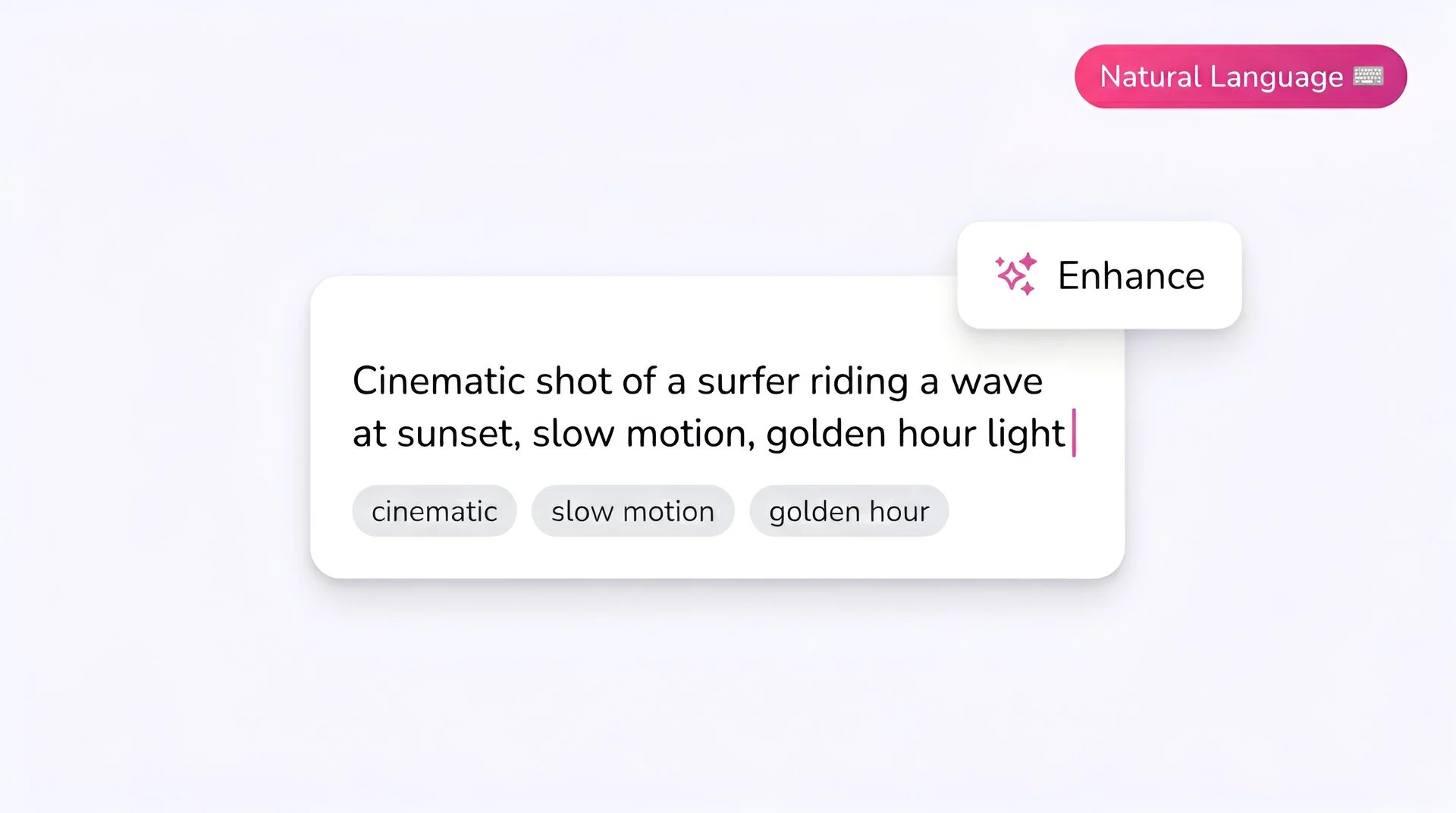
Fliki prompt input showing a cinematic text-to-video description for Kling 2.6 Pro AI video generator
Step 1

Upload your source video

Pick the clip whose motion you want to keep. Kling 2.6 Pro reads the source pose, action, and timing — that information drives the new generation.

Fliki model selector dropdown with Kling 2.6 Pro chosen for AI video generation
Step 2

Select Kling 2.6 Pro Motion Transfer

Choose Kling 2.6 Pro from Fliki's playground model selector. Motion transfer is the model's primary workflow.
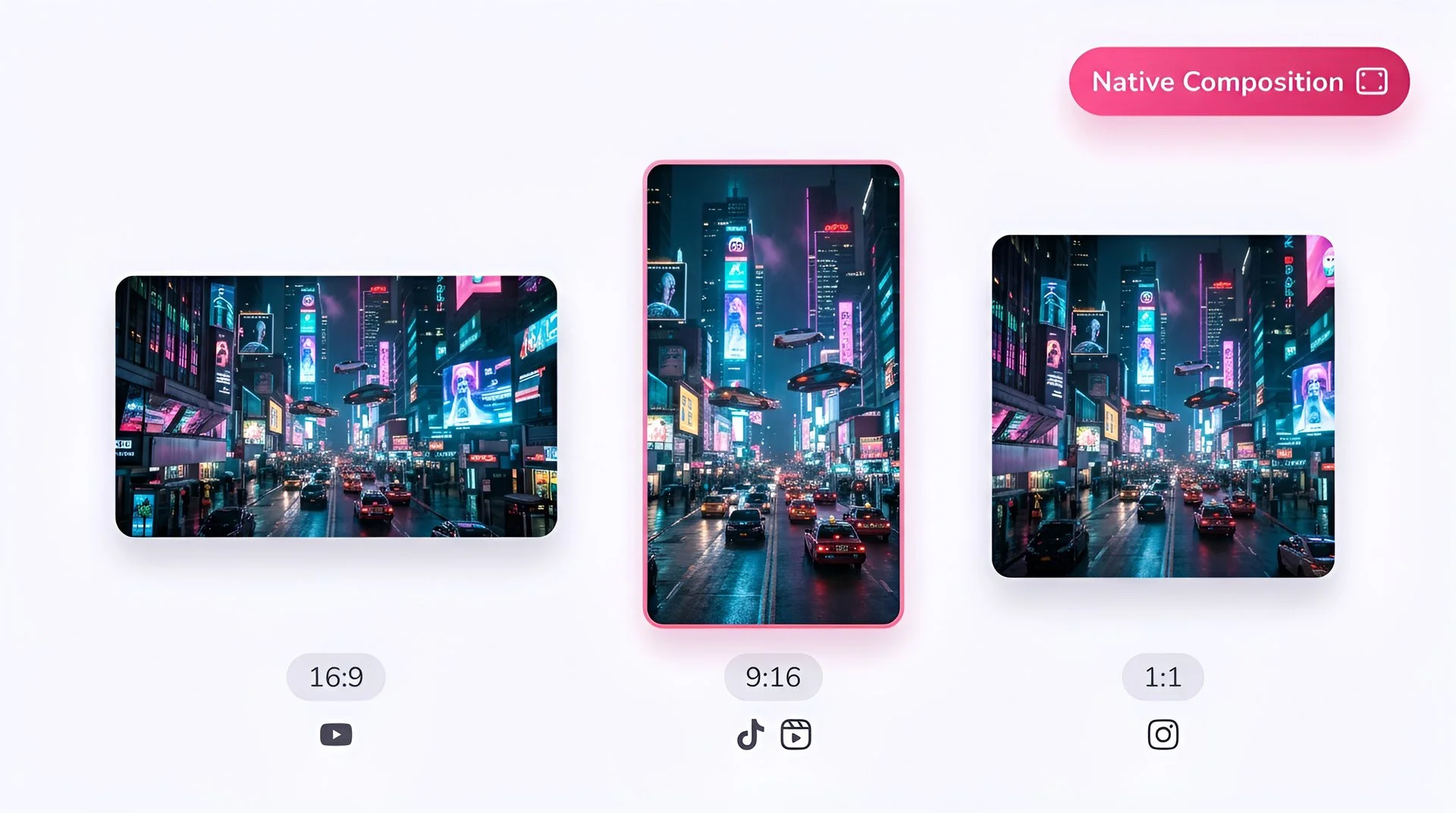
Choose 16:9, 9:16, or 1:1 aspect ratio for Kling 2.6 Pro video generation on Fliki
Step 3

Add your reference character image

Upload one photo of the character you want in the output. Kling 2.6 Pro maps the reference identity onto the source motion.
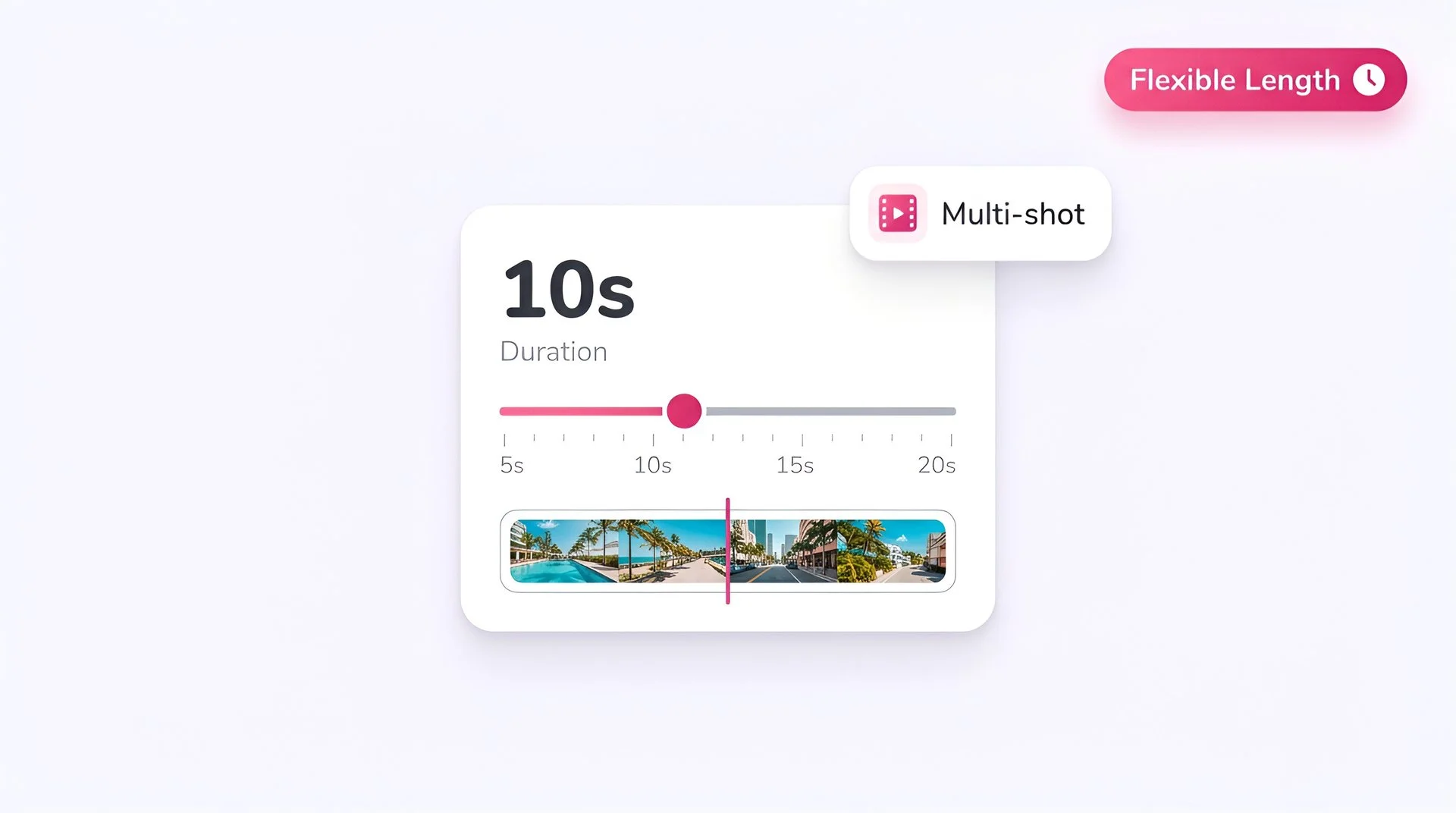
Set video duration on the Fliki slider for Kling 2.6 Pro multi-shot AI video generation
Step 4

Pick aspect ratio and duration

Choose 16:9, 9:16, or 1:1, and pick 5 or 10 second duration depending on the source clip.
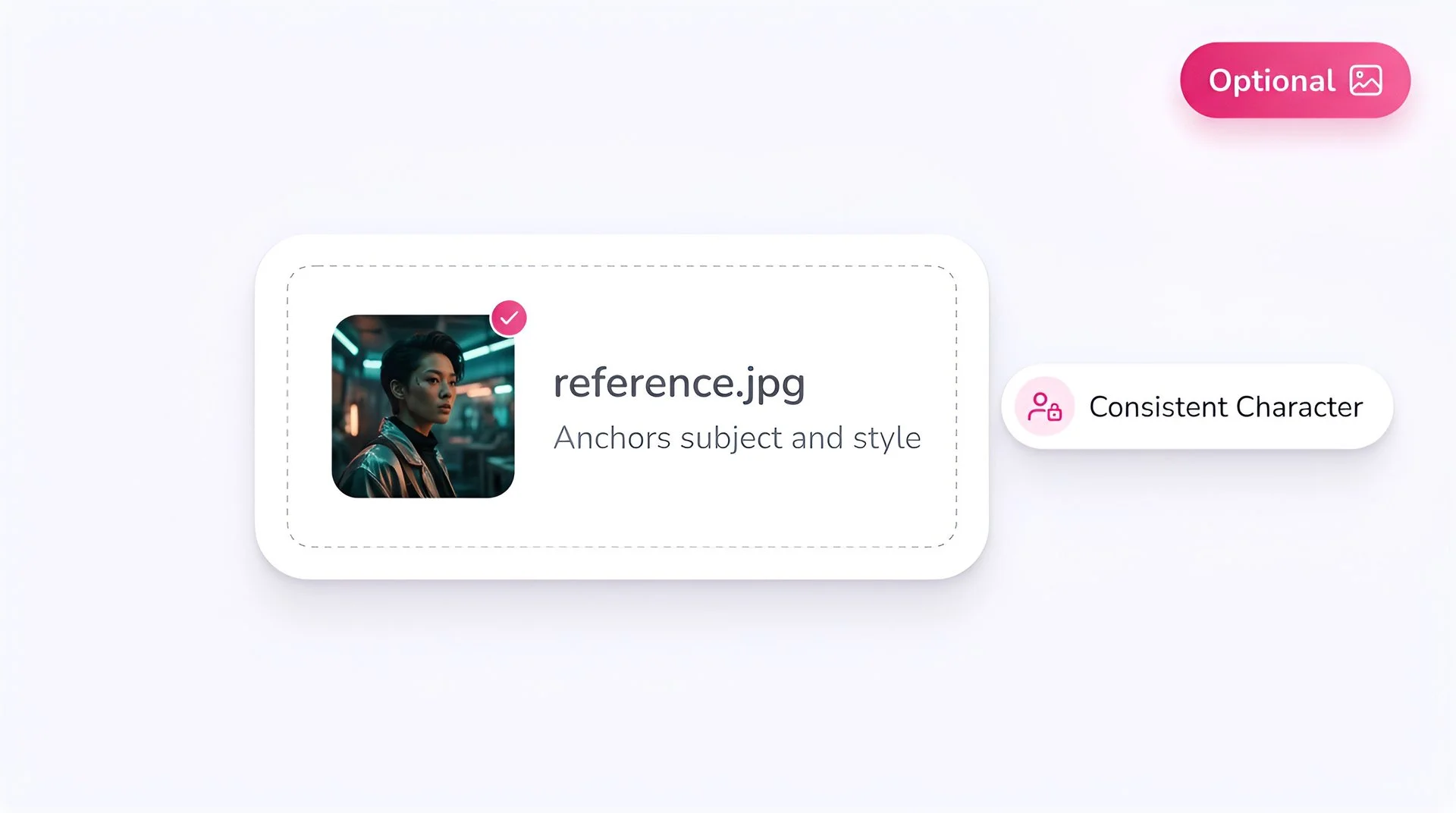
Upload an optional reference image to anchor subject and style with Kling 2.6 Pro on Fliki
Step 5

Optionally add a prompt

Add a prompt to refine context, environment, or style. The reference image and source motion still drive the result; the prompt nudges the rest.
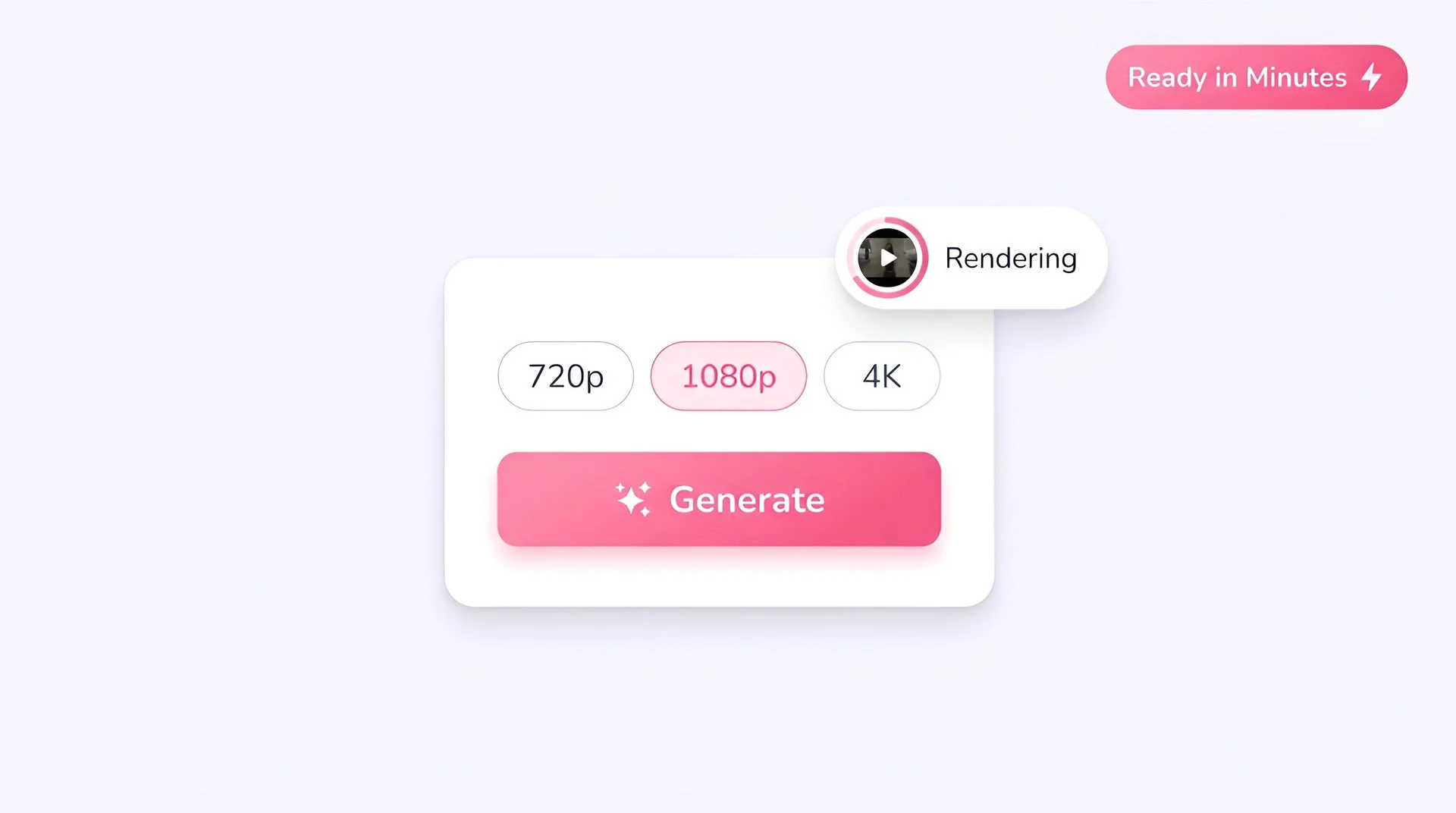
Pick output resolution and hit generate to create AI video with Kling 2.6 Pro on Fliki
Step 6

Generate at 1080p

Hit Generate. Kling 2.6 Pro outputs a 1080p clip with the original motion and the new character identity, with audio enabled by default.

Kling 2.6 Pro FAQ

Frequently asked questions

Everything you need to know about Kling 2.6 Pro Motion Transfer inside Fliki.

What is Kling 2.6 Pro Motion Transfer?

Kling 2.6 Pro Motion Transfer is Kuaishou's specialized video model for character swap. You provide a source video and a reference photo; the model preserves the source motion and replaces the character identity with the reference.

How is motion transfer different from image-to-video?

Image-to-video animates a still image into motion. Motion transfer takes existing motion from a source video and re-skins it with a new character. The motion you see is the source clip’s, not invented.

What inputs do I need?

A source video (the motion source) and a single reference photo (the new character). An optional text prompt can refine context and styling.

What resolution does Kling 2.6 Pro output?

Kling 2.6 Pro Motion Transfer generates at 1080p across 16:9, 9:16, and 1:1 aspect ratios.

How long can the output clip be?

Two duration options are supported: 5 seconds and 10 seconds.

Does the output include audio?

Audio is enabled by default. The original soundtrack from the source video can carry into the generated clip.

Still curious?

Try Fliki free in your browser, no credit card required.

Start free

What is Kling 2.6 Pro good for?

Body-double and stunt swaps, talent recasting, anonymized doubles, and brand-character versions of existing footage. Anywhere you need a video’s motion preserved with a different character on top.

How does Kling 2.6 Pro compare to Kling 3.0 Pro?

Kling 3.0 Pro is the higher-fidelity flagship for general text-to-video and image-to-video. Kling 2.6 Pro Motion Transfer is the specialized motion-transfer model. They’re complementary — pick the workflow first, then the model.

Kling 2.6 Pro · Free forever plan

Swap a character. Keep the motion.

Reference-driven motion transfer at 1080p, inside Fliki. Free to start, no credit card required.

Try Kling 2.6 Pro free

Free forever plan · No credit card required · Cancel anytime