Type beats
A YouTube upload for every type beat
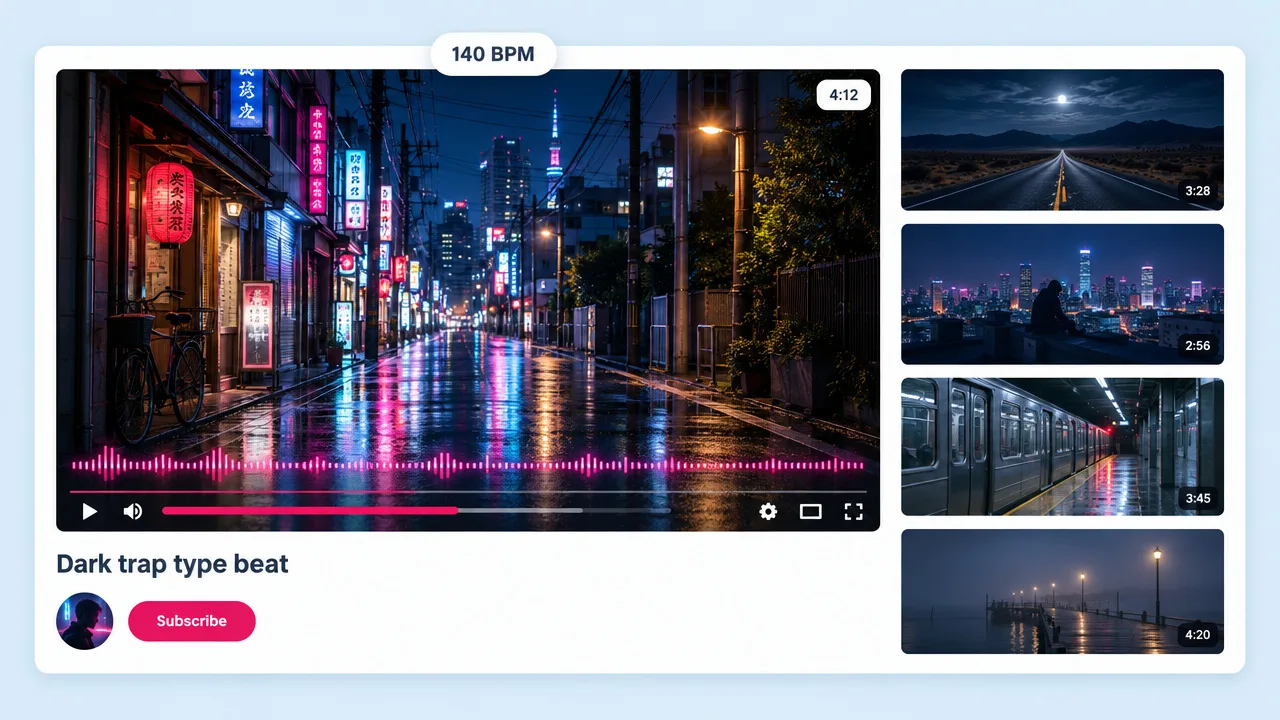
Type beat channels live on YouTube, and YouTube needs a picture. Upload the beat, pick a look that fits the artist the beat is styled on, and post it with your purchase link.
Upload the same file you put on SoundCloud and Fliki builds a video around it: visuals cut on the beat, one consistent look, sized for YouTube, TikTok and Reels. Your beat gets a place to live on the platforms that do not take audio-only uploads.
Upload the file you own · Up to 3 minutes · 9:16, 16:9 and 1:1
Why producers use Fliki
Audiogram tools like Headliner wrap a still image in a moving bar. That works for a podcast. A beat needs pictures that change when the drop lands.
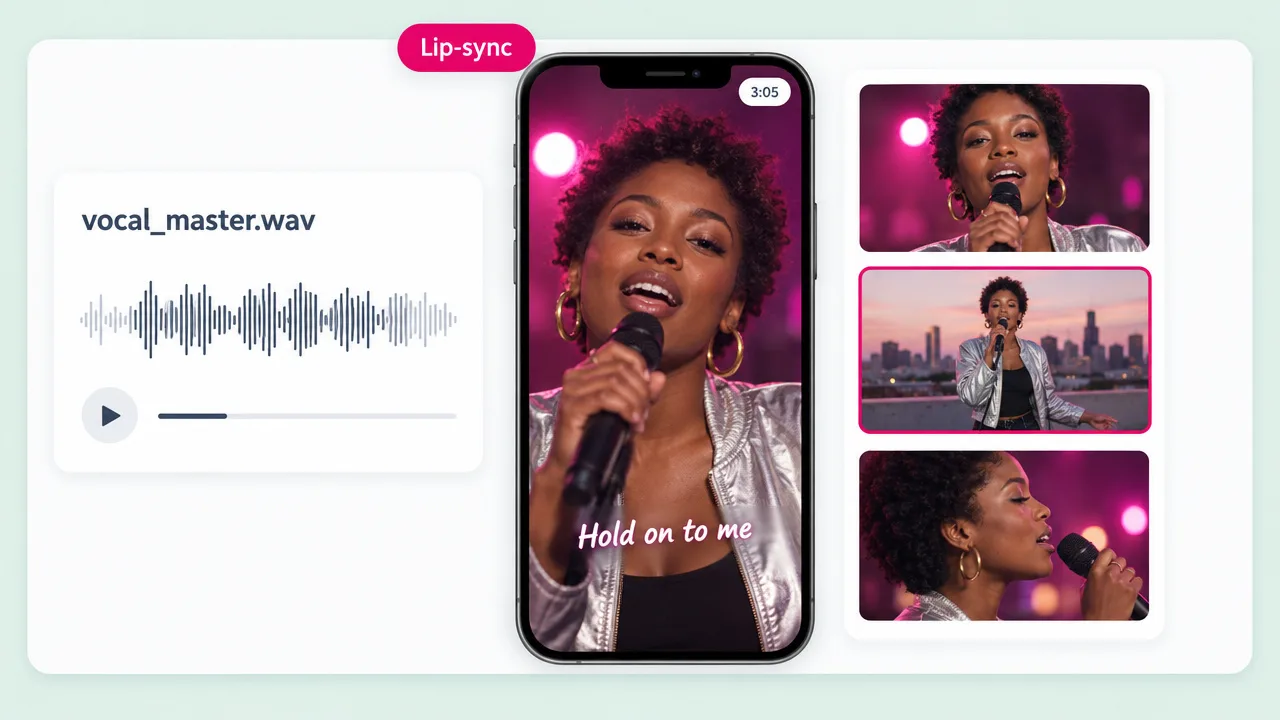
Fliki tracks the beats in your upload and places shot changes on them, so the edit feels like it was cut to the track rather than laid over it.
Type beats, lo-fi loops and ambient pieces have no lyric to follow. Shots are placed on the tracked beats of the track, so vocals are optional.
Neon Noir, 35mm Film, Monochrome, Golden Hour, Anime, Surreal and six more. Each one is a fixed art direction every clip repeats, so the video holds together.
Type the scene you hear in the beat, like a rainy rooftop or a desert highway at dawn. The default Dynamic style designs the look from your description and the track.
Upload a track up to 185 seconds long. Longer beat tapes and DJ mixes work as a 30 to 180 second excerpt, which is the length Shorts, Reels and TikTok reward anyway.
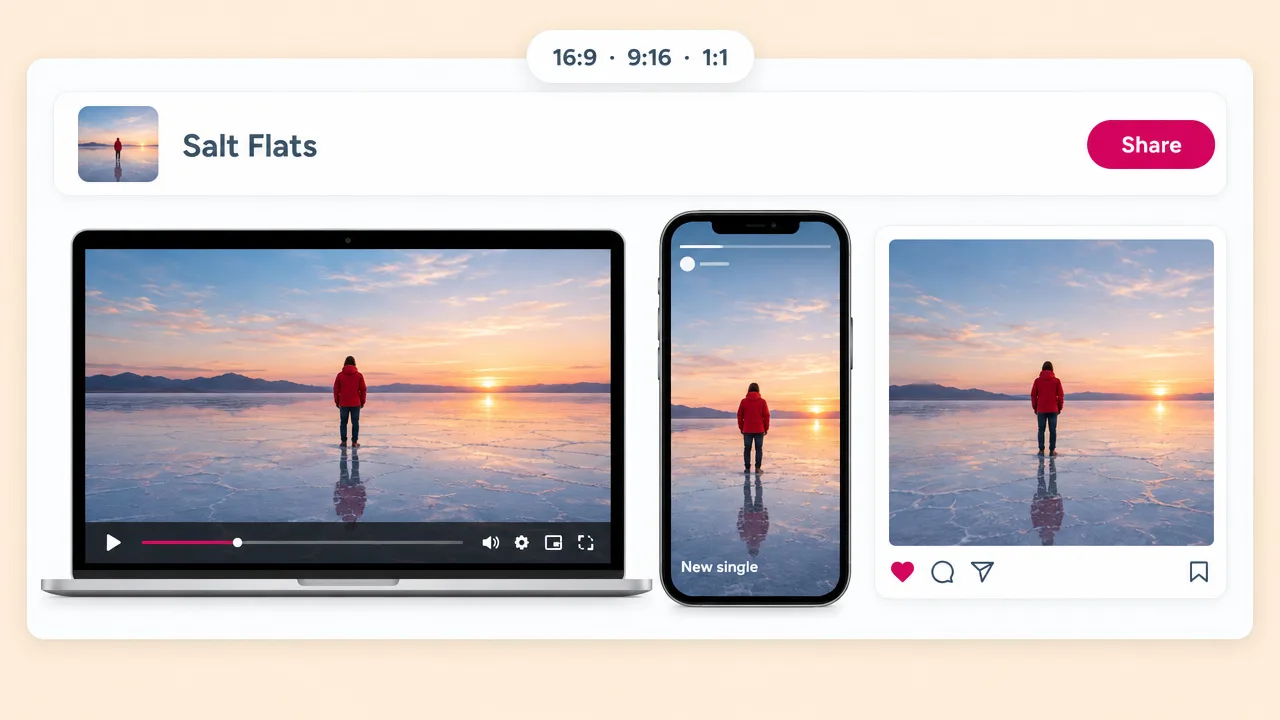
Render 16:9 for the YouTube upload, 9:16 for TikTok and Reels, and 1:1 for the feed from the same project, without rebuilding the video each time.
Fliki works from the audio file you upload, not a SoundCloud URL. You keep control of the master, and nothing is pulled from anyone else's page.
Clips render on MiniMax H3 Max by default, with Seedance 2.0 and H3 Fast as the other picks. Every shot is made for your track, so no other channel has the same background.
You describe the look and upload the file. Planning, shot generation and the cut happen in one run, so a producer can post the video the same day the beat drops.
How it works
Start from the file you already uploaded to SoundCloud. No link importing, no timeline.
Use the WAV or MP3 you uploaded to SoundCloud, or download it from your own track page if you enabled downloads. Fliki cannot pull audio from a link.
Upload the track, up to 3 minutes. For a longer mix or beat tape, pick the section you want to promote and a length from 30 seconds to 3 minutes.
Pick one of twelve visual styles, or describe the world you hear in the beat and let the Dynamic style design it.
Shots are cut on the tracked beats and the video renders in 16:9, 9:16 or 1:1. Put the SoundCloud link in the description so listeners find the full track.
Use cases for SoundCloud to video
Producers use the same run for type beats, tape teasers and mix excerpts.
Type beat channels live on YouTube, and YouTube needs a picture. Upload the beat, pick a look that fits the artist the beat is styled on, and post it with your purchase link.
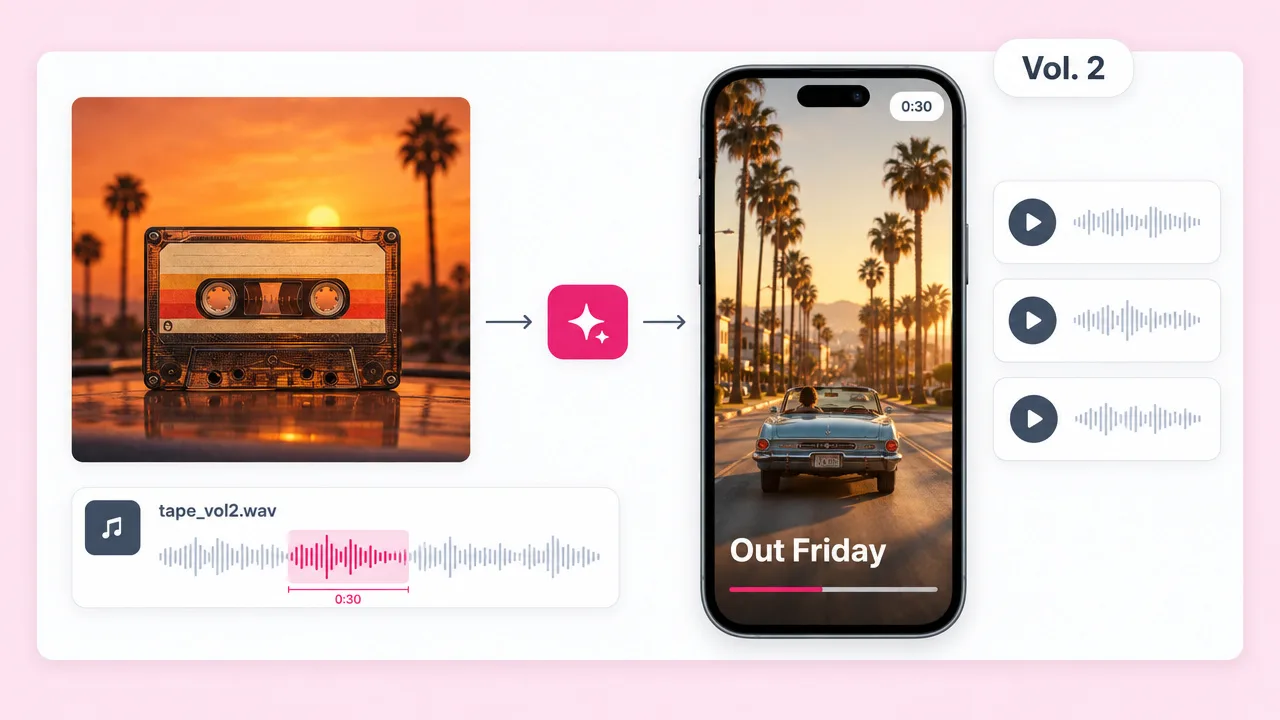
Cut a short excerpt from the strongest track on the tape, render it at 9:16 and point the caption at your SoundCloud playlist.
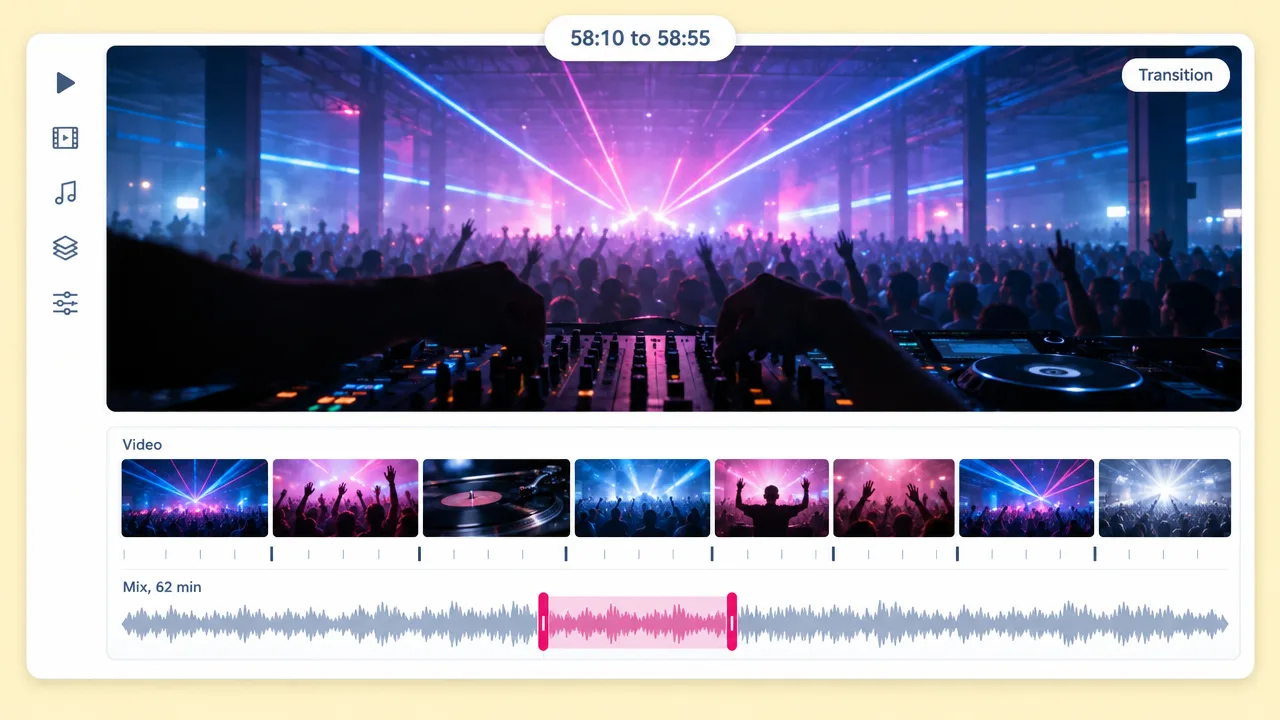
Take a 60 to 180 second excerpt of a mix you own the rights to post, and give it visuals that change on the beat for Reels and Shorts.
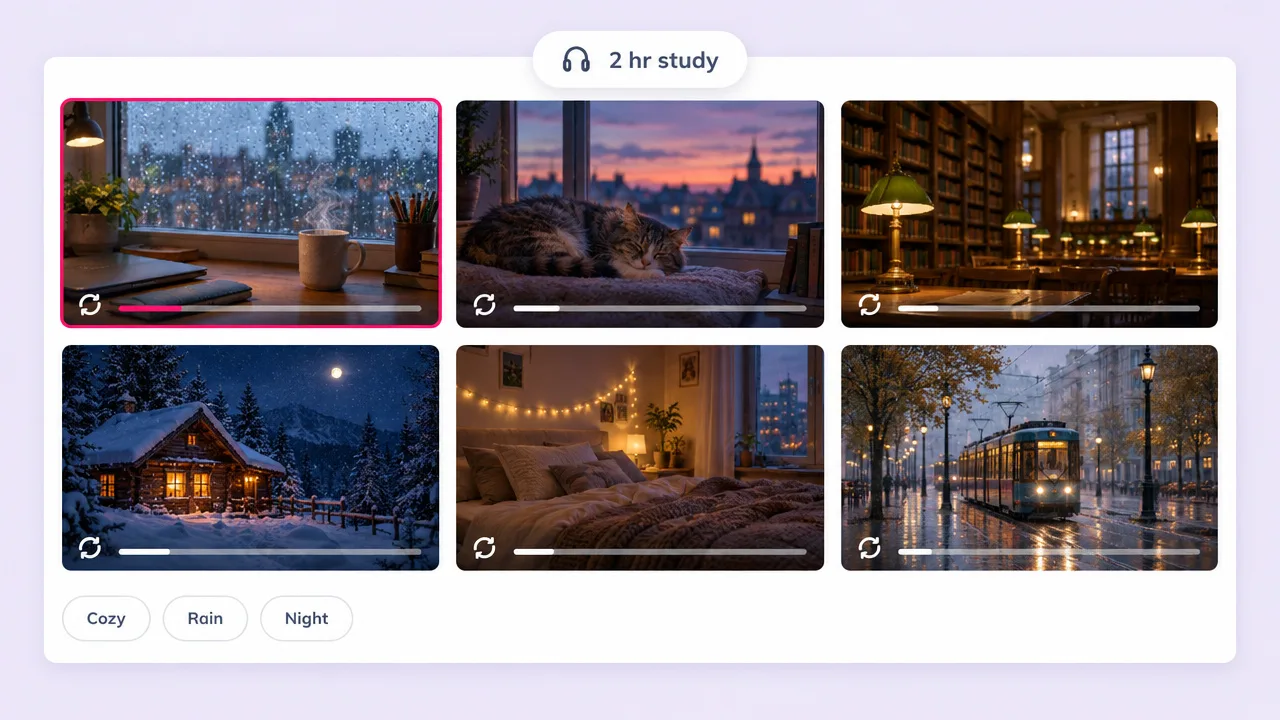
Golden Hour, Dreamy and Anime suit lo-fi loops. For long looping study streams, the lo-fi page is the better fit.
SoundCloud to video FAQ
What Fliki needs from you, what it makes, and how it compares to Revid, Rotor, Kapwing and Headliner.
Tools
Upload the track you own and get a video cut to it, ready for YouTube, TikTok and Reels.
Turn my track into a videoFree forever plan · No credit card required · Cancel anytime