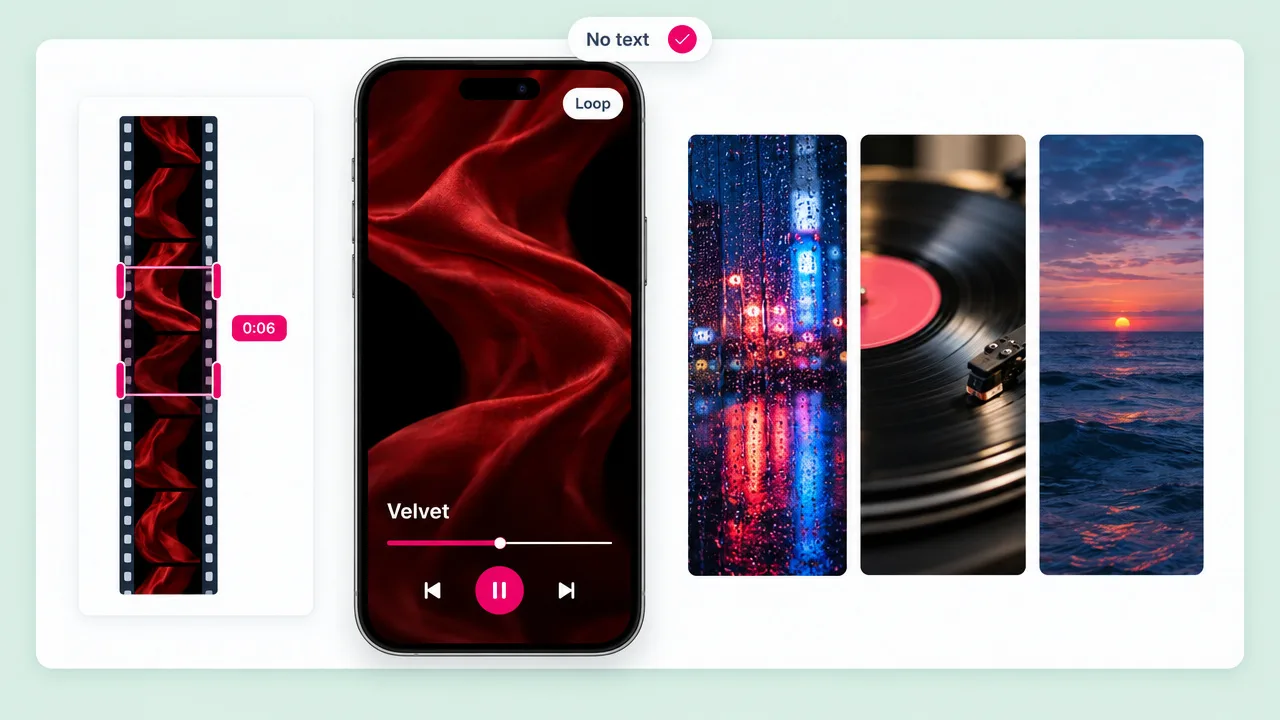
Spotify Canvas
A looping clip behind your track
Render vertical, then trim 3 to 8 seconds without text for the Canvas slot in Spotify for Artists.
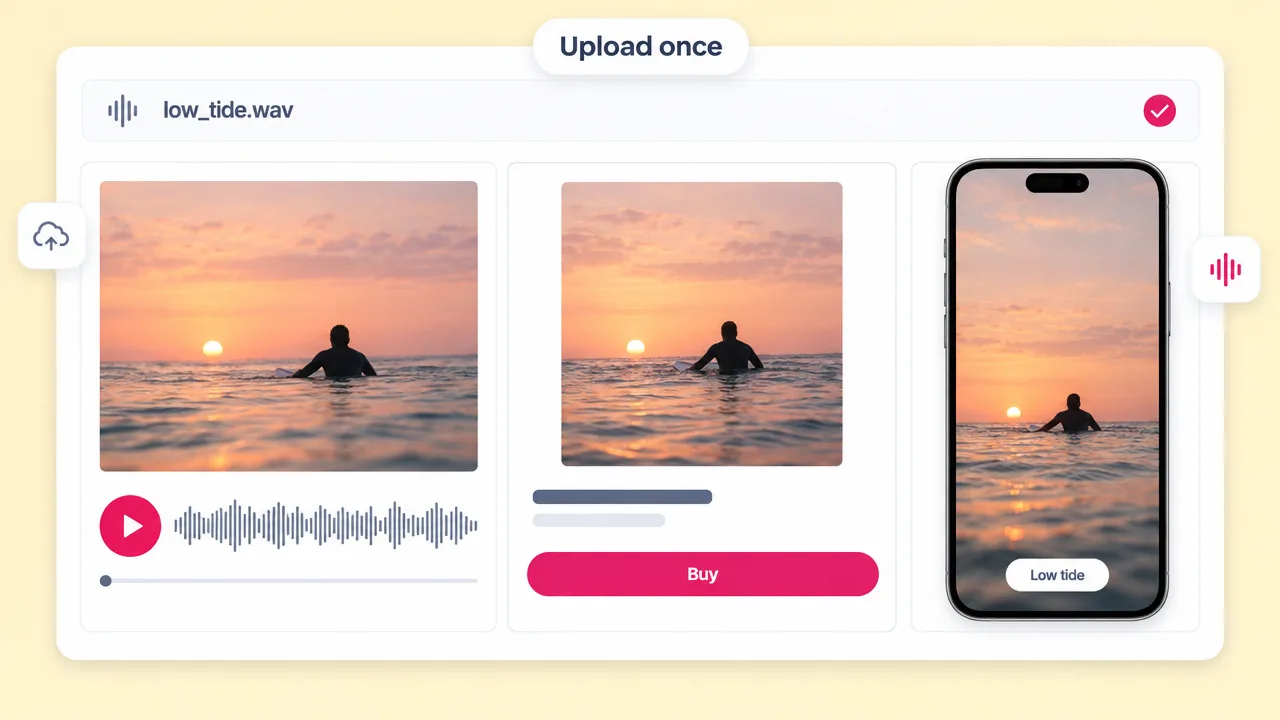
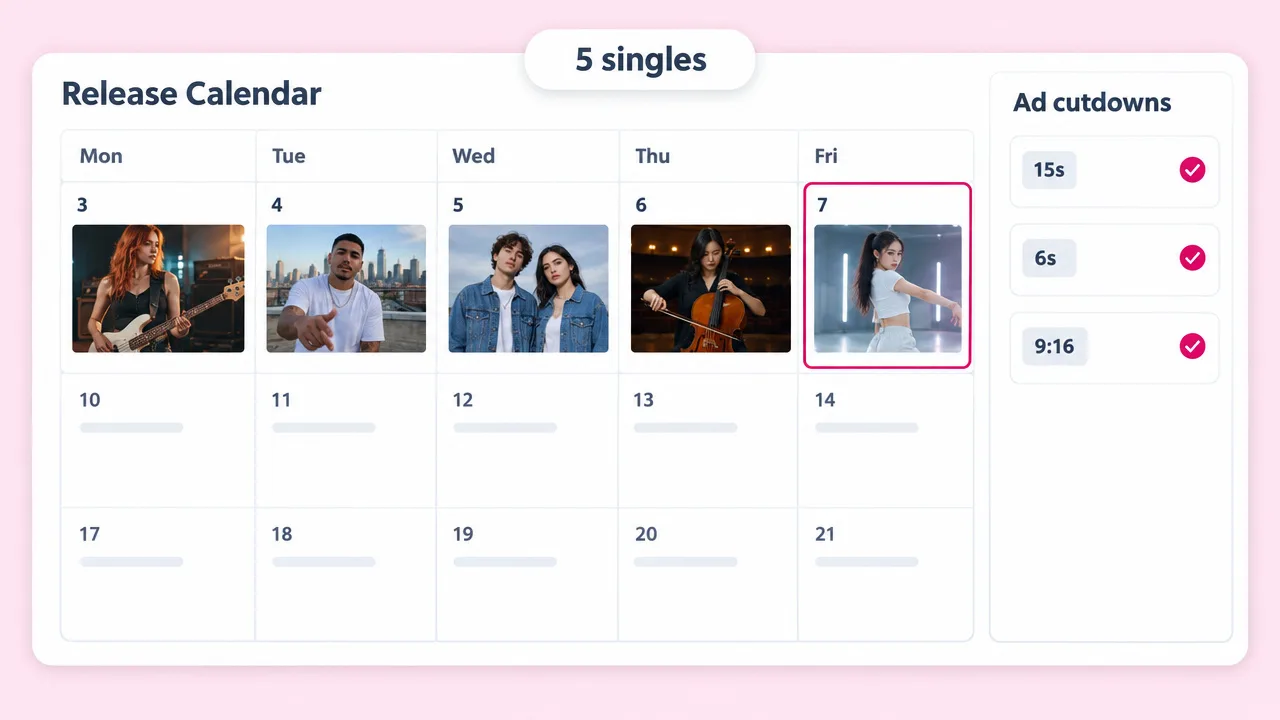
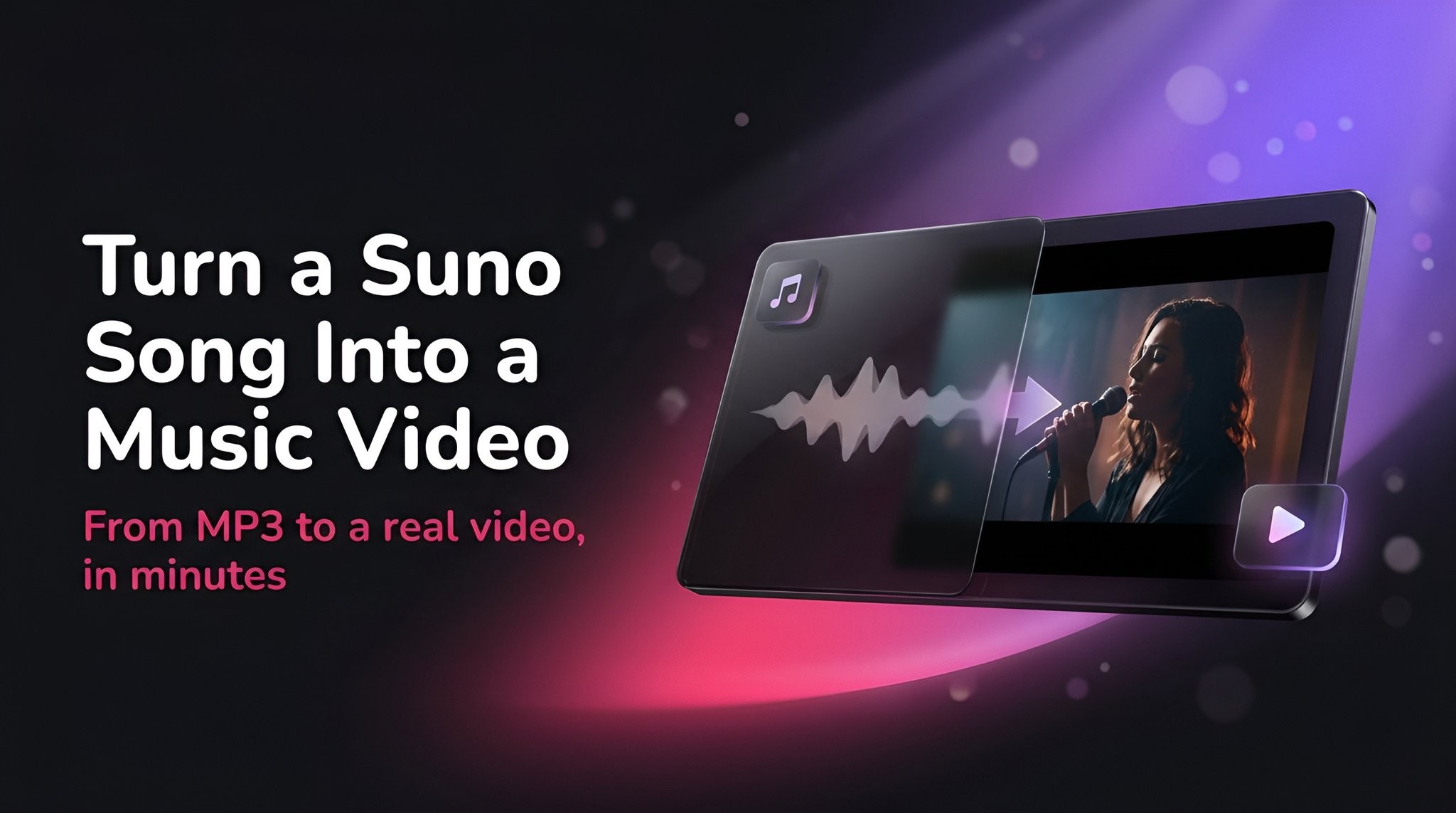
Upload the master of a song you put out on Spotify. Fliki casts an artist, picks shots on the beat and renders a music video, a vertical teaser for Reels and TikTok, and 9:16 footage you can trim into a Canvas loop.
Upload your own master · Up to 3 minutes · 9:16 and 16:9
Why artists use Fliki for release visuals
DistroKid, Ditto, Tuneform and makecanvas.me animate your cover art or a stock clip. Fliki listens to the track and renders shots made for it.
Upload the track you released, up to 3 minutes. It is transcribed and every shot is planned against its timing.
A cast sheet is rendered once and reused for every keyframe, so the performer looks the same from start to finish.
The lyric is timed word by word and the performance is re-timed against it, so the mouth matches your recording.
Shot changes land on tracked beats and lyric lines, which is what makes a short teaser feel edited rather than random.
Music renders carry no captions, which suits Canvas: Spotify asks for loops without heavy text or lyrics.
Cinematic, Neon Noir, 35mm Film, Hyper Pop, Anime, Dreamy and more. Each look is repeated in every clip so the video holds together.
Add up to 4 reference images, such as your artwork, and Fliki weaves them into the cast, world or style.
Clips render on MiniMax H3 Max by default, with Seedance 2.0 as the quality pick and H3 Fast as the cheaper one.
Vertical for Canvas, Reels and TikTok, widescreen for the YouTube upload, without rebuilding.
How it works
From the song you released to a music video and a Canvas-ready clip.
A line about the mood, the setting and the artist. Add your cover art as a reference if you want the video to match it.
Upload the audio file of your song, up to 3 minutes. Fliki cannot pull audio from a Spotify link, so use the file you sent your distributor.
Choose one of twelve visual styles, or Dynamic to let Fliki design one from your song and brief.
Render 9:16 for the teaser and 16:9 for YouTube. For Canvas, trim a 3 to 8 second loop from the vertical render in any editor.
Use cases for Spotify to video
The visuals an independent release needs, from one track.
Render vertical, then trim 3 to 8 seconds without text for the Canvas slot in Spotify for Artists.
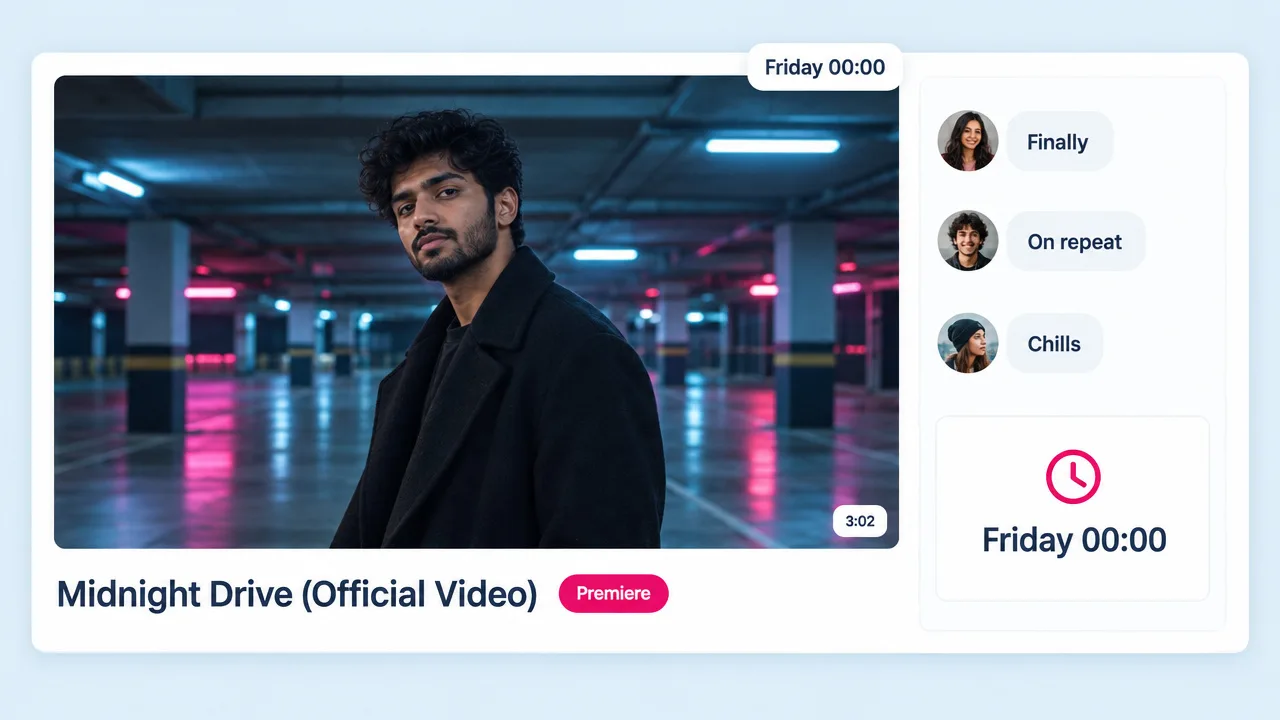
Render 16:9 at the song's full length, up to 3 minutes, with one artist and cuts on the beat.
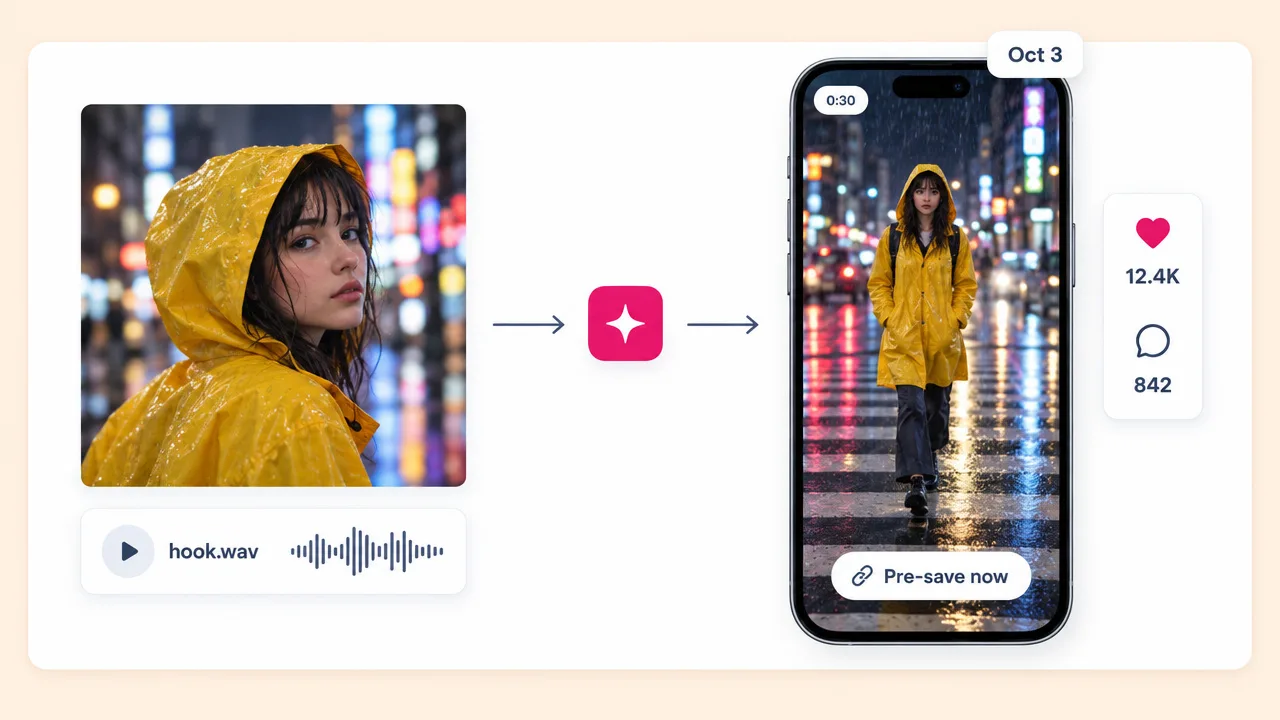
Upload the hook section and post a vertical teaser that points fans to the pre-save link.
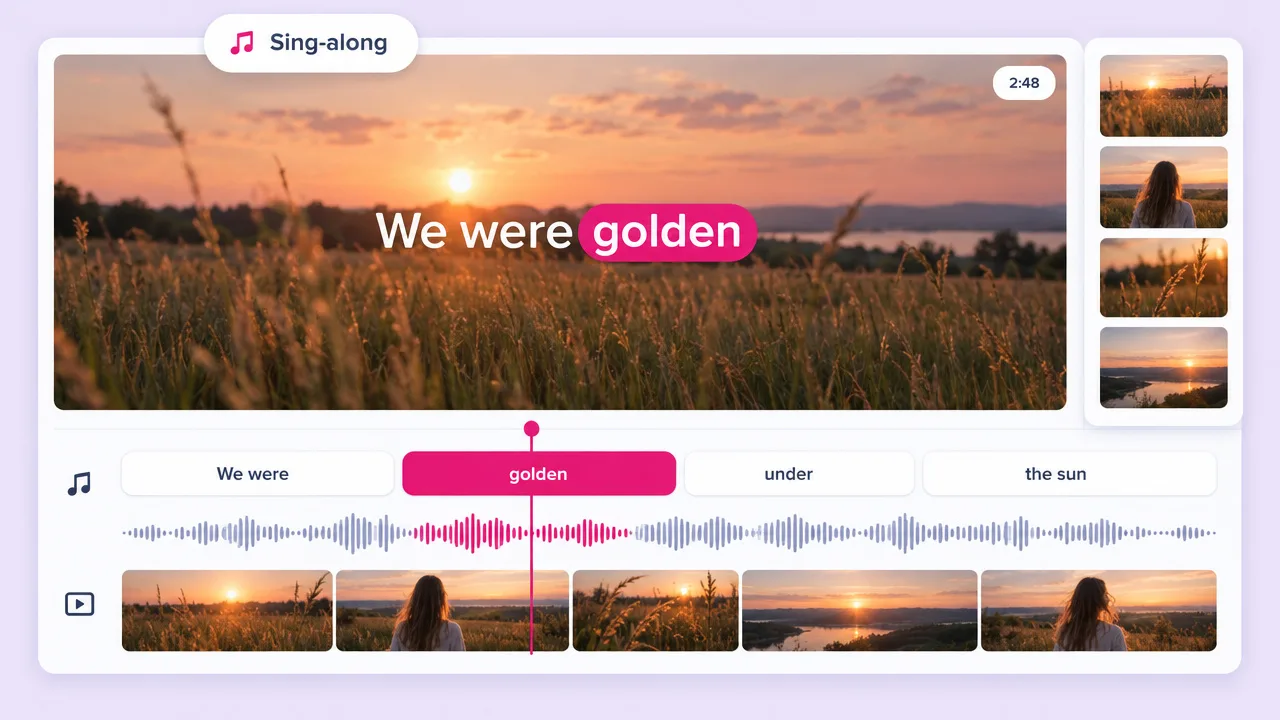
Some fans want to sing along. The lyric video maker puts your words over the picture.
Spotify to video FAQ
What Fliki can do with your track, what Spotify allows, and how it compares to DistroKid, Tuneform and Kapwing.
Tools
Upload the master and get a music video, a teaser and footage for your Canvas.
Make a video for my trackFree forever plan · No credit card required · Cancel anytime