video model · by Pruna AI
P-Video Avatar AI Lip-Sync Video Generator
Turn one portrait and an audio track into a talking-head video with P-Video Avatar, Pruna AI's speech-driven avatar model. Upload a photo, add your recording or pick a Fliki voice, and get a lip-synced clip in 720p or 1080p. Steer expression and head motion with an optional text prompt, all inside Fliki. Compare it side by side with all our AI video models before you render.
Generated with P-Video Avatar
Talking-head clips generated with P-Video Avatar inside Fliki. One photo, one audio track, no edits.
Prompt
Prompt
Prompt
Prompt
Prompt
Prompt
Prompt
Why creators choose P-Video Avatar
Photo plus audio in, talking video out
Give P-Video Avatar one portrait and one audio track. The model animates the face so the mouth moves with every word, with no video reference or recording session needed.
Lip sync driven by your audio
Timing, pauses, and mouth shapes come from the audio itself. Use your own recording for a personal message or any Fliki voice for a polished read.
Works on real and stylized faces
Pruna AI says the model handles photoreal people, illustrated characters, and stylized avatars alike, so mascots and 3D characters can speak too.
720p or 1080p output
Render drafts in 720p, then switch to 1080p for the final cut. Both resolutions are available on Fliki for P-Video Avatar.
Multilingual speech
Pruna AI lists English, Spanish, French, German, Italian, Portuguese, Japanese, Korean, and Hindi among supported languages. Localize one portrait into many markets.
Built for short presenter clips
On Fliki each P-Video Avatar generation is a short clip, ideal for hooks, UGC-style ads, intros, and reply videos. Stitch several together for longer segments.
Prompt-directed performance
Add a text prompt up to 2,048 characters to shape expression, head movement, gestures, and framing, so the delivery matches the tone of the script.
Output matches your photo
The output aspect ratio follows the input image. Upload a vertical portrait for Shorts and Reels or a landscape one for YouTube, with no awkward crop.
How it works
How to make a talking video with P-Video Avatar
Turning a portrait into a talking video with P-Video Avatar takes a few minutes inside Fliki. Follow these six steps.
Upload a portrait photo
Open the Fliki AI Playground in lip-sync mode and upload one clear, well-lit photo with the face frontal and fully visible. Head-and-shoulders shots sync more accurately than full-body shots.
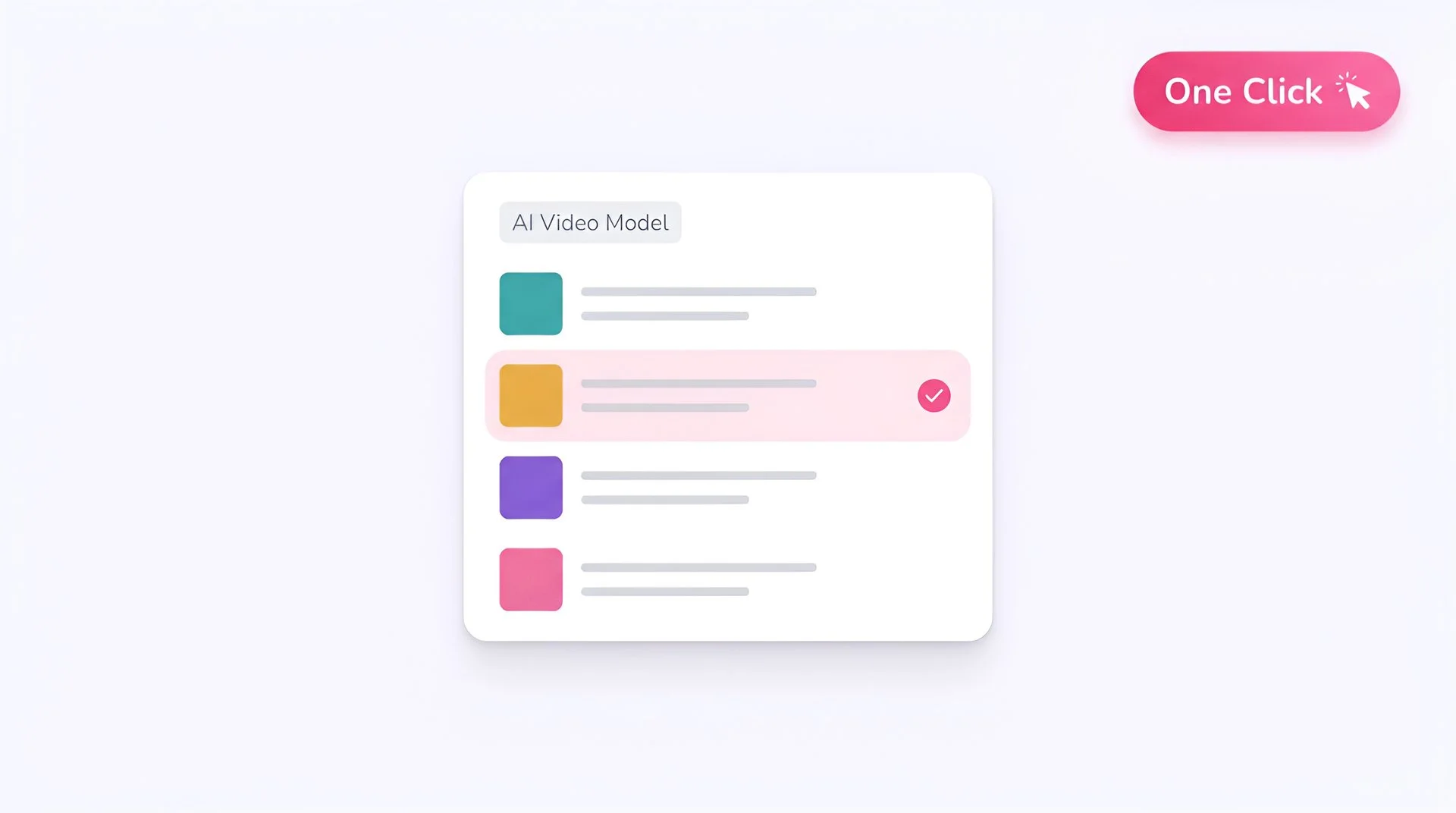
Select P-Video Avatar as your model
Open the model selector and choose P-Video Avatar. Fliki sends your photo as the first frame and your audio as the speech track, with no extra setup.
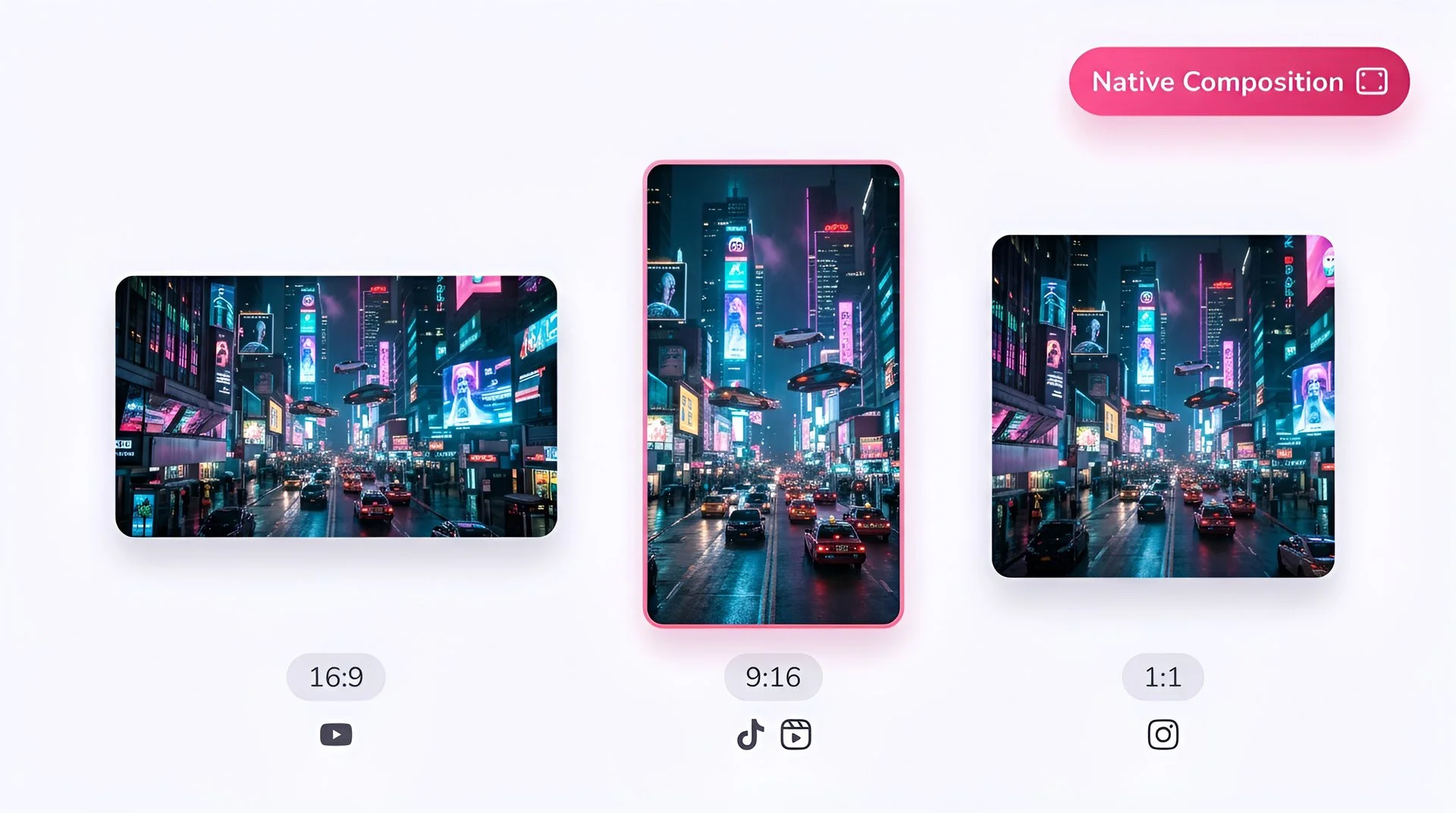
Frame the photo for your aspect ratio
The output follows the shape of your photo. Use a vertical portrait for TikTok, Reels, and Shorts, or a landscape image for YouTube and web.
Add audio or pick a Fliki voice
Upload your own voice recording, or type a short script and generate it with any Fliki voice. The mouth, timing, and pauses follow the audio you provide.
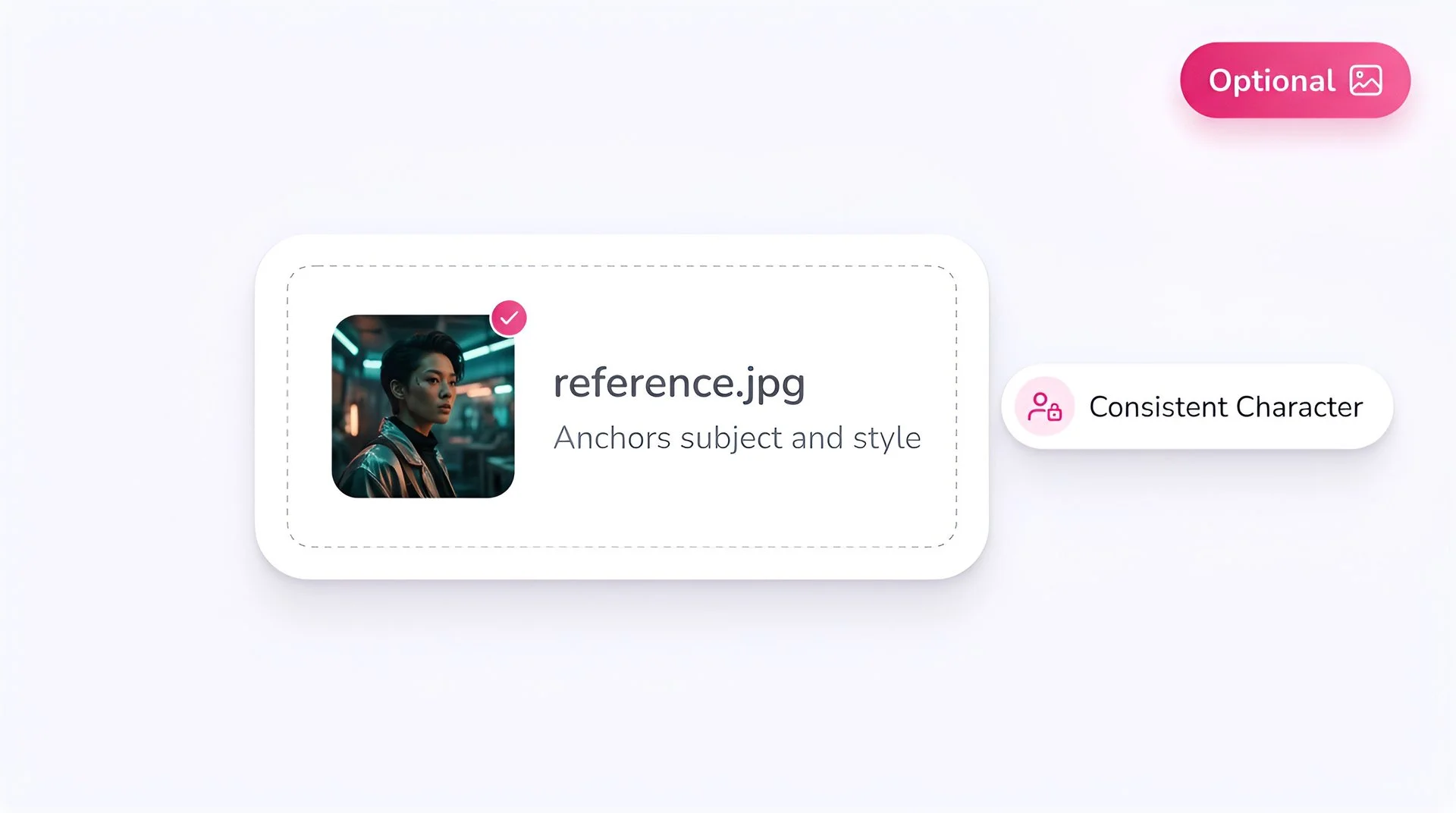
Direct the performance (optional)
Write a short prompt describing expression, head motion, gestures, and camera behavior, for example a warm smile, small nods, and a slow push-in. Up to 2,048 characters.
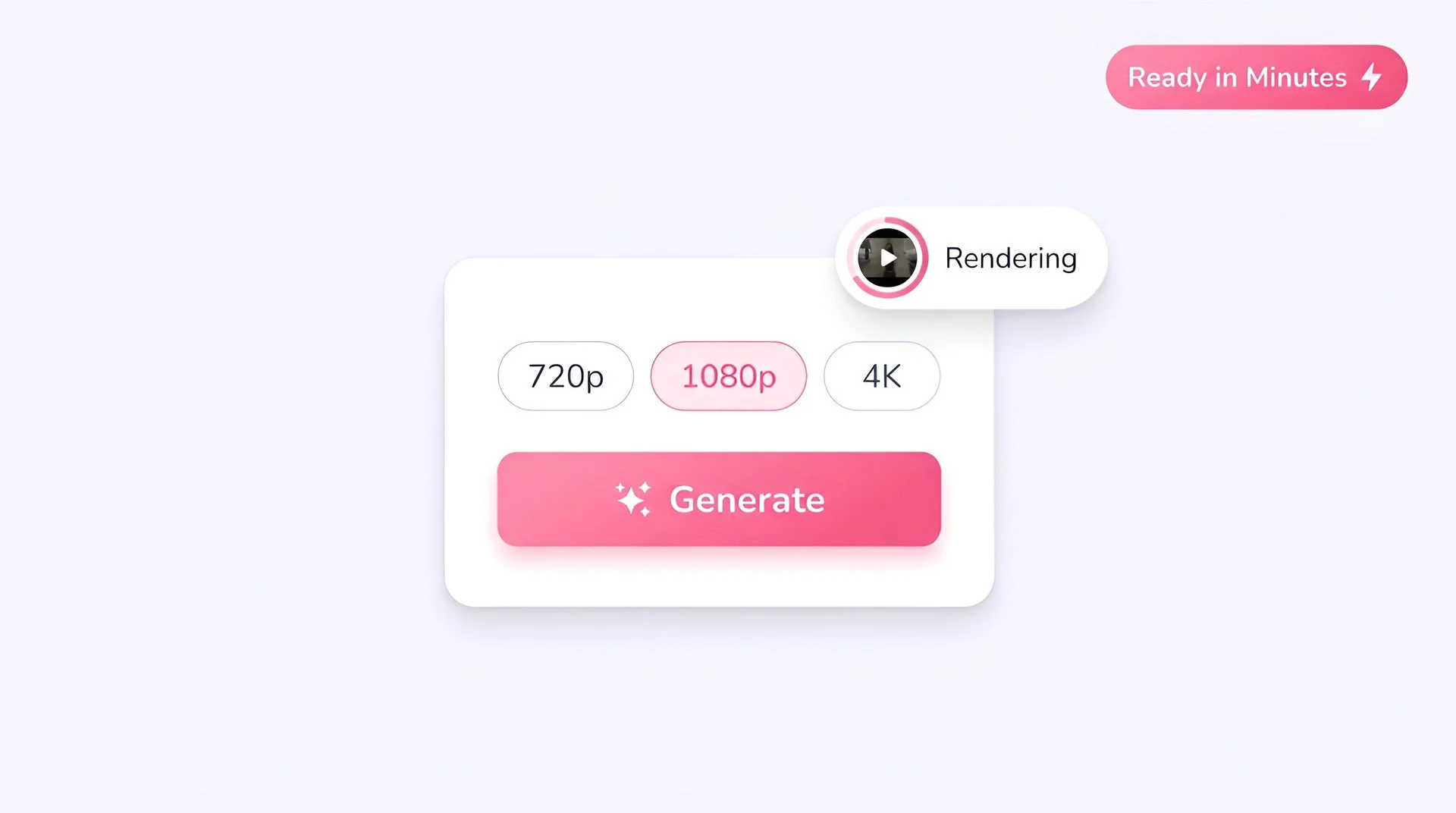
Pick resolution and generate
Choose 720p or 1080p and hit Generate. Preview the clip, download it, or drop it into a longer Fliki project.
AI MODEL GALLERY
Built on the best AI models - ready inside Fliki
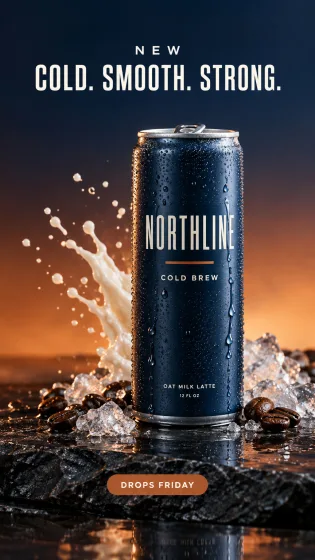
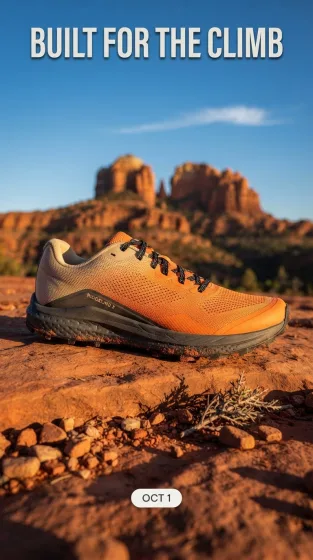
Every leading video, voice, and image model - integrated, unified, and tuned for creators. Generate with the latest AI video, AI voice, and AI image models from OpenAI, Google, Kling, Bytedance, ElevenLabs, and more - all from one place.






P-Video Avatar FAQ
Frequently asked questions
Everything you need to know about generating with P-Video Avatar inside Fliki.

AI video models
Discover more
Tools
Discover features
Make any portrait talk with P-Video Avatar.
Lip-synced talking-head video from one photo and one audio track, in 720p or 1080p. Available on paid Fliki plans.
Create your first talking videoFree forever plan · No credit card required · Cancel anytime