image model · by Black Forest Labs

FLUX 2 AI Image Generator

Generate hero-grade photorealistic images with FLUX 2 - Black Forest Labs' flagship 32-billion-parameter flow-matching transformer. Up to 4MP output, multi-reference support across up to 10 images, exact color control via hex codes, and text rendering accurate enough for production use. The model to reach for when the shot has to carry the campaign.

Generated with FLUX 2

A handful of FLUX 2 samples generated inside Fliki. No edits, no post.

FLUX 2 sample 1

Prompt

Scene: a confident 29-year-old female founder leans on a glass conference table in a sunlit modern office. Subject: she wears a blazer in brand orange #FF6B35 and white sneakers. Lighting: soft window backlight from the right, fill bounce on the left. Camera: 50mm at f/2, eye-level, vertical 9:16 short-form frame. Color palette: warm neutrals plus #FF6B35 as the only saturated pop. Style: photoreal editorial.

FLUX 2 sample 2

Prompt

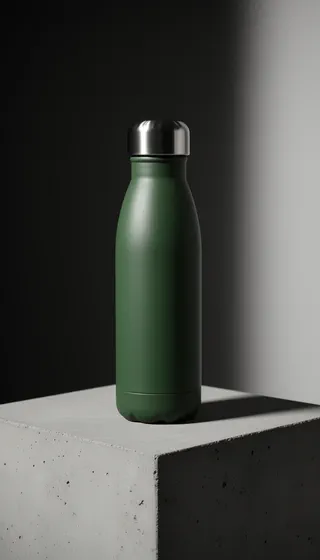
{"scene":"a slim aluminum water bottle on a smooth concrete plinth","subject":"the bottle is #2E5E4E matte green with a brushed silver cap","lighting":"hard rim light from upper left, soft fill from right","camera":"100mm macro at f/8, vertical 9:16","style":"clean photoreal e-commerce hero","color_palette":"#2E5E4E, #D9D2C5, #1B1B1B"}

FLUX 2 sample 3

Prompt

Scene: a vintage typewriter on a wooden desk with a single sheet of paper that reads "Chapter One". Lighting: warm tungsten desk lamp casting long shadows, dust motes in the air. Camera: 35mm at f/2.8, slight high angle. The lamp shade is #C9802B, the typewriter body is #1F1F1F. Style: cinematic photoreal, vertical 9:16.

FLUX 2 sample 4

Prompt

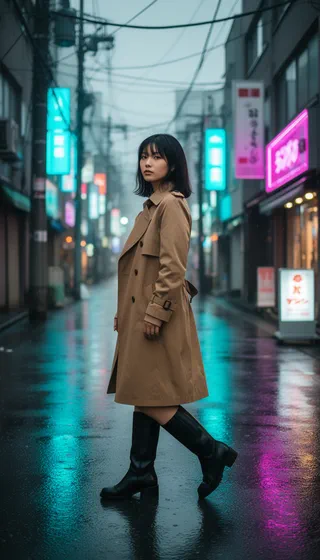
Scene: a 26-year-old woman with shoulder-length dark hair walks down a rainy Tokyo side street at night. Subject: she wears a trench coat in #8C6F4A camel and black leather boots. Lighting: cool overcast diffused light, wet pavement reflecting neon shop signs in cyan and magenta. Camera: 50mm at f/2, three-quarter framing, vertical 9:16 editorial fashion still, photoreal.

FLUX 2 sample 5

Prompt

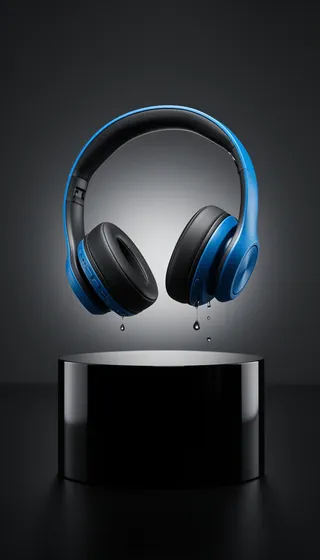
Scene: a sleek over-ear headphone floating mid-air above a glossy black pedestal, a single droplet about to land on the ear cup. The headphone body is #0A84FF, the cushions are #111111. Lighting: three-point studio with sharp rim light from behind. Camera: 85mm at f/8, vertical 9:16, ultra-photoreal launch hero.

FLUX 2 sample 6

Prompt

Scene: a male tech creator stands confidently with arms crossed in front of a long server-rack hallway with neon edge lights running down both sides. Subject: his bomber jacket is bright red (color hex E11D2C, not visible as text). Lighting: cyan rim light from behind, warm tungsten key from the left, dramatic chiaroscuro. Camera: 24mm at f/4, slight low angle, subject framed on the left third. Right third is empty cinematic negative space (no text, no overlay). 16:9 ultra-photoreal YouTube thumbnail.

FLUX 2 sample 7

Prompt

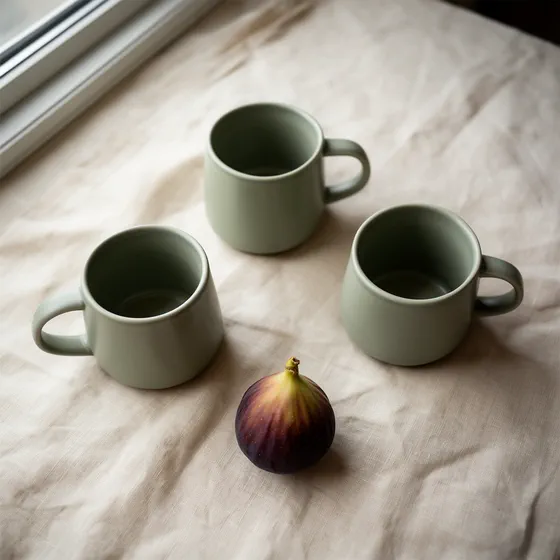
Scene: three matching ceramic mugs in brand sage #A7C4A0 arranged on a cream linen cloth with a single fig fruit. Lighting: soft north-window light from the upper left. Camera: 50mm at f/4, top-down, square 1:1. Style: editorial product flat lay.

100M+VIDEOS CREATED
12M+USERS WORLDWIDE
80+LANGUAGES SUPPORTED

Trusted by 50,000+ companies worldwide

Why FLUX 2 is the new flagship

32B flow-matching transformer

FLUX 2 moves beyond traditional diffusion to a latent flow-matching architecture, learning direct mappings between text descriptions and image representations. The result is faster generation, better prompt adherence, and more physically plausible outputs.

Up to 4MP resolution

Generate and edit images at up to 4 megapixels with photorealistic textures, accurate skin tones, and realistic lighting. This is the resolution headroom that makes FLUX 2 viable for paid social, display ads, and print delivery.

Multi-reference (up to 10 images)

FLUX 2 supports up to 10 reference images simultaneously while preserving identity, product details, and stylistic elements across outputs. This is what makes FLUX 2 the standard for brand consistency work.

Exact color control via hex codes

Specify exact colors via hex codes inside the prompt (e.g., #FF6B35) and FLUX 2 reproduces them with precision. Critical for brand-driven creative where color drift breaks compliance.

Production-grade text rendering

FLUX 2 renders complex layouts, infographics, and UI text with roughly 92% accuracy - meaningful enough that it's used for marketing materials and product mockups, not just demo posters.

Mistral-3 24B vision-language backbone

The 24-billion-parameter Mistral-3 VLM provides semantic understanding and world knowledge. The transformer handles spatial structure and composition. Together they reduce the "AI hallucination" errors of simpler generators.

Improved spatial logic and physics

Spatial reasoning, physics-aware lighting, and shadow accuracy all improved meaningfully over FLUX 1.x. FLUX 2 understands how light, materials, and perspective work in real environments.

Pairs with FLUX 2 Klein for iteration

Use FLUX 2 Klein for sub-second iteration and editing. Move to FLUX 2 for hero shots and final delivery. Both share the FLUX 2 family DNA, so handoffs between them are clean.

Structured JSON prompting

FLUX 2 supports structured JSON prompts alongside natural language - subject, scene, lighting, camera, and style as discrete fields the model parses directly. That's how art directors lock brand specs into a template and get repeatable output across hundreds of variations without prompt drift.

How it works

How to generate an image with FLUX 2

FLUX 2 runs inside Fliki's standard generator. Here's the six-step flow.
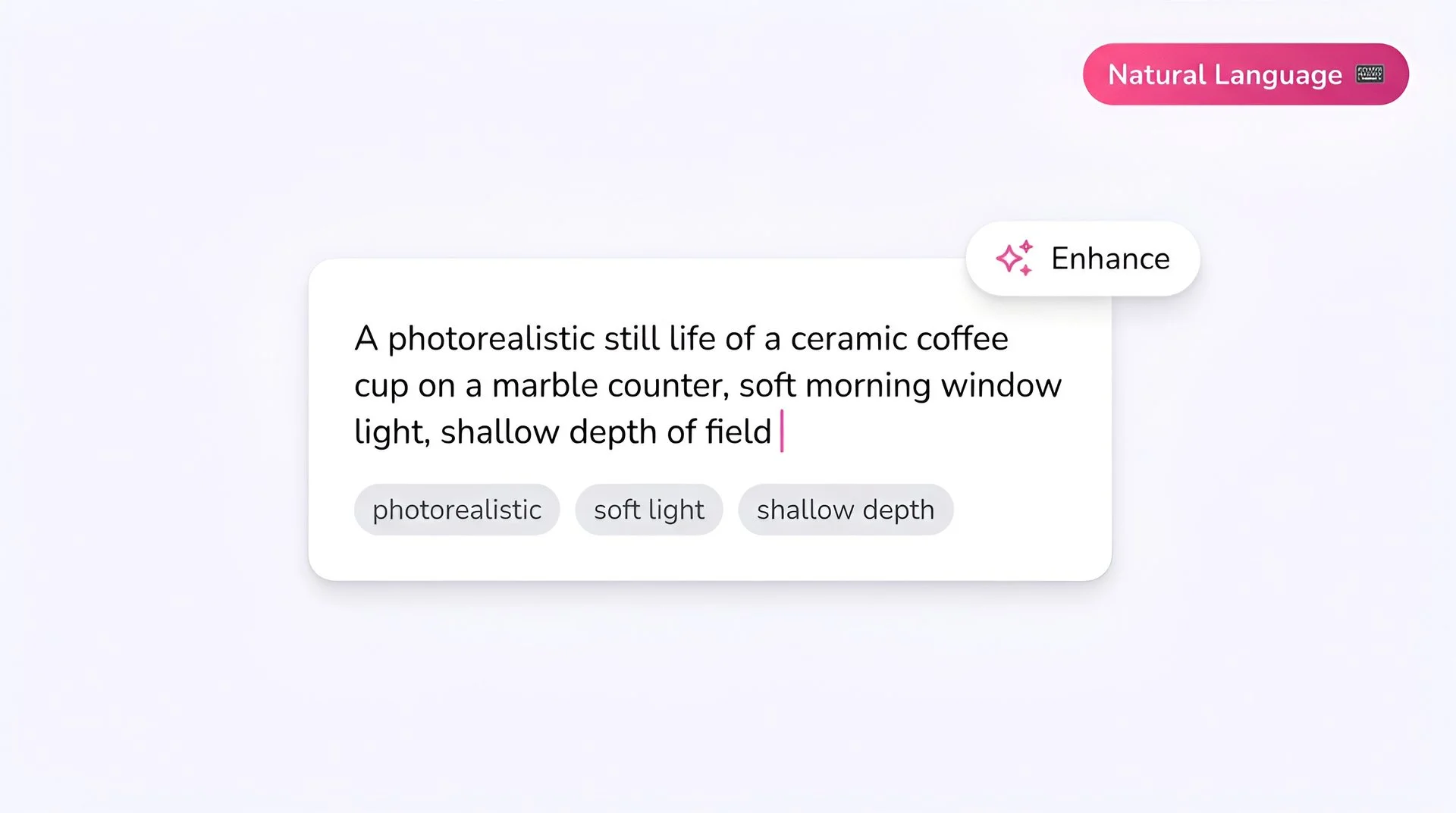
Fliki prompt input showing a photorealistic text-to-image description for FLUX 2 AI image generator
Step 1

Write your prompt

FLUX 2 rewards detailed, directorial prompts. Describe subject first, then action, style, context, and any text in quotes. For exact colors, use hex codes (#FF6B35). The model also supports JSON-structured prompts for precise scene control.
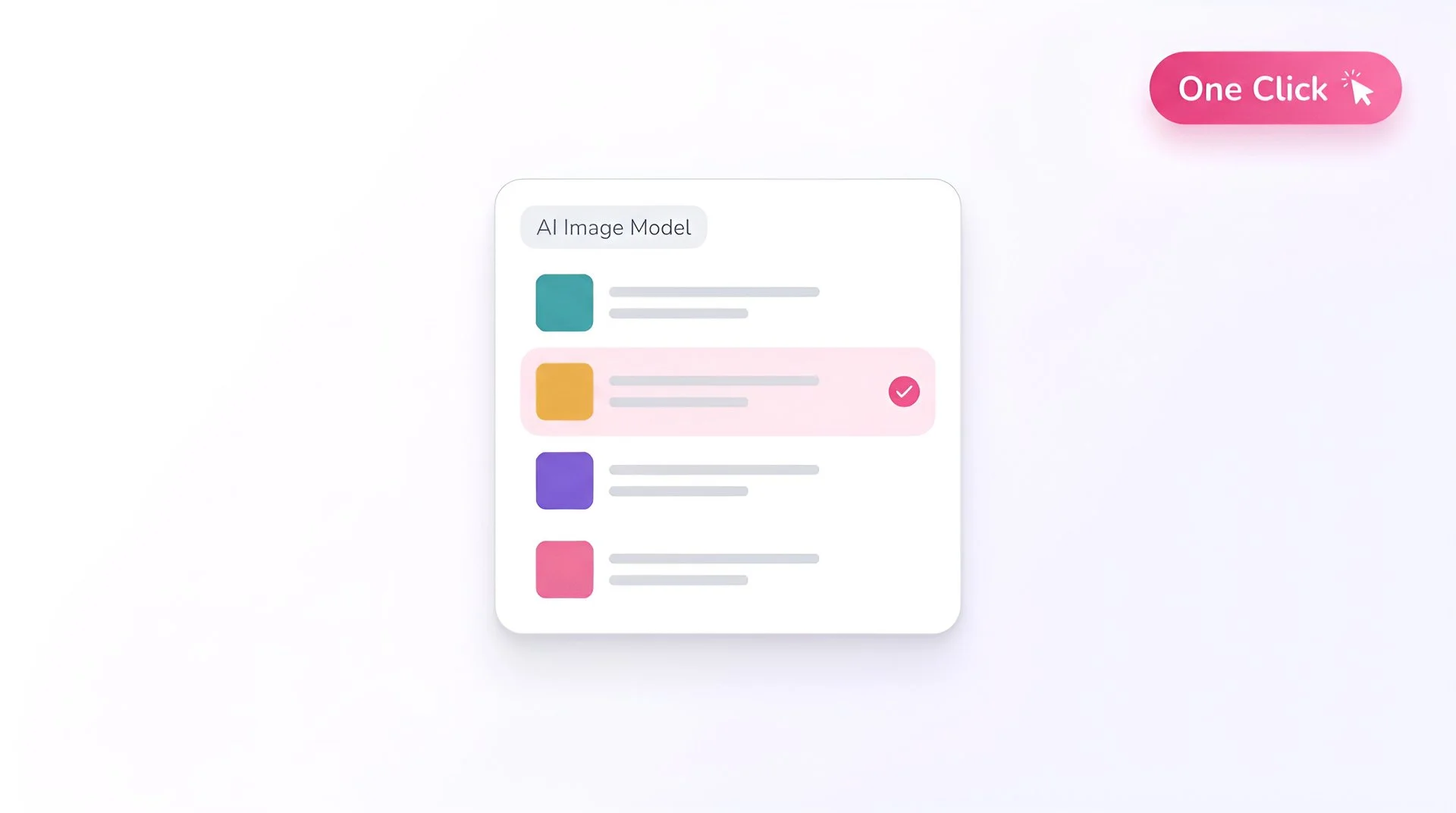
Fliki model selector dropdown with FLUX 2 chosen for AI image generation
Step 2

Select FLUX 2 as your model

Open Fliki's model selector and choose FLUX 2. Your prompt routes to Black Forest Labs' 32B flow-matching flagship model.
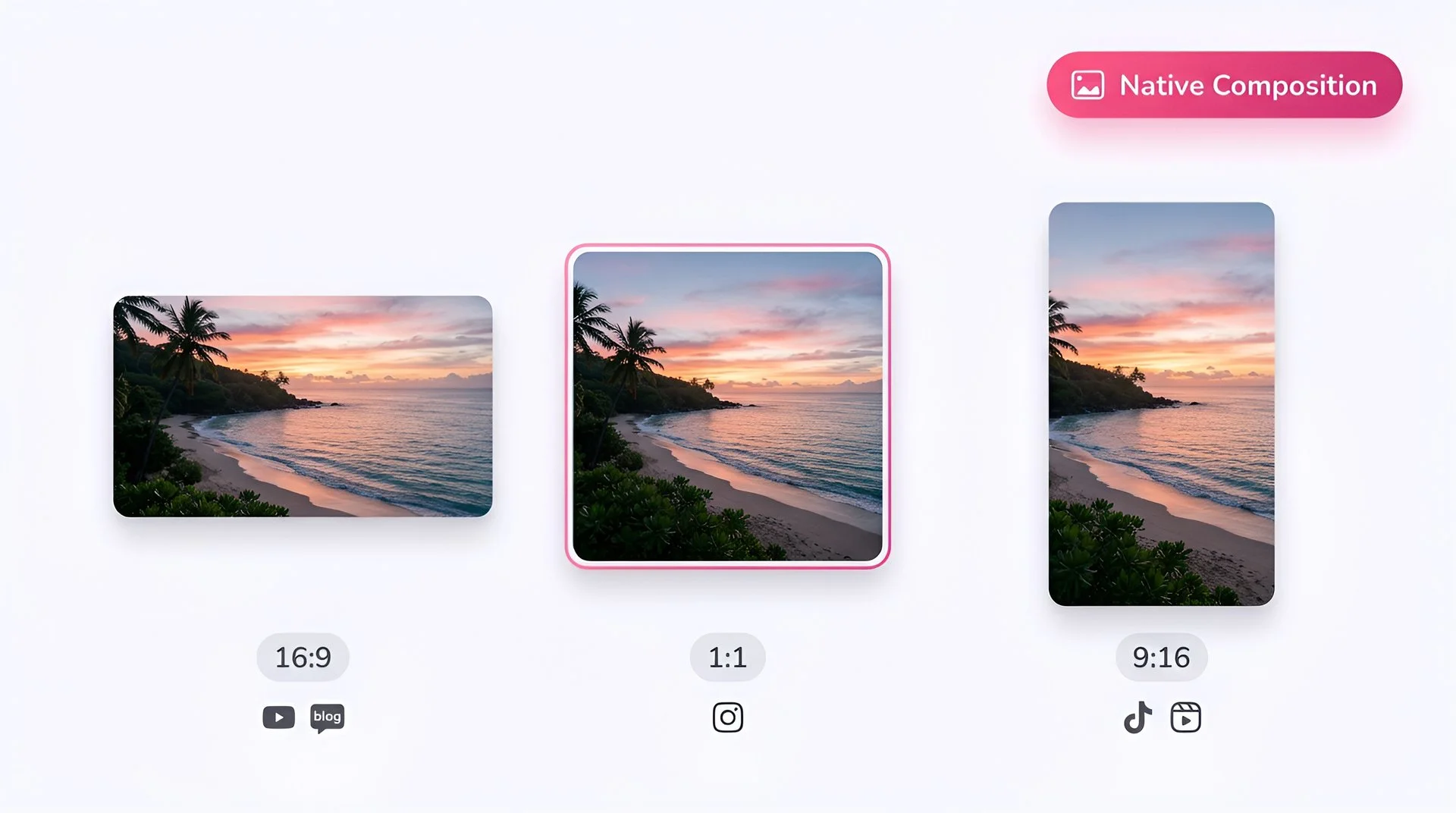
Choose 16:9, 1:1, or 9:16 aspect ratio for FLUX 2 AI image generation on Fliki
Step 3

Pick your aspect ratio

Choose 1:1, 16:9, 9:16, 4:3, or 3:4. Each is composed natively for the destination platform.
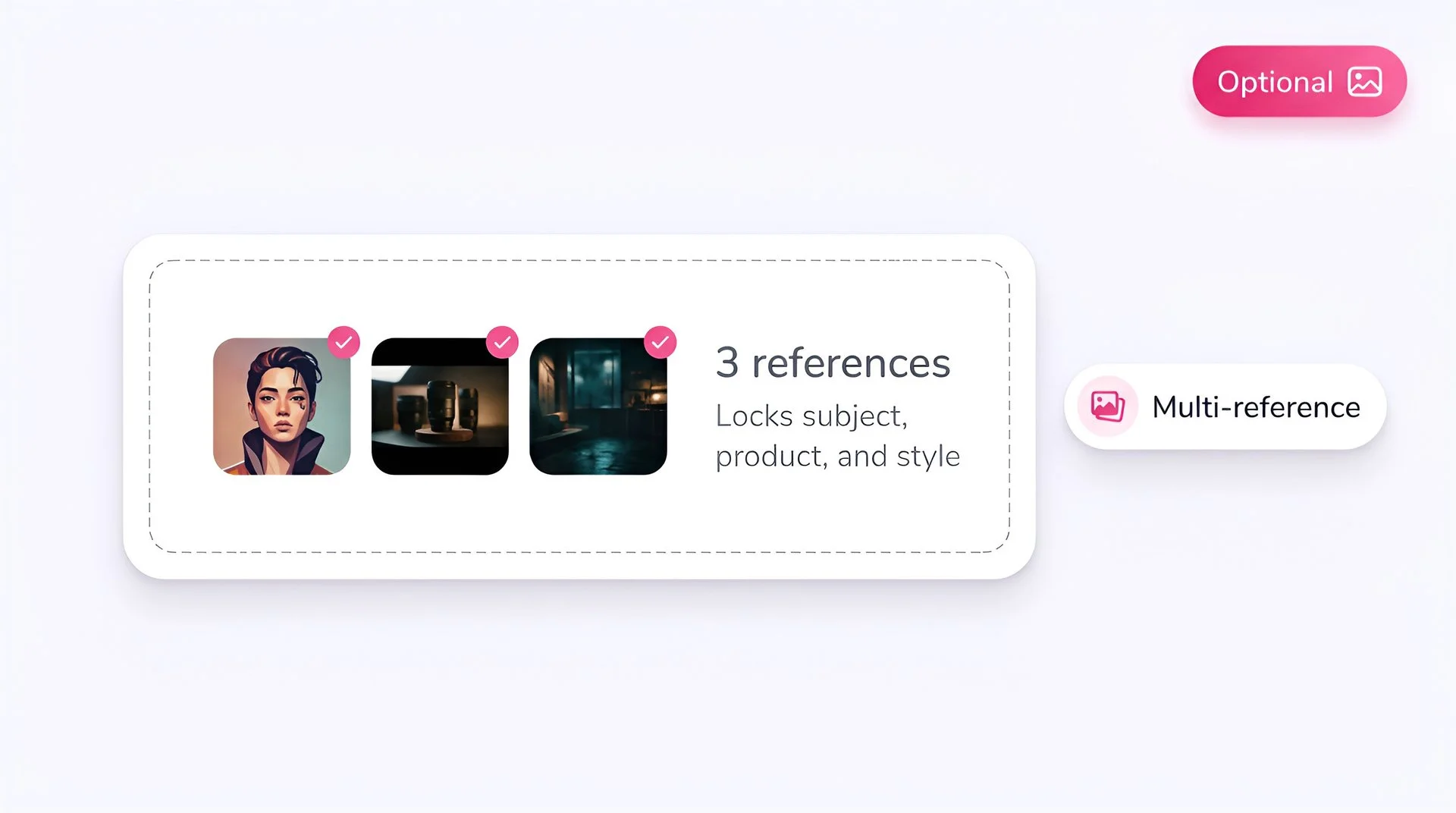
Upload optional reference images to lock subject, product, and style with FLUX 2 on Fliki
Step 4

Add reference images (optional)

Upload up to 10 reference images for multi-reference workflows. Use references to lock characters, products, brand elements, and style across multiple outputs.
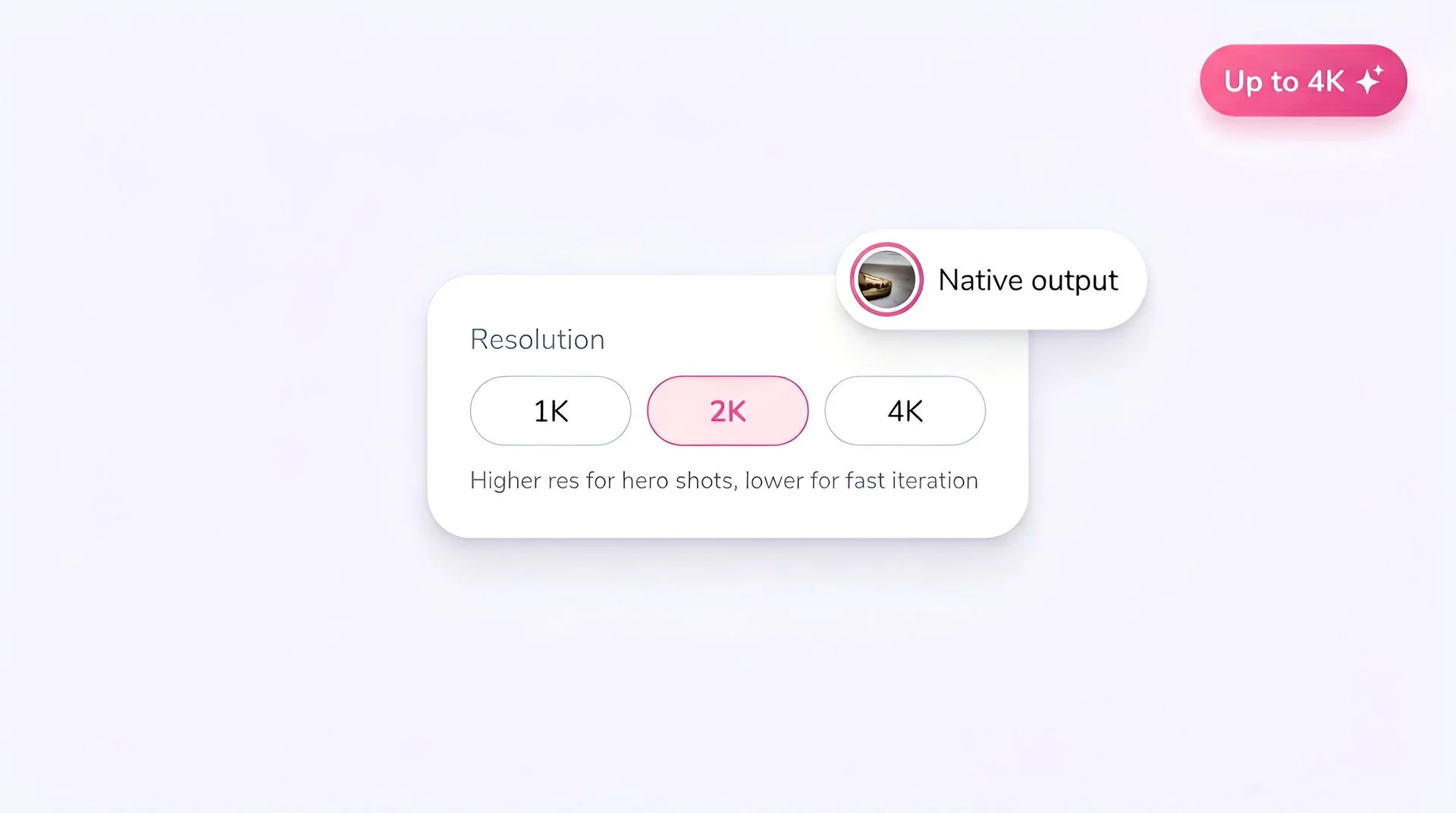
Select output resolution for FLUX 2 AI image generation on Fliki
Step 5

Set the resolution

FLUX 2 supports up to 4 megapixels. Use lower resolutions for fast iteration; bump to 4MP for final hero shots and print delivery.
Hit generate to create AI image with FLUX 2 on Fliki
Step 6

Generate

Hit Generate. FLUX 2 is paid-only on Fliki. Upgrade your plan to access the flagship tier alongside FLUX Pro, FLUX 2 Klein, and the rest of the premium catalog.

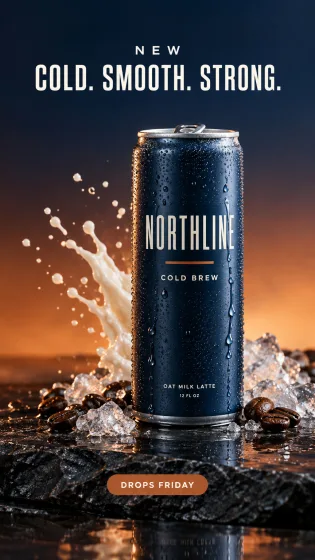
AI MODEL GALLERY

Built on the best AI models - ready inside Fliki

Every leading video, voice, and image model - integrated, unified, and tuned for creators. Generate with the latest AI video, AI voice, and AI image models from OpenAI, Google, Kling, Bytedance, ElevenLabs, and more - all from one place.

FLUX 2 FAQ

Frequently asked questions

Everything you need to know about generating images with FLUX 2 inside Fliki.

What is FLUX 2?

FLUX 2 is Black Forest Labs' second-generation flagship image generation and editing model. It's a 32-billion-parameter latent flow-matching transformer paired with a Mistral-3 24B vision-language model, supporting up to 4MP output, 10 reference images, and unified text-to-image, editing, and multi-reference composition.

Is FLUX 2 free on Fliki?

No. Only Z Image Turbo and Flux 2 Klein are on Fliki's free tier. FLUX 2 (the 32B flagship) is paid-only.

When was FLUX 2 released?

Black Forest Labs released FLUX 2 on November 25, 2025, with FLUX 2 Klein following on January 15, 2026.

How is FLUX 2 different from FLUX Pro?

FLUX Pro (FLUX 1.1 Pro) is the established production workhorse from the FLUX 1 family. FLUX 2 is the next-generation 32B flagship with native multi-reference support, exact color control, larger output resolution, and improved text rendering. Pick FLUX 2 for hero work; FLUX Pro is the proven volume choice.

How many reference images can FLUX 2 use?

Up to 10 reference images simultaneously, with greater than 95% consistency across outputs for character, pose, lighting, and color locking.

What resolutions does FLUX 2 support?

Up to 4 megapixels with multiple aspect ratios. The model is tuned for 4MP hero shots while still supporting smaller resolutions for faster iteration.

Still curious?

Try Fliki free in your browser, no credit card required.

Start free

Can FLUX 2 render text inside images?

Yes - text rendering is a core feature. FLUX 2 hits roughly 92% accuracy on complex layouts, infographics, and UI text. For absolute typography fidelity, Qwen Image and Nano Banana Pro also lead the field.

How does FLUX 2 compare to GPT Image 2 and Nano Banana 2?

All three are top-tier flagship image models. FLUX 2 leads on multi-reference editing and brand consistency. GPT Image 2 leads on multilingual text rendering and reasoning-driven generation. Nano Banana 2 leads on world knowledge grounding and Google Search integration. Fliki supports all three so you can pick per project.

FLUX 2 · Image generator

Generate your next hero image with FLUX 2.

Upgrade your Fliki plan to unlock FLUX 2 and the rest of the premium catalog.

Upgrade to generate

Free forever plan · No credit card required · Cancel anytime