image model · by Black Forest Labs

FLUX 2 Klein AI Image Generator

Generate and edit images in under a second with FLUX 2 Klein - Black Forest Labs' fastest model family, distilled from the 32B FLUX.2 base. Unified text-to-image, image editing, and multi-reference generation in a single architecture, available on Fliki's free plan alongside Z Image Turbo.

Generated with FLUX 2 Klein

A handful of FLUX 2 Klein samples generated inside Fliki. No edits, no post.

FLUX 2 Klein sample 1

Prompt

A 28-year-old woman with curly auburn hair laughs warmly while leaning her chin on her wrist at a sun-drenched cafe window seat, an iced coffee with condensation beads sits on the wooden table in front of her, a eucalyptus branch in a small glass vase to the side, soft morning backlight from camera left, warm color grade, captured on a 50mm lens at f/2, head-and-shoulders framing with hands mostly out of frame, vertical 9:16 short-form social frame, photoreal.

FLUX 2 Klein sample 2

Prompt

Top-down view of a wooden desk: a black mechanical keyboard on the left, a single steaming espresso in a small white cup on the upper right, a closed leather-bound planner with a fountain pen resting on top, and one fresh fern leaf as a prop. Directional window light from the upper right casts long warm shadows. Shot on 35mm at f/4, vertical 9:16, moody cinematic flat lay, no text, no writing on any surface.

FLUX 2 Klein sample 3

Prompt

A frosted glass serum dropper bottle sits on a pale pink marble slab surrounded by water droplets and three fresh hibiscus petals, soft three-point softbox lighting, gentle reflection on the marble, captured on a 100mm macro lens at f/5.6, ultra-photoreal e-commerce hero, vertical 9:16, clean minimal composition.

FLUX 2 Klein sample 4

Prompt

A freshly shaped round sourdough loaf scored with a clean cross pattern on a flour-dusted oak table, a wicker bread basket and a small bowl of flour beside it, golden hour sunlight streaming from a kitchen window on the left, fine flour particles floating in the beam, no hands in frame, shot on 85mm at f/2.8, painterly photoreal still life, vertical 9:16 vertical narrative shot.

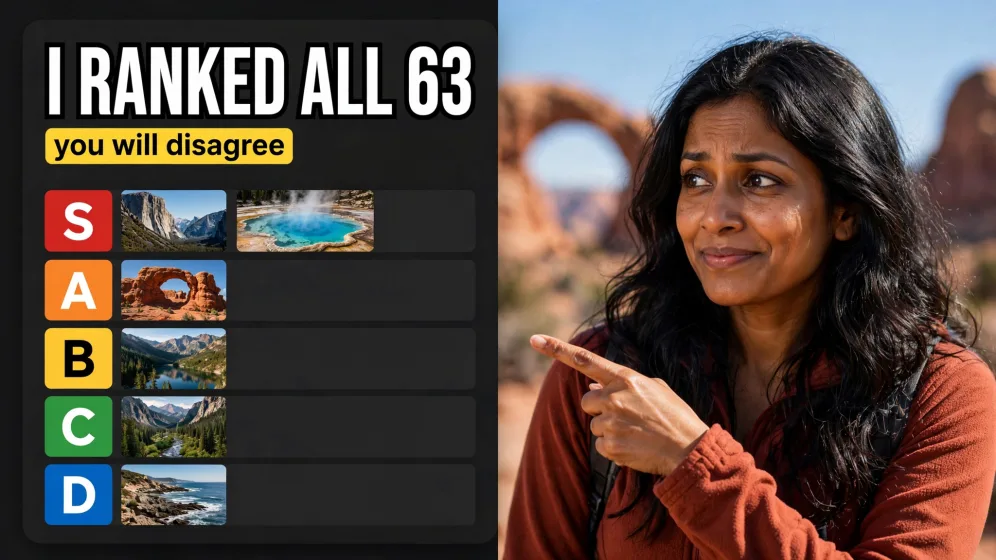
FLUX 2 Klein sample 5

Prompt

A friendly orange fox mascot character with one fluffy tail, standing on two legs in front of a clean pastel mint background, wearing only a small grey knitted beanie, simple stylized 3D illustration with smooth surfaces and soft studio lighting, full-body centered composition with headroom above for a caption, vertical 9:16.

FLUX 2 Klein sample 6

Prompt

A travel vlogger in a bright red puffer jacket stands at the edge of a rocky overlook above a turquoise glacier lake in Patagonia, snow-dusted granite peaks behind, dramatic warm side light from the late sun on the left, vlogger framed on the left third with broad clean sky and lake on the right (no text, no overlay), captured on a 24mm lens at f/8, ultra-sharp cinematic landscape, 16:9.

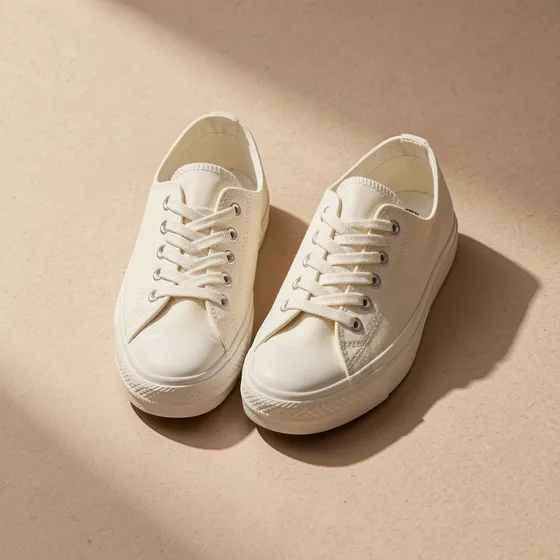
FLUX 2 Klein sample 7

Prompt

A pair of cream canvas sneakers stands neatly side by side on a textured beige paper backdrop, soft directional studio light from the upper left producing a gentle long shadow on the right, captured on 85mm at f/4 from a slight three-quarter angle, ultra-clean editorial product shot, square 1:1 Instagram composition, no studio gear visible in frame.

100M+VIDEOS CREATED
12M+USERS WORLDWIDE
80+LANGUAGES SUPPORTED

Trusted by 50,000+ companies worldwide

What makes FLUX 2 Klein different

Sub-second generation

FLUX 2 Klein produces images and edits in well under a second. The 9B variant runs in roughly half a second on modern GPUs, and the 4B Apache-2.0 variant fits in around 13GB of VRAM - fast enough for true real-time creative iteration.

Unified generation and editing

Most models split text-to-image and image editing across separate endpoints. FLUX 2 Klein handles both - plus multi-reference generation - in a single architecture. You can generate a concept and edit it without switching models.

Multi-reference editing

Provide multiple input images to blend concepts, lock characters across scenes, or compose products into new contexts. FLUX 2 Klein supports multi-reference workflows that previously required much larger models.

Open-source under Apache 2.0

The 4B FLUX 2 Klein variant is fully open under Apache 2.0. The 9B variant ships under the FLUX Non-Commercial License with API access for commercial use. On Fliki, you get hosted access without local setup.

Distilled from a 32B teacher

FLUX 2 Klein is size-distilled from the 32B FLUX.2 base model, which means it inherits sophisticated understanding of lighting, materials, and composition while staying small enough for real-time inference.

Available on Fliki's free plan

FLUX 2 Klein is one of two image models available on Fliki's free tier. Test the unified generation-and-editing workflow without committing to a paid plan.

Strong text and layout rendering

Klein renders typography in mockups, infographics, and UI layouts with clean, readable output - a key strength inherited from the FLUX.2 base.

Multi-resolution support

Generate at sizes from compact preview up to high-resolution outputs. The model handles common aspect ratios natively for landscape, portrait, square, and vertical social formats.

Photoreal lighting and materials

Black Forest Labs ships FLUX 2 Klein with the same photorealism focus as the FLUX.2 base model: physically plausible lighting, accurate material response, and clean handling of glass, metal, fabric, and skin. Pulls into hero work, ad creative, and product mockups without obvious AI tells.

How it works

How to generate an image with FLUX 2 Klein

FLUX 2 Klein runs inside Fliki's AI image generator. Here's the six-step flow.
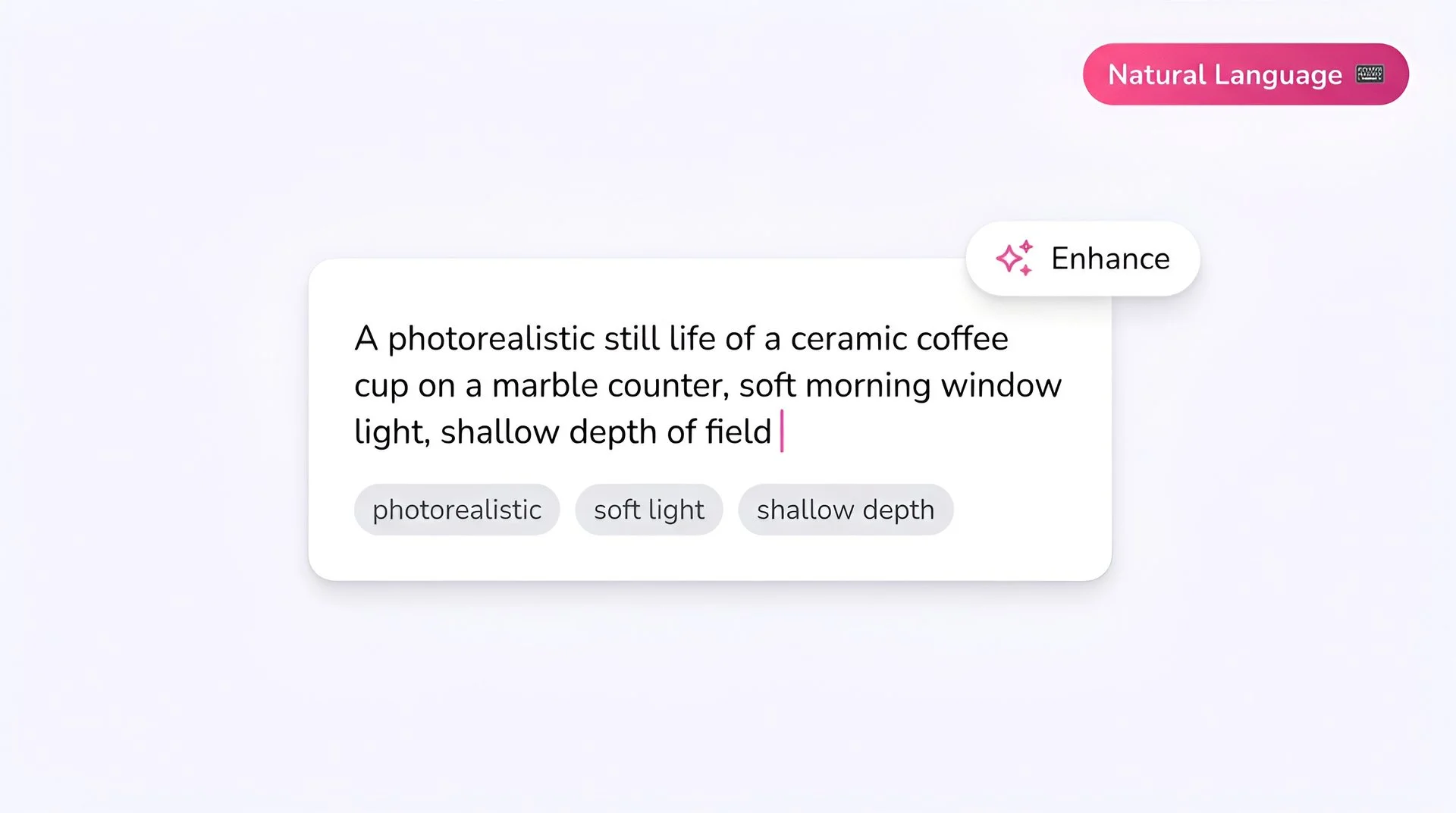
Fliki prompt input showing a photorealistic text-to-image description for FLUX 2 Klein AI image generator
Step 1

Write your prompt

FLUX 2 Klein doesn't use prompt upsampling, so write detailed, descriptive prompts for best results. Mention subject, lighting, framing, and style explicitly.
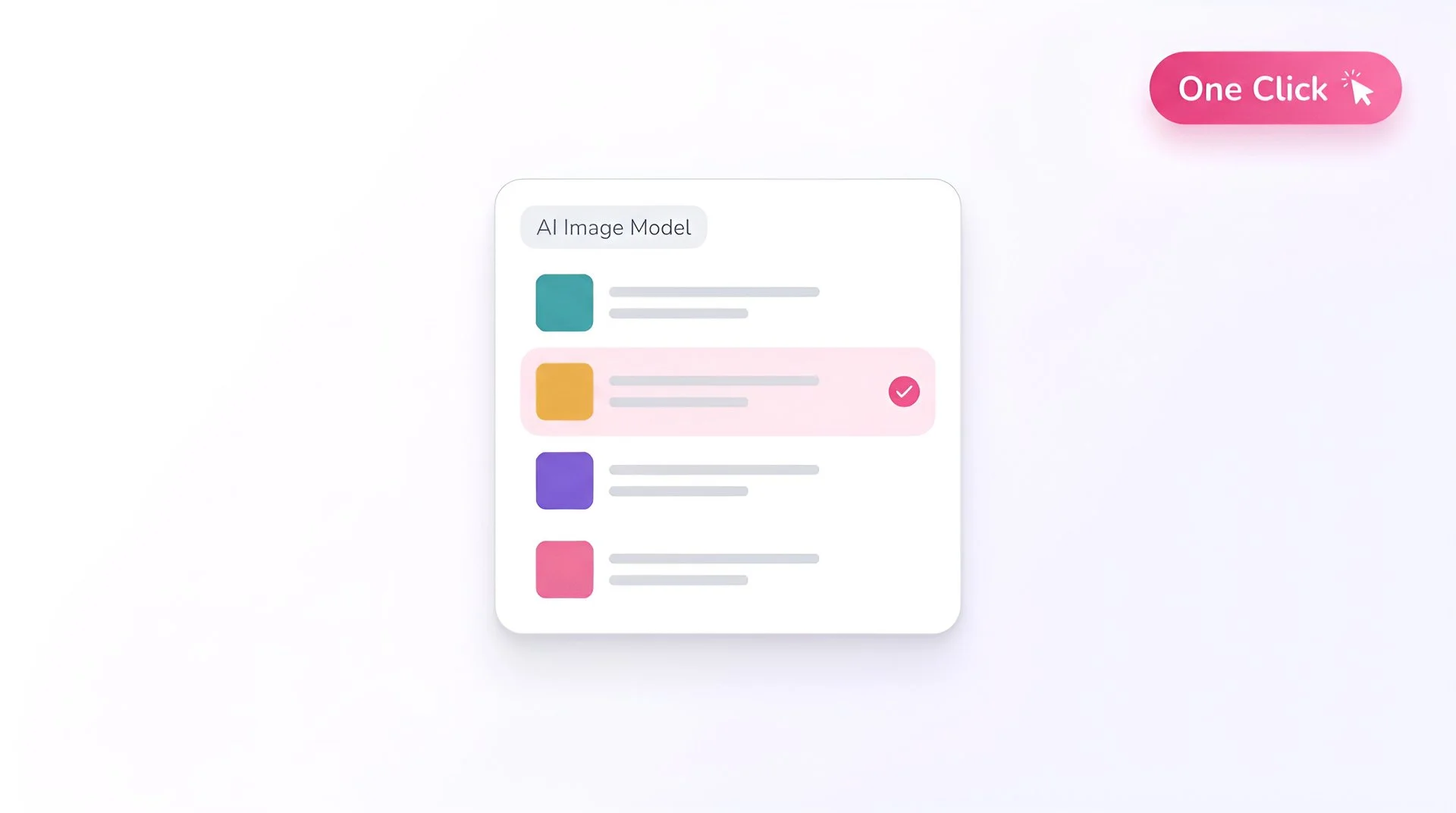
Fliki model selector dropdown with FLUX 2 Klein chosen for AI image generation
Step 2

Select FLUX 2 Klein as your model

Open Fliki's model selector and choose FLUX 2 Klein. Your prompt routes to Black Forest Labs' distilled FLUX 2 model.
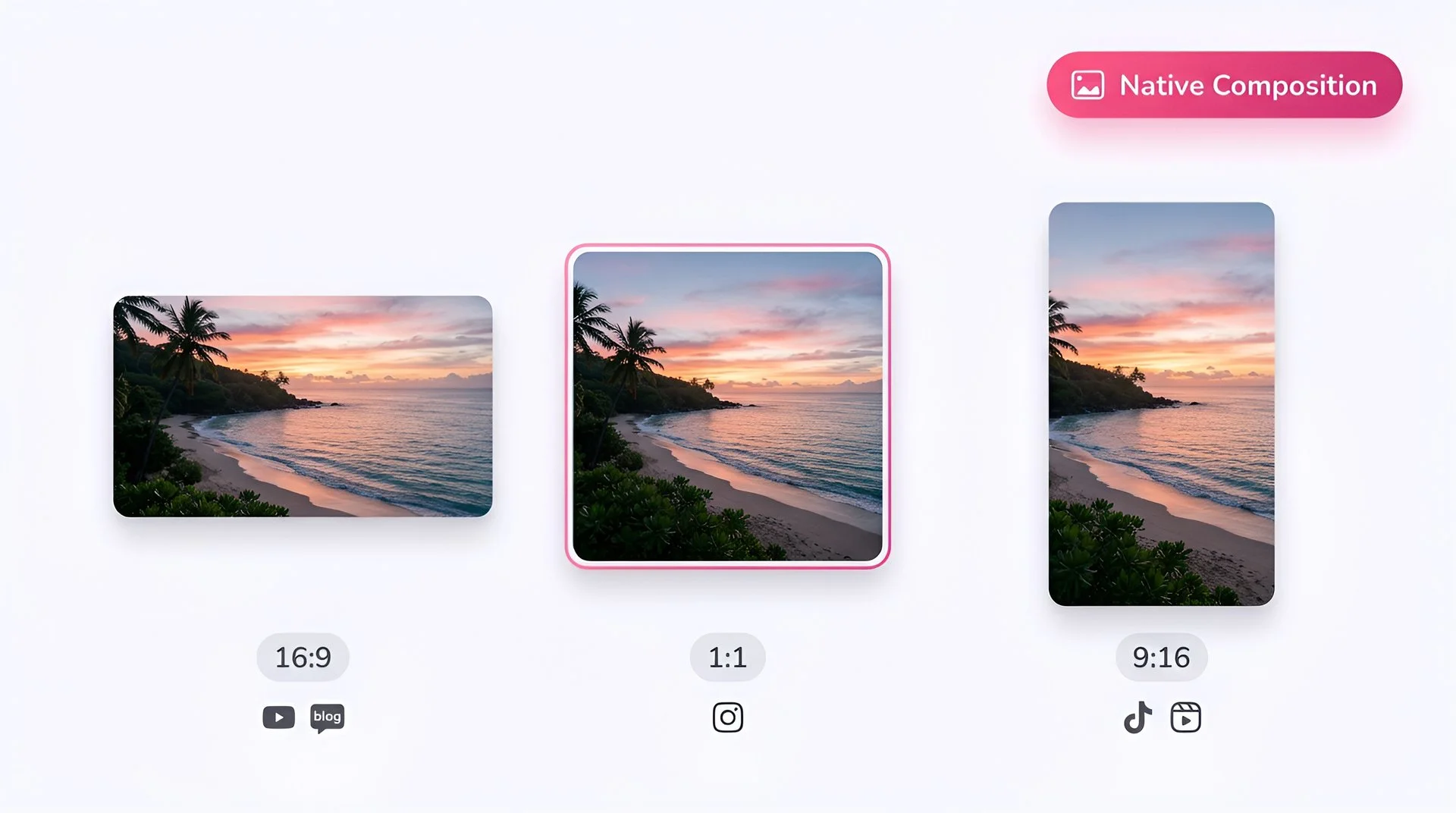
Choose 16:9, 1:1, or 9:16 aspect ratio for FLUX 2 Klein AI image generation on Fliki
Step 3

Pick your aspect ratio

Choose 1:1 for Instagram feed, 16:9 for blog and YouTube, 9:16 for TikTok and Reels. 4:3 and 3:4 are also composed natively.
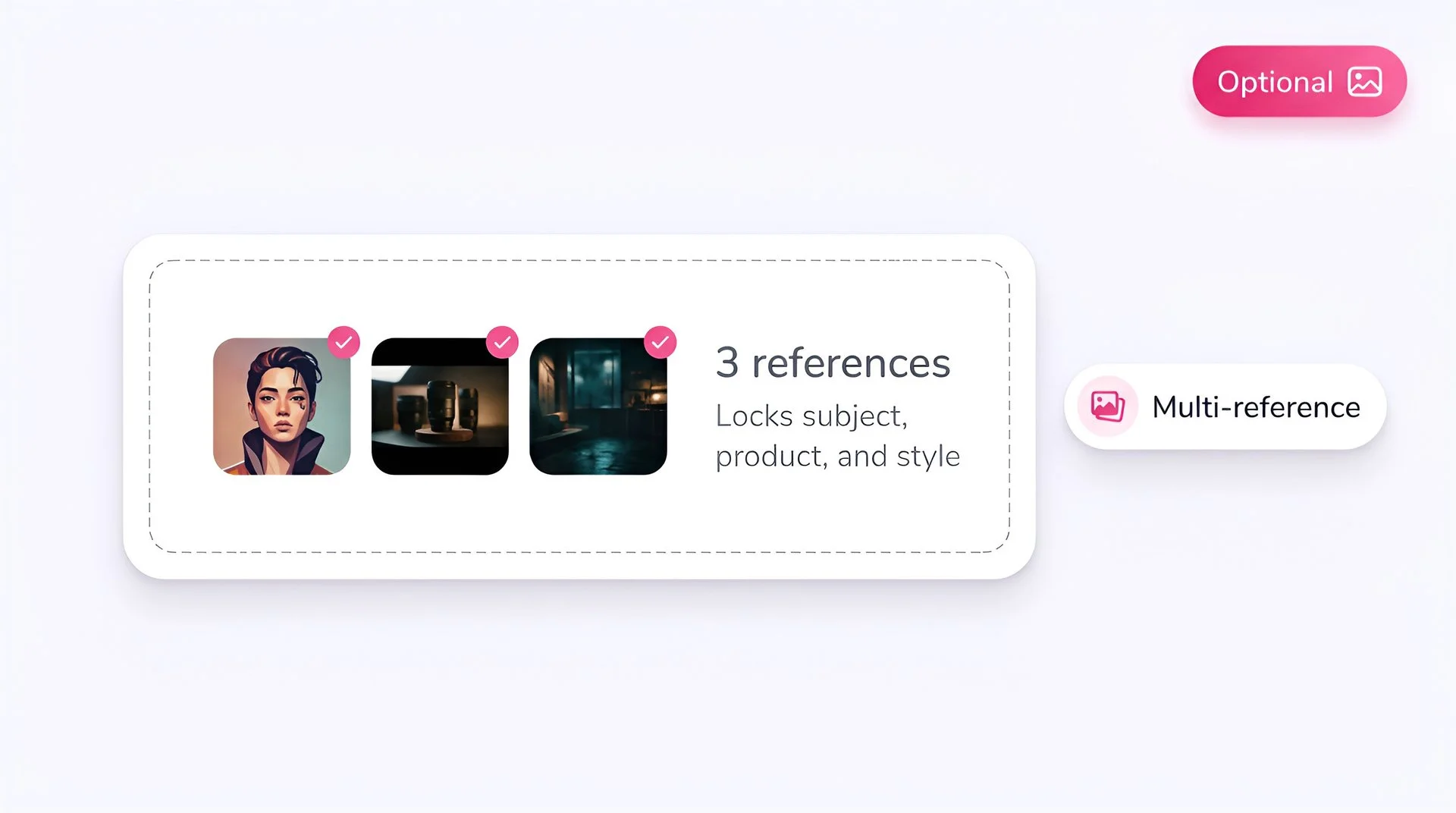
Upload optional reference images to lock subject, product, and style with FLUX 2 Klein on Fliki
Step 4

Add reference images (optional)

Upload one or more reference images to drive editing or multi-reference generation. This is one of FLUX 2 Klein's standout workflows - locking a character or product across multiple outputs.
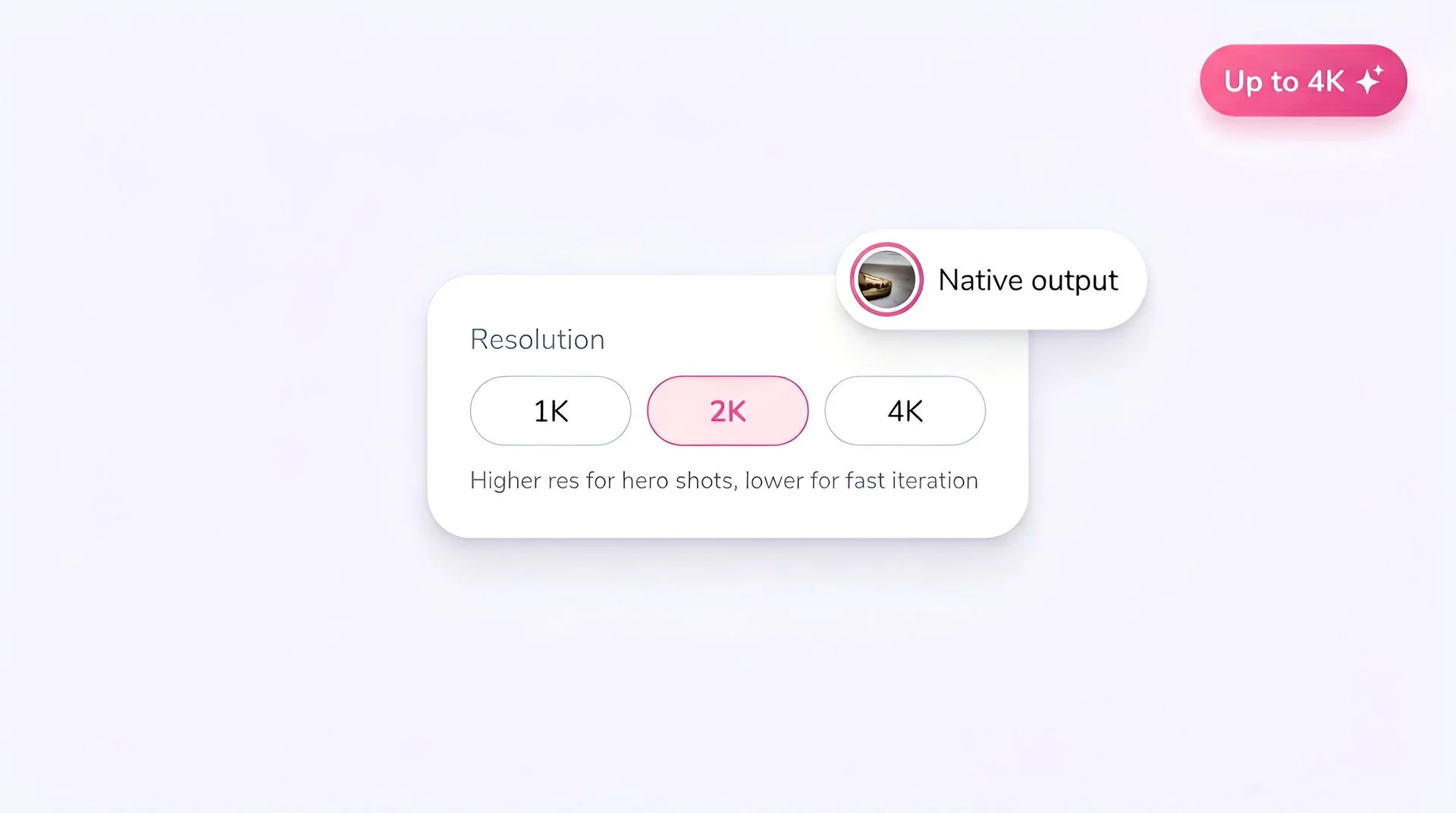
Select output resolution for FLUX 2 Klein AI image generation on Fliki
Step 5

Set the resolution

Pick a resolution that matches your use case. Lower resolutions iterate faster; higher resolutions are ready for final delivery.
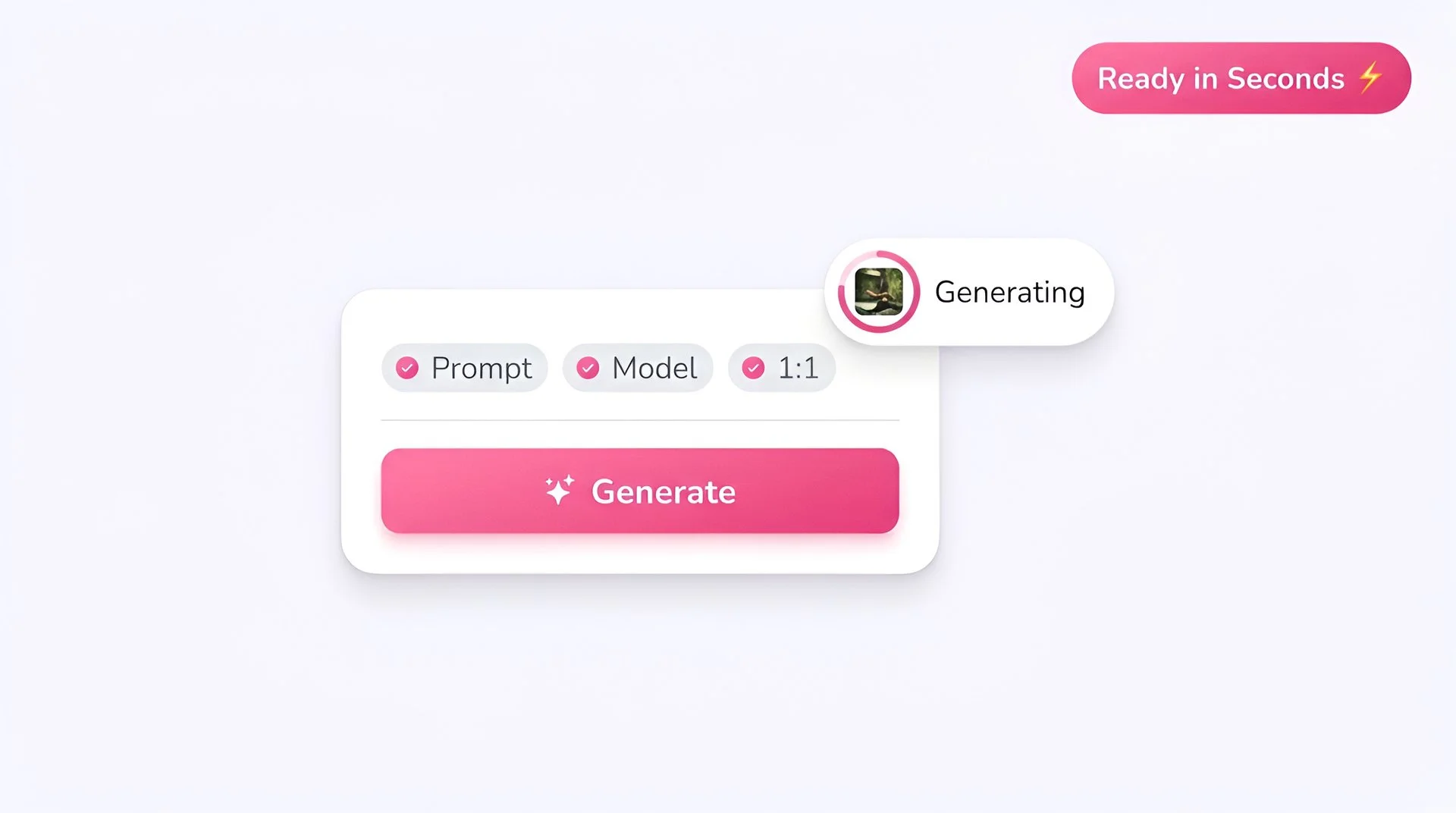
Hit generate to create AI image with FLUX 2 Klein on Fliki
Step 6

Generate

Hit Generate. FLUX 2 Klein returns output in under a second on most prompts and is available on Fliki's free plan, so you can iterate without burning paid credits.

AI MODEL GALLERY

Built on the best AI models - ready inside Fliki

Every leading video, voice, and image model - integrated, unified, and tuned for creators. Generate with the latest AI video, AI voice, and AI image models from OpenAI, Google, Kling, Bytedance, ElevenLabs, and more - all from one place.

FLUX 2 Klein FAQ

Frequently asked questions

Everything you need to know about generating images with FLUX 2 Klein inside Fliki.

What is FLUX 2 Klein?

FLUX 2 Klein is Black Forest Labs' fastest image model family, distilled from the 32B FLUX.2 base. It's available in 4B (Apache 2.0) and 9B variants and unifies text-to-image, image editing, and multi-reference generation in a single architecture, with sub-second inference on consumer GPUs.

Is FLUX 2 Klein free on Fliki?

Yes. FLUX 2 Klein is one of two image models available on Fliki's free plan, along with Z Image Turbo. Free users get monthly credits to use across both; paid plans unlock the rest of the catalog.

When was FLUX 2 Klein released?

Black Forest Labs released FLUX 2 Klein on January 15, 2026, following the November 25, 2025 release of the 32B FLUX.2 [dev] base model.

How does FLUX 2 Klein compare to FLUX 2?

FLUX 2 Klein is the speed-and-real-time tier; FLUX 2 (specifically [pro] and [dev]) is the higher-fidelity flagship. Klein is faster and lighter; FLUX 2 has more raw capability and supports up to 10 reference images. Use Klein for iteration and real-time workflows; use FLUX 2 for hero content.

Does FLUX 2 Klein support image editing?

Yes. Editing is built into the same architecture as generation. Upload an image and describe your change in natural language; Klein handles single-reference edits and multi-reference composition.

Is FLUX 2 Klein open source?

The 4B variant is fully open source under Apache 2.0. The 9B variant uses the FLUX Non-Commercial License for open weights, with API access for commercial use - which is what you get on Fliki.

Still curious?

Try Fliki free in your browser, no credit card required.

Start free

What resolutions does FLUX 2 Klein support?

Klein supports common aspect ratios natively, with resolution options that scale based on your use case from preview to high-resolution final output.

How does FLUX 2 Klein compare to Z Image Turbo?

Both are free-plan models. FLUX 2 Klein covers both generation and editing in one model with multi-reference support. Z Image Turbo is faster and especially strong on text rendering. Pick Klein when you need editing; pick Z Image Turbo for fast text-to-image.

FLUX 2 Klein · Image generator

Generate your next image with FLUX 2 Klein.

Free to start, no credit card required.

Start generating free

Free forever plan · No credit card required · Cancel anytime