image model · by Black Forest Labs

FLUX Pro AI Image Generator

Generate production-grade photorealistic images with FLUX Pro - Black Forest Labs' flagship text-to-image model. Exceptional prompt adherence, consistent quality, and the kind of visual fidelity that holds up against professional photography. The reliable, fast workhorse for commercial creative work, available on Fliki's paid plans.

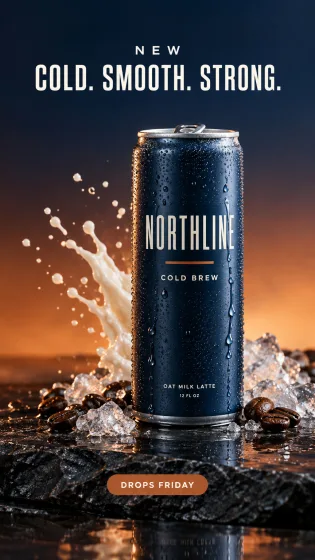
Generated with FLUX Pro

A handful of FLUX Pro samples generated inside Fliki. No edits, no post.

FLUX Pro sample 1

Prompt

A 32-year-old woman with sun-freckled skin and curly black hair laughs while pulling on a denim jacket on a Brooklyn rooftop at golden hour, the New York skyline softly out of focus behind her, captured on a Canon R5 with an 85mm lens at f/1.8, warm cinematic color grade, vertical 9:16 short-form portrait.

FLUX Pro sample 2

Prompt

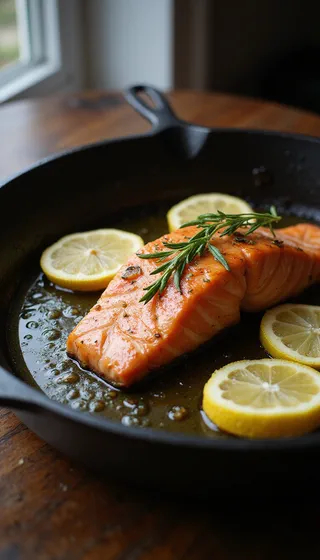
A cast-iron skillet with sizzling salmon, lemon slices, and rosemary photographed from a 45-degree angle on a dark walnut table, droplets of oil mid-splash, dramatic side lighting from a single window on the left, shot on a 50mm at f/2.8, vertical 9:16 food Reel.

FLUX Pro sample 3

Prompt

A polished gold wristwatch with a navy alligator strap rests on black volcanic stone, a single drop of water on its sapphire crystal, hard rim light from upper left, soft fill from the right, shot on 100mm macro at f/8, ultra-photoreal luxury product hero, vertical 9:16.

FLUX Pro sample 4

Prompt

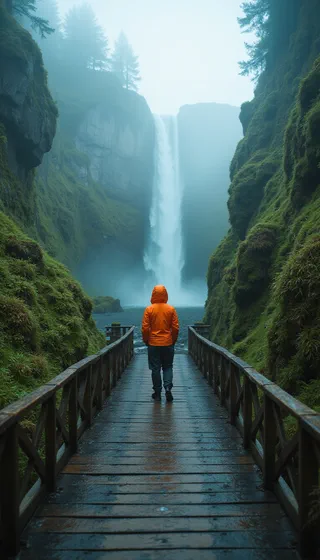
A solo hiker in a bright orange shell jacket stands on a wooden footbridge in a misty Icelandic moss canyon, wide-angle 24mm at f/8, cool teal palette with warm jacket pop, soft overcast light, vertical 9:16 cinematic travel still.

FLUX Pro sample 5

Prompt

A model in a flowing emerald silk dress walks across a sunlit marble corridor, motion blur on the dress hem, beam of hard sunlight slicing diagonally across the frame, shot on 35mm at f/2, editorial fashion photography, vertical 9:16.

FLUX Pro sample 6

Prompt

A vintage 1970s muscle car drifts through a desert highway curve at sunset, dust kicking up behind the rear wheels, lens flare from the sun on the right, captured on 35mm at f/5.6, ultra-cinematic, bold space on the left for thumbnail title text, 16:9.

FLUX Pro sample 7

Prompt

A minimalist arrangement of a ceramic vase holding a single white peony beside a small espresso cup on a textured beige plaster shelf, soft north-facing window light from the left, captured on 85mm at f/4, square 1:1 editorial Instagram post.

100M+VIDEOS CREATED
12M+USERS WORLDWIDE
80+LANGUAGES SUPPORTED

Trusted by 50,000+ companies worldwide

What FLUX Pro brings to the table

State-of-the-art prompt adherence

FLUX Pro consistently ranks at or near the top of independent benchmarks for prompt accuracy. Specific subjects, materials, lighting, and composition land reliably without re-prompting.

Cinematic photorealism

Output rivals Midjourney 6 for photorealism with stronger prompt fidelity. The model handles human hands, complex lighting, reflections, and material textures cleanly.

Fast production-grade generation

FLUX Pro generates a high-quality image in roughly 4.5 seconds - about 6x faster than its predecessor while keeping the same fidelity. That speed is why it became the default for production creative pipelines.

Up to 1440x1440 resolution

FLUX Pro supports image generation up to 1440 pixels on the long edge with multiple aspect ratios. Plenty for paid social, blog headers, and most commercial creative work.

Optional prompt upsampling

FLUX Pro includes optional prompt upsampling that enhances short prompts with additional descriptive detail. Useful for users who want strong output without prompt engineering.

Diverse style range

From photorealistic product shots to illustrative and artistic output, FLUX Pro handles a wide creative range in a single model. Style direction comes through as described.

Built for commercial use

FLUX Pro is designed for commercial workflows. It's integrated by Adobe Firefly, Mistral's Le Chat, and platforms across the creative software industry - the model has production scale baked in.

Pairs with the FLUX ecosystem

Use FLUX Pro for hero shots, Flux 2 Klein for fast iteration and editing, and FLUX 2 for the highest-fidelity hero work. All available on Fliki.

Top-ranked on Artificial Analysis

FLUX 1.1 Pro debuted under the codename 'blueberry' at the top of the Artificial Analysis text-to-image leaderboard, beating prior FLUX, Midjourney, and Ideogram releases on Elo score. That third-party benchmark is a cleaner signal than vendor demos when you're choosing a hero-shot model for production work.

How it works

How to generate an image with FLUX Pro

FLUX Pro runs inside Fliki's standard image generator. Here's the six-step flow.
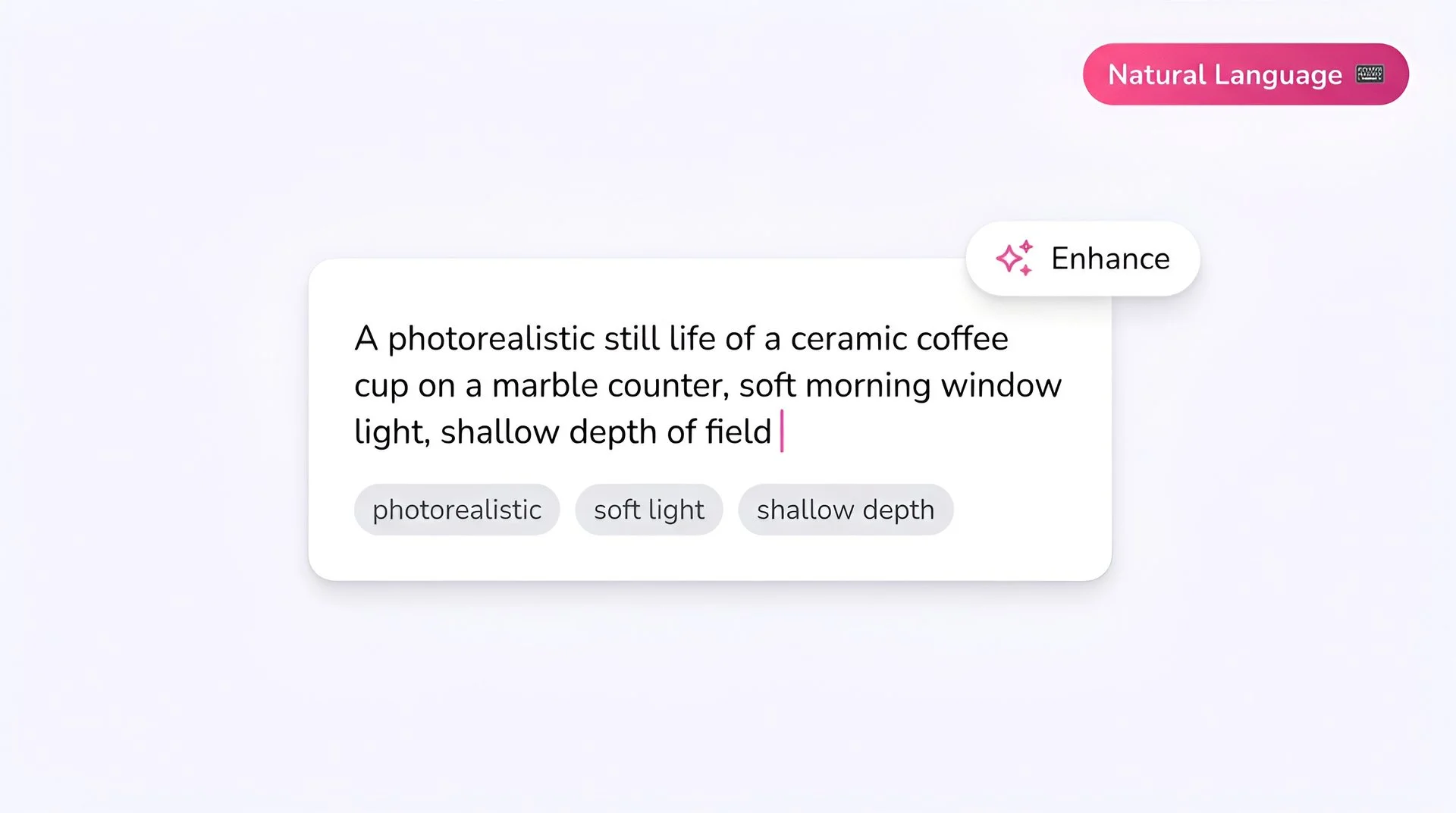
Fliki prompt input showing a photorealistic text-to-image description for FLUX Pro AI image generator
Step 1

Write your prompt

FLUX Pro rewards detailed prompts. Mention subject, action, environment, lighting, camera details, and style. For text inside images, put the words in quotes - FLUX Pro renders them clearly.
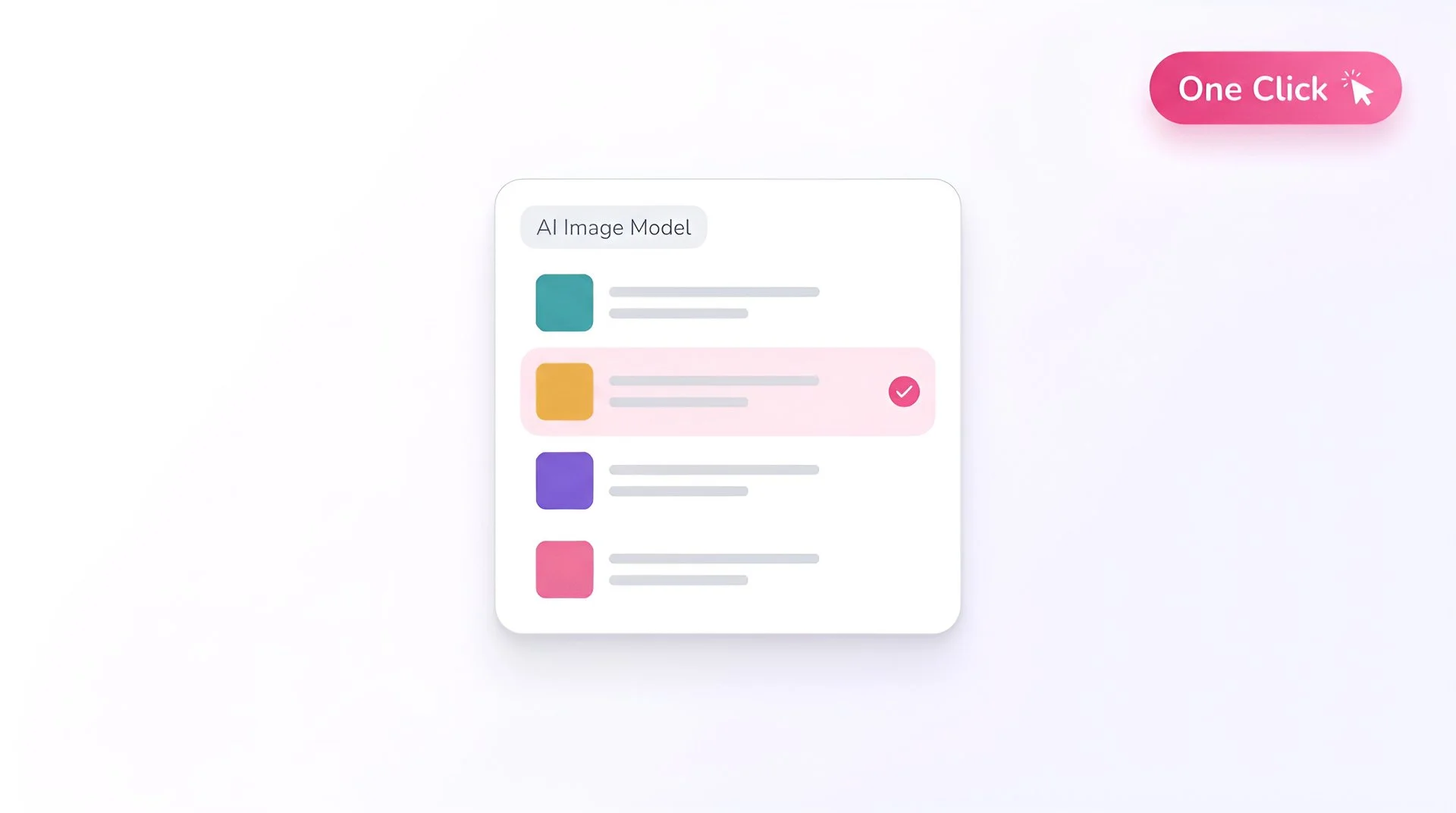
Fliki model selector dropdown with FLUX Pro chosen for AI image generation
Step 2

Select FLUX Pro as your model

Open Fliki's model selector and choose FLUX Pro. Your prompt is routed to Black Forest Labs' flagship production model.
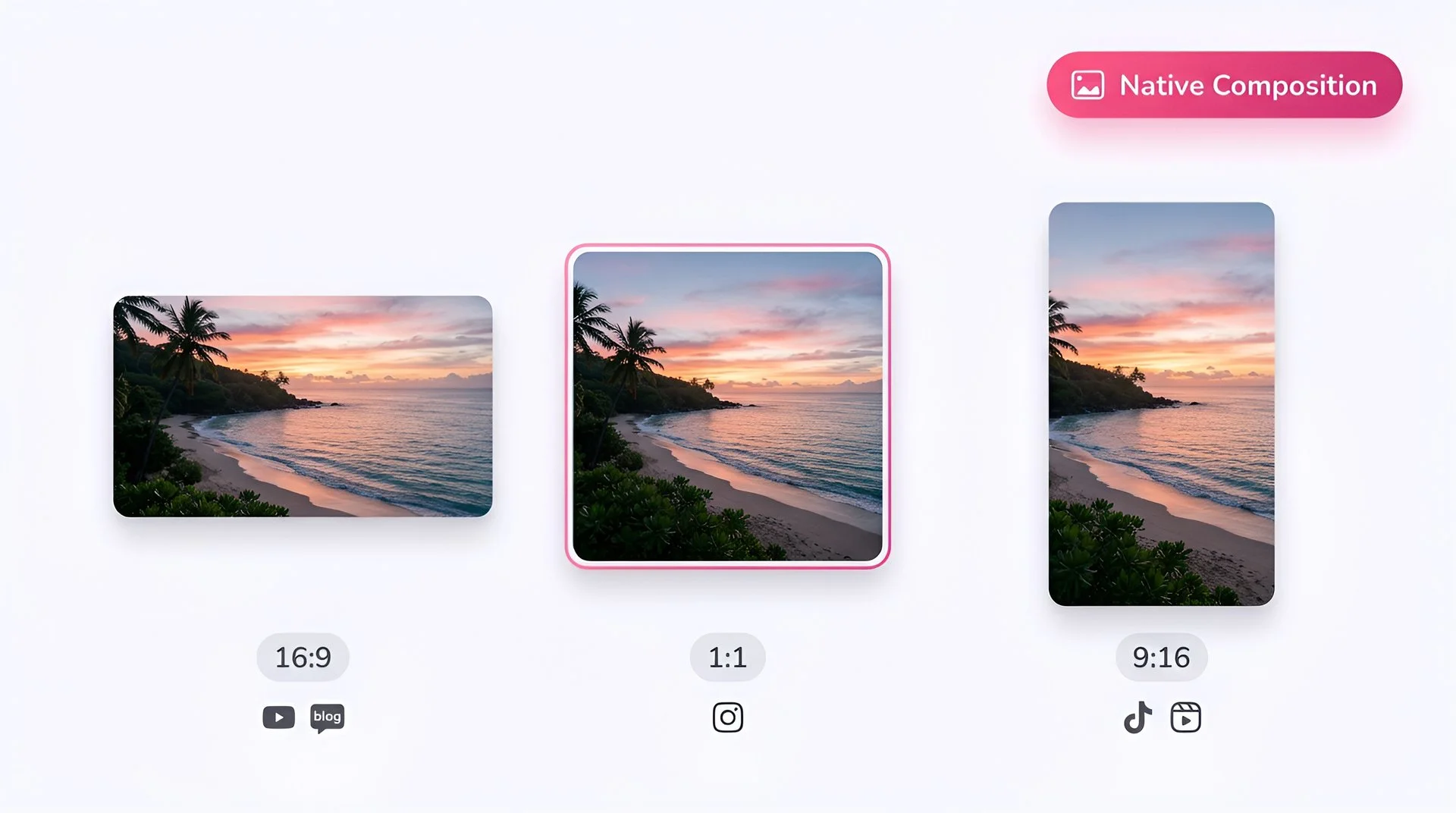
Choose 16:9, 1:1, or 9:16 aspect ratio for FLUX Pro AI image generation on Fliki
Step 3

Pick your aspect ratio

Choose 1:1, 16:9 or 9:16 depending on the destination. FLUX Pro supports all standard ratios with native composition.
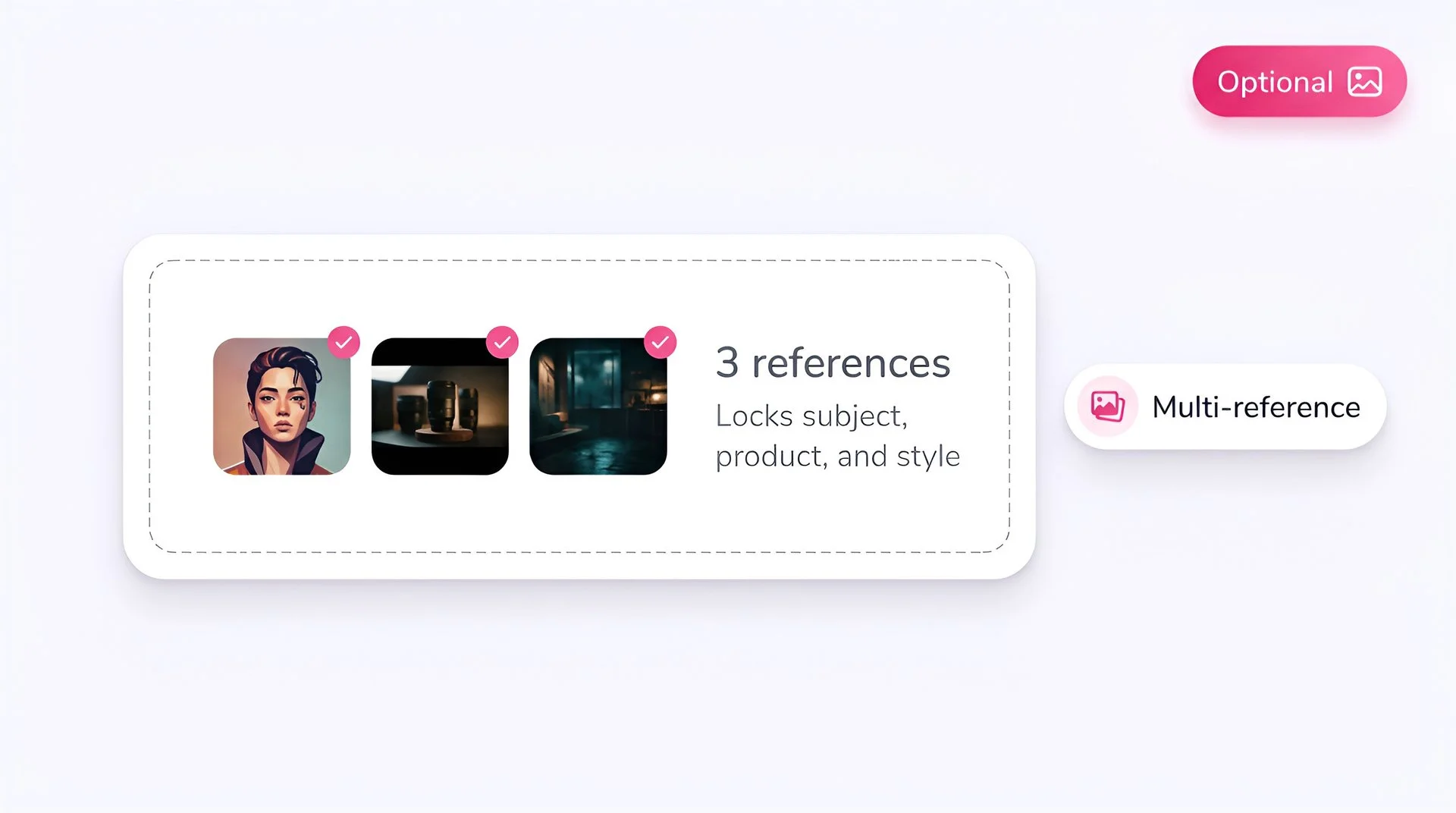
Upload optional reference images to lock subject, product, and style with FLUX Pro on Fliki
Step 4

Add reference images (optional)

Skip this step - FLUX Pro (FLUX 1.1 Pro) is a pure text-to-image model and does not accept reference inputs. For reference-driven workflows, use FLUX 2 or FLUX 2 Klein instead.
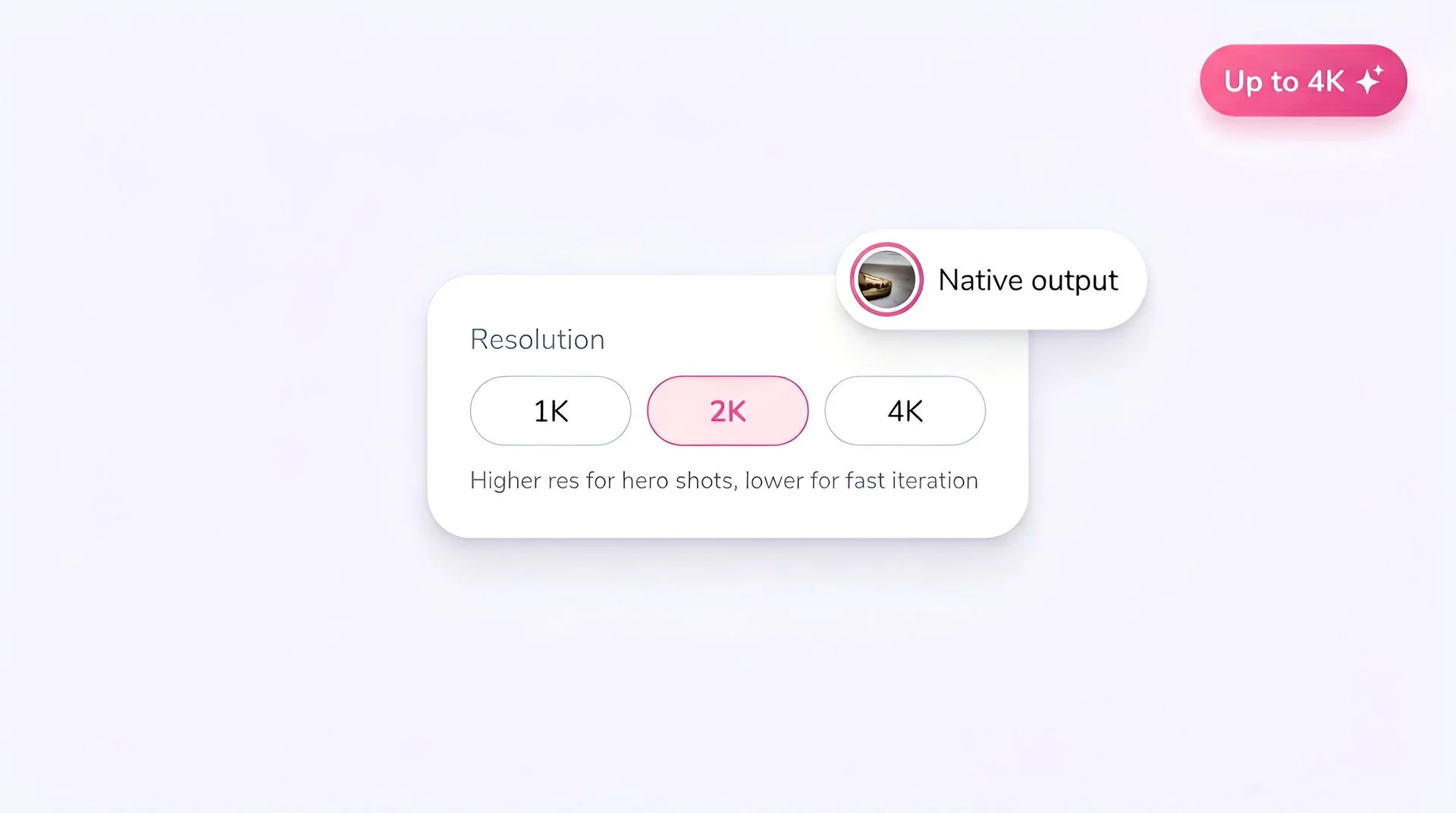
Select output resolution for FLUX Pro AI image generation on Fliki
Step 5

Set the resolution

FLUX Pro supports up to 1440x1440. Use lower resolutions for fast iteration; bump up when you're ready for final delivery.
Hit generate to create AI image with FLUX Pro on Fliki
Step 6

Generate

Hit Generate. FLUX Pro returns in roughly 4.5 seconds. Optional prompt upsampling expands short prompts automatically - leave it on for creative exploration, off for strict control. Paid plans only.

AI MODEL GALLERY

Built on the best AI models - ready inside Fliki

Every leading video, voice, and image model - integrated, unified, and tuned for creators. Generate with the latest AI video, AI voice, and AI image models from OpenAI, Google, Kling, Bytedance, ElevenLabs, and more - all from one place.

FLUX Pro FAQ

Frequently asked questions

Everything you need to know about generating images with FLUX Pro inside Fliki.

What is FLUX Pro?

FLUX Pro (FLUX1.1 [pro]) is Black Forest Labs' flagship production text-to-image model. It generates photorealistic images in roughly 4.5 seconds with state-of-the-art prompt adherence, ranking at the top of Artificial Analysis benchmarks at launch.

Is FLUX Pro free on Fliki?

No. Only Z Image Turbo and Flux 2 Klein are available on Fliki's free tier. FLUX Pro requires a paid subscription.

How is FLUX Pro different from FLUX 2?

FLUX Pro (FLUX 1.1 Pro) is the high-volume production model from the FLUX 1 family. FLUX 2 is the next-generation 32B-parameter model released November 2025, with multi-reference support up to 10 images, 4MP output, and improved text rendering. Pick FLUX 2 for the highest fidelity; FLUX Pro is the proven volume workhorse.

What resolutions does FLUX Pro support?

Up to 1440x1440 pixels with multiple aspect ratios (1:1, 16:9, 9:16, 4:3, 3:4) all natively composed.

Can FLUX Pro render text inside images?

Yes - text rendering is one of its strengths. Put the exact words in quotes in your prompt for best results. For more complex typography, FLUX 2 has stronger text capability.

Who built FLUX Pro?

Black Forest Labs, a German AI research company founded by the original creators of Stable Diffusion. The company has secured partnerships with Adobe, Canva, Meta, and Microsoft.

Still curious?

Try Fliki free in your browser, no credit card required.

Start free

Is FLUX Pro good for commercial use?

Yes. FLUX Pro is specifically designed for commercial workflows. Paid Fliki plans support commercial usage rights - check your plan for exact licensing.

How does FLUX Pro compare to FLUX Schnell or FLUX Dev?

Pro is the flagship production tier. Schnell is the fast distilled version (1-4 step). Dev is the open-weight non-commercial research version. On Fliki, FLUX Pro is the right pick for commercial creative work.

FLUX Pro · Image generator

Generate your next image with FLUX Pro.

Upgrade your Fliki plan to unlock FLUX Pro and the rest of the premium catalog.

Upgrade to generate

Free forever plan · No credit card required · Cancel anytime