image model · by Alibaba Tongyi-MAI
Z Image Turbo AI Image Generator
Generate photorealistic images in under a second with Z Image Turbo - Alibaba Tongyi-MAI's 6-billion-parameter text-to-image model. Strong bilingual text rendering, sharp 1K output, and credit-efficient enough that it's available on Fliki's free plan alongside Flux 2 Klein. Built for fast iteration, social-ready visuals, and high-volume image work.
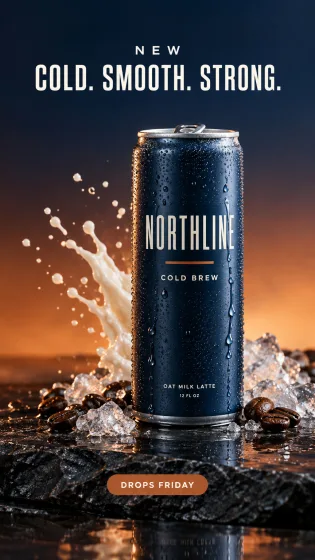
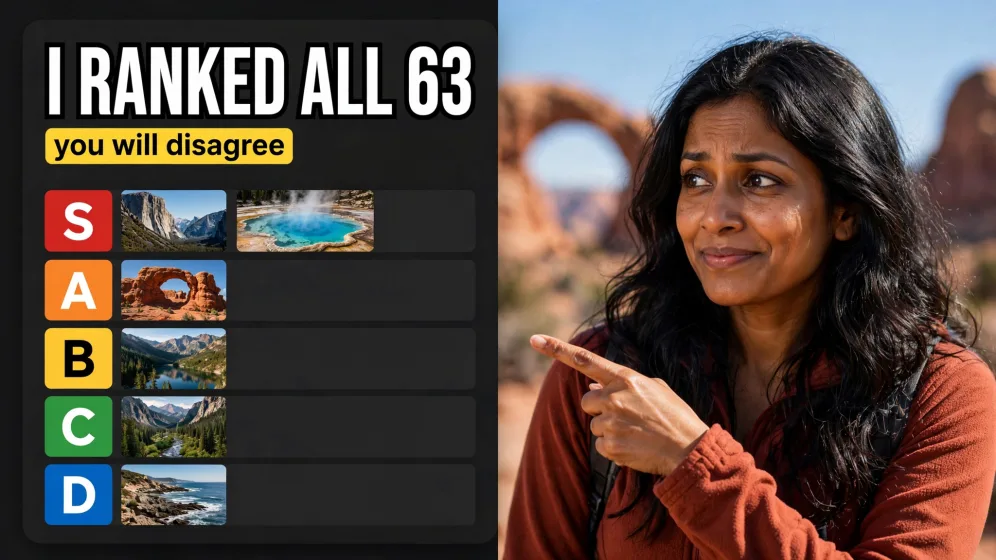
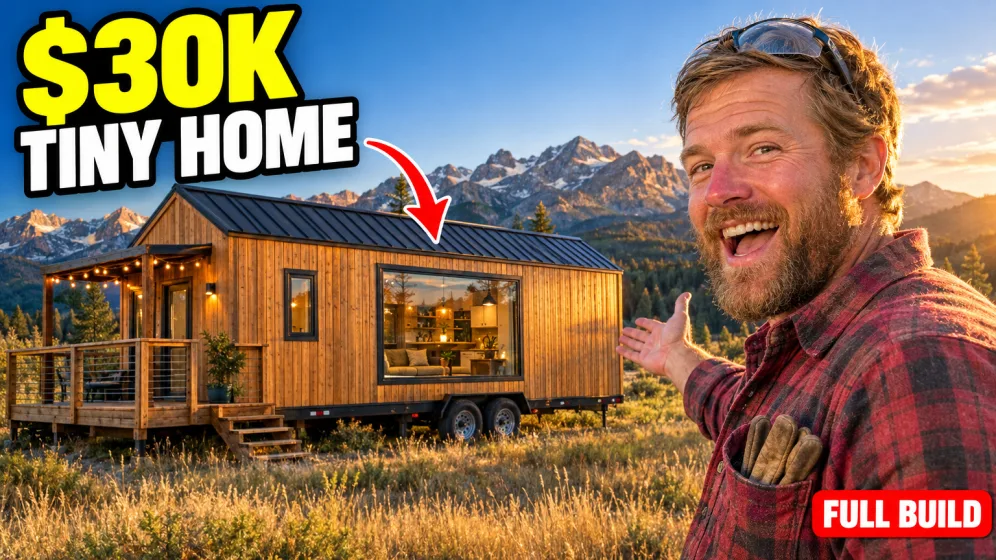
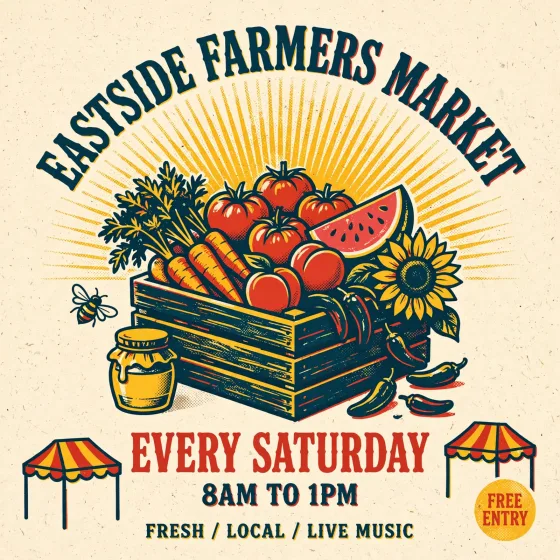
Generated with Z Image Turbo
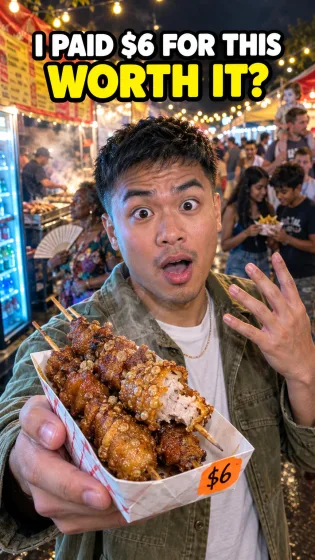
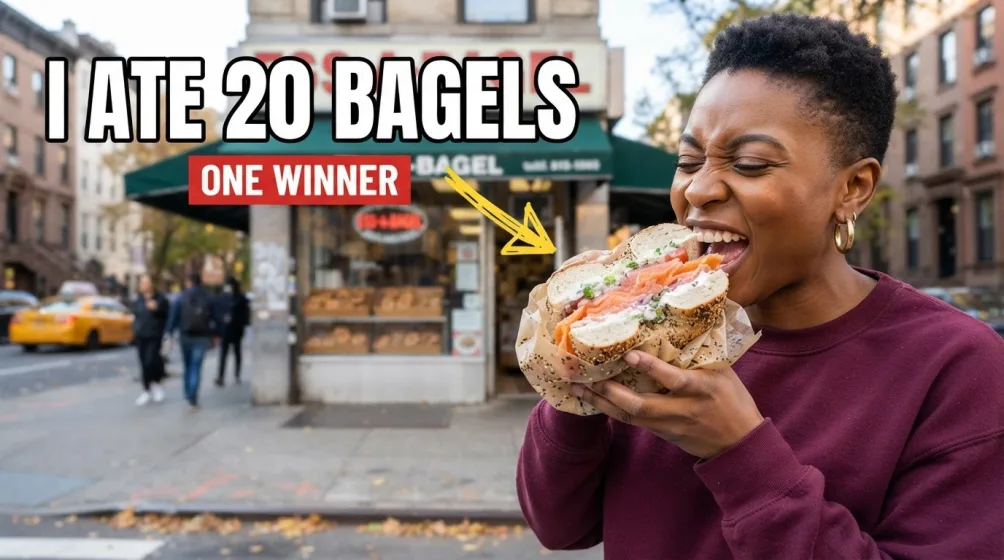
A handful of Z Image Turbo samples generated inside Fliki. No edits, no post.
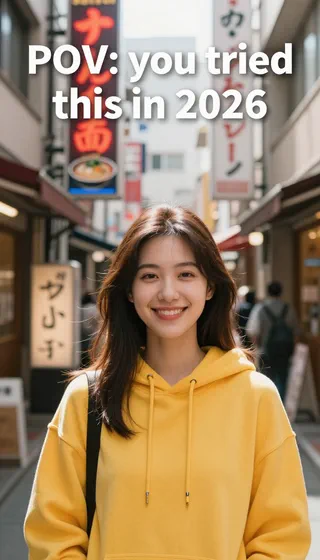
Prompt
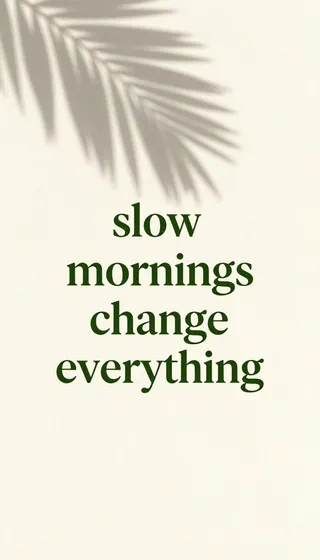
Prompt
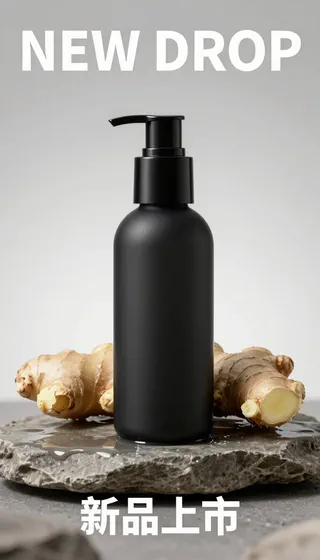
Prompt
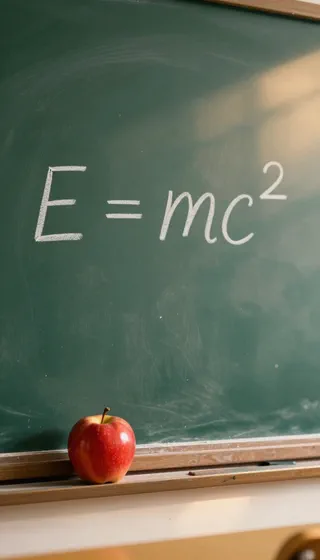
Prompt

Prompt
Prompt

Prompt
Why creators choose Z Image Turbo
Sub-second generation
Z Image Turbo compresses inference into 8 steps versus the 20-50 standard diffusion models need, producing images in roughly a second on production hardware. That speed is what makes it usable as a real-time creative tool, not just a generator you wait on.
Photorealistic 1K output
The model renders at up to 4 megapixels with natural lighting, realistic textures, and believable scenes. Faces, objects, and environments hold together cleanly without the "AI gloss" that gives away cheaper models.
Bilingual text rendering
Z Image Turbo is one of the few small models that renders legible English and Chinese text inside images. Whether you need a sign, a product label, a poster headline, or a bilingual campaign asset, type the text in quotes inside your prompt and the model handles it.
Single-Stream DiT architecture
Unlike traditional dual-stream diffusion models, Z Image fuses text, semantic, and image tokens into one input stream. This unified design lets the model reason about how words map to pixels, improving prompt adherence at a smaller parameter count.
Available on Fliki's free plan
Z Image Turbo is one of only two image models available on Fliki's free tier alongside Flux 2 Klein. New users can test it without a paid subscription, generating real production-grade images during onboarding.
Credit-efficient at scale
Faster generation means lower credit cost. Z Image Turbo is the model to reach for when you're running 50, 100, or 500+ generations - draft work, batch tests, content variations - without burning a paid plan's monthly budget.
Strong prompt adherence
The S3-DiT design improves the model's ability to follow specific creative direction. Lighting, composition, subject relationships, and stylistic cues land more reliably than with most models in the same speed tier.
Flexible aspect ratios
Generate 1:1, 16:9, 9:16, 4:3, and 3:4 outputs natively for square posts, landscape blogs, and vertical social. Pair Z Image Turbo with Fliki's text-to-video generator to extend stills into motion.
Open weights on Hugging Face
Z Image Turbo is released under the Apache 2.0 license with weights published on Hugging Face as Tongyi-MAI/Z-Image-Turbo. Researchers and developers can inspect the model card; on Fliki you skip the GPU setup and run it through a hosted prompt interface instead.
How it works
How to generate an image with Z Image Turbo
Z Image Turbo runs inside Fliki's standard image generator. Here's the six-step flow.
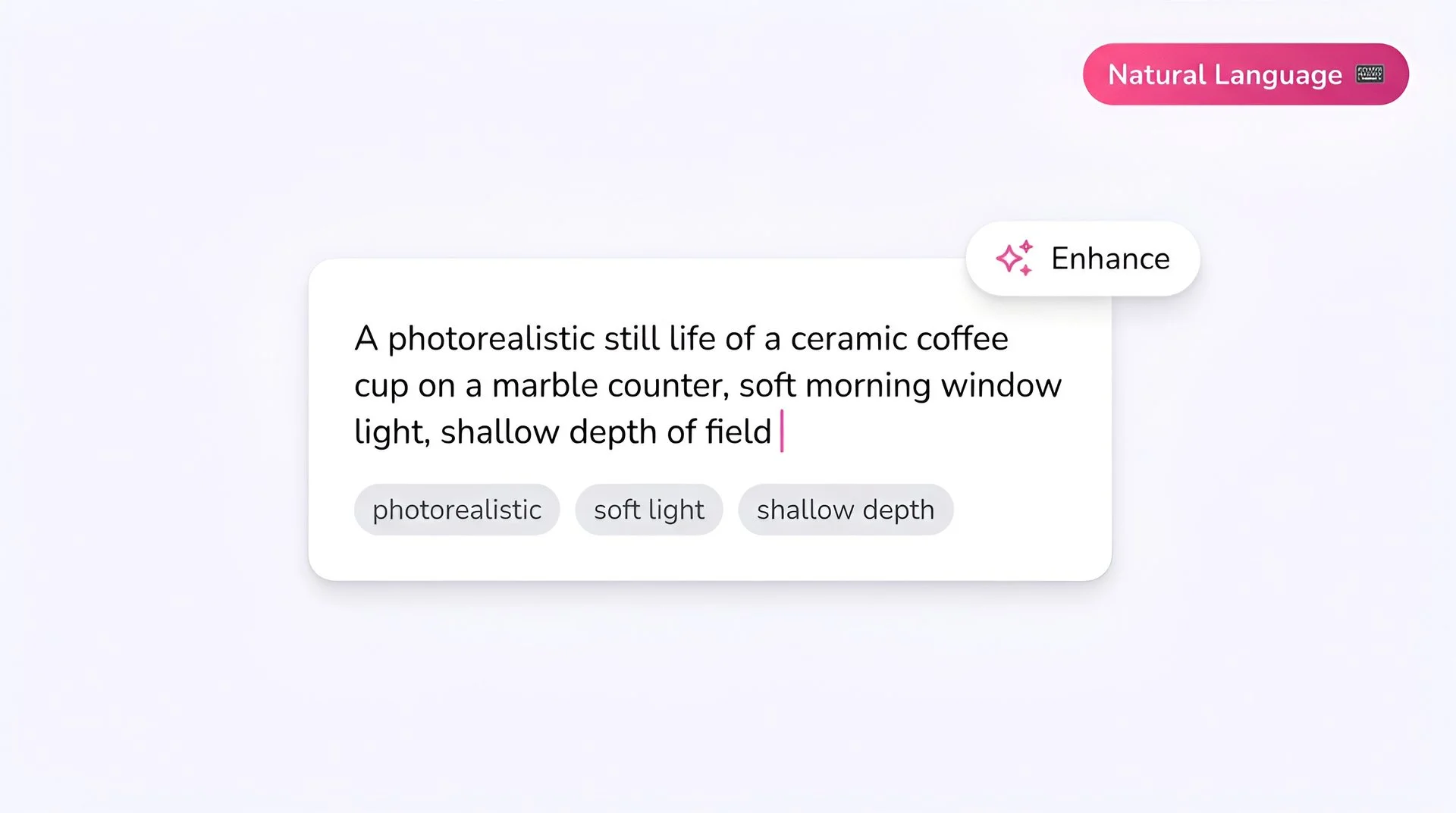
Write your prompt
Z Image Turbo handles concise prompts well - describe subject, setting, lighting, and style without paragraph-long shot lists. For text inside the image, put the exact words in quotes (English or Chinese).
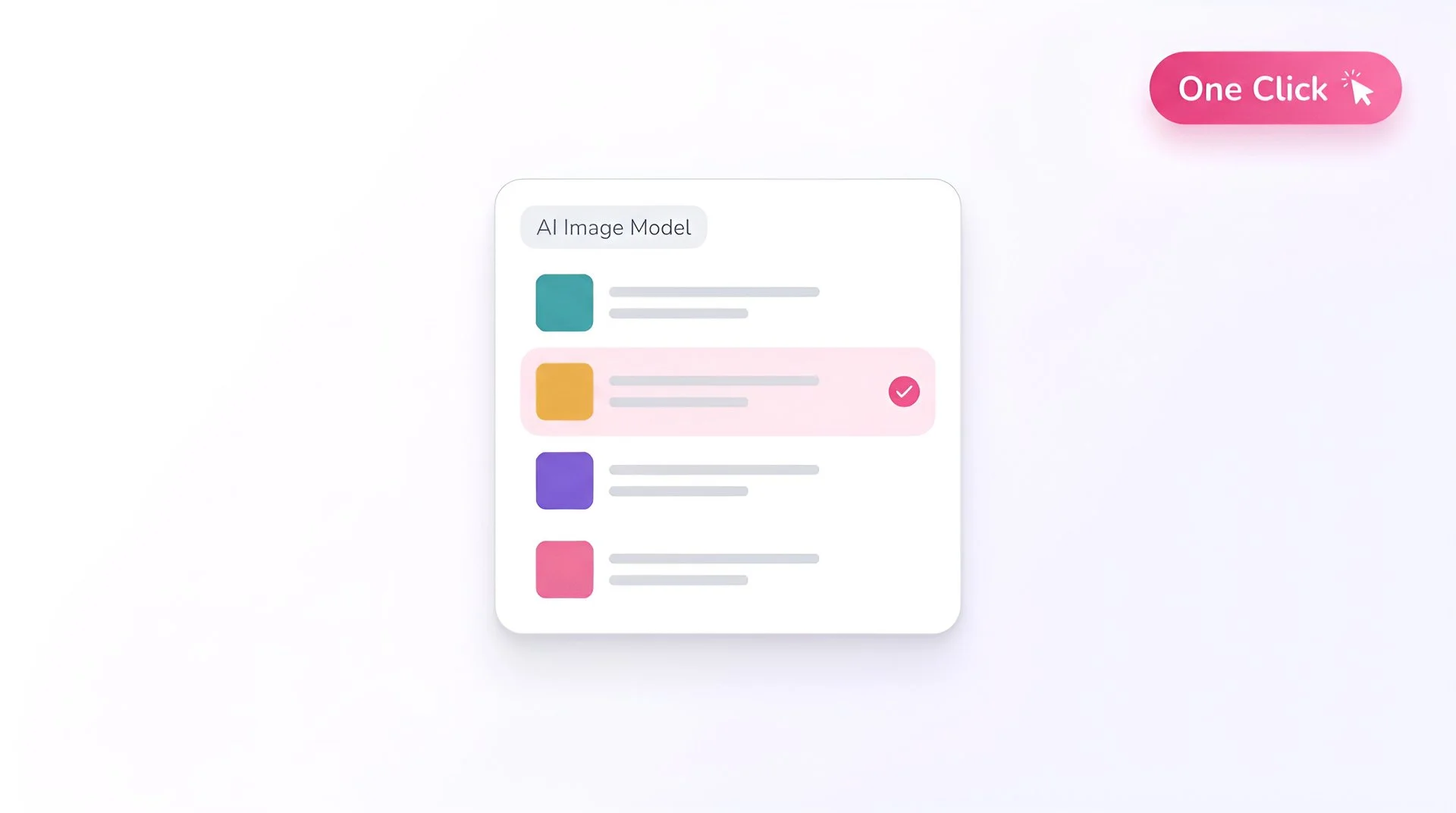
Select Z Image Turbo as your model
Open Fliki's model selector and choose Z Image Turbo. Your prompt routes to Alibaba Tongyi-MAI's 6B-parameter text-to-image model.
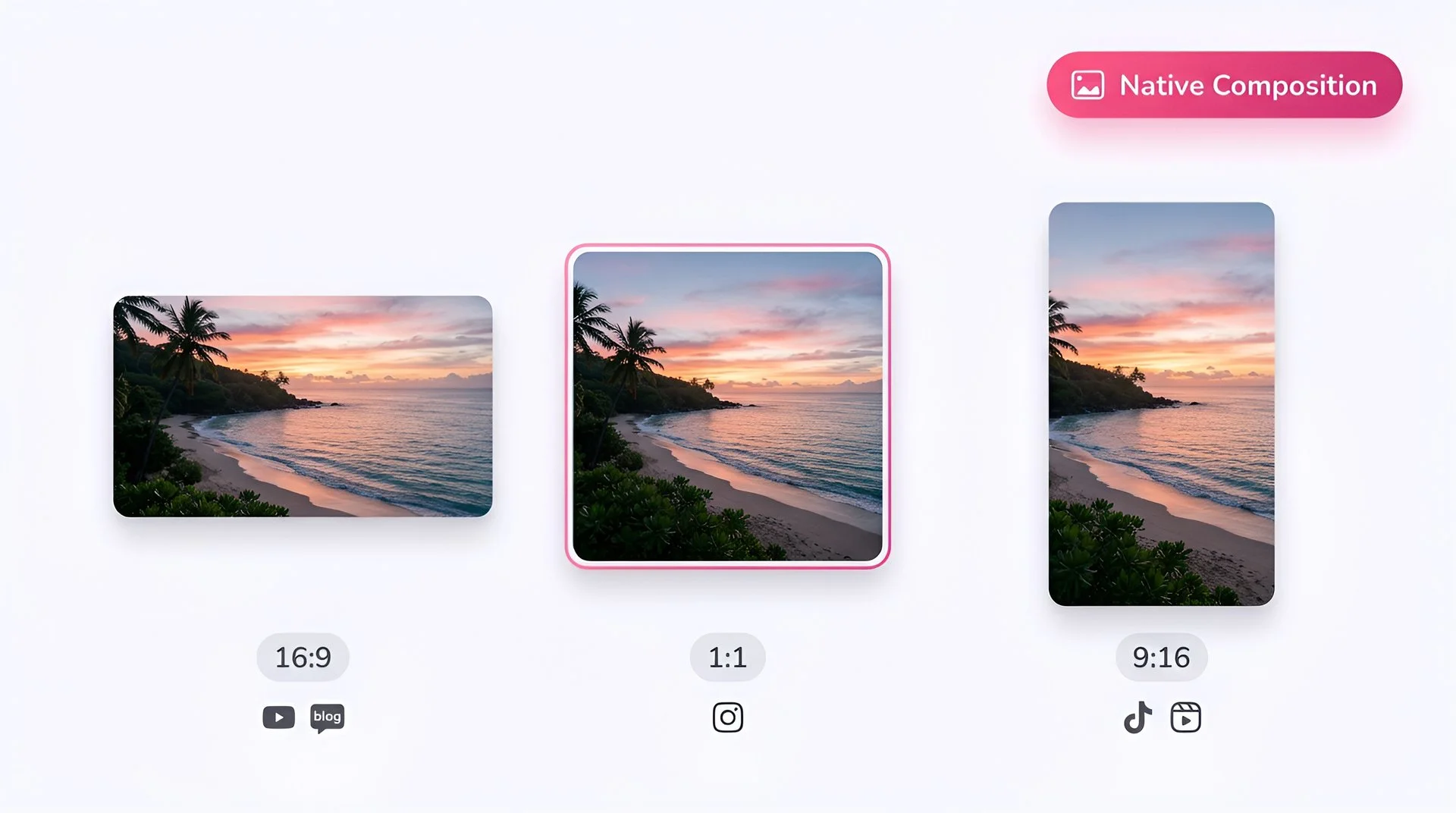
Pick your aspect ratio
Choose 1:1 for Instagram feed, 16:9 for blog headers and YouTube thumbnails, 9:16 for TikTok and Reels. 4:3 and 3:4 are also supported natively.
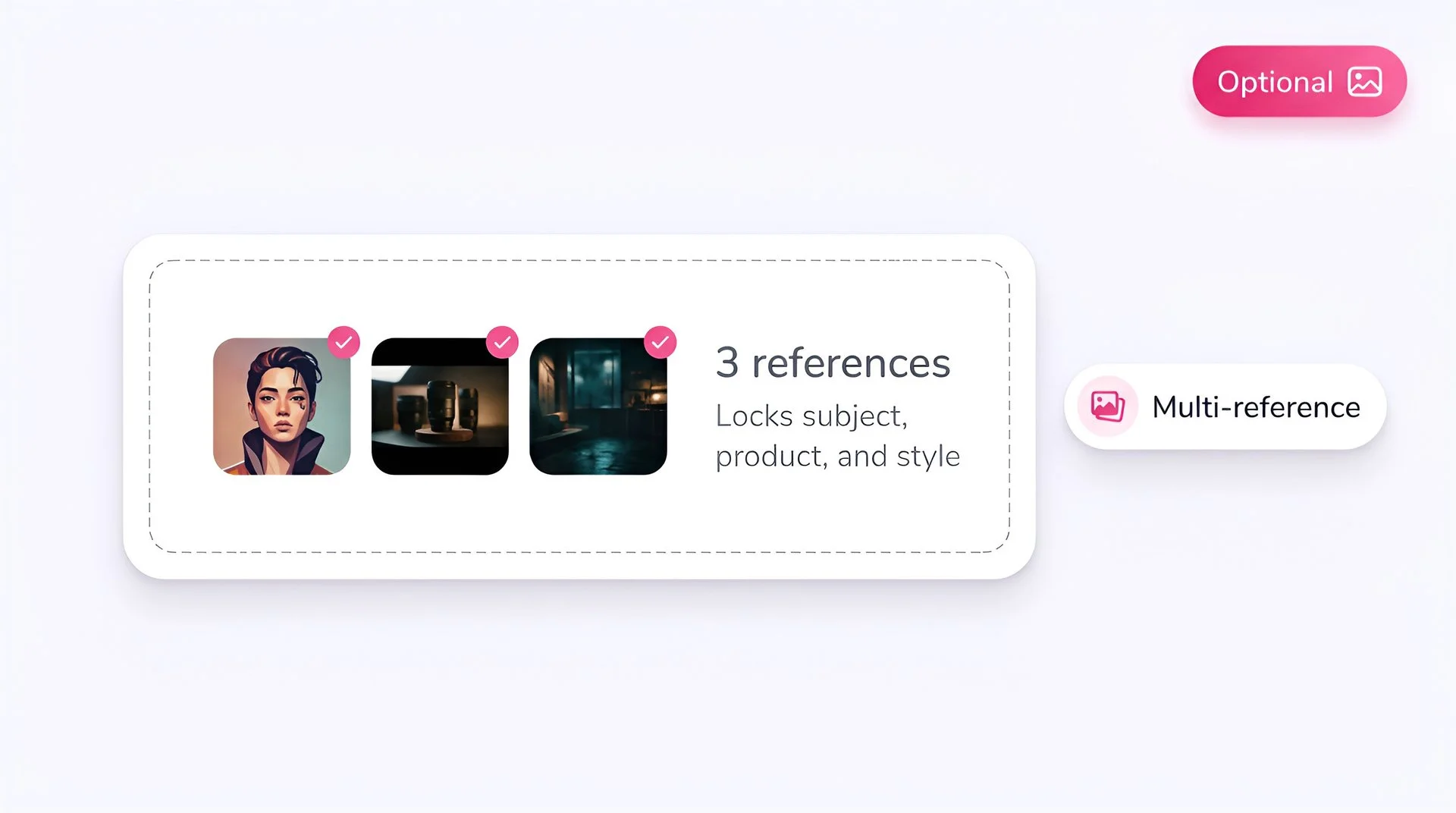
Add reference images (optional)
Skip this step - Z Image Turbo is text-to-image only and does not accept reference inputs.
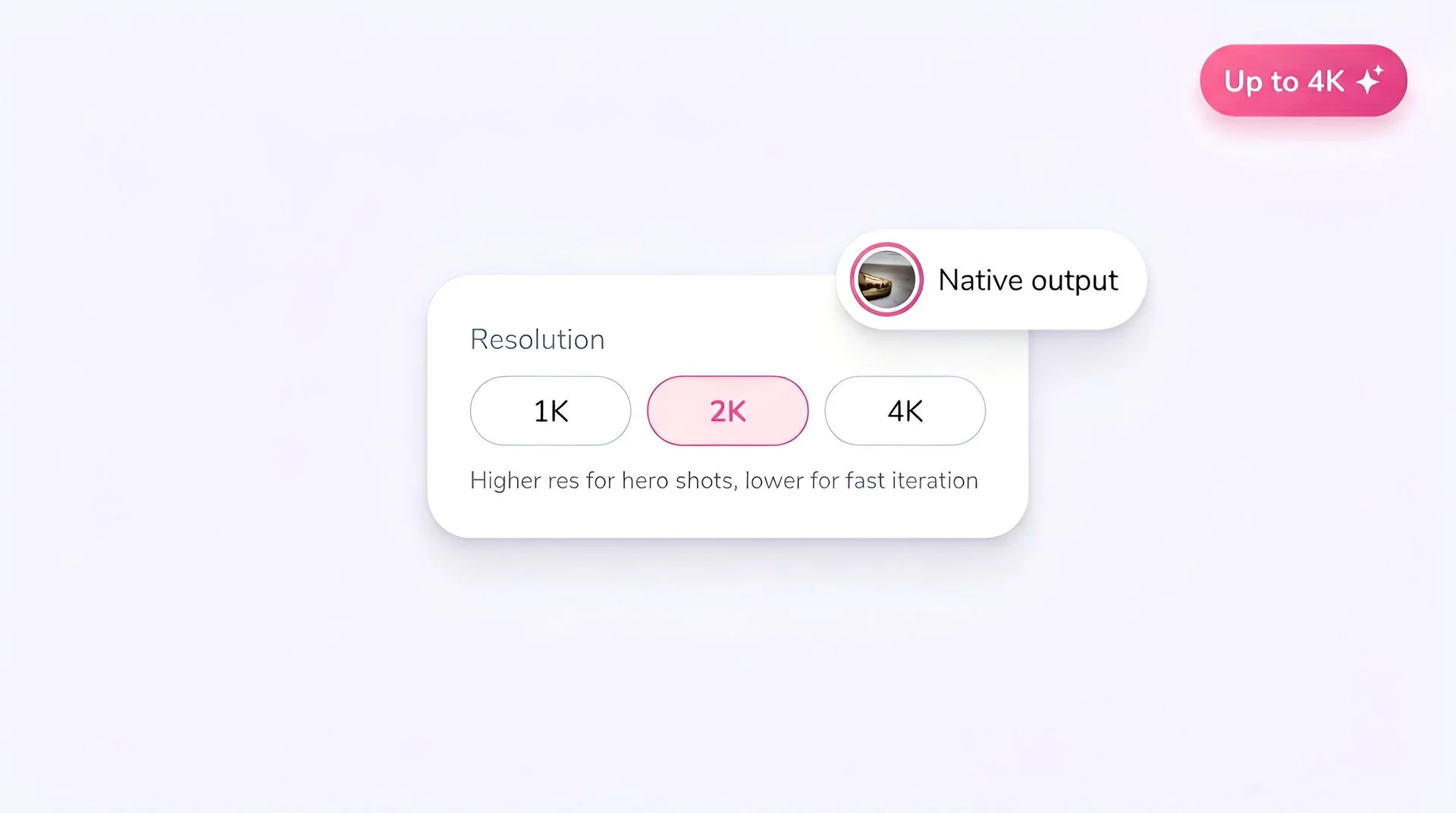
Set the resolution
Z Image Turbo supports up to 4 megapixels. Use lower resolutions for fast iteration; bump up when you've locked the look.
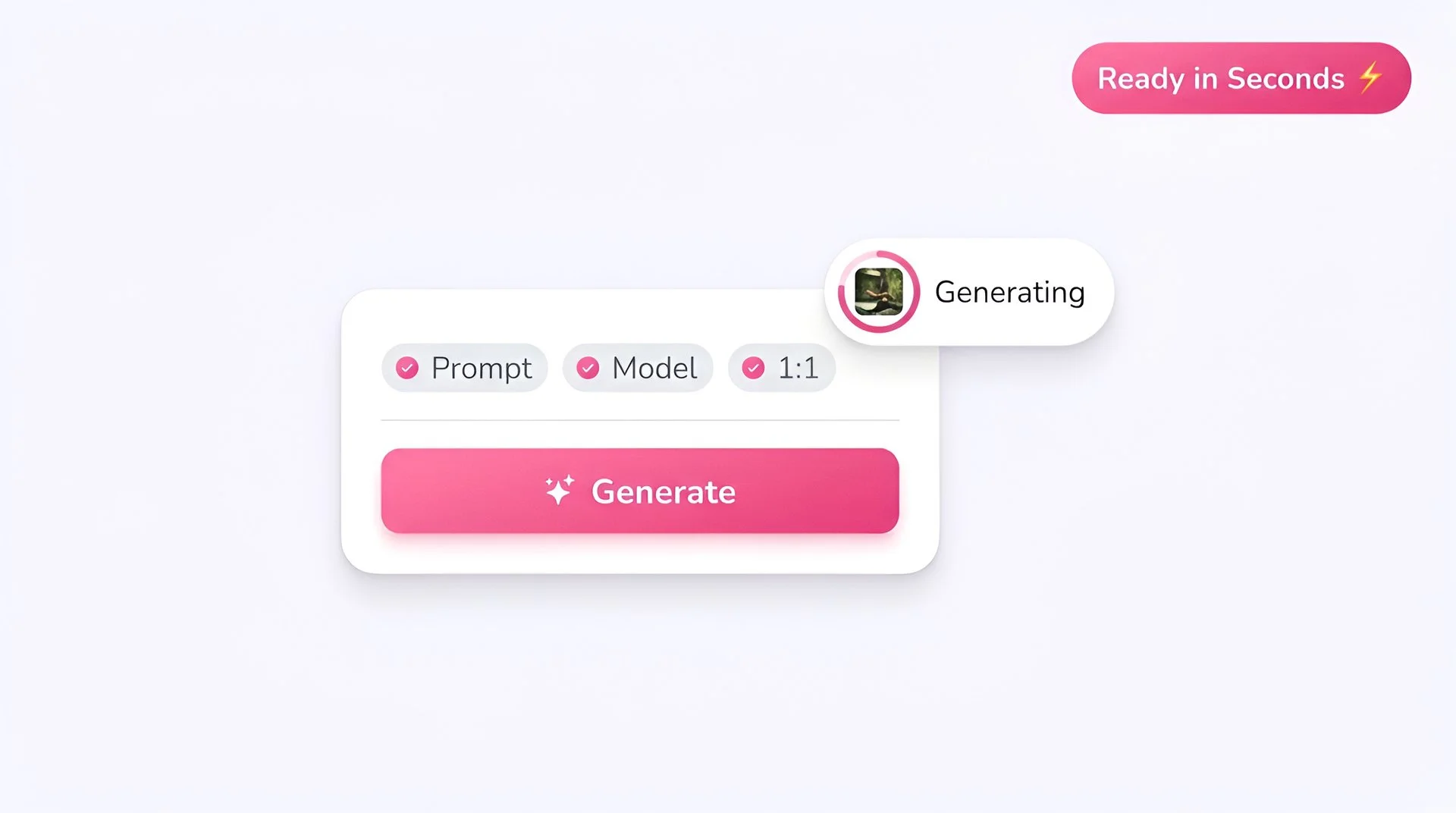
Generate
Hit Generate. Z Image Turbo's 8-step inference pipeline delivers output in under a second on most prompts, and it's available on Fliki's free plan so you can iterate without burning paid credits.
AI MODEL GALLERY
Built on the best AI models - ready inside Fliki
Every leading video, voice, and image model - integrated, unified, and tuned for creators. Generate with the latest AI video, AI voice, and AI image models from OpenAI, Google, Kling, Bytedance, ElevenLabs, and more - all from one place.


Z Image Turbo FAQ
Frequently asked questions
Everything you need to know about generating images with Z Image Turbo inside Fliki.
AI image models
Discover more
Tools
Discover features
Generate your next image with Z Image Turbo.
Free to start, no credit card required.
Start generating freeFree forever plan · No credit card required · Cancel anytime