
Introduction
If you opened your bookmark for Unscreen this week and were greeted by a "Goodbye, Unscreen" page redirecting you to Canva, you are not alone. Unscreen, the beloved one-click video background remover from the team behind remove.bg, officially shut down in December 2025. Existing subscriptions were cancelled, the Adobe After Effects and Premiere Pro plugins were retired, and the team handed the torch over to Canva.
For creators, marketers, e-commerce sellers, and educators who built workflows around Unscreen's drag-and-drop simplicity, this leaves a real gap. The good news is that the AI background removal space has exploded since Unscreen first launched, and the best replacements are arguably faster, sharper, and far more capable than the tool they are succeeding.
I have spent the last couple of weeks testing the top contenders on the same set of clips, talking heads, product demos, dance footage, and a notoriously tricky video of curly hair against a busy coffee shop. Below is the honest shortlist of unscreen alternatives that actually deliver in 2026, what each one is genuinely good at, and where each falls short.
What to Look for in a Solid Unscreen Replacement
Before jumping into the list, a quick gut check on what separates a great tool from a frustrating one. Unscreen's appeal was never the AI alone, it was the workflow: upload, wait a few seconds, download a transparent video or swap in a new background. Any worthwhile replacement should give you that same simplicity, plus a few modern upgrades.
The criteria I used were edge quality (especially around hair and semi-transparent items like glasses), processing speed, maximum clip length, output format support (transparent WebM, PNG sequences, or alpha MOV), pricing transparency, and whether the tool fits into a broader video workflow so you are not stitching five apps together to publish one TikTok.
With that in mind, here are the nine best unscreen alternatives worth your time in 2026.
1. Runway
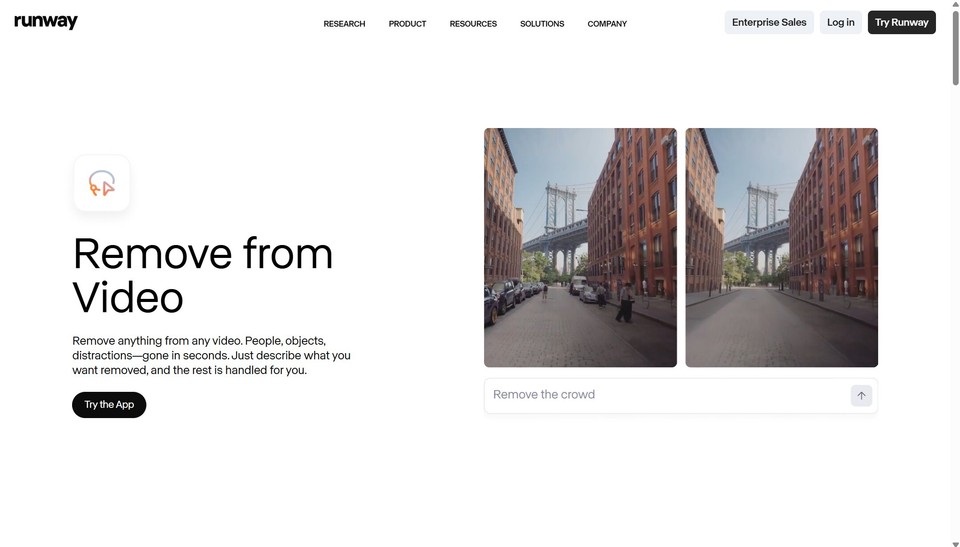
Runway is the closest thing the industry has to a successor in terms of pure AI muscle. Their Green Screen tool, available inside the Runway web app, uses a model that handles complex motion, hair detail, and partial occlusions better than almost anything else on the market. You can mask, refine, and export an alpha matte that drops straight into Premiere, DaVinci Resolve, or After Effects.
The trade-off is a learning curve. Runway is built for video professionals, not casual creators, and the credit-based pricing can stack up if you process long clips. For agencies, VFX artists, and serious YouTubers, however, it is the gold standard.
Best for: Professional editors who want film-grade mattes. Pricing: Free tier with limited credits, paid plans start at $15 per month.
2. Canva
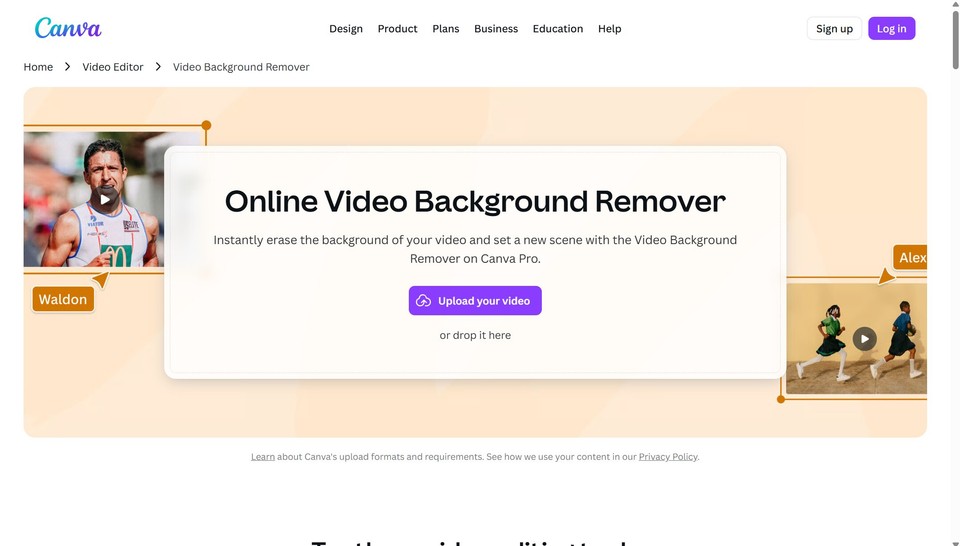
Since Unscreen now officially recommends Canva, it deserves a fair look. Canva's video background remover is built into its broader design suite, meaning you can remove a background and immediately drop the cutout into a thumbnail, presentation, social post, or brand kit. The model itself is solid for talking-head content and clean studio footage.
The catch is that the background removal feature sits behind Canva Pro, and Canva is not really designed for long-form or high-frame-rate video work. Think of it as the convenient default for marketers already living inside Canva, not the powerhouse choice.
Best for: Designers and marketers already using Canva for visuals. Pricing: Canva Pro starts at $15 per month.
3. Kapwing
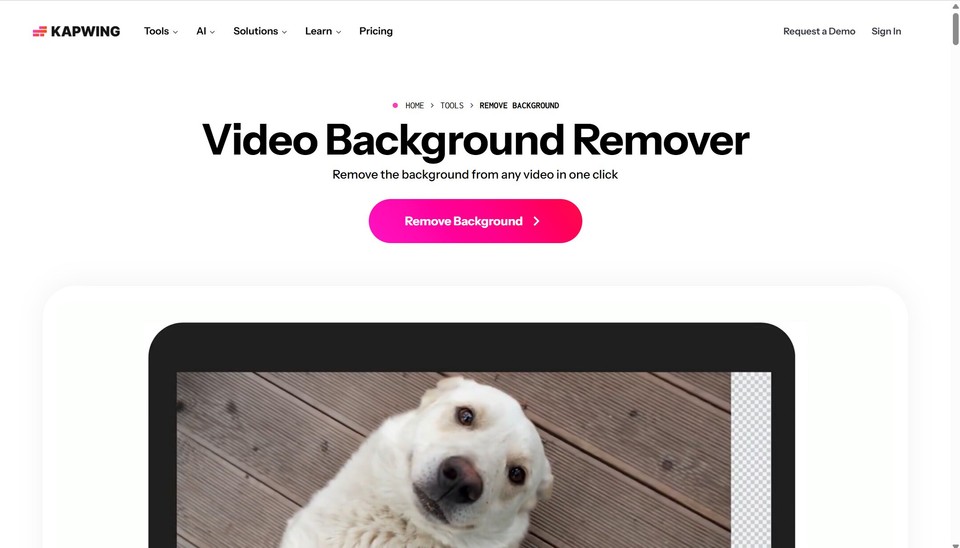
Kapwing is the unscreen alternative that most closely mimics the original's browser-first feel. Upload a clip, click Remove Background, and within a minute or two you have a transparent video ready to download. There is no software to install, no rendering queue, and the interface is genuinely beginner-friendly.
Kapwing's free tier is generous for short clips, and the paid plans unlock longer videos plus a full timeline editor with subtitles, smart cuts, and collaboration. The background removal model is not quite at Runway's level on extreme edge cases, but for 95% of social videos it is more than enough.
Best for: Social media creators who want fast, browser-based editing. Pricing: Free plan available, Pro starts at $16 per month.
4. Fliki
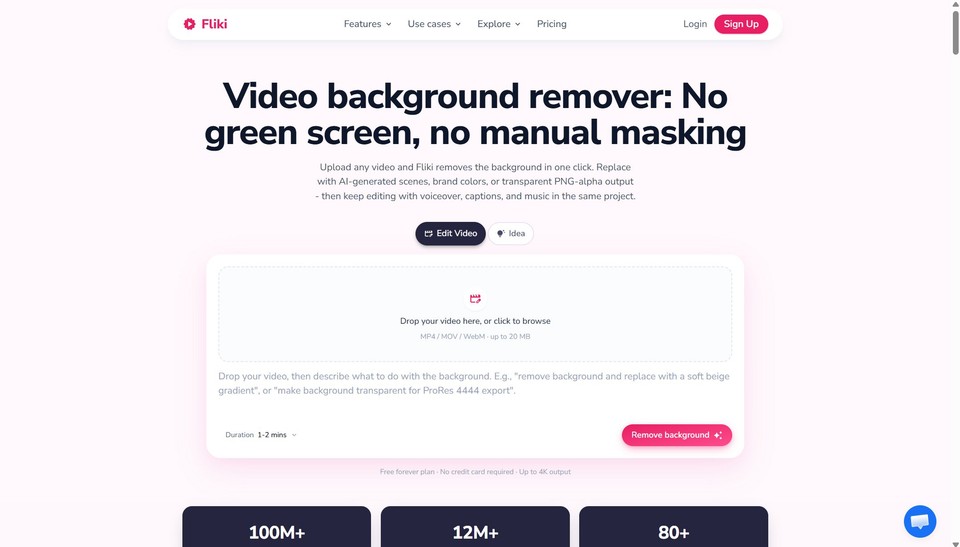
If your goal is not just to remove a background but to actually produce finished videos, Fliki is the most complete tool on this list. Fliki is an AI video generator used by over 12 million creators, professionals, and teams to turn scripts, blog posts, or one-line prompts into ready-to-publish videos with lifelike voiceovers, dynamic visuals, music, and burned-in captions.
Where Fliki shines as an unscreen alternative is the AI avatar feature, which lets you create a presenter on a transparent or custom background without ever filming a green screen in the first place. You can also clone your own voice, translate your videos into 80+ languages, or convert a blog post into a video in under five minutes. For creators who used Unscreen mainly to produce talking-head and explainer content, skipping the camera entirely with Fliki is often faster than removing a background after the fact.
Best for: Creators, educators, and marketers who want end-to-end video production with built-in avatars and voiceovers. Pricing: Free plan with no credit card required, paid plans start at $21 per month.
5. VEED
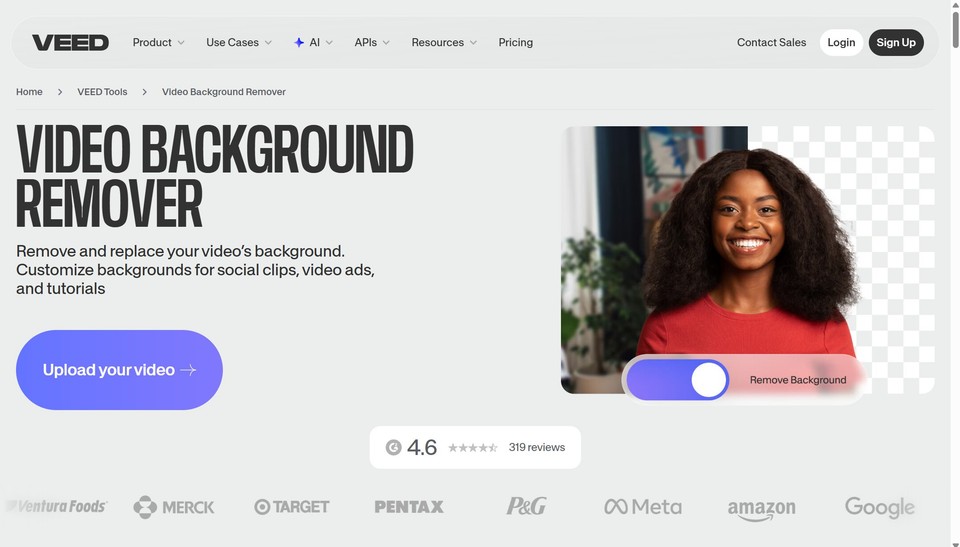
VEED is one of the most polished all-in-one editors out there, and its video background remover is one of the better Unscreen substitutes for marketers and solopreneurs. The tool removes backgrounds without a green screen, supports clips up to 4K, and offers a clean web interface with no install required.
VEED bundles the remover with subtitles, brand kits, AI avatars, dubbing, and a recorder, which makes it a strong choice if you want your background removal step to live inside the same app where you finish your videos. Background removal is a premium feature, so plan for a subscription if you process more than a couple of clips.
Best for: Marketers who want a single platform for editing, captions, and background removal. Pricing: Free editor with watermark, paid plans start at $18 per month.
6. Pixelcut
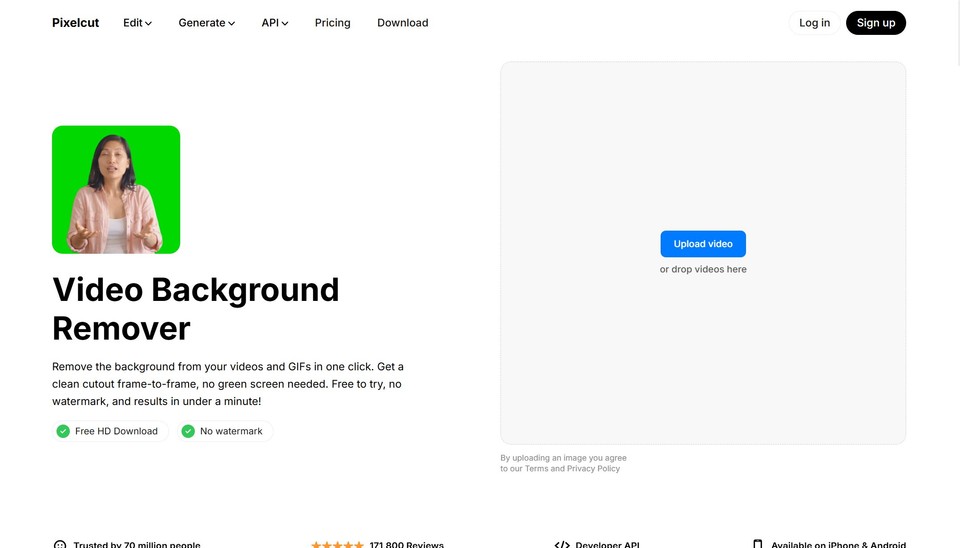
Pixelcut started as a mobile-first photo editor and has quietly become one of the best video background removers for e-commerce sellers. The mobile app removes backgrounds from product videos in seconds, lets you drop in studio backdrops, and exports in formats ready for Amazon, Shopify, TikTok Shop, and Instagram.
If you sell physical products and shoot a lot of short demos on your phone, Pixelcut is faster than anything desktop-based. It is less suited to long-form video or complex compositing.
Best for: E-commerce sellers and mobile-first creators. Pricing: Free with limits, Pro is around $10 per month.
7. Adobe Express and After Effects
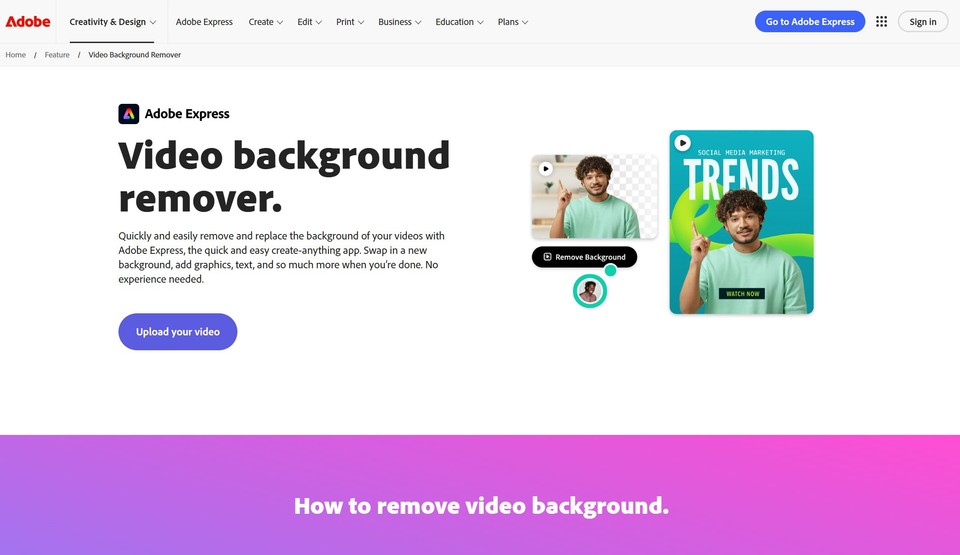
Adobe has rolled background removal into both Adobe Express and the Roto Brush in After Effects. Express is the closest experience to Unscreen, a clean web app with one-click removal that exports a transparent video.
After Effects, on the other hand, is for the serious crowd. Roto Brush 3, powered by Adobe Sensei, is essentially a frame-by-frame AI that lets you refine mattes by hand for film-quality results. If you already pay for Creative Cloud, you have two excellent background removers waiting for you.
Best for: Existing Adobe Creative Cloud subscribers. Pricing: Express has a free tier, After Effects requires a Creative Cloud subscription starting at $22.99 per month.
8. CapCut
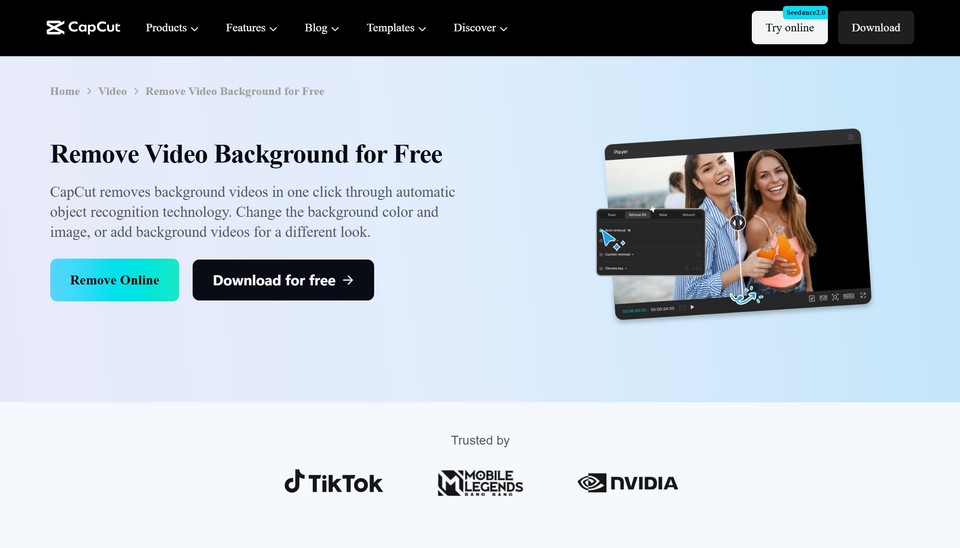
CapCut, made by ByteDance, has quietly turned into one of the most powerful free video editors available. Its background removal tool works on both desktop and mobile, handles human subjects beautifully, and integrates directly with TikTok publishing.
For short-form social creators, CapCut is hard to beat on price (free) and convenience. The model is a step behind Runway on tricky footage, but for vertical talking-head videos shot on a phone, it is consistently impressive.
Best for: TikTok and Reels creators on a zero budget. Pricing: Free, with an optional Pro plan at $7.99 per month.
9. Clipdrop
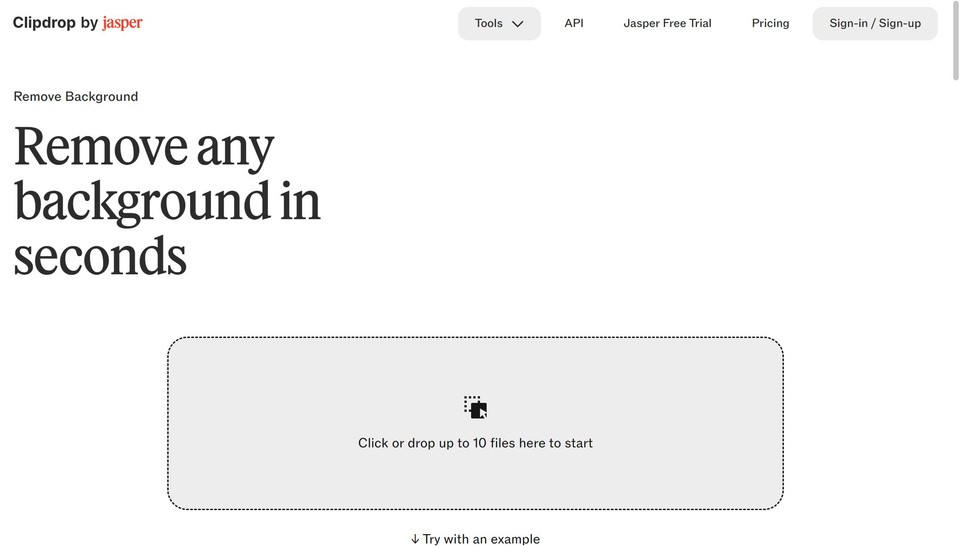
Clipdrop, part of the Stability AI family, offers a clean and developer-friendly background removal experience for both images and short videos. It is particularly useful if you need an API to plug background removal into your own product or batch-processing workflow.
For end users, the web app is fast and intuitive. For developers, the API is one of the more reliable ones available, with documentation that does not feel like a punishment to read.
Best for: Developers and teams that need an API-first solution. Pricing: Free tier with limits, Pro is $9 per month.
A Quick Comparison: Which Unscreen Alternative Should You Pick?
If you want the closest one-click Unscreen experience, choose Kapwing or VEED. If you want professional-grade mattes for film and high-end YouTube work, Runway is the obvious answer. If you sell products and shoot on your phone, Pixelcut will save you hours.
And if you originally used Unscreen to produce explainer or social videos with presenters, the smartest move in 2026 is not to remove a background at all, but to generate the presenter directly with Fliki and skip the green screen workflow entirely. You can start free here and have a publish-ready video in roughly the time it would take to upload a clip to Unscreen.
Why the Unscreen Era Is Actually Over
Unscreen mattered because, back in 2020, removing a background from a video without a green screen felt like magic. That magic has now been commoditized. Open-source models like Robust Video Matting are freely available, and every serious video tool has either licensed similar technology or built its own.
What this means for you, practically, is that you should not just look for a tool that copies Unscreen. Look for one that fits the next two years of your workflow, especially as AI video generation, voice cloning, and avatar tools turn the entire production pipeline upside down. Background removal is becoming a feature inside larger creative platforms, not a standalone product, which is precisely why Unscreen's parent company chose to wind it down rather than maintain it.
Final Thoughts
The shutdown of Unscreen is not really a loss, it is a nudge to upgrade. Whether you go with Runway for pure precision, Kapwing for friction-free social workflows, or Fliki for a full text-to-video pipeline that often eliminates the need for background removal in the first place, your videos in 2026 should be faster to make and better-looking than anything you produced with Unscreen.
Pick the one tool from this list that matches how you actually work, not the one with the loudest marketing, and your post-Unscreen workflow will feel like a genuine step forward rather than a workaround.