AI image generator with 11+ best-in-class models
Generate images with Flux, Qwen, Nano Banana 2, Seedream, GPT Image 2, and more. Fliki picks the right model per prompt - then drops every image straight onto your video timeline alongside voiceover, captions, and music.
Free forever plan · No credit card required · Up to 4K output
Trusted by 50,000+ companies worldwide
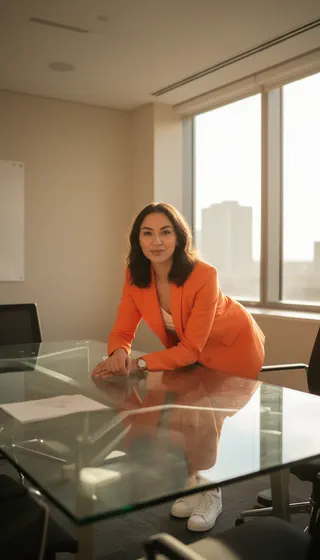
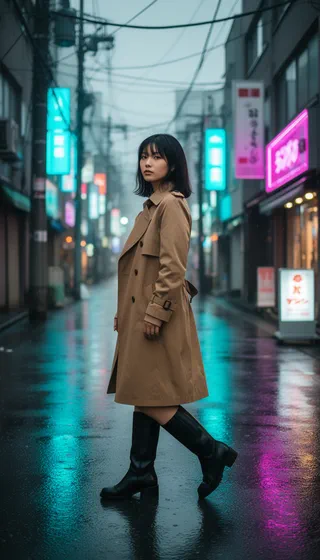
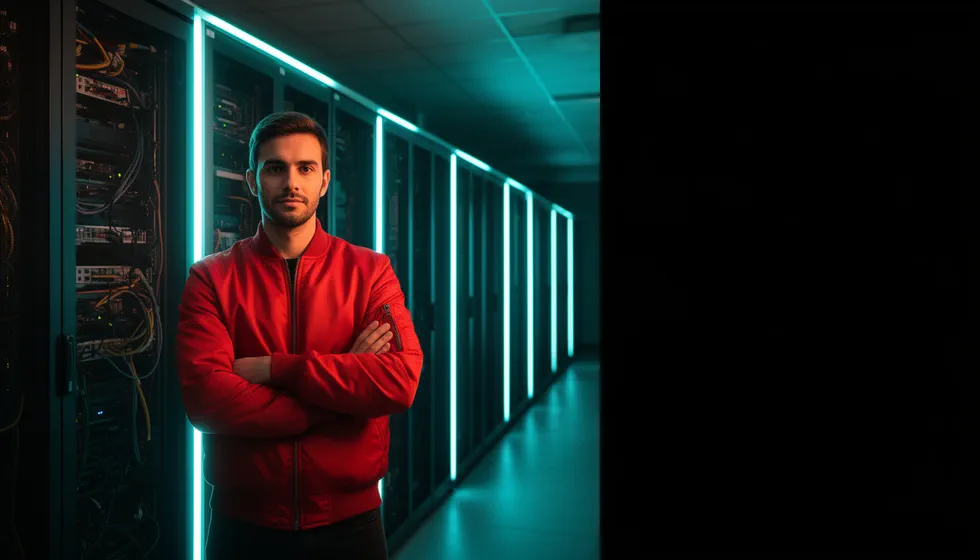
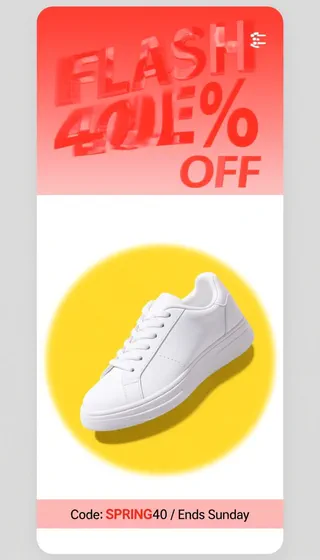
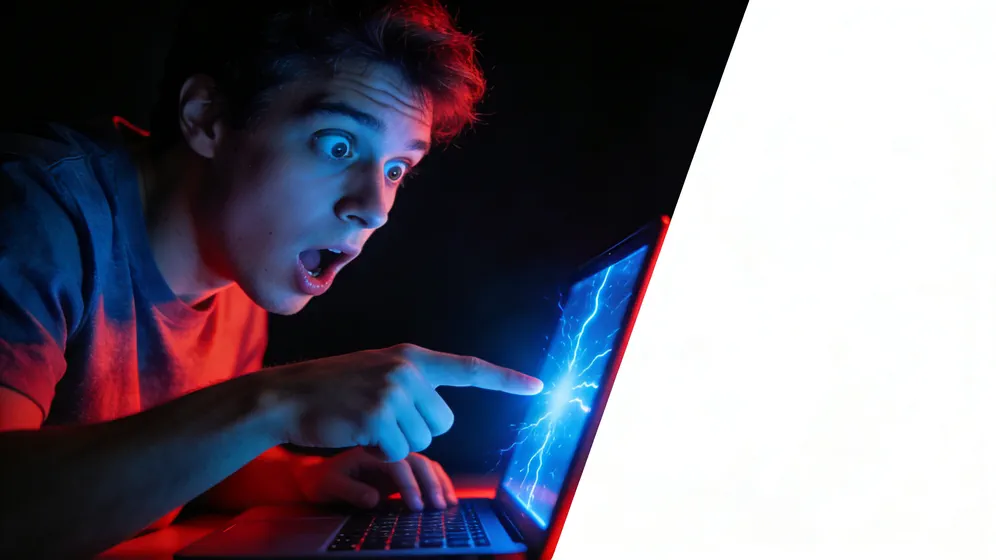
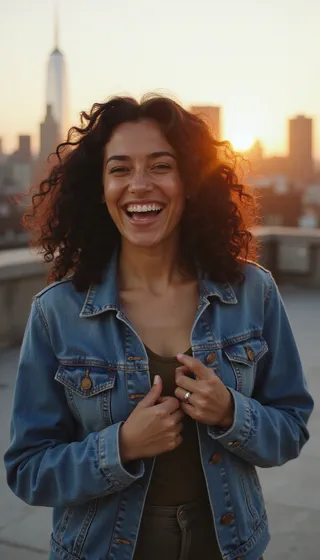
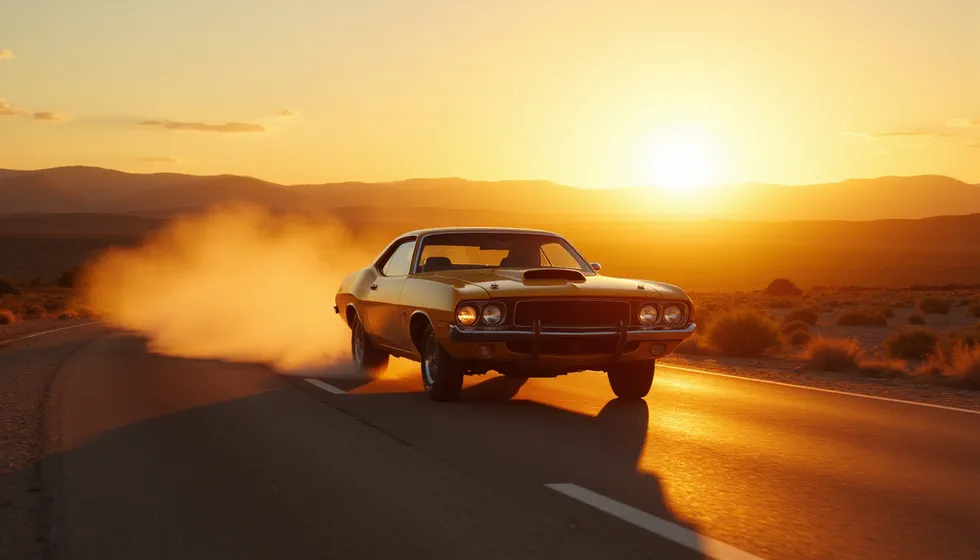
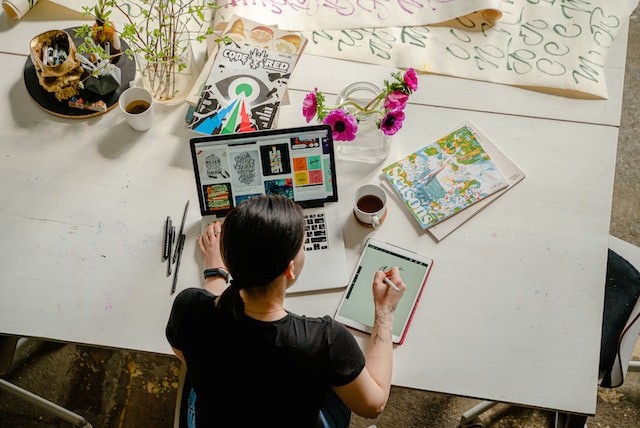
Images generated with Fliki
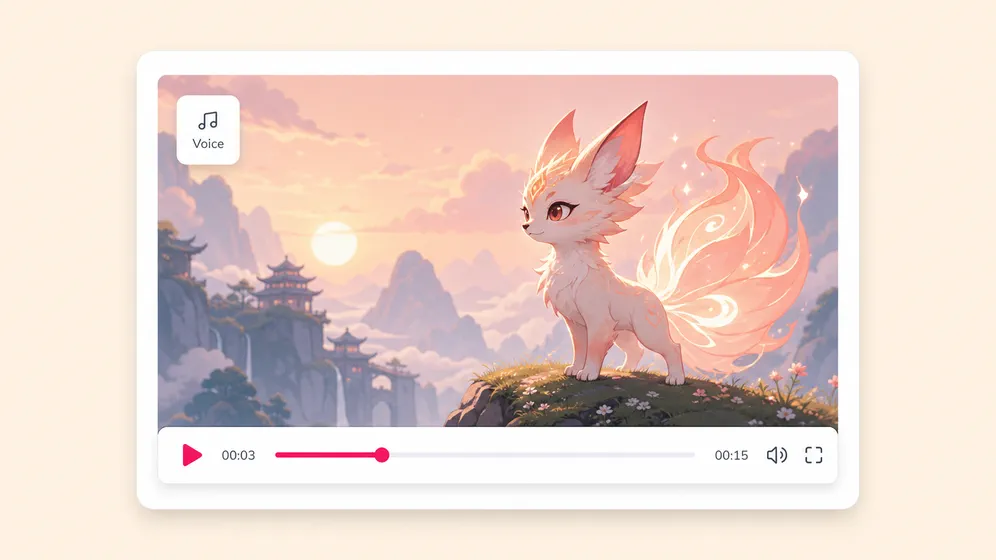
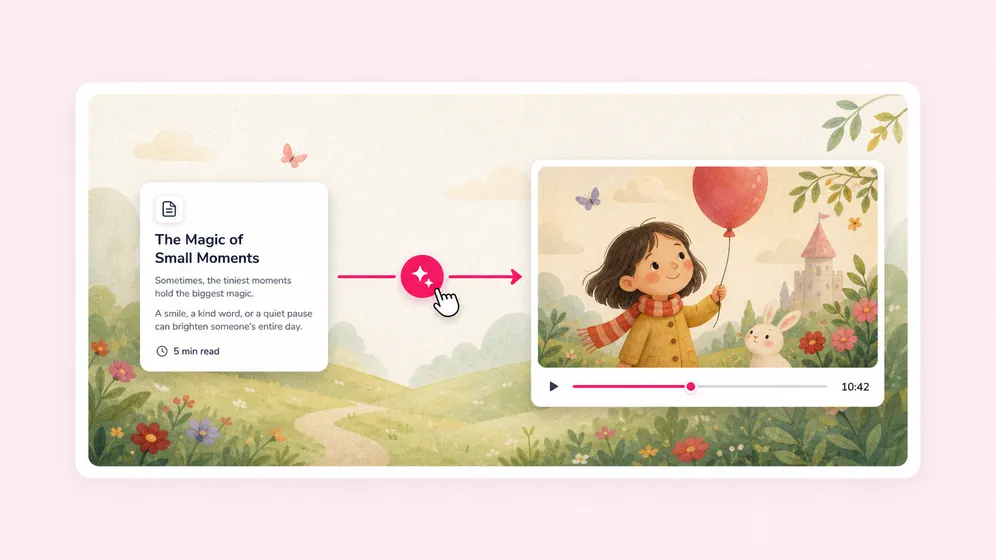
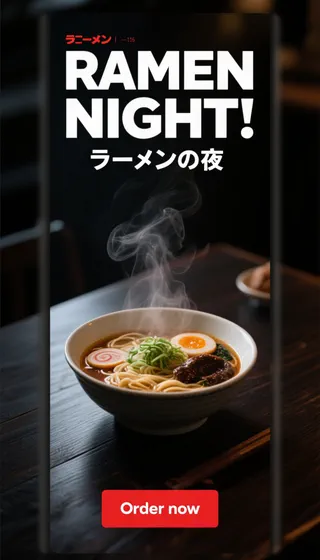
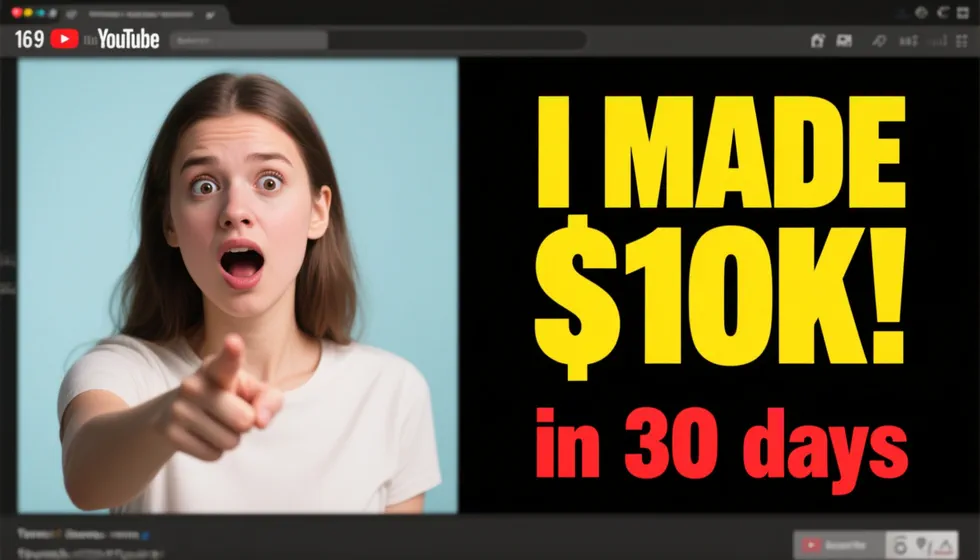
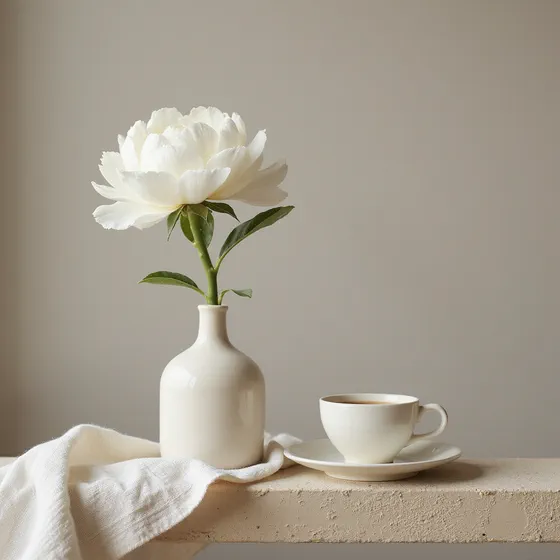
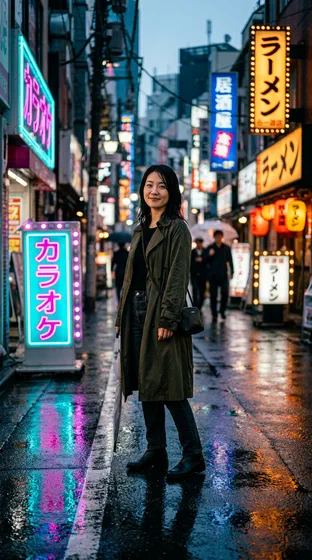
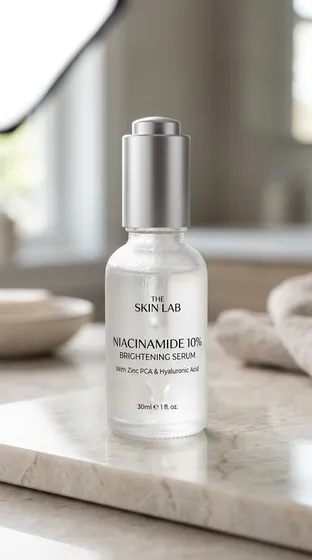
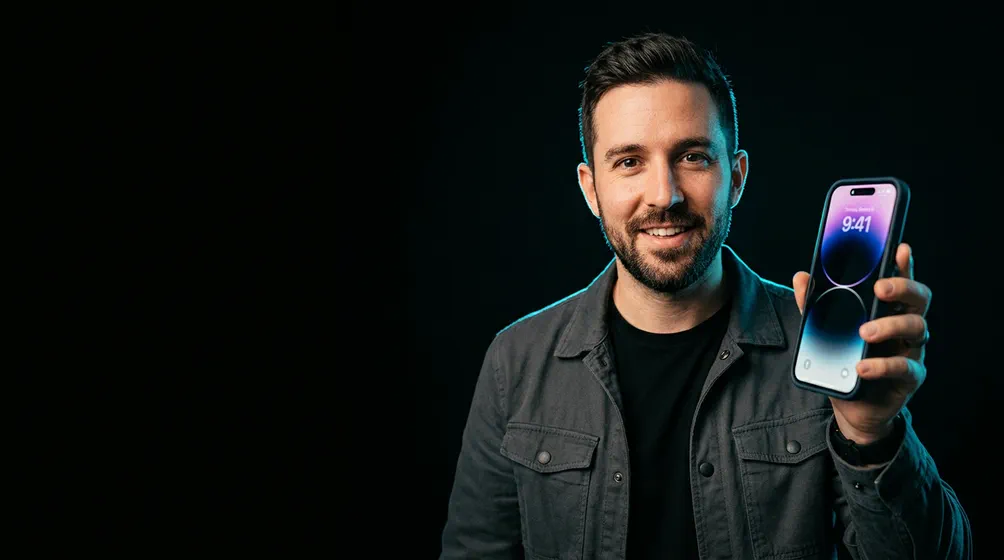
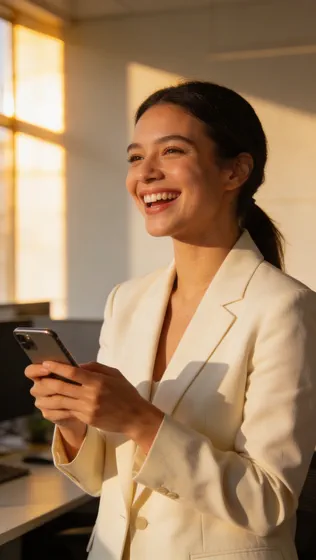
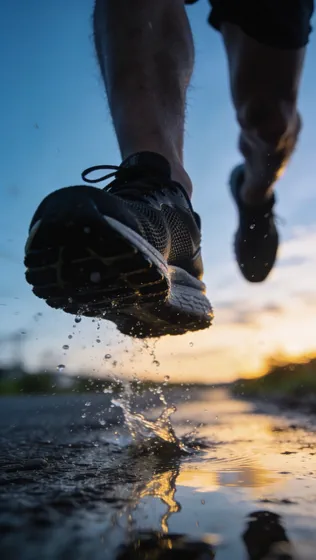
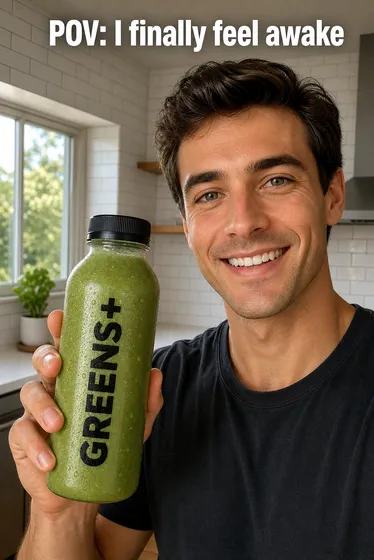
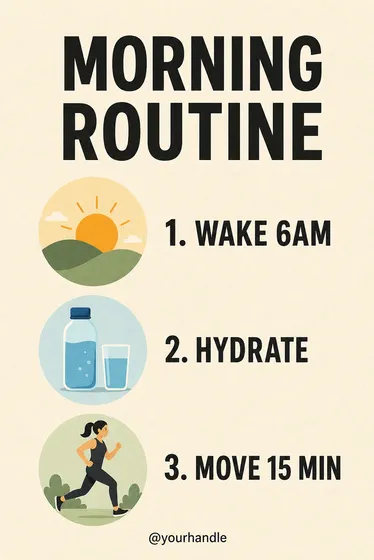
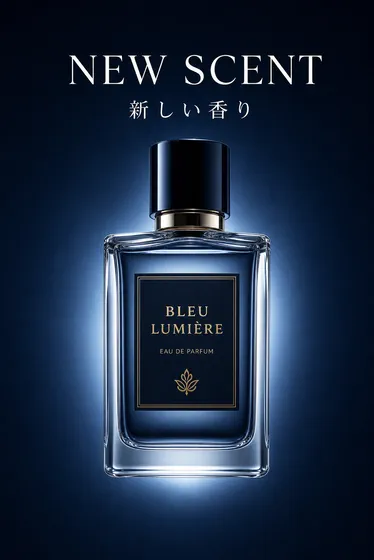
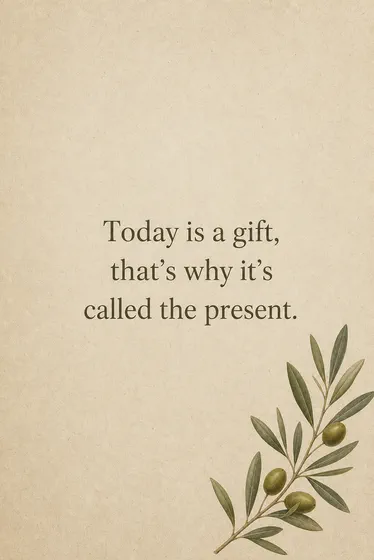
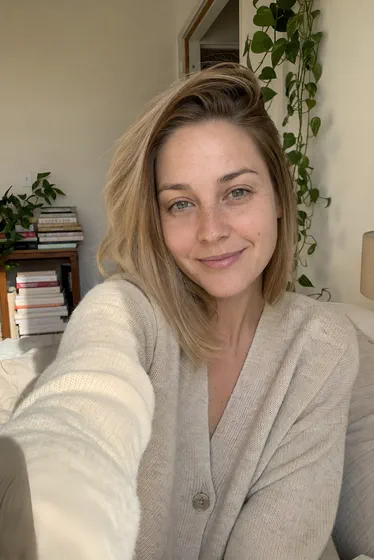
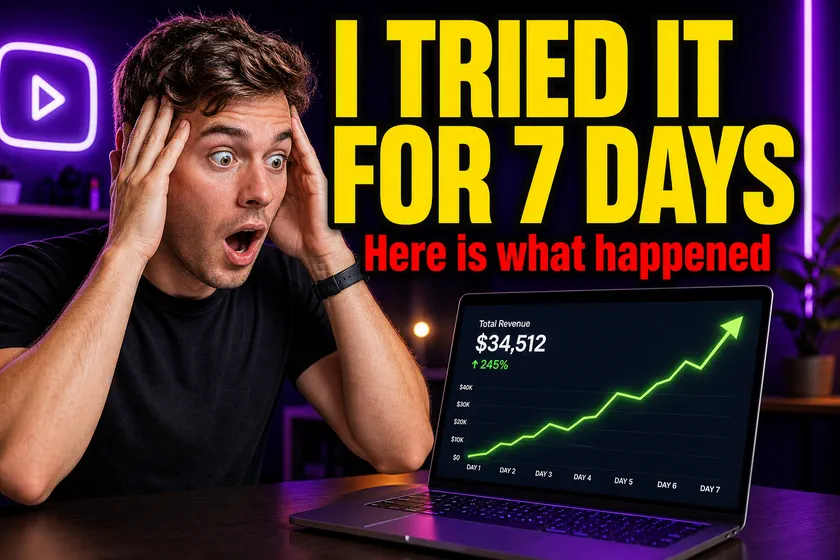
Real images generated inside Fliki with GPT Image 2. Alongside Flux 2, Qwen Image, Nano Banana 2, and Seedream 4.5 across the rest of the model lineup.

Prompt

Prompt

Prompt

Prompt

Prompt

Prompt

Prompt
Trusted by 50,000+ companies worldwide
Why creators pick Fliki for AI images
Eleven-plus models, one composer
Midjourney has one model. DALL-E has one model. Imagen has one model. Adobe Firefly has one model. Single-engine tools force one aesthetic on every job. Fliki routes the prompt to the right engine - photoreal, illustrated, text-in-image, brand asset - and keeps every output inside your video project.
Subscribe to all of them, or use Fliki
Midjourney V7 at $10/mo. DALL-E 4 bundled with ChatGPT Plus at $20/mo. Ideogram at $7/mo for text-in-image. Flux Pro at $0.06 per image. Imagen 4 via Google Vertex Cloud billing. Adding it up: $40+/mo across four subscriptions, just for image generation. Fliki: 11+ models on the free plan, with a unified composer that drops every output onto your video timeline.
Photoreal portraits & products → Flux Pro
Use Flux Pro or Flux 2 for photoreal faces, products, and editorial scenes. Standalone Midjourney V8 runs ~$10/mo for one aesthetic — Fliki routes photoreal jobs to Flux without a second subscription.
4K hero shots → Seedream 4.5
Use Seedream 4.5 when you need native 4K output for ad creative, blog heroes, or print-ready assets. No separate 4K-only tool required.
Text-in-image & thumbnails → GPT Image 2
Use GPT Image 2 for legible text inside the image, multi-element prompts, and YouTube thumbnails. Standalone Ideogram runs ~$7/mo primarily for text-in-image — same job, inside Fliki's composer.
Fast creative iteration → Nano Banana 2
Use Google Nano Banana 2 when you need quick stylized or design-forward variants. Best for rapid A/B looks before you lock a final frame.
Prompt fidelity → Qwen Image
Use Qwen Image when the prompt has many constraints — specific objects, layout, or scene structure — and you need the output to follow the brief closely.
Surgical edits → Qwen-Image-Edit-Plus
Already have an image? Switch to Qwen-Image-Edit-Plus in our AI image editor for inpaint, outpaint, background swap, and region edits without manual masking.
Multi-reference image input
Drop in 4-16 reference images depending on the model. Fliki preserves character identity, style, and brand consistency across every generated frame.
Direct-to-timeline drop
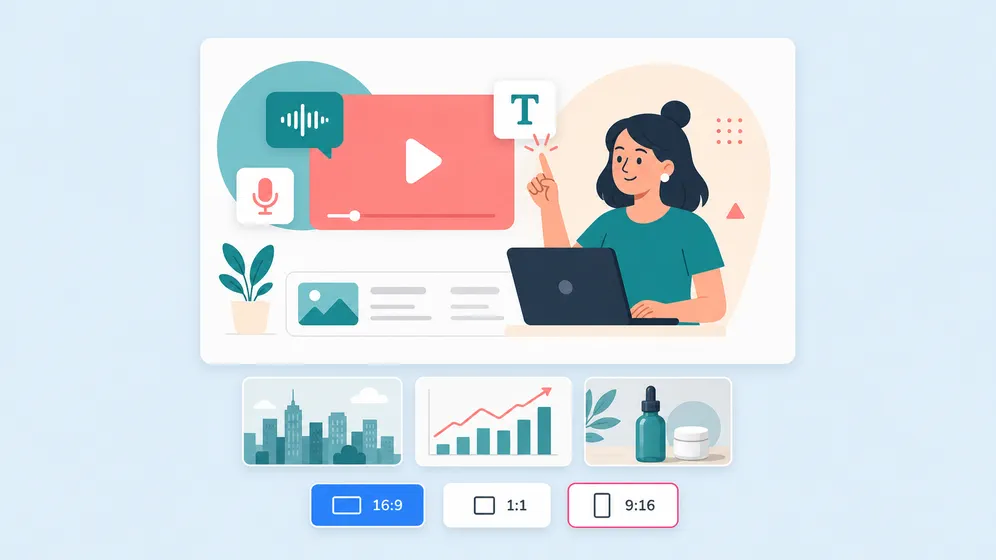
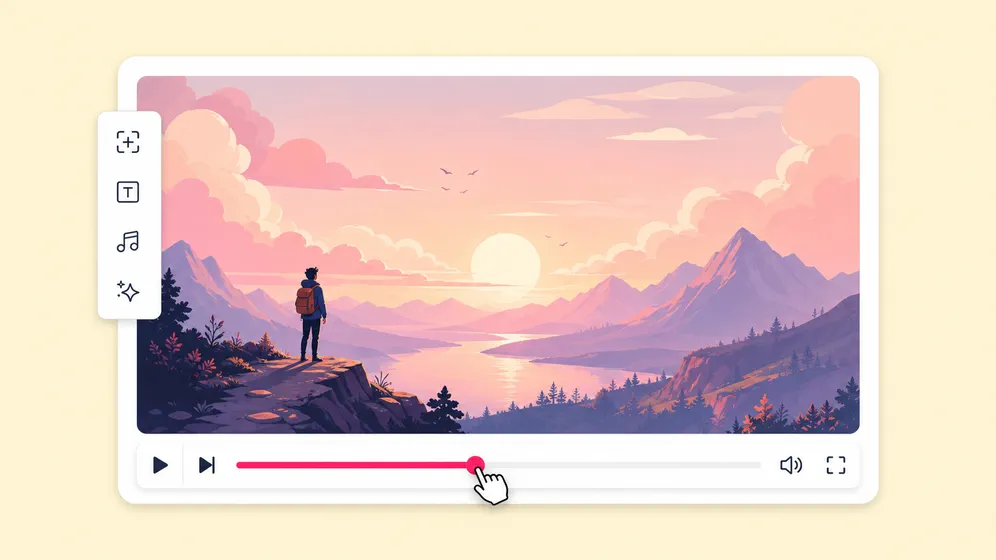
Every generated image lands on your video timeline at the right scene. No download/upload dance - generate, drop, animate with photo-to-video, ship.
Animate any image into video
Pair with photo-to-video AI to animate generated stills with cinematic motion (Veo 3.1, Kling, Seedance) or talking-photo (OmniHuman 1.5) in the same project.
Free to start. Commercial license on paid plans.
Free plan includes 5 minutes of monthly generation. Paid plans include watermark-free 4K output, full commercial usage rights, and the entire 11-model lineup.
How it works
How to generate AI images in 4 steps
From a one-line prompt to a publish-ready image (or animated video clip) in under a minute. Fliki picks the right engine - you stay in control of style and composition.
Describe what you want
Type your prompt - subject, style, lighting, composition. Optionally upload reference images to lock character or brand identity across outputs.
Pick a model (or let Fliki pick)
Flux for photoreal, Qwen for prompt fidelity, Nano Banana 2 for speed, Seedream for 4K, GPT Image 2 for text-in-image. Or auto-route based on the prompt.
Refine or edit
Audition variations, regenerate with a different style, or hand off to Qwen-Image-Edit-Plus for surgical edits - inpaint, outpaint, swap regions.
Drop into video or download
Send the image to your video timeline (animate it with photo-to-video), download the PNG/JPG, or save it to your brand kit for reuse.
Use cases for AI Image Generator
One image generator. Every kind of visual.
Image-to-video source frames, AI characters, YouTube thumbnails, b-roll, storyboards, and ad creative. Generate images that drive your next video, in any aspect ratio.

Source frames for image-to-video animation
Generate the perfect opening frame, then animate it into a 5 to 10 second clip with Kling, Seedance, or Veo. The fastest path from prompt to motion video, no re-shoot or stock library required.
Click-stopping YouTube thumbnails at scale
Generate MrBeast-style thumbnails with bold faces, text-in-image, and reaction expressions. GPT Image 2 handles legible text inside the image; render every aspect ratio in one prompt.

Scene visuals and b-roll for video explainers
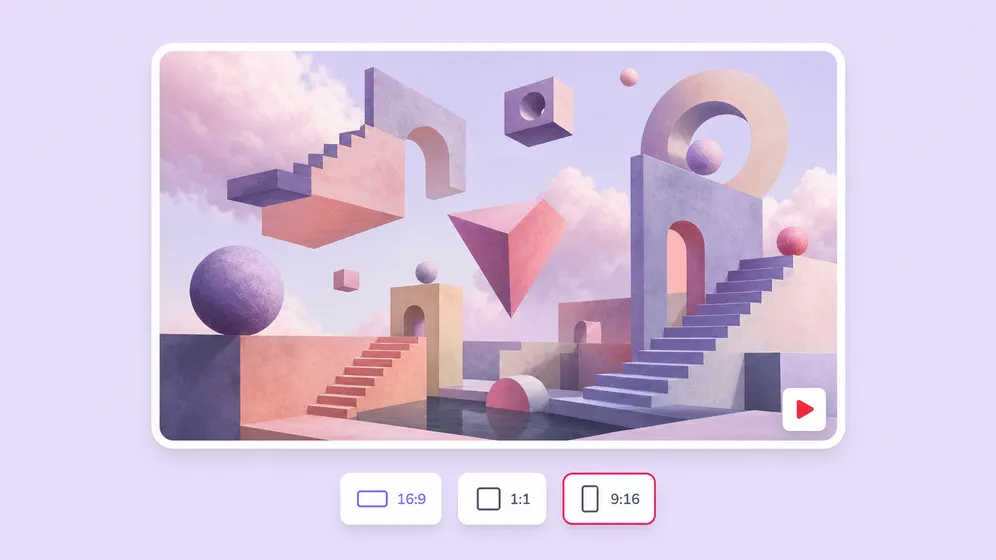
Generate scene-specific b-roll for faceless YouTube, explainers, and history channels. One prompt yields 16:9, 9:16, and 1:1, ready to drop straight into your video timeline.
Consistent AI characters for animated stories
Generate a protagonist and reference-lock them across every scene. Carry the same character into talking-photo, lip-sync, and animation flows for narrative videos and AI films.

Ad creative, social posts, and product visuals
Generate brand-consistent ad creative, social posts, and product photography in every aspect ratio. Pair with photo-to-video for animated ads, or drop straight into Meta, TikTok, and LinkedIn campaigns.

Hero shots, article illustrations, and editorial visuals
Generate cinematic blog heroes, article illustrations, magazine spreads, and editorial visuals for long-form content. Re-use the same imagery to spin up a blog-to-video repurpose or social promo.
AI IMAGE MODEL GALLERY
Built on the best AI image models - ready inside Fliki
Every leading AI image model - integrated, unified, and tuned for creators. Generate with the latest AI image models from OpenAI, Google, Black Forest Labs, ByteDance, Alibaba, and more - all from one place.


AI Image Generator FAQ
Frequently asked questions about AI Image Generator
How the multi-model engine works, which model to pick, what languages and resolutions are supported, and how Fliki compares to standalone tools.
What is Fliki AI Image Generator?
Fliki AI Image Generator is a multi-model text-to-image and image-edit composer that routes your prompt to the right engine - Flux, Qwen, Nano Banana 2, Seedream, GPT Image 2, P-Image - inside a full video editor. Generated images land directly on your video timeline alongside voiceover, captions, and music.
Is Fliki AI Image Generator free?
Yes. The free plan includes 5 minutes of monthly AI generation - enough for several images and short videos. Paid plans include watermark-free 4K output, the full 11-model lineup, and commercial usage rights.
What models does Fliki include?
Flux 2, Flux 2 Klein, Flux Pro, Qwen Image, Qwen-Image-Edit-Plus, Nano Banana 2 (Google), Seedream 4.5 (ByteDance), GPT Image 2 (OpenAI), P-Image, P-Image-Edit, Hi-Dream Fast, and Z-Image Turbo. Fliki auto-routes based on your prompt or you can pick the model in the composer.
How is Fliki different from Canva, DeepAI, or Adobe Firefly?
Canva and Adobe Firefly are single-model generators bolted onto design tools. DeepAI runs one model. Fliki integrates 11+ best-in-class image models in one composer, then drops every output into a full video pipeline - voice, animation, captions, music. If you only need an image, any tool works; if the image is one ingredient in a video, Fliki keeps the whole stack in one project.
What resolution can I generate at?
Up to 4K depending on the model. Seedream 4.5 and Flux Pro support 4K natively. Most other models output 1024-2048px with optional upscaling.
Can I use my own reference images?
Yes. Drop in 4-16 reference images depending on the model. Fliki preserves character identity, style, and brand consistency across every generated frame. Best for product shoots, branded characters, and lookbooks.
Still curious?
Try Fliki free in your browser, no credit card required.
Start freeCan I edit existing images?
Yes. Switch to Image-to-image mode and use Qwen-Image-Edit-Plus, Flux Kontext, or P-Image-Edit to inpaint, outpaint, swap regions, or restyle. The same composer handles generation and editing.
Can I animate generated images?
In one click. Send any generated image to Fliki photo-to-video AI to animate with cinematic motion (Veo 3.1, Kling, Seedance) or generate a talking-photo with OmniHuman 1.5.
Is the output watermark-free?
Watermark-free output is included on paid plans. Free-plan output may include a Fliki watermark.
Can I use the images commercially?
Yes, on paid plans. The commercial license covers AI-generated images, animated outputs, and finished videos rendered in Fliki.
Which model should I pick?
See the model guide cards above: Flux Pro for photoreal portraits and products, Seedream 4.5 for 4K hero shots, GPT Image 2 for text-in-image and thumbnails, Nano Banana 2 for fast iteration, Qwen Image for prompt fidelity, and Qwen-Image-Edit-Plus in the AI image editor for surgical edits on an existing image.
Do I need to install software?
No. Fliki runs entirely in the browser. No download, no plugin, no GPU. Works on Mac, Windows, Chromebook, and tablet.
Tools
Discover more
Generate your next image with AI.
Eleven-plus models in one composer. Photoreal portraits, 4K hero shots, brand-consistent characters, animated stills. Free to start, no credit card required.
Generate your first image freeFree forever plan · No credit card required · Cancel anytime