AI image editor with surgical edits for inpaint, outpaint, and restyle

Upload any image and edit with multi-model AI. Qwen-Image-Edit-Plus for prompt-based surgical edits, Flux Kontext for style transfer, P-Image-Edit for refinement. Inpaint, outpaint, swap regions, restyle - then drop the edits straight into your video.

Free forever plan · No credit card required · Up to 4K output

100M+VIDEOS CREATED
12M+USERS WORLDWIDE
80+LANGUAGES SUPPORTED

Trusted by 50,000+ companies worldwide

Images edited and generated with Fliki

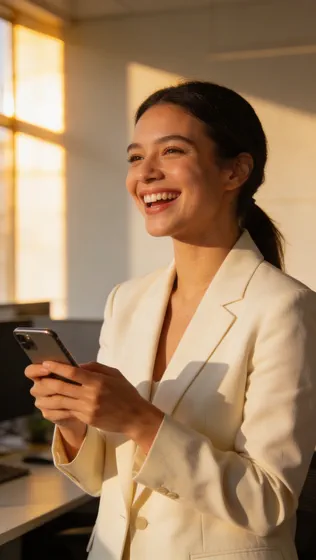
Real images produced inside Fliki using GPT Image 2. Paired with Qwen-Image-Edit-Plus, Flux Kontext, and P-Image-Edit for surgical edits across the rest of the editing lineup.

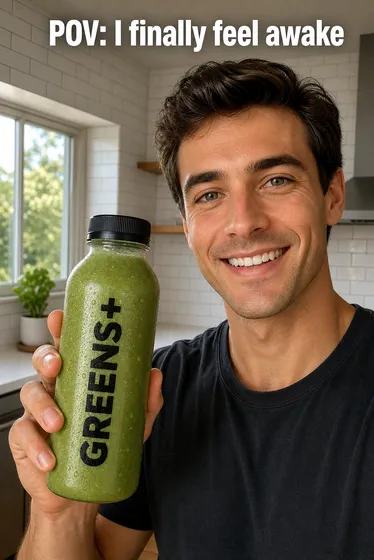
GPT Image 2 sample 1

Prompt

Background: a sunny modern kitchen with white tiles and a window. Subject: a 27-year-old male creator holding a green smoothie bottle labeled "GREENS+" in bold black sans-serif. Details: he smiles, eye contact with camera, condensation on the bottle. Constraints: vertical 9:16 short-form ad frame, photoreal, large clear typography on the bottle, copy "POV: I finally feel awake" in bold white sans-serif at the top of the frame. Intended use: TikTok ad.

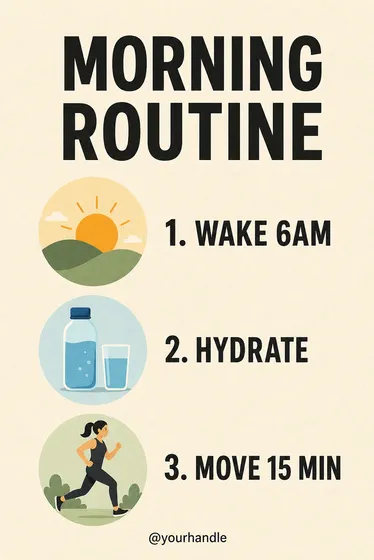
GPT Image 2 sample 2

Prompt

Background: soft cream paper texture. Subject: a vertical 9:16 infographic titled "MORNING ROUTINE" in large bold black at the top. Details: three numbered rows, each with a flat-style icon and label - "1. WAKE 6AM", "2. HYDRATE", "3. MOVE 15 MIN". Constraints: clean modern flat design, generous spacing, dark text on cream, footer reads "@yourhandle" small. Intended use: educational infographic Reel.

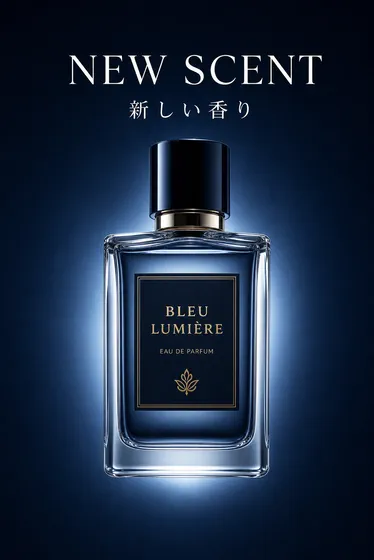
GPT Image 2 sample 3

Prompt

Background: a deep navy gradient. Subject: a glass perfume bottle floating center-frame with a soft glow. Details: top headline reads "NEW SCENT" in white serif, subtitle below in Japanese reads "新しい香り". Constraints: photoreal product render, soft rim light from behind, vertical 9:16, premium luxury ad polish, crisp legible typography.

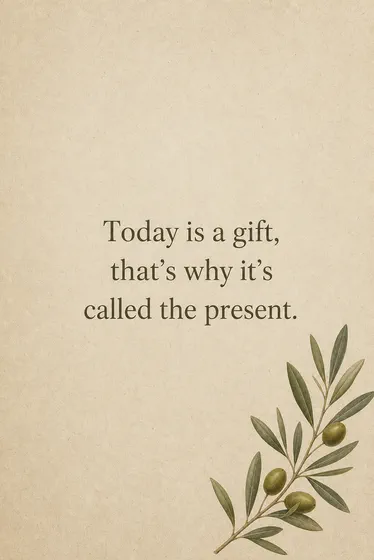
GPT Image 2 sample 4

Prompt

Background: a textured beige paper. Subject: a single olive sprig in the lower-right corner. Details: centered serif text reads "Today is a gift, that's why it's called the present.". Constraints: minimalist editorial layout, vertical 9:16, calm aesthetic Reel.

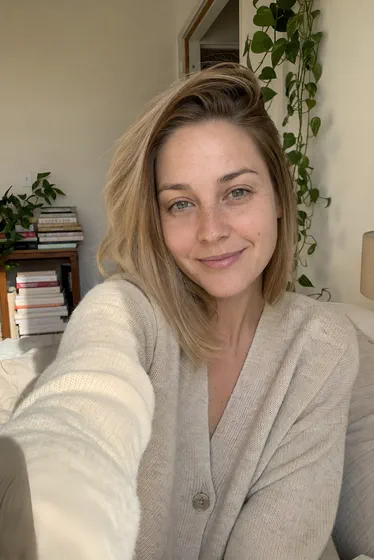
GPT Image 2 sample 5

Prompt

Background: a small sunlit apartment kitchen, a leafy plant on the windowsill. Subject: a young woman in a beige sweater smiles at the camera and holds up her phone toward the lens. Details: candid UGC photography, soft natural window light from the right. Constraints: vertical 9:16, photoreal authentic creator look, head and shoulders framing.

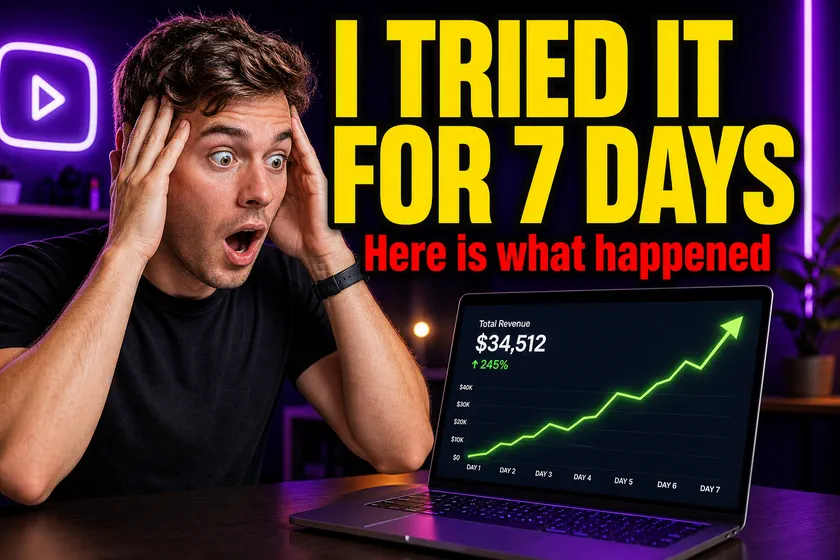
GPT Image 2 sample 6

Prompt

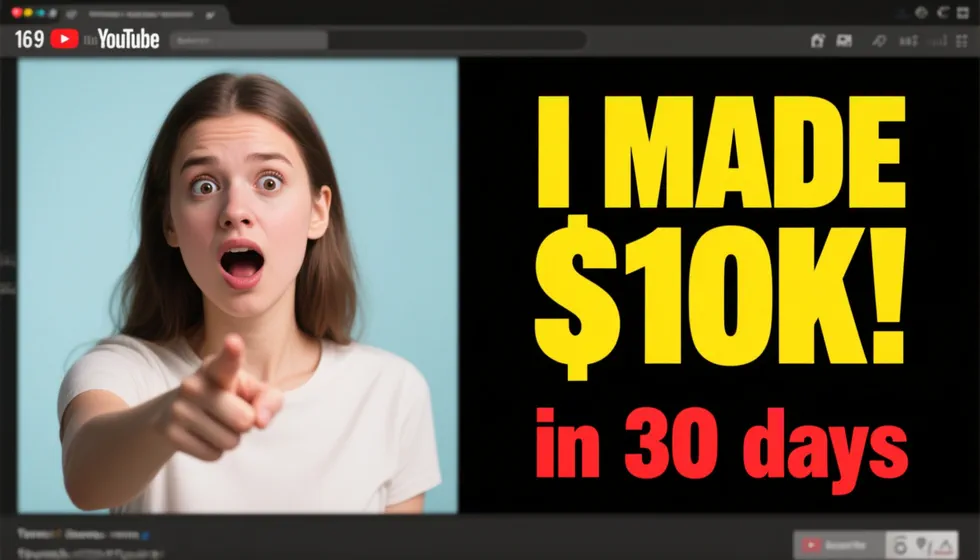
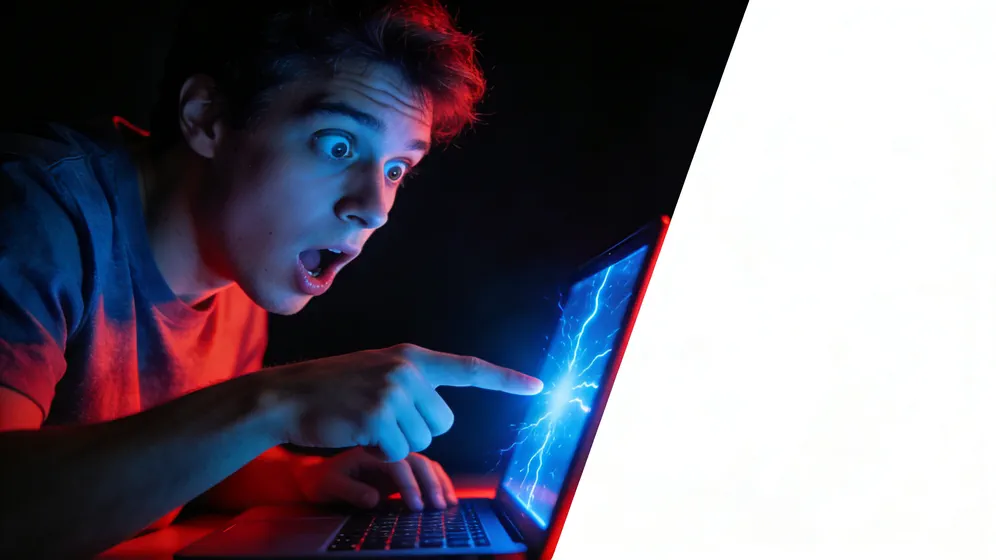
Background: a glowing studio with neon purple accents. Subject: a creator on the left looking shocked, a laptop on the right showing a chart that goes up. Details: huge bold yellow text across the top reads "I TRIED IT FOR 7 DAYS", smaller red text below reads "Here is what happened". Constraints: 16:9 YouTube thumbnail polish, high contrast, crisp sans-serif typography, photoreal subject.

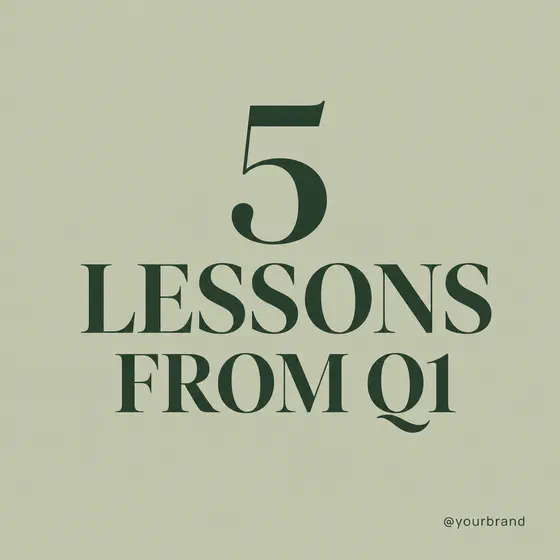
GPT Image 2 sample 7

Prompt

Background: soft sage green. Subject: bold serif headline center reads "5 LESSONS FROM Q1". Details: small handle text bottom-right reads "@yourbrand". Constraints: square 1:1 Instagram carousel cover, elegant modern editorial look, generous whitespace, dark green text on sage.

100M+VIDEOS CREATED
12M+USERS WORLDWIDE
80+LANGUAGES SUPPORTED

Trusted by 50,000+ companies worldwide

Why creators pick Fliki for AI image editing

Multi-model image editing in one composer

Single-engine editors stop at one workflow. Fliki picks Qwen-Image-Edit-Plus for surgical prompt-based edits, Flux Kontext for style transfer, P-Image-Edit for fine refinement - all from the same composer.

30-minute Photoshop edits, done in 30 seconds

A background swap in Photoshop: select subject, refine mask edges around hair, feather, paste, color-match, rebuild shadow, flatten. Total: 20-40 minutes per image. Same edit with Qwen-Image-Edit-Plus: type "replace background with [scene]" and submit. Total: 30 seconds. At 50 edits per month, that is 16-30 hours of editor time saved.

Qwen-Image-Edit-Plus for surgical edits

Alibaba’s prompt-based image editor. Describe what to change in plain English and Qwen-Image-Edit-Plus modifies that region without touching anything else - the most accurate region-aware editor available.

Flux Kontext for style transfer

Black Forest Labs Flux Kontext re-styles any image while preserving subject identity. Brand restyle, era shift, photo-to-painting, photo-to-illustration - all from one prompt.

P-Image-Edit for refinement

Fliki’s P-Image-Edit handles fine refinement: lighting tweaks, color grade, micro-detail recovery, edge cleanup. Use as a final-pass polish on any generated or edited image.

Inpaint and outpaint

Mask any region and let AI regenerate it (inpaint), or extend the canvas in any direction (outpaint). Both workflows live in the same composer with the same model lineup.

Multi-reference image input

Provide reference images to lock character, style, or brand identity across the edit. Critical for product photography, branded characters for talking photo and AI animation, and consistent looks across a campaign.

Up to 4K output

Edit at full resolution - up to 4K depending on the model. No downscale-and-upscale tricks. Output drops onto your video timeline at print-ready resolution.

Pair with image generation

Need a base image to edit? Switch to Text-to-image mode and generate one with our AI image generator (Flux, Seedream, or Nano Banana 2) in the same composer - then edit it without leaving the page.

Animate edited images into video

Send any edited image to photo-to-video AI to animate with cinematic motion (Veo 3.1, Kling, Seedance) or talking-photo (OmniHuman 1.5). Edit once, animate, ship.

Free to start. Commercial license on paid plans.

Free plan includes 5 minutes of monthly generation. Paid plans include watermark-free 4K edits, the full multi-model lineup, and commercial usage rights.

How it works

How to edit an image with AI in 4 steps

From upload to publish-ready edit in under a minute. Fliki picks the right engine for the job - you stay in control of intent, region, and style.

Step 1

Upload your image

Drop in a JPG, PNG, or WebP up to 20MB. Portrait, landscape, square - all aspect ratios up to 4K are supported.

Step 2

Describe the edit

Type the change you want - "remove the background", "change the shirt to navy", "add a gold logo top-right". Optionally mask a region for inpaint.

Step 3

Pick the engine (or auto-route)

Qwen-Image-Edit-Plus for surgical prompt edits, Flux Kontext for style transfer, P-Image-Edit for refinement. Or let Fliki pick based on your edit.

Step 4

Refine, animate, or download

Stack multiple edits, send to photo-to-video for motion, save to brand kit, or download a 4K PNG. Every output keeps the original aspect ratio.

Use cases for AI Image Editor

One image editor. Every kind of edit.

Thumbnail remix, background swap, AI headshots, character refinement, product variants, and photo restoration. Edit any image, then drop it straight into your next video.

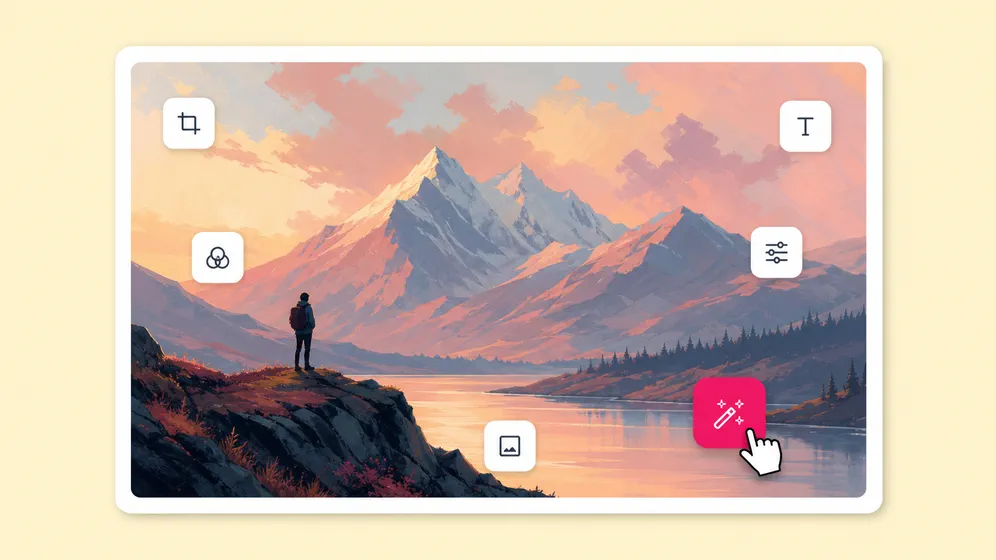
Edit YouTube thumbnails and ship A/B variants. Fliki AI image editor for Thumbnail remix.
Thumbnail remix

Edit YouTube thumbnails and ship A/B variants

Drop in your existing thumbnail and swap the face, change the text, recolor the background, or test reaction expressions. Ship five A/B variants in minutes for CTR testing on every upload.
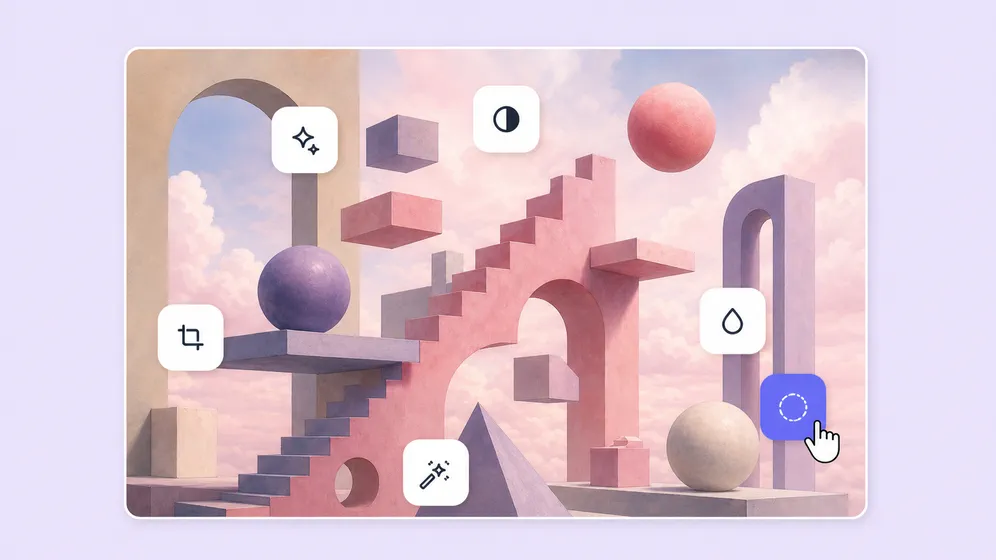
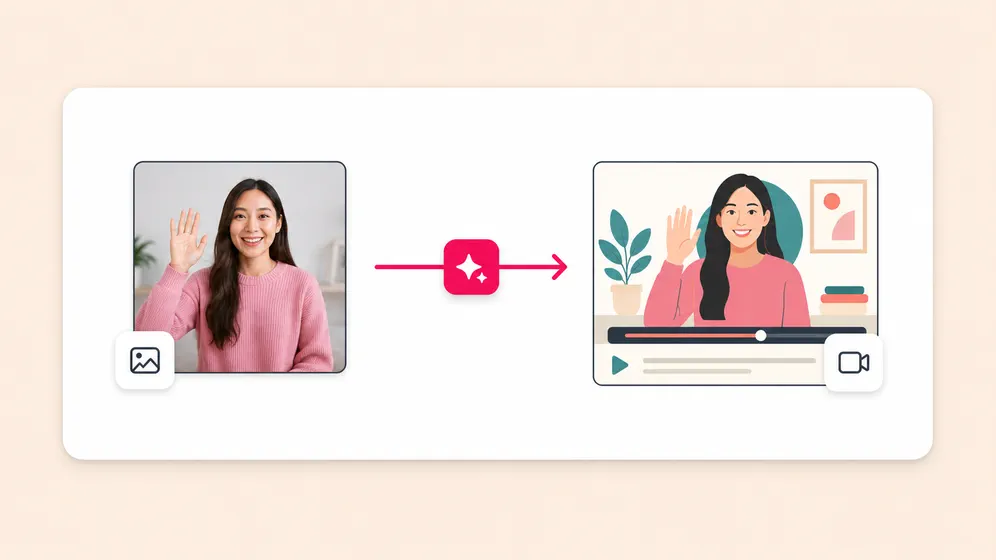
Replace photo backgrounds for spokesperson and product video. Fliki AI image editor for Background swap.
Background swap

Replace photo backgrounds for spokesperson and product video

Remove or replace the background on any photo for talking-photo spokesperson shots, podcast covers, or product video frames. Branded backdrops, green screen, or transparent PNG in one prompt.

Turn selfies into professional headshots. Fliki AI image editor for AI headshots.
AI headshots

Turn selfies into professional headshots

Drop in a few selfies and get studio-quality headshots in seconds. Perfect for LinkedIn profiles, founder pages, podcast hosts, and as source frames for talking-photo spokesperson videos.

Refine AI characters across scenes and outfits. Fliki AI image editor for Character refinement.
Character refinement

Refine AI characters across scenes and outfits

Take a generated character and re-style the outfit, expression, or pose while keeping facial identity locked. Carry the same character into talking-photo, lip-sync, and animation flows for narrative videos.

On-model, color, and angle variants from one product shot. Fliki AI image editor for Product photo variants.
Product photo variants

On-model, color, and angle variants from one product shot

Drop in one product photo and generate dozens of variants: different angles, on-model shots, color swaps, lifestyle backgrounds. Drop straight into video ads or e-commerce listings on Amazon and Shopify.

Restore old and damaged photos for memory videos. Fliki AI image editor for Photo restoration.
Photo restoration

Restore old and damaged photos for memory videos

Repair scratched, faded, or low-res family photos, then animate them into memory videos with photo-to-video or talking-photo. Bring the same restored photo into anniversary, wedding, and memorial slideshows.

AI IMAGE MODEL GALLERY

Built on the best AI image models - ready inside Fliki

Every leading AI image model - integrated, unified, and tuned for creators. Generate with the latest AI image models from OpenAI, Google, Black Forest Labs, ByteDance, Alibaba, and more - all from one place.

GPT Image 2
GPT Image 2
GPT Image 2
GPT Image 2
GPT Image 2
GPT Image 2
Nano Banana 2
Nano Banana 2
Nano Banana 2
Nano Banana 2
Nano Banana 2
Nano Banana 2
FLUX 2
FLUX 2
FLUX 2
FLUX 2
FLUX 2
FLUX 2
Seedream 4.5
Seedream 4.5
Seedream 4.5
Seedream 4.5
Seedream 4.5
Seedream 4.5
Qwen Image
Qwen Image
Qwen Image
Qwen Image
Qwen Image
Qwen Image
FLUX Pro
FLUX Pro
FLUX Pro
FLUX Pro
FLUX Pro
FLUX Pro
GPT Image 2
GPT Image 2
GPT Image 2
GPT Image 2
GPT Image 2
GPT Image 2
Nano Banana 2
Nano Banana 2
Nano Banana 2
Nano Banana 2
Nano Banana 2
Nano Banana 2
FLUX 2
FLUX 2
FLUX 2
FLUX 2
FLUX 2
FLUX 2
Seedream 4.5
Seedream 4.5
Seedream 4.5
Seedream 4.5
Seedream 4.5
Seedream 4.5
Qwen Image
Qwen Image
Qwen Image
Qwen Image
Qwen Image
Qwen Image
FLUX Pro
FLUX Pro
FLUX Pro
FLUX Pro
FLUX Pro
FLUX Pro

AI Image Editor FAQ

Frequently asked questions about AI Image Editor

How multi-model image editing works, which engine to pick, and how Fliki compares to Adobe Firefly, Pixlr, and Canva.

What is Fliki AI Image Editor?

Fliki AI Image Editor is a multi-model image editor that routes prompt-based edits to the right engine - Qwen-Image-Edit-Plus for surgical edits, Flux Kontext for style transfer, P-Image-Edit for refinement. All workflows live in one composer with output that drops straight into your video timeline.

Is Fliki AI Image Editor free?

Yes. The free plan includes 5 minutes of monthly AI generation. Paid plans include watermark-free 4K output, the full multi-model lineup, and commercial usage rights.

How is this different from Adobe Firefly or Pixlr?

Adobe Firefly runs one model. Pixlr is a layered raster editor with AI bolted on. Fliki integrates Qwen-Image-Edit-Plus, Flux Kontext, P-Image-Edit, and the Flux/Qwen/Seedream/Nano Banana 2 generation lineup in one composer - then drops every edit into a full video pipeline.

Can I inpaint and outpaint?

Yes. Mask any region and let AI regenerate it (inpaint), or extend the canvas in any direction (outpaint). Both workflows use the same multi-model lineup with the right engine selected automatically.

What edits can I make with prompt only?

Qwen-Image-Edit-Plus handles a wide range: remove or replace objects, change colors, swap clothing, modify backgrounds, add elements, fix lighting, and adjust composition - all from a plain-English description with no manual masking.

Can I edit at 4K?

Yes. Edit at full resolution up to 4K depending on the model. No downscale-and-upscale tricks - output drops onto your timeline at print-ready resolution.

Still curious?

Try Fliki free in your browser, no credit card required.

Start free

Can I lock character or brand identity across edits?

Yes. Provide reference images and the model preserves character identity, style, and brand elements across every edit. Critical for product shoots, branded mascots, and lookbooks.

Can I animate the edited image?

In one click. Send any edited image to photo-to-video AI to animate with cinematic motion (Veo 3.1, Kling, Seedance) or generate a talking-photo with OmniHuman 1.5.

Is the output watermark-free?

Watermark-free output is included on paid plans. Free-plan output may include a Fliki watermark.

Is Fliki Image Editor copyright-safe for commercial work?

Yes on paid plans. The commercial license covers AI-edited images, animated outputs, and finished videos rendered in Fliki. The engines (Qwen-Image-Edit-Plus from Alibaba, Flux Kontext from Black Forest Labs, P-Image-Edit) are licensed by their owners for commercial integration through Fliki.

What file formats are supported?

Upload JPG, PNG, or WebP up to 20MB. Output as PNG for transparency or JPG for compressed delivery. Direct-to-timeline drop preserves the original aspect ratio.

Do I need to install anything?

No. Fliki runs entirely in the browser. No download, no plugin, no GPU. Works on Mac, Windows, Chromebook, and tablet.

AI Image Editor · Free forever plan

Edit your next image with AI.

Multi-model surgical editing in one composer. Inpaint, outpaint, restyle, refine. Up to 4K, watermark-free on paid plans, with commercial usage rights.

Edit your first image free

Free forever plan · No credit card required · Cancel anytime