video model · by PixVerse
PixVerse v5 Fast AI Video Generator
Transform text and photos into ultra-HD AI videos with PixVerse v5 Fast - a speed-tier cinematic video model with multi-shot support, automatic camera angle changes, and built-in sound. Generate clips in 5 seconds, scale up to 4K, and ship social-ready output from a single prompt. PixVerse v5 Fast is available in our AI video generator along with Veo 3.1 and Kling 3.0.
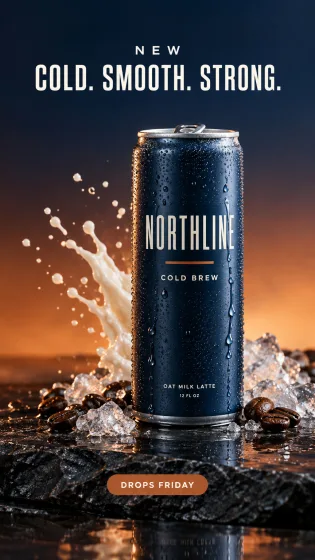
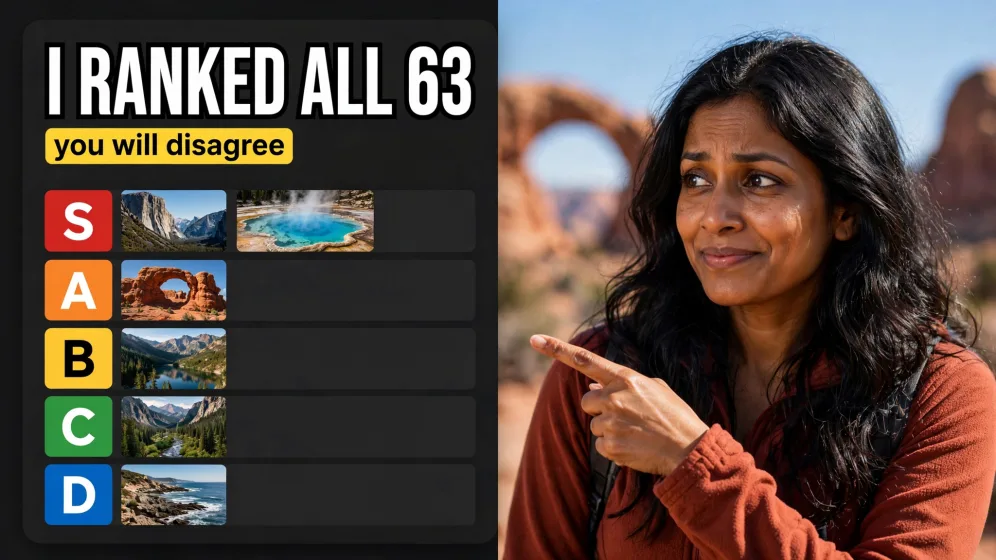
Generated with PixVerse v5 Fast
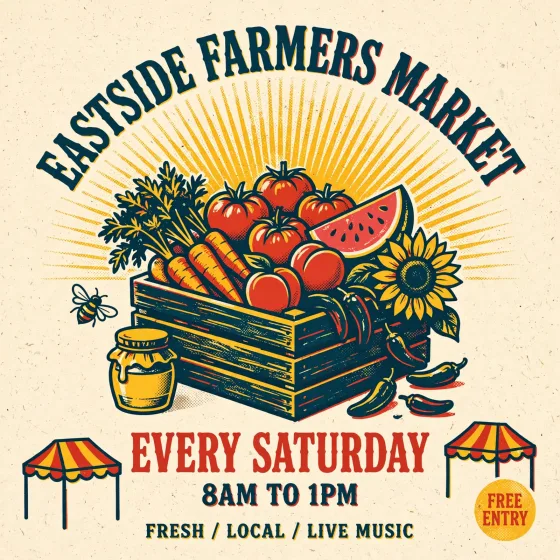
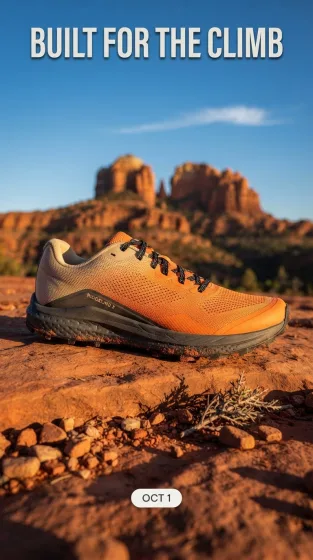
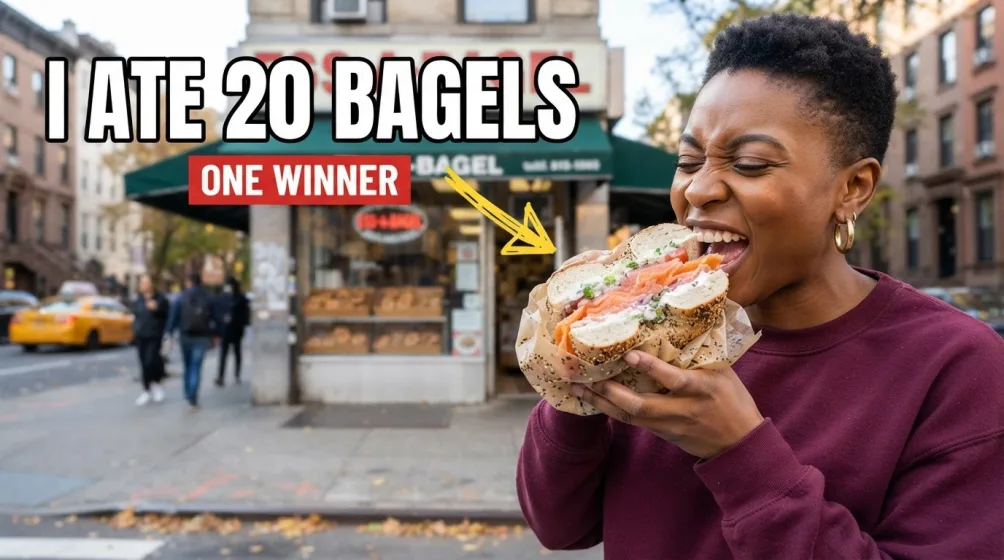
A handful of PixVerse v5 Fast clips generated inside Fliki. No edits, no post.
Prompt
Prompt
Prompt
Prompt
Prompt
Prompt
Prompt
Why creators pick PixVerse v5 Fast
5-second generation speed
PixVerse v5 Fast produces videos in around 5 seconds - the kind of turnaround that keeps the creative loop tight during ideation and daily content production.
Ultra-HD visual quality
Output is rendered in ultra-HD with sharp detail, better consistency, and cleaner composition than previous PixVerse generations. Clips hold up on high-density displays and large screens.
Multi-shot sequences with auto camera changes
PixVerse v5.5 and v5 Fast create seamless multi-shot sequences with automatic camera angle changes - no manual shot-list engineering required. The model handles cuts, pans, and close-ups on its own.
Built-in sound and music
PixVerse generates background music, sound effects, and dialogue alongside the video, so clips arrive publish-ready with audio baked in.
Text-to-video and image-to-video
Run it from a prompt when you're starting from a concept, or from a reference image when you already have the subject locked. Image-to-video inherits the style of your reference.
4K upscaling option
PixVerse supports upscaling generated videos to 4K, so you can deliver for high-resolution display ads and premium social placements.
Free daily credits
PixVerse AI offers free daily credits for text-to-video and image-to-video generation through the base platform. On Fliki, you can run PixVerse v5 Fast inside your existing credit pool for a unified workflow.
Strong prompt alignment
PixVerse v5 Fast delivers high-fidelity video with strong prompt alignment - what you describe is what you get, with sharp cinematic framing and motion that matches intent.
How it works
How to generate a video with PixVerse v5 Fast
PixVerse v5 Fast runs inside Fliki's standard video generator. Here's the flow.
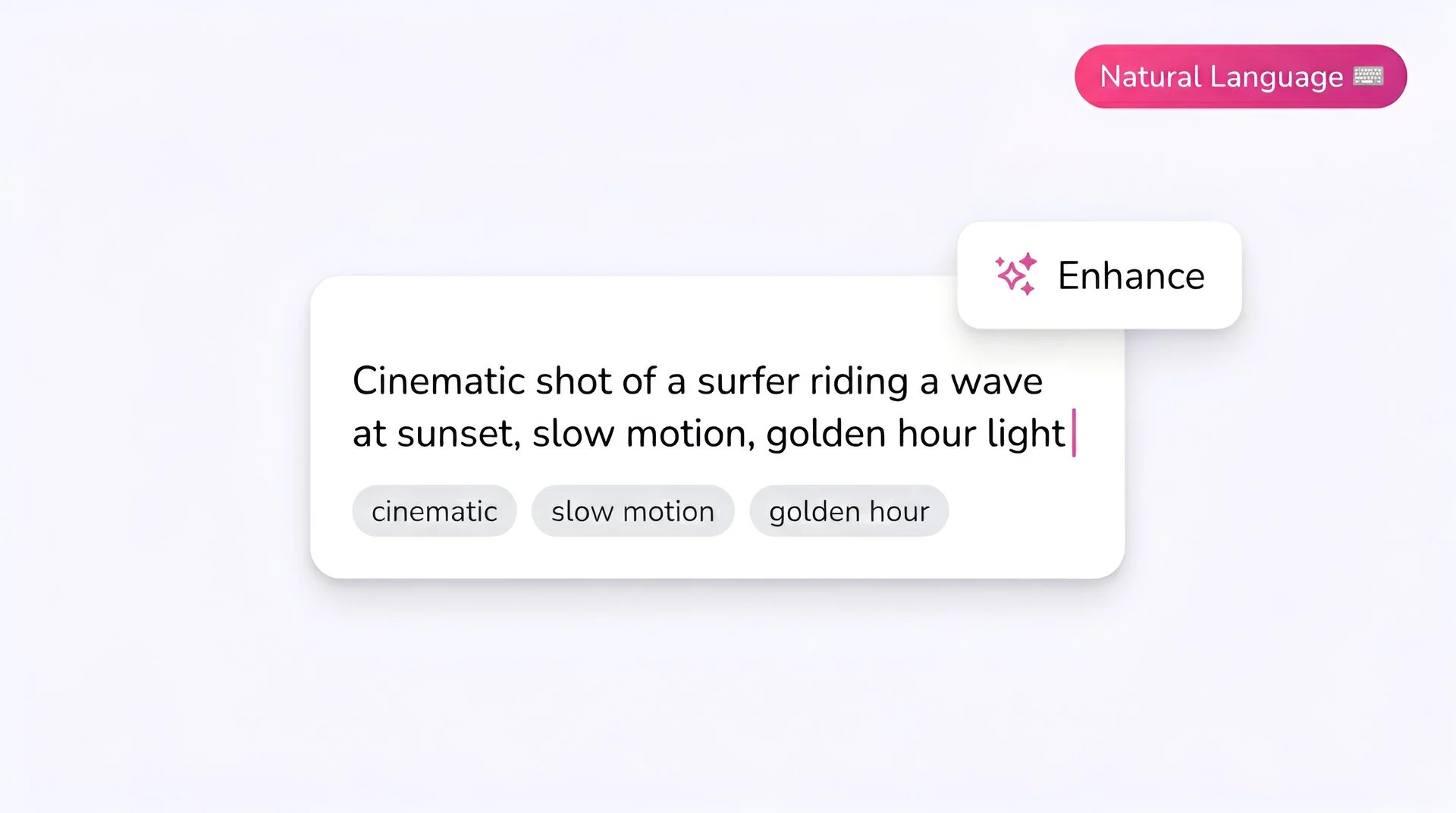
Write your prompt
Describe the subject, action, and visual style. PixVerse handles stylized prompts well - anime, realism, cinematic, illustration - so mention the look you want explicitly.
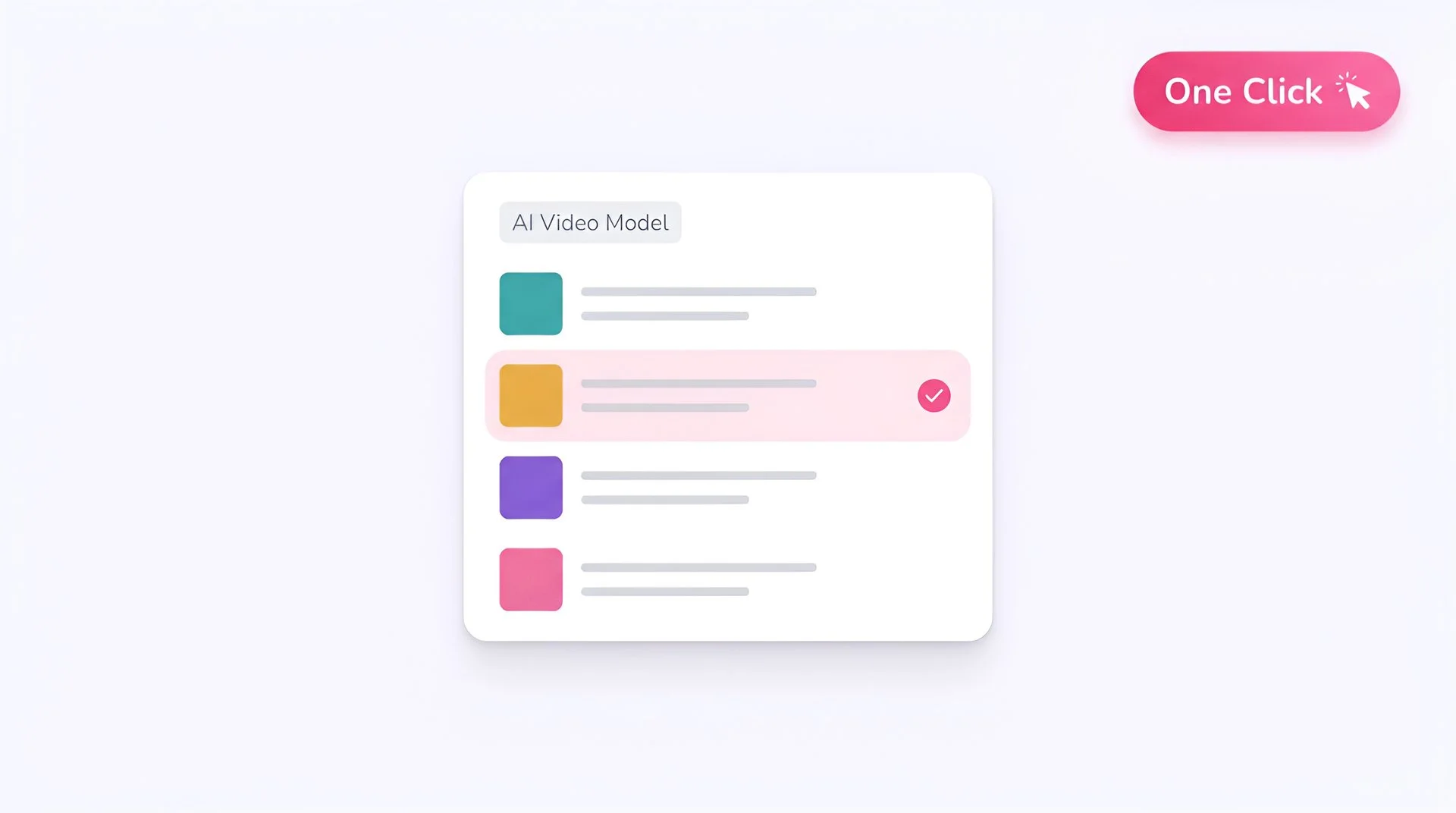
Select PixVerse v5 Fast as your model
Pick PixVerse v5 Fast from Fliki's model list. Your prompt routes directly to PixVerse AI's generation pipeline.
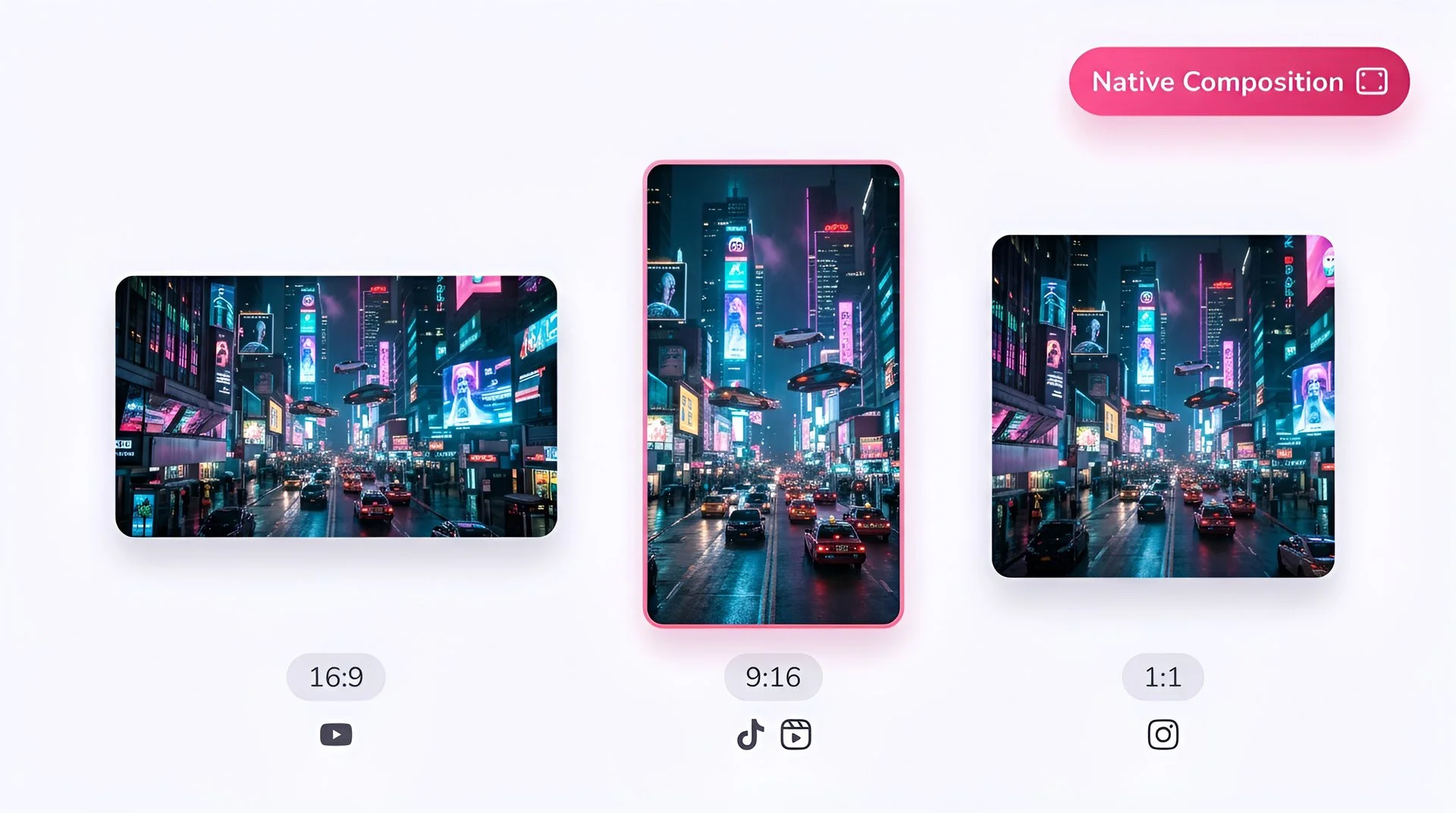
Choose your aspect ratio
Pick 16:9 for landscape, 9:16 for vertical social, or 1:1 for square feed. PixVerse v5 Fast composes each ratio natively.
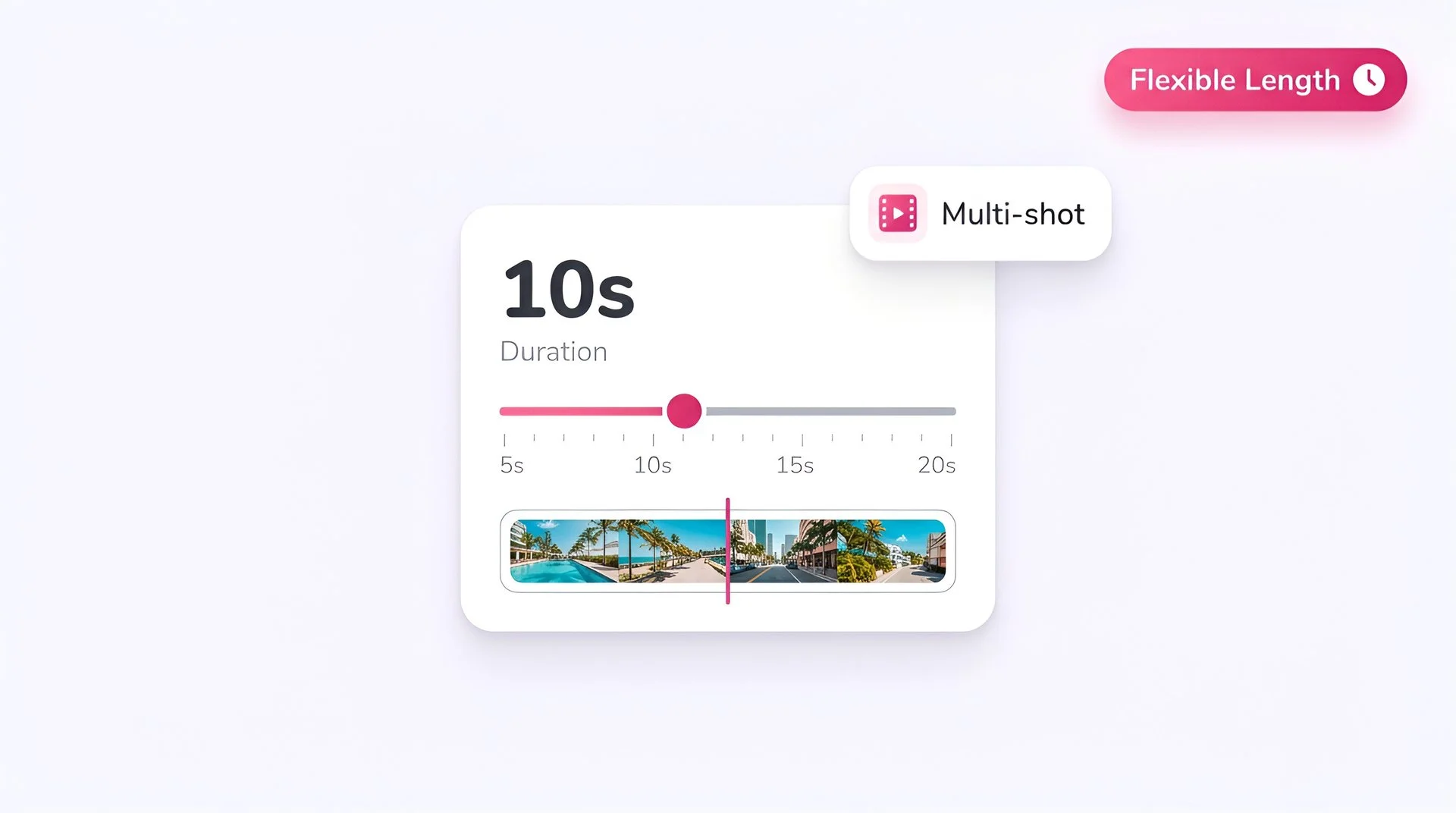
Set the duration
5-second clips are the speed-tier sweet spot. Extend duration when you need longer multi-shot sequences.
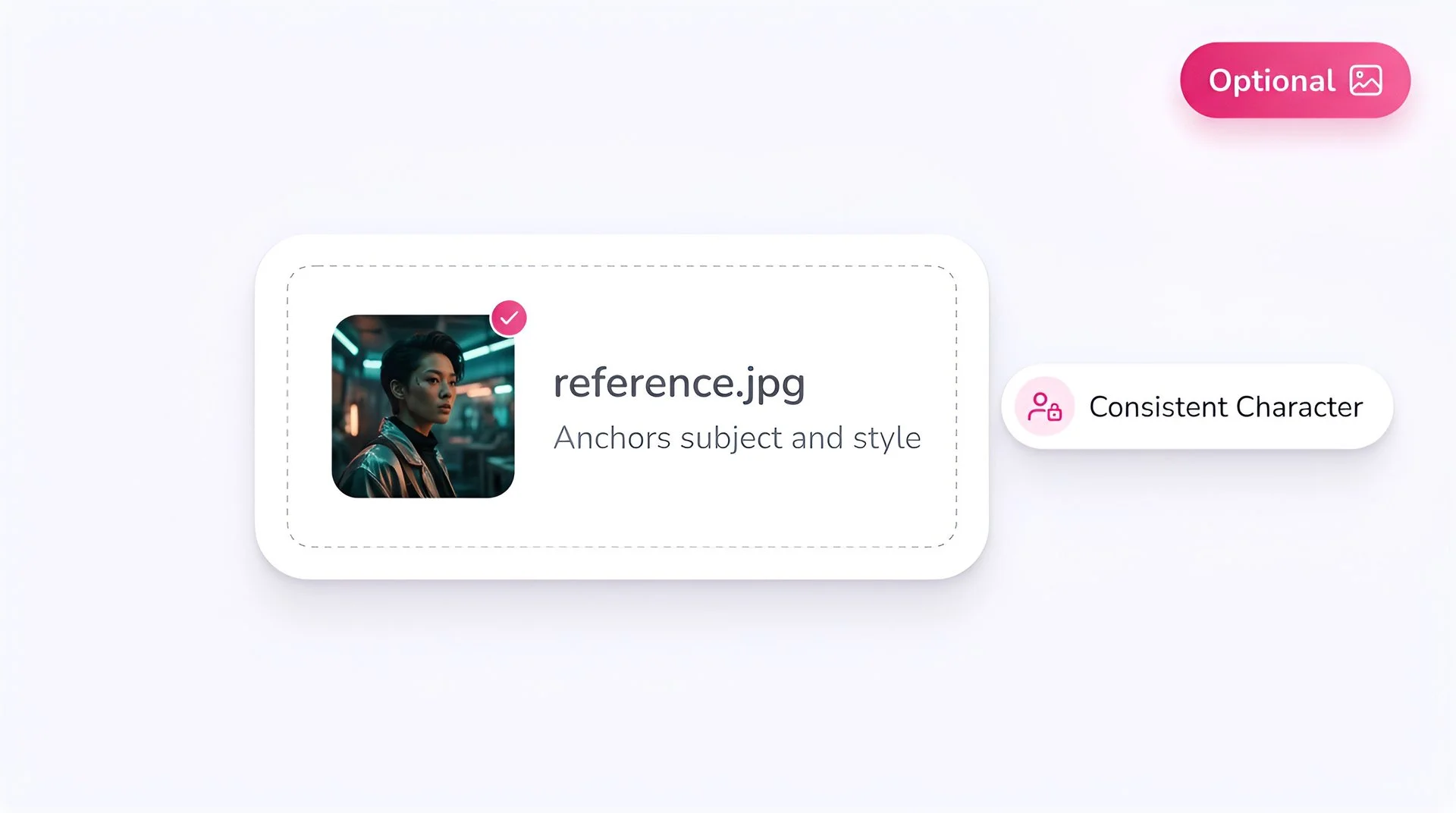
Add a reference image (optional)
Upload a photo to guide the subject and style. PixVerse's image-to-video is especially strong for character consistency and stylized looks.
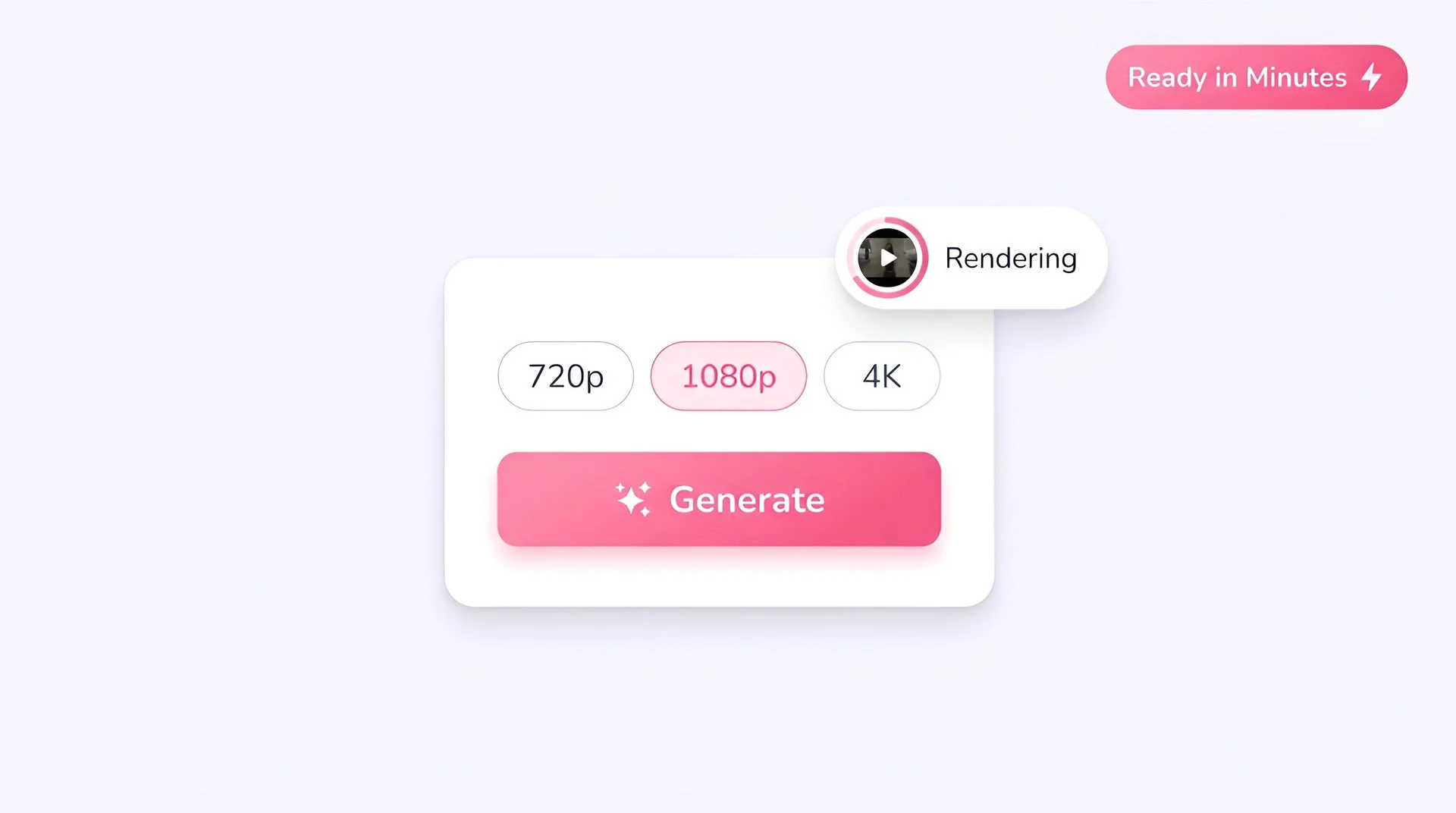
Select resolution and generate
Pick 720p or 1080p, with optional 4K upscale for premium delivery, then hit Generate. Output is ready in Fliki in seconds.
AI MODEL GALLERY
Built on the best AI models - ready inside Fliki
Every leading video, voice, and image model - integrated, unified, and tuned for creators. Generate with the latest AI video, AI voice, and AI image models from OpenAI, Google, Kling, Bytedance, ElevenLabs, and more - all from one place.



PixVerse v5 Fast FAQ
Frequently asked questions
Everything you need to know about generating with PixVerse v5 Fast inside Fliki.

AI video models
Discover more
Tools
Discover features
Generate ultra-HD video with PixVerse v5 Fast.
Cinematic 5-second clips with multi-shot sequences, native sound, and 4K upscaling. Ready for social, ready for ads.
Generate with PixVerse v5 FastFree forever plan · No credit card required · Cancel anytime