Product Hunt gallery
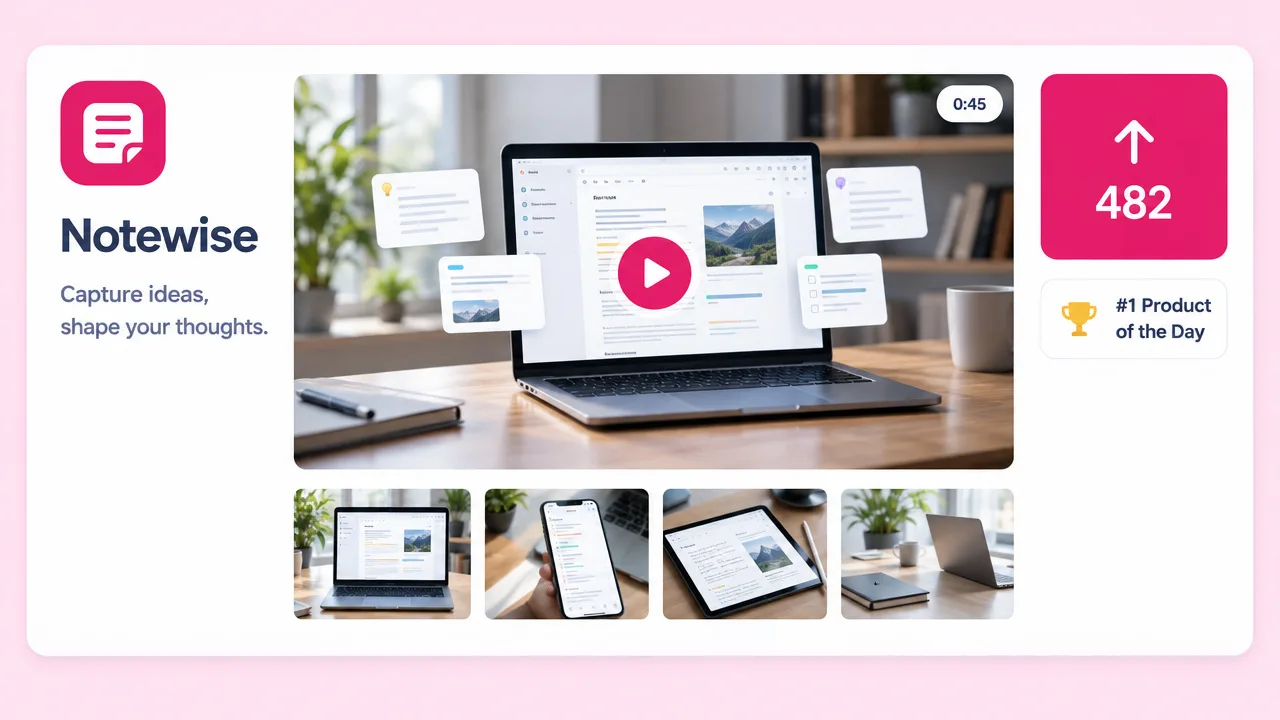
The video at the top of your launch page
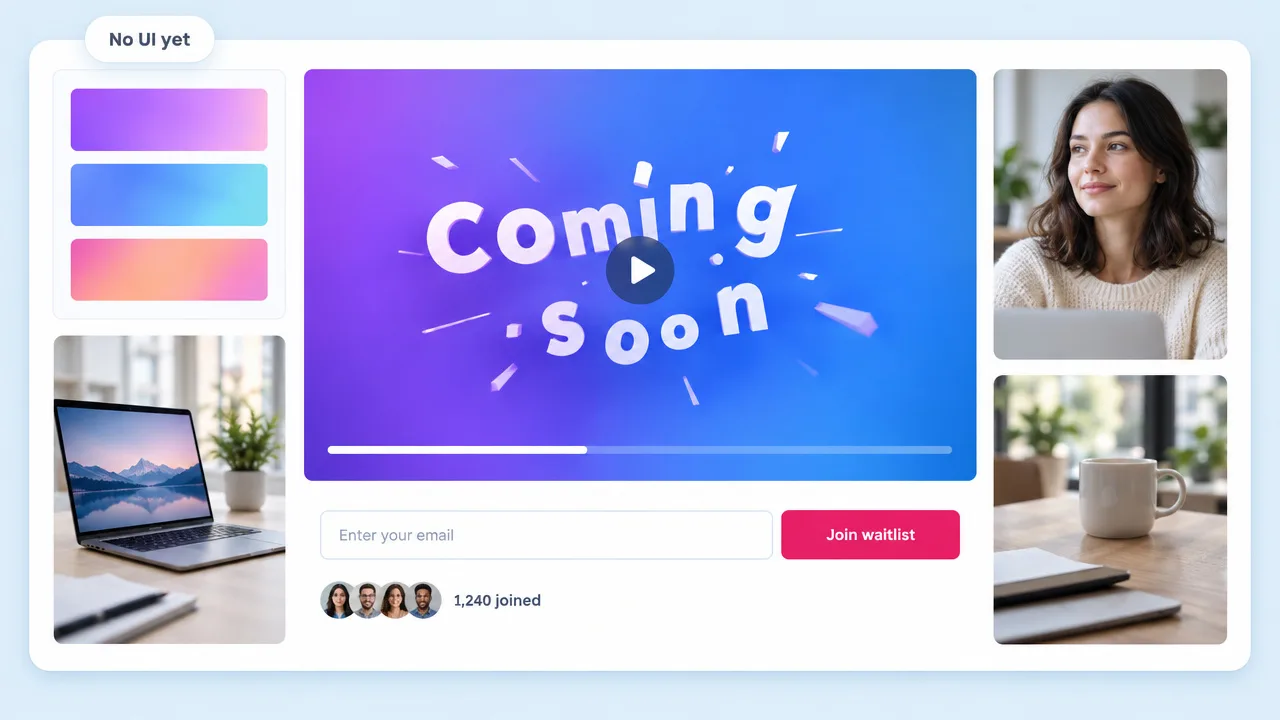
Product Hunt takes a YouTube link as the first gallery item. Render a 30 to 60 second 16:9 film, upload it unlisted or public, and paste the link.
Paste your URL. Fliki reads your site, locks the film to your brand colours and closest typeface, writes the voiceover and cuts a motion graphics launch video for your Product Hunt gallery, X and LinkedIn.
15 to 60 seconds · 16:9, 9:16 and 1:1 · Try the workflow on the free plan
Why makers pick Fliki for launch videos
Canva hands you a template to fill. Revid starts from a prompt. A Fiverr editor needs a brief and a week. Fliki starts from the page you are launching.
Paste the landing page. Fliki pulls the product name, pitch, features and screenshots from it and plans the film around them.
The scan reads your hex colours and matches the closest typeface, and every composition is locked to them. It looks like your site, not a stock template.
The plan opens on the problem or the hook, not a logo sting. Most visitors scroll the gallery fast, so the first scene carries the pitch.
Gradient bloom, Kinetic type, Hype cut, Dark monoline, Nebula UI, Blush SaaS, Orbit demo, 3D toy render and more. Each is one locked look for the whole film.
A 30-second film is three 10-second scenes, each with three to six storyboard compositions. Short, even beats are what a launch teaser needs.
The narration is written and recorded before the clips, and every scene is timed to the read, so words and motion land together.
Clips render on H3 Max with your compositions and brand images as references. Seedance 2.5 and the faster H3 tiers are there when you want them.
Tick story mode and the film runs problem, turn, proof, close, from 30 seconds to 2 minutes. Good for the YouTube link on your launch page.
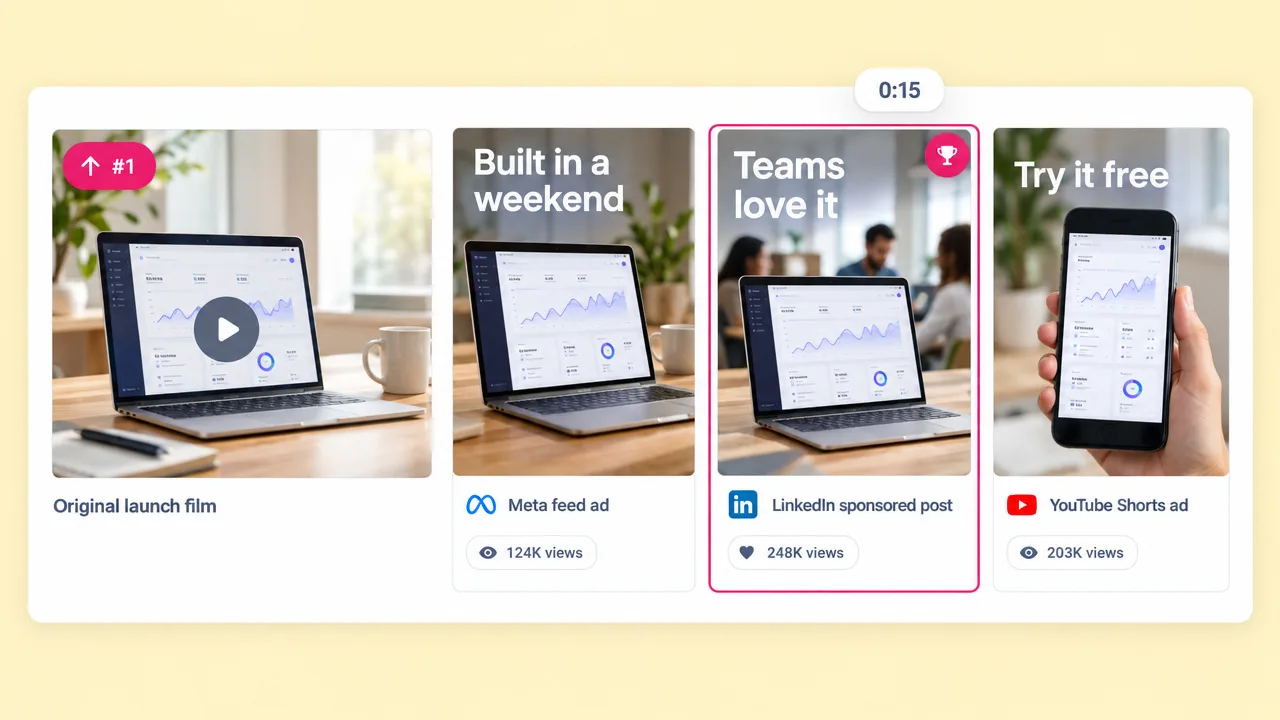
Render 16:9 for the Product Hunt gallery and YouTube, 9:16 for X and TikTok, and 1:1 for LinkedIn without rebuilding the film.
How it works
From a URL to a finished launch film. No template, no editor, no brief.
Drop in the landing page you are launching. Fliki scans it for the pitch, features, screenshots, colours and type.
Choose one of 19 motion presets and a length of 15, 30, 45 or 60 seconds. Thirty seconds is the sweet spot for a launch gallery.
Fliki writes the voiceover and a storyboard of 10-second scenes. Edit a line or swap a composition before anything renders.
Clips render on MiniMax H3 Max and are timed to the narration. Upload the 16:9 to YouTube and paste the link into your Product Hunt gallery.
Use cases for a launch video maker
The same project covers the gallery video, the social teasers and the follow-up cut.
Product Hunt takes a YouTube link as the first gallery item. Render a 30 to 60 second 16:9 film, upload it unlisted or public, and paste the link.
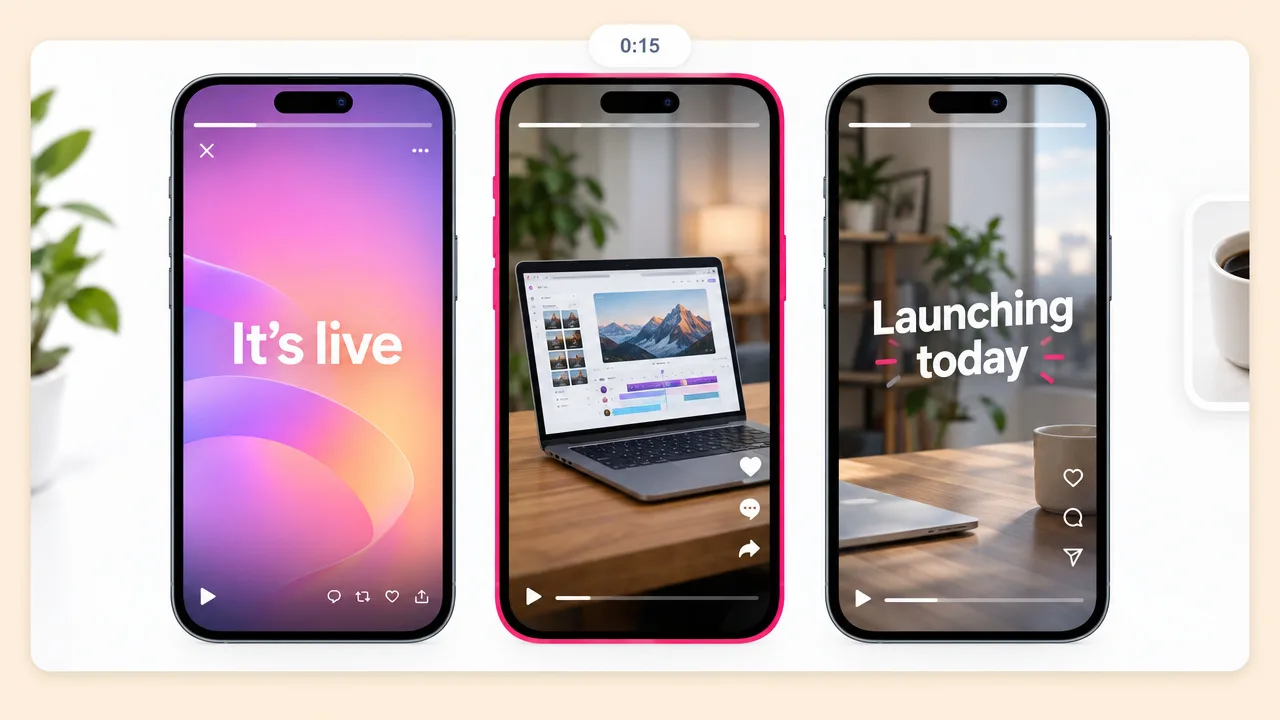
The same film in 9:16 with a 15-second cut for the morning post. Brand colours carry over, so every channel looks like one launch.
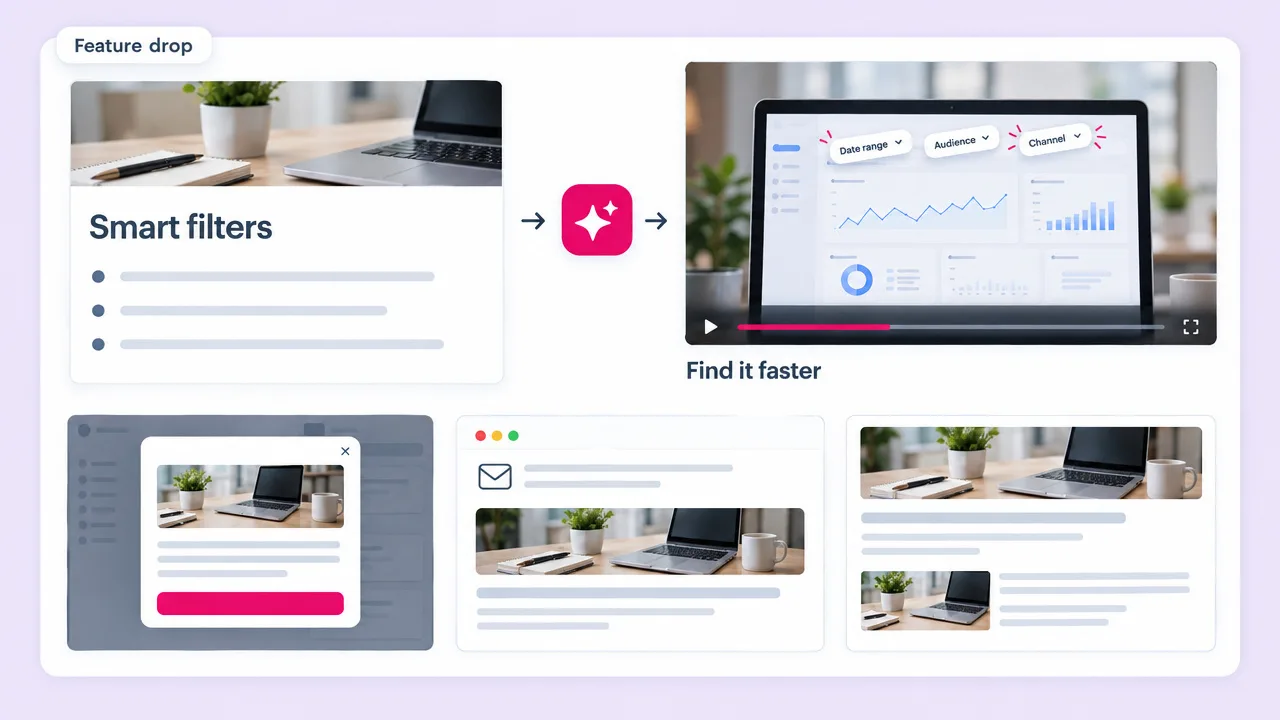
Paste the changelog or feature page and get a short motion film for the in-app announcement, the email and the blog post.
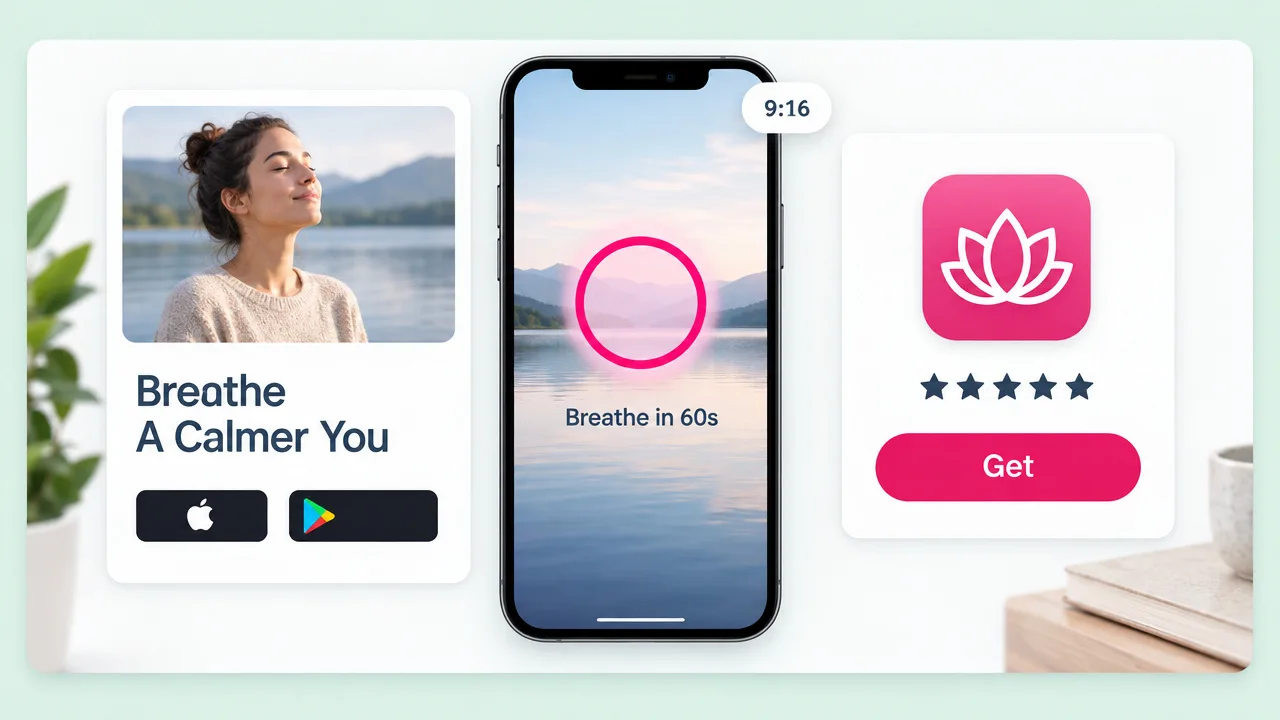
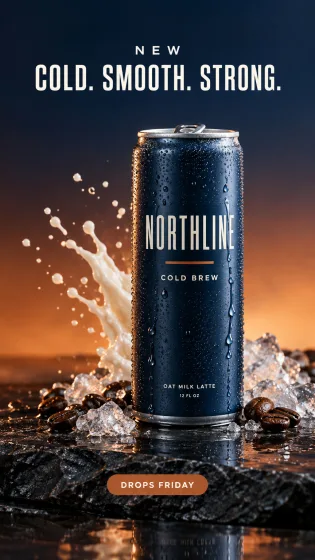
Point Fliki at the app landing page for a promo film in portrait. The app promo page covers install ads and store listings.
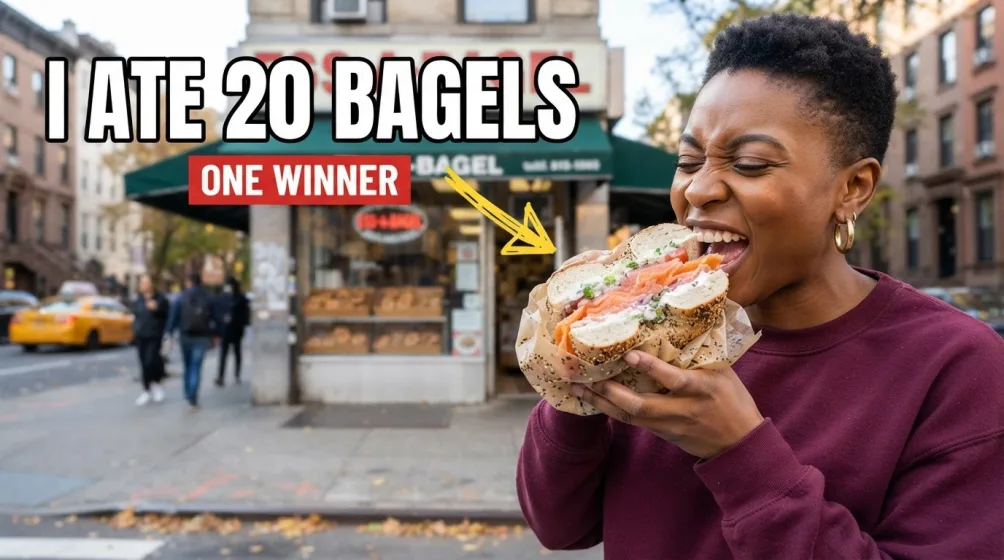
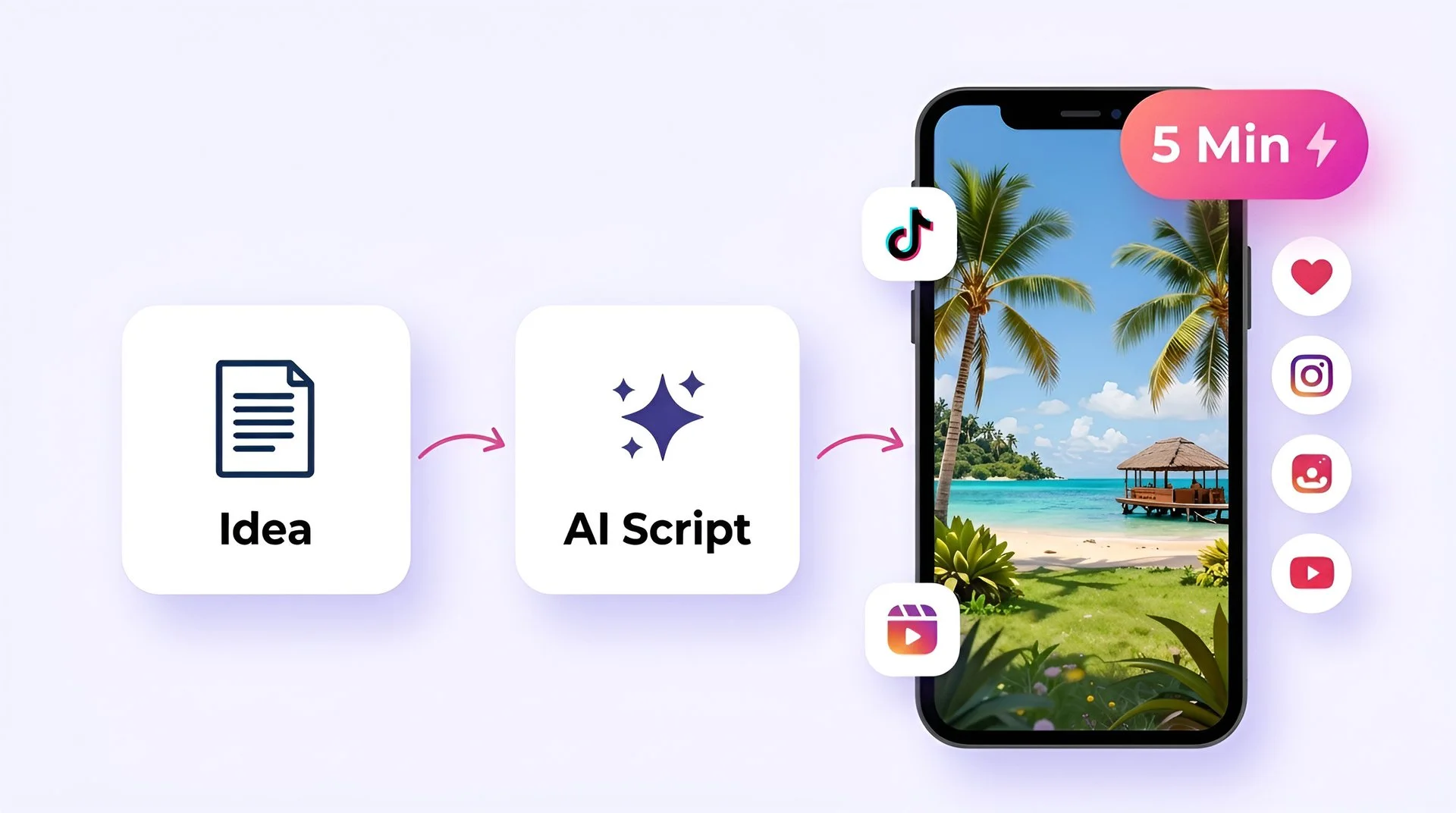
Turn your ideas into faceless short-form videos in minutes. No camera, no editing skills, no expensive gear - just describe what you want and hit generate.
AI MODEL GALLERY
Every leading video, voice, and image model - integrated, unified, and tuned for creators. Generate with the latest AI video, AI voice, and AI image models from OpenAI, Google, Kling, Bytedance, ElevenLabs, and more - all from one place. Every model below runs inside our AI video generator.
Product launch video FAQ
Length, format, what Fliki needs from you and how it compares to Revid, Canva and hiring on Fiverr.
Tools
Fliki turns your website into an on-brand launch film for the gallery, X and LinkedIn.
Make a launch videoFree forever plan · No credit card required · Cancel anytime