Product page media
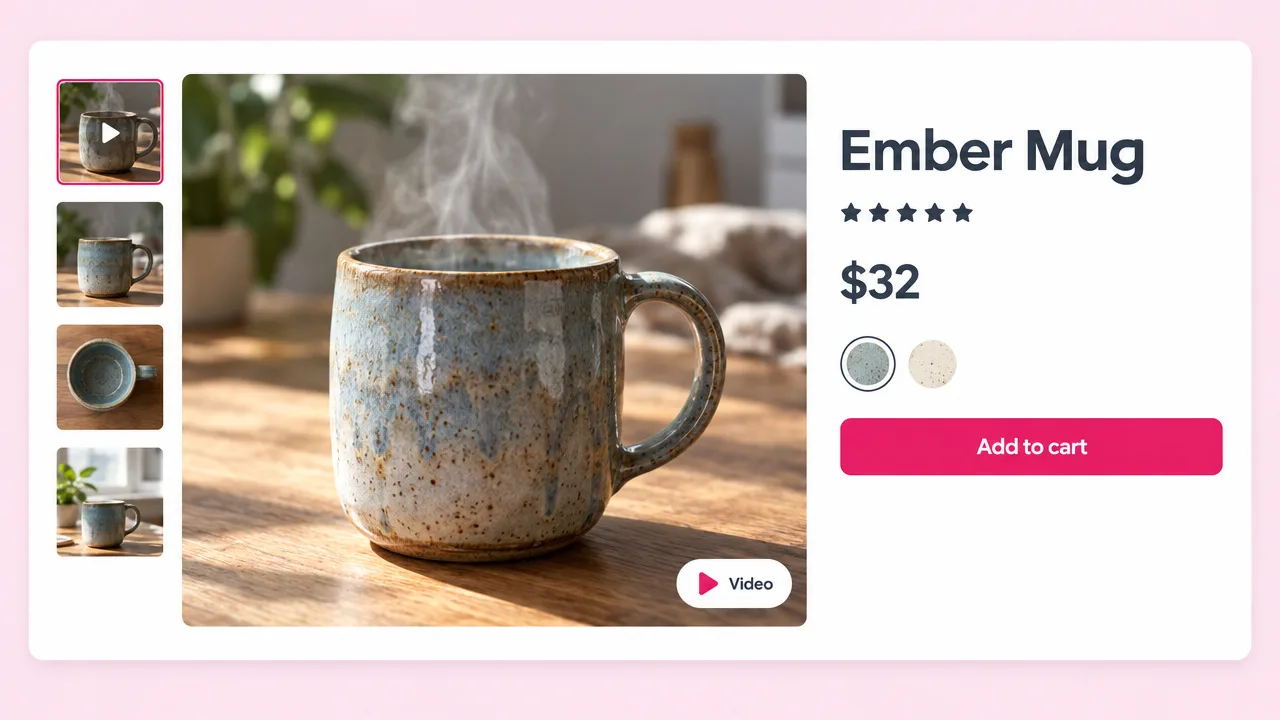
A video in the product gallery
A short square or vertical video next to the photos answers the questions a still cannot: size, texture, what it does.
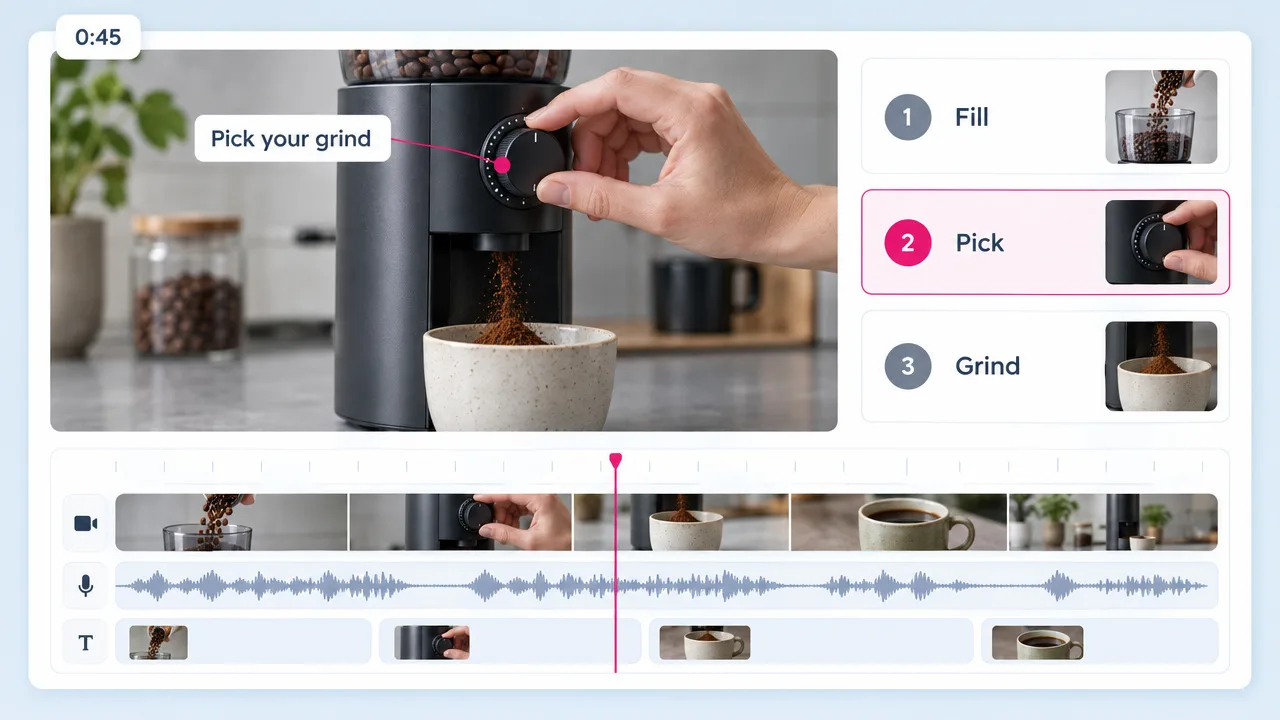
Upload a product photo or paste your product page URL, and Fliki writes the script, voices it, adds captions and cuts the video. Upload it to the product media on Shopify, or post it to Reels and TikTok the same day.
Free forever plan · No credit card required · 80+ languages
Why store owners use Fliki
The photos, the title and the selling points are on the listing. Fliki turns them into a narrated video instead of making you brief an editor or learn a timeline in Pippit or InVideo.
Paste the product page and Fliki reads the title, description and images from it, then writes a script built around what the listing already says.
Upload a product shot and a line about who it is for. The photo is used in the video, so the product on screen is the one you actually ship.
Fliki writes a short hook, the key benefits and a call to action, sized to the length you picked. Edit any line before you render.
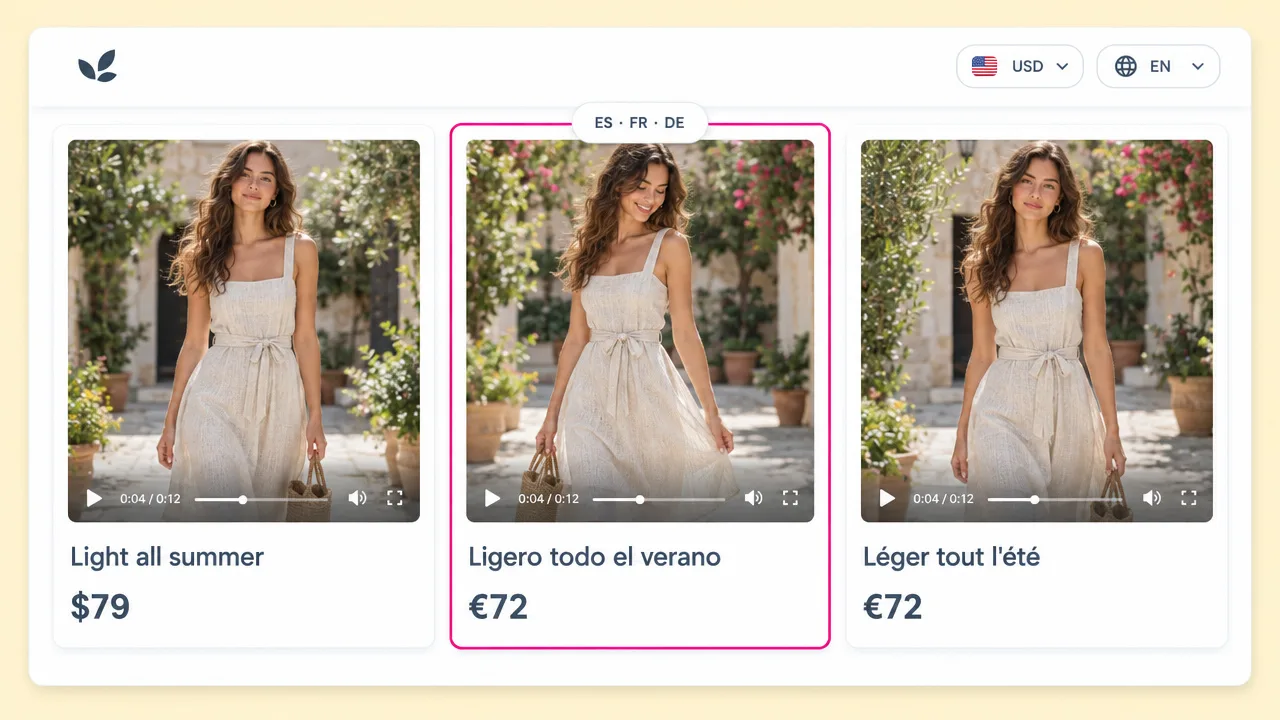
Pick a voice that fits the brand, then render the same video in Spanish, German or Japanese for stores that sell across borders.
Most shoppers scroll with the sound off. Captions are added automatically, so the benefit reads on a muted feed and on a silent product page.
9:16 for Reels and TikTok, 1:1 for the feed and the product gallery, 16:9 for YouTube and the store homepage, without rebuilding the video.
Paste one product URL after another. A catalogue of 20 products becomes 20 videos in an afternoon, not a production budget.
Save your logo, colors and fonts once and apply them to each product video, so a whole collection looks like it came from one store.
Make your first product videos on the free plan with no card. Paid plans remove the watermark and add a commercial license for ads.
How it works
From a listing you already have to a video on the product page.
Use the product page URL from your store, or upload a product photo and describe who it is for in a sentence.
Fliki drafts a hook, the benefits and a call to action. Change the wording, the length or the tone before anything renders.
Choose a voice from the library in any of 80+ languages, and pick 9:16, 1:1 or 16:9 for where the video will run.
Export the MP4 and add it in the Media section of the product in your Shopify admin. Post the vertical version to Reels and TikTok too.
Use cases for a Shopify product video maker
Store owners use the same run for product pages, marketplaces, social and ads.
A short square or vertical video next to the photos answers the questions a still cannot: size, texture, what it does.
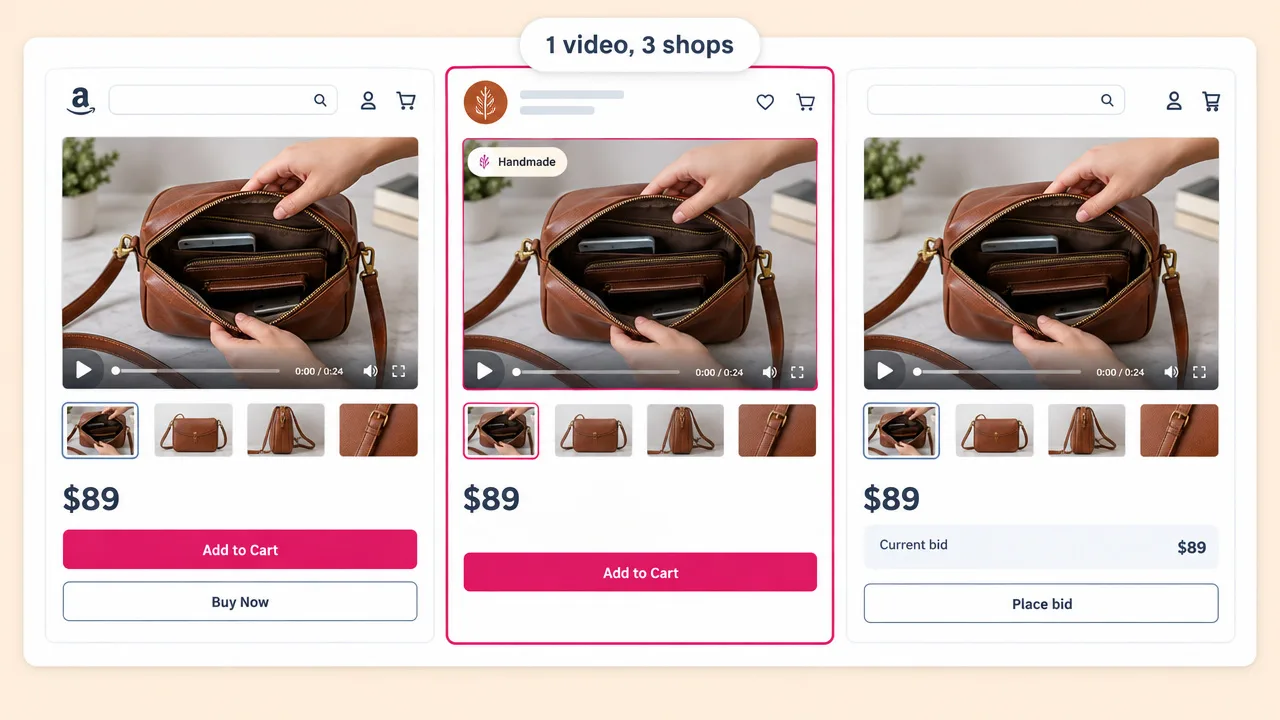
Paste the marketplace listing URL instead of the store page and get a narrated video that fits the listing video slot.
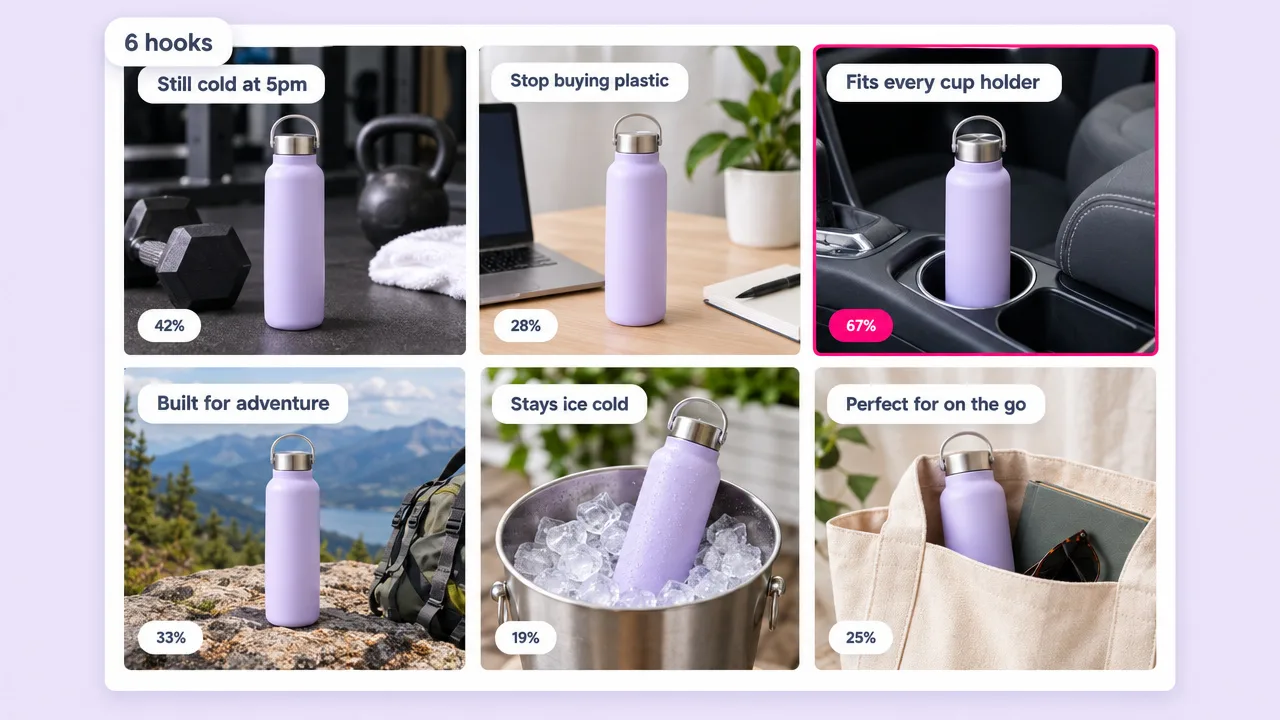
Turn the product video into several ad cuts with different hooks. For creator-style ads with a person on camera, use the UGC ad generator.
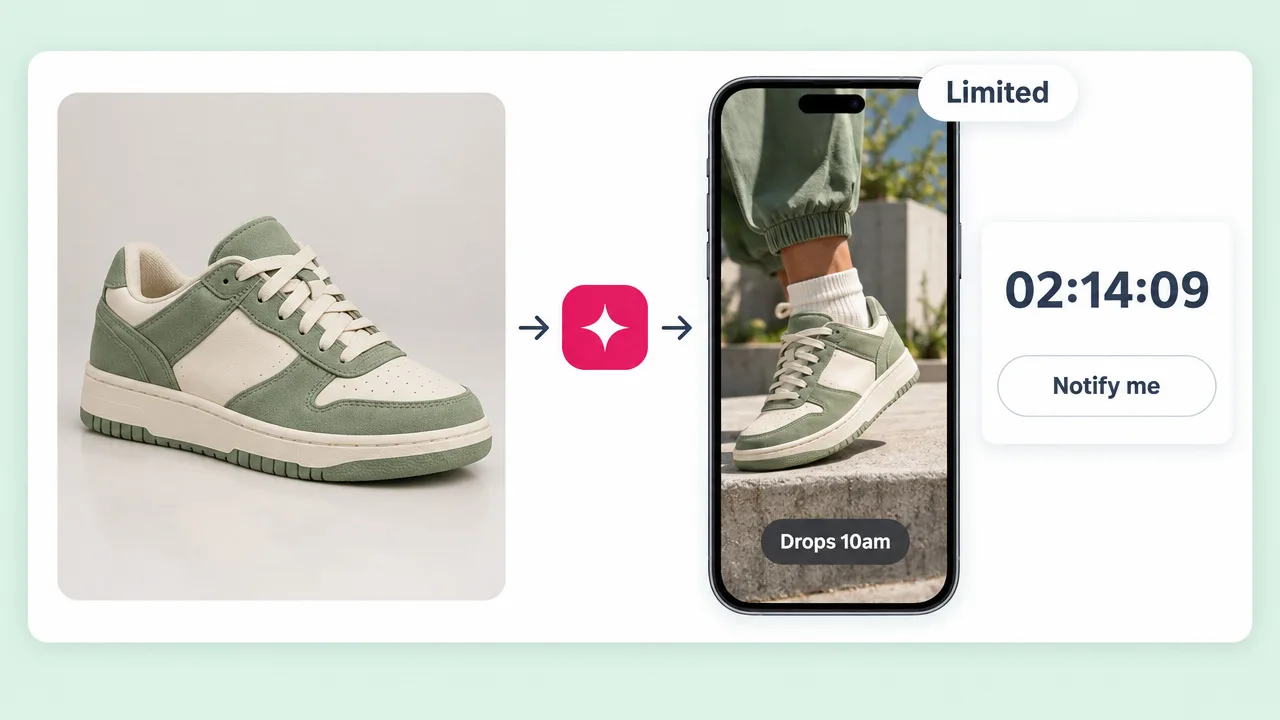
Announce a new colorway or a limited drop with a vertical video the day it goes live. For a studio orbit look, pair it with a 3D product animation.
Shopify product video maker FAQ
What Fliki needs, how the video gets onto Shopify, and how it compares to Pippit, InVideo, Predis and Creatify.
Tools
Paste the product URL or upload a photo, and have the video on your store today.
Make a product videoFree forever plan · No credit card required · Cancel anytime