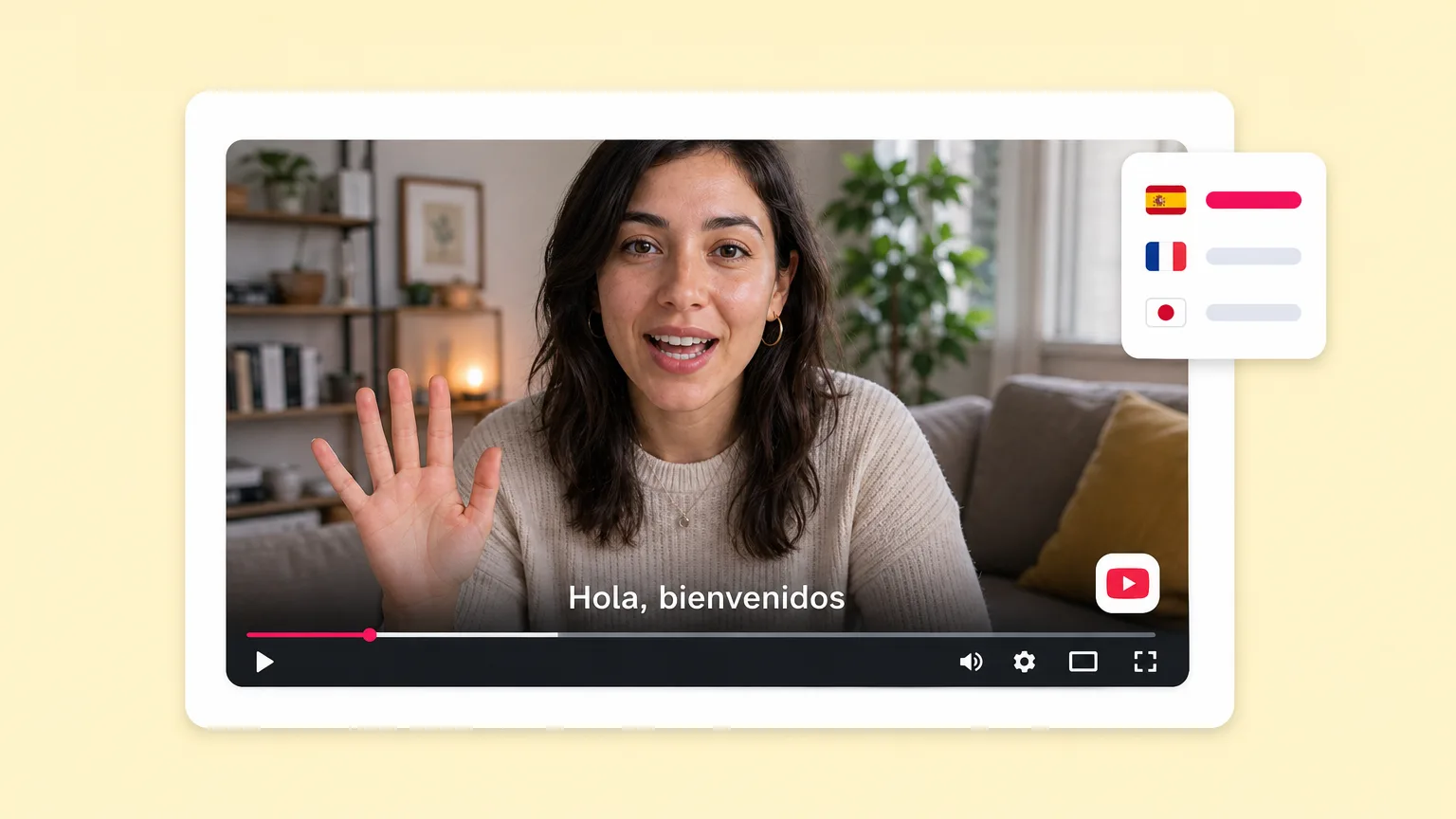
Thai video translator: Dub videos to Thai with AI
Translate any video to or from Thai with native-quality AI voiceover, voice cloning, and localized captions. Pick from neural Thai voices and dialects, or clone your own voice and dub every video in Thai without re-recording.
Free forever plan · No credit card · Native Thai voices · 80+ languages total
Trusted by 50,000+ companies worldwide
Translate to other languages
Beyond Thai: 80+ supported languages
Need to dub the same video into Spanish, Hindi, Mandarin, French, or any other major language? Pick a target below to see the dedicated translator page with sample voices and use cases.
Why creators pick Fliki for Thai
Built for native-quality Thai video translation
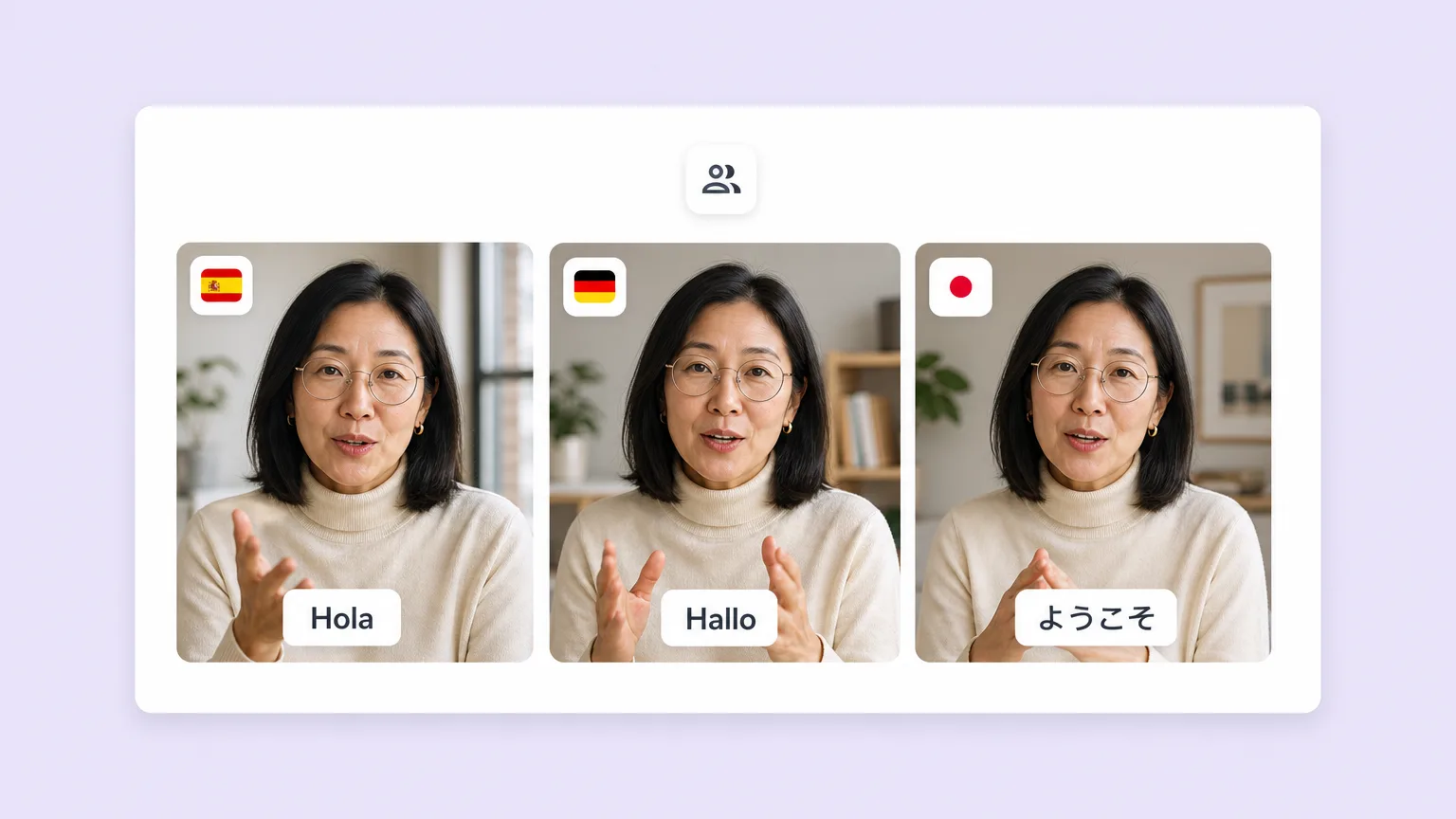
Most translators paste a generic AI voice on top of subtitle output. Fliki re-renders Thai videos with neural voices that match the source tone, plus localized captions and on-screen text — across 80+ total languages.
Native Thai voices and dialects
Pick from a curated set of Thai neural voices, including the major dialects spoken across the region. Adjust pace, pitch, and pauses per scene for native-quality output.
Voice cloning across translation
Clone your voice from a 30-second sample once. Use your cloned voice to dub videos into Thai (and 30+ other languages). Multilingual outreach in your own voice without re-recording.
Re-rendered audio, not just subtitles
Most translators add Thai subtitles only or paste a generic AI voice. Fliki re-renders the full audio track with a native-quality Thai voice, with proper rhythm and pronunciation.
Bidirectional: Thai ↔ English (and 80+ more)
Translate Thai content into English for global audiences, or English content into Thai for native-language reach. Same workflow, both directions, plus 80+ other target languages.
Burn-in Thai captions and on-screen text
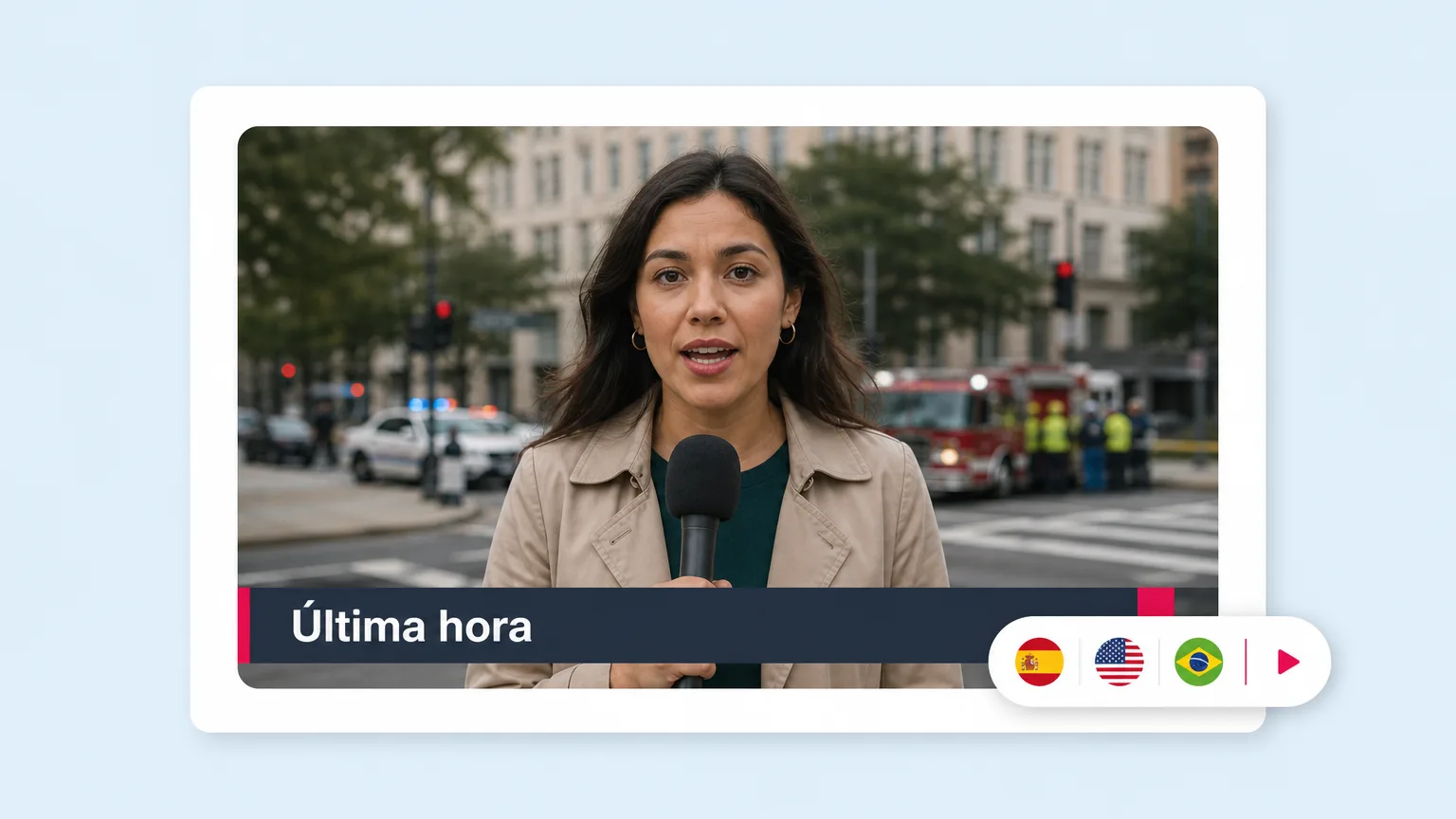
Auto-generated Thai captions synced to the new voiceover. Lower-thirds, slide titles, and on-screen labels translate too — not just the spoken voice. Sized for silent-scroll viewing on social.
AI avatars that lip-sync Thai
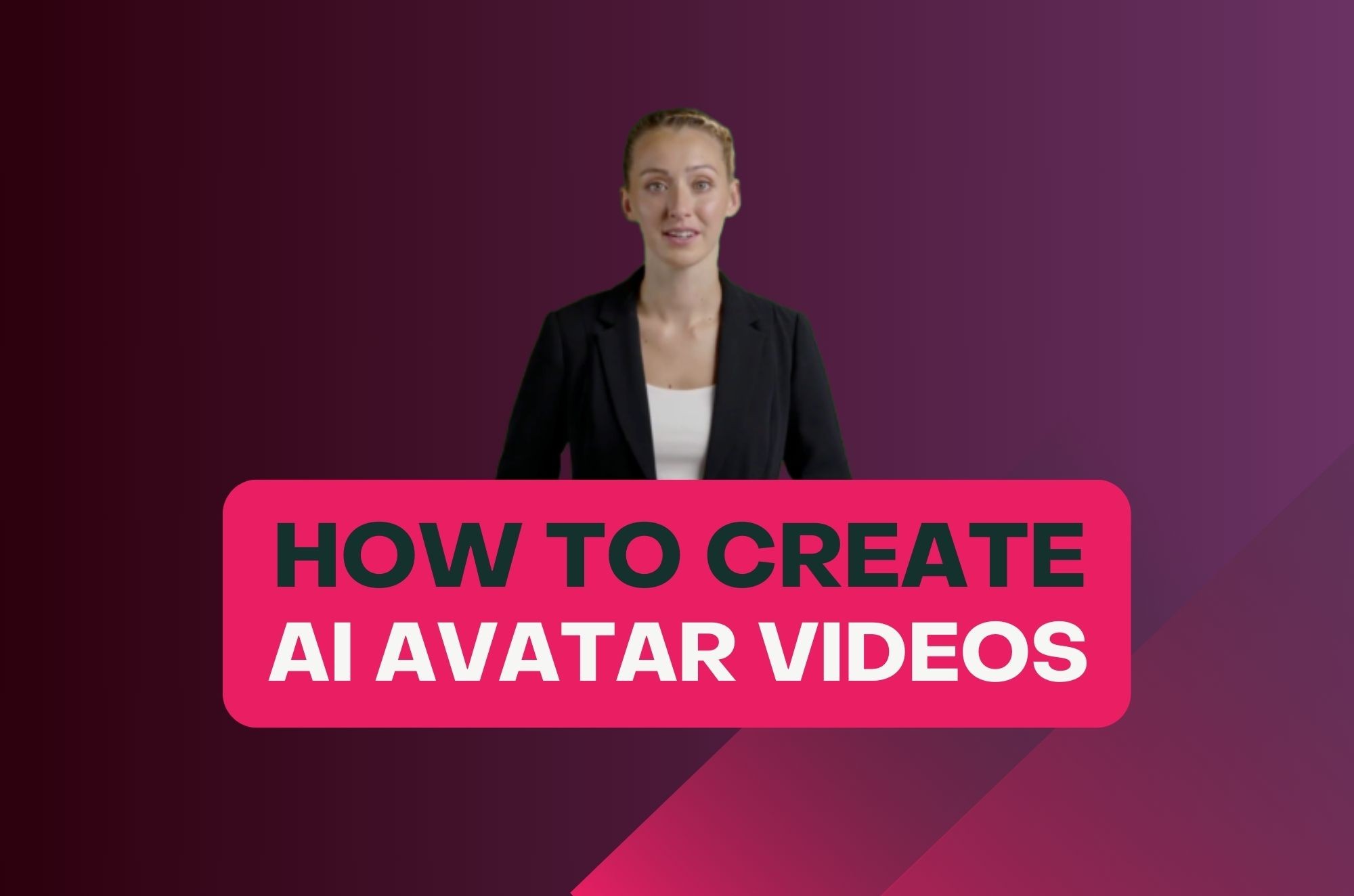
Add a lifelike AI avatar that lip-syncs the translated Thai script. Same presenter face across every language version, native-quality lip-sync per dialect.
Brand kit and templates for Thai content
Save brand colors, fonts, logos, and watermark once. Apply on every Thai video for consistent branding across multilingual campaigns.
Multi-language batch translation
Translate the same video into Thai alongside Spanish, Hindi, Mandarin, or any combination of 80+ languages in one batch. Each version re-renders in parallel with native voice and captions.
Built-in editor — no second tool
Tweak any translated line, regenerate sections, swap the dub voice, layer alternate captions. Full timeline editor included so you ship Thai dubs without Premiere or DaVinci.
How it works
How to translate a video to Thai in 4 steps
From upload to a fully dubbed Thai video in under 5 minutes. Fliki handles the script translation, voice rendering, captions, and on-screen text.
Upload your audio or video
Drop in an MP4, MOV, MP3, or WAV up to 20 MB. Or paste a script. Fliki transcribes the source audio (in any of 80+ source languages) with 99%+ accuracy.
Pick Thai as your target language
Thai is pre-selected on this page. Pick a native voice and dialect, or your own cloned voice. Add Thai captions and on-screen text translation in one click.
Refine the translated video
Edit any Thai line, regenerate sections, adjust pacing. Apply your brand kit so every translated video stays on brand. Optionally generate parallel versions in other languages.
Export and publish
Export 1080p MP4 in 9:16, 1:1, or 16:9. Publish straight to YouTube, TikTok, Reels, Shorts, LinkedIn, or grab an embed code for your blog and product pages.
Use cases for Thai video translation
One Thai translator. Every distribution motion.
Reach native Thai speakers globally and bring Thai content to English audiences. Localize for diaspora communities, local creators, regional marketing, and education.

Multi-language YouTube channels including Thai
Run a Thai YouTube channel off the same source video as your English channel. MrBeast-style multi-channel localization without hiring a Thai dub team.
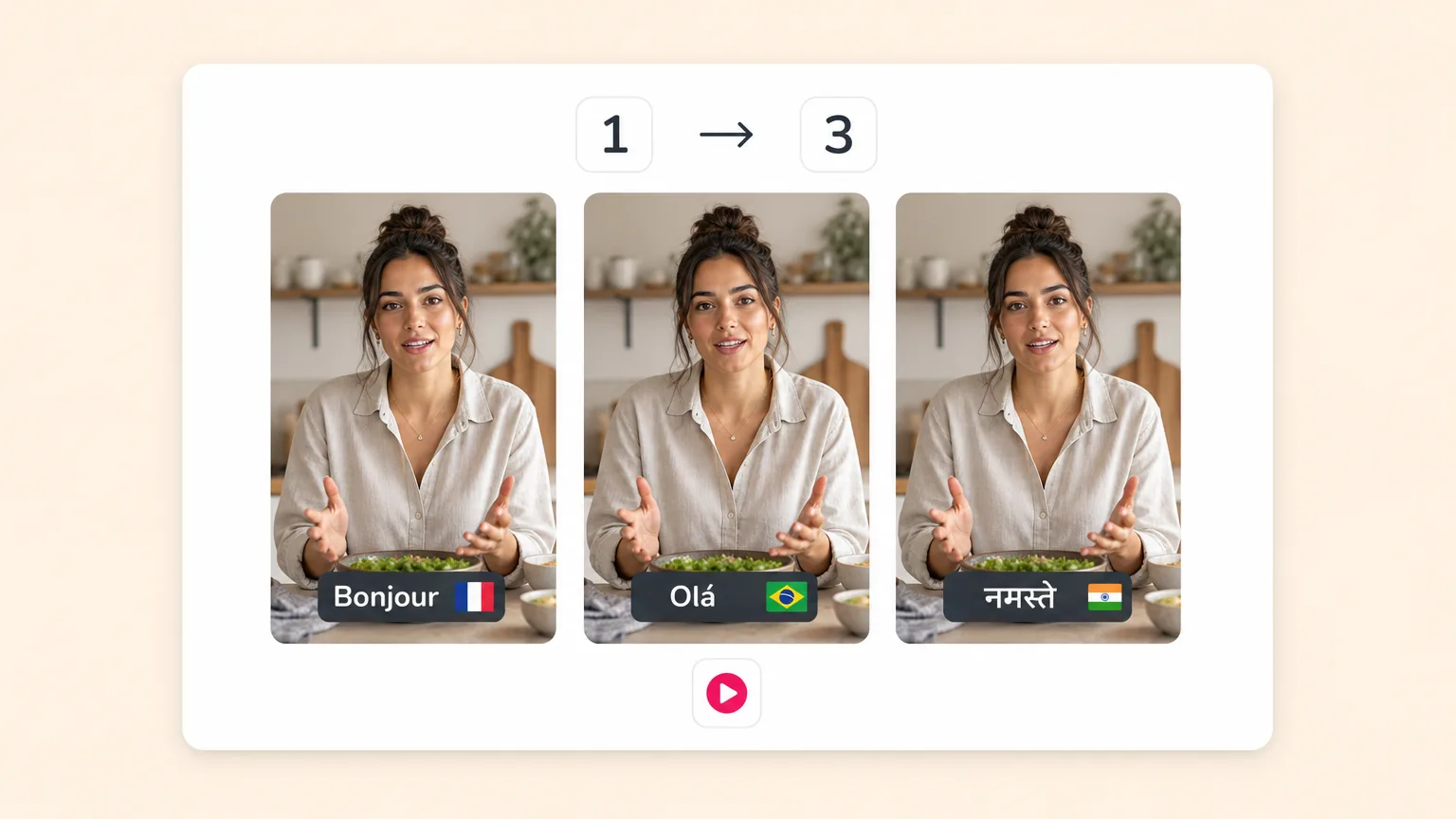
Multi-region campaigns including Thai-speaking markets
Run global product launches with native Thai marketing video alongside English. Same brand kit, same source video, native-quality voiceover and captions per market.
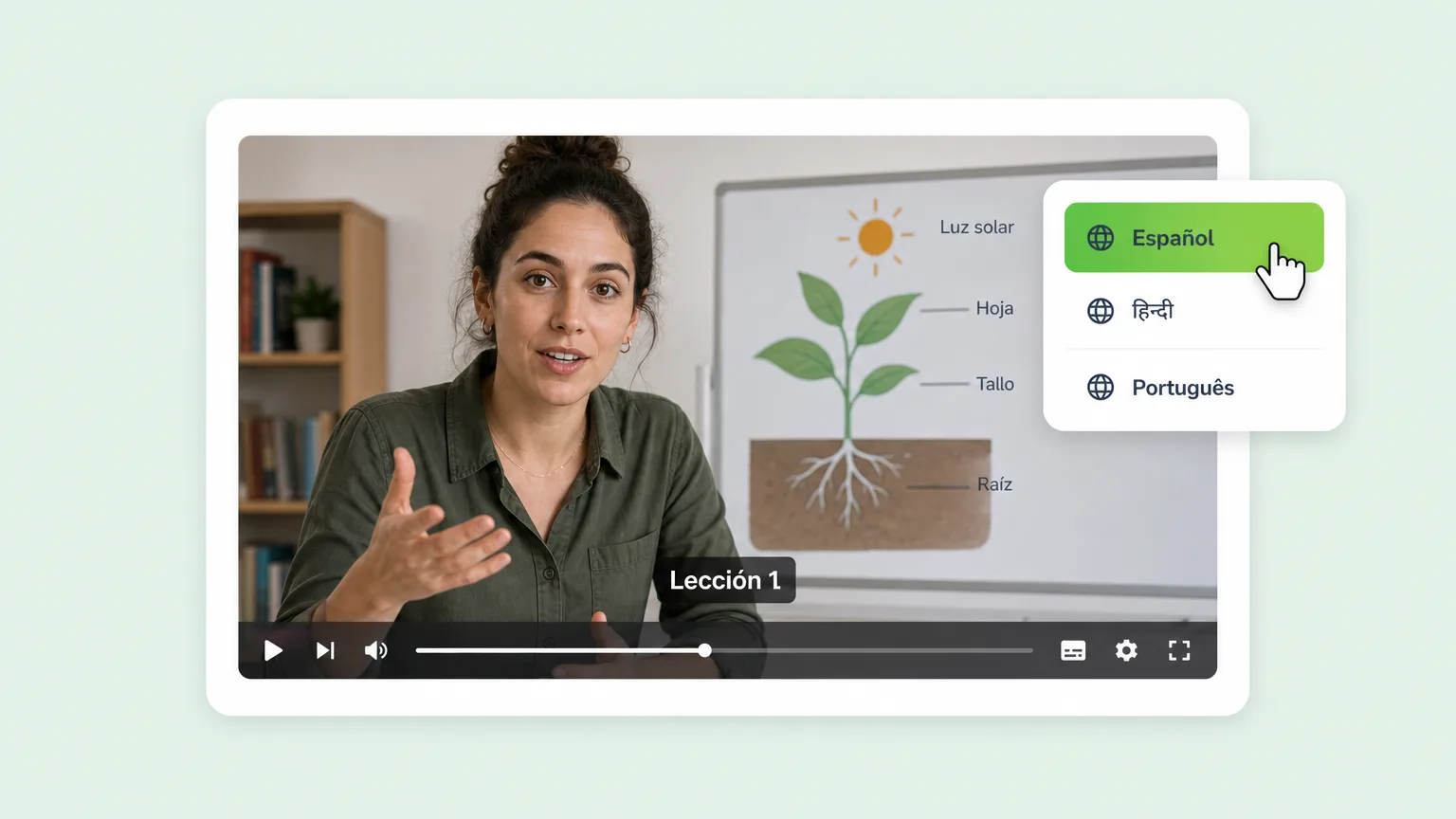
Course localization for Thai-speaking students
Convert one English course into Thai (plus Spanish, Hindi, Mandarin, and more). Translate slides, voiceover, captions, and on-screen text in one workflow. Reach native-Thai learners worldwide.

Multilingual sales outreach including Thai
Clone your voice once. Send personalized sales videos in Thai (or any of 30+ supported clone-language pairs). Reply rates 3-4x higher in non-English markets vs English-only outreach.


Localized training and policy updates in Thai
All-hands and policy updates available in Thai for distributed teams. AI avatar host for consistency across versions. Update the script, re-render the Thai version automatically.

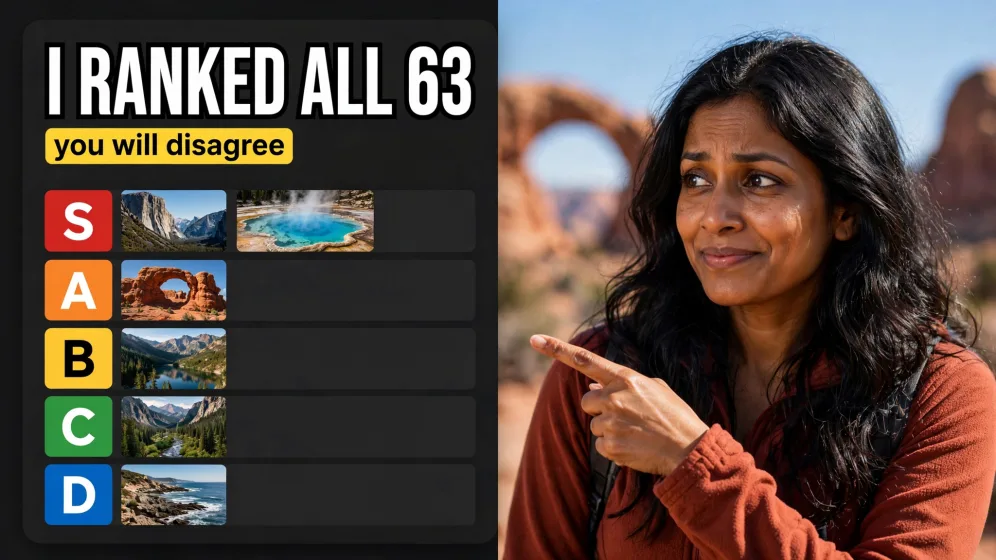
Thai creator content and news translation
Translate trending creator content into Thai for native-language audiences. Or translate Thai news videos into English for global reach. Daily creator workflow at the speed of news.
Created with Fliki
See what creators make with Fliki's AI video generator
Real videos made with our text-to-video tool in under 5 minutes.
Built for how you create video
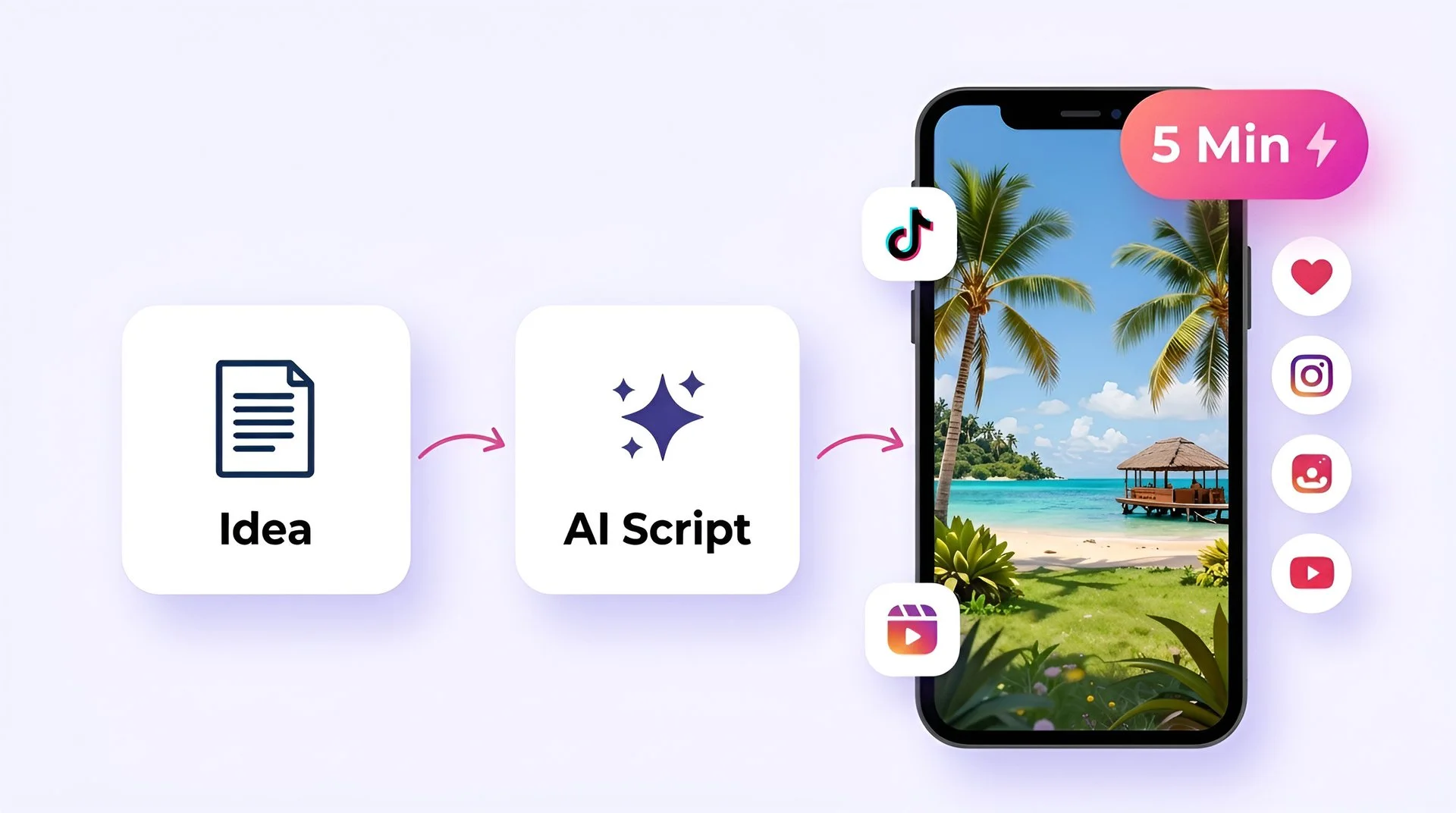
Create viral TikToks and Reels without showing your face
Turn your ideas into faceless short-form videos in minutes. No camera, no editing skills, no expensive gear - just describe what you want and hit generate.

AI MODEL GALLERY
Built on the best AI models - ready inside Fliki
Every leading video, voice, and image model - integrated, unified, and tuned for creators. Generate with the latest AI video, AI voice, and AI image models from OpenAI, Google, Kling, Bytedance, ElevenLabs, and more - all from one place.


Thai Video Translator FAQ
Frequently asked questions about Thai video translation
Everything you need to know about translating to and from Thai with Fliki.
How do I translate a video to Thai?
Sign up free on Fliki. Upload an MP4, MOV, MP3, or WAV (up to 20 MB), or paste a script. Thai is pre-selected as the target language on this page. Pick a native Thai voice and dialect, then export 1080p MP4 with translated voiceover, captions, and on-screen text.
Can Fliki translate from Thai to English (and other languages)?
Yes. Fliki is bidirectional. Upload Thai audio or video and translate it to English, or to any of the 80+ other supported languages. The AI transcribes the source Thai, translates the script to your target, and re-renders with a native-quality voice in the target language.
What Thai voices does Fliki support?
A curated library of neural Thai voices covering major dialects, with adjustable pace, pitch, and emotion per scene. Preview voices on the page or in the editor before generating your video. New voices are added regularly.
Can I clone my voice for Thai dubbing?
Yes, when Thai is one of our supported clone-language pairs (currently 30+). Upload a 30-second sample of your own voice. Fliki clones it with high accuracy. Use your cloned voice to dub every video into Thai for personal-branded multilingual content.
Does Fliki translate Thai subtitles too, or just the voice?
Both. The audio is re-rendered with a native Thai voice AND captions are auto-generated synced to the new voiceover. Lower-thirds, slide titles, and on-screen labels also translate to Thai — not just the spoken voice — so the localized video looks made for Thai speakers, not retrofitted.
Is the Thai translation accurate?
Fliki uses state-of-the-art neural translation models trained on large-scale Thai corpora, achieving native-fluent quality for most general content. For specialized vocabulary (legal, medical, regional slang), edit any translated line in the script editor before exporting. The AI provides the draft, you keep editorial control.
Still curious?
Try Fliki free in your browser, no credit card required.
Start freeCan I translate YouTube videos into Thai?
Yes. Download the source MP4 and upload it to Fliki, or paste the YouTube transcript into the script tab. Fliki translates and dubs in Thai, then exports a YouTube-ready 1080p MP4 in 16:9. Useful for running Thai-language YouTube channels off one source video.
Is video translation to Thai free?
Yes. Free forever plan with monthly credits, no credit card required. Free exports include a small Fliki watermark. Paid plans remove the watermark, unlock voice cloning, AI avatars, longer videos, batch translation, and 4K export.
Can I translate audio files (podcasts, voiceovers) to Thai?
Yes. Upload an MP3 or WAV and Fliki transcribes, translates, and re-renders the audio in Thai. Useful for podcast localization, voiceover dubbing, and audiobook translation. Export as MP3 audio or as video with optional waveform/cover-art visuals.
Does Fliki support multiple Thai dialects?
Where regional dialects of Thai differ meaningfully (accent, vocabulary, regional usage), Fliki includes multiple voices per dialect. Pick the dialect that matches your target audience — local-region native, diaspora-friendly neutral, or formal/broadcast tone.
Is the translated Thai video royalty-free for commercial use?
Translations generated on paid plans are royalty-free and commercially usable, including AI voiceover, dubbing, and translated captions. Free plan exports include a small watermark. Always confirm rights for your source video before translating.
How long does Thai translation take?
Most short-form videos (under 60 seconds) translate end to end in 2 to 5 minutes. Longer videos and batch multi-language translations scale linearly. A 5-minute video into Thai typically takes 5 to 10 minutes including the script translation, voice rendering, captions, and final export.
Tools
Discover more
Translate your next video to Thai.
Native-quality Thai voiceover, voice cloning, AI avatars, localized captions and on-screen text. Free to start, no credit card.
Translate your first video to Thai freeFree forever plan · No credit card required · Cancel anytime