Fashion ecommerce
On-model photos for every product page
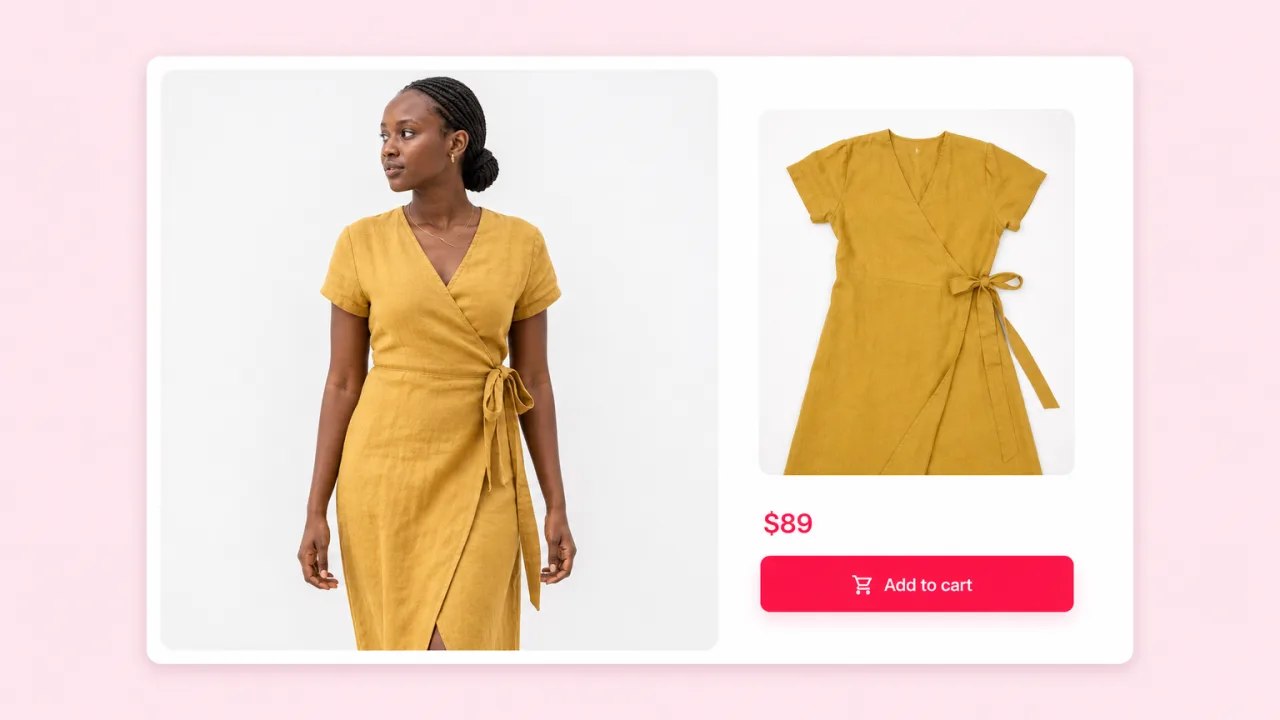
Dress one model in every SKU and fill your Shopify or Amazon listings with consistent on-model images. New stock goes live the day it lands.
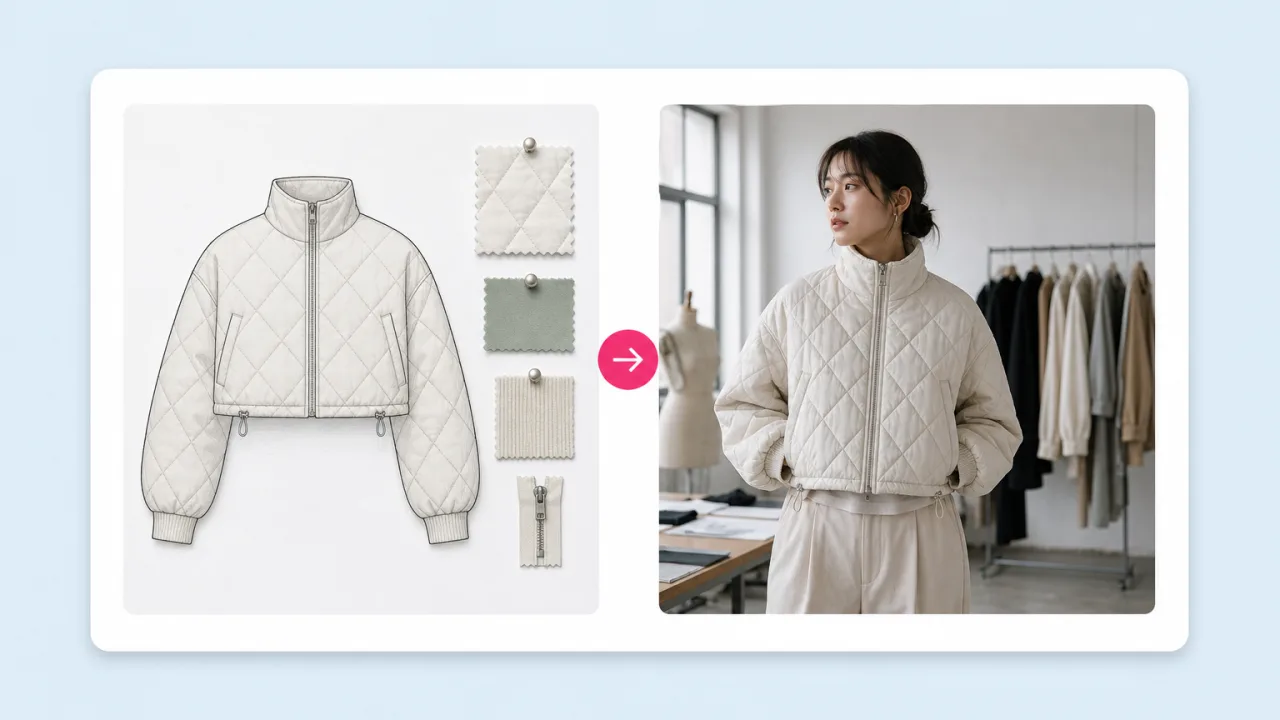
Upload a model photo and a photo of the garment. Fliki dresses the model in it and keeps the pose, lighting, background and framing, so the shot is ready for your store or lookbook.


Included in paid plans · Results in about a minute · Commercial use
Why fashion brands pick Fliki for virtual try-on
Most clothes changers repaint the whole image and lose the shot you set up. Fliki swaps only the outfit with three try-on engines and keeps everything else in place.
Pick P-Image Try-On for fast catalog swaps, FLUX Virtual Try-On for fabric detail and drape, or Nano Banana 2 for tricky layering. Run the same garment on all three and keep the best.
Only the clothing changes. The model’s pose, skin, hair, lighting, shadows and background come from your original photo, so a new colourway still matches the rest of the shoot.
The outfit photo can be a ghost mannequin shot, a flat lay, a hanger photo or another model wearing it. Logos, prints and stitching carry over to the result.
Shoot one model in one pose, then dress them in each product of the collection. A 40-piece drop gets on-model images without 40 changes on set.
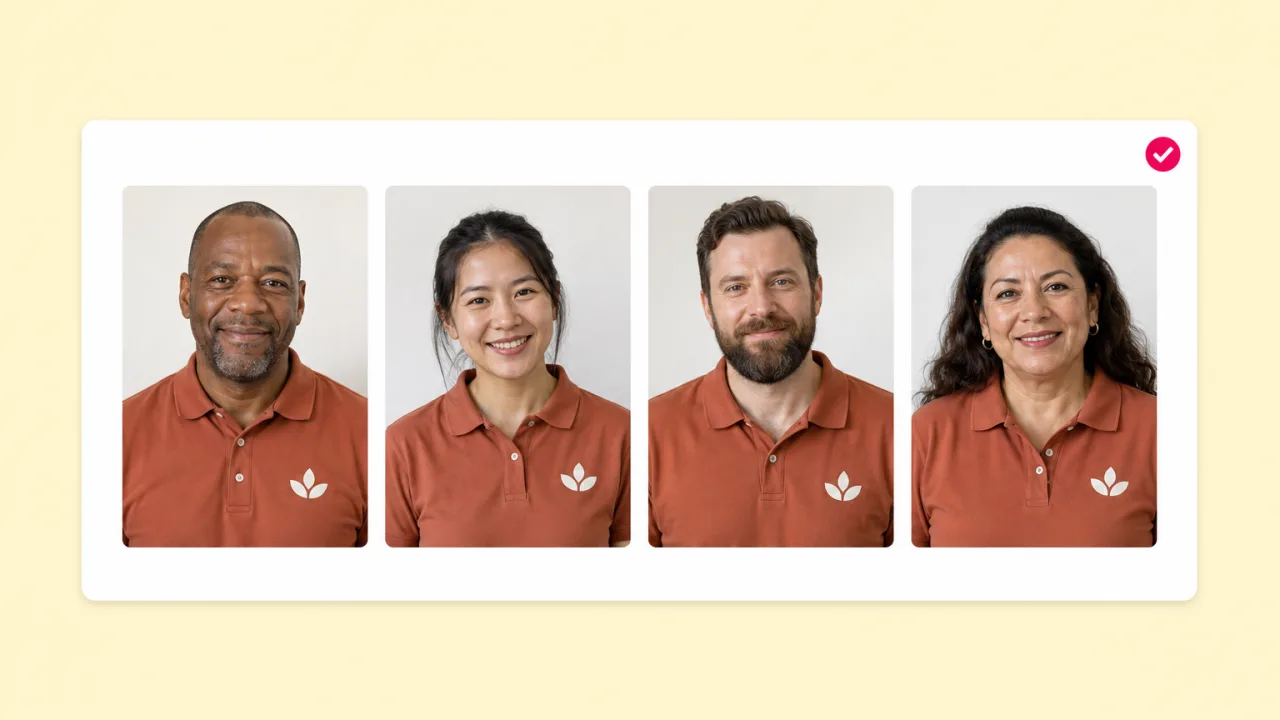
Show the same garment on different body types, ages and skin tones by changing the model photo. Use AI face swap in Swap Studio for more variation.
Send the try-on image to photo-to-video AI and the model turns, walks or poses. Product pages and Reels get motion from a single still.
Drop try-on shots into a lookbook video, add a voiceover from 2,000+ voices in 80+ languages, captions and music, and publish it to every market you sell in.
Each try-on finishes in about a minute and saves to your Fliki drive next to the source photo, ready to download or use in a video.
Clothes changer is included in paid plans and billed in credits per run. Results are watermark-free and cleared for product listings, ads and catalogs, with consent from the model shown.
How it works
A model photo, a garment photo and one click. The outfit changes and the shot stays.
Use a clear photo of one person with the body visible. Studio shots, street photos and selfies all work.
Upload the garment as a flat lay, ghost mannequin, hanger shot or worn by someone else. Tops, dresses, jackets and full looks are supported.
Choose P-Image Try-On, FLUX Virtual Try-On or Nano Banana 2. Results arrive in about a minute with pose and background intact.
Download the image for your store, or open it in Fliki to animate the model and build a lookbook video.
Use cases for AI clothes changer
Fashion ecommerce, lookbooks, model swaps and styling content without booking another shoot.
Dress one model in every SKU and fill your Shopify or Amazon listings with consistent on-model images. New stock goes live the day it lands.
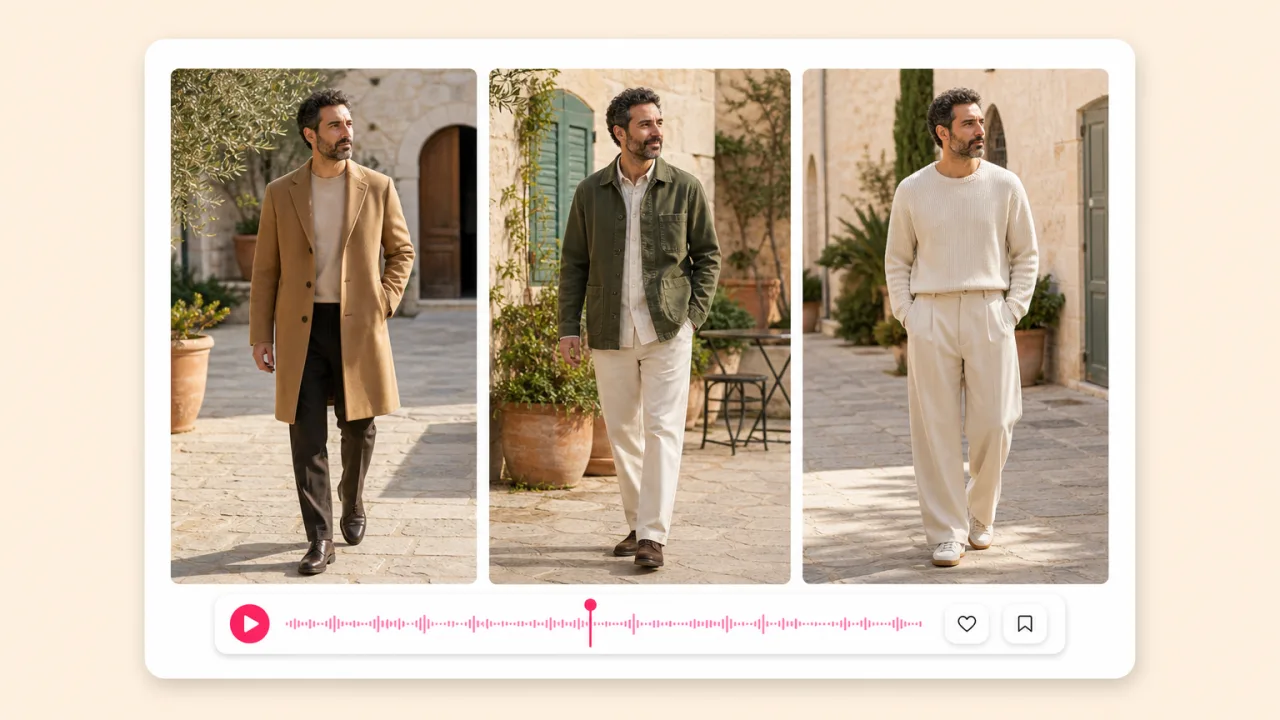
Style complete looks on the same models and turn them into a narrated lookbook video with music and captions for email, social and wholesale buyers.
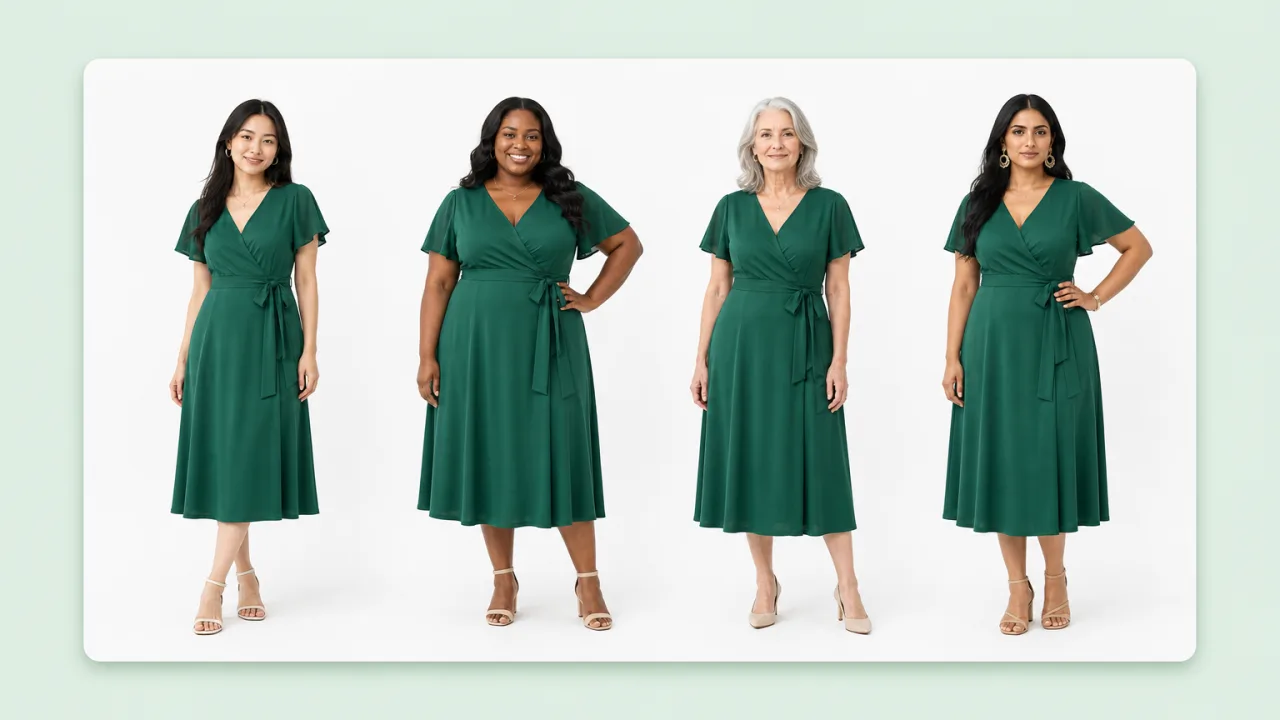
Put the same dress on models of different sizes, ages and skin tones so every shopper sees it on someone like them. Mix with face swap for more range.
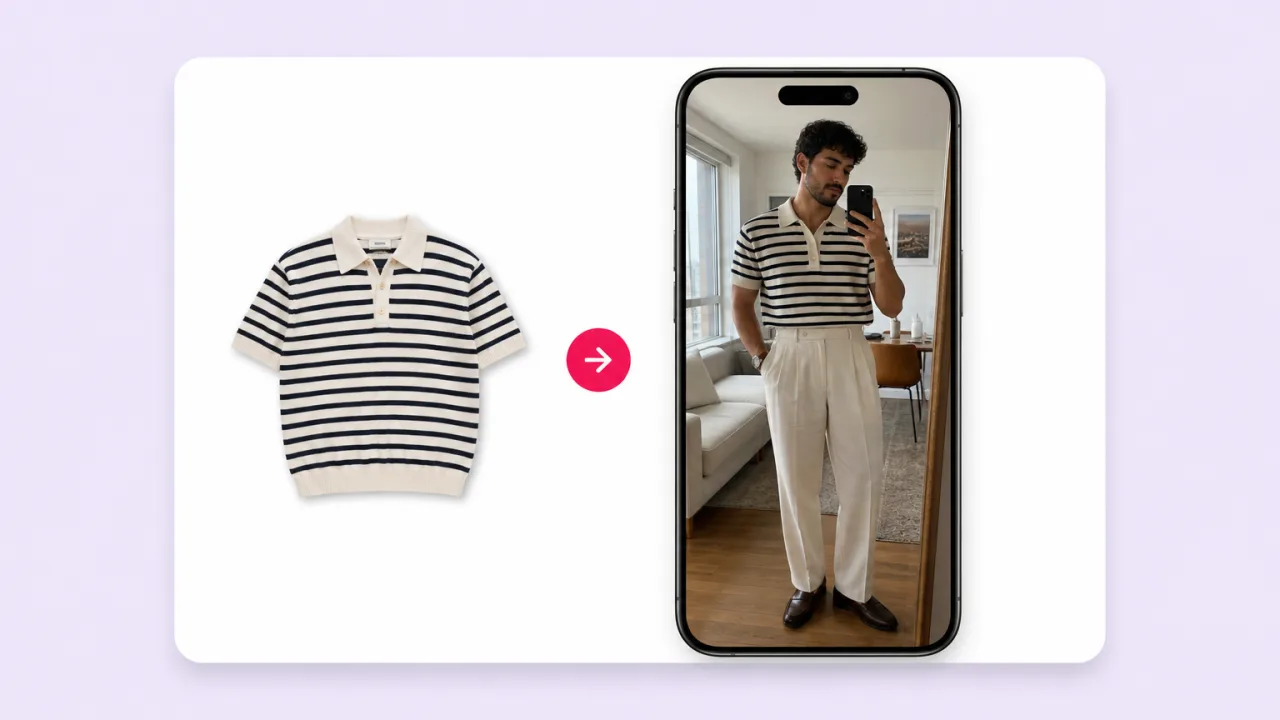
Creators and stylists try on brand pieces from a product photo and post styled looks to TikTok and Reels. Animate the still for a quick transition video.
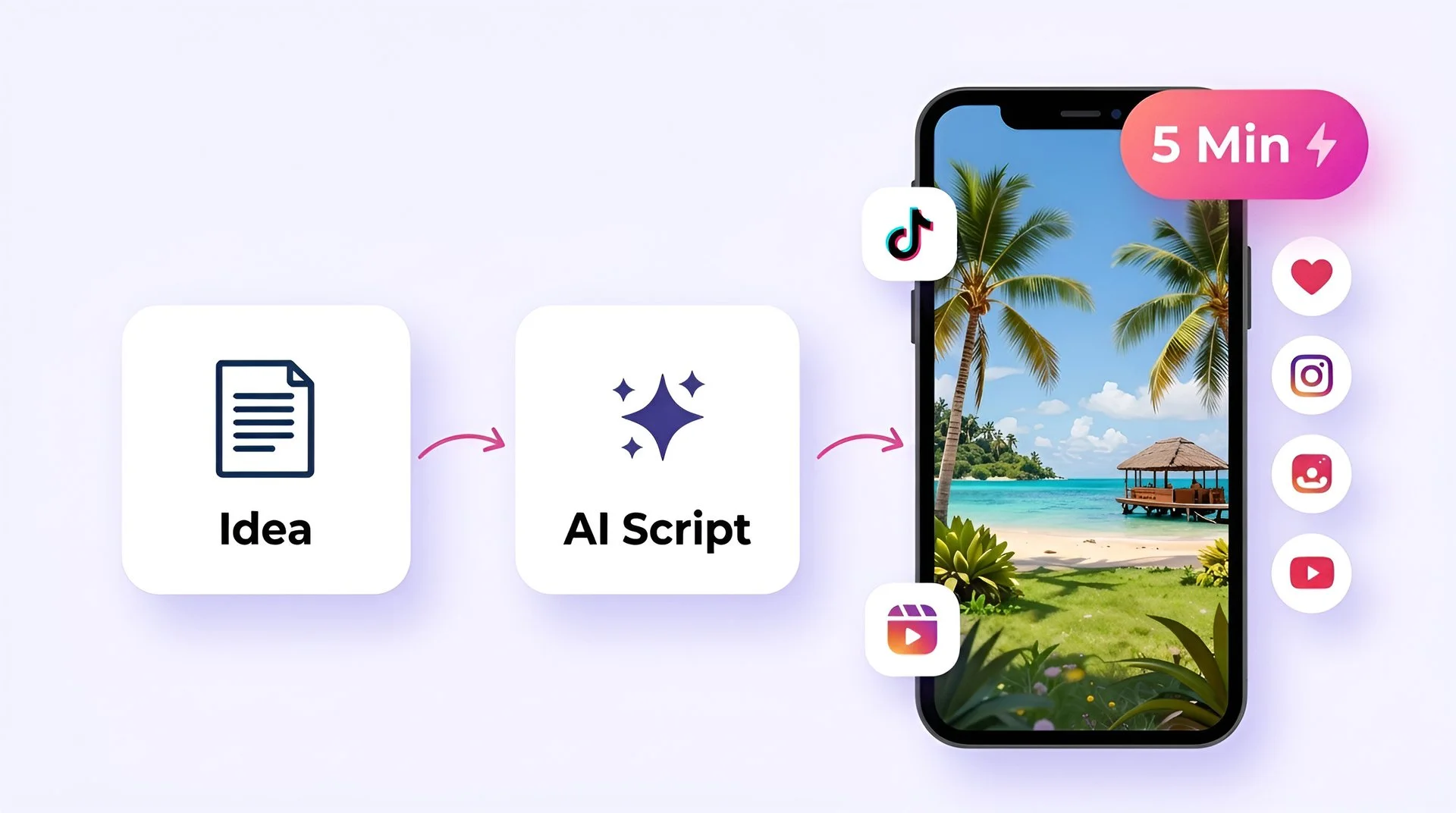
Turn your ideas into faceless short-form videos in minutes. No camera, no editing skills, no expensive gear - just describe what you want and hit generate.
AI MODEL GALLERY
Every leading video, voice, and image model - integrated, unified, and tuned for creators. Generate with the latest AI video, AI voice, and AI image models from OpenAI, Google, Kling, Bytedance, ElevenLabs, and more - all from one place. Every model below runs inside our AI video generator.
AI clothes changer FAQ
How virtual try-on works, which engine to pick, and how Fliki compares with Bit Studio, Pixnova and Fotor.
Tools
Virtual try-on with P-Image Try-On, FLUX Virtual Try-On and Nano Banana 2, then animate the look into video in Fliki.
Try on an outfitFree forever plan · No credit card required · Cancel anytime