Photo to video AI: Five video models, one composer

Animate any photo with cinematic motion, or turn a single still into a talking video with synced lips. Fliki picks from Veo 3.1 Fast, Kling 3.0 Pro, Seedance 2.0, PixVerse, and OmniHuman 1.5 - the right model per shot, all in one editor.

Free forever plan · ~30+ clips/mo · No credit card · Up to 4K output

100M+VIDEOS CREATED
12M+USERS WORLDWIDE
80+LANGUAGES SUPPORTED

Trusted by 50,000+ companies worldwide

Photos animated with Fliki

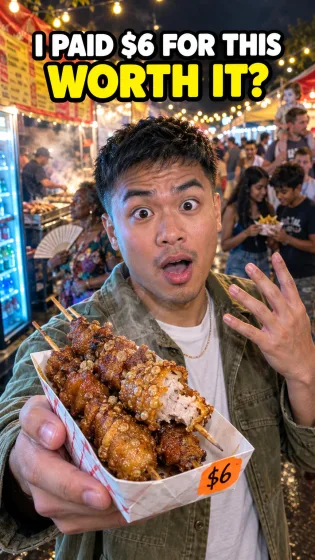
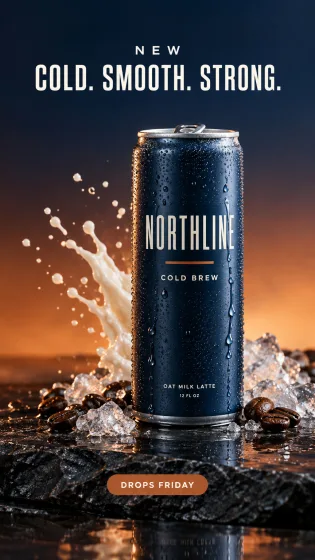
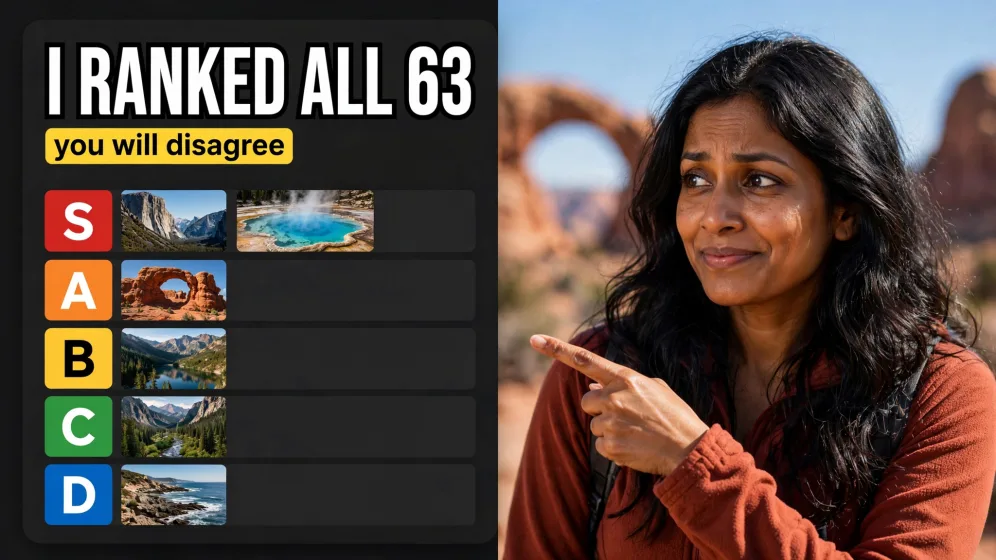
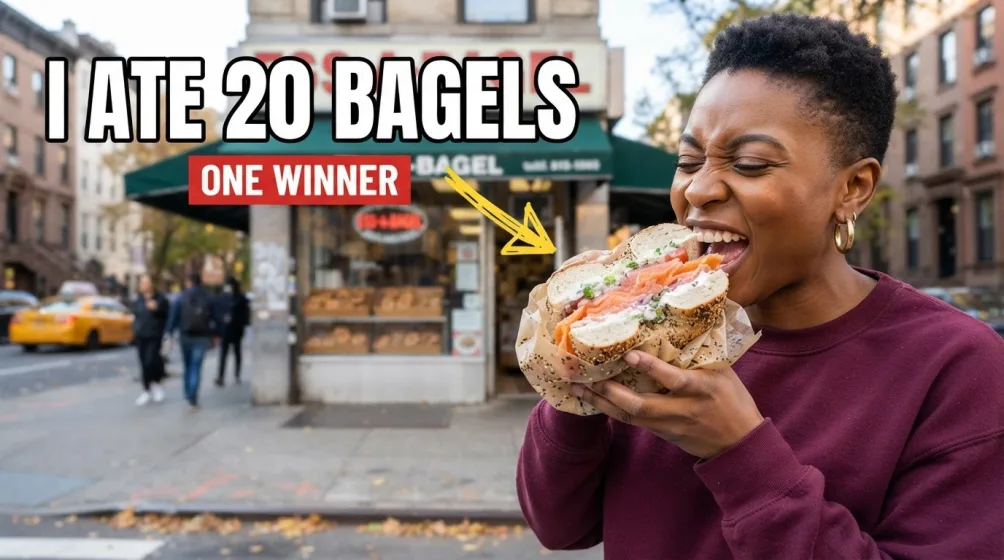
Real photo-to-video clips generated inside Fliki. Veo 3.1 Fast on the hero, plus output from Kling, Seedance, PixVerse, and OmniHuman across the rest of the gallery.

Prompt

Aerial crane shot rising slowly above a lone wooden longhouse on a black-sand Icelandic beach at first light, smoke curling from the chimney, basalt sea stacks looming in the surf beyond. The camera continues climbing to reveal the full sweep of the coast, ribbons of mist, a single figure walking along the shoreline far below. Epic, painterly, soft pastel sunrise palette, slight haze, cinematic 2.39:1 framing. SFX: distant ocean waves, low wind, gulls overhead. Ambient noise: a gentle, slow-building orchestral string motif.

Prompt

Medium shot, locked-off camera, a single matte black wireless headphone slowly rotating on a polished concrete pedestal, the earcup catching a soft rim light from the right. Warm tungsten key light from above with a deep navy gradient backdrop, a thin haze in the air for atmosphere. The shot holds steady, then a delicate beam of light traces across the brand logo etched on the side. Premium product film aesthetic, ultra-shallow depth of field, slow cinematic pace. SFX: a low resonant hum, then a single soft chime as the light passes the logo. Ambient noise: deep, minimal sub-bass bed.

Prompt

Selfie-angle handheld shot, slight natural sway, a young guy in a hoodie sitting on the edge of his unmade bed in a sun-dappled bedroom, late morning light coming through half-closed blinds. He's holding the phone himself, looks straight into the lens with a tired half-smile, runs a hand through his hair, and says, "Okay so update — I actually did the thing." Bookshelf cluttered with mugs and a half-burnt candle behind him, a t-shirt draped over a chair, very lived-in. Phone-camera aesthetic, slightly soft focus, warm natural skin tones, no colour grade. SFX: the muffled hum of a window AC unit, a distant garbage truck outside, his quiet inhale before the line.

Prompt

Close-up with very shallow depth of field, a woman in her late twenties with freckles and dewy skin, looking directly into the camera and breaking into a small smile. She tilts her head and says, "Honestly? This is the only thing that's worked for me in years." Soft natural window light from the left, beige linen background, a half-blurred ceramic mug in the foreground. Editorial beauty aesthetic, warm skin tones, subtle film grain. SFX: a soft kettle whistle in the background, quiet morning ambience.

Prompt

Handheld POV shot, slight camera shake, a hand holding a phone-style angle, a friend group of four bursting into a sunlit rooftop apartment carrying takeout bags and laughing. Golden hour light streams through tall windows, plants on the sill, a vinyl record spinning on a turntable in the corner. One friend turns to camera mid-laugh and says, "Tell me you didn't forget the dumplings." Warm, saturated, TikTok-style energy, slight lens flare. SFX: laughter, paper takeout bags rustling, a needle drop on vinyl, then upbeat lo-fi house music kicks in.

Prompt

Macro lens, top-down close-up, a chef's knife slicing cleanly through a glossy slab of medium-rare ribeye on a dark walnut cutting board, juices welling along the cut line. The camera pulls back slowly to reveal a cast-iron skillet still steaming beside it, sprigs of rosemary and a head of roasted garlic. Warm restaurant lighting, deep amber tones, shallow depth of field. SFX: the sharp, clean sound of the knife cutting, the soft sizzle from the skillet, a knife tap as it sets down. Ambient noise: the low murmur of a busy kitchen pass.

Prompt

Low-angle tracking shot, a young sprinter in a black tank top exploding out of starting blocks on a wet outdoor track at dawn, water droplets kicking up off the rubber surface. The camera pushes in fast as she hits her stride, breath visible in the cold air, stadium empty around her. Slight handheld shake, cinematic teal-orange grading, frozen-second slow-motion on the third stride. SFX: the sharp clack of starting blocks, breath in cold air, spike-on-track impact, distant wind. Emotion: focused intensity.

100M+VIDEOS CREATED
12M+USERS WORLDWIDE
80+LANGUAGES SUPPORTED

Trusted by 50,000+ companies worldwide

Why creators pick Fliki for photo-to-video

One photo. Five video models. Cinematic results.

Five specialized models, one composer. Cinematic motion (Veo 3.1 Fast, with native audio). Character animation (Kling 3.0 Pro, first/last-frame control). 4K stills with motion (Seedance 2.0). Fast portrait sync (PixVerse v5 Fast). Talking-photo from one image (OmniHuman 1.5). Canva, Adobe Firefly, Pixlr, and Cling AI all run one model. Five engines beats one engine on quality, every time, because the right model handles each shot type.

Veo 3.1 Fast for cinematic pans with audio

Google DeepMind’s flagship video model handles cinematic camera moves with native audio (environmental sound, music cues, dialogue). The right pick for hero shots and cinematic openers.

Kling 3.0 Pro for character motion

When you need precise character motion with first-frame and last-frame conditioning, Kling 3.0 Pro delivers. Perfect for product reveals, brand-consistent transitions, and controlled motion.

Seedance 2.0 for 4K stills with motion

Cinematic generation up to 4K resolution. Fast iteration, high fidelity, and great for landscape and product photography animation.

PixVerse v5 Fast for portrait animation

Quick portrait sync in under a minute. The right pick for high-volume social and ad iterations where speed matters.

OmniHuman 1.5 for talking-photo

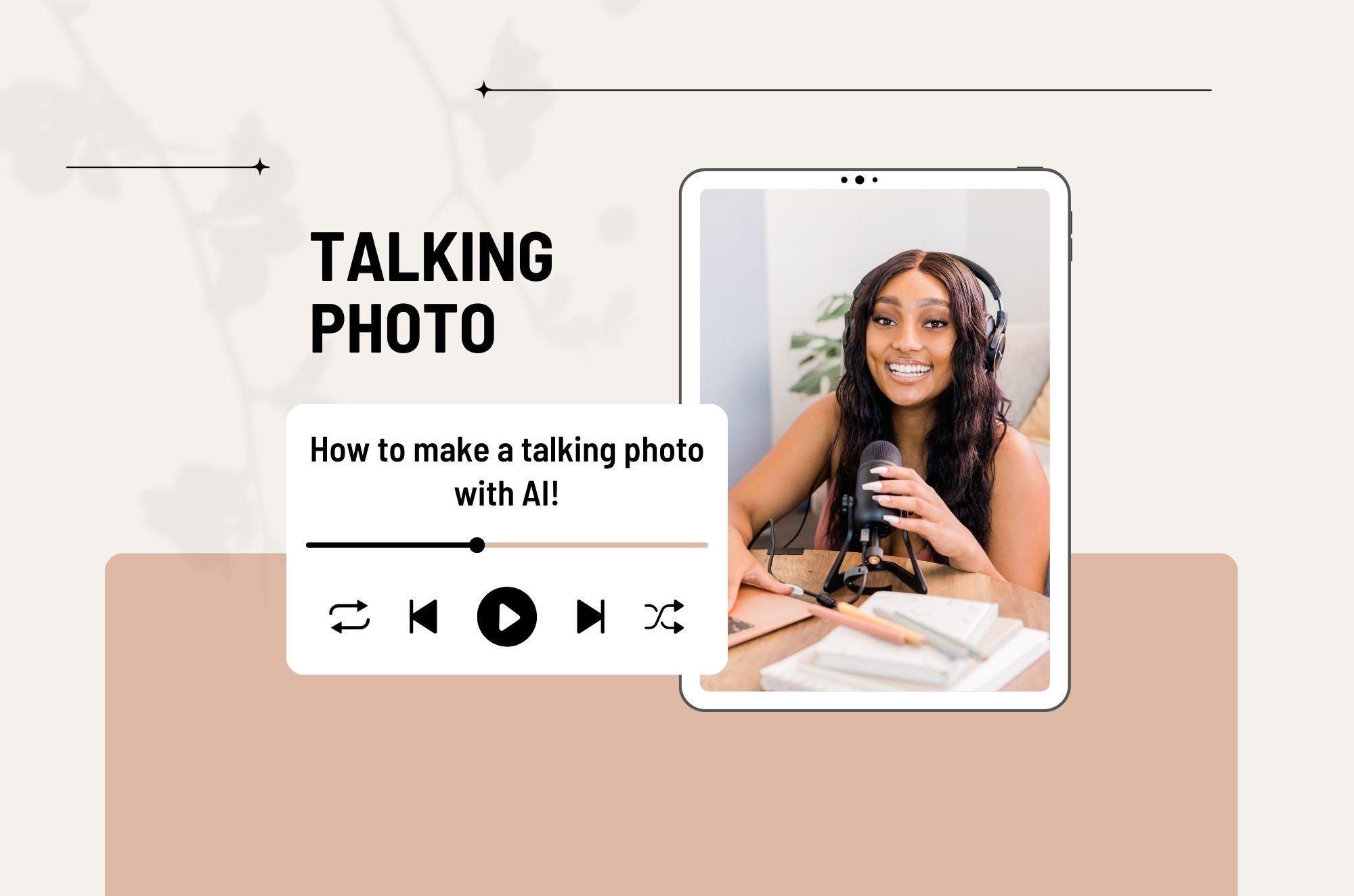
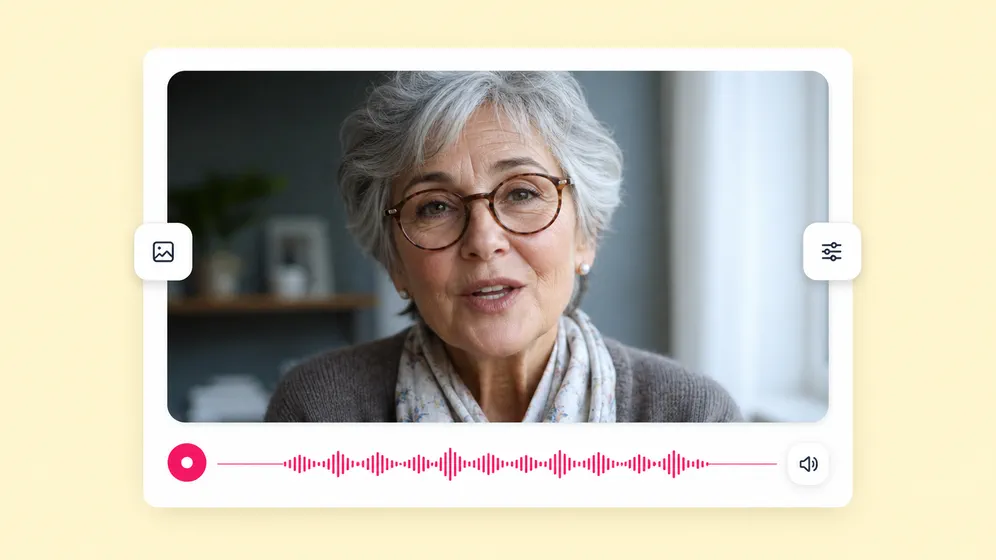
Upload one photo, paste a script, get a fully-animated talking photo with synced lips, head motion, and natural micro-expressions. No video footage, no avatar setup, just a single still.

iPhone Live Photo and Android Motion Photo to video in one click

Drop a Live Photo from your camera roll and Fliki converts it to a clean 9:16, 1:1, or 16:9 MP4 ready for Reels, TikTok, and Shorts. Preserves the original motion, adds slow-mo, and stitches multiple Live Photos into a single timeline.

Up to 4K with native audio

Render at 720p, 1080p, or 4K depending on the model, with optional AI upscaling. Veo 3.1 Fast generates audio inline so you don’t score the clip afterward - the only photo-to-video tool with native audio output.

Inside the full video editor

Stitch multiple photo-to-video clips with B-roll, voiceover, captions, and music in the same project. The animated photo is one ingredient in a full video, not a one-shot export.

Portrait, square, and landscape

Output in 9:16 for Reels and TikTok, 1:1 for Instagram, or 16:9 for YouTube. The same photo can ship in every aspect ratio without re-generating.

Watermark-free, commercial-ready

Paid plans ship watermark-free 1080p or 4K MP4s with full commercial usage rights covering AI-generated motion, talking-photo output, and avatar appearances.

How it works

How to turn a photo into a video with AI in 4 steps

From a single image to a fully-rendered video clip in under 5 minutes. Fliki picks the right engine - you stay in control of motion, voice, and final edit.

Step 1

Upload your photo

Drop in a JPG, PNG, or WebP up to 20MB. Portrait, landscape, and square aspect ratios are all supported. For best results use a clear, well-lit image.

Step 2

Describe the motion

Type the camera move and scene - "slow zoom on the subject", "wind in the trees", "talking with a confident tone". For talking photos, paste a script or upload audio.

Step 3

Pick a model (or let Fliki pick)

Veo 3.1 Fast for cinematic pans with audio, Kling 3.0 Pro for character motion, Seedance for 4K, PixVerse for fast portraits, OmniHuman 1.5 for talking photos.

Step 4

Generate and edit

Fliki produces an 8-second clip in 1080p or 4K. Stitch multiple clips, layer captions, add a voiceover, and export an MP4 ready for social.

Created with Fliki

See what creators make with Fliki's AI video generator

Real videos made with our text-to-video tool in under 5 minutes.

Info
Info
Promo
Promo
Training
Training
Tutorial
Tutorial
Review
Review
TikTok
TikTok
Ad
Ad
Educational
Educational
Info
Info

Use cases for Photo to Video AI

One tool. Every kind of photo-to-video.

Talking photos, family memories, product reveals, character animation, real estate, ad creative. Fliki picks the right model per shot - you get cinematic results without picking the engine.

Animate a single still into a talking video. Fliki Photo to video AI for Talking photo.
Talking photo

Animate a single still into a talking video

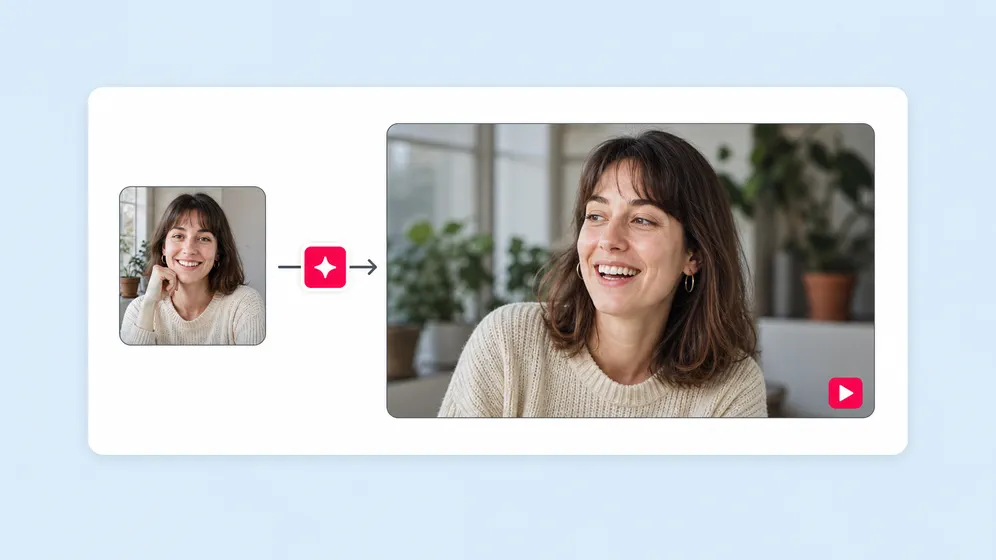
Upload one portrait, paste a script, and OmniHuman 1.5 generates a full talking video with synced lips, head motion, and natural micro-expressions. Perfect for memorial videos, mascots, character art.
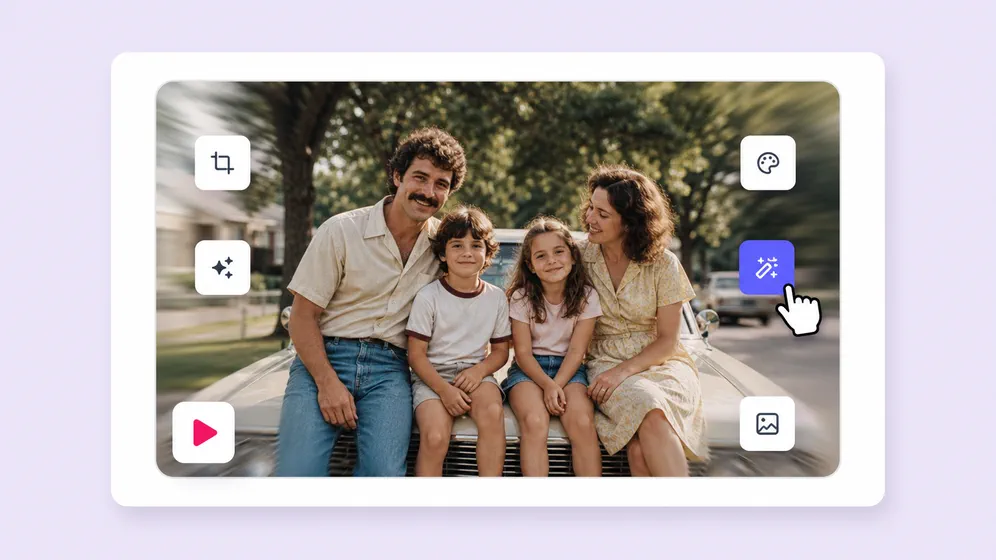

Memorial videos and family photo restoration. Fliki Photo to video AI for Memorial & family.
Memorial & family

Memorial videos and family photo restoration

Drop in a vintage portrait or scanned photo and OmniHuman 1.5 turns it into a gentle talking video for a memorial service, a 50th-anniversary tribute, or a great-grandchild meeting their great-grandparent for the first time. Pair with Veo 3.1 Fast for cinematic motion on landscape family scenes, or with AI voice cloning so a loved one's voice narrates the tribute.

Cinematic product reveals from a single product shot. Fliki Photo to video AI for Product reveals.
Product reveals

Cinematic product reveals from a single product shot

Use Kling 3.0 Pro first-frame and last-frame control to create branded product reveals. Same product shot, animated motion, brand-consistent transitions across every ad variant.

Listing videos from real estate photos. Fliki Photo to video AI for Real estate.
Real estate

Listing videos from real estate photos

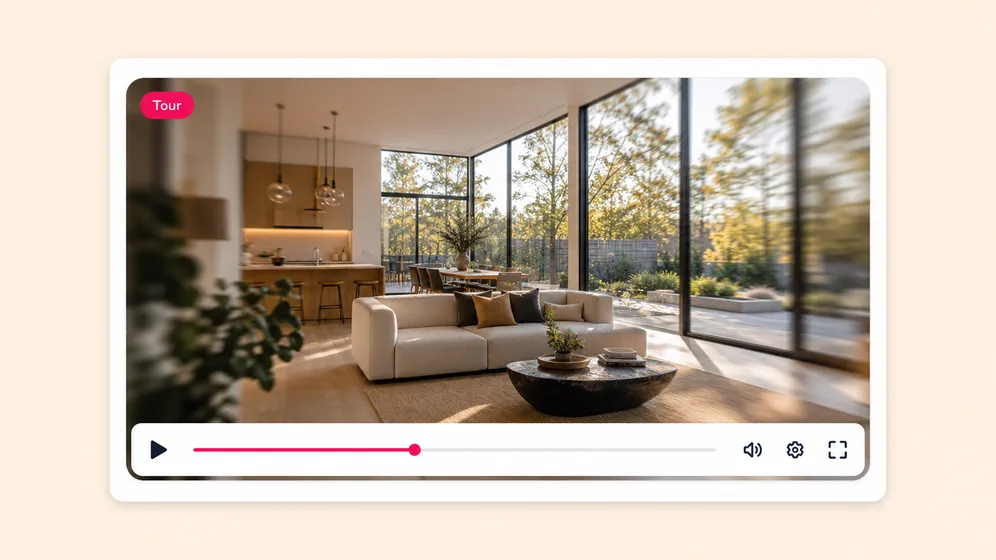
Animate listing photos with cinematic camera moves - slow dolly forward into a kitchen, gentle pan across a backyard. Replace static MLS slideshows with motion.

Animate AI character art and illustrations. Fliki Photo to video AI for Character & animation.
Character & animation

Animate AI character art and illustrations

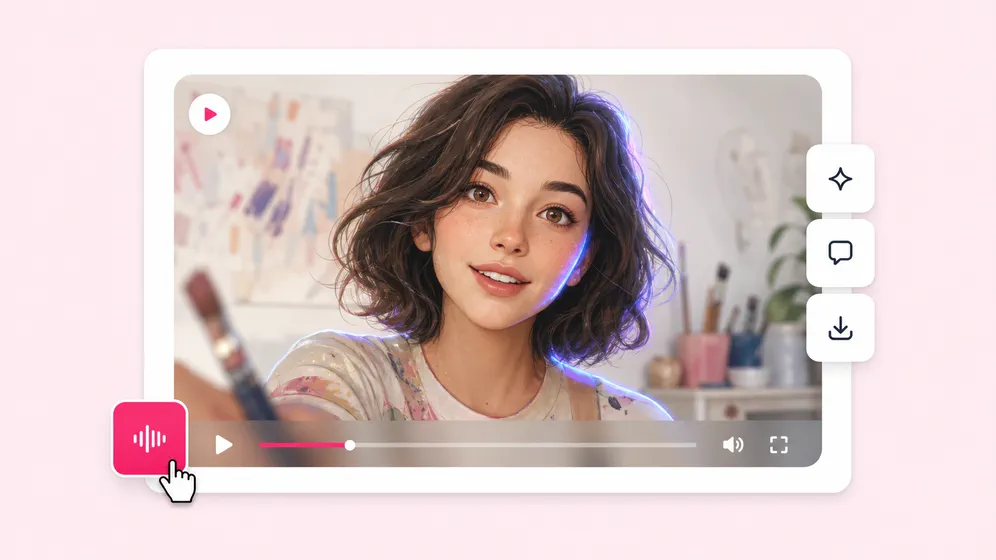
Bring AI-generated characters, manga panels, painted portraits, or game assets to life with motion or dialogue. OmniHuman 1.5 handles non-photo references better than any single-engine tool.

Convert iPhone Live Photos into shareable video clips. Fliki Photo to video AI for Live Photo to video.
Live Photo to video

Convert iPhone Live Photos into shareable video clips

Drop an iPhone Live Photo, Android Motion Photo, or Pixel Top Shot into Fliki and get a clean MP4 ready for TikTok, Reels, and YouTube Shorts. Preserves the original motion, adds slow-mo, and exports 9:16 with one click.

Built for how you create video

Create viral TikToks and Reels without showing your face

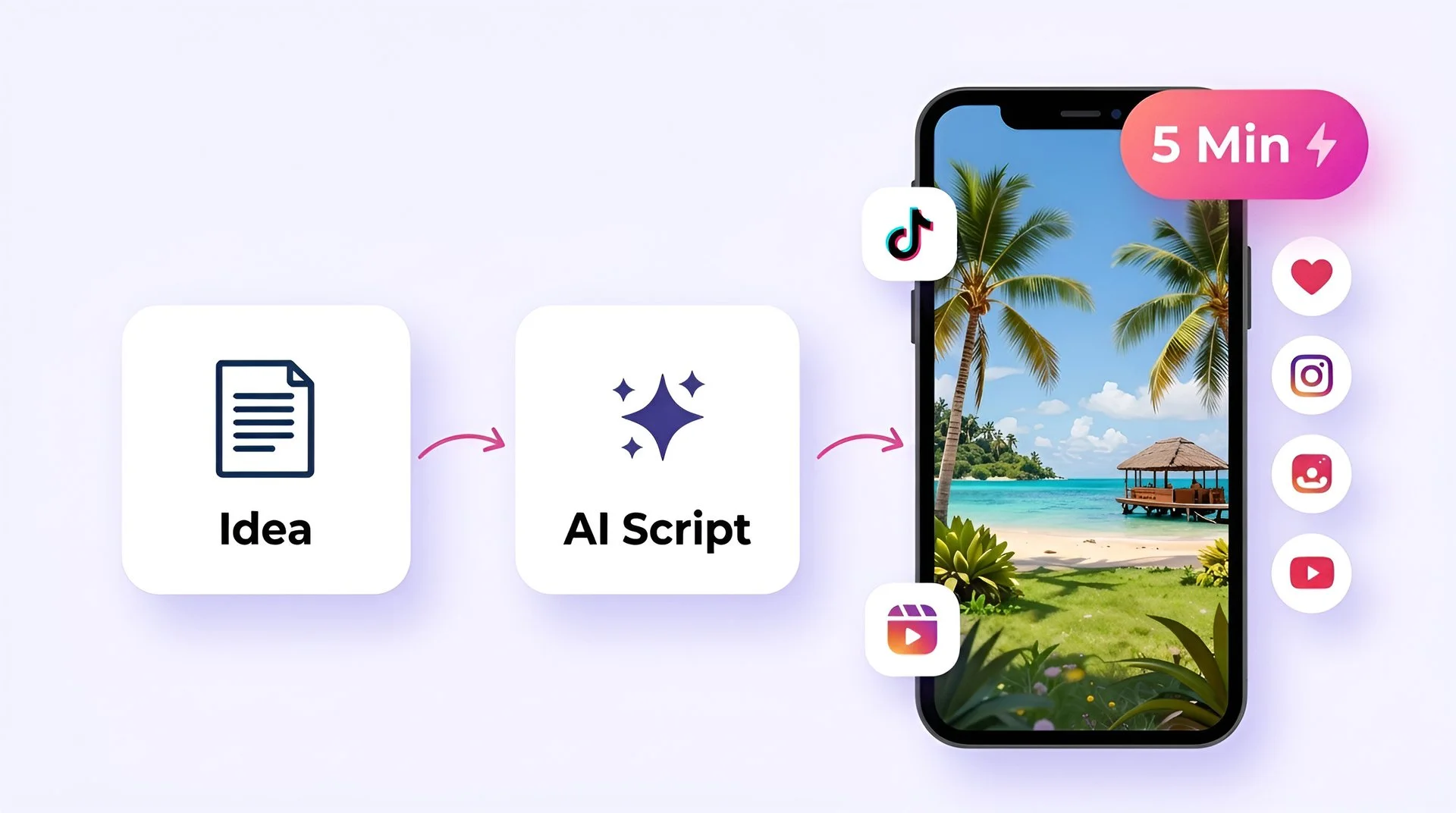
Turn your ideas into faceless short-form videos in minutes. No camera, no editing skills, no expensive gear - just describe what you want and hit generate.

Idea to upload in under 5 minutes
Trending templates for TikTok, Reels, and YouTube Shorts
AI script generator for daily content ideas
One-click publish to TikTok, Instagram, and YouTube
Fliki for Creators preview

AI MODEL GALLERY

Built on the best AI models - ready inside Fliki

Every leading video, voice, and image model - integrated, unified, and tuned for creators. Generate with the latest AI video, AI voice, and AI image models from OpenAI, Google, Kling, Bytedance, ElevenLabs, and more - all from one place.

Photo to Video AI FAQ

Frequently asked questions about photo to video AI

How the multi-model engine works, what each model is best for, what languages and resolutions are supported, and how Fliki compares to single-engine tools.

What is photo to video AI?

Photo to video AI takes a still image and generates a video clip from it - either by animating the scene with cinematic motion, or by turning a portrait into a talking video with synced lips. Fliki uses five specialized models so the right engine handles each shot type.

How long is each generated clip?

Each clip is typically 5-8 seconds depending on the model. For longer videos, Fliki stitches multiple photo-to-video clips inside the same timeline alongside other footage, voiceover, and captions.

Can I upload my own photo?

Yes. Upload any JPG, PNG, or WebP up to 20MB. Portrait, landscape, and square aspect ratios are all supported. For best results, use a clear, well-lit image.

What models power Fliki photo to video?

Five: Veo 3.1 Fast (Google DeepMind) for cinematic pans with native audio, Kling 3.0 Pro for character motion and first/last-frame control, Seedance 2.0 for fast 4K stills, PixVerse v5 Fast for portrait animation, and OmniHuman 1.5 for talking-photo generation.

Can I make a talking photo from a single image?

Yes. Upload one image, paste a script (or upload audio), and OmniHuman 1.5 generates a fully animated talking video with synced lips, head motion, and natural micro-expressions. No avatar setup or video footage needed.

What resolution is the output?

Depending on the model: 720p, 1080p, or 4K. Veo 3.1 Fast and Seedance 2.0 support up to 4K. Most other models output 1080p with optional upscaling.

Still curious?

Try Fliki free in your browser, no credit card required.

Start free

Is the output watermark-free?

Watermark-free output is included on paid plans. The free plan includes 5 minutes of generation per month (roughly 30+ eight-second clips) with a small Fliki watermark.

Are Fliki's photo-to-video outputs copyright-safe for commercial use?

Yes on paid plans. Fliki's commercial license covers the animated output, AI voice, and music. The underlying models (Veo 3.1 Fast from Google DeepMind, Kling 3.0 Pro from Kuaishou, Seedance 2.0 from ByteDance, PixVerse v5, OmniHuman 1.5 from ByteDance) are licensed by their owners for commercial use through Fliki's enterprise agreements. Use cases include monetized YouTube content, paid ads on Meta and TikTok, client deliverables, and paid courses. You own the rights to anything you generate.

How does Fliki compare to Canva, Adobe Firefly, or Magic Hour?

Canva, Adobe Firefly, and Magic Hour are single-engine photo-to-video tools - one model, one workflow. Fliki routes the job to one of five specialized engines based on your shot type, then keeps you in a full video editor for stitching, captions, voiceover, and export.

Can I add audio or voiceover to the animated photo?

Yes. Pair the photo-to-video clip with one of 2,000+ AI voices in 80+ languages, clone your own voice, or upload an audio file. Veo 3.1 Fast also generates native audio inline for cinematic shots.

How long does generation take?

Most models complete in 1-3 minutes per 8-second clip. PixVerse is the fastest at under a minute. Veo 3.1 Fast and Kling 3.0 Pro can take 2-3 minutes for higher-fidelity output.

What aspect ratios are supported?

9:16 (Reels, TikTok, Shorts), 1:1 (Instagram, LinkedIn), and 16:9 (YouTube, web). The same photo can ship in every aspect ratio without re-generating - just resize.

Photo to Video AI · Free forever plan

Animate your next photo with AI.

Five video models, one composer. Cinematic motion, talking-photo, character animation, fast portrait sync. Up to 4K, with native audio on Veo 3.1 Fast.

Animate your photo free

Free forever plan · No credit card required · Cancel anytime