AI lip sync generator that matches any audio to any face
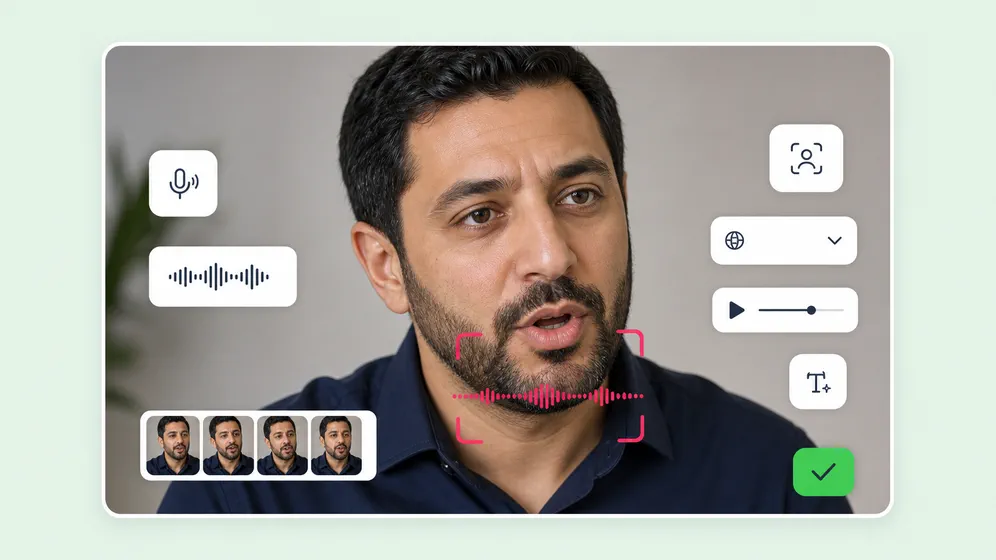
Upload a photo or short video clip, drop in audio or pick from 2,000+ AI voices, and Fliki routes the job to Sync-3, OmniHuman 1.5, or PixVerse - the right model per shot. Studio-grade lip sync in 30+ languages, inside the same editor as your script and voiceover.
Free forever plan · No credit card required · 30+ lip-sync languages
Trusted by 50,000+ companies worldwide
See AI lip sync in action
Real talking-avatar clips generated inside Fliki across our lip-sync model lineup. OmniHuman 1.5 for talking-photo from a single still, P-video for studio-grade lip sync, Kling 3.0 Pro for native lip-sync with audio, and HappyHorse for reference-locked spokesperson video.
Prompt
Prompt
Prompt
Prompt
Prompt
Prompt
Prompt
Prompt
Prompt
Prompt
Prompt
Prompt
Prompt
Trusted by 50,000+ companies worldwide
Why creators pick Fliki for lip sync
Three lip-sync engines, one project
Standalone lip-sync tools are single-engine and stop at the export. Fliki picks the right model per shot, in 30+ languages, with TTS, voiceover, avatars, and translation built into the same editor.
Sync-3 for studio-grade video-to-video
When your input is a real video clip, Fliki routes the job to Sync-3 - the highest-fidelity lip-sync model on the market. Frame-accurate mouth alignment, no "AI mouth" artifacts.
OmniHuman 1.5 for talking-photo from a single still
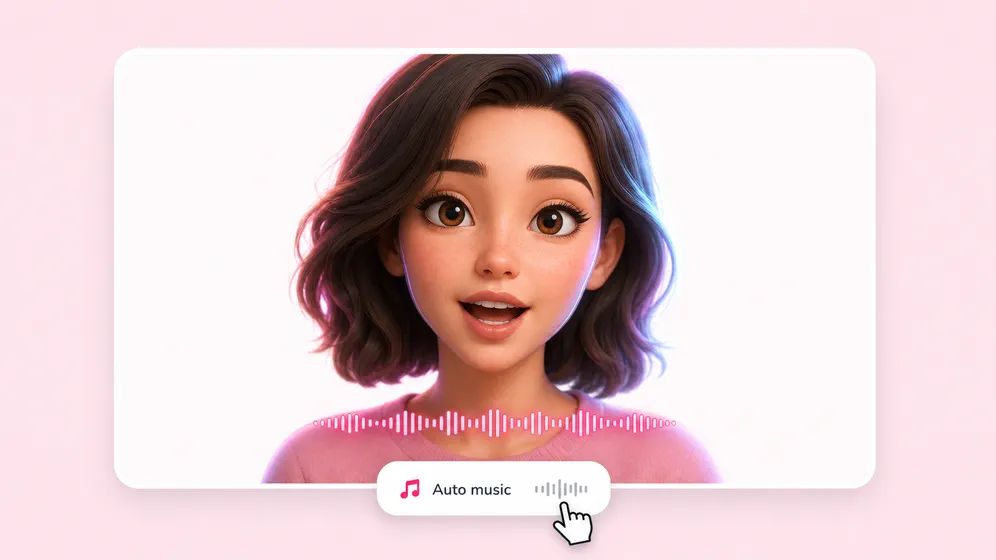
Upload one photo - portrait, headshot, character art, mascot - and OmniHuman 1.5 generates a fully animated talking photo with synced lips, head motion, and natural micro-expressions. No video footage needed.
PixVerse for fast portrait sync
When you need a quick sync on a portrait clip, PixVerse delivers in under a minute. Right pick for high-volume social and ad iterations where speed beats max fidelity.
Lip sync in 30+ languages
Most lip-sync tools were trained on English mouth shapes and fall apart in other languages. Fliki’s pipeline handles 30+ languages with native-language phoneme accuracy - critical for global ad localization, multilingual dubbing, and educational content.
Pair with 2,000+ AI voices
Skip the voiceover artist. Pick from 2,000+ neural voices in 80+ languages with our text to speech engine, or upload a 30-second sample to clone your own voice and sync it to any face.
Translate and re-sync in one click
Combine with our video translator to re-dub any video into 80+ languages and re-sync the speaker’s mouth automatically. The fastest path to fully localized international ads.
Animated captions on the same project
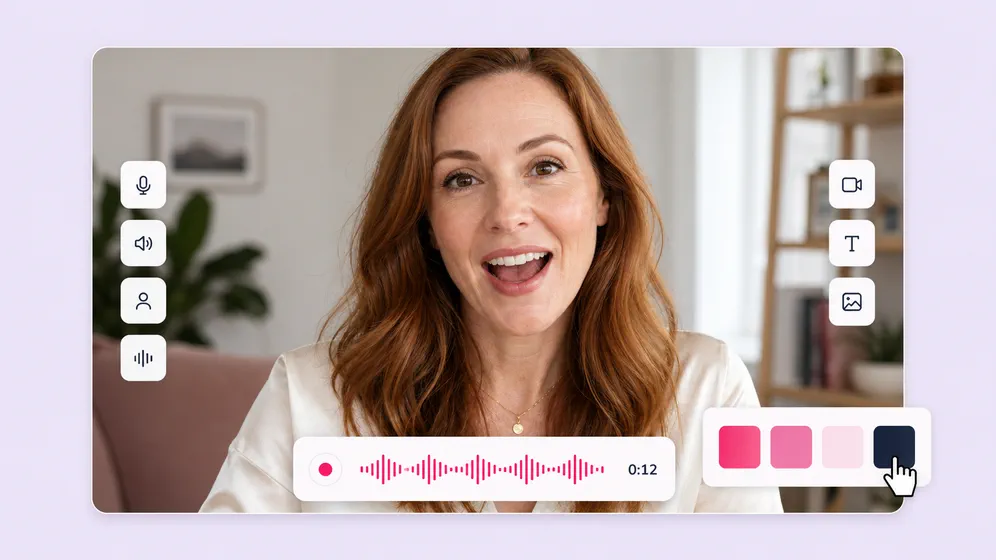
Burn TikTok-style word-by-word animated captions onto the lip-synced video without leaving the editor. The full social-ready pipeline lives in one project.
Portrait, square, and landscape supported
Output works in 9:16 for Reels and TikTok, 1:1 for LinkedIn, and 16:9 for YouTube. Resize the same video without re-syncing or re-rendering.
Includes Sync-3 - what sync.so sells as a standalone product
sync.so charges separately for the Sync-3 model. Fliki includes Sync-3 alongside OmniHuman 1.5 and PixVerse, with TTS, voiceover, AI avatars, captions, and translation built in. Start free instead of paying for Sync-3 alone.
Watermark-free, commercial-ready exports
Paid plans ship watermark-free 1080p MP4s with full commercial usage rights covering the lip-synced output, AI voices, and avatar appearances.
How it works
How to lip sync any face in 4 steps
From a photo or video to a fully lip-synced clip in under 5 minutes. Fliki picks the right engine - you stay in control of the script, voice, and final edit.
Upload your face or photo
Drop in a video clip, a still image, or pick an AI avatar from Fliki’s library. Portrait, square, and landscape are all supported up to 4K.
Add your audio or script
Upload an audio file, paste a script for AI voiceover (Fliki picks from 2,000+ voices in 80+ languages), or clone your own voice for full personalization.
Generate the lip sync
Fliki routes the job to Sync-3, OmniHuman 1.5, or PixVerse depending on your inputs. Generation typically completes in under 2 minutes per clip.
Edit, caption, and export
Trim, restyle, add subtitles, layer B-roll, and render in 1080p MP4. Publish to TikTok, Reels, Shorts, LinkedIn, or YouTube without leaving Fliki.
Created with Fliki
See what creators make with Fliki's AI video generator
Real videos made with our text-to-video tool in under 5 minutes.
Use cases for AI Lip Sync
One lip sync tool. Every face, every language.
Talking photos, dubbing, spokespersons, character videos, ad localization. Fliki handles the model choice and the language - you stay focused on the story.

Animate a single still into a talking video
Upload one photo and OmniHuman 1.5 generates a full talking video with synced lips, head motion, and natural micro-expressions. Used for memorial videos, character art, mascots, and product reveals.
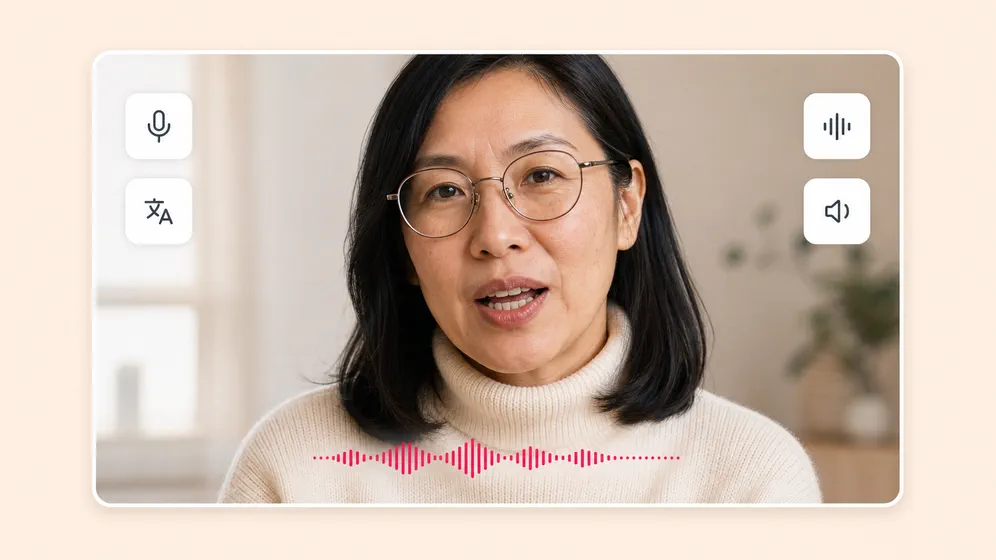
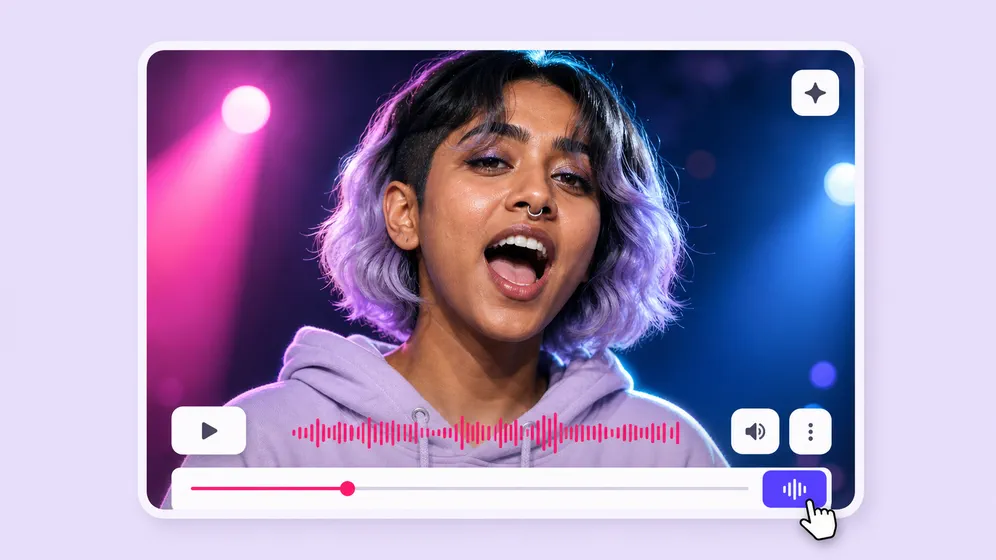
Dub videos and re-sync the speaker’s mouth in 30+ languages
Combine with Fliki’s video translator to re-voice any clip in another language and re-sync the speaker’s mouth automatically. The fastest path to fully localized international ads.
Lip-sync your AI avatar to any script
Pair Fliki’s lip sync with the AI avatar library or your own digital twin. Same presenter across every video, lip-synced in 80+ languages with consistent appearance.

Spokesperson and ad-creative variations at scale
Generate dozens of spokesperson variants by feeding the same face different scripts. Brand-safe, voice-consistent, and ready for A/B testing across Meta, YouTube, and TikTok.

Lip-sync any vocal track to any performer or character
Paste a vocal track and a portrait or full-body shot, and Fliki lip-syncs the performance frame-accurate. Build music videos, cover videos, and viral lyric-sync clips from a single still image.

Lip-sync training videos in every language
Record one training video and lip-sync the same presenter to localized scripts in 30+ languages. Same presenter, same brand, every market - no re-shoots.
AI MODEL GALLERY
Built on the best AI models - ready inside Fliki
Every leading video, voice, and image model - integrated, unified, and tuned for creators. Generate with the latest AI video, AI voice, and AI image models from OpenAI, Google, Kling, Bytedance, ElevenLabs, and more - all from one place.


AI Lip Sync FAQ
Frequently asked questions about AI lip sync
Everything you need to know about generating lip-synced videos with Fliki.
What is an AI lip sync generator?
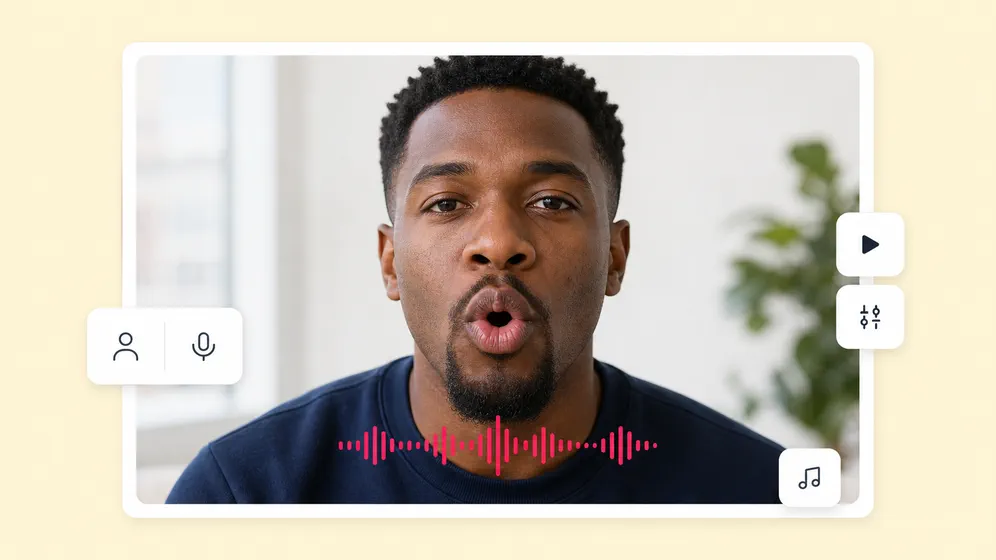
An AI lip sync generator analyzes audio and automatically animates a face — photo or video — so the mouth movements match the speech. Fliki routes each job to the right model: Sync-3 for video-to-video, OmniHuman 1.5 for talking-photo from a single still, and PixVerse for fast portrait sync.
Can I lip sync a photo (not a video)?
Yes. Upload a single still image and Fliki uses OmniHuman 1.5 to generate a fully animated talking video with synced lips, natural head motion, and micro-expressions. No video footage needed.
What languages does AI lip sync support?
Fliki's lip sync pipeline handles 30+ languages with native-language phoneme accuracy — critical for dubbing, ad localization, and multilingual educational content. Pair with 2,000+ AI voices in 80+ languages for end-to-end multilingual output.
How long does lip sync generation take?
Most clips complete in under 2 minutes. Sync-3 video-to-video runs slightly longer than OmniHuman 1.5 or PixVerse portrait sync, depending on clip length and resolution.
Can I use my own voice for lip sync?
Yes. Upload a 30-second audio sample and Fliki clones your voice, then syncs it to any face. You can also upload a pre-recorded audio file or use any of the 2,000+ built-in AI voices.
Is lip sync output watermark-free?
Paid plans export watermark-free 1080p MP4s with full commercial usage rights covering the lip-synced output, AI voices, and avatar appearances. The free plan includes a watermark.
Still curious?
Try Fliki free in your browser, no credit card required.
Start freeWhat is the difference between Sync-3, OmniHuman 1.5, and PixVerse?
Sync-3 delivers studio-grade lip sync on video-to-video inputs with no "AI mouth" artifacts. OmniHuman 1.5 animates a single still photo into a full talking video. PixVerse is the fastest option for portrait clips where speed matters more than maximum fidelity. Fliki picks the right model automatically based on your input.
When is it ethical to use AI lip sync?
Use Fliki Lip Sync only with people who have given explicit consent: your own face, faces of people who have approved the use, AI avatars you generated yourself, or talking-photo of subjects with appropriate rights (deceased family for memorial videos, licensed historical figures, your own brand mascots). Do not use lip sync to impersonate real people without consent. FTC endorsement guidelines, the EU AI Act, and most platform terms require disclosure when AI-generated likeness or speech is used in advertising or testimonial contexts. Fliki adds an optional "AI-generated" watermark for use cases where disclosure is required.
Can I add captions to the lip-synced video?
Yes. Burn TikTok-style word-by-word animated captions onto your lip-synced video without leaving the editor. The full captioning pipeline is built into the same Fliki project.
Tools
Discover more
Make any face talk - in any language.
Upload a photo or video, drop in audio, and Fliki picks the right lip-sync engine. Pair with 2,000+ AI voices and 80+ languages for fully localized output.
Try AI lip sync freeFree forever plan · No credit card required · Cancel anytime