Talking photo: Turn one image into a talking video

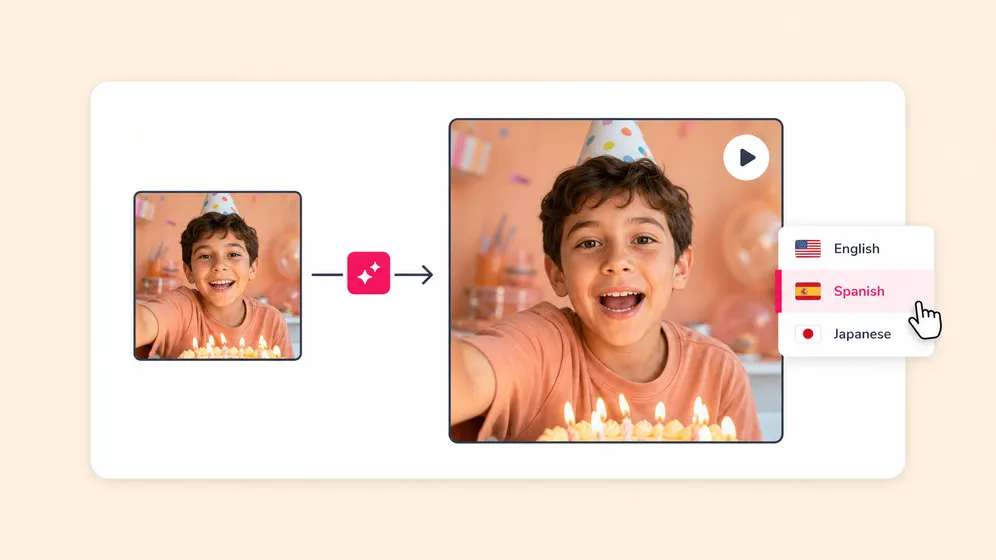
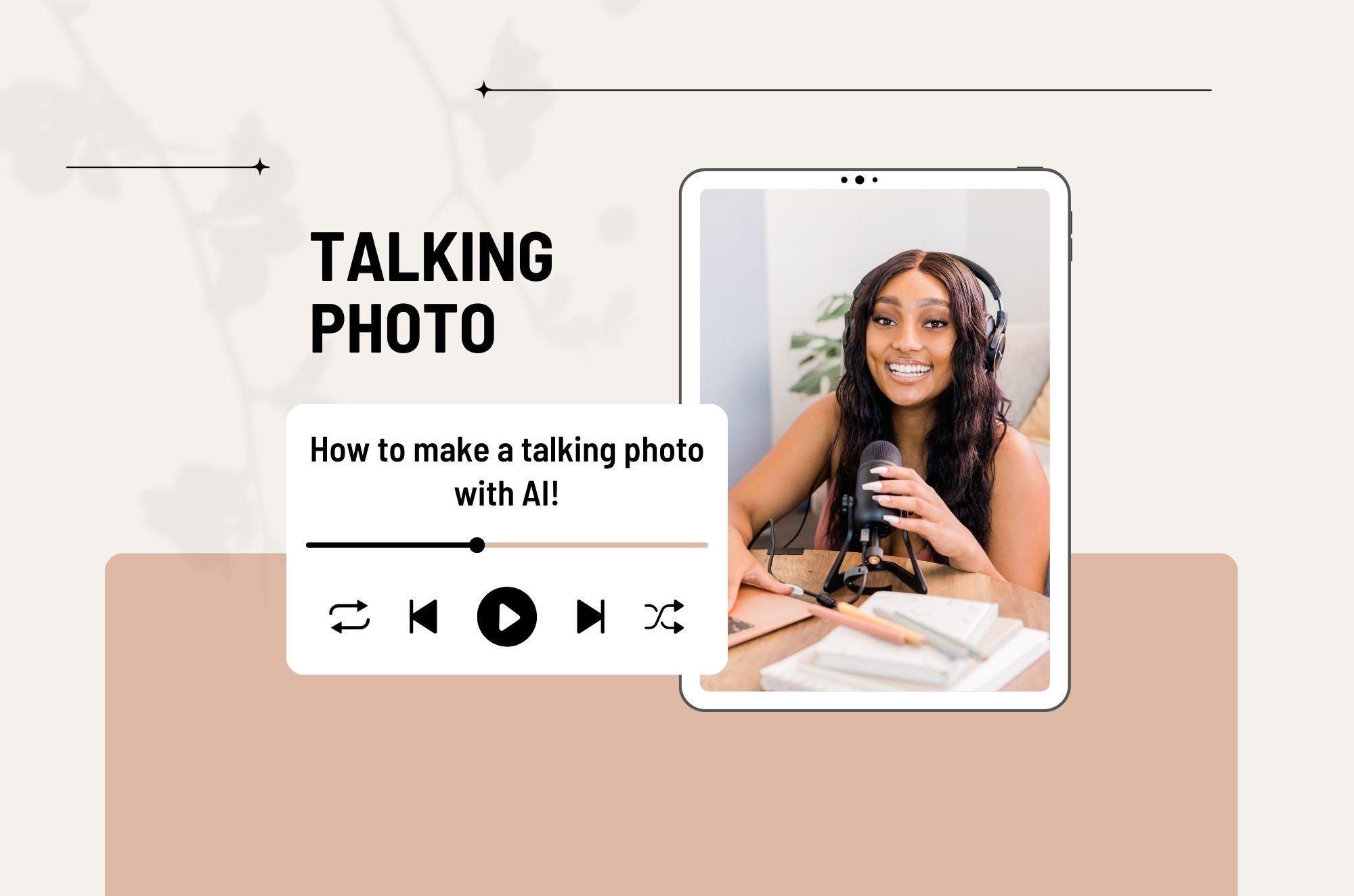
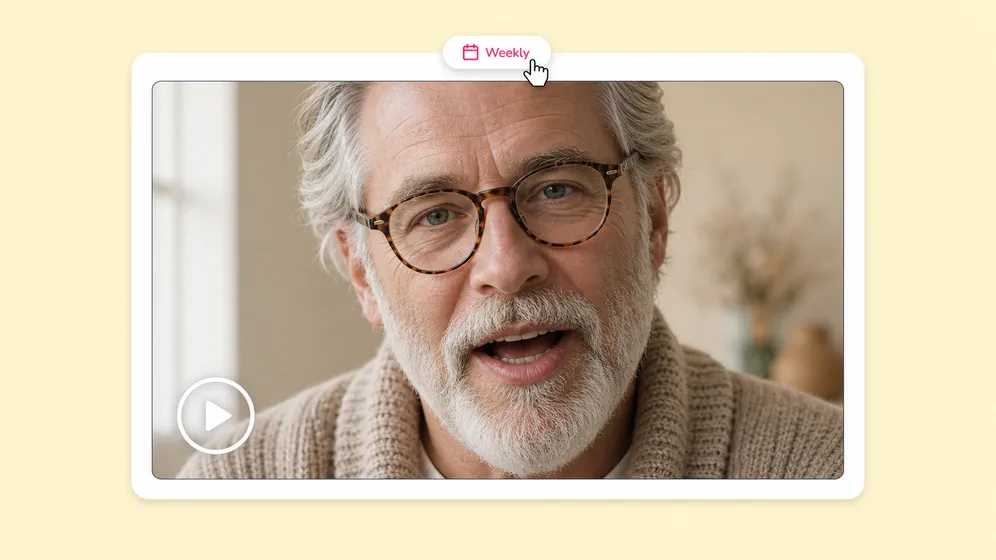
Upload one photo and Fliki generates a fully-animated talking video with synced lips, head motion, and natural micro-expressions. Powered by OmniHuman 1.5. Type a script for AI voiceover or upload your own audio. No video footage, no avatar setup, just one still image.

Free forever plan · No credit card required · 30+ languages

100M+
VIDEOS CREATED
12M+
USERS WORLDWIDE
80+
LANGUAGES SUPPORTED

Talking photos generated with Fliki

Real talking-photo clips generated inside Fliki using OmniHuman 1.5. A single still image animates with synced lips, head motion, and natural micro-expressions.

Prompt

Okay so update — I tried it for a full week and… honestly? I'm not even mad. I went in expecting absolutely nothing, and now I'm three notebooks deep. Like, if you've been on the fence about this — just try it. Trust me on this one.

Prompt

We just shipped something I've been wanting to build for two years. Two whole years. And honestly? I almost didn't. Three rewrites, two pivots, one really bad weekend where I nearly deleted the repo. But it's live now, and it actually works. Go check it out.

Prompt

We started this company with one stubborn belief — that quality is not a feature. It is the whole product. Twelve years in, we have not changed our minds. Not once. Same hands. Same standards. Same promise. That is who we are.

100M+
VIDEOS CREATED
12M+
USERS WORLDWIDE
80+
LANGUAGES SUPPORTED

Why creators pick Fliki for talking photos

A single photo. A full talking video.

Standalone talking-photo tools ship one engine and stop. Fliki uses OmniHuman 1.5. The most accurate single-image talking model. And integrates the output into a full video pipeline with voice, captions, and music.

OmniHuman 1.5. Best-in-class single-image animation

Generate a fully-animated talking video from one still image with synced lips, head motion, and natural micro-expressions. The most accurate single-image talking-head model on the market.

Works on any photo

Upload portraits, headshots, character art, painted portraits, AI-generated faces, mascots, illustrations, or vintage photos. OmniHuman 1.5 handles non-photo references better than any single-engine tool.

30+ languages with phoneme-accurate lip sync

Native-language phoneme accuracy across 30+ languages including Spanish, French, German, Hindi, Mandarin, Arabic, Portuguese, Japanese, Korean, backed by our AI lip sync generator. No robotic mouth artifacts.

2,000+ AI voices for the script

Pick from the deepest neural text to speech voice library in the category. Or clone your own voice with voice cloning for the most personal talking-photo experience available.

Voice cloning across languages

Clone your voice from a 30-second sample with voice cloning. Your photo speaks in your real voice across 30+ languages with native accent using our AI translator. Same person, every market.

Animated captions in one project

Burn TikTok-style word-by-word animated captions onto the talking-photo video in 80+ languages using our AI subtitle generator. Same project, full social-ready pipeline.

Portrait, square, and landscape

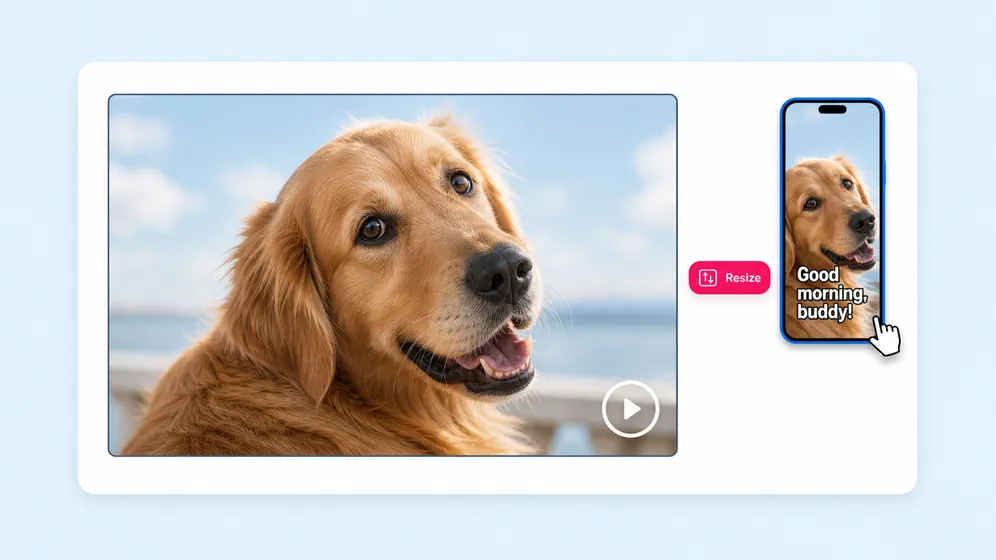
Output works in 9:16 for Reels and TikTok, 1:1 for LinkedIn, and 16:9 for YouTube. Resize the same talking-photo without re-syncing.

Brand-kit consistent output

Apply your brand fonts, colors, lower thirds, and logo overlays once. Every talking-photo video ships with the same brand identity.

Watermark-free, commercial-ready

Paid plans ship watermark-free 1080p MP4 with full commercial usage rights covering the talking-photo output, AI voices, and avatar appearances.

How it works

How to make a talking photo with AI in 4 steps

From one photo to a talking video in under 5 minutes. Fliki picks the right model and tunes the lip sync. You stay in control of script, voice, and final edit.

Step 1

Upload your photo

Drop in a JPG, PNG, or WebP up to 20 MB. Portraits, headshots, character art, mascots, and AI-generated faces are all supported.

Step 2

Add your script or audio

Type a script for AI voiceover (Fliki picks from 2,000+ voices in 80+ languages), or upload an audio file. Or clone your own voice from a 30-second sample.

Step 3

Generate the talking photo

OmniHuman 1.5 generates a fully-animated talking video with synced lips, head motion, and natural micro-expressions. Generation typically completes in under 2 minutes.

Step 4

Edit, caption, and export

Trim, add subtitles, layer B-roll, and render in 1080p MP4. Publish to TikTok, Reels, Shorts, LinkedIn, or YouTube without leaving Fliki.

Created with Fliki

See what creators make with Fliki's AI video generator

Real videos made with our text-to-video tool in under 5 minutes.

Info
Info
Promo
Promo
Training
Training
Tutorial
Tutorial
Review
Review
TikTok
TikTok
Ad
Ad
Educational
Educational
Info
Info

Use cases for Talking Photo

One photo, every kind of talking video.

Memorial videos, mascots, character art, product spokespersons, ad creative, language learning. Fliki handles the animation; you keep the story.

Animate vintage and deceased-relative photos. Fliki Talking photo for Family memories.
Family memories

Animate vintage and deceased-relative photos

Bring vintage portraits and photos of deceased relatives to life with cinematic motion and synced dialogue. The most heart-tugging use case for talking photo, with results ready in minutes per portrait.
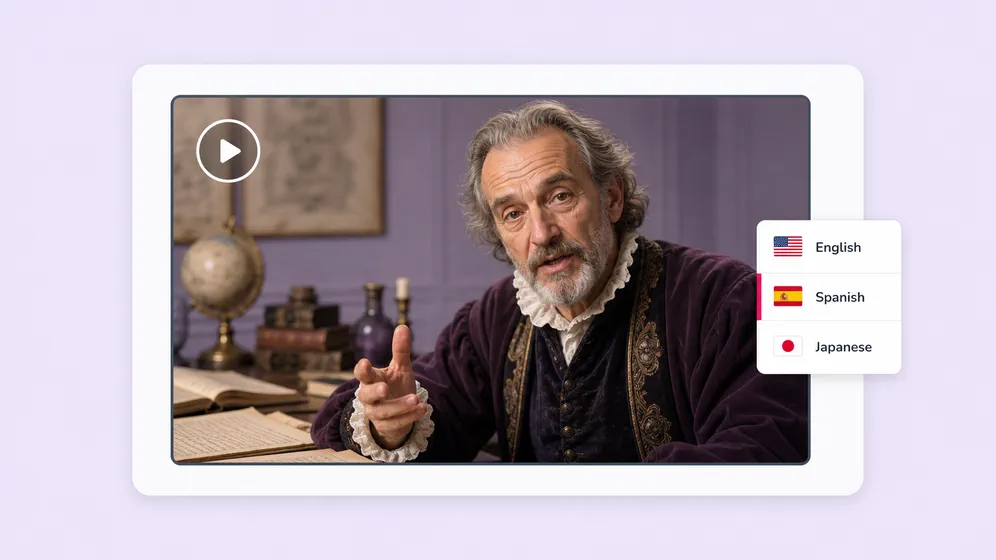
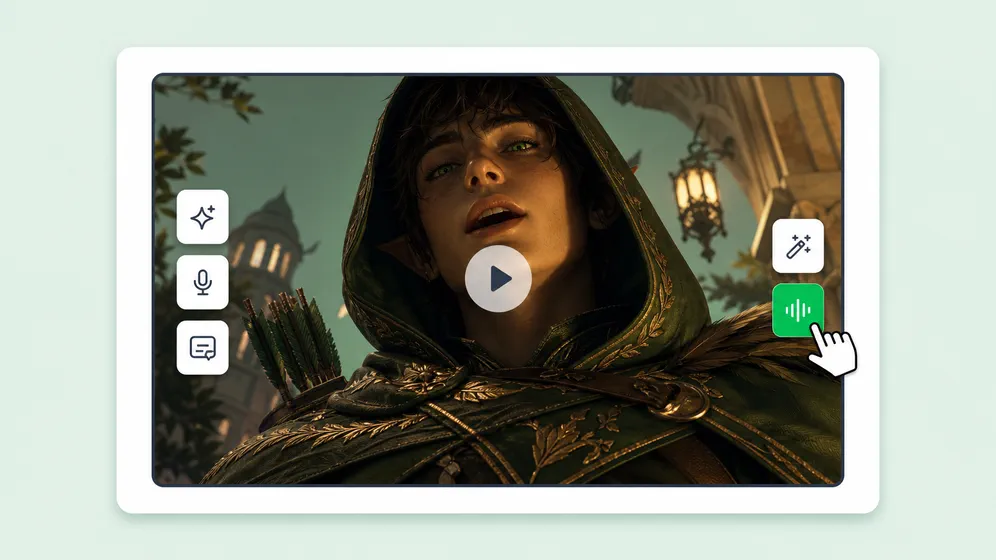
Bring history alive in classrooms and museums. Fliki Talking photo for Historical figures.
Historical figures

Bring history alive in classrooms and museums

Animate Lincoln, Curie, or any historical figure into a talking-photo lecture for classroom and museum use. Pair with AI script writer for historically grounded dialogue in 80+ languages.

Animate AI-generated portraits and illustrations. Fliki Talking photo for AI characters & art.
AI characters & art

Animate AI-generated portraits and illustrations

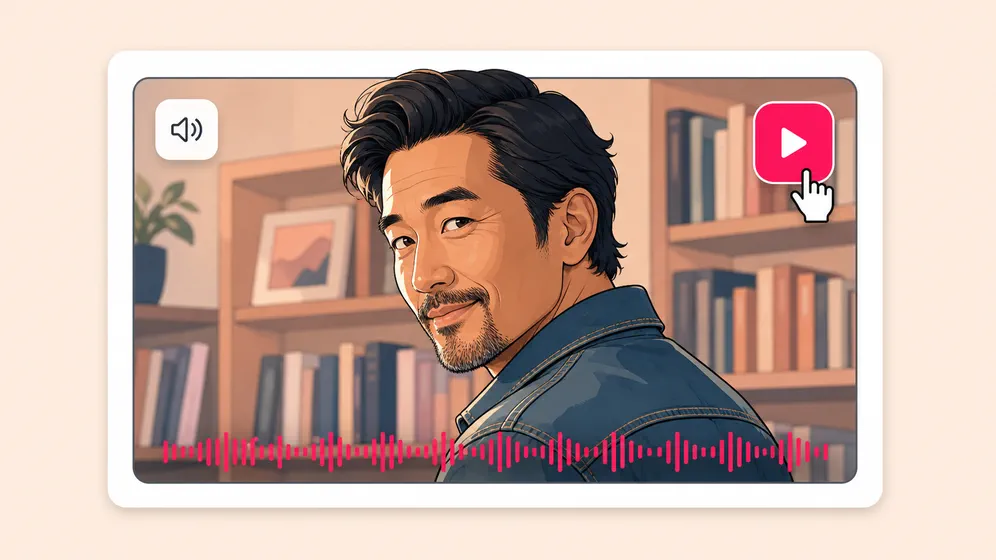
Animate AI-generated portraits, painted illustrations, manga panels, and game character art with synced dialogue. Non-photo references handled cleanly so the character identity stays intact.

Talking-photo birthday and anniversary message gifts. Fliki Talking photo for Birthday & anniversary.
Birthday & anniversary

Talking-photo birthday and anniversary message gifts

Upload a favorite photo of the recipient and turn it into a personalized talking message for birthdays, anniversaries, and graduations. Cloned voice and 80+ languages handle long-distance family without a video call.

Animated author photos for book promotion. Fliki Talking photo for Author & book promo.
Author & book promo

Animated author photos for book promotion

Animate an author headshot to deliver chapter teasers, launch announcements, and bookstore reels. Pair with the AI narrator for matching audiobook samples in the same voice identity.

Make pets, mascots, and cartoons talk. Fliki Talking photo for Pet & character voice.
Pet & character voice

Make pets, mascots, and cartoons talk

Give the family dog, a brand mascot, or a cartoon character a talking voice. Vertical 9:16 output with synced lip motion, ready for TikTok, Reels, and Shorts comedy content.

AI MODEL GALLERY

Built on the best AI models - ready inside Fliki

Every leading video, voice, and image model - integrated, unified, and tuned for creators. Generate with the latest AI video, AI voice, and AI image models from OpenAI, Google, Kling, Bytedance, ElevenLabs, and more - all from one place.

Talking Photo FAQ

Frequently asked questions about AI talking photos

How OmniHuman 1.5 generates talking videos from a single still, voice cloning, language support, and how Fliki compares to lipsync.video, talkingphotos.ai, HeyGen, and ElevenLabs.

Still curious?

Try Fliki free in your browser, no credit card required.

Start free
AI Talking Photo · Free forever plan

Make any photo talk. In any language.

Upload one image, paste a script. OmniHuman 1.5 generates synced lips, head motion, and micro-expressions. Pair with 2,000+ AI voices and 80+ languages.

Try talking photo free

Free forever plan · No credit card required · Cancel anytime