Dance trends
Join every TikTok dance trend with your character
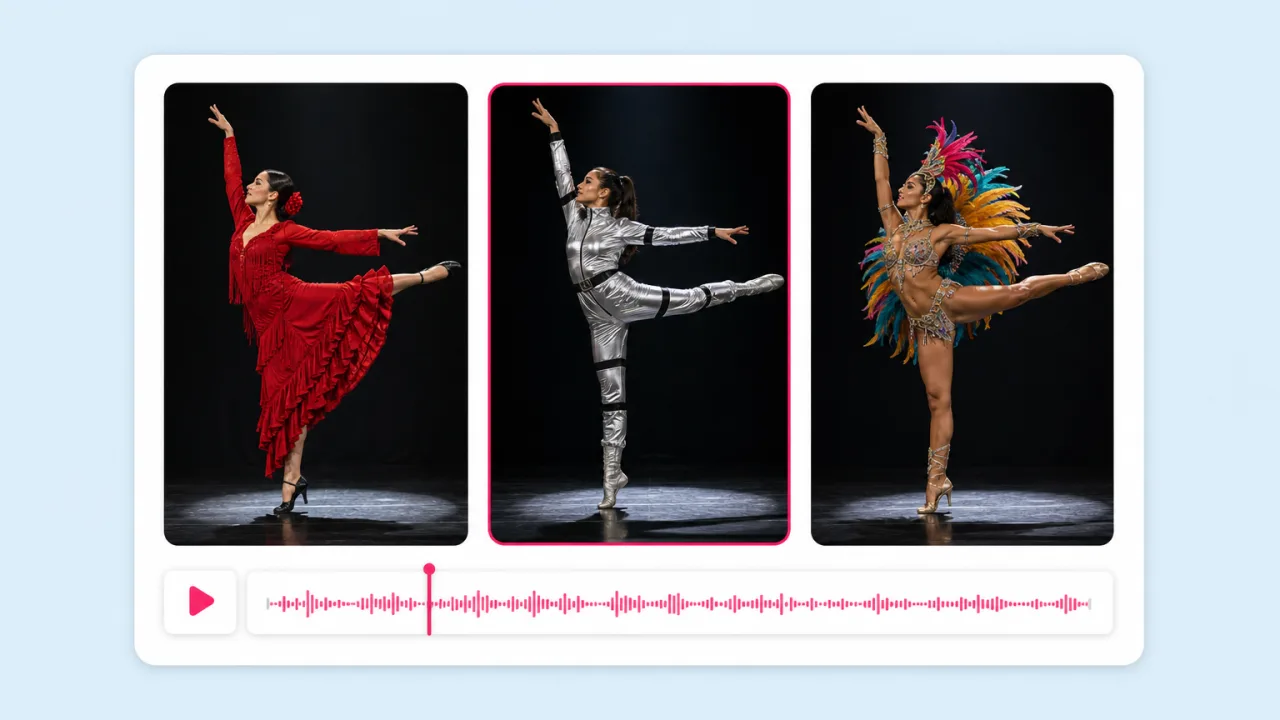
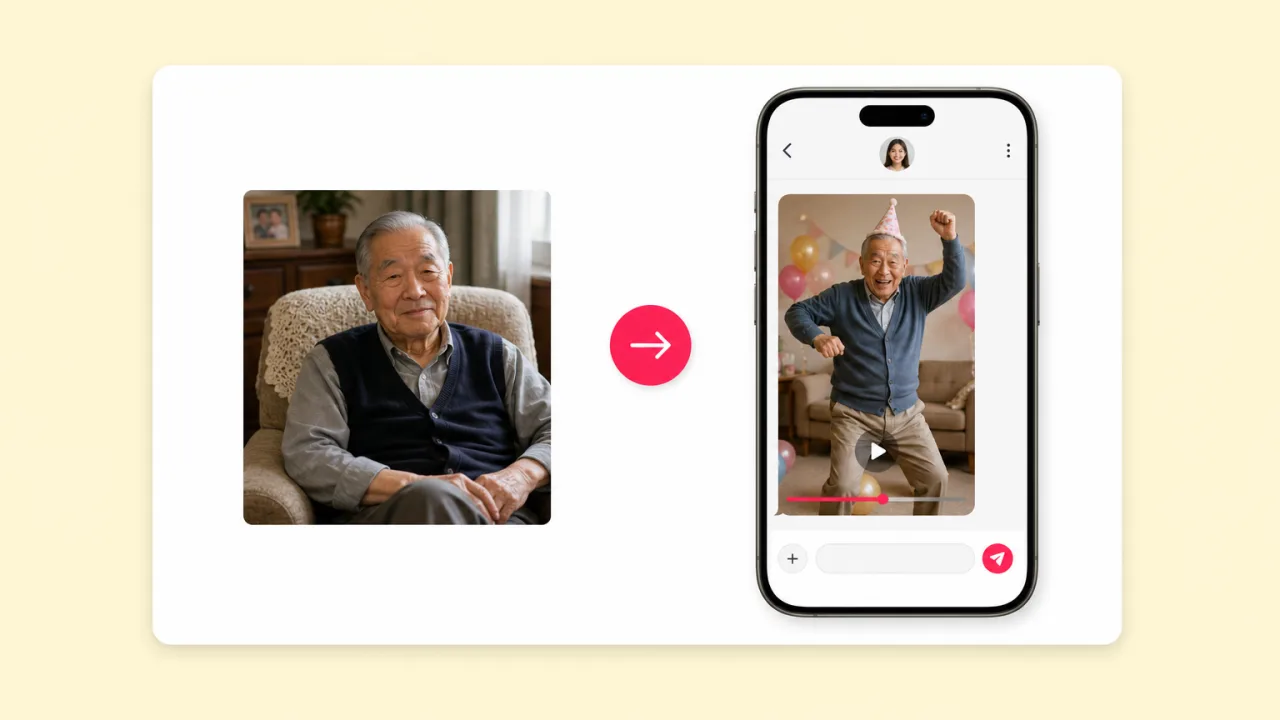
Pick the trending routine, add your character photo and post a dance video the same day. Brands and faceless accounts ride trends without anyone dancing on camera.
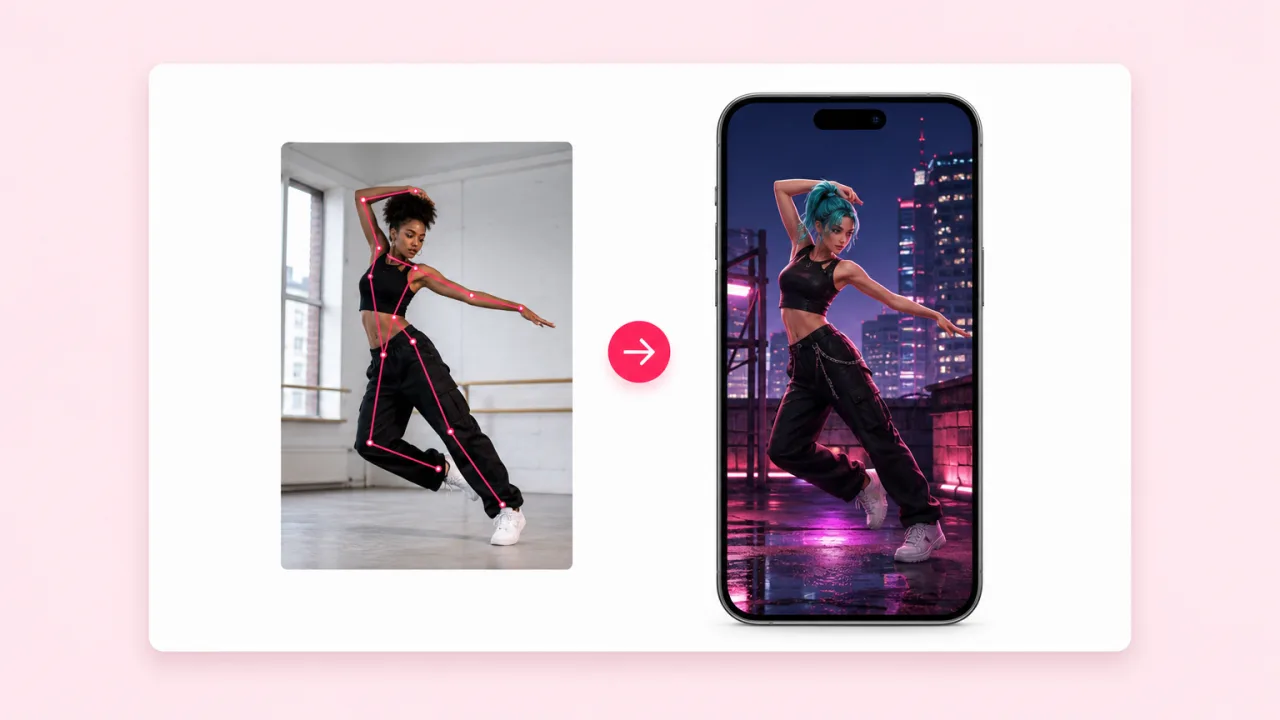
Upload a reference video with the moves and a photo of your character. Kling 2.6 Pro motion control makes the character perform every step, wave and turn, right down to the timing.

Included in paid plans · Results in about a minute · Commercial use
Why creators pick Fliki for motion control
Text prompts cannot describe a dance. Motion control reads the movement from a real video and puts it on your character. Fliki runs Kling 2.6 Pro and gives you the editor to finish the post.
Kling 2.6 Pro tracks the body in your reference clip, including steps, arm swings, head turns and weight shifts, and applies that exact performance to your character.
Start from one still image. A selfie, a product mascot, an anime character or an AI-generated hero all turn into a moving performer with no rigging or keyframes.
Grab the trend routine, add your character and post it while the sound is still climbing. The AI dance video generator workflow takes about a minute per clip.
Motion control follows the timing of the reference frame by frame, so the moves land where the original dancer hit them. Lay the original sound back on and it syncs.
Face, outfit, colours and proportions come from your photo and stay consistent through spins and fast moves. Your mascot still looks like your mascot in the last frame.
Export in 9:16 for TikTok, Reels and Shorts, 1:1 for feeds or 16:9 for YouTube. The Fliki editor reframes the result without a second render.
Add animated captions, licensed music or a voiceover from 2,000+ voices in 80+ languages. The dance clip leaves Fliki as a finished post, not a raw render.
Record a hand or a teammate doing the demo once, then have your brand character perform it. Repeat for each product line without booking talent again.
Motion control is included in paid plans and billed in credits per run. Results are watermark-free and cleared for brand accounts and paid social, with consent from anyone shown.
How it works
The reference video supplies the moves. Your photo supplies the character. Fliki does the rest.
Use a dance trend, a gesture sequence or a demo clip. One person, full body in frame and a steady camera give the cleanest motion.
Upload one clear photo of the character, standing and fully visible, in roughly the same framing as the dancer.
Motion control transfers every move onto your character and keeps the timing. Results arrive in about a minute.
Open the clip in the Fliki editor, add the track, captions or a voiceover, and export vertical for TikTok, Reels or Shorts.
Use cases for AI motion control
Dance trends, mascot content, product demos and choreography previews, all from a photo and a reference clip.
Pick the trending routine, add your character photo and post a dance video the same day. Brands and faceless accounts ride trends without anyone dancing on camera.
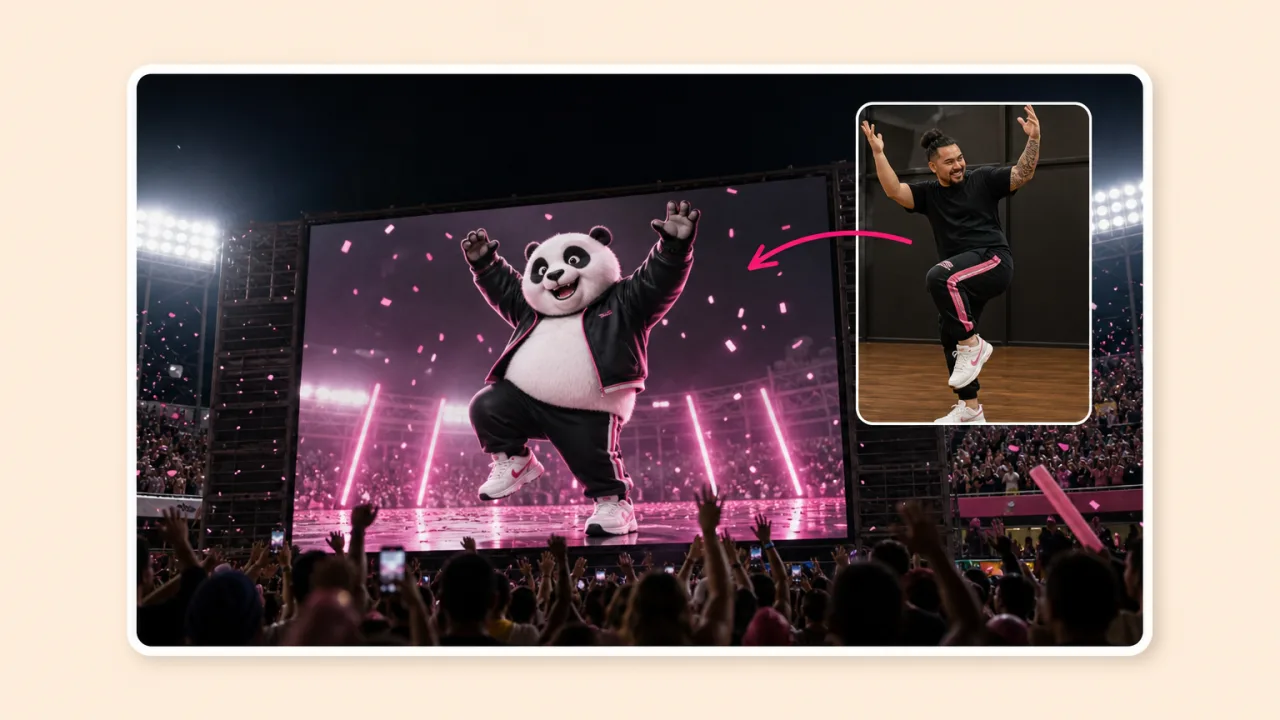
Your mascot copies a choreographed routine for a product launch, a holiday post or a stadium screen. The same mascot can perform a new routine every week.
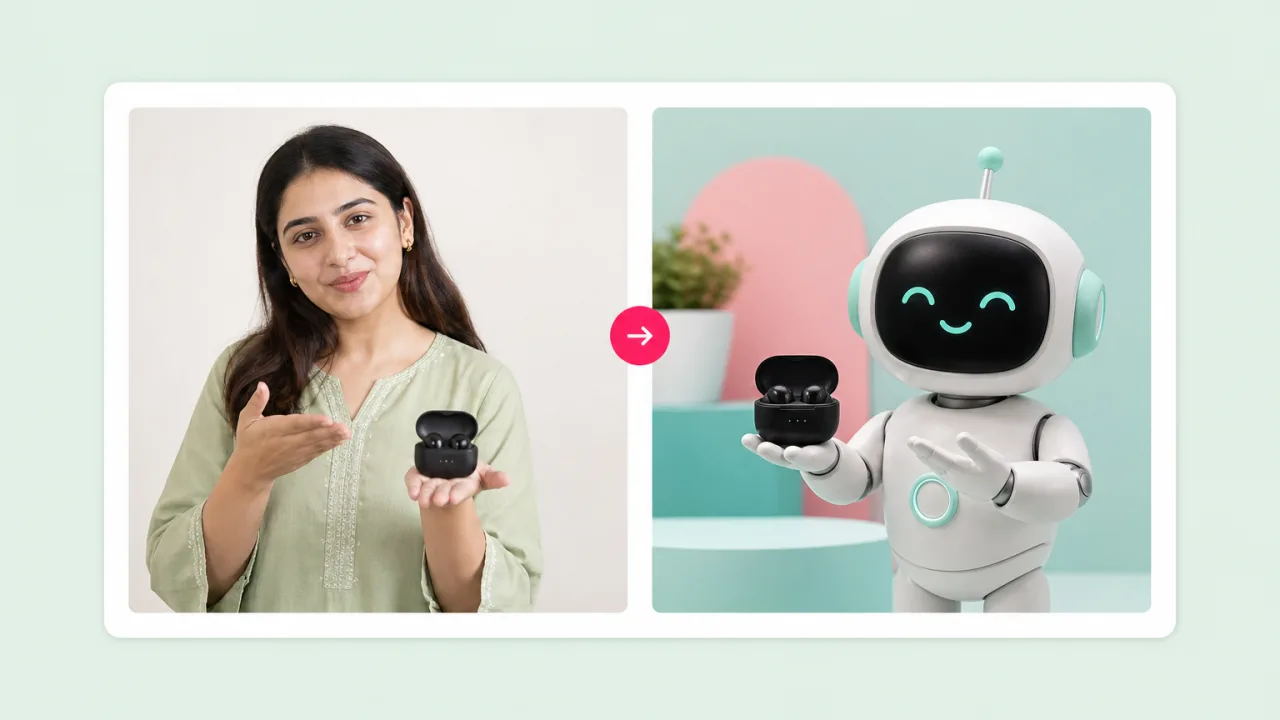
Film the demo gestures once and have your brand character or spokesperson perform them. Add a voiceover per market and keep every version consistent.
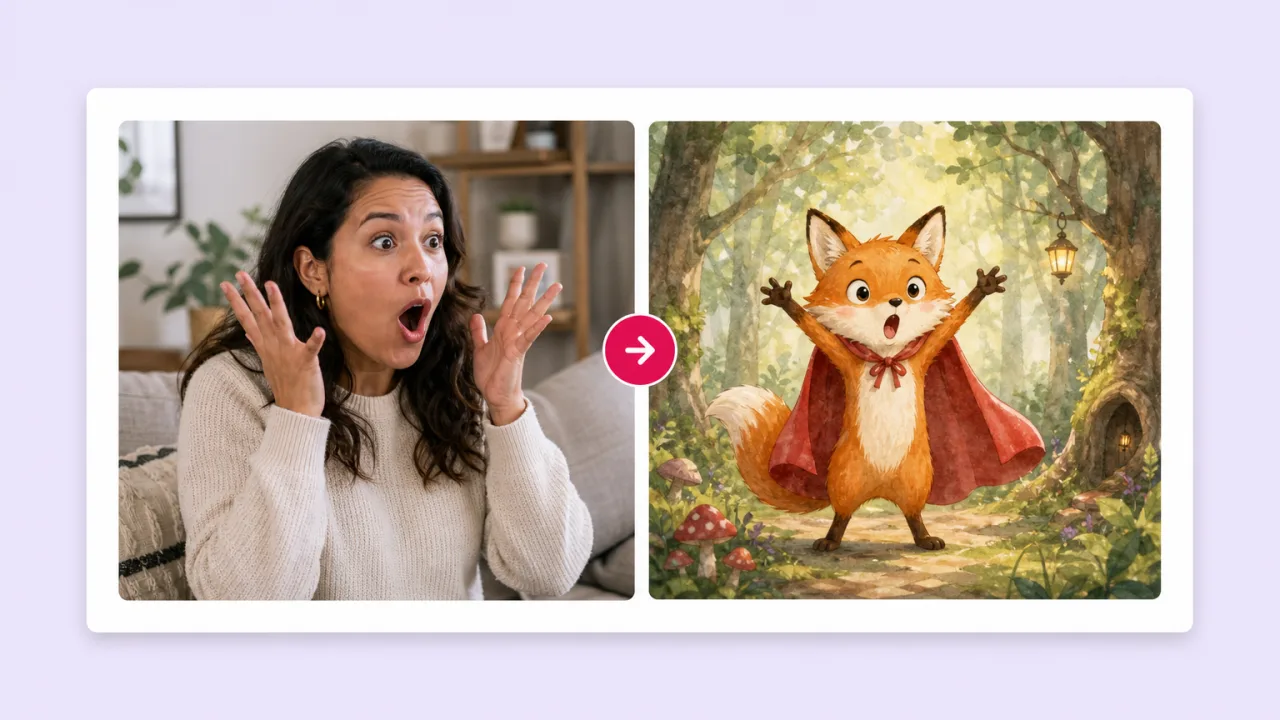
Record a parent or teacher acting out a scene, then have an illustrated character perform it. Story channels get expressive animation without an animator.
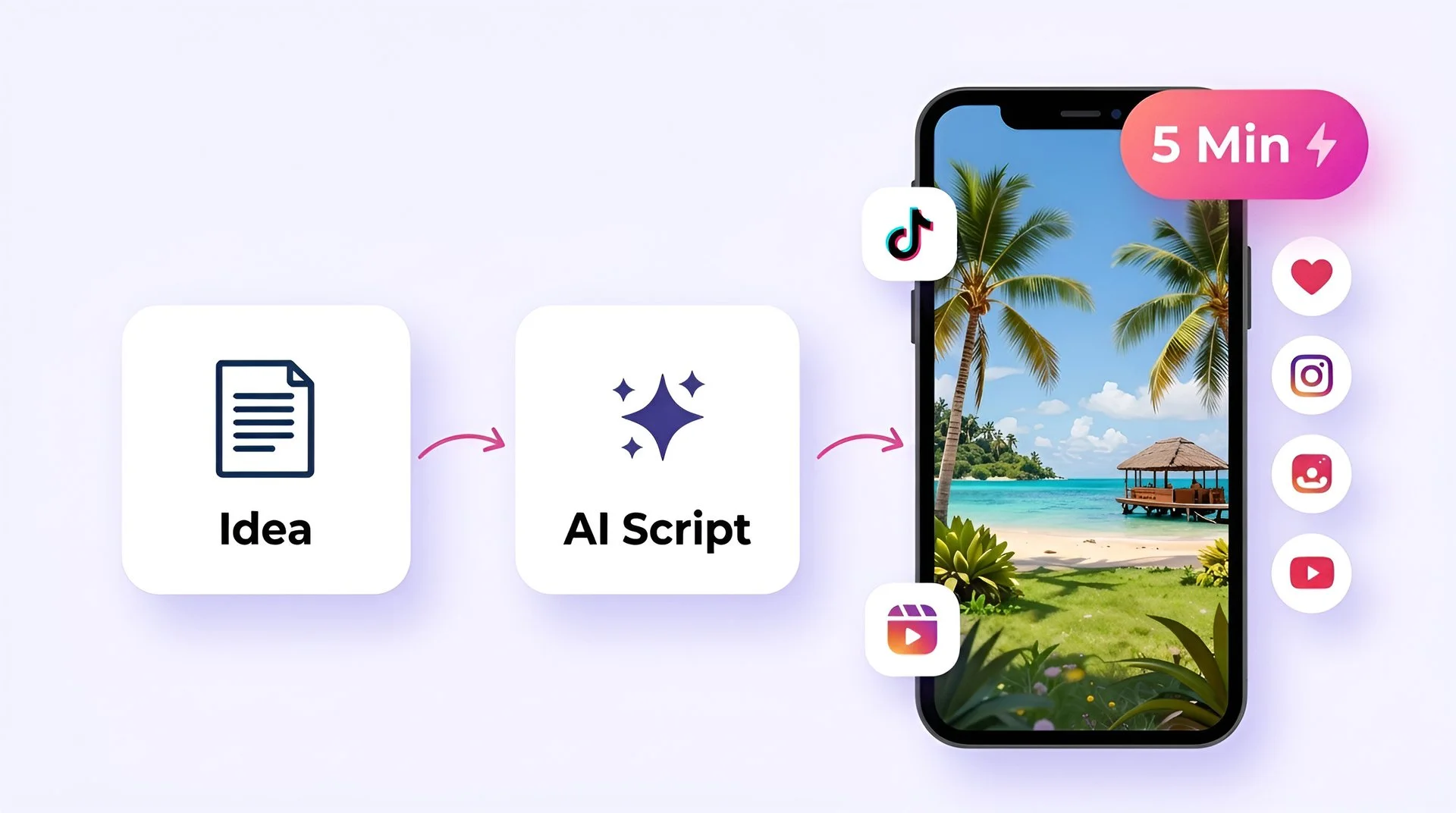
Turn your ideas into faceless short-form videos in minutes. No camera, no editing skills, no expensive gear - just describe what you want and hit generate.
AI MODEL GALLERY
Every leading video, voice, and image model - integrated, unified, and tuned for creators. Generate with the latest AI video, AI voice, and AI image models from OpenAI, Google, Kling, Bytedance, ElevenLabs, and more - all from one place. Every model below runs inside our AI video generator.
AI motion control FAQ
How motion transfer works, how to make AI dance videos, and how Fliki compares with Viggle, Kling and Higgsfield.
Tools
Turn any photo into a dancer or demo performer with Kling 2.6 Pro motion control, then finish the post in Fliki.
Copy the movesFree forever plan · No credit card required · Cancel anytime