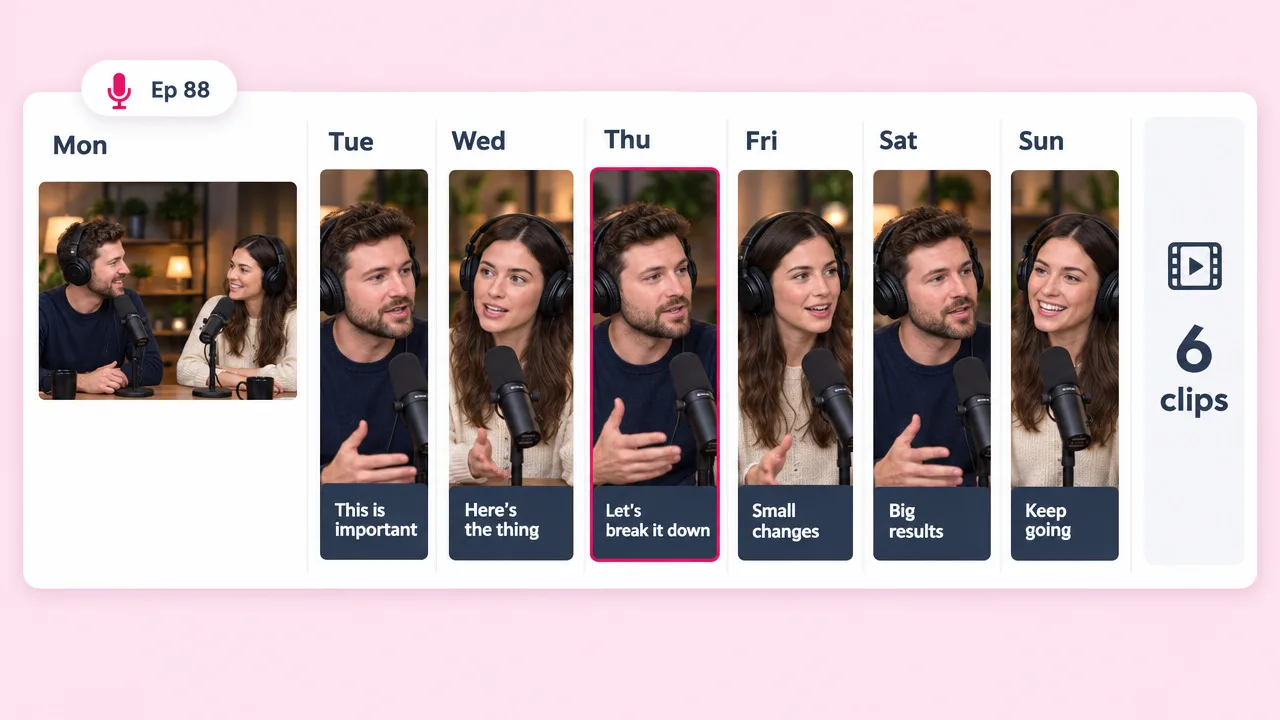
Weekly show
Clips between episodes
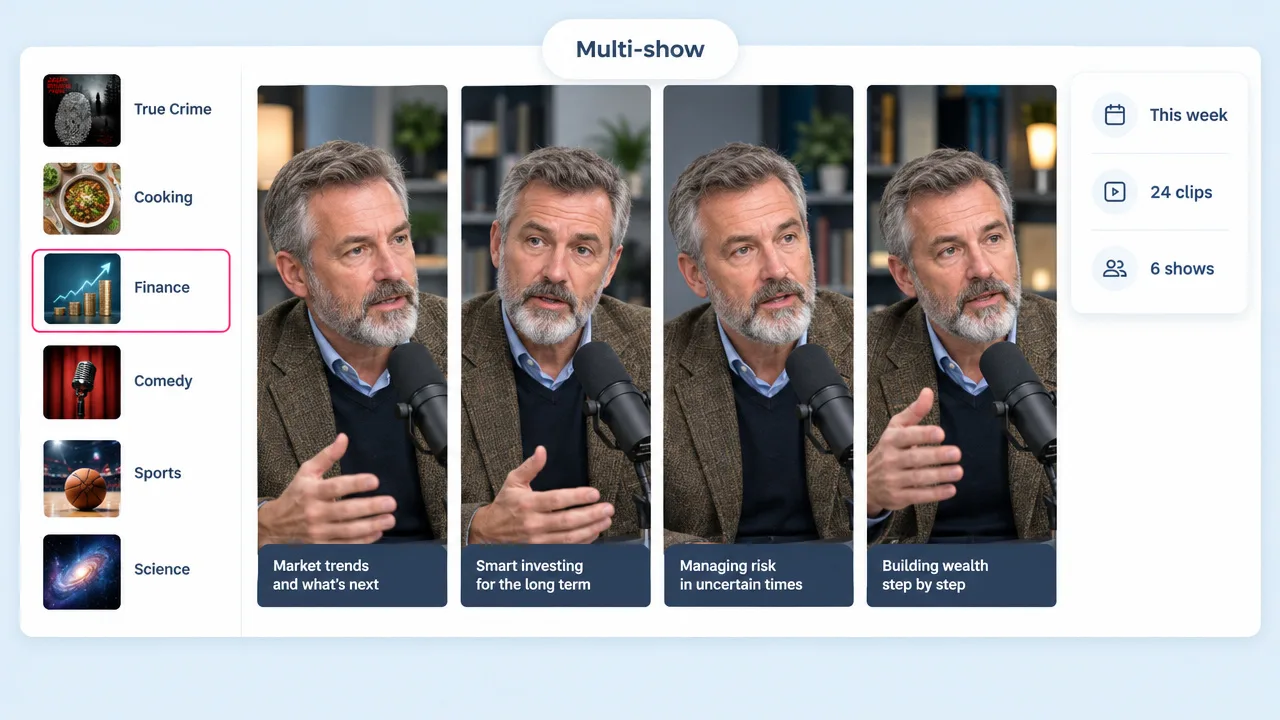
The gap between drops is where a show loses attention. Six clips fill a week without recording anything new.
Upload the episode and Fliki reads the transcript, finds the moments that stand alone, and cuts them vertical with the frame following whoever is talking. Word-level captions, a hook that works cold, and a week of clips from one recording.
Free forever plan · No credit card required · Audio or video
Why podcasters pick Fliki
A single-speaker video reframes easily. A two-shot centre-cropped to 9:16 puts both guests half out of frame, which is why most automatic podcast clips get redone by hand.
Reframing tracks whoever is speaking rather than fixing on the centre of a two-shot, which is the specific failure that makes automatic podcast clips unusable.
The transcript is read and the moments picked are complete thoughts, strong lines and question-and-answer pairs, not volume peaks.
Podcast clips are watched muted more than almost any other format. Captions landing on the spoken syllable are what make them work.
An MP3 is a valid upload. Fliki transcribes it and builds a captioned visual treatment, so an audio show still gets clips.
A ninety-minute conversation usually holds that many segments that stand on their own. One recording becomes a week of posts.
The first line is written for someone with no context on the episode, the guest or the show. Clips that start mid-thought get scrolled.
The ums, the crosstalk and the pause where someone reached for a word come out, so a sixty-second clip is sixty seconds of content.
9:16 for Shorts, TikTok and Reels, 1:1 for the feed, 16:9 for a YouTube compilation, from one job.
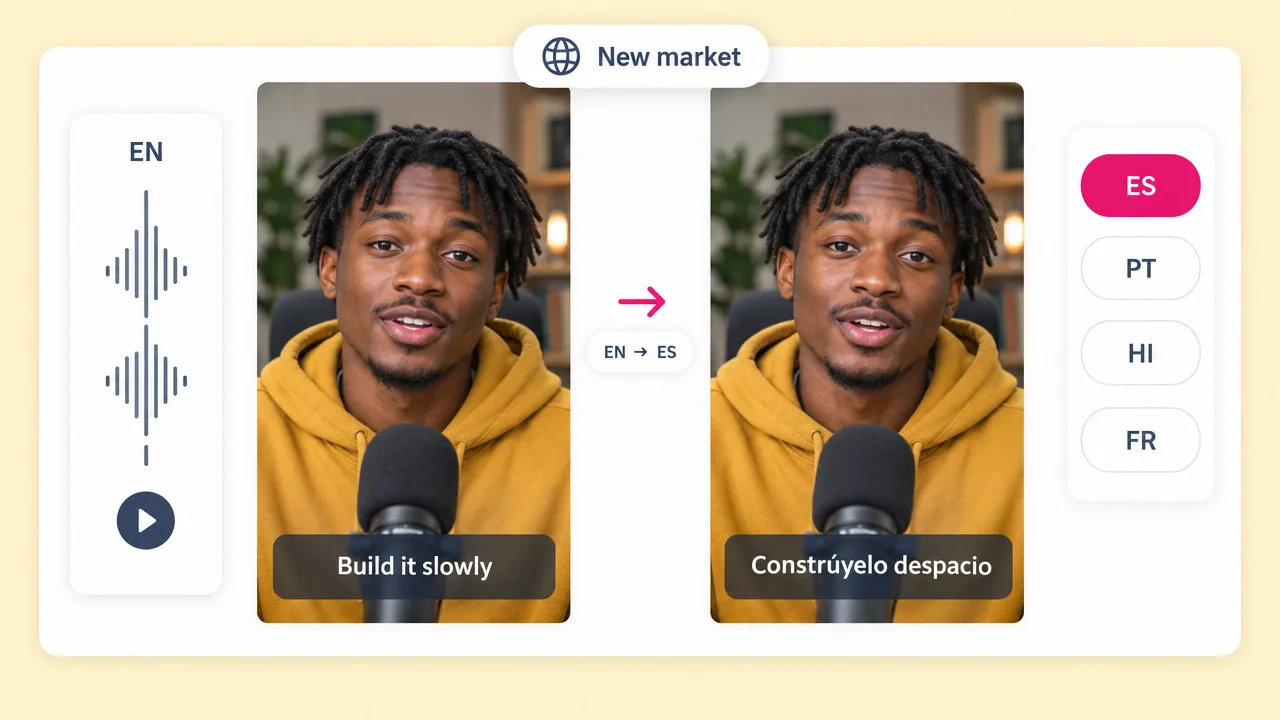
Re-voice a finished clip into any of 80+ languages, which no dedicated podcast clipper does.
How it works
From a full episode to a batch of captioned vertical clips.
Video or audio. An MP3 works, because the transcript is what the selection runs on rather than the picture.
The transcript is read and the segments that work without context are pulled: a strong answer, a disagreement, a story with a payoff.
Each clip goes vertical with the frame following the speaker, captioned at word level, with an opener that works cold.
Take all the clips at once and schedule them across the week rather than posting one and losing momentum.
Use cases for a podcast clip generator
Every episode you have already published is unclipped inventory.
The gap between drops is where a show loses attention. Six clips fill a week without recording anything new.
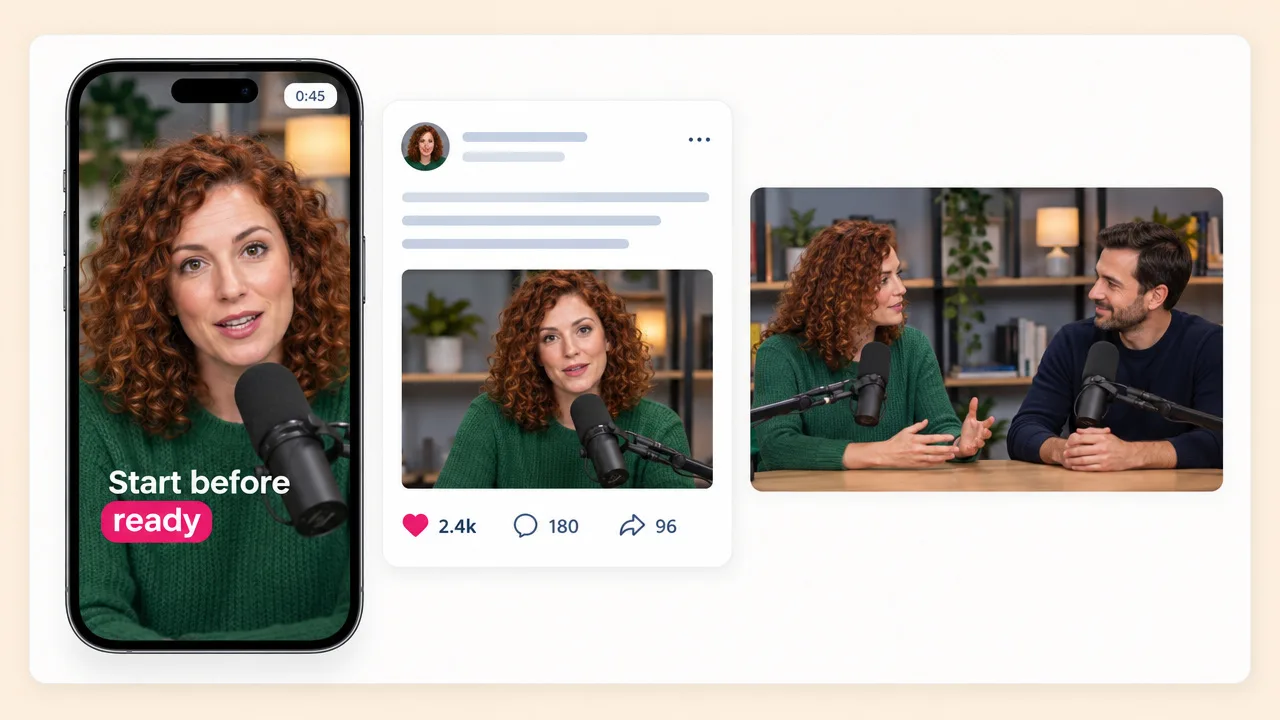
A guest shares a clip where they said something well. One good vertical cut does more for reach than asking them to post the link.
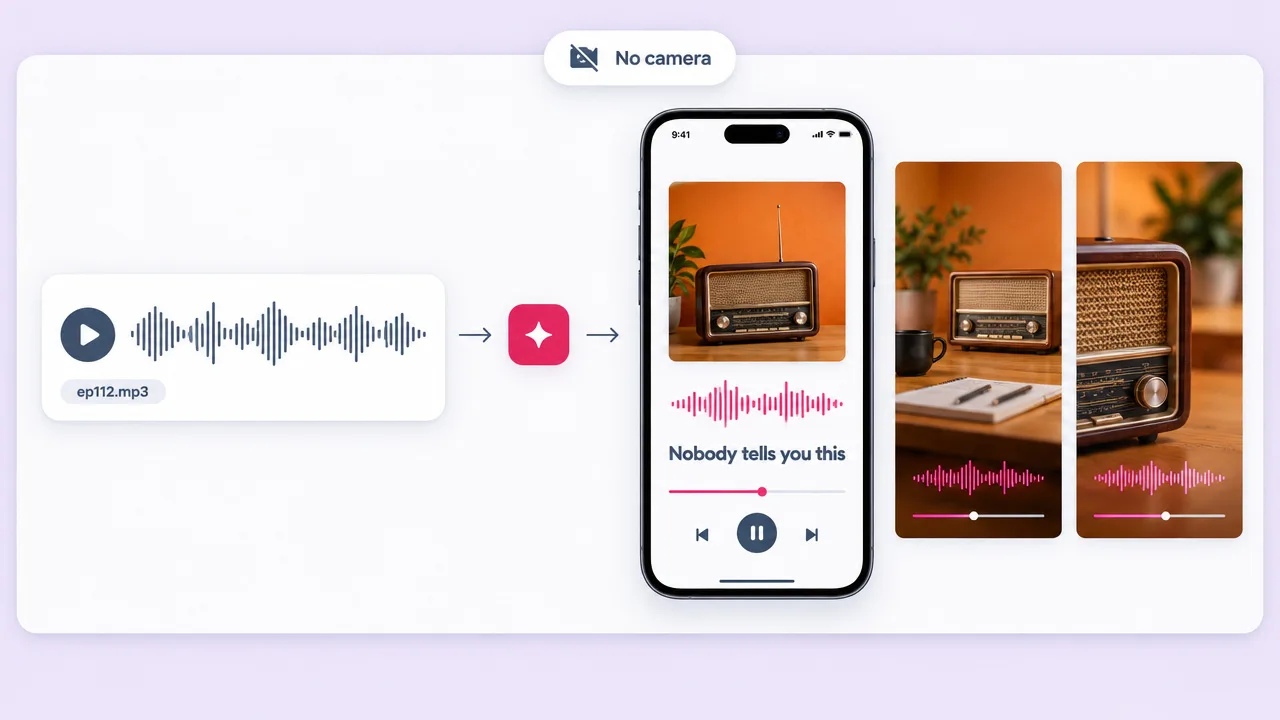
Upload the MP3 and get a captioned visual treatment. An audio podcast does not have to stay invisible on social.
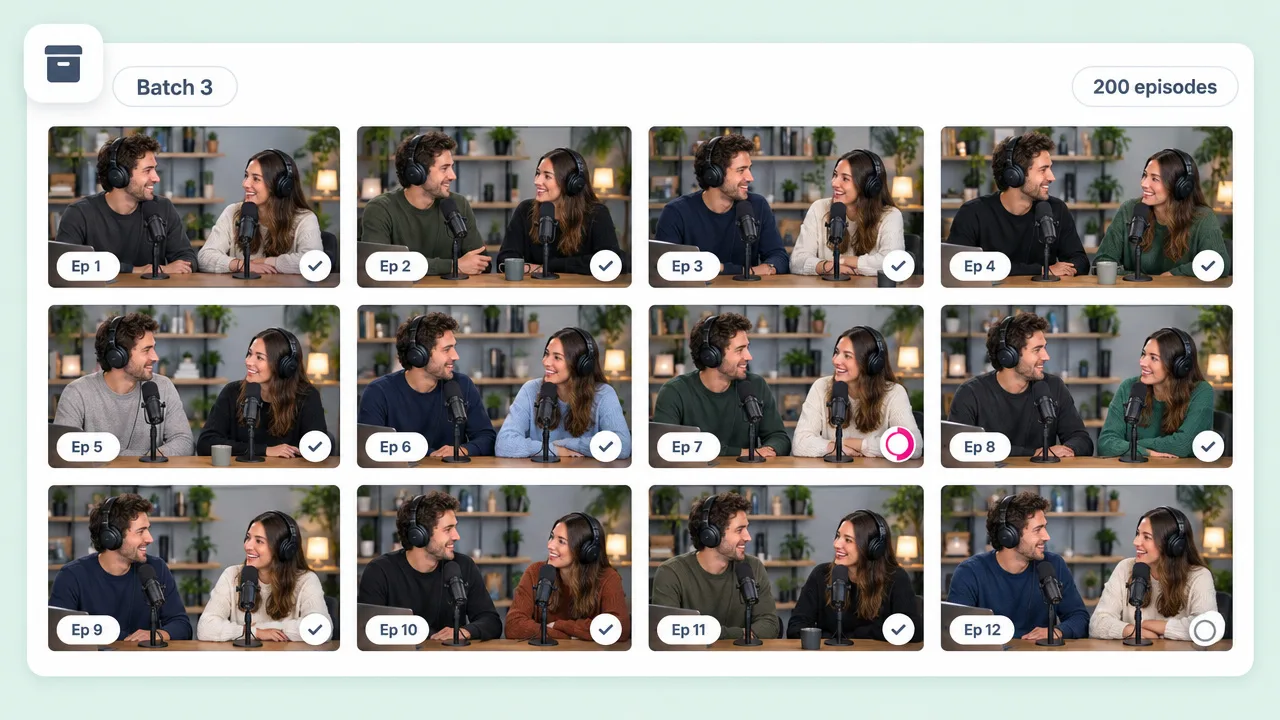
An established show is sitting on years of clips. Work backwards a batch at a time rather than only clipping new drops.
Podcast clip FAQ
How Fliki picks podcast segments, handles two speakers, and compares to OpusClip and Castmagic.
Tools
Upload it and Fliki finds the moments, follows the speaker and captions the lot.
Clip an episodeFree forever plan · No credit card required · Cancel anytime