image model · by Pruna AI

P-Image-Edit AI Image Editor

Edit images with natural language in under a second using P-Image-Edit - Pruna AI's premium image editing model. Multi-image input (1-5 references), exceptional text editing, and precise prompt-driven modifications at roughly 30x faster speed and 3x lower cost than comparable state-of-the-art editors.

Edited with P-Image-Edit

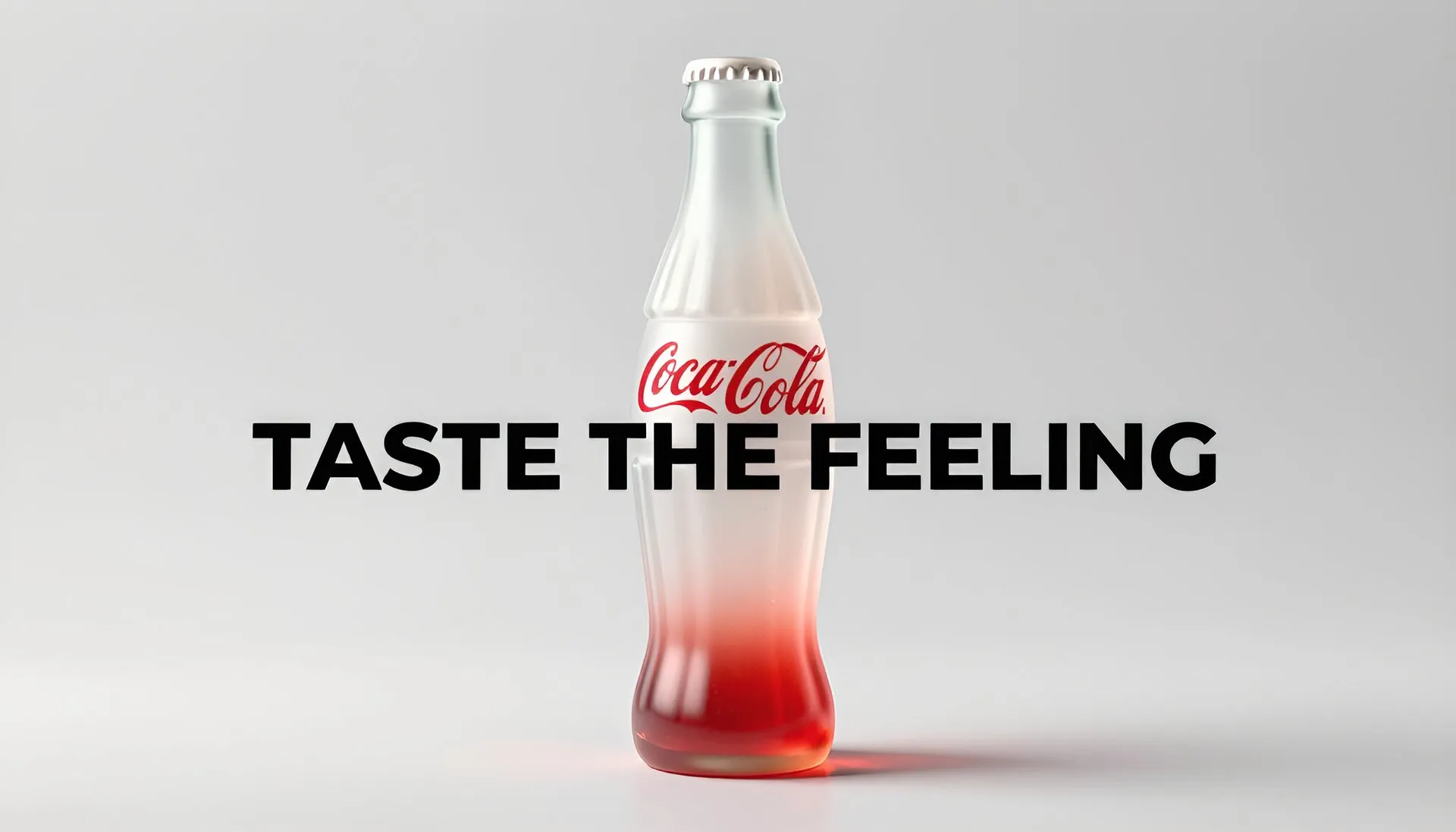
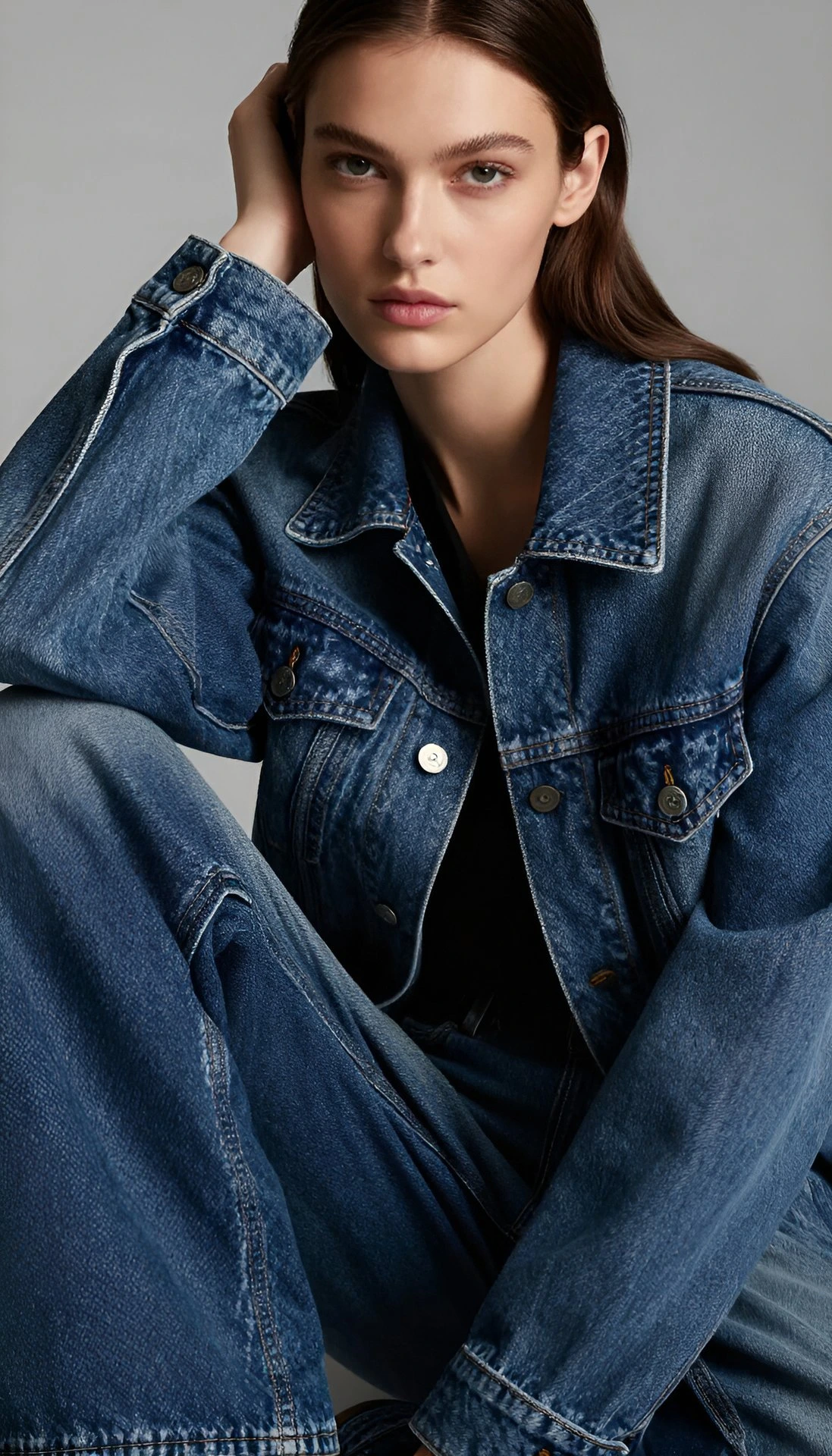
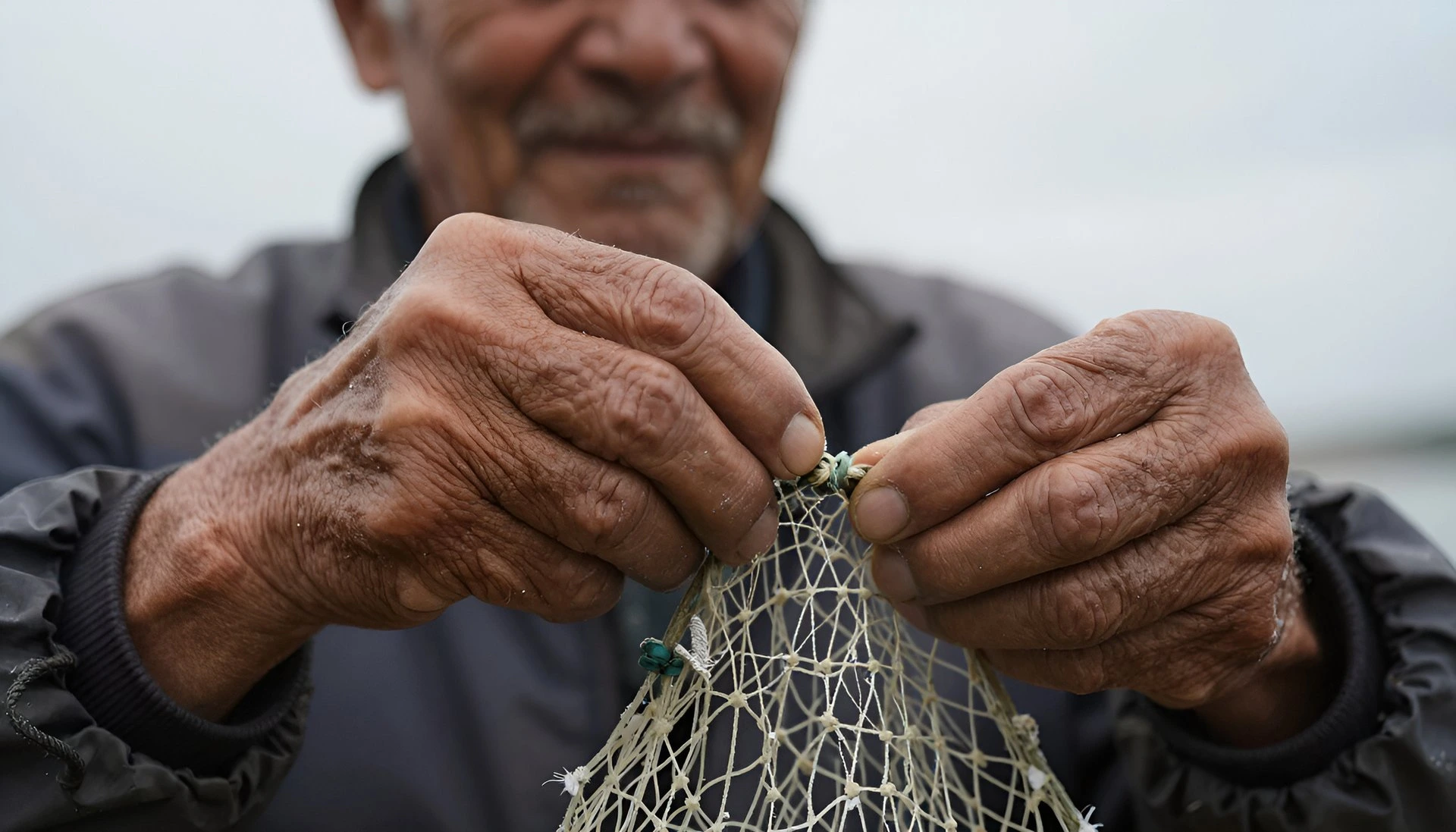
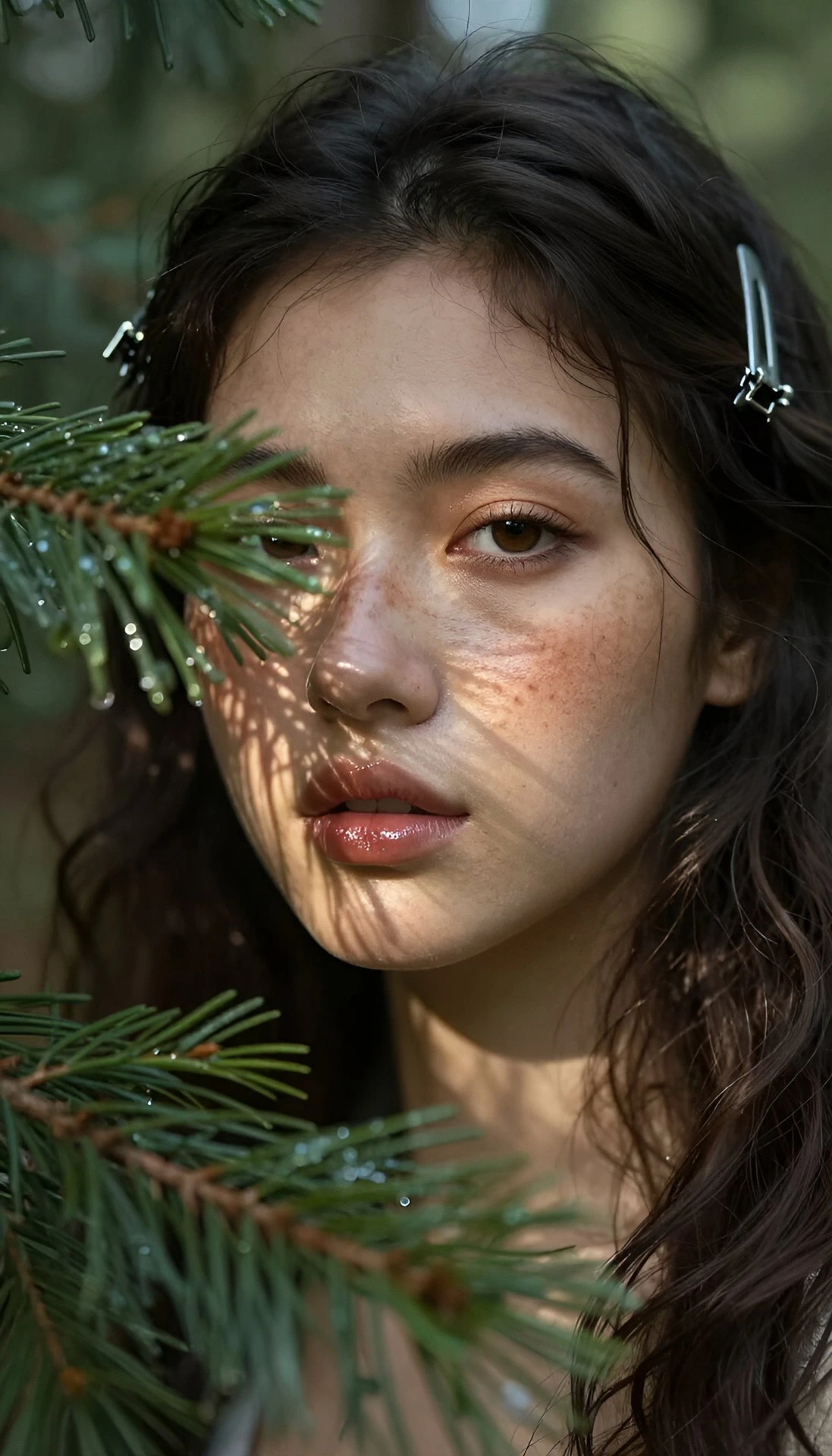
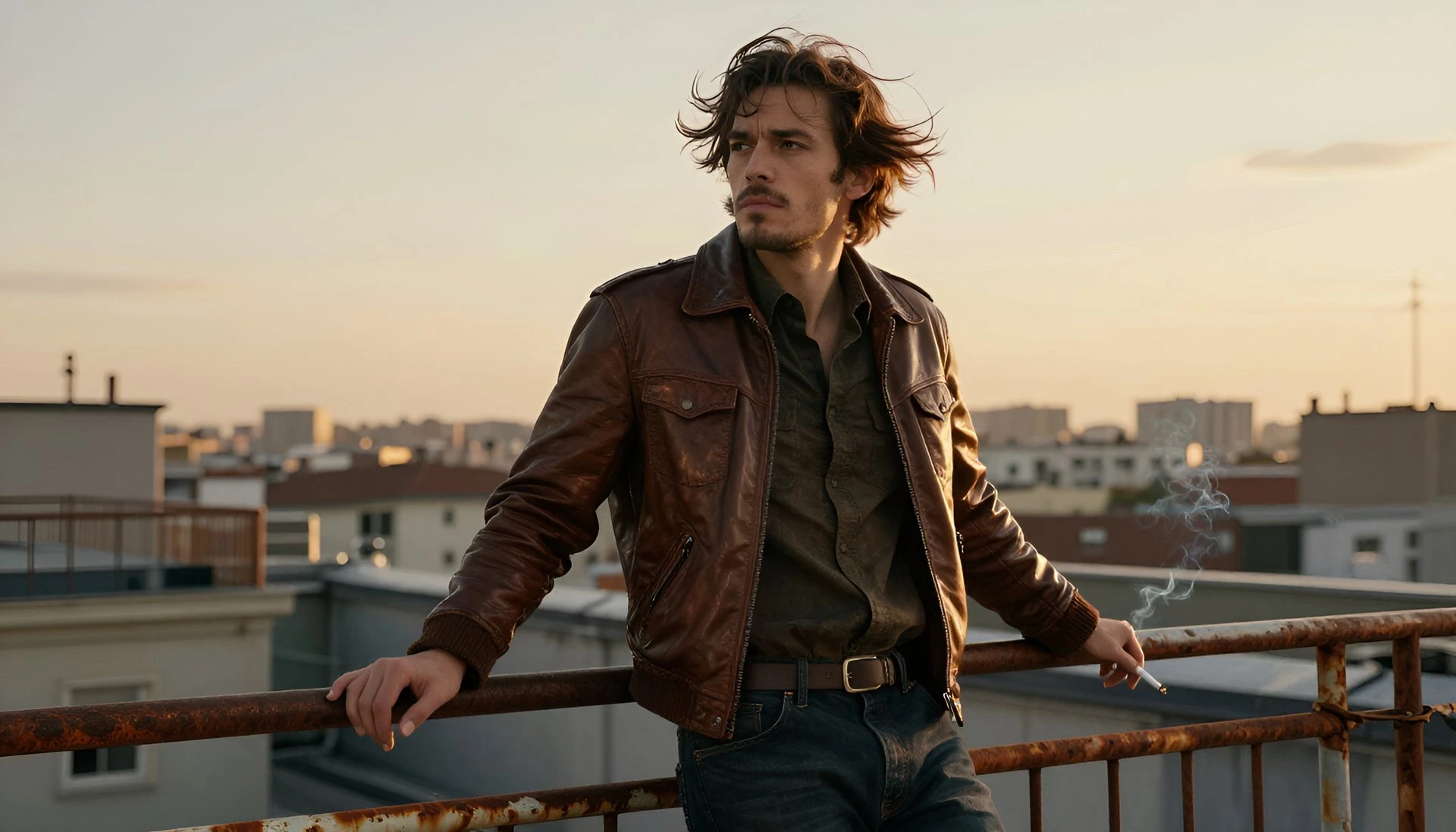
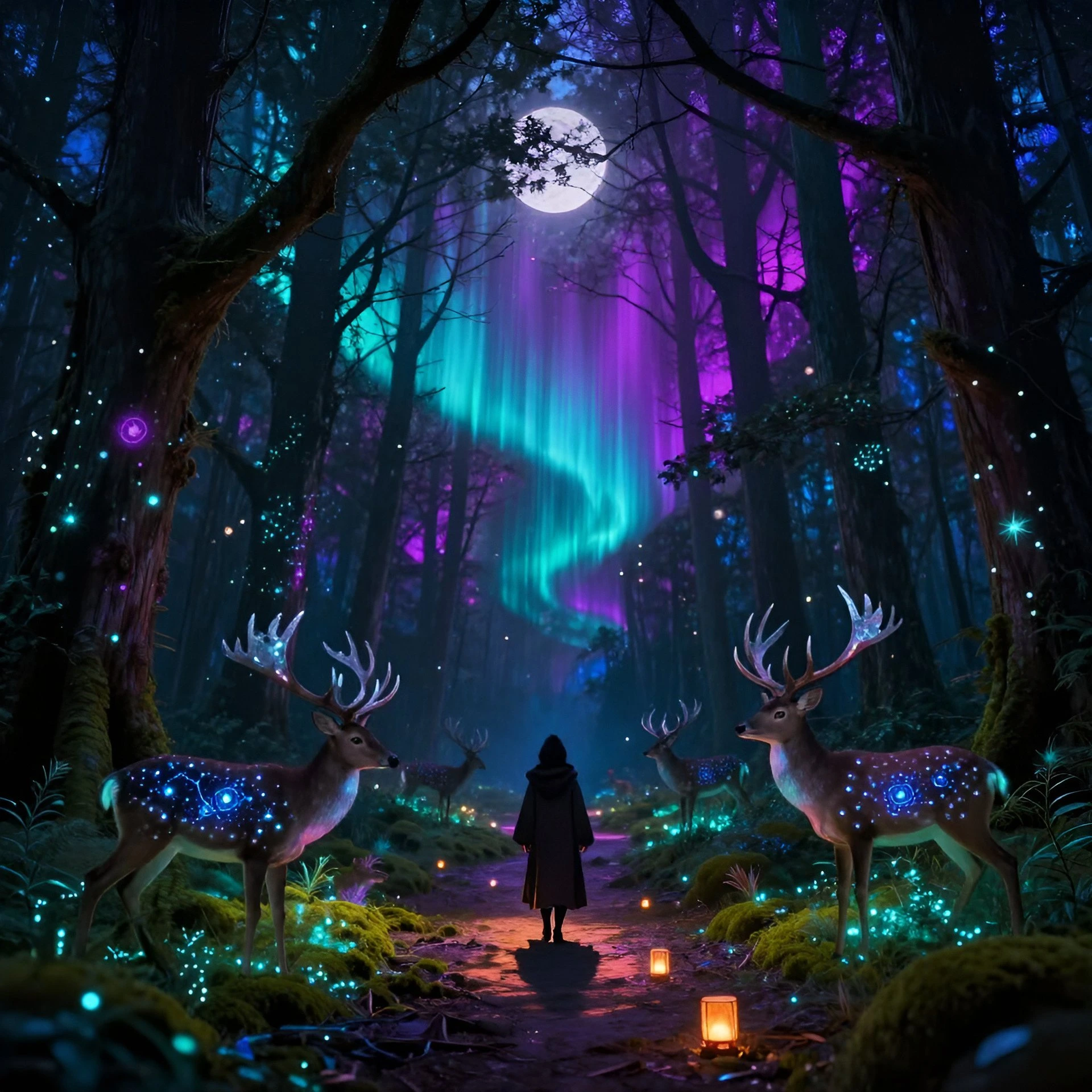
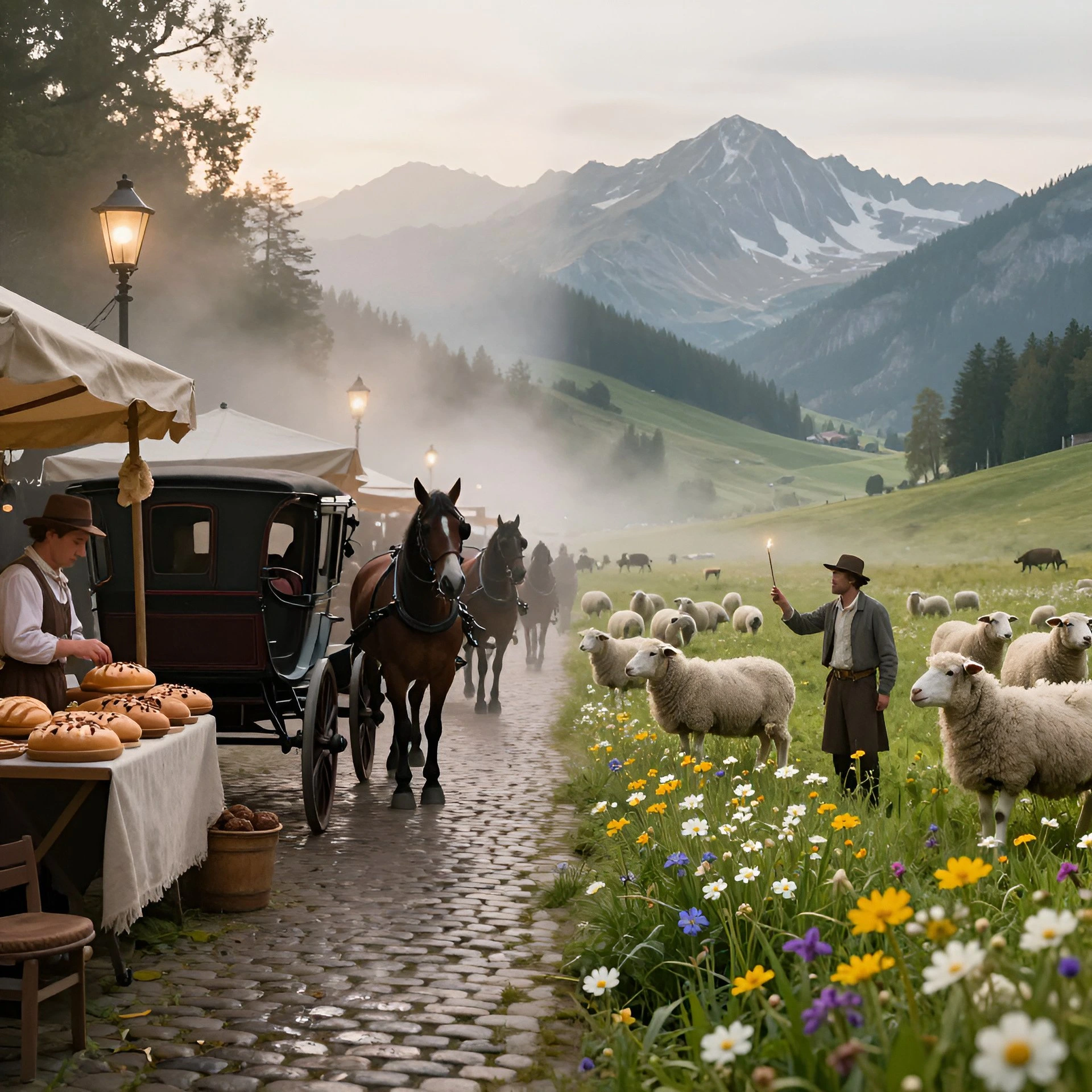
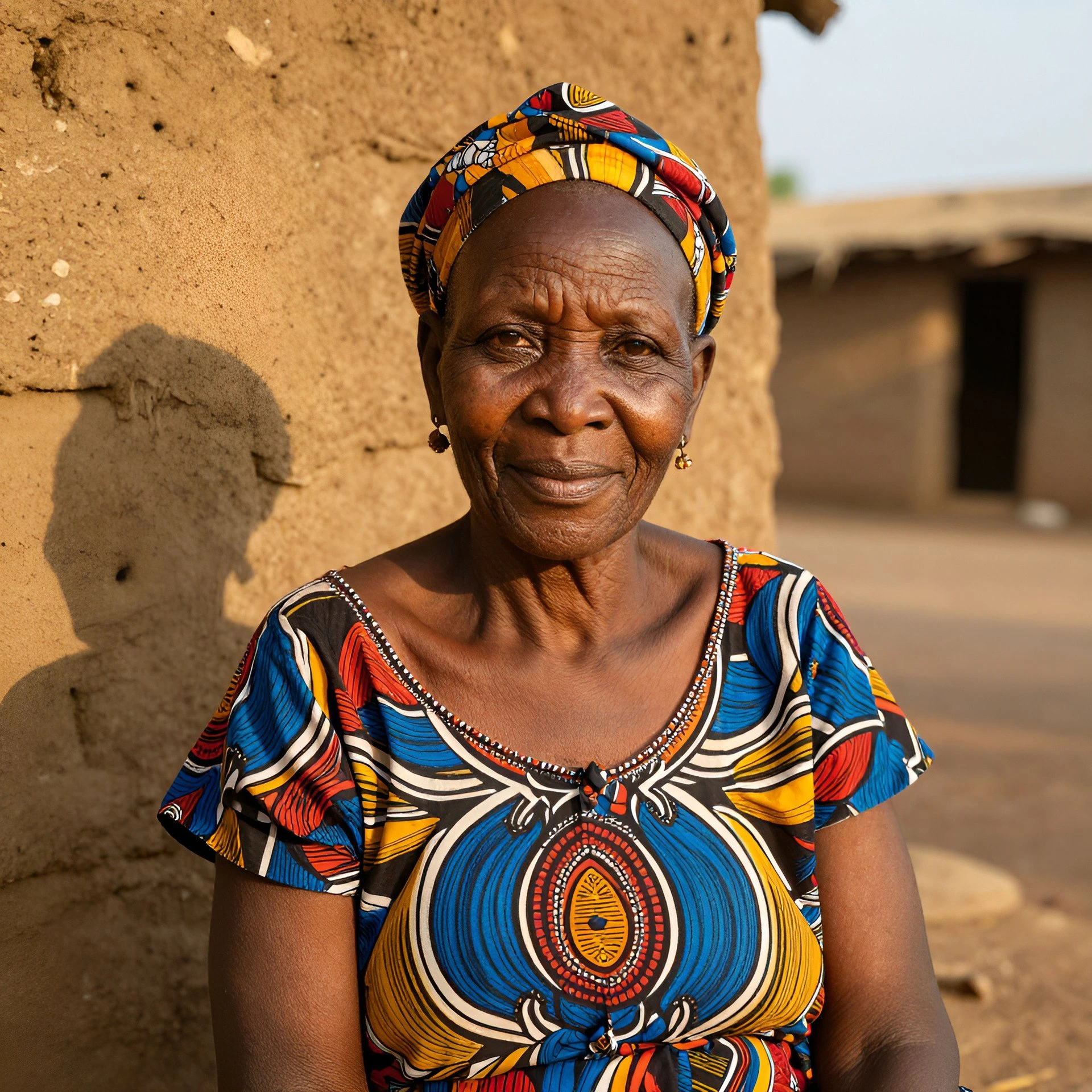
A handful of edit-style samples produced inside Fliki using Pruna AI. Outfit recolor, product retouch, background swap, style transfer, clean composition, subject swap, brand crop.
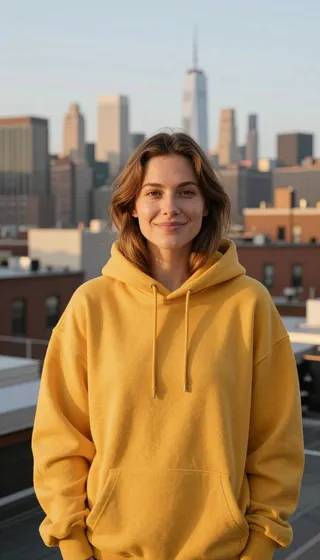
P-Image-Edit sample 1

Prompt

A 28-year-old American woman with light brown hair and a few freckles smiles softly while standing on a sunlit Brooklyn rooftop at golden hour, wearing an oversized mustard-yellow hoodie that pops cleanly against a warm cinematic color grade, candid lifestyle photography, soft side light from camera left, the New York skyline softly out of focus behind her, shot on 50mm at f/2, photoreal, head-and-shoulders framing, vertical 9:16 short-form social frame, no text, no labels, no writing.

P-Image-Edit sample 2

Prompt

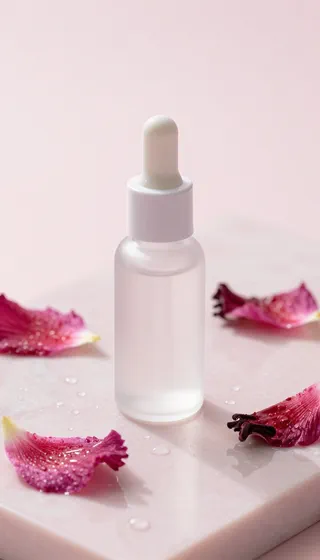
A frosted glass serum dropper bottle stands on a pale pink marble slab surrounded by water droplets and three fresh hibiscus petals, soft three-point softbox lighting, gentle reflection on the marble, captured on a 100mm macro lens at f/5.6, ultra-photoreal e-commerce hero, vertical 9:16, clean minimal composition, no labels, no text, no writing.

P-Image-Edit sample 3

Prompt

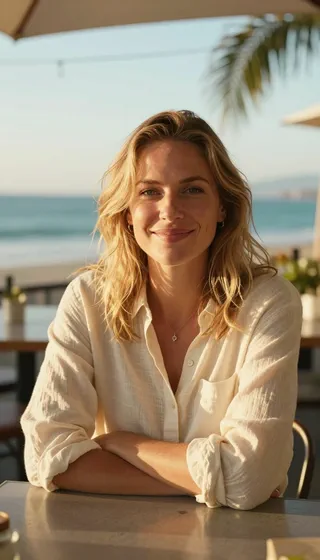
A 27-year-old American woman with shoulder-length wavy blonde hair smiles warmly at the camera in a cream linen shirt while leaning her elbows on a sunlit oceanfront cafe table in Malibu, palm fronds and a turquoise Pacific softly out of focus behind her, candid lifestyle photography, warm golden afternoon light from camera right, shot on 85mm at f/1.8, photoreal, vertical 9:16 short-form portrait, no text.

P-Image-Edit sample 4

Prompt

A steaming ceramic mug of coffee on a wooden windowsill with rain streaking the glass behind it, rendered as a soft watercolor illustration with visible paper grain, muted pastel palette, warm amber and dusty blue tones, vertical 9:16, cozy aesthetic painterly Reel frame, no text.

P-Image-Edit sample 5

Prompt

A wooden desk top with only a single matte-black mechanical keyboard, a closed leather-bound planner with a fountain pen resting on top, and one fresh fern leaf as a prop on a flour-dusted oak surface, no coffee cup, no phone, no cables, no clutter, directional window light from the upper right casting long warm shadows, shot on 35mm at f/4, vertical 9:16, moody cinematic minimalist flat lay, no text, no writing.

P-Image-Edit sample 6

Prompt

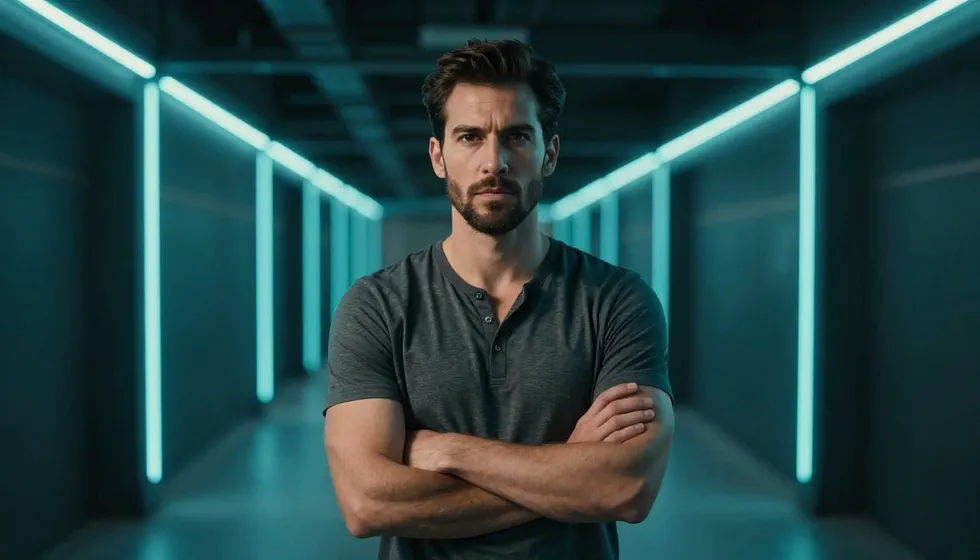
A 30-year-old American man with short dark-brown hair and a clean trimmed beard wears a charcoal henley and stands confidently with arms crossed in front of a long server-rack hallway with neon cyan edge lights running down both sides, dramatic chiaroscuro lighting, photoreal subject, captured on 24mm at f/4, framed on the left third with broad clean negative space on the right, 16:9 ultra-photoreal cinematic landscape, no text, no overlay, no captions.

P-Image-Edit sample 7

Prompt

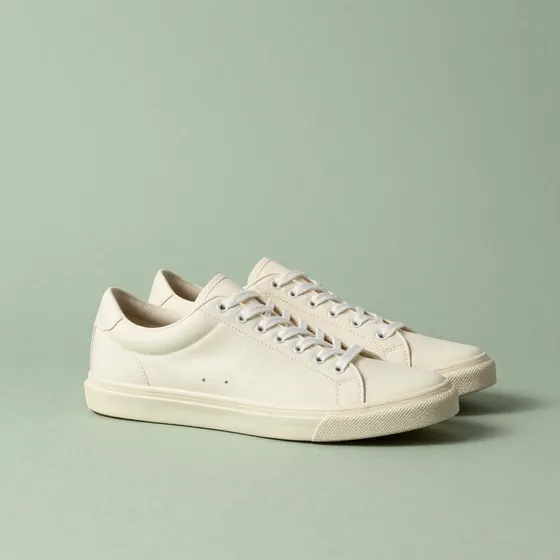
A pair of cream canvas sneakers stands neatly side by side on a soft sage green textured paper backdrop, gentle long shadow falling to the right from a soft directional studio light at the upper left, captured on 85mm at f/4 from a slight three-quarter angle, ultra-clean editorial product shot, square 1:1 Instagram composition, no studio gear visible in frame, no labels, no text.

100M+VIDEOS CREATED
12M+USERS WORLDWIDE
80+LANGUAGES SUPPORTED

Trusted by 50,000+ companies worldwide

Why P-Image-Edit is the speed-tier production editor

Sub-second editing

P-Image-Edit returns edited results in under one second on production hardware. That speed makes iterative editing - try a change, refine, try again - actually practical inside creative workflows.

Multi-image editing (1-5 references)

Upload between one and five reference images for compositional edits. Combine a product, a model, and a backdrop into a single coherent shot, or apply consistent edits across a batch with the same prompt.

Exceptional text editing

P-Image-Edit is one of the few speed-tier editors that handles in-image text precisely. Add, modify, or replace text inside an image without misspelling or breaking the surrounding visual.

Tight prompt adherence

Natural-language editing instructions land where you describe them. "Change the background to a sunset beach" or "add sunglasses to the subject" produces the intended edit on the first or second try.

Pruna AI compression engine

Like P-Image, P-Image-Edit uses Pruna's proprietary compression toolkit - smart caching, model compilation, and quantization - to deliver state-of-the-art quality at dramatically lower cost.

Style and identity preservation

Edits preserve facial identity, product details, and surrounding context. The model changes only what you ask it to change, leaving the rest of the image intact.

Production cost efficiency

At roughly 3x cheaper than comparable premium editors, P-Image-Edit is the practical choice for workflows that run hundreds or thousands of edits per project - retail media, advertising, content variations.

Pairs with P-Image

Generate the base with P-Image, then refine with P-Image-Edit. Both share Pruna's backbone for consistent quality across the full pipeline.

Mask-free instruction editing

P-Image-Edit takes plain-language edit instructions - no manual masking, no inpainting brush. Tell it what to change in the prompt and the model figures out the region automatically. That's what makes it usable inside automated pipelines and high-volume retouching workflows.

How it works

How to edit an image with P-Image-Edit

P-Image-Edit runs inside Fliki's AI image generator and editing tools. Here's the six-step flow.
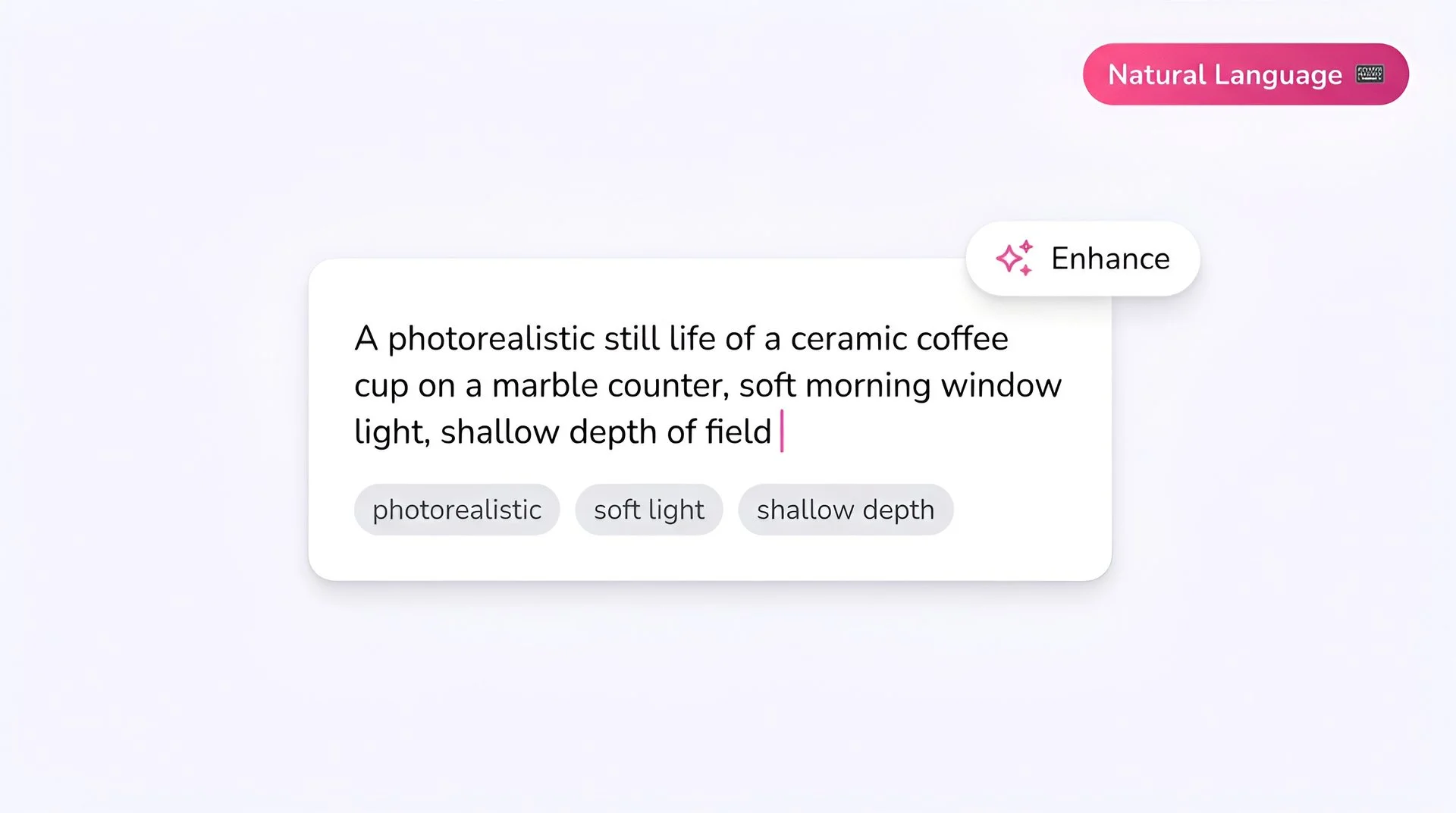
Fliki prompt input showing a photorealistic text-to-image description for P-Image-Edit AI image generator
Step 1

Write your prompt

Describe the edit in natural language. Specific instructions work best: "Change the t-shirt color to navy blue and add the text 'Summer Sale' on the front in white sans-serif."
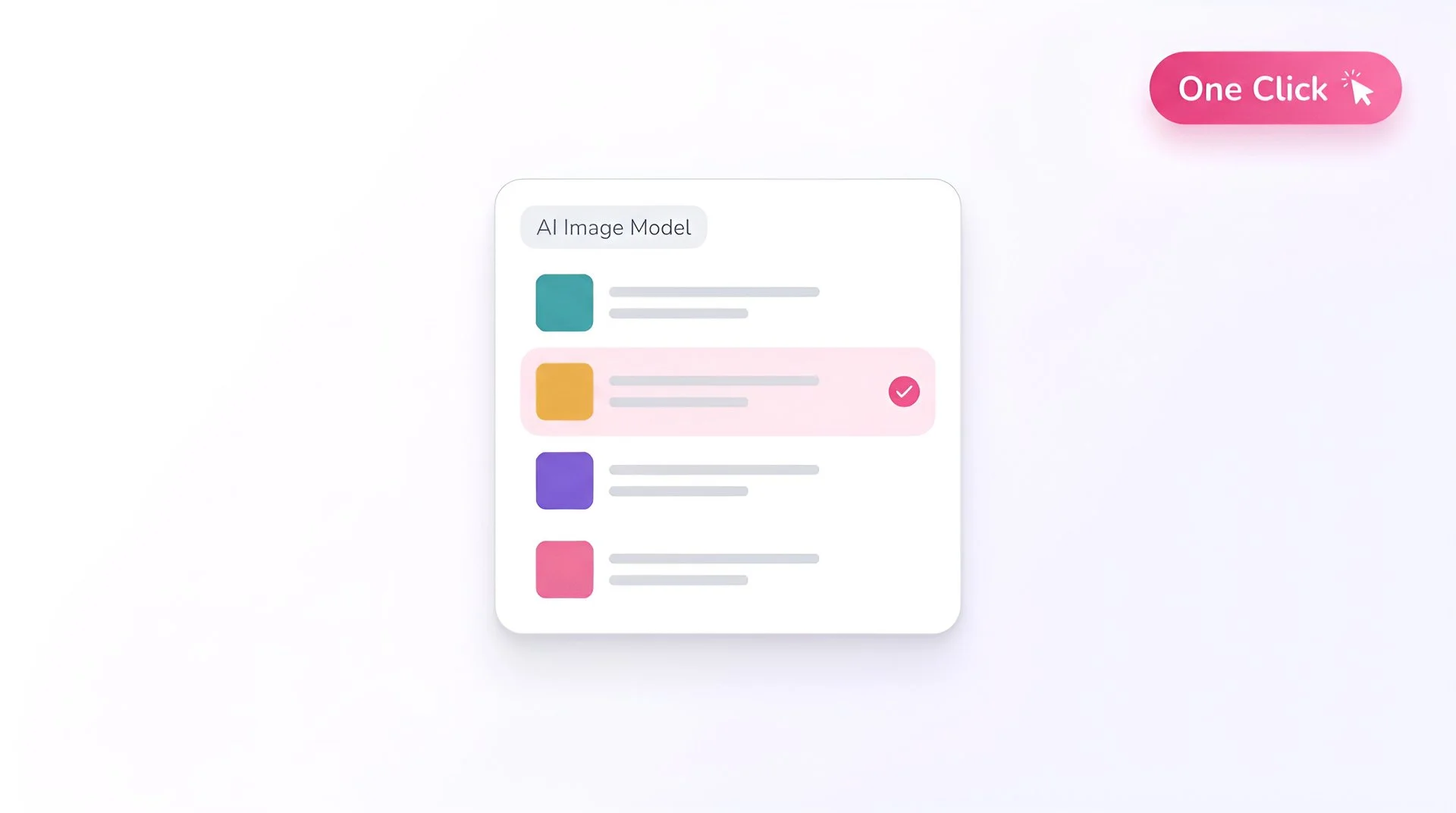
Fliki model selector dropdown with P-Image-Edit chosen for AI image generation
Step 2

Select P-Image-Edit as your model

Open Fliki's model selector and choose P-Image-Edit. Your request routes to Pruna AI's premium edit model.
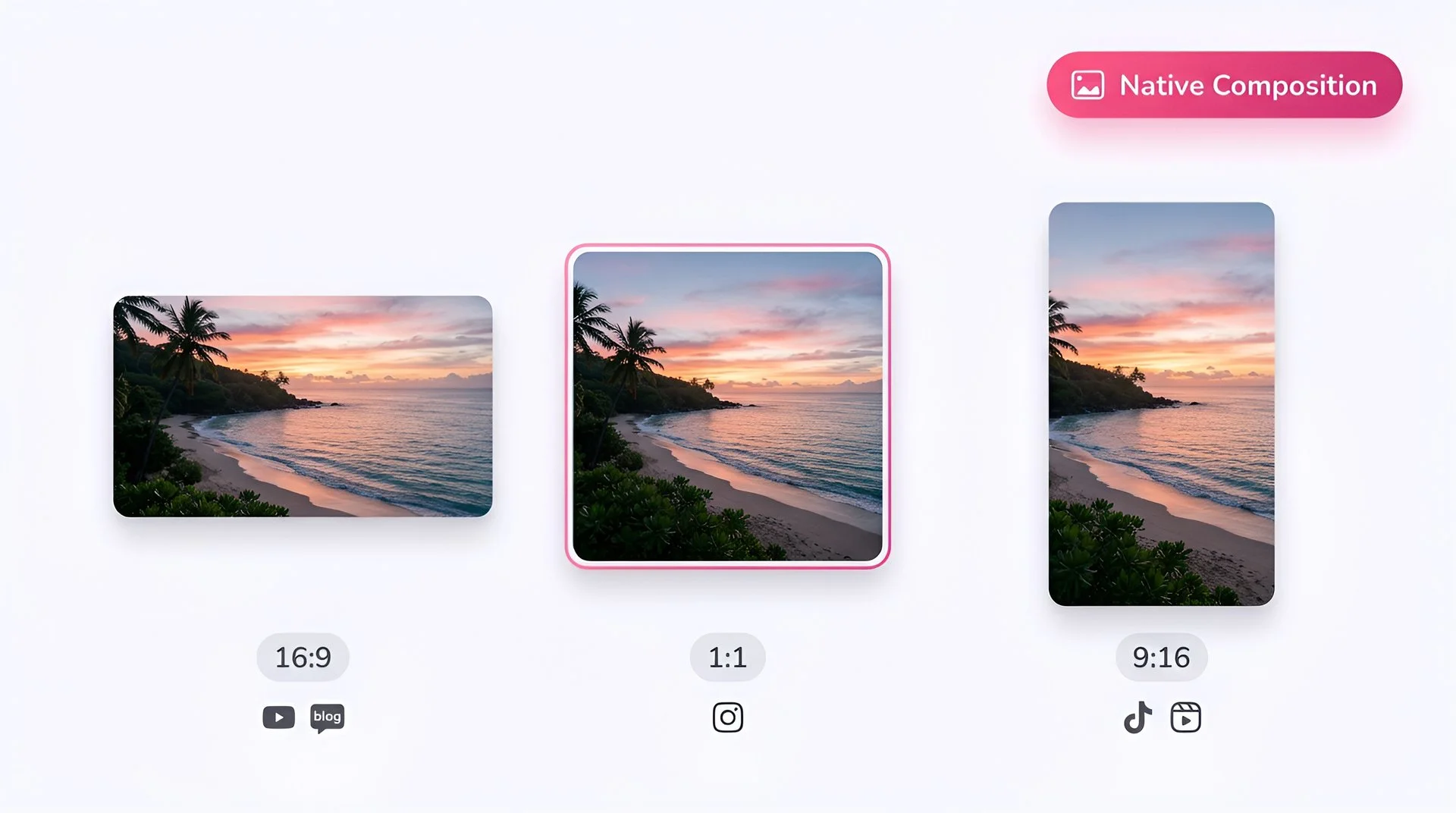
Choose 16:9, 1:1, or 9:16 aspect ratio for P-Image-Edit AI image generation on Fliki
Step 3

Pick your aspect ratio

Preserve the original aspect ratio or output to a different one (1:1, 16:9, 9:16, 4:3, 3:4). Choose based on the destination.
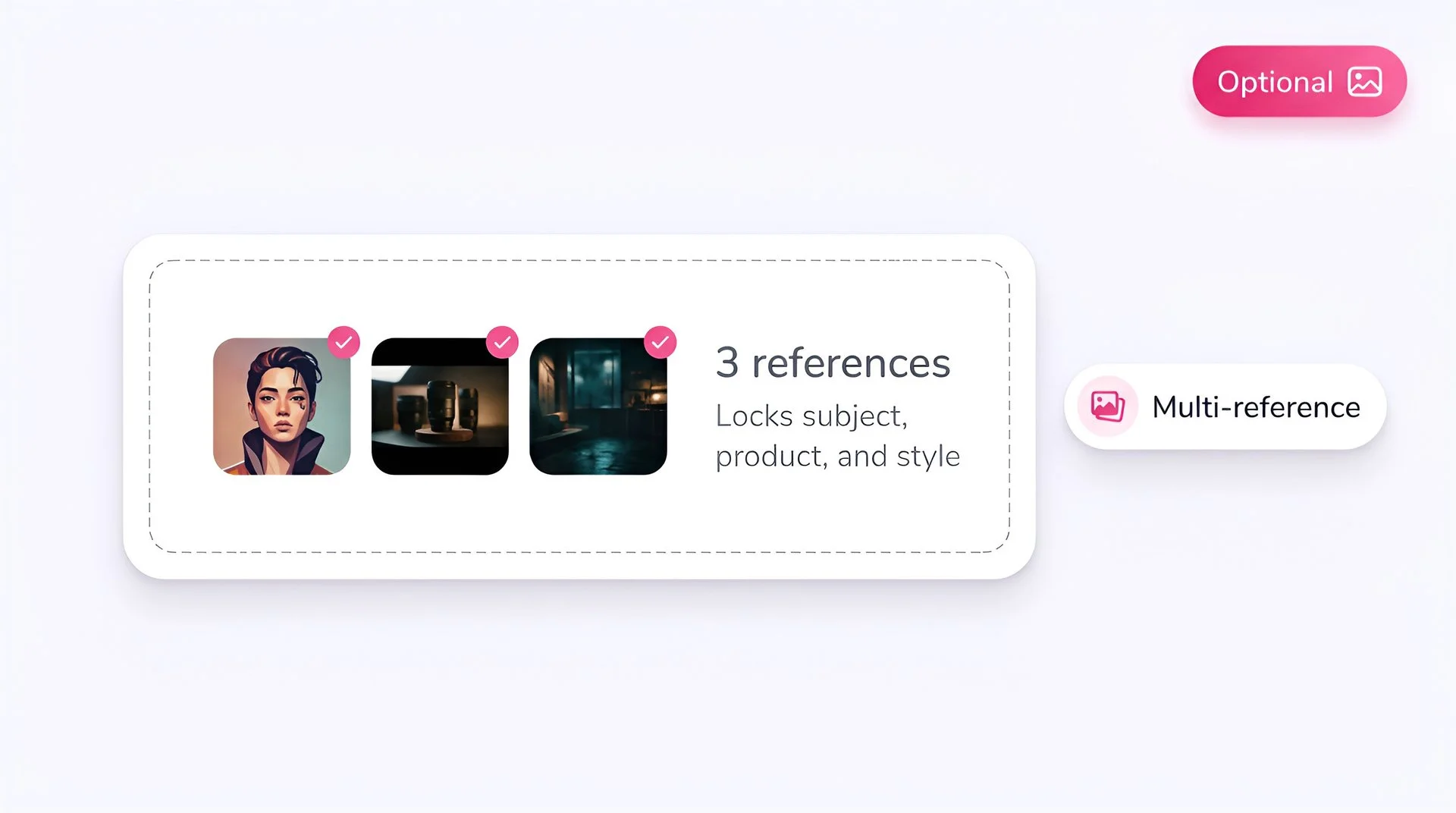
Upload optional reference images to lock subject, product, and style with P-Image-Edit on Fliki
Step 4

Upload reference images

Required - upload between 1 and 5 source/reference images. P-Image-Edit is an editing model, so at least one input image is needed. Combine a product, a model, and a backdrop into a single coherent shot or apply consistent edits across a batch.
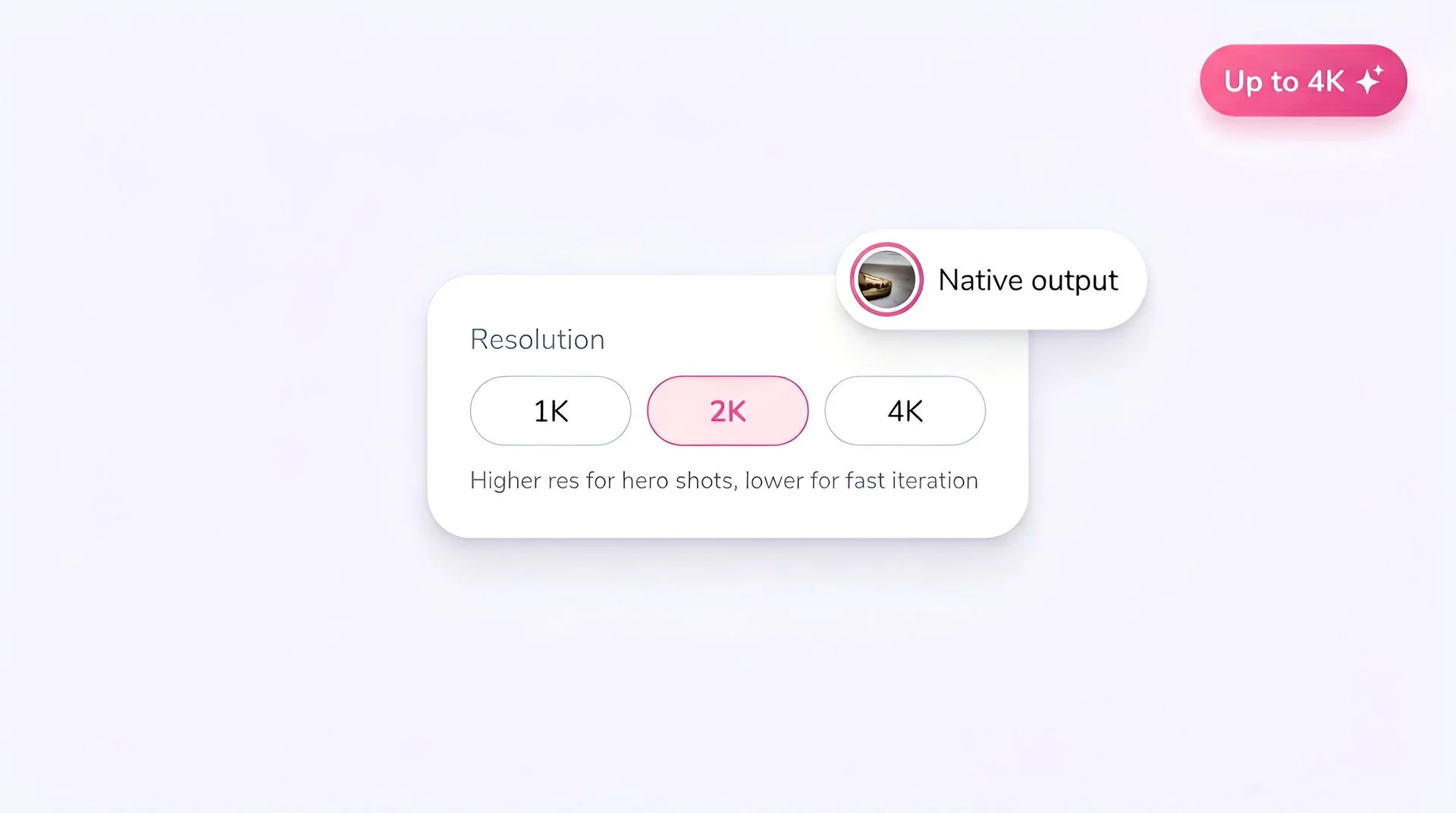
Select output resolution for P-Image-Edit AI image generation on Fliki
Step 5

Set the resolution

Lower resolutions iterate faster; higher resolutions are ready for paid social and print delivery.
Hit generate to create AI image with P-Image-Edit on Fliki
Step 6

Generate

Hit Generate. P-Image-Edit returns the edited result in under a second. Paid plans only.

AI MODEL GALLERY

Built on the best AI models - ready inside Fliki

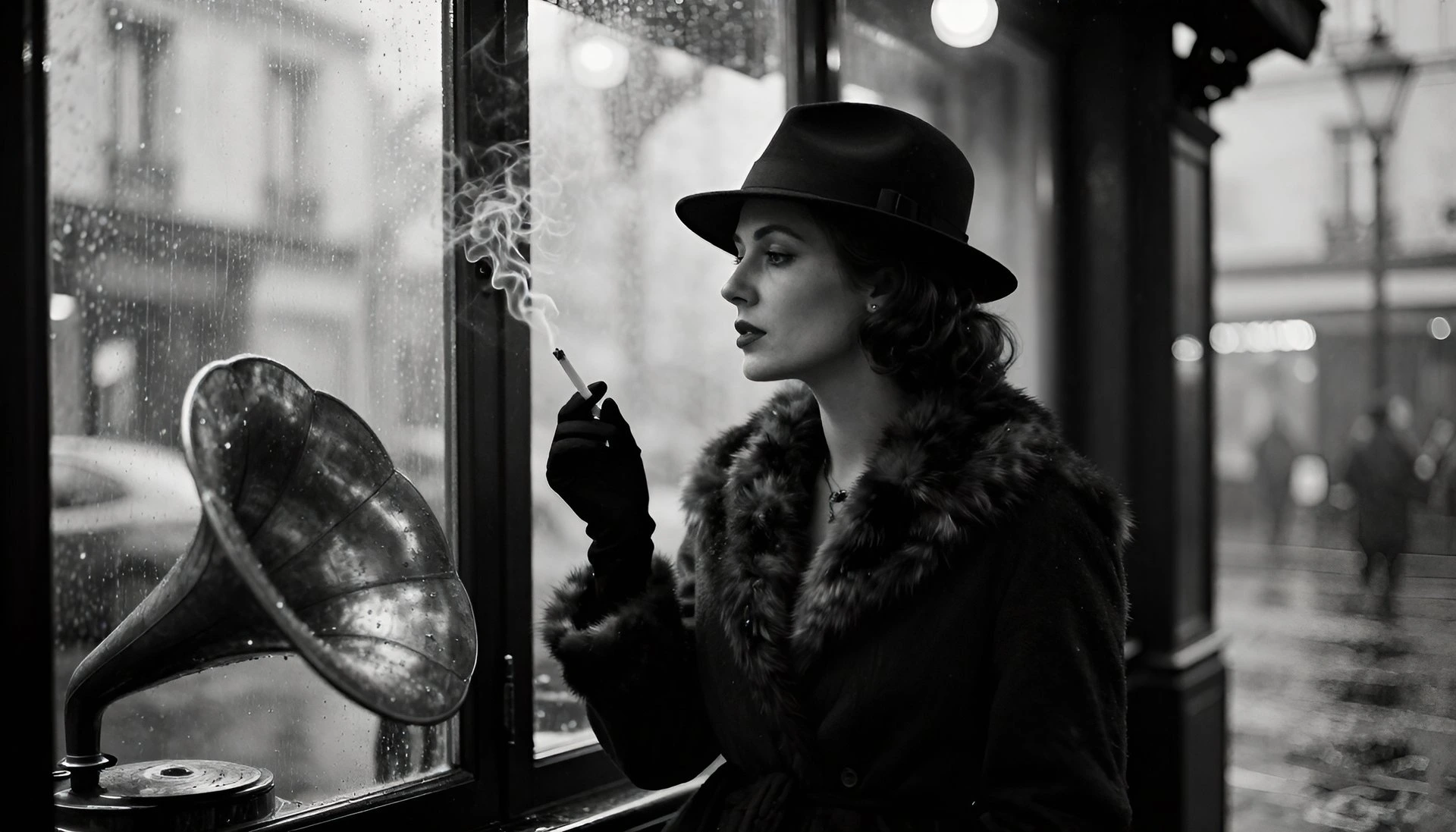
Every leading video, voice, and image model - integrated, unified, and tuned for creators. Generate with the latest AI video, AI voice, and AI image models from OpenAI, Google, Kling, Bytedance, ElevenLabs, and more - all from one place.
P-Image-Edit FAQ

Frequently asked questions

Everything you need to know about editing images with P-Image-Edit inside Fliki.

What is P-Image-Edit?

P-Image-Edit is Pruna AI's premium image editing model. It uses natural-language prompts to make precise, instruction-driven edits to existing images - including text editing, object addition or removal, style transfer, and multi-image composition - in under one second.

Is P-Image-Edit free on Fliki?

No. Only Z Image Turbo and Flux 2 Klein are available on Fliki's free tier. P-Image-Edit requires a paid plan.

How fast is P-Image-Edit?

Roughly one second per edit on production hardware. Pruna's benchmarks position it as around 30x faster and 3x cheaper than comparable state-of-the-art editing models.

How many reference images can P-Image-Edit handle?

Up to five images at once - one source plus up to four references. Useful for compositional edits, brand consistency, and multi-element layouts.

Can P-Image-Edit handle text inside images?

Yes. P-Image-Edit is one of the speed-tier editors with strong text rendering and editing - add new text, modify existing copy, or replace headlines without breaking the surrounding image.

How does P-Image-Edit compare to P-Image?

P-Image generates new images from text prompts. P-Image-Edit edits existing images with text instructions and reference inputs. Both share the same Pruna AI compression backbone, so they pair naturally in a full creative pipeline.

Still curious?

Try Fliki free in your browser, no credit card required.

Start free

How does P-Image-Edit compare to Qwen-Image-Edit-Plus?

P-Image-Edit prioritizes speed and cost efficiency. Qwen-Image-Edit-Plus is built on Alibaba's 20B MMDiT for higher fidelity and especially strong bilingual text editing. Pick P-Image-Edit for fast volume work; pick Qwen-Image-Edit-Plus for hero edits or text-heavy bilingual content.

What is P-Image-Edit best suited for?

Retail media, e-commerce product image variations, advertising creative, marketing automation, and any workflow with high-volume natural-language edits where per-image speed and cost both matter.

P-Image-Edit · Image editor

Edit your next image with P-Image-Edit.

Upgrade your Fliki plan to unlock P-Image-Edit and the rest of the premium catalog.

Upgrade to edit

Free forever plan · No credit card required · Cancel anytime