YouTube
Faceless YouTube and creator voiceover
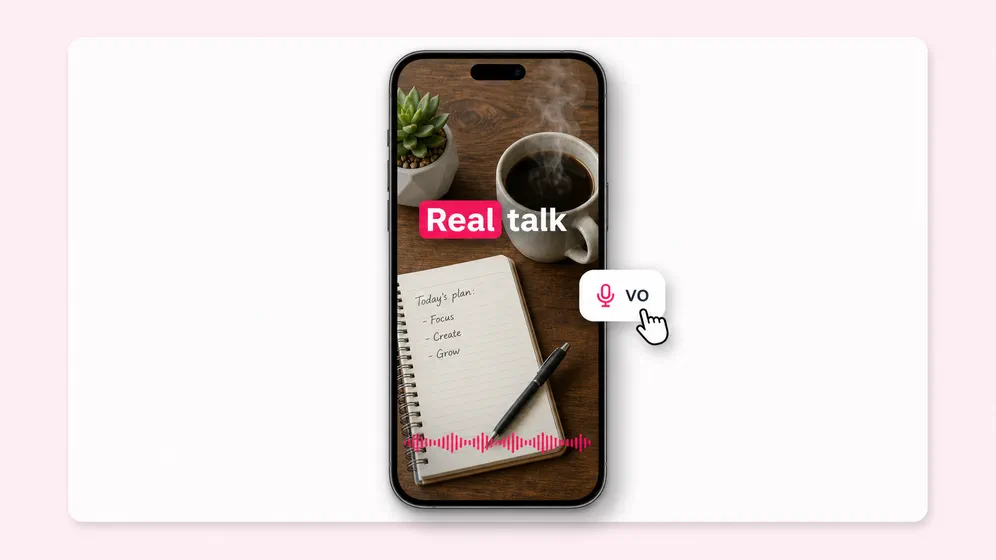
Run a faceless YouTube channel without a microphone. AI voiceover for explainer videos, news roundups, and listicles. Multi-language for global creator monetization.
Turn any script into studio-quality voiceover in 2,000+ voices and 80+ languages, or clone your own voice. Eight leading TTS engines in one place, paired with a built-in video editor.
No sign-up required to preview · No watermark on audio · No credit card · 2,000+ voices in 80+ languages
Sample our top AI voices
Tap any voice below to hear a short sample. Sign up for 2,000+ more voices, voice cloning, and audiobook-grade output.
Free plan, in numbers
The exact limits, stated up front. Preview any voice on this page before you create an account.
| Free plan includes | |
|---|---|
| Voiceover minutes per month | Up to 12 minutes |
| Voices available on free | 300 of 2,000+ |
| Languages | 80+ |
| Watermark on audio | No |
| Preview without an account | Yes |
| Credit card required | No |
| Commercial use | Paid plans |
Eight engines, one workspace
Every leading TTS engine under one account, with no per-provider signup and no per-engine paywall. Switch engine per line and compare the same script side by side.
| 8 TTS engines | Best for |
|---|---|
| ElevenLabs | Audiobook-grade narration and the most lifelike long-form delivery. |
| Google Gemini Flash & Studio | Natural prosody with style-instruction control, and the widest language coverage. |
| OpenAI | Clean, neutral reads that stay consistent across a long script. |
| xAI Grok | Conversational, character-led voiceover. |
| Microsoft Azure Neural | The broadest emotion-style range and dependable enterprise-grade output. |
| Amazon Polly Neural | High-volume, cost-efficient narration such as IVR and alerts. |
| Qwen | Zero-shot voice cloning and strong Chinese-language delivery. |
| Inworld | Expressive character voices for games and interactive media. |
Every language Fliki speaks
More languages than ElevenLabs (70+) or Murf (35+). Pick any language to hear its voices, see the dialects we cover, and preview a sample without an account.
Why creators pick Fliki
Most voice generators wrap a single TTS provider and stop there. Fliki bundles every leading provider with voice cloning, AI avatars, and a built-in video editor, so a voiceover becomes a finished video without leaving the browser.
The deepest neural voice library in the AI voiceover category, powered by our text to speech engine. ElevenLabs covers 30 languages, Fliki covers 80+ with 2,000+ voices and dialects per language. Match accent, gender, age, and emotional tone per scene.
Switch between xAI Grok, Microsoft Neural, Google Gemini Flash and Studio, ElevenLabs Multilingual, OpenAI TTS, Amazon Polly, Inworld, and Qwen. Eight TTS providers under one roof, no per-provider account needed.
Record a 30-second sample once. Fliki's AI voice cloning replicates your voice with high accuracy and reuses it across 30+ supported languages, ideal for AI dubbing and AI narration. Multilingual personal branding without re-recording.
Fine-tune every clip with sliders for pace and pitch, custom pause markers, and 30+ emotion styles (calm, cheerful, narrative-professional, customer-service, news, sports-commentary, whispering). No SSML required.
Pair any AI voice with a lifelike AI talking avatar that lip-syncs the script naturally. Same presenter face across every voice and every language, ideal for narrating an explainer video, training, and product walkthroughs, or animate a single photo with our talking photo tool.
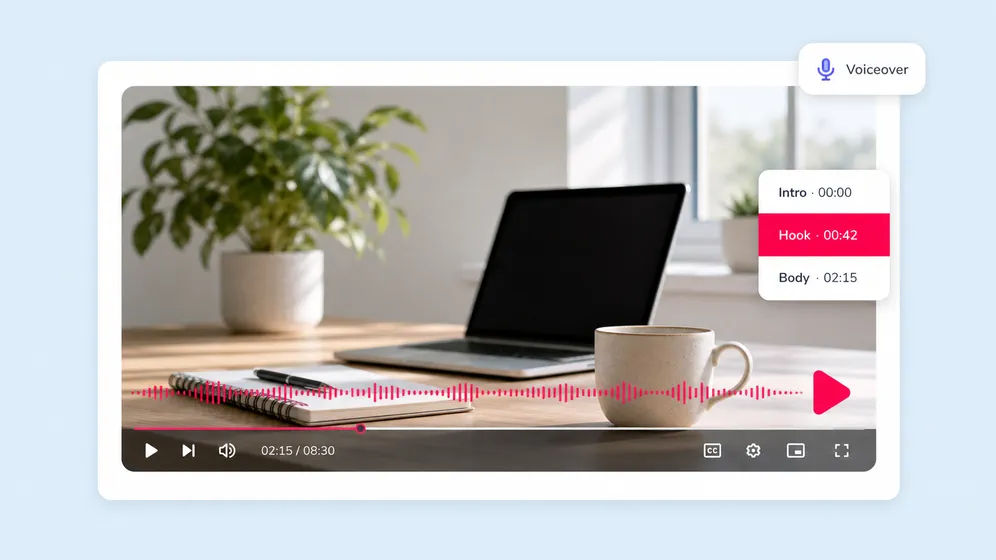
Generate a voiceover and Fliki immediately auto-pairs it with our text to video engine, stock footage, AI visuals from our AI video generator, and burn-in captions to ship a finished video. No separate video editor needed for most use cases.
Auto-generated captions synced to the voiceover, in 100+ languages. Customize fonts, colors, position, and animation. Critical for silent-scroll viewing on TikTok, Reels, and LinkedIn.
AI voiceovers generated on paid plans are royalty-free and cleared for commercial use across YouTube, podcasts, ads, and product videos. Audiobook-grade quality without licensing each voice.
Export your voiceover as MP3 audio for podcasts and audiobooks, or as a finished MP4 with auto-paired visuals. Resize the same source across every aspect ratio with one click.
The free forever plan includes monthly voiceover credits across free Fliki voices, with no credit card. Exported audio MP3s carry no watermark. Upgrade only when you need more minutes, voice cloning, or commercial rights.
Voices for every use case
From audiobook narration to podcast hosting, e-learning, explainer videos, and YouTube voiceover. Tap any sample below to hear a voice tuned for that use case.
How it works
Type your script. Pick a voice. Tune emotion and pace. Export. Most voiceovers ship in under 60 seconds, end to end.
Drop in any text, up to thousands of words on paid plans. Pick the language and tone. Or paste a blog URL and Fliki extracts the article for you.
Filter by language, gender, age, emotion, and provider (xAI, Microsoft Neural, Google, ElevenLabs, OpenAI, more). Preview any voice before generating.
Adjust speaking pace and pitch with sliders. Insert custom pauses. Pick from 30+ emotion styles per scene. Re-generate any line in seconds.
Export the voiceover as MP3 for podcasts, audiobooks, and IVR. Or auto-pair it with stock footage and captions to ship a finished video. Royalty-free on paid plans.
Use cases for AI voiceover
YouTube voiceover, podcast narration, e-learning, IVR and phone systems, audiobooks, video ads, and accessibility narration. Or narrate a story end to end, a whiteboard video, or animated text over audio. Fliki handles every voiceover use case in 80+ languages.
Run a faceless YouTube channel without a microphone. AI voiceover for explainer videos, news roundups, and listicles. Multi-language for global creator monetization.
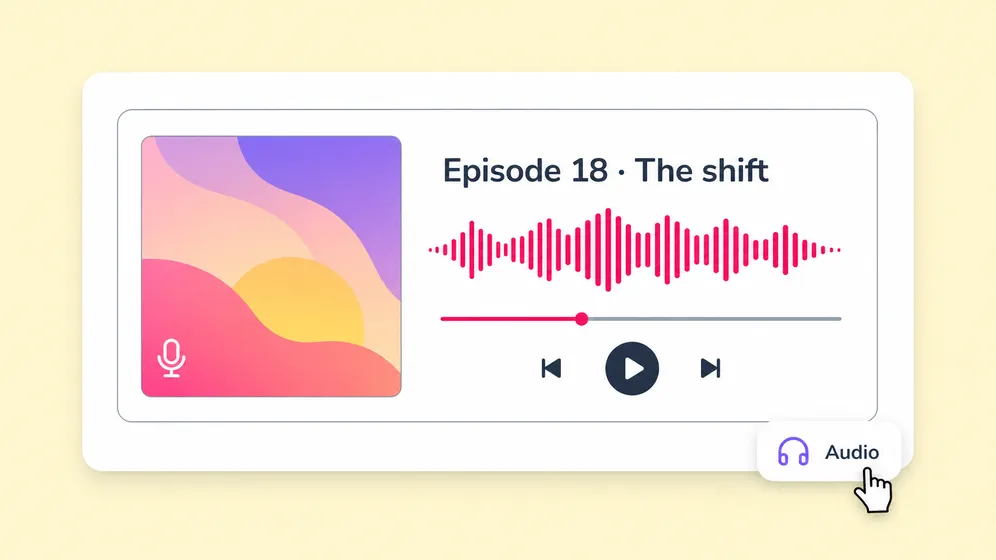
Generate full podcast episodes and audiobook chapters with neural voices indistinguishable from human narrators. Audiobook-grade voices, royalty-free on paid plans.
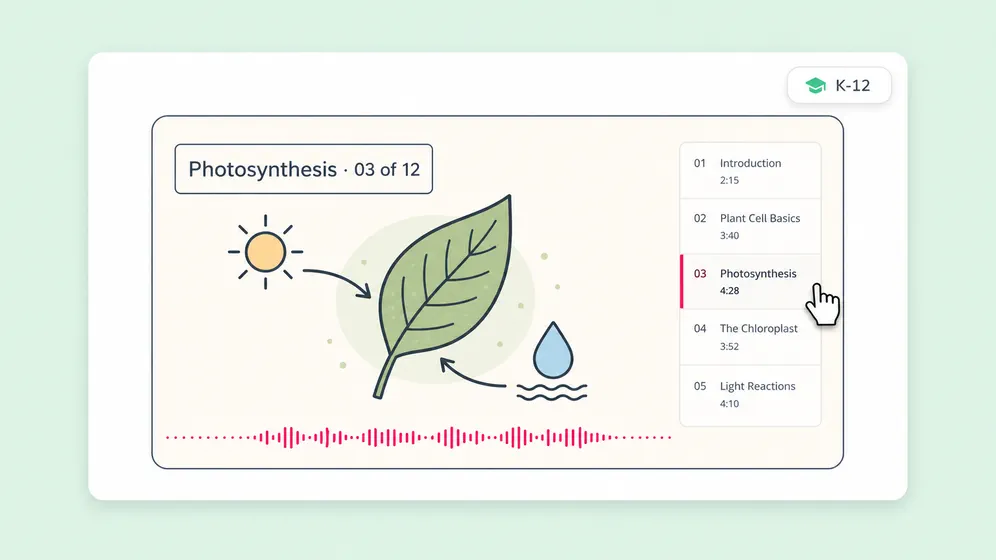
Convert course scripts into narrated video lessons. Localize the same course into 80+ languages with native voice quality. ESL-friendly accent options per region.
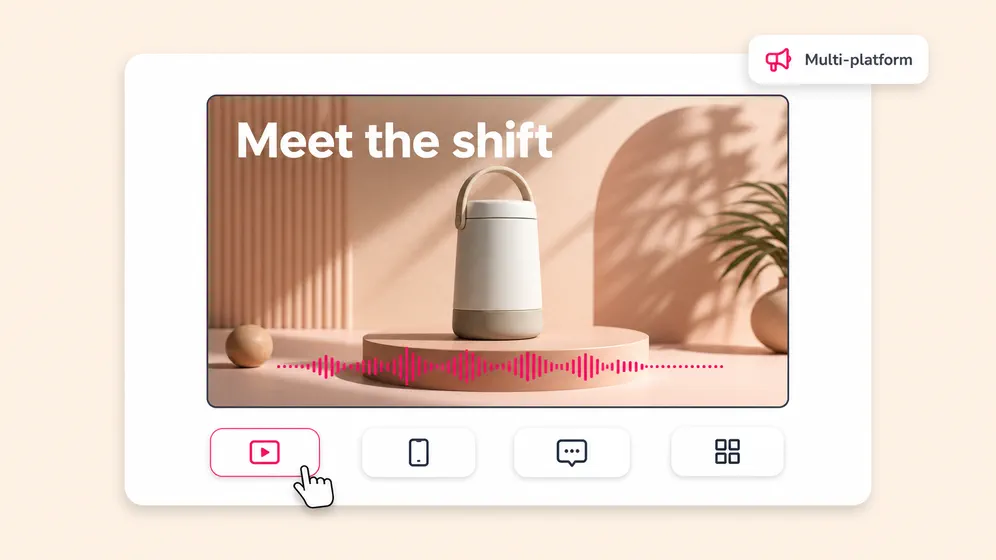
Generate hook-driven voiceover for Meta, TikTok, YouTube, and CTV ads. Match brand voice with custom cloned voices. Ship per-platform creative variations in minutes.
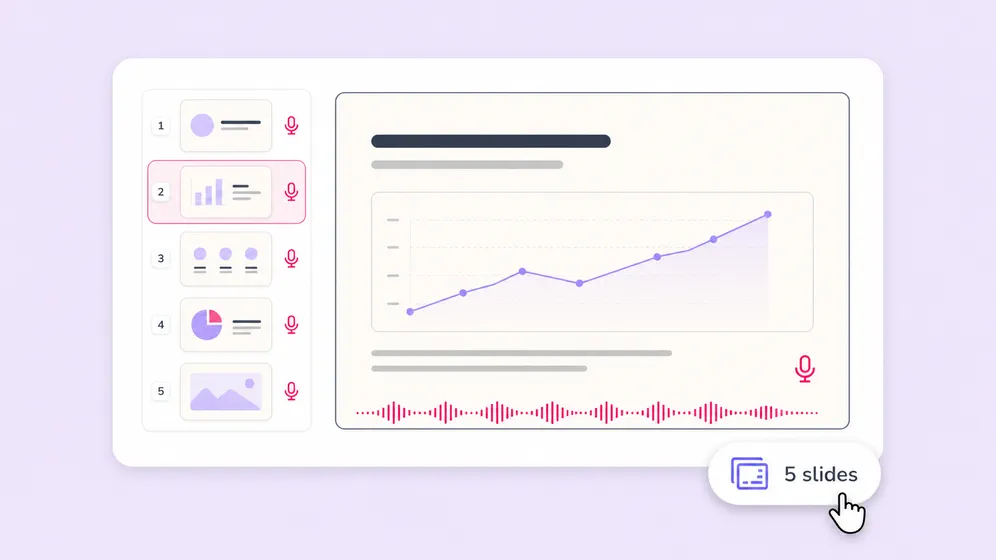
Add narrated voiceover to Google Slides, PowerPoint, and Keynote decks for asynchronous training, sales decks, and conference recordings. Pick a voice, paste your speaker notes, and export per-slide MP3 or a finished MP4 walkthrough.
AI Voiceover FAQ
Everything you need to know about generating AI voiceover with Fliki.
Tools
2,000+ voices, 80+ languages, 8 TTS providers, voice cloning, AI avatars, and a built-in video editor in one workspace.
Generate your first voiceover freeFree forever plan · No credit card required · Cancel anytime