Highlights
Best plays with hype commentary
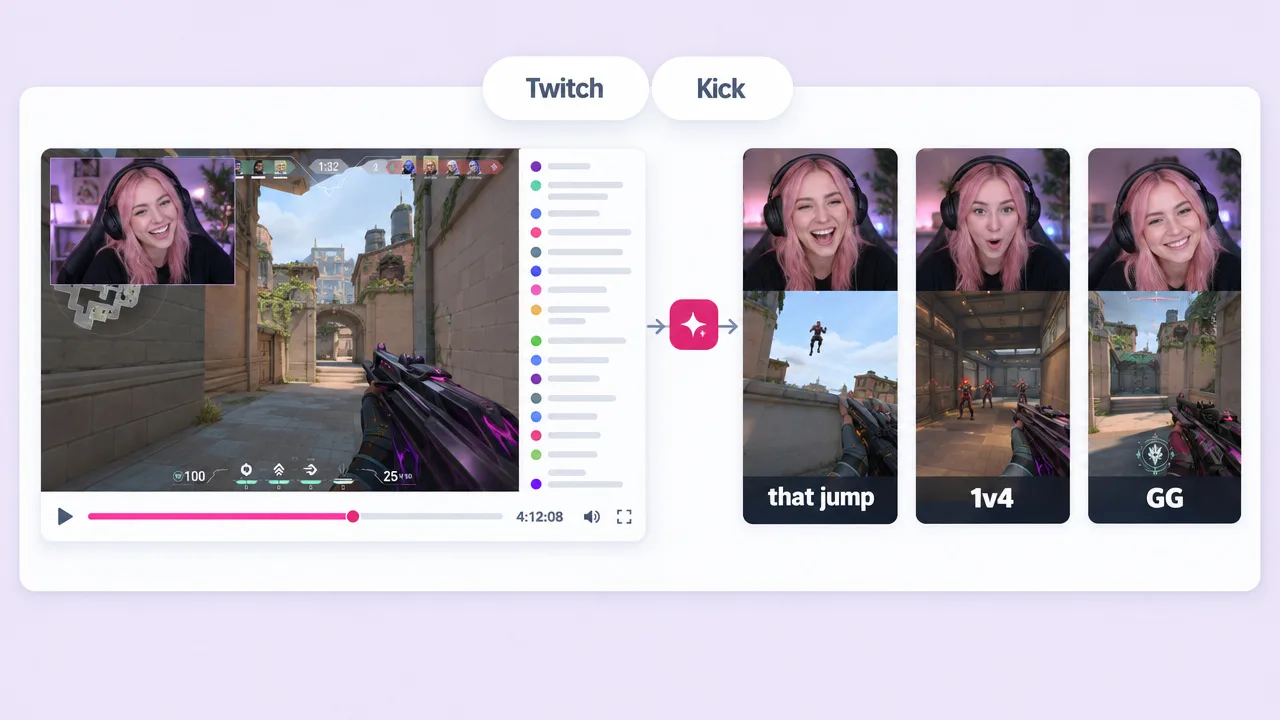
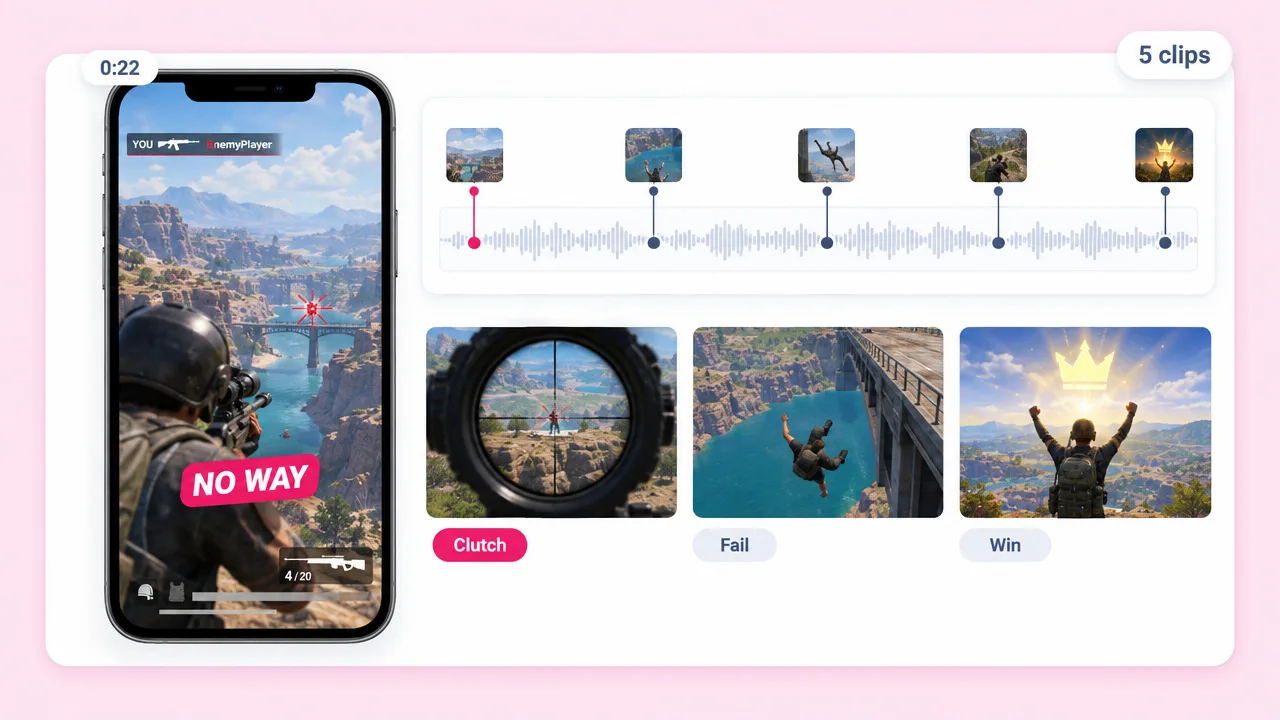
Clutches, fails and wins cut from a long session, each with a voiced reaction and captions. The core format for a gaming Shorts channel.
Upload a gameplay recording and Fliki writes the commentary, voices it in one of 2,000+ AI voices, captions it word by word and cuts it to 9:16. One long session becomes a week of Shorts.
Free forever plan · No credit card required · No microphone needed
Why gaming channels pick Fliki
Most gameplay generators stop at one clip. A gaming channel needs commentary, captions and a steady stream of vertical cuts from every session.
Describe the tone (hype, calm, funny) and Fliki writes play-by-play commentary that fits what happens on screen. No script, no microphone.
2,000+ neural voices across 8 engines including ElevenLabs and OpenAI. Pick a streamer-style read or clone your own voice so every clip sounds like you.
Captions land on the exact word being spoken. Most Shorts are watched muted, so captions are what keep a viewer through the first five seconds.
Upload an hour of gameplay and ask for the best moments. Fliki cuts several vertical clips from one recording instead of one clip per upload.
Landscape gameplay becomes 9:16 for TikTok, Reels and YouTube Shorts, with the action kept in frame. Export 16:9 from the same project for a full YouTube upload.
Paste a story, a Reddit-style post or a list of facts and Fliki narrates it over your gameplay. The split-attention format that dominates Shorts feeds.
The opening line is written to stop the scroll, because on a gameplay Short the first second decides whether anyone sees the play.
Add royalty-free background music and sound effects under the commentary, mixed so the voice stays clear over explosions and menus.
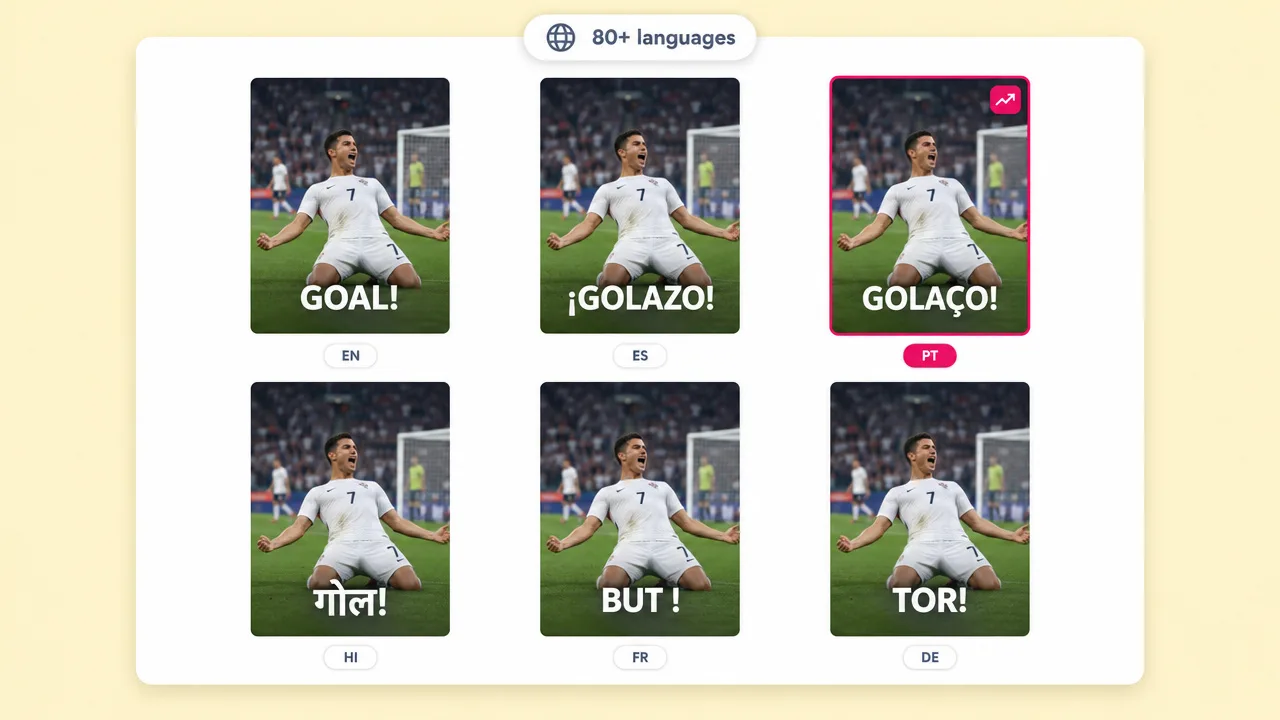
Re-voice the same clip into 80+ languages and run your gaming channel in markets with less competition, without recording anything again.
How it works
From a raw recording to captioned vertical Shorts with commentary.
Drop in a recording from OBS, a console capture or your phone. Long sessions are fine: tell Fliki how many clips you want out of it.
Say the tone and the moments to focus on, or paste your own script. Fliki writes the commentary and matches it to the action.
Choose one of 2,000+ voices or your cloned voice, then a caption style. Captions time themselves to the voice at word level.
Export 9:16 for TikTok, Reels and Shorts, or 16:9 for YouTube. Edit any line of commentary in the editor before you post.
Use cases for a gameplay video generator
The same gameplay upload feeds several formats, depending on what you put over it.
Clutches, fails and wins cut from a long session, each with a voiced reaction and captions. The core format for a gaming Shorts channel.
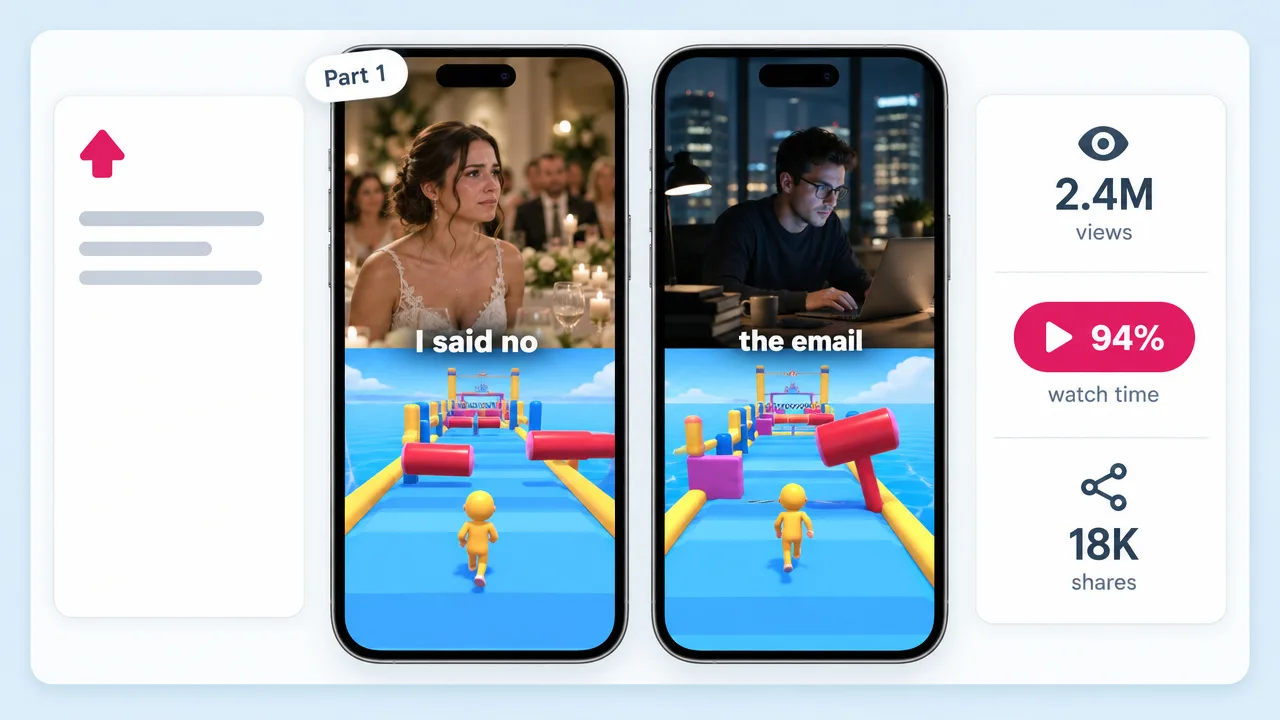
Parkour or runner footage underneath, a narrated story on top. The split-attention format behind millions of Shorts views a day.
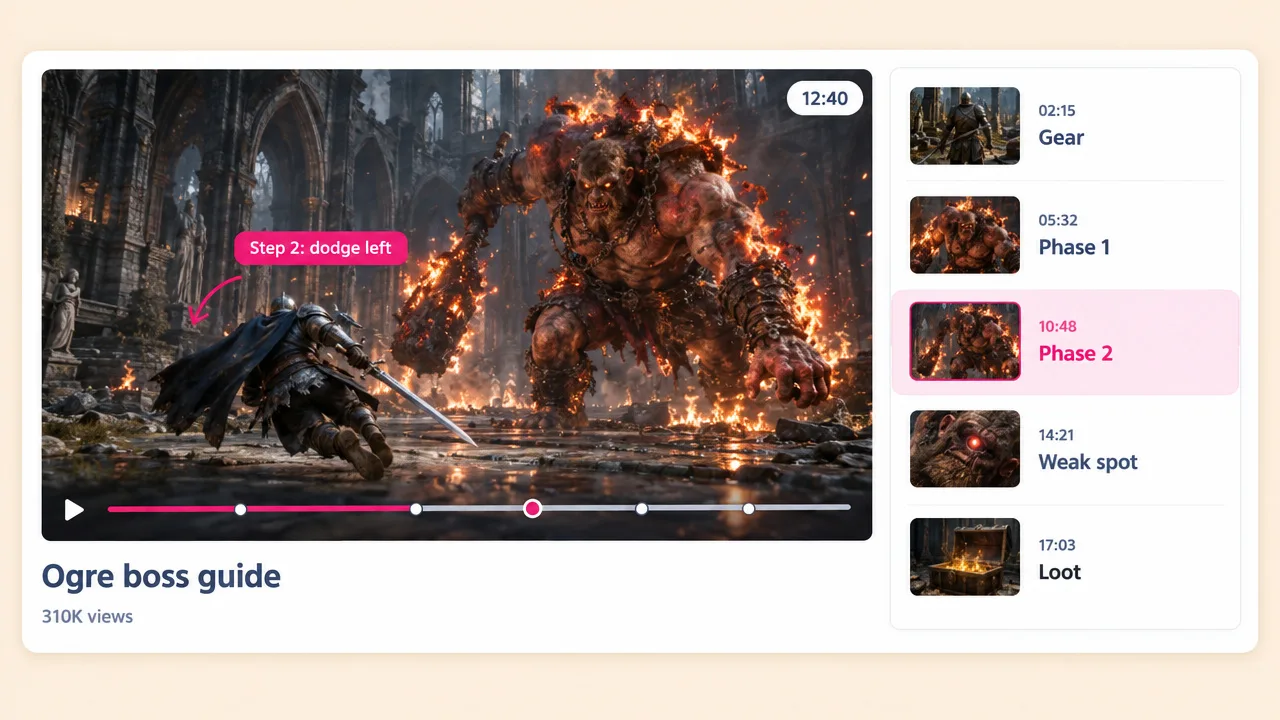
Turn a boss fight or a build into a step-by-step guide with clear narration. Guides keep earning views long after the upload date.
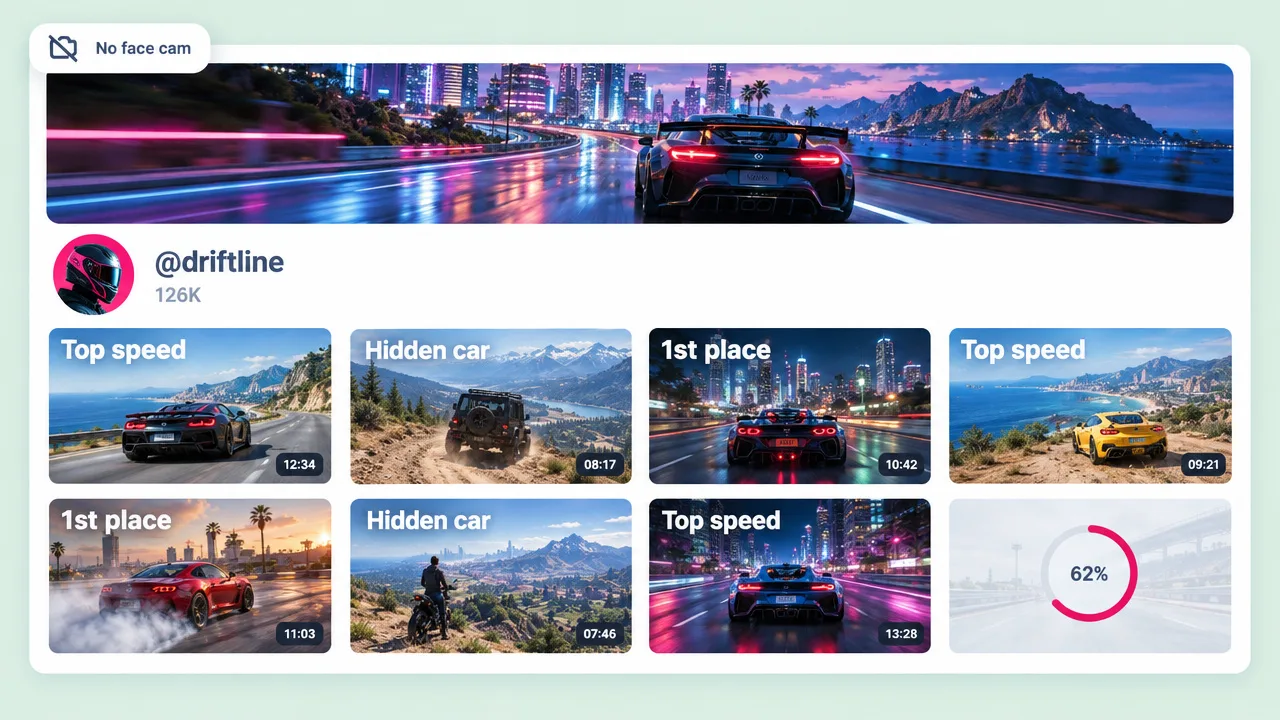
AI commentary means no face cam and no microphone. Post daily from your own recordings with a consistent voice.
Gameplay video generator FAQ
What the tool does, what it does not, and how gaming channels use it.
Tools
Upload the gameplay, describe the commentary and post.
Make a gameplay videoFree forever plan · No credit card required · Cancel anytime