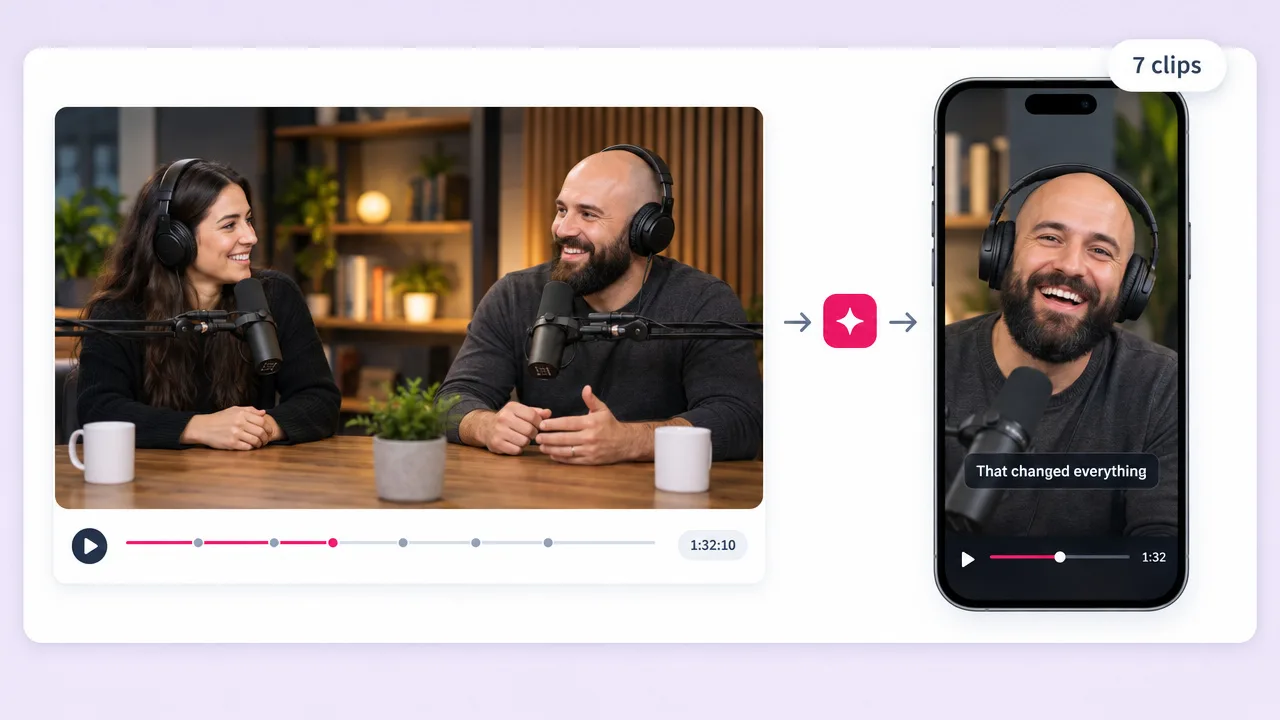
Podcast episodes
The format this was built for
A ninety-minute episode holds six or seven moments that work alone. The dedicated podcast page goes deeper on speaker framing.
Upload a long video and Fliki reads the transcript, finds the segments that stand on their own, reframes them vertical and captions them at word level. One upload becomes a week of shorts instead of one more thing on the to-do list.
Free forever plan · No credit card required · Word-level captions
Why creators pick Fliki for clipping
Scrubbing a forty-minute recording for the eight seconds worth posting is why most channels never get around to shorts. That is the part worth automating.
The video is transcribed and the segments are chosen on what is actually said, not on where the volume peaks or a fixed interval lands.
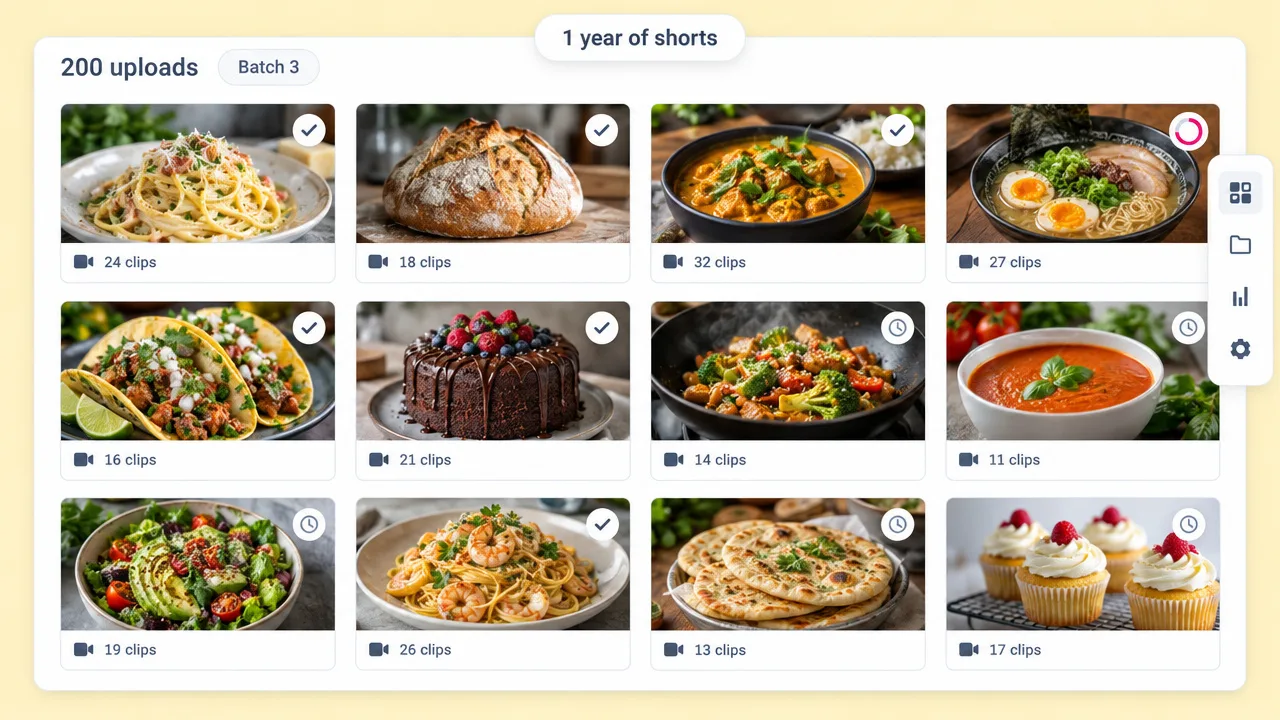
One long video produces a batch, not a single short. That is what turns an existing back catalogue into a posting schedule.
Captions land on the syllable being spoken. Retention on vertical video depends on this more than on anything else in the edit.
A 16:9 recording becomes a 9:16 short with the speaker kept in frame rather than the sides chopped off around them.
Long pauses, filler and the part where you lost your thread come out, so a ninety-second clip is ninety seconds of content.
The opening line is written to stop the scroll. A clip that starts mid-sentence gets scrolled past however good the middle is.
Export 9:16 for Shorts, TikTok and Reels, 1:1 for the feed, and 16:9 if you want a compilation cut.
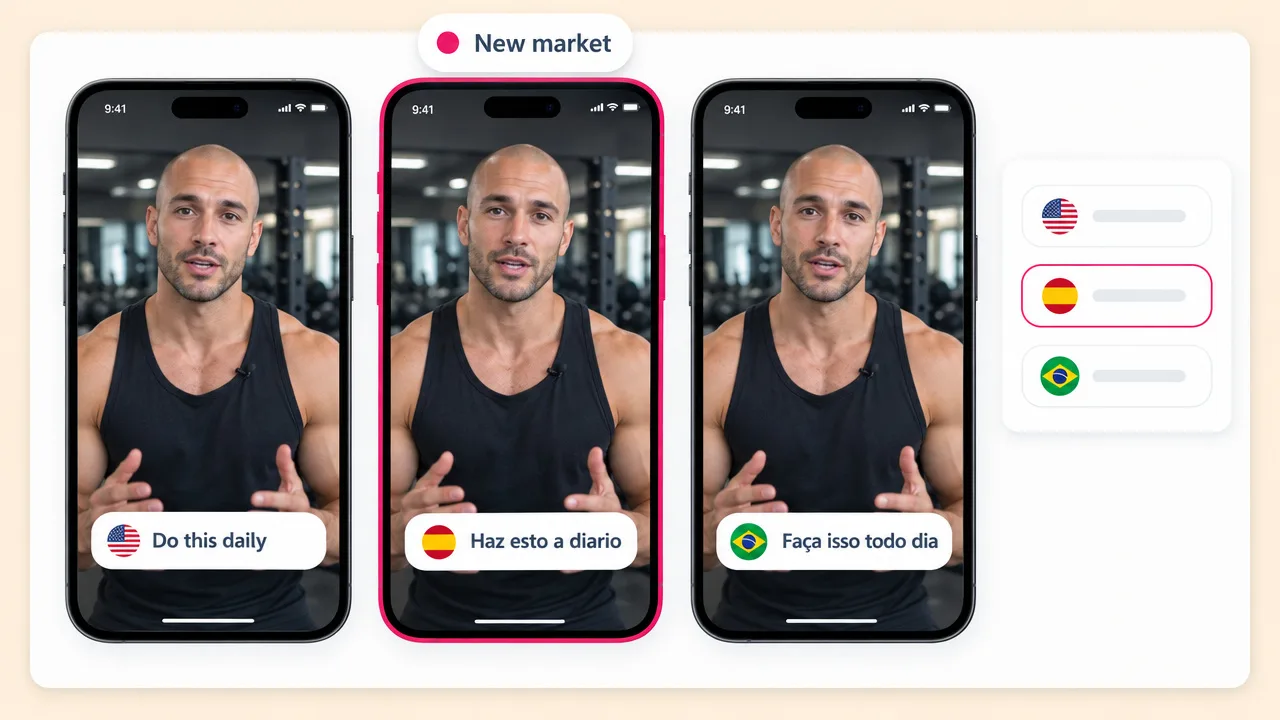
Re-voice a clip into any of 80+ languages and run the same content on a channel where the niche is less crowded.
Every long video you have already published is unclipped inventory. The cost of working through it is the upload.
How it works
From one long upload to a batch of captioned vertical shorts.
A podcast episode, a stream VOD, a talk, a tutorial. Anything with speech in it, because the transcript is what the selection runs on.
The transcript is read and the segments that stand alone are picked: a complete thought, a strong line, a question and its answer.
Each clip is reframed vertical with the speaker held in frame, captioned at word level, and given an opening line that works cold.
Take all the clips at once in 9:16, 1:1 or 16:9, and schedule them out rather than posting one and forgetting.
Use cases for a YouTube clip maker
Anything long with speech in it is unclipped inventory.
A ninety-minute episode holds six or seven moments that work alone. The dedicated podcast page goes deeper on speaker framing.
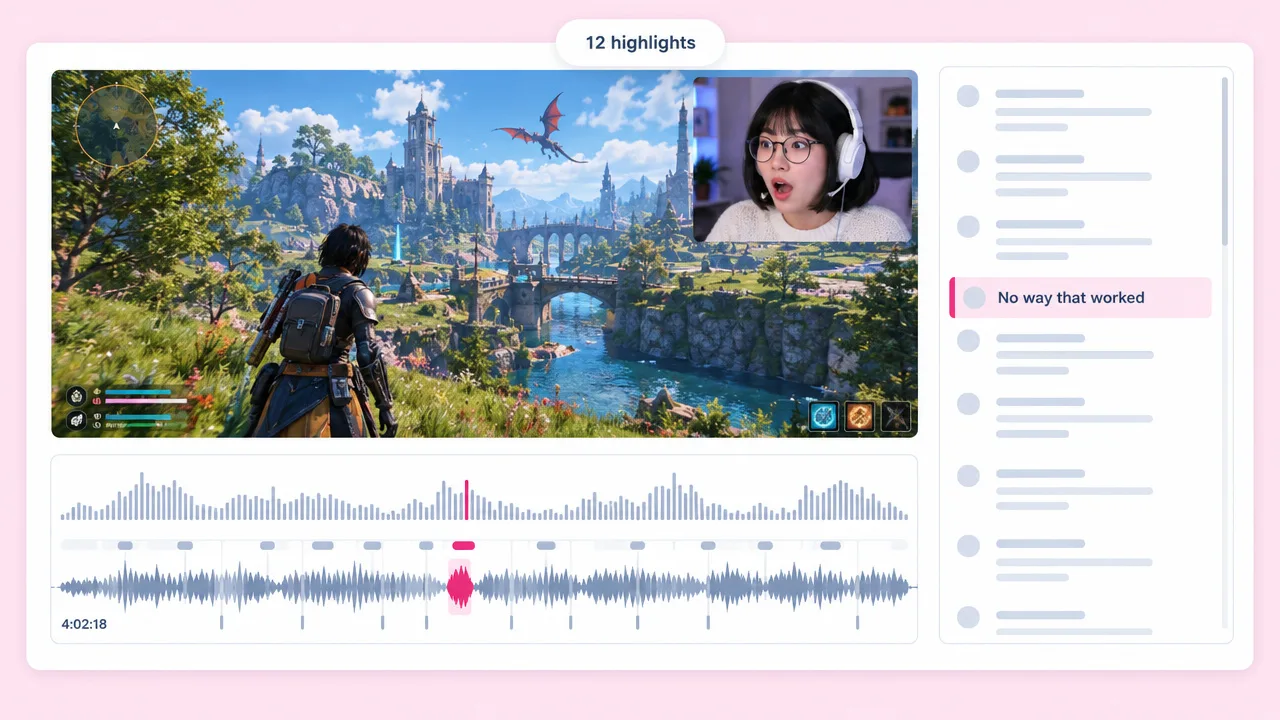
The highlight nobody has time to find by scrubbing. The transcript finds it instead.
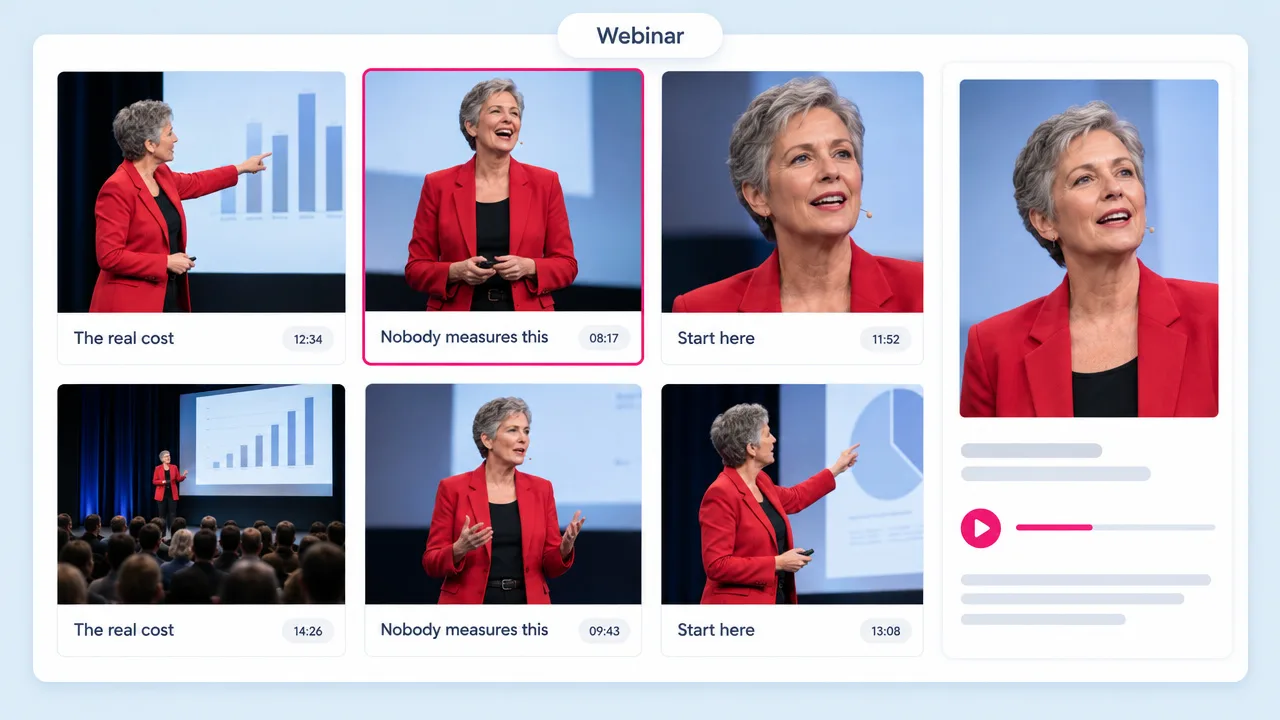
Most webinar recordings are watched once. Clipping them is the difference between an asset and an archive.
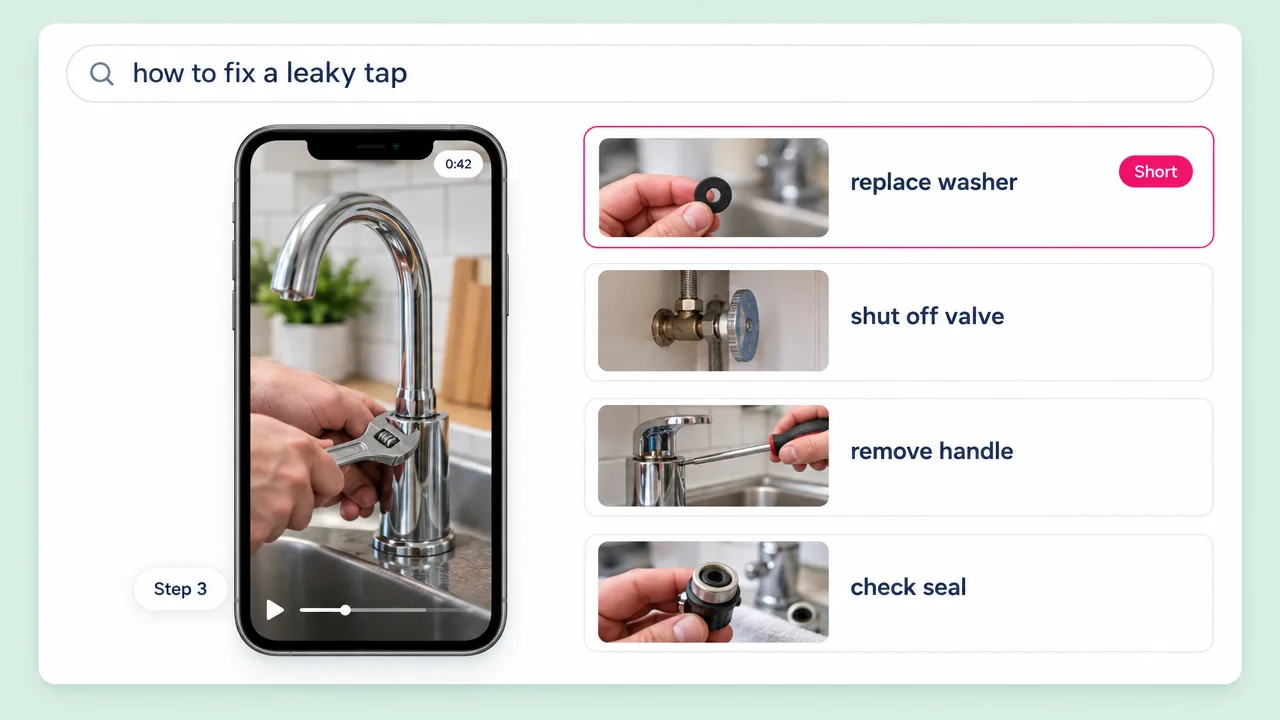
A long how-to contains a dozen answers to a dozen searched questions. Each is a short that stands on its own.
YouTube clip maker FAQ
What this does, how it differs from YouTube’s own Clip button, and how it compares to Kapwing and Opus.
Tools
Upload once and Fliki finds the moments, reframes them and captions the lot.
Make some clipsFree forever plan · No credit card required · Cancel anytime